Table of Contents
Explore this lesser-known feature of Google photos is ideal for preserving memories.
But having a huge photo library on your phone or tablet isn't really useful because it lacks physicality. It sounds old-fashioned, but having physical photo prints, especially in a neatly organized photo album with high-quality prints, is a treasure that Google has created thanks to its print-on-demand service, available right within the Google Photos app. Another great reason to print photos or make a photobook is the ability to display them: Many people love printing photobooks and placing them on their coffee table so friends and family can look back at recent memories.

The Google Photos book is fun and easy to make
Prices start at $15 for the hardcover edition

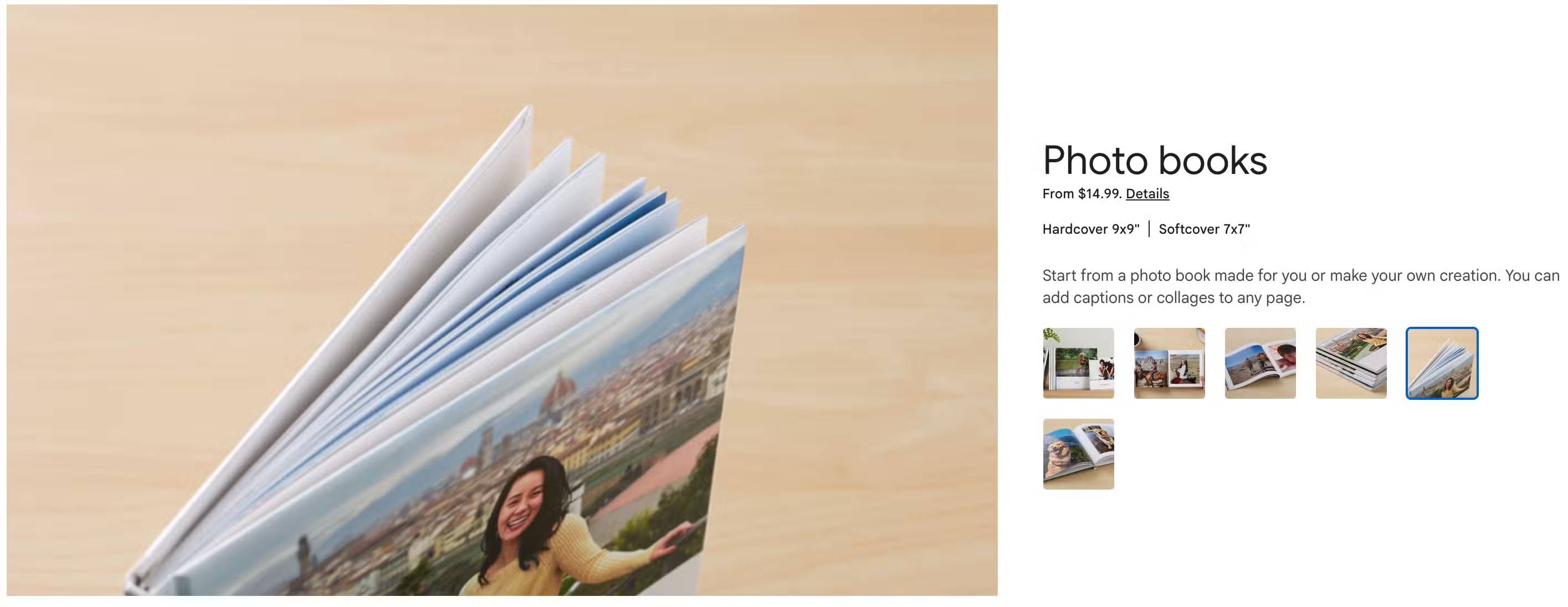
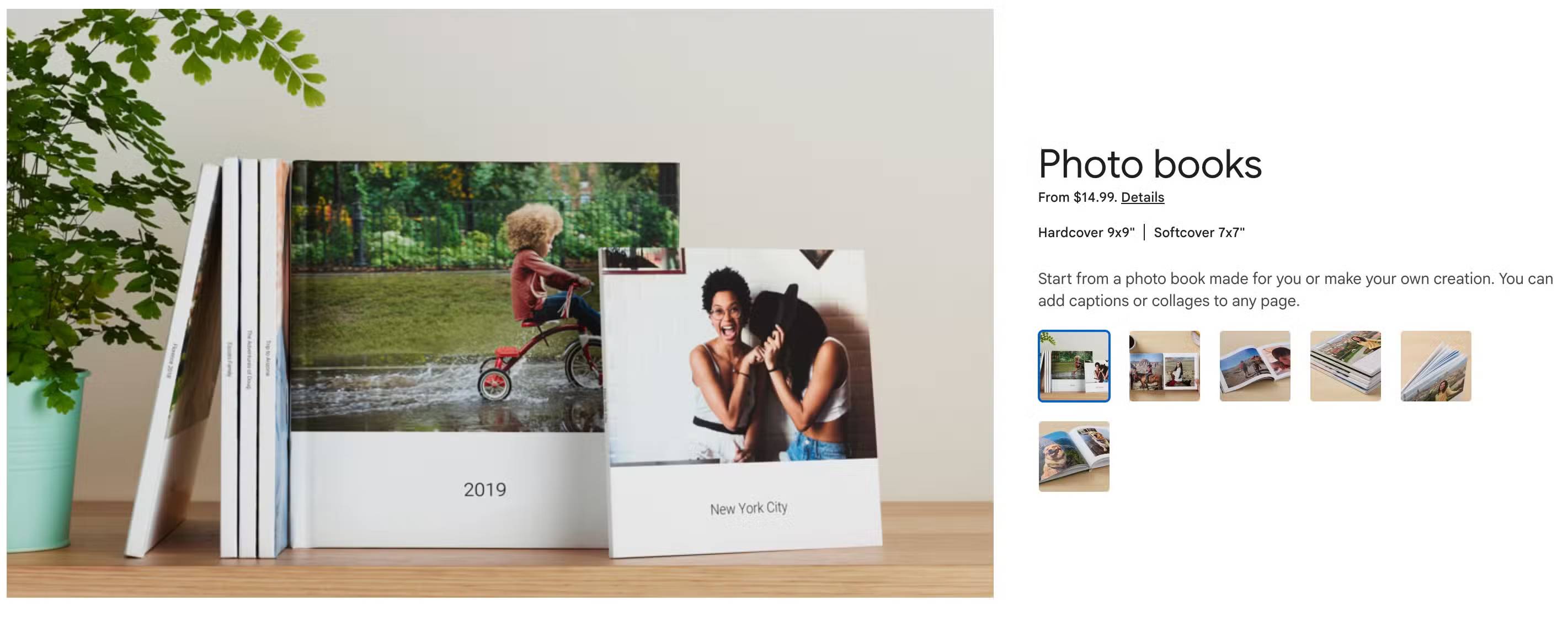
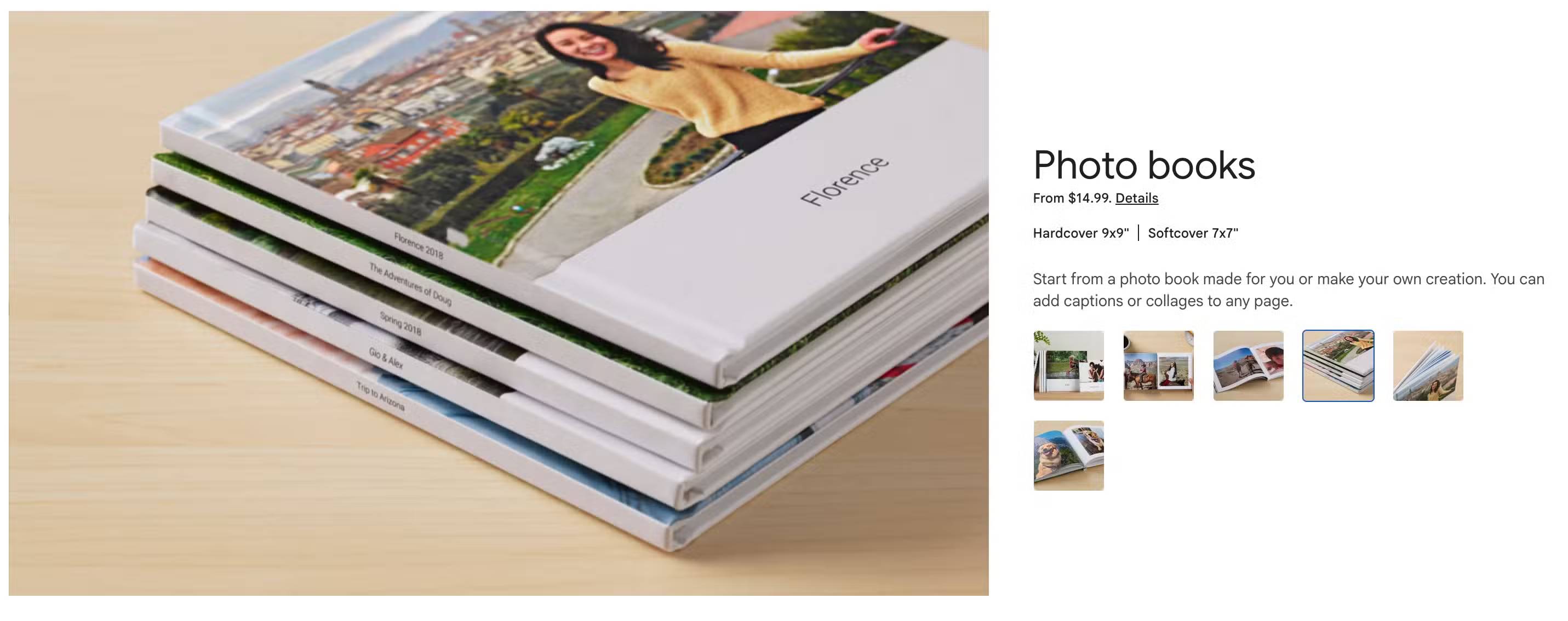
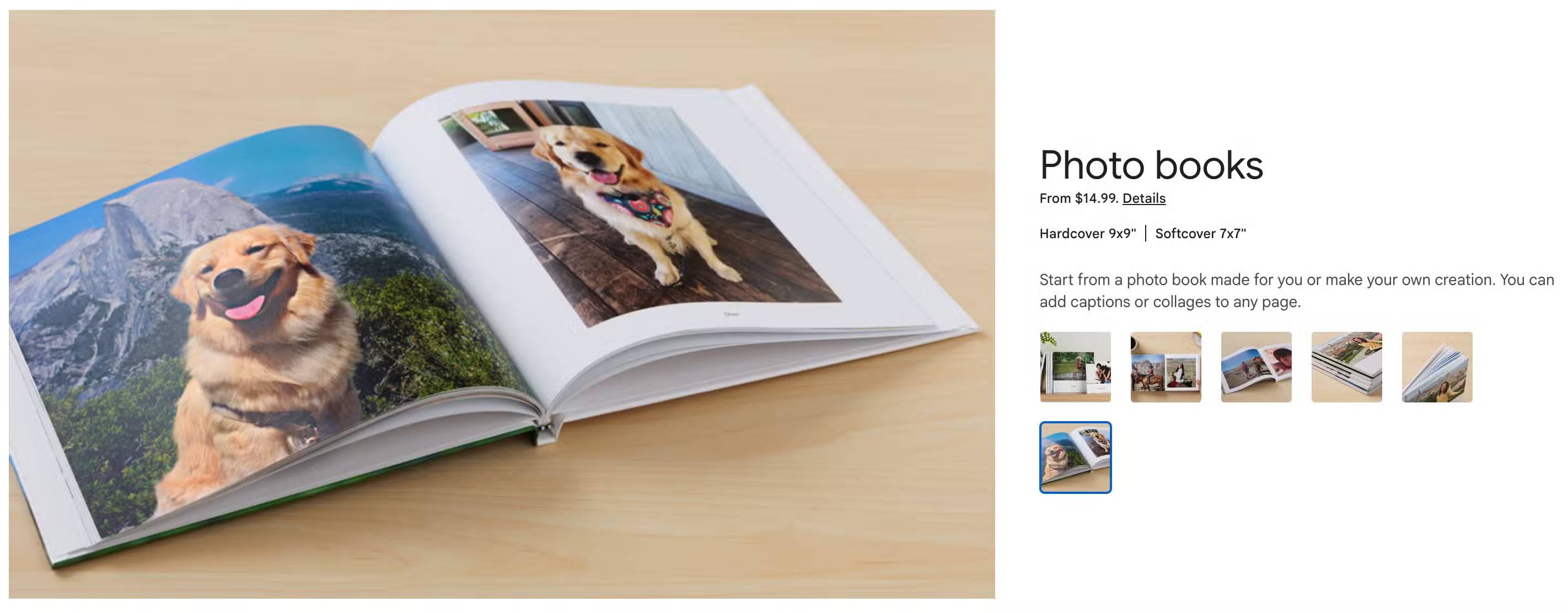
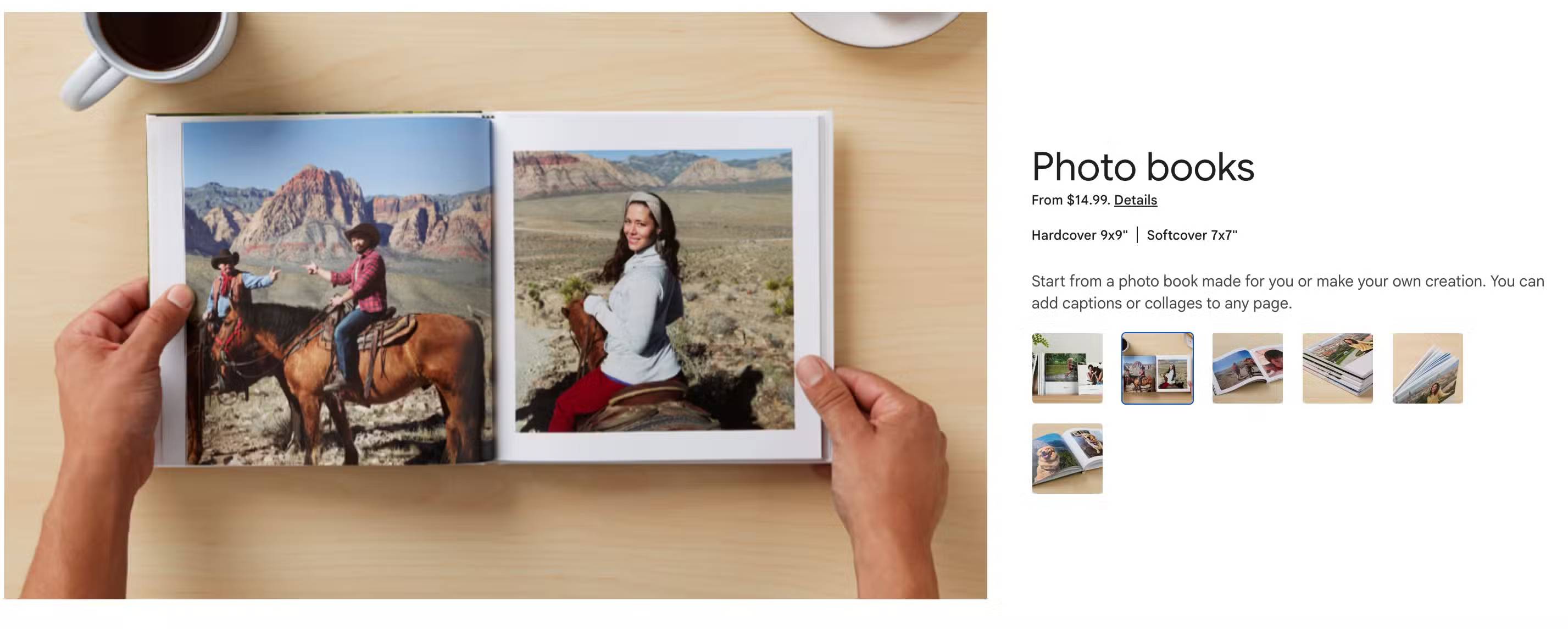
You can start creating a photo book by accessing the Google Photos website or doing it entirely within the Google Photos app, which this article will discuss later. In both cases, you can turn any album into a photo book, customize the layout, and even add text annotations. It's really fun. You can choose a hardcover version, starting at around $15 and including up to 140 pages, but the price will vary depending on the number of photos you use. Paperback books start at around $7 and also include up to 140 pages. With more photos and options, the final price for an annual photo book is around $25.
Paperback books are generally of good quality, with thick pages and a glossy finish on the photos. Many people choose the paperback option because they find it more economical once they've added all the photos they want.
Using apps to create photo books is a lot of fun
Available on both iOS and Android
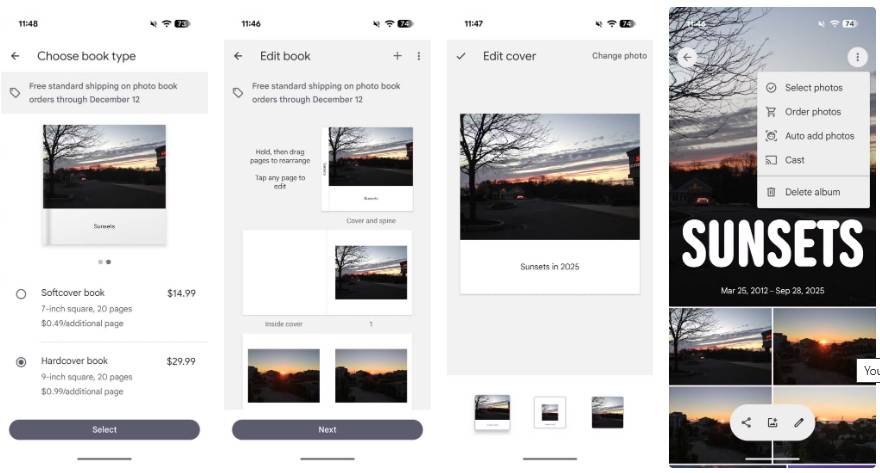
The best way to use the Google Photos app to create a photo book is to simply take the photos you want, create an album, then tap the three-dot menu and tap Order Photos . From there, you can select the photo book, where you'll be taken to an editor that lets you customize the cover photo, the order of the photos (which can be easily adjusted), and even add text captions. You can even add a collage page, combining up to four photos in a customizable grid pattern.
Many people enjoy using the collage feature, as it allows you to add more photos to your photo book. Within the app, you can view an overview of each page and tap and drag pages around to get the best possible order. This is a great way to make your photo book tell a story: Many people like to arrange them chronologically so it recounts the experience from beginning to end. But you can also be more creative and organize the book based on activities or people, or even based on the content of the images (for example, you could have one section of family photos and another section of landscape photos).
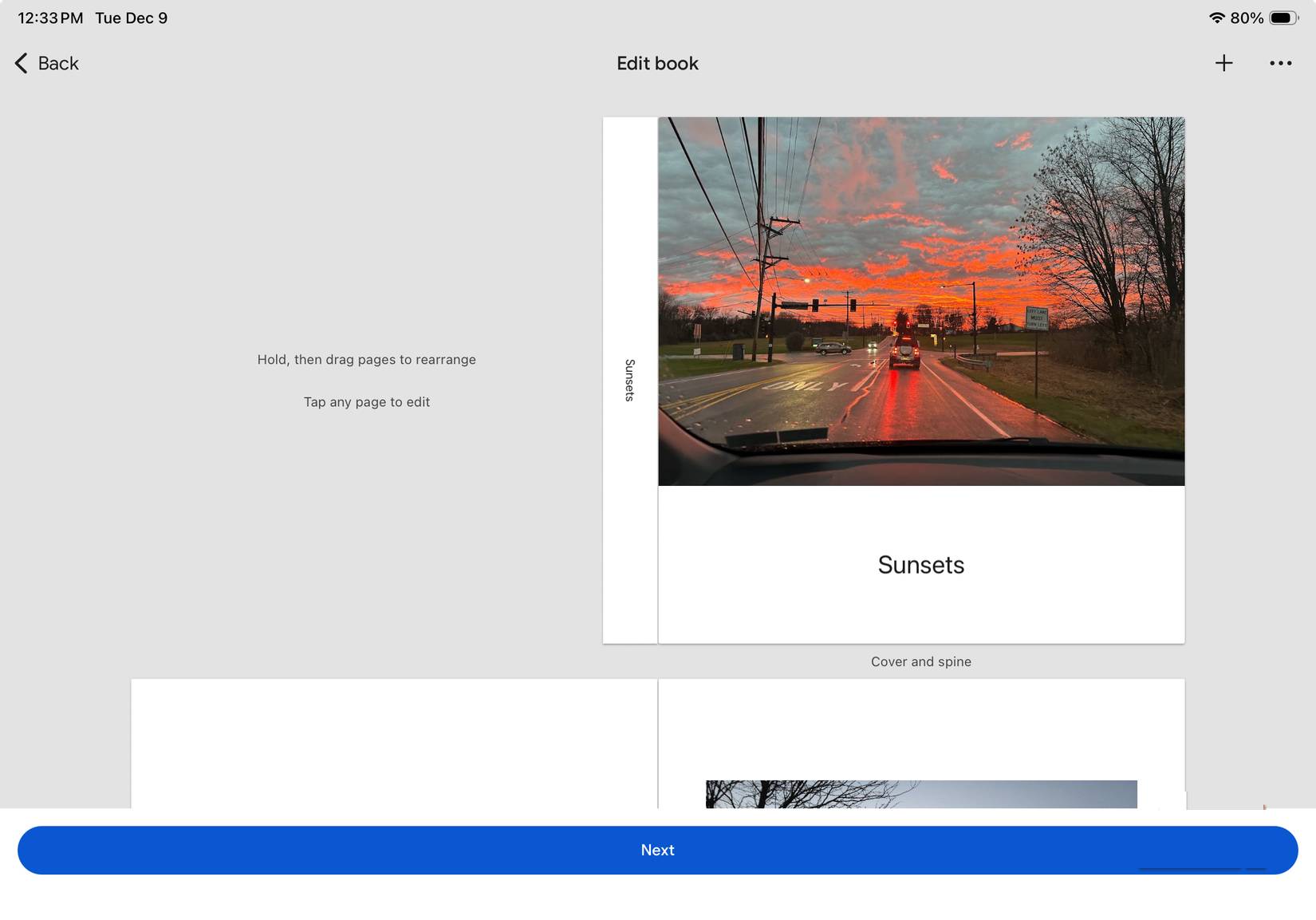
If you have an Android or Apple tablet, creating a photo book is even more fun because the multi-column interface allows for a better viewing experience.
Is this feature worth it?
If you take a lot of photos, creating custom photobooks from Google Photos is totally worth it. Make it a habit for everyone in the family to share their best photos from their annual trip, then I add them to a shared album and turn it into a beautiful photobook to add to my collection of memories.
Now you'll have a shelf full of photobooks from your annual vacation in your living room. It's also worth mentioning that Google Photos lets you do more than just create photobooks right in the app: You can print photos on canvas with black or white borders, print individual photos, and there's even a monthly subscription for $6.99 where Google sends you 10 high-gloss prints each month.
Final Thoughts
Understanding this lesser-known feature of google photos is ideal for preserving memories makes it easier to evaluate the information and apply the most relevant recommendations. Focus on the key points above and verify details that may change over time.
FAQ
What is this lesser-known feature of google photos is ideal for preserving memories?
Explore this lesser-known feature of Google photos is ideal for preserving memories.
What key points does this article cover?
The article focuses on The Google Photos book is fun and easy to make, Prices start at $15 for the hardcover edition, Using apps to create photo books is a lot of fun, with practical explanations and examples.
How can you use this information in practice?
Use the explanations to compare options, verify important details, and make a more informed decision. Apply the recommendations that best match your goals and situation.
Related Articles
 Instructions for Deleting Commemorative Photos in Google Photos3 minutes read
 5 Annoying Features on Google Photos You Should Turn Off Immediately6 minutes read
 Complete on Photos Apps on iPhone / iPad - Part 29 minutes read
 8 Awesome Search Engines Hidden in Google Photos9 minutes read
 How to Move Photos and Videos from Google Drive to Google2 minutes read
 Google Photos Integrates Veo 3: Upgraded AI Photo-to-video Feature4 minutes read
Reader Comments 0
Sign in with email or Google to join the discussion.