
Computer wallpaper
Download Among Us wallpapers for your phone and computer
This is a collection of Among Us wallpapers for phones, Among Us wallpapers for PC, and a collection of League of Legends champion images in the Among Us style.
Find practical system guides, configuration tips and troubleshooting steps to keep Windows computers secure, stable and running smoothly.
This is a collection of Among Us wallpapers for phones, Among Us wallpapers for PC, and a collection of League of Legends champion images in the Among Us style.

This article will summarize the best software currently available for network routing, online identity protection, and internet connection optimization.

Learn about common cyberattacks such as DDoS, phishing, ransomware, malware, SQL Injection, and XSS, along with effective prevention methods.

With the April update, Microsoft added a way to uninstall Copilot instead of just hiding it. The Remove Copilot option in Group Policy will completely uninstall Copilot from the system.
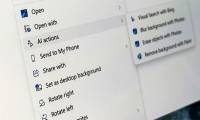
Learn which Windows 11 versions support File Explorer AI Actions, how to run image and document actions, and how to turn individual action providers off safely.
Check whether Windows 11 or Windows 10 is activated in Settings or with slmgr, interpret digital and organization licenses, and understand what activation does not prove.
Restore a missing Bluetooth toggle or adapter in Windows 11 by checking Quick Settings, running Get Help diagnostics, repairing drivers, reviewing services, and ruling out hardware failure.
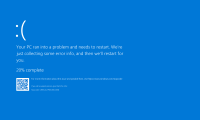
Identify common Windows blue-screen stop codes, record useful crash evidence, and follow a safe troubleshooting sequence for drivers, hardware, system files, and startup failures.

Restore Wi-Fi when the WLAN AutoConfig service will not start by checking the adapter, running current diagnostics, repairing drivers, restarting WlanSvc, and avoiding unsafe registry edits.

Diagnose missing Wi-Fi, no-internet connections, slow or unstable wireless, driver failures, DNS problems, and adapter resets in a safe order.
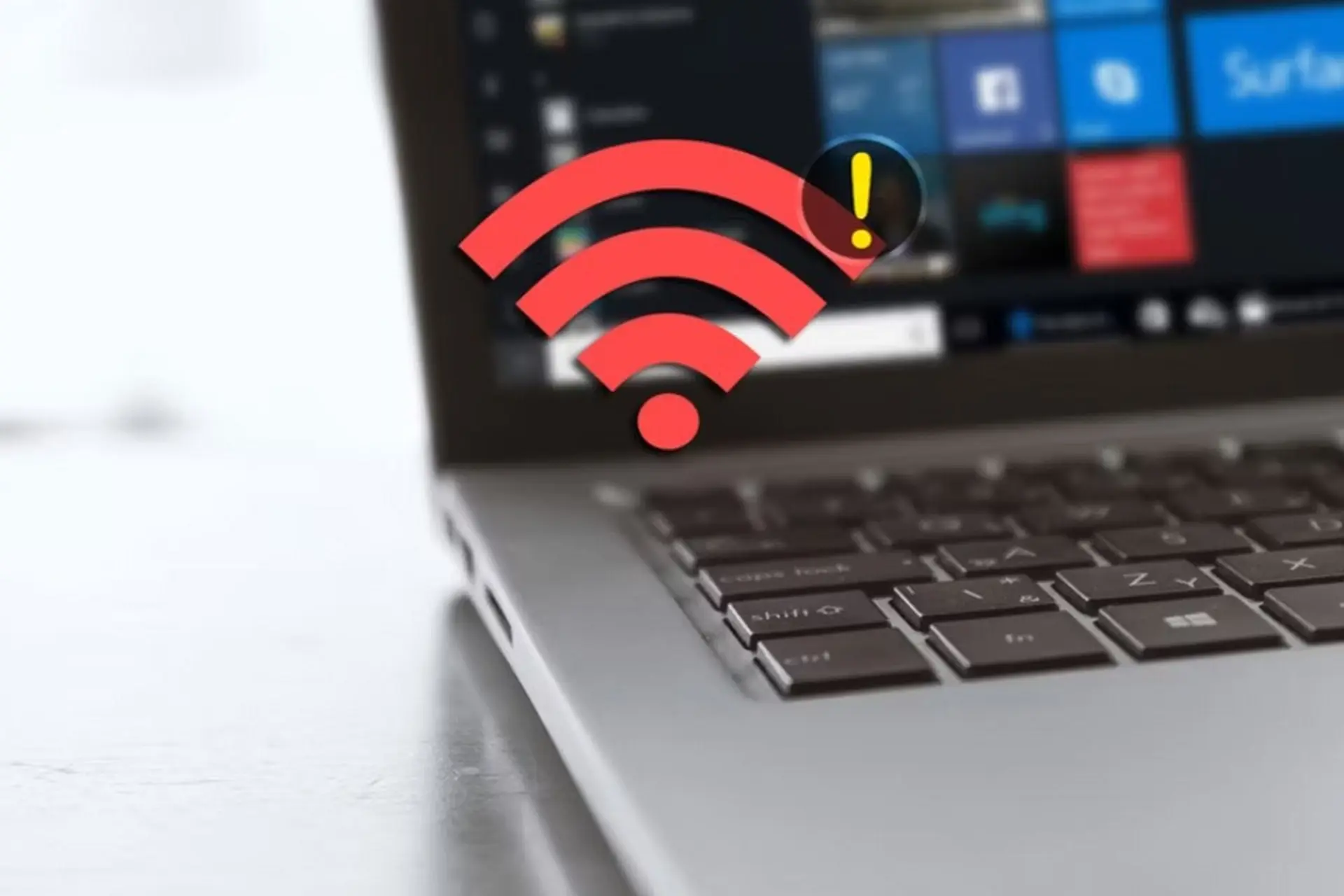
Find out whether repeated Wi-Fi drops come from the laptop or router, then repair the saved profile, driver, power management, roaming, and network configuration.

Determine whether only the taskbar icon is missing or Windows has lost the Wi-Fi adapter, then restore Quick Settings, services, drivers, and hardware detection.

Diagnose a Windows 11 laptop that cannot connect to Wi-Fi, then apply the right fix for adapter, driver, router, IP, DNS, or network settings problems.
Use common Windows 11 update error codes to identify driver, storage, permission, service, or system-file problems and apply the safest relevant fix.

Diagnose 15 common Windows laptop and desktop problems, from freezes and Wi-Fi failures to charging, storage, blue screens, and shutdown issues.

Edit the Windows hosts file safely with Notepad or a copy-and-replace method, preserve the extensionless filename, flush DNS, test mappings, and fix save errors.
Are you worried about your laptop getting a blue screen of death (BSOD)? Find out the causes of BSODs and learn simple, effective ways to fix this system error.
Detailed instructions on how to easily view Wi-Fi passwords on Windows 10/11 and macOS laptops. View saved Wi-Fi passwords without any software. Check it out here!
See total, used, and free storage on Windows or macOS, understand the difference between disks and volumes, and free space without deleting important system files.

Create desktop shortcuts on Windows and aliases on macOS without moving or deleting the installed app, with alternatives for the taskbar, Start menu, and Dock.