Download photos and videos on Xiaohongshu without logo for free, super easy
Want to download photos/videos on Xiaohongshu without watermark to your phone or PC? Check out how to download watermark-free content on Xiaohongshu now.
Find practical Manage and edit Video guides, app instructions and troubleshooting tips for managing features, data, privacy and everyday mobile tasks.
Want to download photos/videos on Xiaohongshu without watermark to your phone or PC? Check out how to download watermark-free content on Xiaohongshu now.
Recording videos and taking photos with the Mirror effect on Instagram is a hot trend that many young people love. To create a video with a classy expression while sitting in front of a mirror and an interesting flashing effect, you can refer to the instructions in this article by TipsMake.
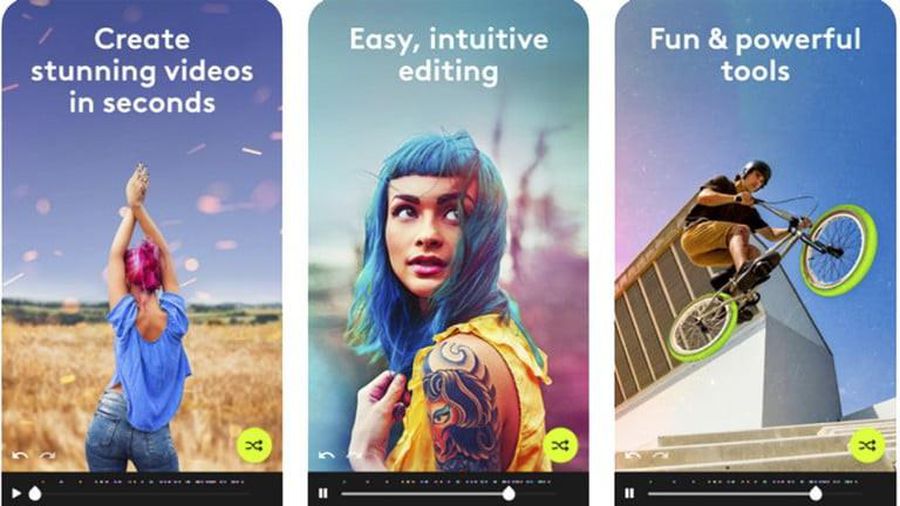
If you are looking for an iPhone video editing application directly on your phone, please refer to the following 9 best video editing applications for iPhone.
Sharpening your video before posting it on social networks is a basic step to help your video have better quality and images. Let's learn about the Top 10 Best Video Sharpening Apps today in this article.
Instagram doesn't have a filter search button, so you can't discover more beautiful effects? TipsMake will guide you immediately
Today, TipsMake will show you how to correct overexposed photos with iPhone so you can 'save' these photos.
The best Android movie viewing app will bring more useful features to users such as subtitle support and viewing more video formats. Below are the best video viewing applications on Android you can refer to.
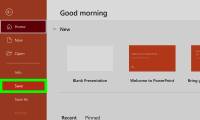
If you want to shorten YouTube videos without editing software, you've come to the right place. This article will help you know how to cut YouTube videos in Microsoft PowerPoint. This is a simple and quick way to cut videos from popular websites and gives you a convenient shortcut when you want to add YouTube videos
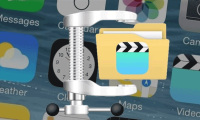
Large size not only affects storage capacity, it also makes file sharing more difficult. In addition, sending large files will cause your mobile data and bandwidth to run out quickly.
iMovie is part of Apple's suite of products for iOS (also macOS), and is a great video editing app for iPhone.
In order to get a 'virtual' Story posted on Facebook or Instagram, in addition to the options available when you post, there are many applications that support you in editing and editing Story to get more beautiful and artistic results much.
This is an article that shows you how to loop videos on iPhone with Looper application and create short looping videos with Boomerang. Download Boomerang. Boomerang is a free app that you can use to create short looping videos from 10 snapshots.
Apple has made some big improvements to the Photos app on iOS 15, adding some much-anticipated features and lots of unique capabilities that let you do more with your photos.
Recently, the VivaVideo application keeps crashing and you don't know why? Leave finding the reason aside and focus on fixing VivaVideo that crashes, closes unexpectedly or doesn't respond to the fixes shared in the article.
In addition to taking pictures, video recording is now a very popular trend and for the most convenience in post-production, here are the best video editing apps for iOS and Android.
In this is the Jian Ying user guide, the video editing application for Tik Tok is simple and attractive on iPhone.
With the new feature of Google Lens, now you will no longer have to spend time typing back what you recorded.
This wikiHow teaches you how to create a magazine in the Flipboard app for Android. You can either have Flipboard create a 'smart' magazine based on your favorite topic, or build a custom magazine by selecting specific articles and...
Flipboard is a popular news application that gathers stories based on your interests, and presents them in a nice, magazine-like interface. You can set categories for which Flipboard searches for stories, or configure feeds that Flipboard...
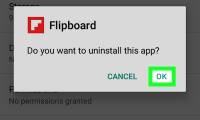
This wikiHow teaches you how to remove the Flipboard app from an Android phone or tablet. Open your Android's app drawer . You can usually do this by tapping the icon (the number of squares or dots may vary) or by swiping up from the...