Table of Contents
This updated guide explores Windows 11 still feels like a work in progress with practical details, clear explanations, and useful takeaways. Windows 11 often feels like a beta, with its features constantly changing. This isn't a bug, mind you—it is Microsoft's new strategy of constant iteration and development. But it is not without some trade-offs.
A Developmental, Not Revolutionary Approach
Microsoft designed Windows 11 to be primarily an evolution of Windows 10, sharing the same underlying code. This was a deliberate choice, making upgrading to Windows 11 easier than previous radical operating system changes, especially for IT departments in organizations.
By building on a familiar foundation, Microsoft aims to better retain users and make it easier for businesses to adopt, turning the 'work in progress' into a more acceptable, gradual process rather than an abrupt overhaul.
A key part of this evolution is the pace of new updates. Unlike Windows 10's twice-yearly major updates, Windows 11 moves to a single major feature update each year. But it also introduces smaller, more frequent feature updates, allowing Microsoft to roll out new features as they become available.
This allows Microsoft to evolve the user experience bit by bit – the OS remains familiar while incorporating modern aesthetics and functionality. For both professionals and casual users, this means a smoother onboarding process and less disruption to daily workflows.
Still, these incremental updates can fragment the community experience over time. Users of the same version of Windows 11 each year may have different feature sets, potentially complicating support and the community's overall understanding of the operating system.
User Frustration in This Process
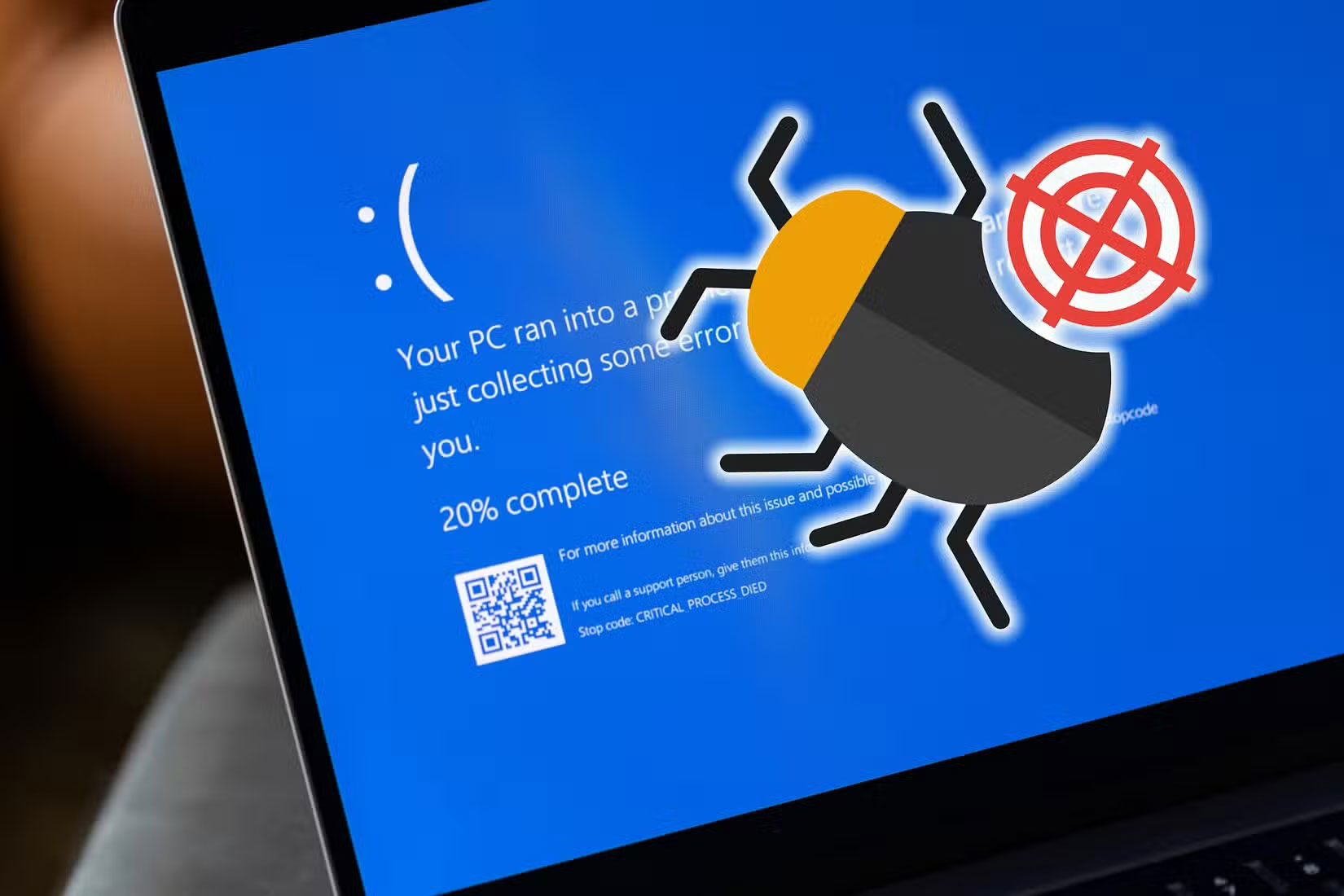
The gradual rollout of new features is intended to allow for extensive testing and user feedback. In this context, 'work in progress' is not a bug; it is a feature.
Still, despite the theoretical elegance of the evolutionary approach, real users like us often suffer the consequences of development pain. You may have encountered sporadic bugs, performance glitches, and occasional compatibility issues with legacy applications. These frustrations can lead to the perception that the system is incomplete or not fully optimized for everyday use. When you're in the middle of an important task, these small but persistent issues can disrupt your productivity and test your patience.
Unlike traditional software releases that promise complete, polished experiences from the get-go, Windows 11's strategy relies on releasing new builds and updates at a rapid pace—each addressing previous shortcomings while occasionally introducing quirky new features. For many, these challenges can be maddening. Imagine suddenly discovering that a feature you've grown accustomed to has been moved or completely changed. Or worse, having to deal with a minor compatibility issue that disrupts your entire workflow.
At first glance, this trade-off may seem like a serious flaw. But it is also what keeps the operating system fresh and relevant to its user base. In a rapidly changing digital landscape, an operating system that remains static risks quickly becoming obsolete. The iterative nature of Windows 11 allows the platform to respond to emerging trends, security threats, and user feedback in near real time.
Furthermore, the rapid cycle of bug fixes and improvements means your frustrations can be met with quick feedback – although not without inconvenience at times.
The Trade - off Between Innovation and Stability
At the heart of the Windows 11 design philosophy is a constant balancing act between pushing the boundaries of innovation and ensuring the stability of the core system. There is a constant drive to incorporate new features, improved security, and modern design aesthetics. On the other hand, there is an equally important need to provide a reliable experience that users can rely on day in and day out.
This constant push-pull is nothing new to the tech industry. Innovation is rarely linear or error-free. Your Windows 11 experience is in a near-constant state of evolution. While this brings new experiences faster, like the recent integration of AI features with Microsoft Copilot, it also means that everything around you is constantly changing.
The constant cycle of updates and patches can lead to a feeling of never-ending change. For users who prioritize a stable, reliable environment – especially in a professional or enterprise environment – this can be a huge drawback.
This stability-innovation dilemma is not only technical but also cognitive, amplified by the diverse expectations among the large number of Windows users.
What constitutes 'stable enough' for a tech enthusiast is very different than the needs of a small business owner who relies on an accounting application that cannot afford to fail.
Implement " Windows - as - a - Service "
The most radical change in Microsoft's approach to Windows 11 is its full adoption of the "Windows-as-a-Service" (WaaS) model. Traditionally, operating systems have been released as static, monolithic packages, with periodic service packs or major revisions. Windows 11, Still, operates as an evolving service—constantly updated, refined, and expanded.
This allows Microsoft to react quickly to security vulnerabilities, performance issues, or even emerging trends that could shape the computing experience of the future. Still, that constant state of change can be frustrating, with new features sometimes feeling like they're being crammed in. WaaS really turns Windows into a dynamic platform for delivering and monetizing Microsoft's broader ecosystem of services like Microsoft 365 and Copilot.
For many, adopting Windows-as-a-Service means changing expectations. Instead of expecting a finished, disposable product at the point of purchase, we now have to anticipate an evolving ecosystem. Still, the constant update cycle requires us to learn to adapt to periodic changes in workflows and interfaces.
So if Windows 11 feels like it is being built continuously, in many ways it is. This isn't an accident or an oversight; it is a deliberate strategic direction towards a cycle of continuous innovation, deeply embedded in the 'Windows-as-a-Service' model.
Whether you view frequent updates as minor annoyances or as exciting opportunities to shape a vibrant platform largely depends on your expectations as a user.
FAQ
What is the main takeaway about Windows 11 Still Feels Like a Work in Progress?
The key is to understand the core idea, compare the available options, and apply the practical guidance that matches your situation.
What should beginners know about Windows 11 Still Feels Like a Work in Progress?
Start with the essential steps and terminology. Avoid changing advanced settings until you understand how they affect performance, privacy, cost, or compatibility.
How can I use this information in practice?
Follow the relevant section in order, test one change at a time, and confirm the result before moving to the next step or recommendation.
Related Articles
 Create Progress Bar in Excel, Conditional Progress Bar: Step-by-Step Guide7 minutes read
 How to Write a Progress Report: Step-by-Step Guide17 minutes read
 Lesson 13: Progress Bars in Bootstrap 55 minutes read
 Microsoft Teams' New Reading Progress Tool Improves Student6 minutes read
 How to Create Progress Bar Using Conditional Formatting in Excel7 minutes read
 9 Windows 8.1 Errors Have Not Been Resolved9 minutes read
Reader Comments 0
Sign in with email or Google to join the discussion.