Table of Contents
Microsoft Defender Antivirus includes PowerShell commands for checking protection status, updating security intelligence and starting malware scans. These commands control the same Defender engine used by the Windows Security app; they are not a workaround if Defender is damaged, disabled by policy or replaced by another antivirus product.
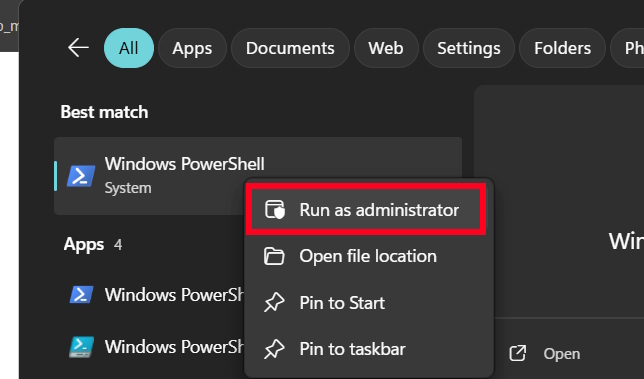
Open Windows Terminal (Admin) or PowerShell (Admin) before running the commands. Right-click Start, select Terminal (Admin), and approve the User Account Control prompt.
Check Microsoft Defender status
Run the following command to display the antimalware engine, service and signature status:
Get-MpComputerStatus
The most useful fields include AntivirusEnabled, AMServiceEnabled, RealTimeProtectionEnabled, AntivirusSignatureLastUpdated and DefenderSignaturesOutOfDate. To show a shorter result, use:
Get-MpComputerStatus | Select-Object AntivirusEnabled, AMServiceEnabled, RealTimeProtectionEnabled, AntivirusSignatureLastUpdated, DefenderSignaturesOutOfDateIf the command is unavailable or reports that Defender is not active, open Windows Security > Virus & threat protection. A third-party antivirus, organization policy or a damaged Windows component may be responsible.
Update Defender security intelligence
Update the malware definitions before scanning:
Update-MpSignature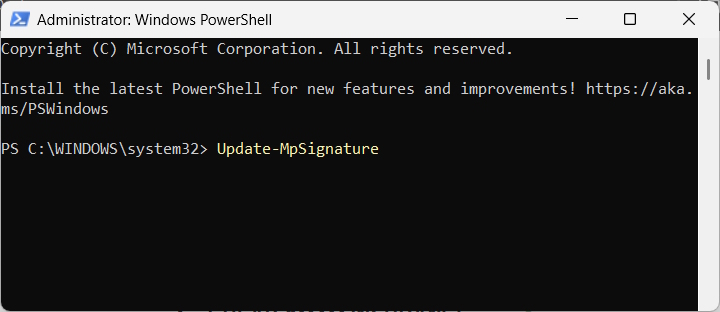
This command updates Defender’s security intelligence; it does not replace Windows Update or update the Windows Security app itself. If it fails, check the internet connection, Windows Update and any organization policies that control Defender updates.
Run a quick scan
A quick scan checks the locations where malware commonly starts, such as active processes and important system areas. It is the best first check for routine use:
Start-MpScan -ScanType QuickScan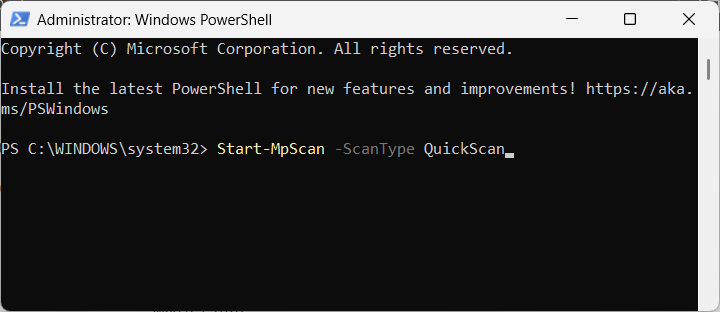
Run a full scan
A full scan examines files and running programs across connected fixed drives. It can take a long time and may increase CPU and disk activity:
Start-MpScan -ScanType FullScan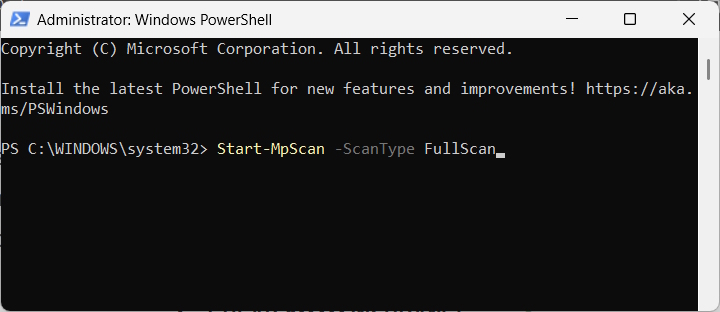
To launch the cmdlet as a PowerShell background job, add -AsJob:
Start-MpScan -ScanType FullScan -AsJob
The -AsJob option returns control to the terminal; it does not make the antivirus engine scan faster. Use Get-Job to view PowerShell jobs and Receive-Job to retrieve their output.
Run Microsoft Defender Offline
An offline scan restarts the PC and scans from the Windows recovery environment, where persistent malware has less opportunity to hide. Save all open files and close applications first:
Start-MpWDOScan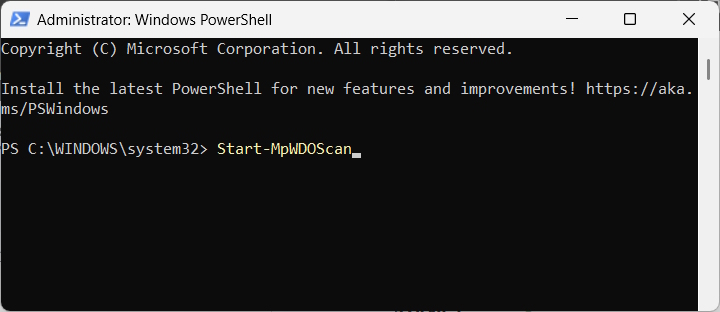
The computer should restart and begin the offline scan. When Windows starts again, review Windows Security > Virus & threat protection > Protection history. If the offline scan does not launch, verify that the Windows Recovery Environment is enabled and use the Scan options page in Windows Security as an alternative.
What to do after a scan
- Review Protection history rather than assuming that no PowerShell output means no threats were found.
- Follow Defender’s recommended remediation action for each detection.
- Restart the PC if Windows Security requests it.
- If threats return after removal, run an offline scan and update Windows.
- For a managed work device, contact the administrator before changing Defender settings or exclusions.
Do not add broad exclusions merely to silence a detection or speed up a scan. Exclusions reduce protection and should be limited to cases that have been investigated and approved.
Related Articles
 How to Use Powershell in Windows Server 20124 minutes read
 Windows PowerShell Could Allow Viruses to Infiltrate Undetected: Explained8 minutes read
 How to Install Powershell 7.0 in Windows 10/8/73 minutes read
 3 Ways to Scan Windows 10 System-wide Viruses with Microsoft4 minutes read
 12 Most Useful PowerShell Commands for Windows8 minutes read
 About Powershell15 minutes read
Reader Comments 0
Sign in with email or Google to join the discussion.