Table of Contents
Most note-taking apps force their way of working on you. Obsidian, on the other hand, adapts to how you work — whether it's simple or complex, it's up to you. Your notes remain as plain text files.
4. Files on the application
The Markdown plain text you will own
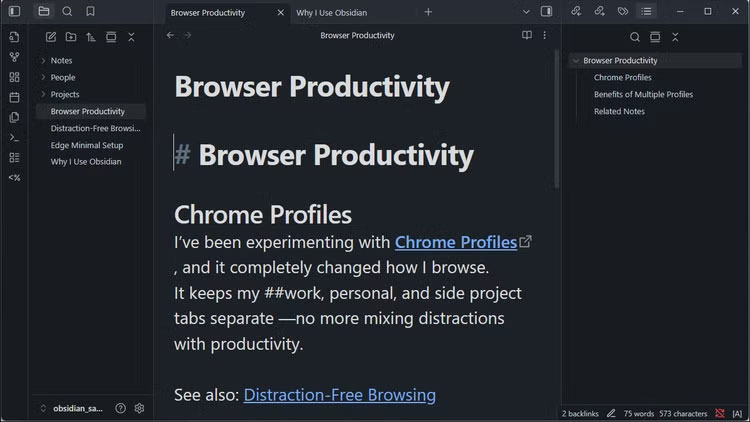
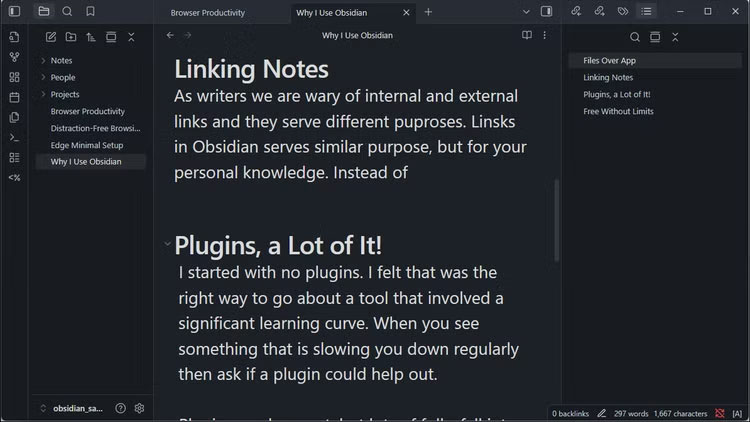
Obsidian CEO Steph Ango wrote about something he calls 'files on apps' on his personal blog. His take is simple: If you want your work to last forever, save it in a format that's easy to open and read, on a device you have complete control over.
Any longtime Evernote user who has switched to another note-taking app, like Obsidian, knows this all too well. When you try to leave the app, exporting your notes will always take hours of reformatting and fixing broken links. Your carefully organized system will turn into a jumble of files that don't work the same way in other apps.
Obsidian, on the other hand, takes a local-first approach and uses an open file format. Your notes are stored in plain text files on your computer or phone. They are written in Markdown, which is basically text with a few simple formatting symbols. You can open these files in any text editor or on any computer, and you can even encrypt them using third-party apps like VeraCrypt.
3. Note link
Your personal Wikipedia
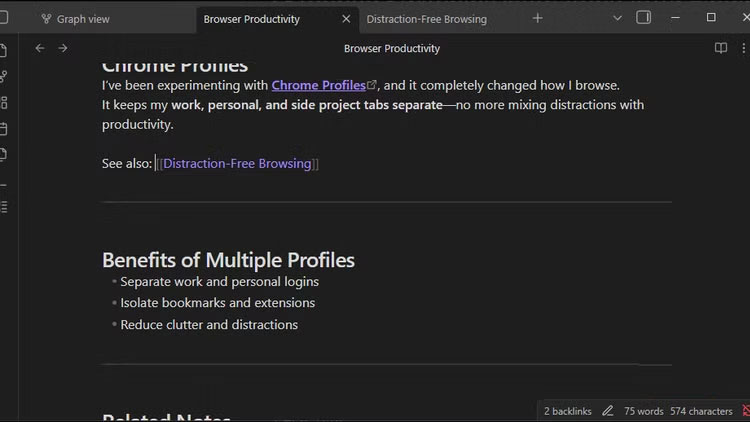
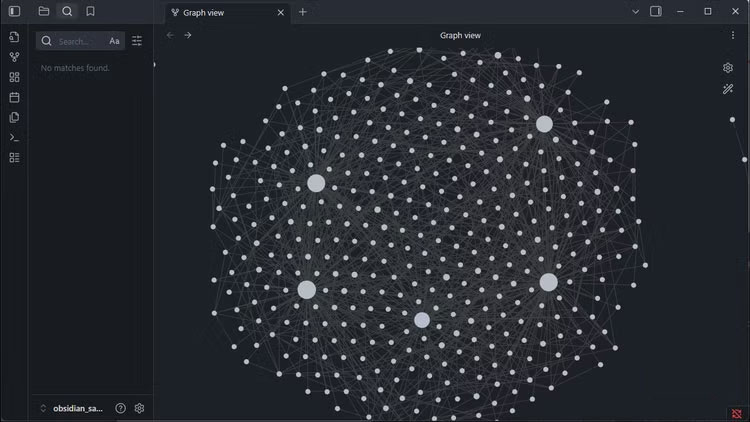
Writers understand the power of links. We use them to connect ideas, cite sources, and guide readers through complex topics. Obsidian brings the same concept to your personal notes, but with a twist that makes it incredibly powerful.
You can link to notes in Obsidian by enclosing any [[phrase]] in quotation marks. So if you write about a project meeting, you can just link to the project notes. If you mention someone by name, you can link to their contact information. And when you come across something you know you've written about before, link back to your previous thoughts.
These aren't just one-way references. Each link creates a two-way connection. Open any note and you'll see all the other notes that refer to it. This way, your notes build on each other instead of just piling on top of each other.
2. Plugin
Lots of options
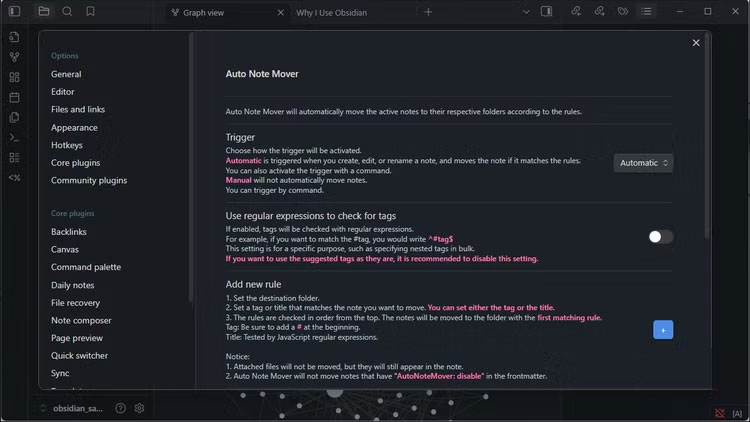
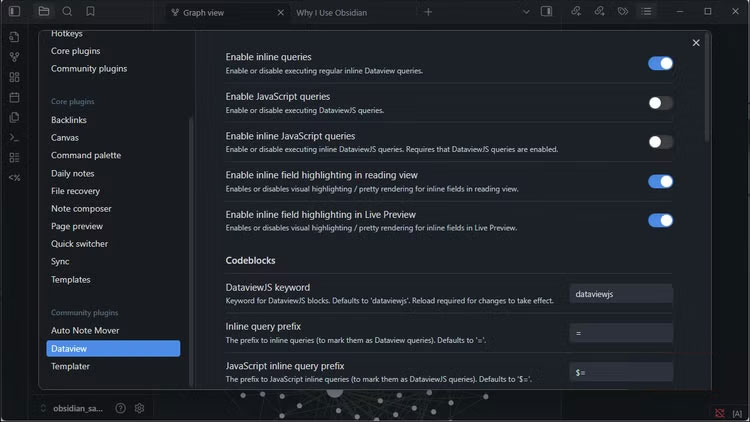
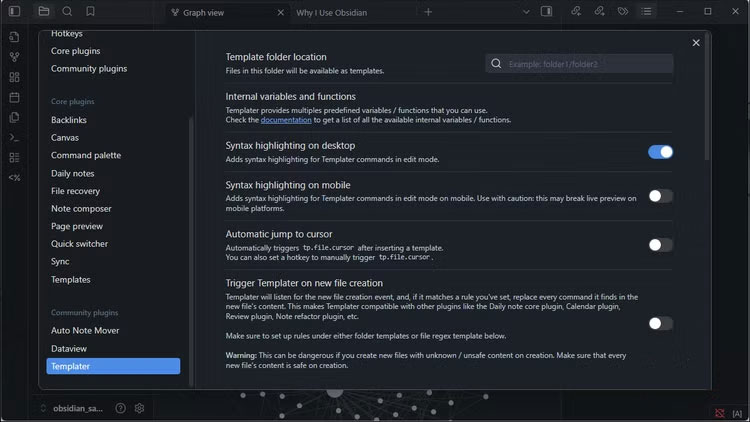
Many people start using Obsidian without any plugins. That's the right way to start with any tool that has a learning curve. It's always a good idea to get the basics down before adding in more complex stuff.
But once you get to the daily annoyances — the little annoyances that slow you down — plugins start to come in handy. Here are a few: Dataview for querying notes like a database, Templater for powerful templates, Auto Note Mover for automatically saving notes to the right folder, and Paste Image Rename so you don't have to manually rename each screenshot.
1. Unlimited Free
You can even sync for free
Obsidian is completely free for personal and commercial use. There are no note limits, no feature restrictions, and no paywalls that you'll have to get behind after months of building a system. You can use every feature without paying a dime.
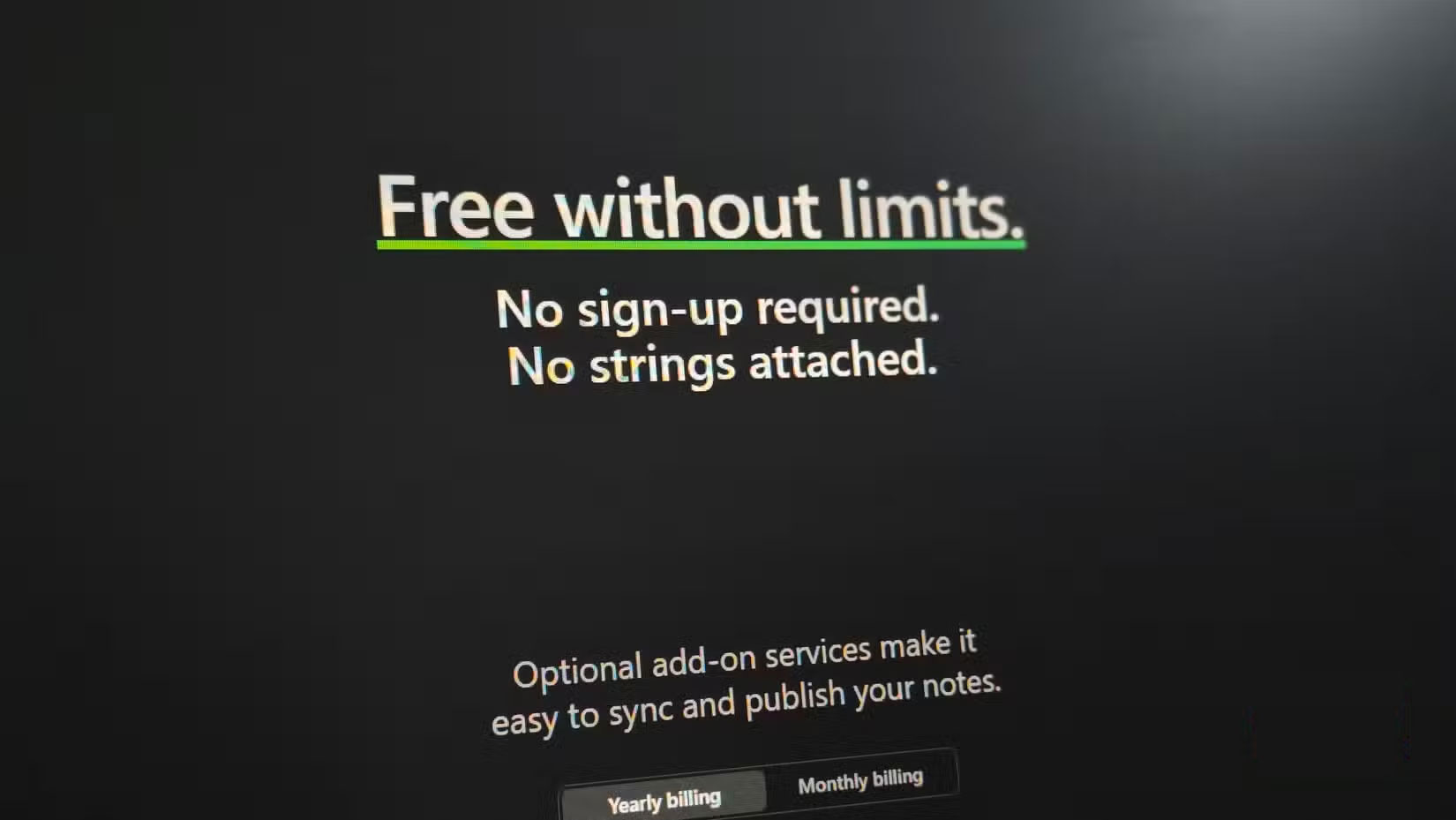
Even file syncing, which is often the first thing apps charge for, can be free. Since notes are just files in a folder, you can sync Obsidian notes for free using any service you already have, including Dropbox, Google Drive, iCloud, or any service that syncs folders across devices.
Final Thoughts
The key takeaway is that Why Should You Stop Switching Note-taking Apps to Obsidian is easier to evaluate when its benefits, limitations, and real-world use are considered together. Review the details above before applying the information to a specific situation.
FAQ
What is the main point of Why Should You Stop Switching Note-taking Apps to Obsidian?
Most note-taking apps force their way of working on you. Obsidian, on the other hand, adapts to how you work — whether it's simple or complex, it's up to you. Your notes remain as plain text files.
What should you know about The Markdown plain text you will own?
Obsidian CEO Steph Ango wrote about something he calls 'files on apps' on his personal blog. His take is simple: If you want your work to last forever, save it in a format that's easy to open and read, on a device you have complete control over.
What limitations should readers keep in mind?
The answer can depend on the product version, source, use case, and date of publication. Review the article's context and confirm time-sensitive details before applying the information.
Related Articles
 What Is Obsidian Note-Taking? Obsidian User Manual6 minutes read
 Three Note-taking Apps That Make a Perfect Combination: Google Keep4 minutes read
 Is Obsidian Note-taking App Worth Your Time?8 minutes read
 How to Keep Your Notes in Perfect Sync Everywhere Without Spending8 minutes read
 Obsidian - a Powerful Personal Knowledge and Note-taking Application7 minutes read
 4 Smart Ways to Link Notes in Obsidian Automatically5 minutes read
Reader Comments 0
Sign in with email or Google to join the discussion.