Table of Contents
This updated guide compares smart ways to link notes in obsidian automatically and highlights the details that matter most. Obsidian is a powerful note-taking tool, and one of its best features is note linking. Still, note linking has to be done manually, which makes note-taking less enjoyable. But there are alternatives that make note linking automatic.
4. AI Tagger Universe
AI may be the buzzword of the moment, but if there's one thing that Obsidian can really do, it is automatic tagging - and luckily, there's a plugin for that. AI Tagger Universe automatically tags notes based on their content. It takes your notes into LLM and exports tags for your notes, all automatically. This can make organizing your knowledge base a lot easier. Especially if you have many notes that need to be linked, this plugin is exactly what you need to try.

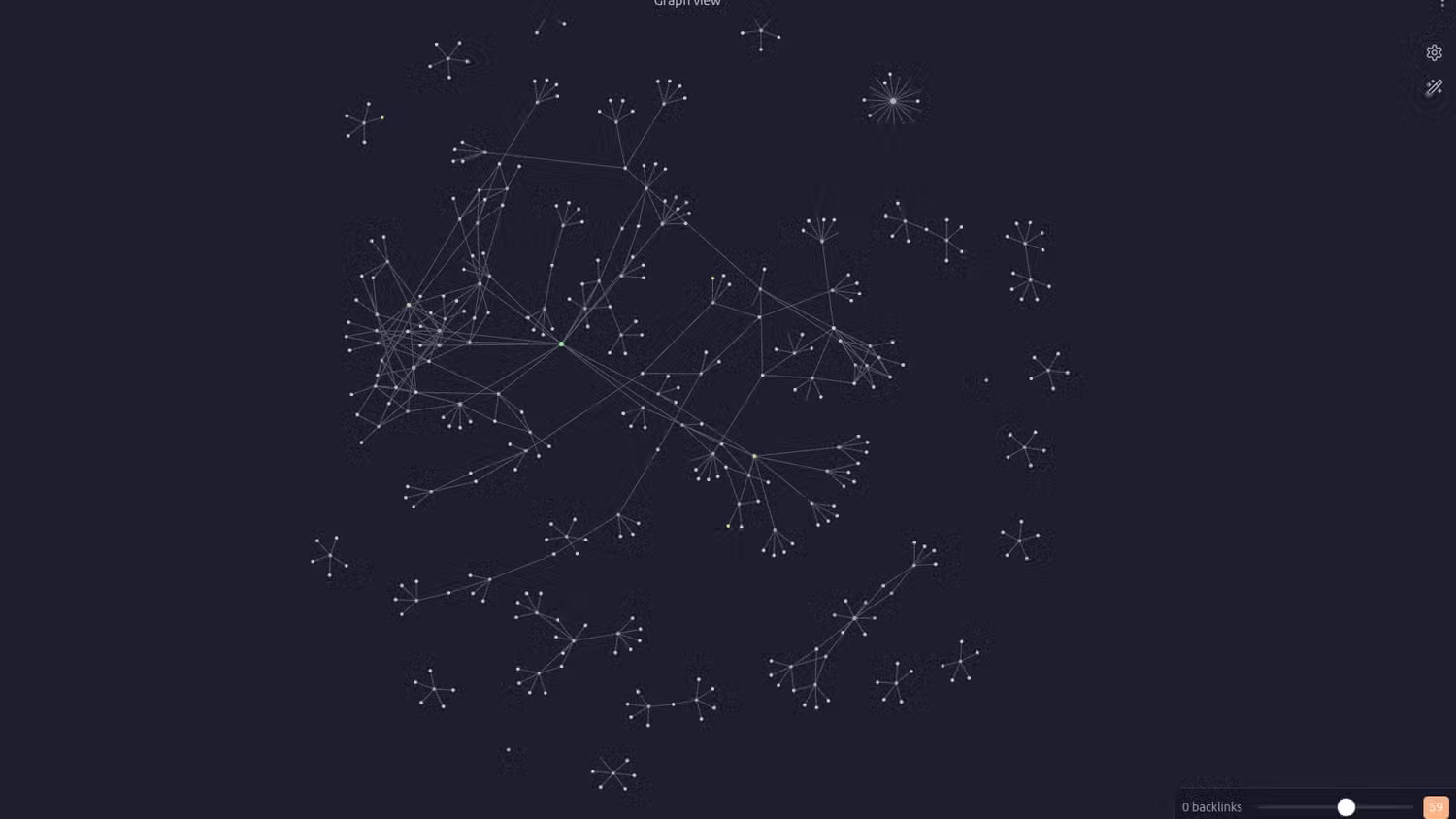
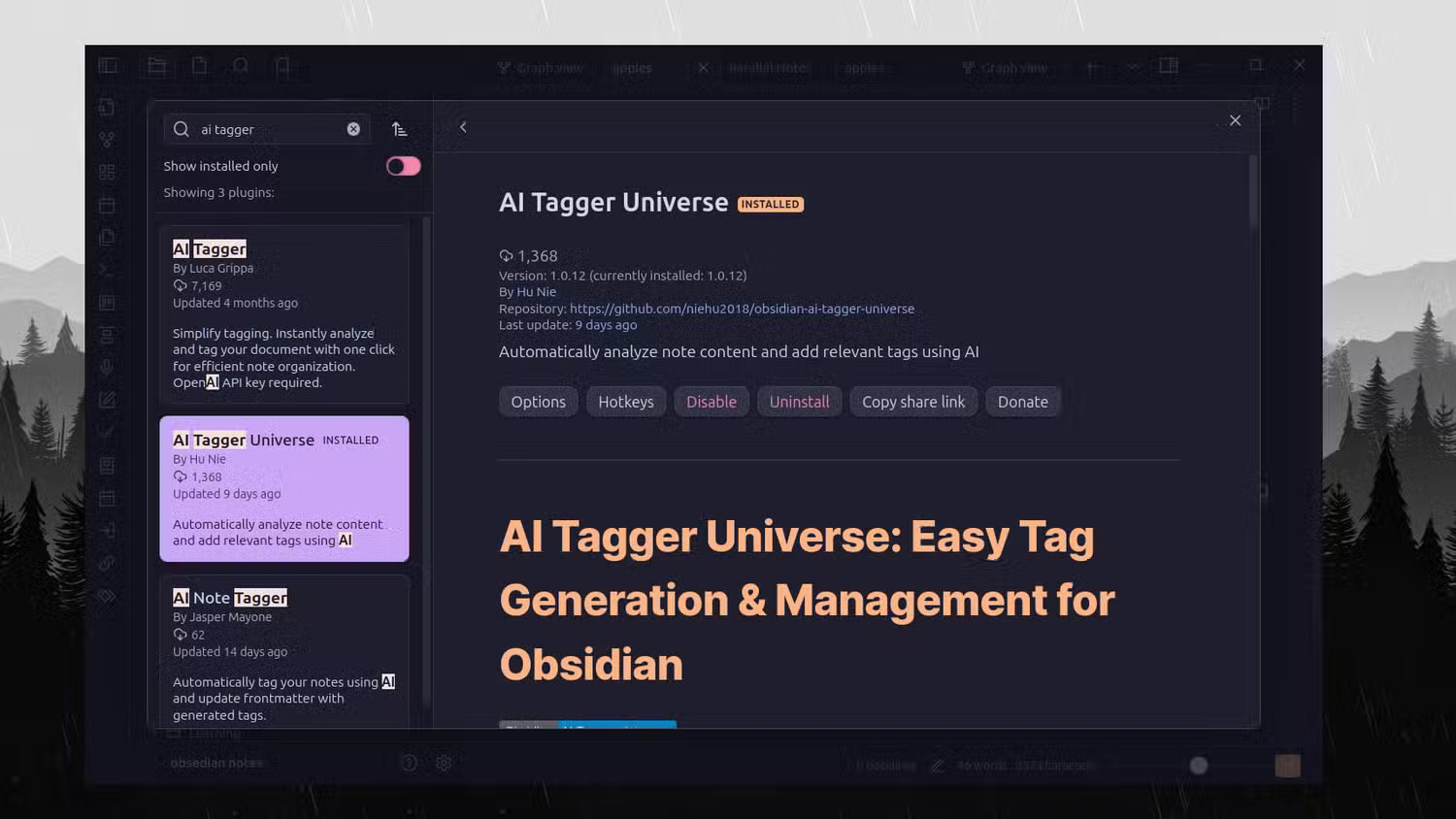
I tested the plugin on one of my Obsidian repositories with only a few notes connected to each other. After using the plugin, the repositories had much denser connections between notes. You can see that in the attached images.
The plugin works with AI services such as OpenAI, Gemini, Deepseek, etc. Furthermore, if you are concerned about privacy and do not want to share your data with external services, you can even run LLM locally using Ollama and connect it to the plugin.
Here's how you can set up the plugin:
- Download the plugin, then enable the plugin.
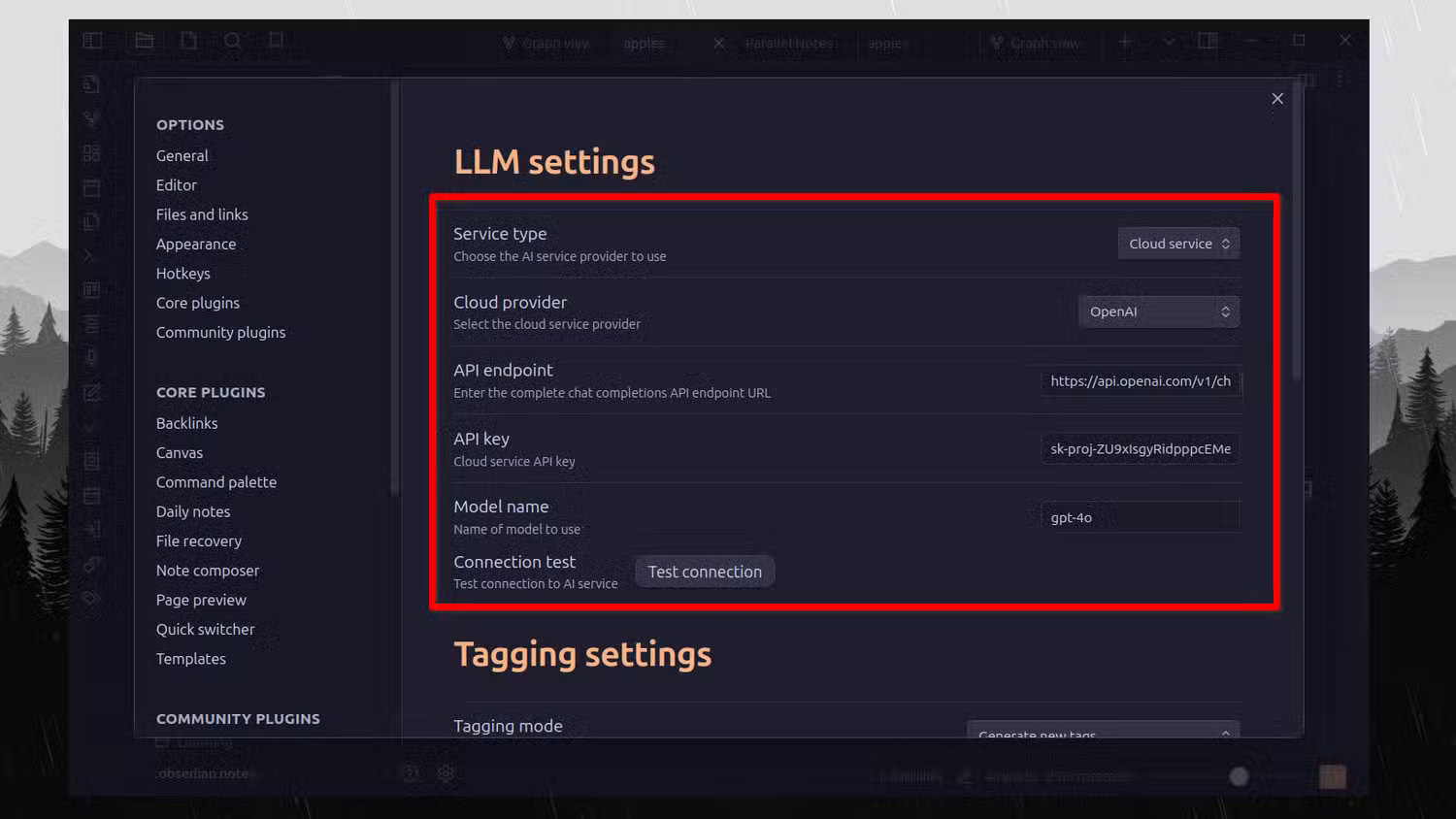
- Select service type (cloud or local LLM).
- Choose a cloud provider.
- Enter your API key and model name.
- Check your connection to ensure it works.
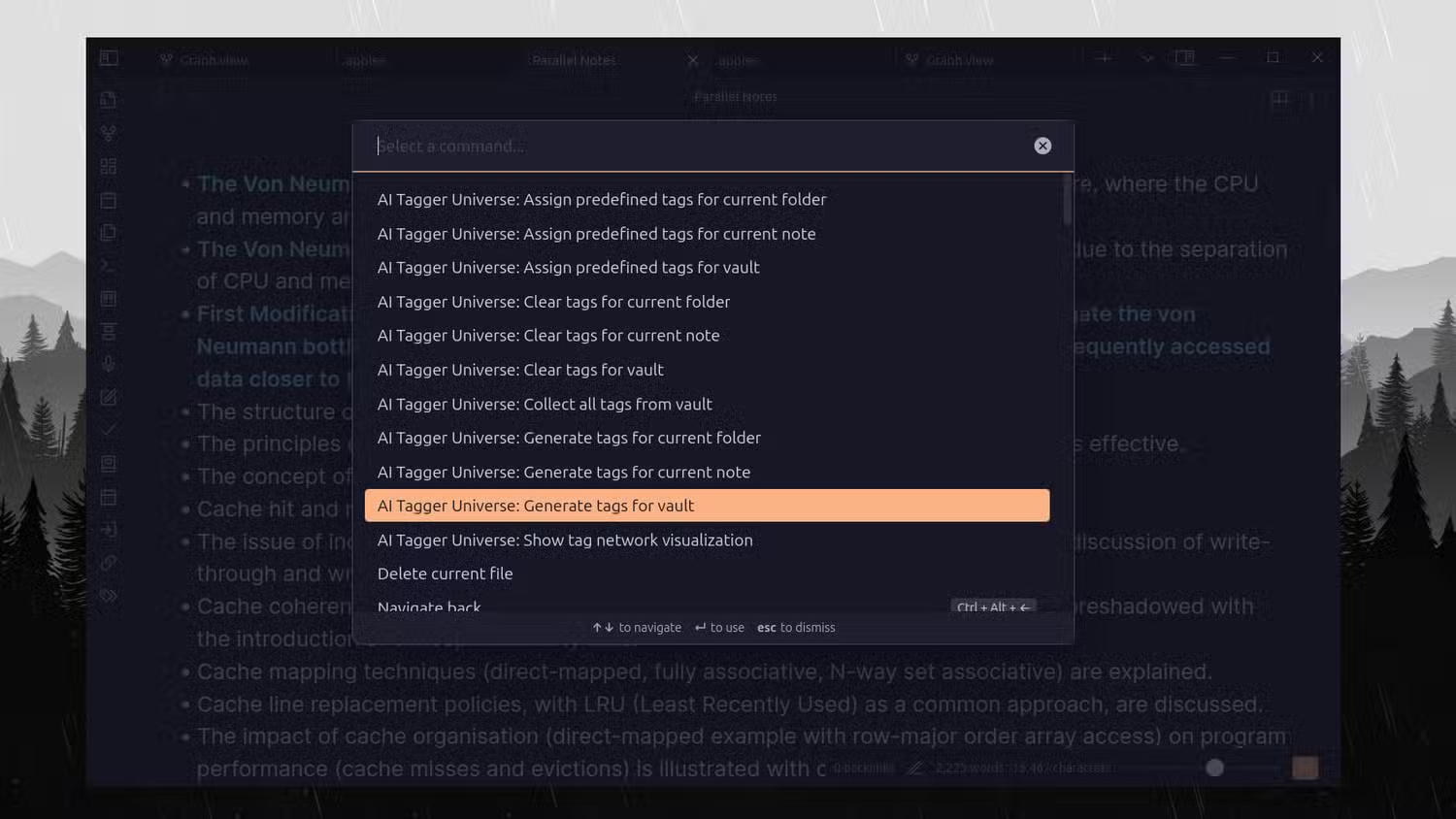
- Access your notes and open the command center with the keyboard shortcut ( Ctrl/Cmd + P ).
- Type AI Tagger and you will see a list of options.
What I love most about this plugin is that it can help you discover connections and patterns in your knowledge base that you didn't even know existed. it is interesting to see the tags that the AI comes up with. During testing, the tagging was quite accurate and to the point. Furthermore, there's a useful batch feature where you can ask the plugin to tag all the notes in your repository.
Note : It is essential to remember that using the API is expensive. Still, you can run LLM locally for free.
3. Virtual Linker
2. Note Linker
1. Various Complements
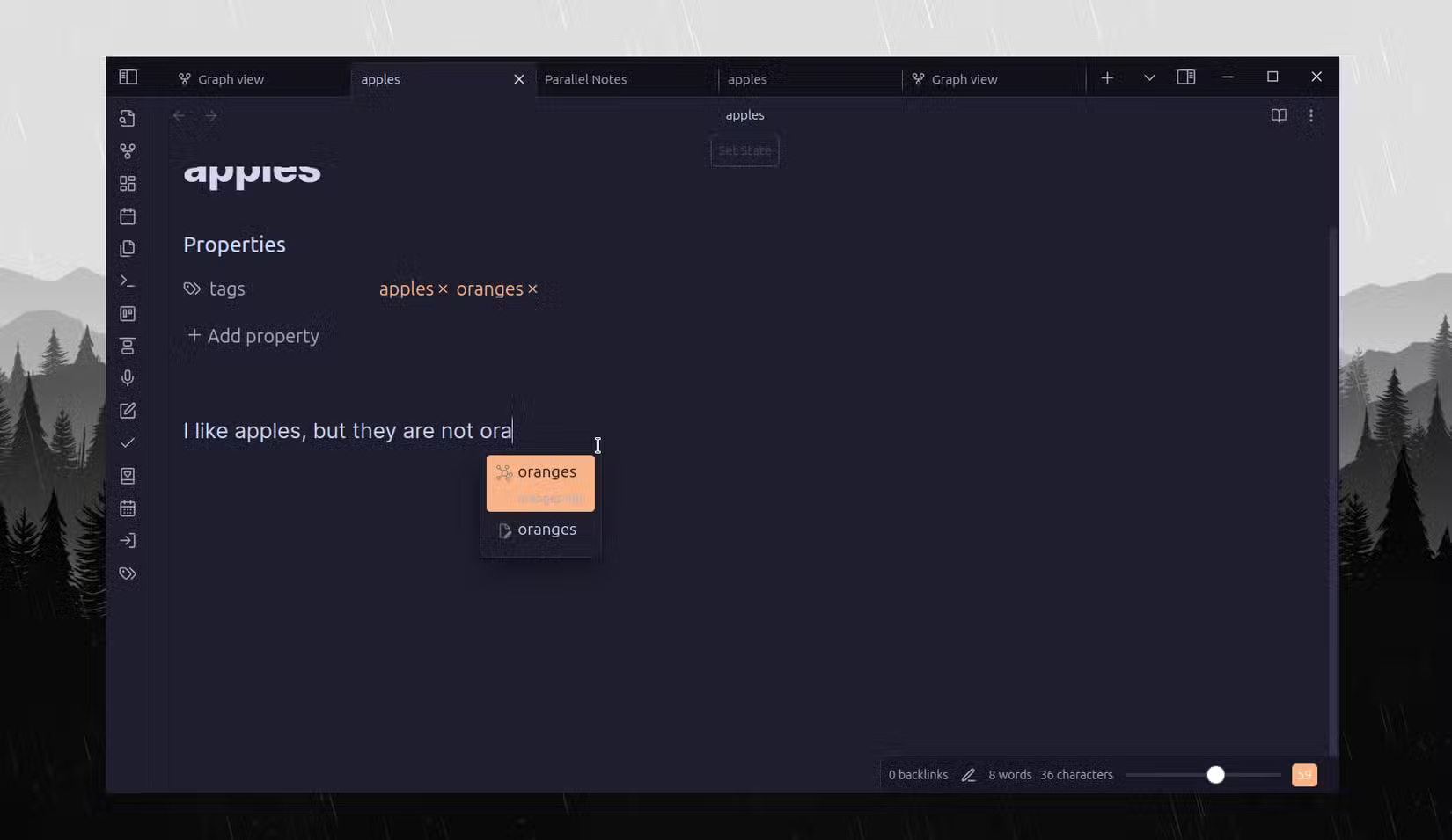
Now you've seen some plugins that can make note linking much more autonomous than the default. It is best to try them all and see for yourself. Use the AI Tagger Universe plugin and its bulk tagging feature to tag multiple notes at once (provided you have many unlinked notes in Obisidan). But ensure to use stricter tagging rules, as the quality of the tags will depend on the configuration. Try changing the maximum number of tags created from 5 to 2. That means only the 2 best tags will be used.
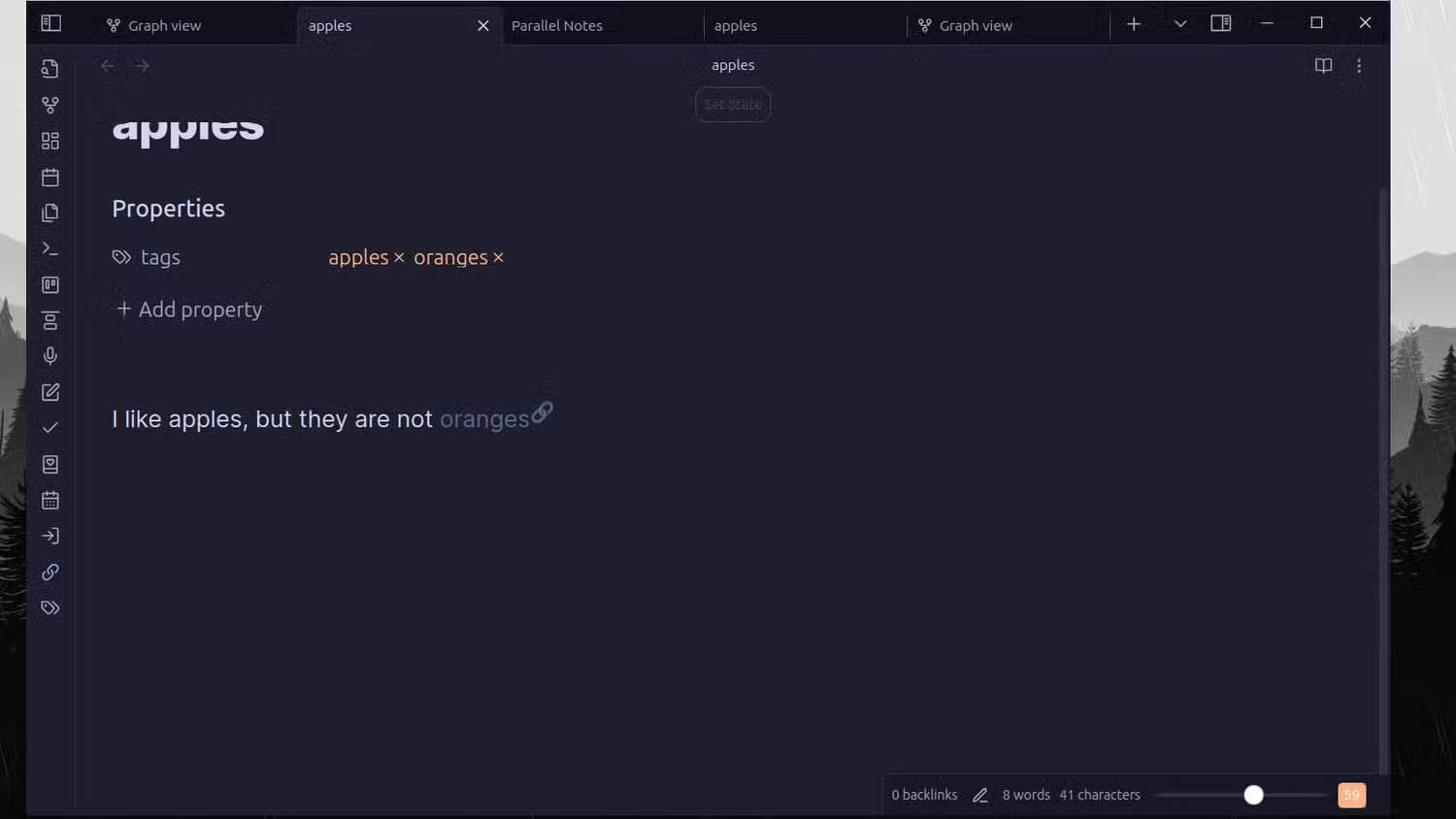
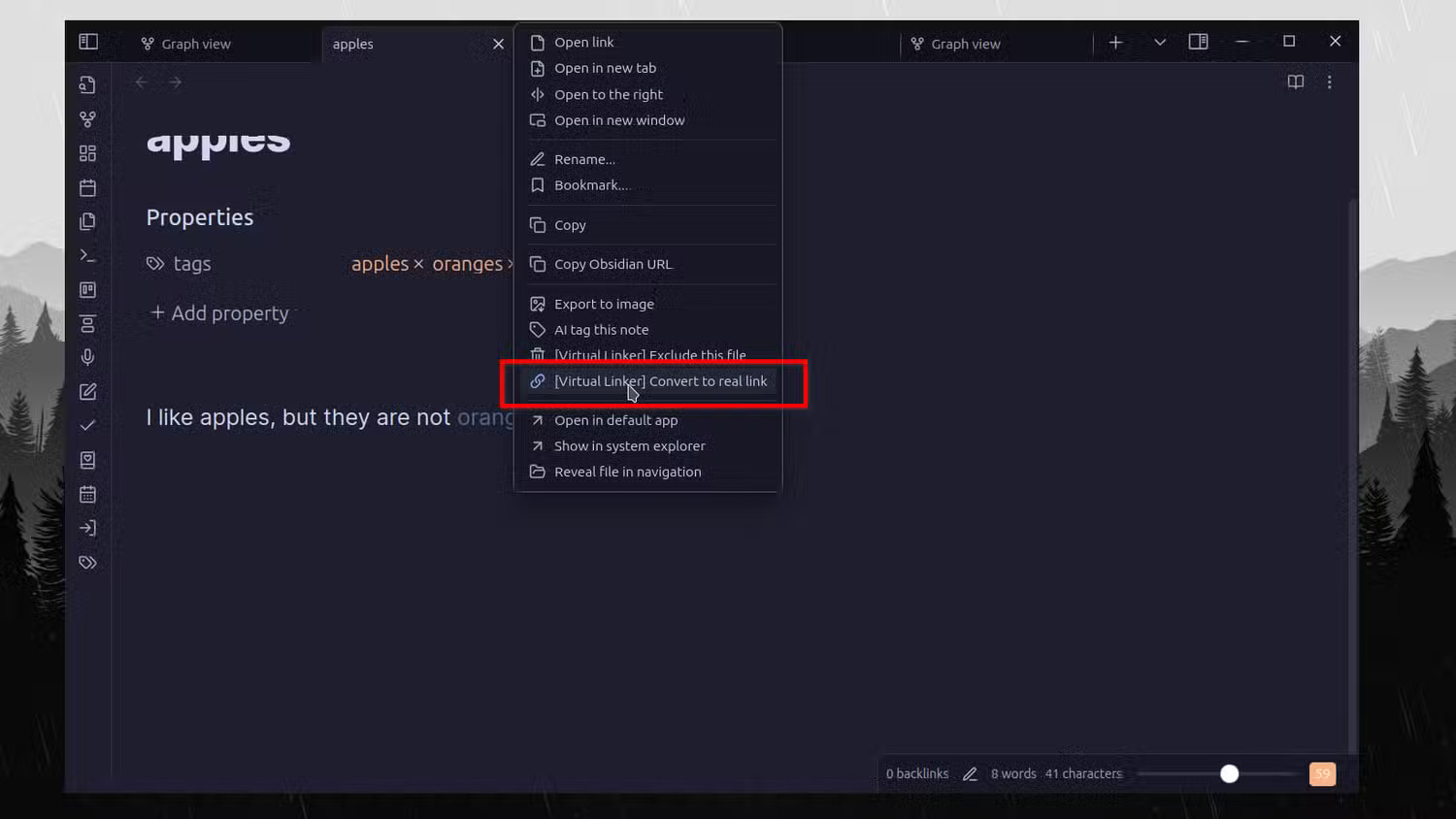
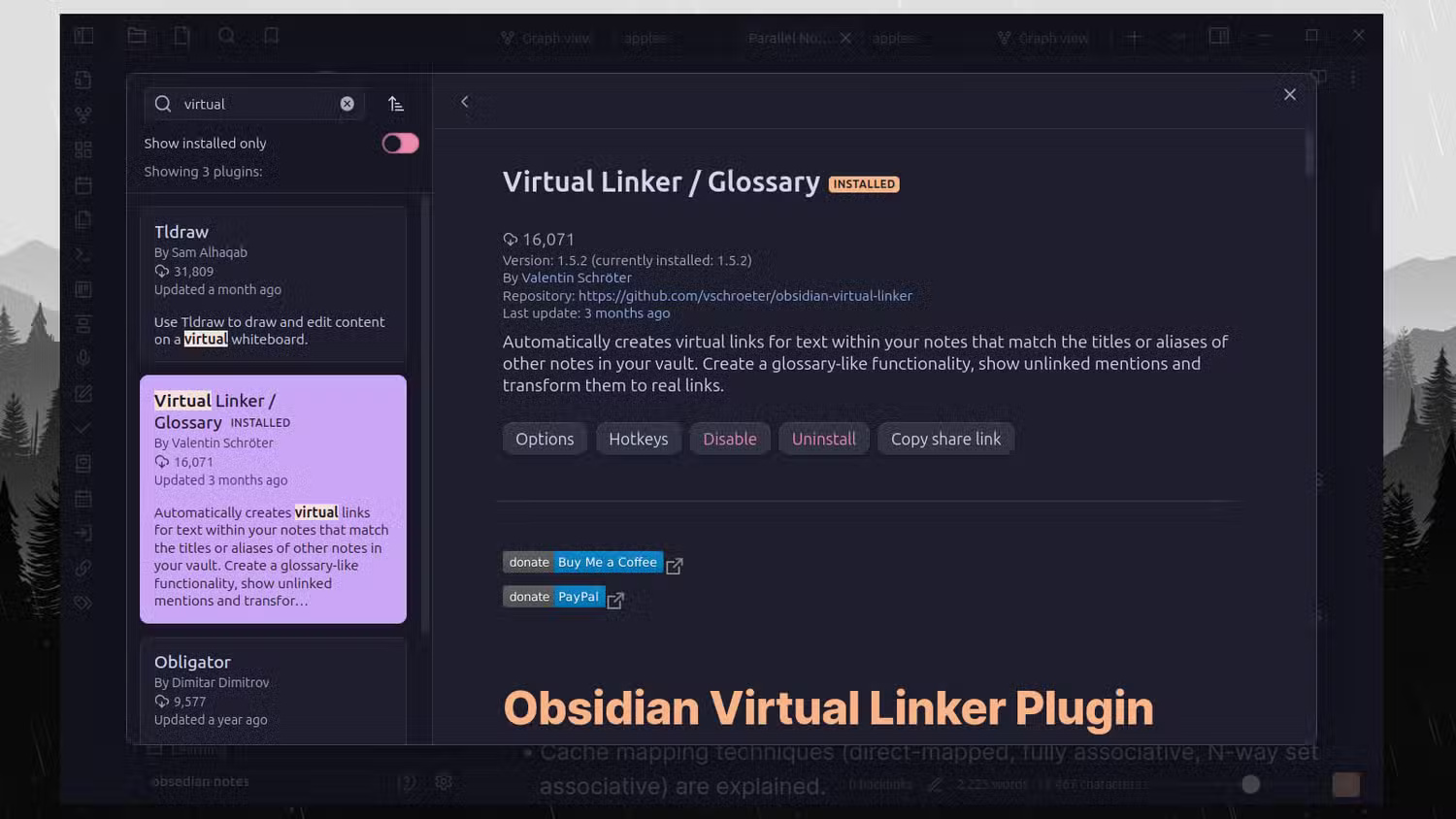
Then, for future notes, you can enable the Virtual Linker plugin. It will automatically detect potential notes to link to.
FAQ
How were the smart ways to link notes in obsidian automatically options evaluated?
The comparison focuses on practical features, ease of use, limitations, compatibility, and the type of user each option is most likely to help.
Which option is best for beginners?
Beginners should prioritize a clear interface, useful documentation, reliable support, and the core features needed for their first project.
Should I choose a free or paid option?
Start with a free option when it covers your needs. A paid plan may be worthwhile when you need advanced tools, commercial rights, collaboration, or professional support.
Related Articles
 What Is Obsidian Note-Taking? Obsidian User Manual6 minutes read
 Why Ditch Your Planner for the Obsidian Plugin with Integrated: Key Facts6 minutes read
 How to Keep Your Notes in Perfect Sync Everywhere Without Spending8 minutes read
 How to Link Notes Together on iPhone4 minutes read
 Share Note: Complete Guide and Key Details5 minutes read
 Why Should You Stop Switching Note-taking Apps to Obsidian?6 minutes read
Reader Comments 0
Sign in with email or Google to join the discussion.