Table of Contents
You can find a lot of Chrome extensions for note-taking. While there are some that you won't want to try again, others stand out.
You can find many Chrome extensions for note-taking. While there are some that you won't want to try again, others stand out. They offer features like capture, sync, and export options that are both fun and useful.
New Tab Notes
A notepad in your browser
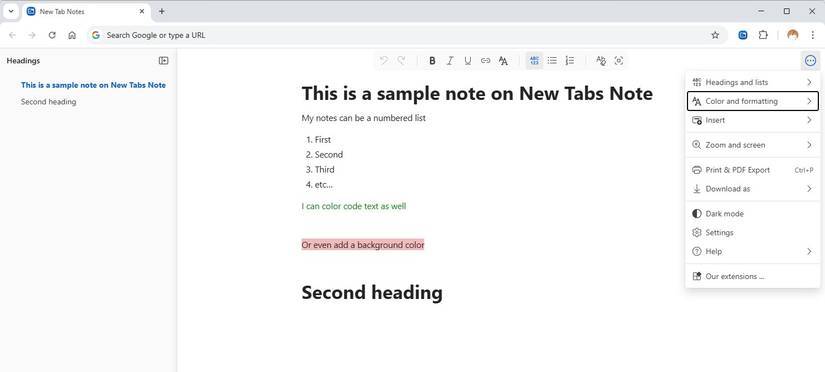
New Tab Notes feels like having Windows Notepad in your browser. You'll access a single, focused notepad every time you open a new tab or click the extension icon. It's one of the most seamless transitions from work to notes, a smooth process since notes are automatically saved.
All notes are automatically synced across devices signed in to the same Chrome profile. Clearing your browser data or switching to a different browser profile will delete your notes unless you export them first. However, you can download and save your notes as plain text, Markdown, or HTML.
OneNote Web Clipper
Seamlessly integrated into the Microsoft ecosystem
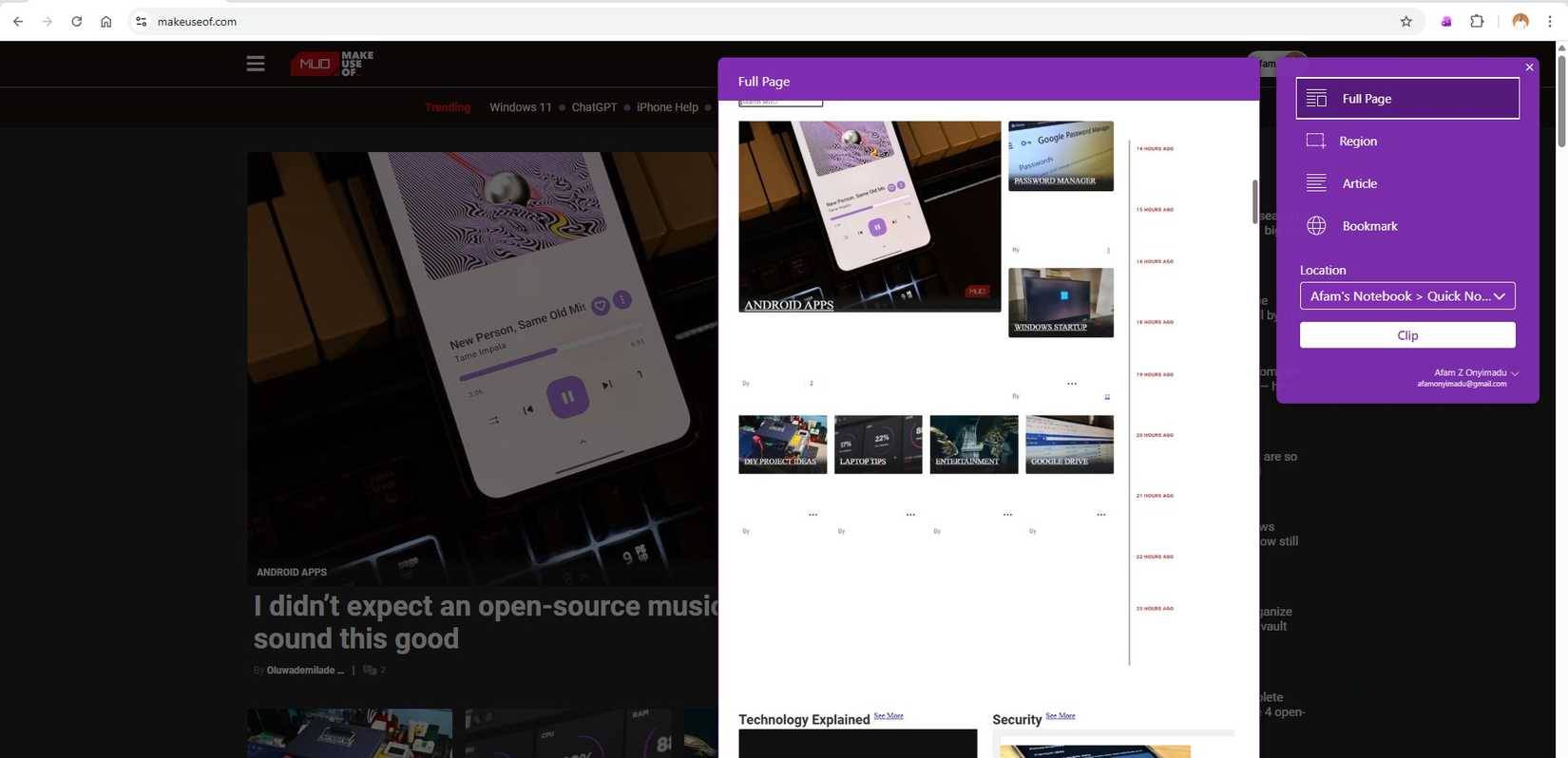
OneNote Web Clipper is a natural extension of note-taking if you're already integrated into the Microsoft ecosystem. You can pin an entire web page, a selected area, or an article directly to your OneNote notebook. Once a note is pinned, it syncs directly to OneDrive, preserving its formatting.
This extension lets you tag content, add quick notes, or drop research snippets directly into organized sections, and it's useful when you use OneNote across multiple devices.
Diigo Web Collector
Powerful research tool that highlights content simply
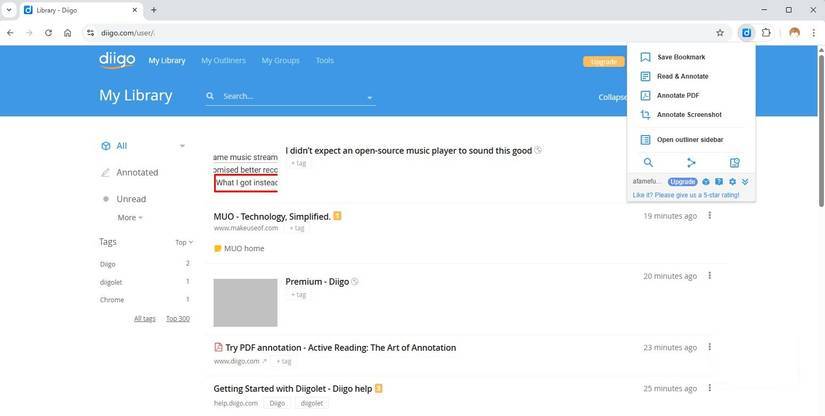
Diigo has been around for years and is a popular choice for web annotation. Diigo Web Collector is a Diigo extension that works pretty seamlessly. It has highlighting and sticky note features that make it easy to mark up and comment directly on web pages and PDFs. It's so useful that many people like to use it to jot down quick quotes and add their own personal insights.
Slide: AI-powered Video Note-taking App
AI for Video: Transcript and Summary with ChatGPT
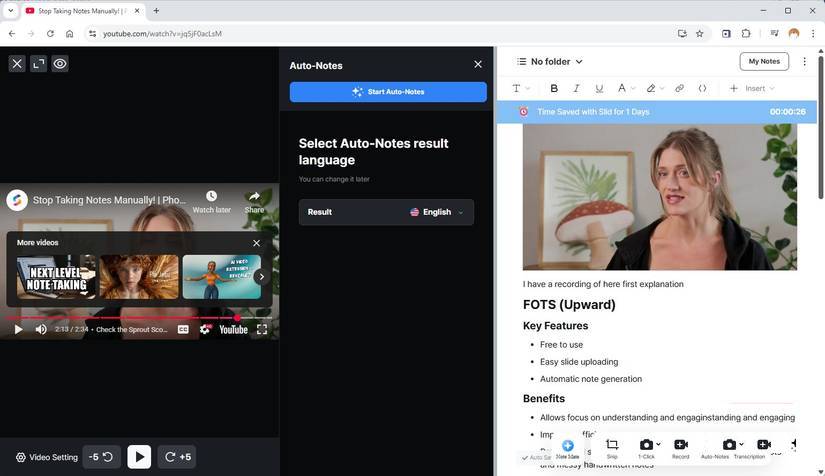
This extension is specifically for video annotation. It works well on YouTube videos and is pretty consistent on regular web pages as well. Once you install the extension, you'll see a small Open Slid Notes Button in the bottom right corner of each video, which displays a bunch of features.
One of my favorite features is the 1-click screenshot feature, which takes a timestamped screenshot of a video scene and automatically adds it to your notes. You can annotate this screenshot or add specific notes to that frame. The utility also has Optical Character Recognition (OCR), which lets you extract notes from screenshots.
Joplin Web Clipper
Open source notes
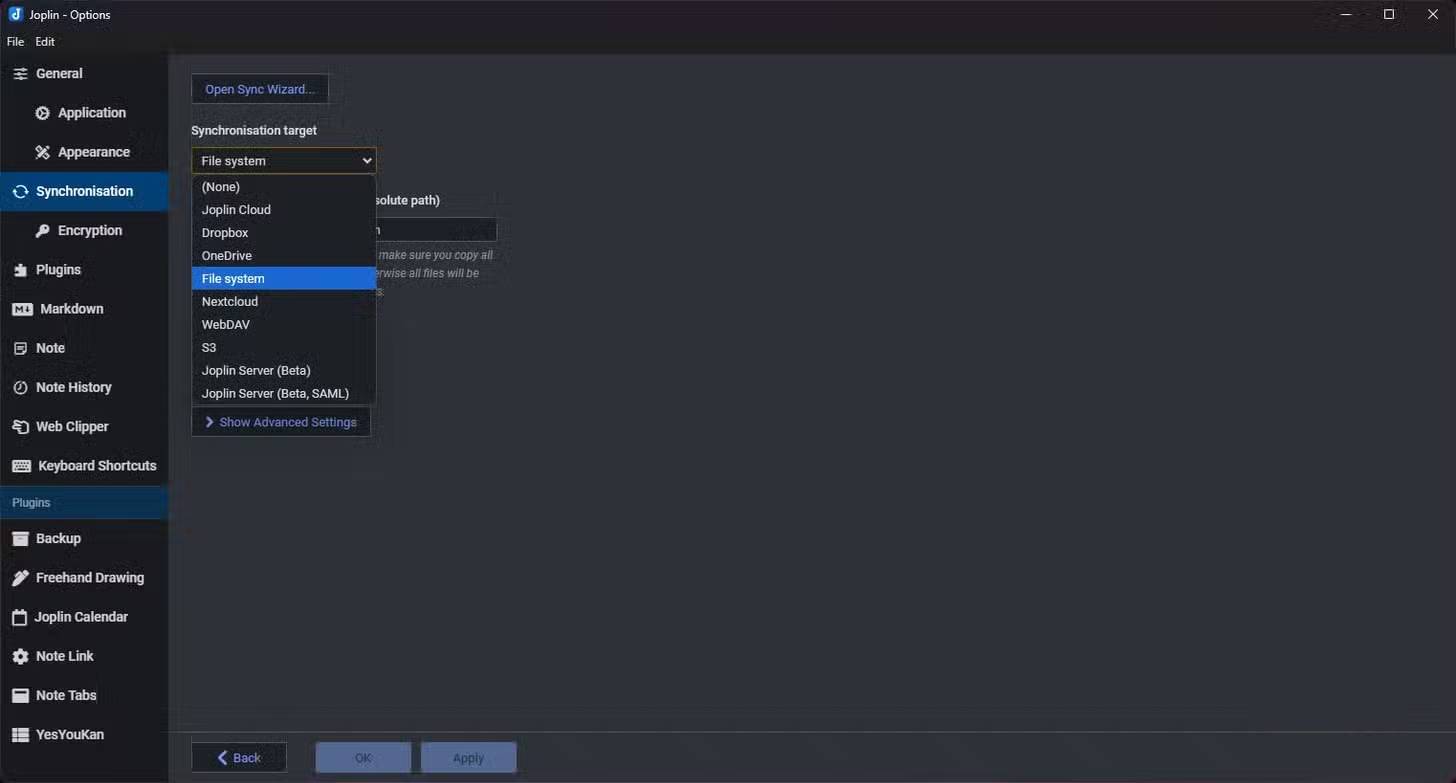
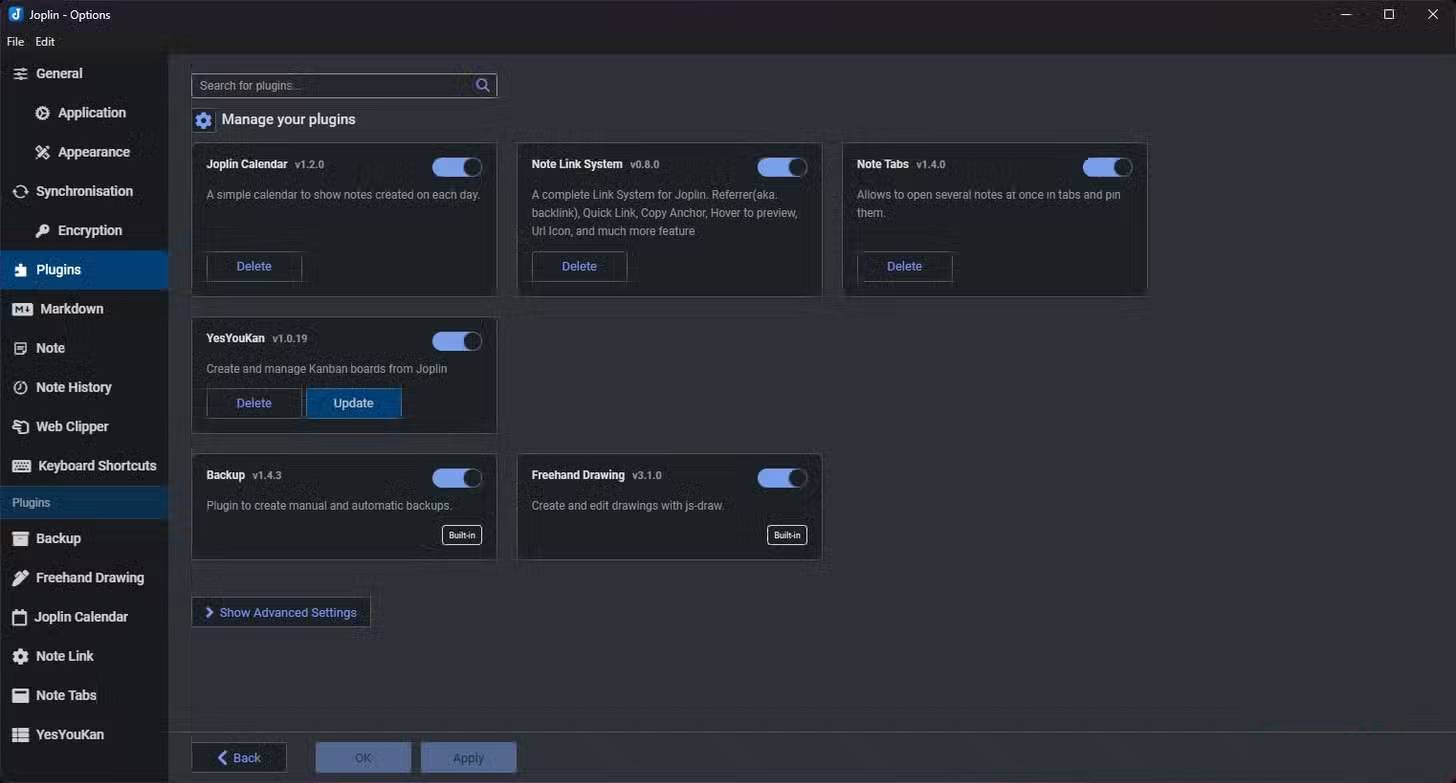
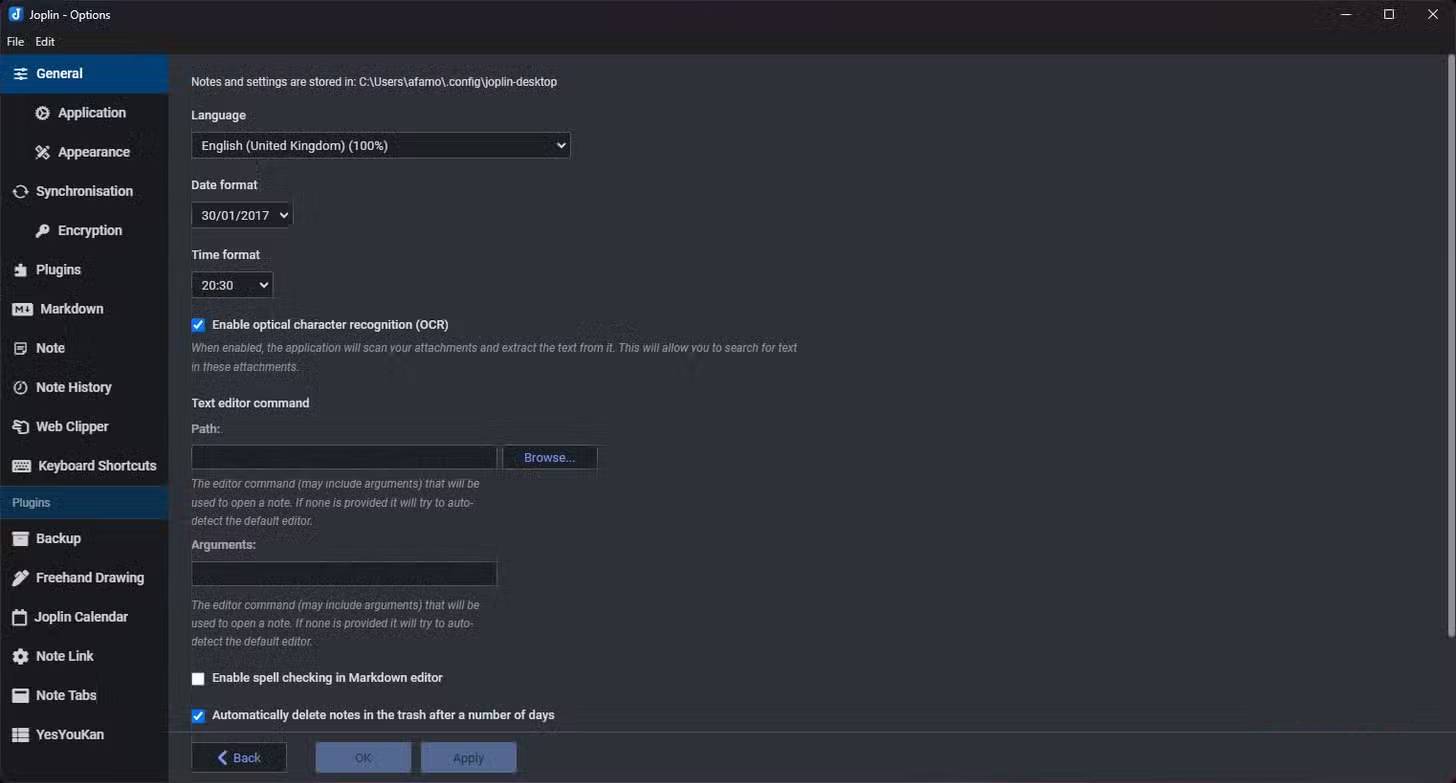
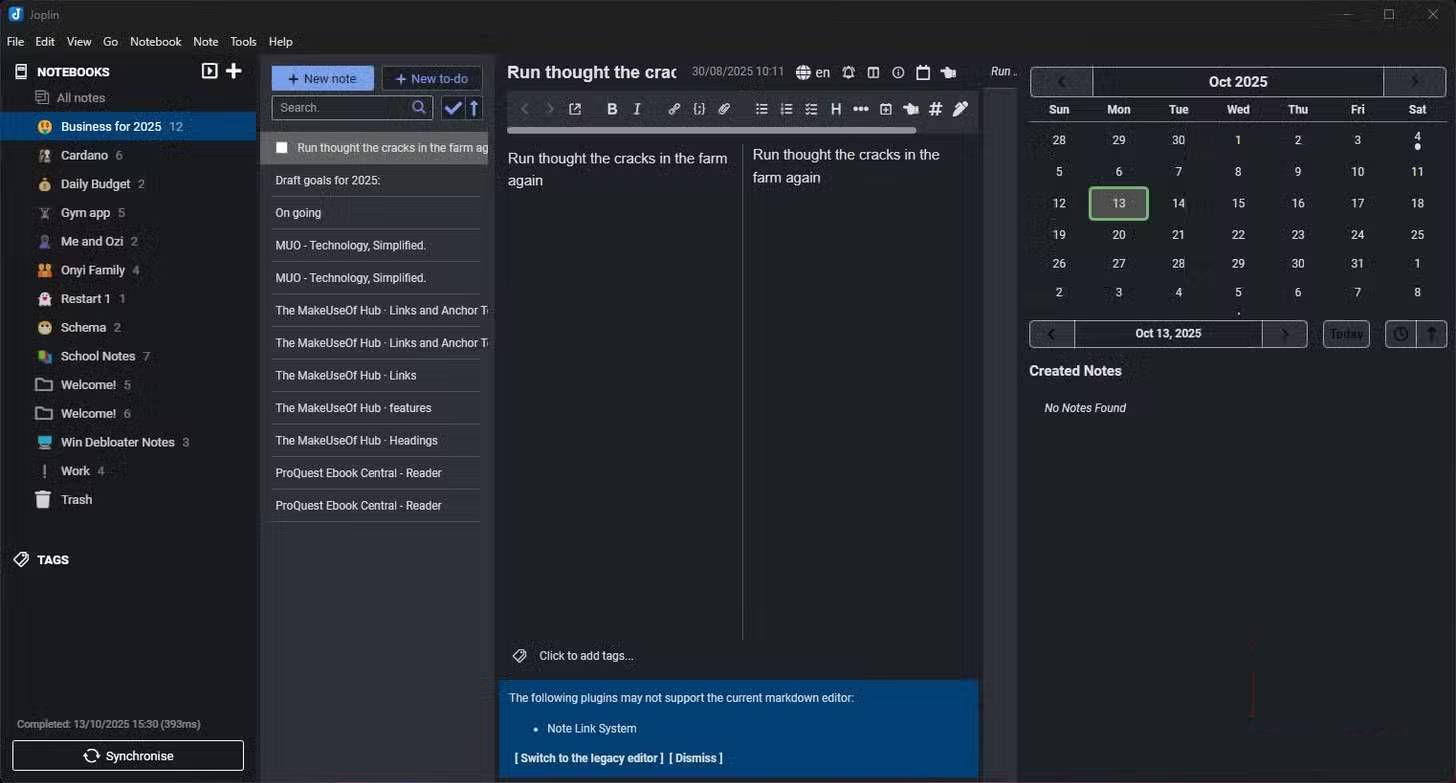
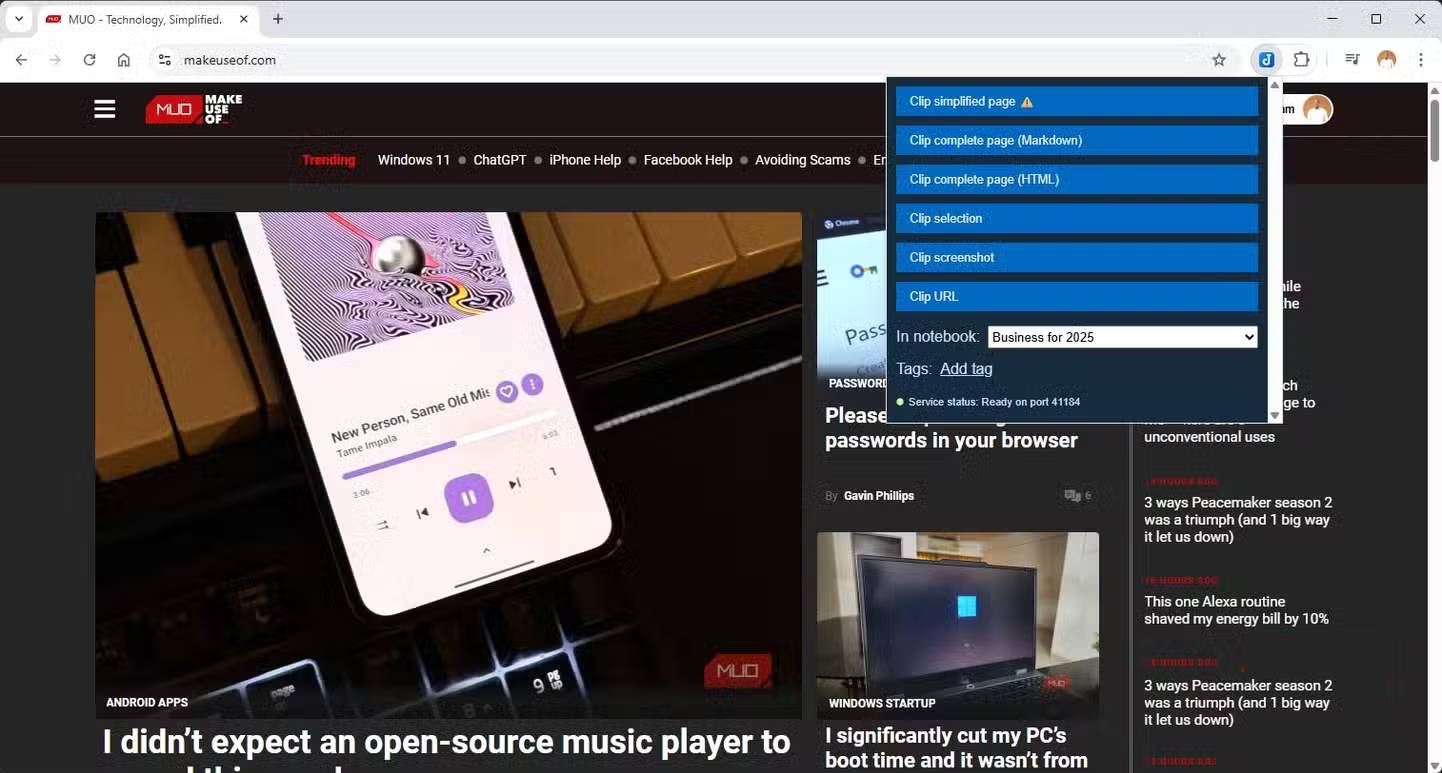
Joplin is an open-source note-taking app that gives you complete control over your notes. Your notes are not tied to any ecosystem and are stored in Markdown format on your device. However, the app's Chrome extension, Joplin Web Clipper, enhances its usability.
The extension has several clipping options. My favorites are Clip Selection and Clip Complete Page. These are useful even on websites that don't allow copying. Once you've clipped, you can select a notebook to save it to, and the clip will automatically be available in the Joplin app.
Web Highlights
The ultimate web annotation tool
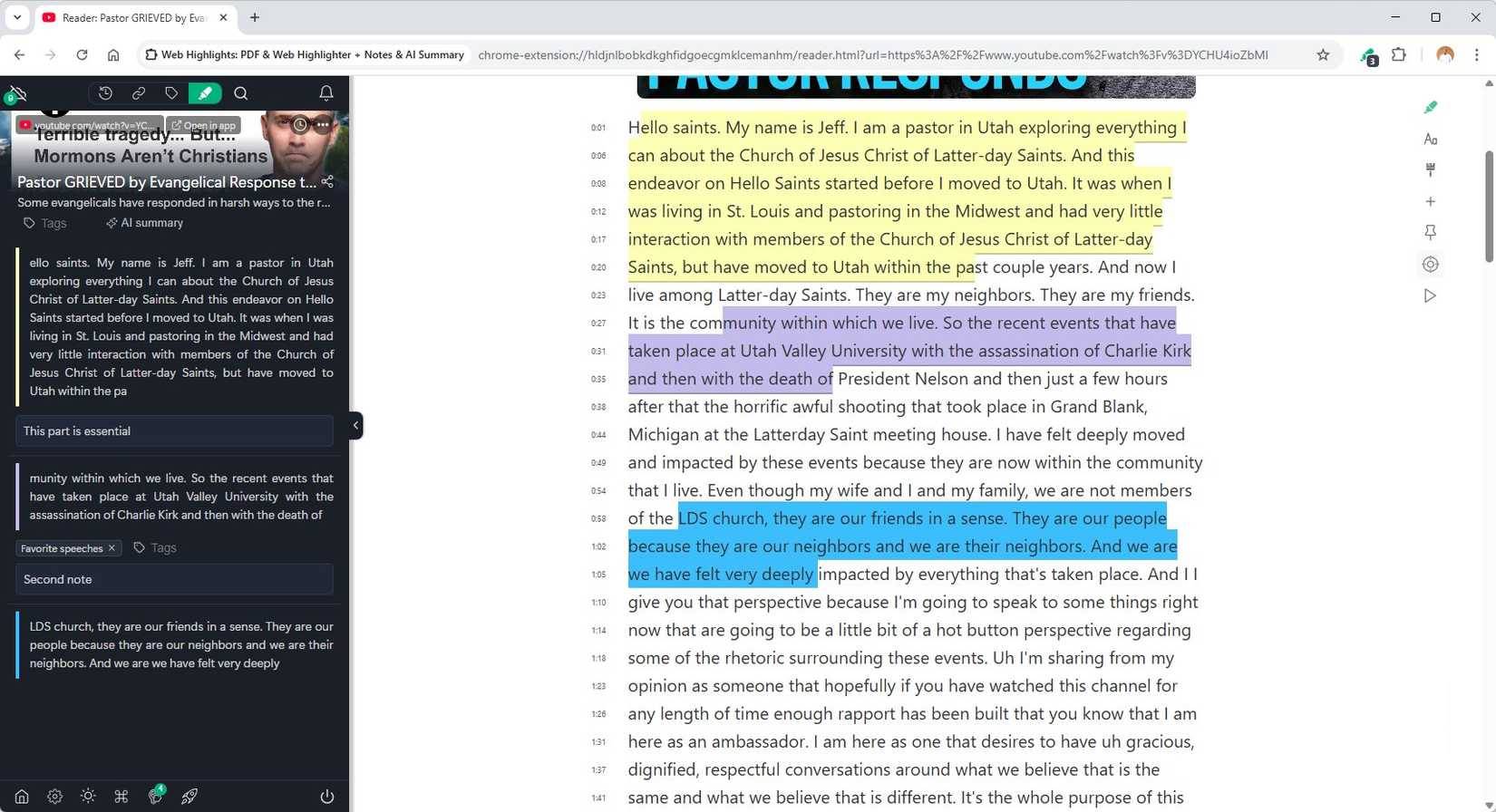
Web Highlights is one of the most powerful note-taking extensions. It lets you highlight text on any web page and these highlights are saved so you can see them when you revisit the page. You can add notes to your highlights and add tags to group them logically.
Web Highlights is great for videos, especially on YouTube. When you click the Web Highlights icon, it automatically opens a page with the full transcript of the YouTube video. The only downside is that cross-device syncing and many formatting options are locked after you sign up.
FAQ
What should you know about the options in this guide?
In practical terms, there are a lot of Chrome extensions for note-taking. While there are some that you won't want to try again, others stand out.
Which option is the best choice?
The best choice depends on your priorities, compatibility, budget, and the specific features discussed in the comparison.
What should you compare before deciding?
Compare core features, limitations, ease of use, compatibility, and long-term value before making a decision.
Related Articles
 Top 7 Most Useful Chrome Extensions You Should Try8 minutes read
 The Best Chrome Extensions You Should Know9 minutes read
 9 Extensions That Help Optimize the Browsing Experience on Chrome8 minutes read
 5 Browser Extensions That Make Every Website More Useful: Practical Guide7 minutes read
 Google Chrome Temporarily Prevents Sideload of Extensions3 minutes read
 5 Chrome Extensions to Stay Safe Online6 minutes read
Reader Comments 0
Sign in with email or Google to join the discussion.