Table of Contents
Obsidian is a second brain for many people - but until recently, jotting down quick ideas on your mobile phone was a pain. A secret shortcut has turned a tap into an instant note, so now every random idea is saved to Obsidian without missing a beat.
Obsidian has problems with quick notes
People love their Obsidian archives — it's where they journal, store book excerpts, and keep track of all their side projects. I run a minimalist writing setup on my personal Obsidian archive and love it, but also wish I used it more.

After purchasing Obsidian Sync, mobile access became much easier, so people started tapping away all the time — mostly to add quick notes or review old notes, not to write long-form ones. But every time you wanted to jot down a fleeting idea, you had to launch Obsidian, search for the note, type it in, and then switch to another note.
This is distracting, so you often forget to jot down ideas. We all accumulate dozens of little ideas that we promise to revisit but rarely do. Resolve to fix that now.
No widgets in sight
Developers love to customize their apps to each operating system's strengths. Features like live notifications, Dynamic Island widgets, and home screen shortcuts. But Obsidian doesn't have that. You'll get the same experience on macOS, Windows, Android, or iOS. Even Instagram has widgets, but Obsidian doesn't have a quick add button.
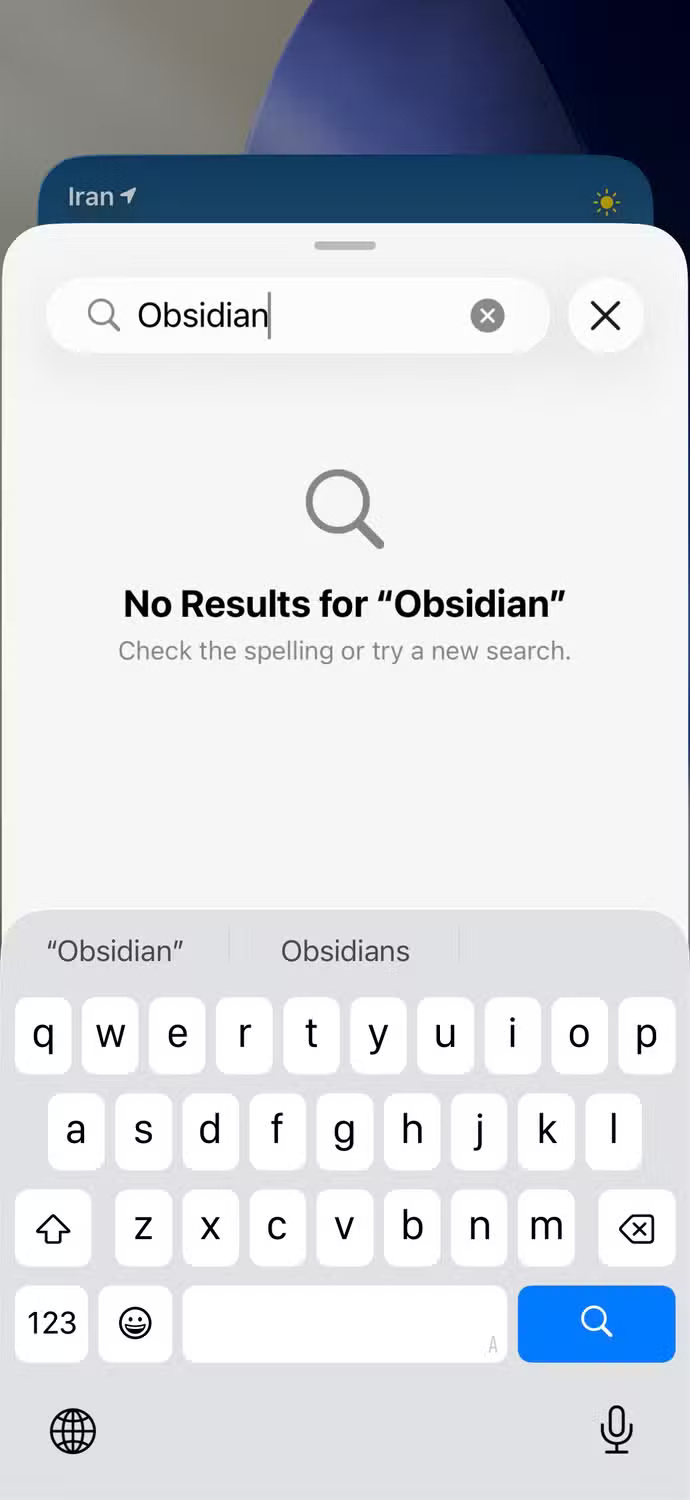
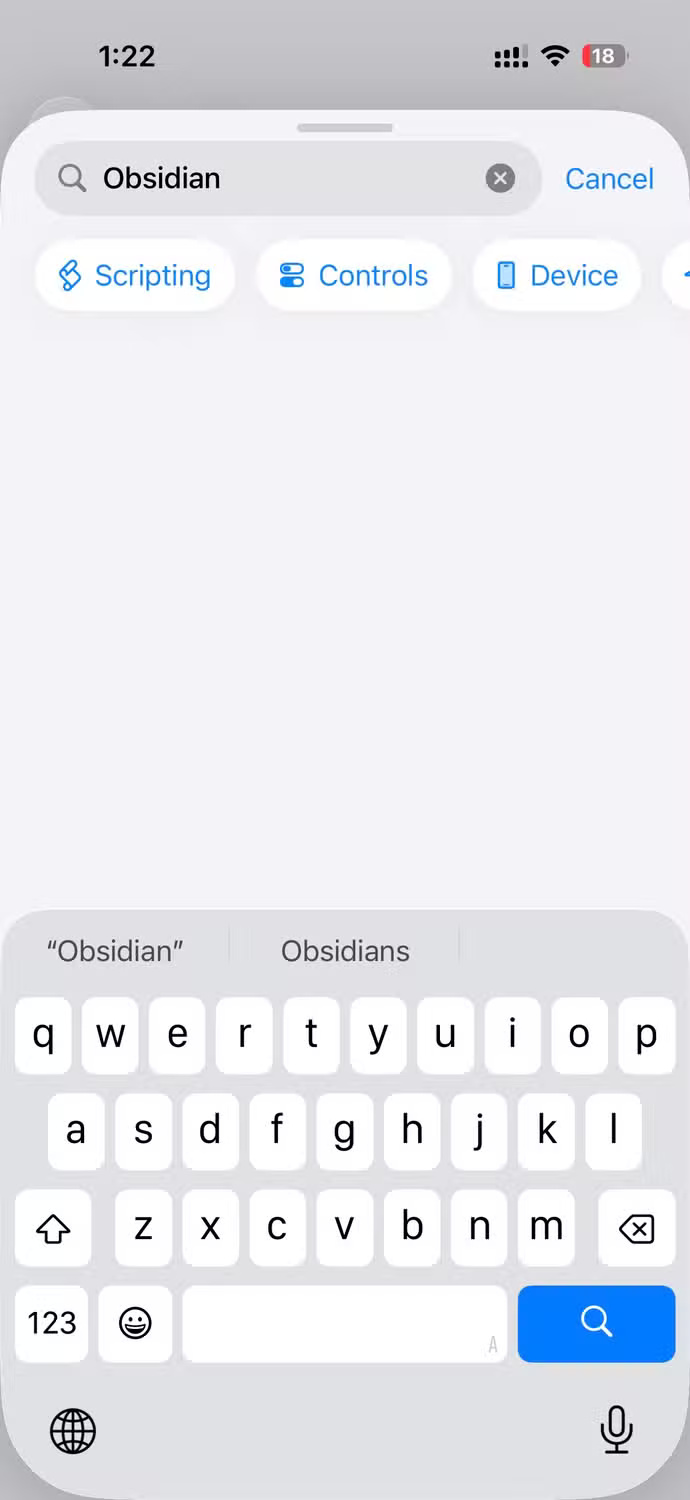
Many people have recently discovered that Back Tap, hidden in Settings on the iPhone, is a gem that Apple never advertises. Back Tap is only useful when you link to that shortcut. When you browse Apple's library, you find the Quick Note action for Apple Notes that works perfectly, and wonder, can I customize Obsidian in a similar way?
Short answer: Not directly. Obsidian doesn't appear in the Shortcuts app, so there's no built-in "Create New Note" action. But the story doesn't end there.
Magic file system
Obsidian lacks fancy widgets and shortcut hooks, but it has something better: A transparent file hierarchy. Each note is a plain text.md file, and each folder is an actual directory.
That means you don't need Obsidian's UI to add notes — just create a new Markdown file in the right place. Combine that with Obsidian's vibrant community, and someone has created exactly what you need. Find a community-made shortcut, install it, and it should work perfectly.
- Download Obsidian Quick Note (Apple Shortcut)
Inside the Obsidian shortcut
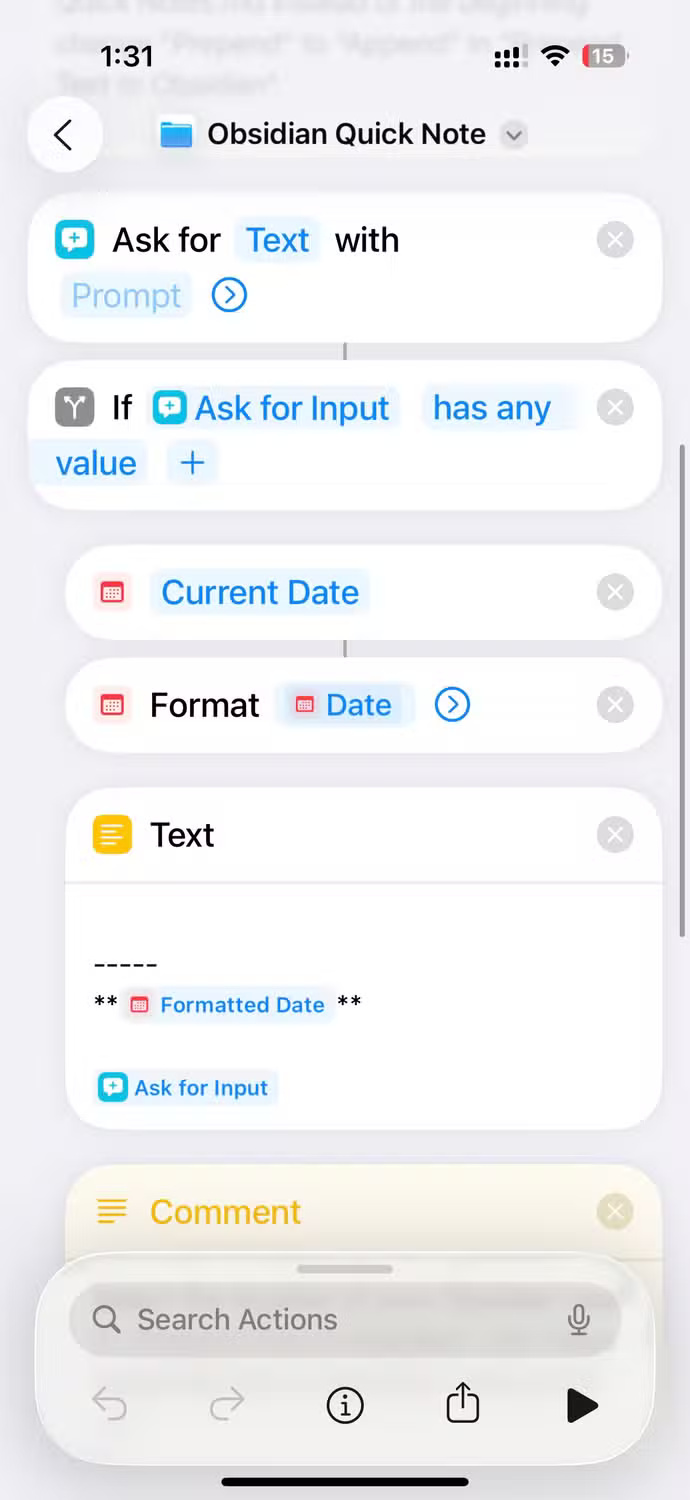
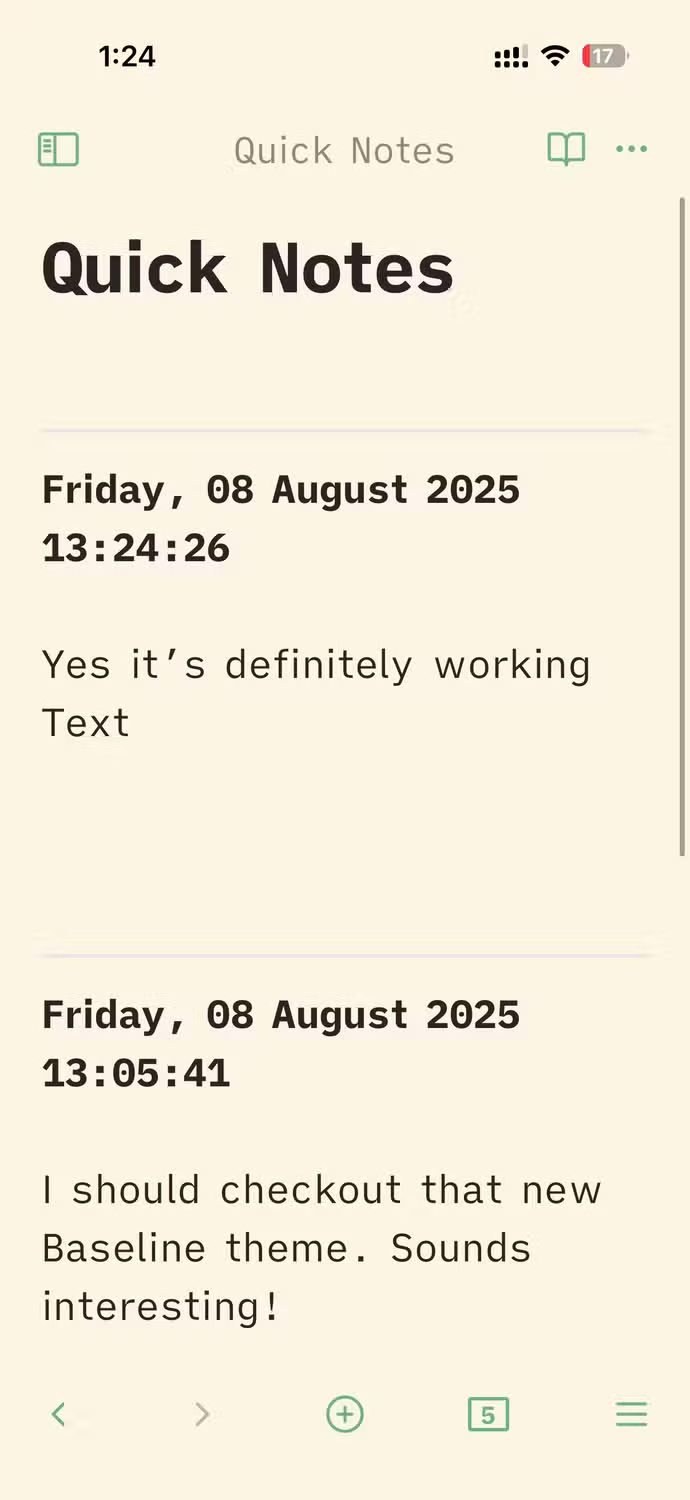
The shortcut you downloaded is surprisingly simple. It prompts you to enter text, adds a date and time stamp, and then adds the entire string to Quick Notes.md in your repository. If the file doesn't exist, it will be created on the spot.

In the background, it will read the old file, add your new entry to the beginning, and then write everything back. You just need to point the shortcut to the archive folder once and you're done.
What people love most about this feature is that it's unobtrusive. No need to launch an app or switch windows. A small pop-up window appears, you type your note, hit Done , and you're right back where you started.
Note : Luckily, the shortcut creator added clear, direct comments to the line. So you can discover how it works just by opening it.
Launch shortcut
You can choose how to launch it. You can connect it to Siri and just say "Hey Siri, Obsidian quick note", read your thoughts, then Siri will transcribe it and put it straight into your archive for hands-free recording.
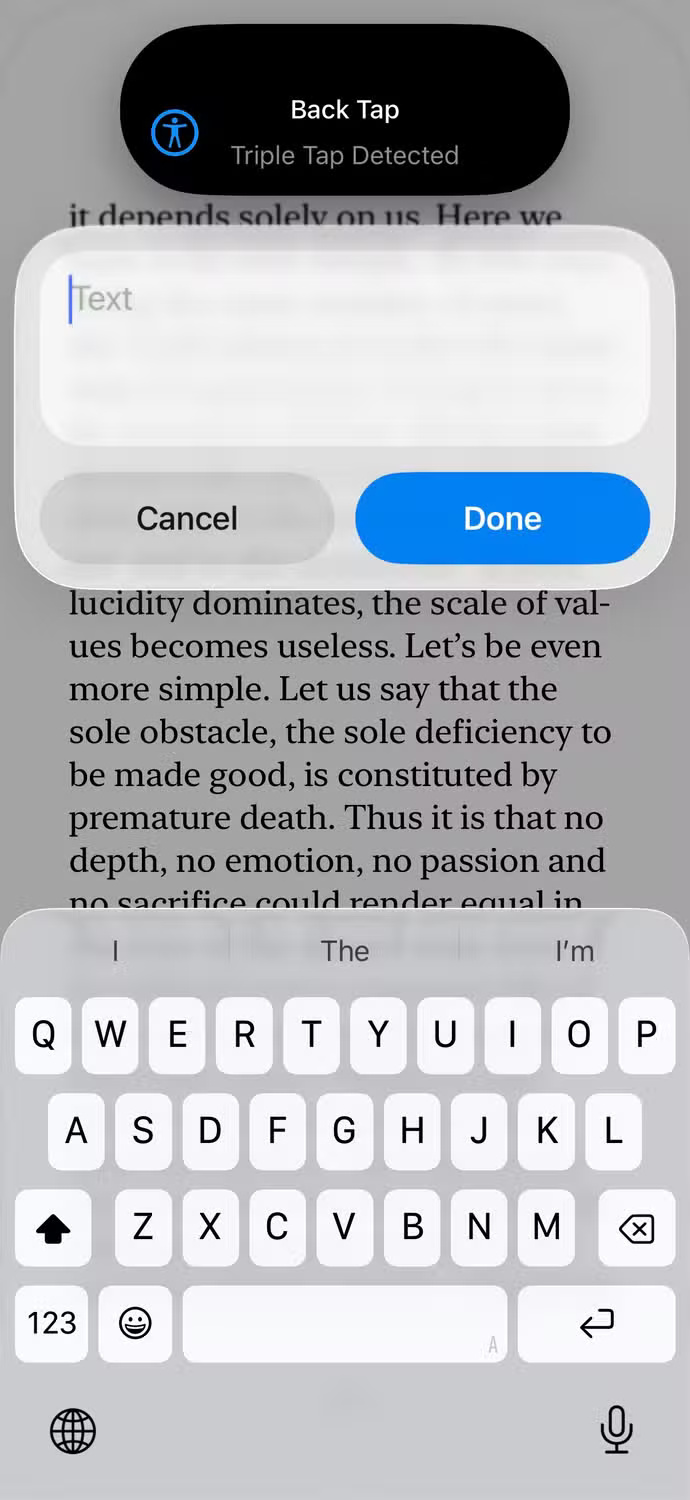

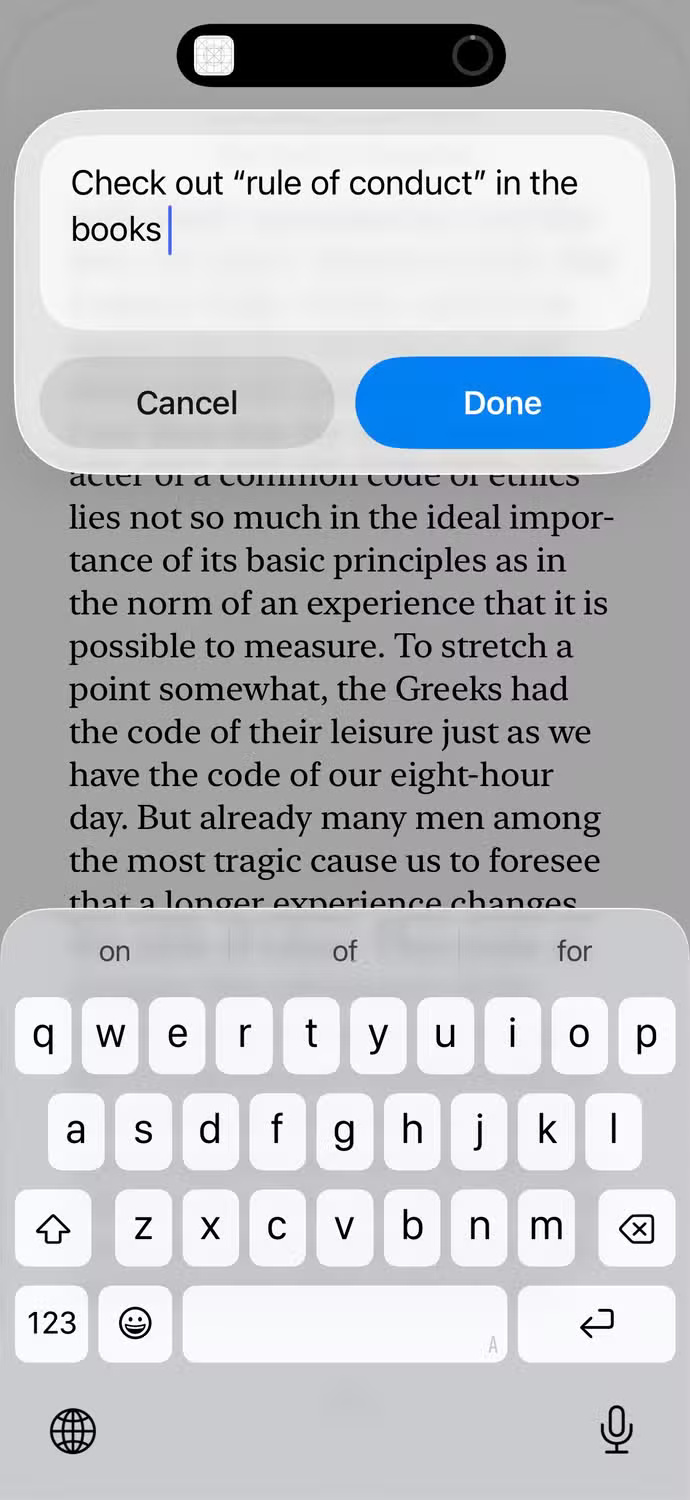
When you want to jot down an idea while you're on your phone, you don't want to summon Siri, wait for it to wake up, or mumble it in public. So map it to a triple-tap Back Tap gesture: Quickly tap three times to bring up a little pop-up, type your note, tap Done , and you're right back where you started. With Obsidian Sync, you can access that note across all your devices. Perfect!
First run will ask for folder access - give "Always Allow" permission so it never asks again.
Since this shortcut just writes text to a Markdown file — rather than calling any proprietary Obsidian functions — you're not limited to iPhones. The same file-adding logic works on Android, macOS, Windows, Linux, or any platform that supports shortcuts or scripts. Just adjust the steps in your favorite automation tool to add the text to Quick Notes.md in your repository.
The archive won't automatically organize itself, but by breaking down the barrier between spark and capture, these raw entries will seed real projects. One day, those quick notes will blossom into full folders, and no more ideas will slip through the cracks.
Final Thoughts
Following the steps in order and checking version-specific settings should make it easier to Create a Simple Shortcut for Obsidian on Your Phone. If an option looks different, verify the device, app, or operating-system version before changing additional settings.
FAQ
What is the best way to Create a Simple Shortcut for Obsidian on Your Phone?
Start with the requirements described in the article and follow the steps in order. Obsidian is a second brain for many people - but until recently, jotting down quick ideas on your mobile phone was a pain. A secret shortcut has turned a tap into an instant note, so now every random idea is saved to Obsidian without missing a beat.
What should you know about Obsidian has problems with quick notes?
People love their Obsidian archives — it's where they journal, store book excerpts, and keep track of all their side projects. I run a minimalist writing setup on my personal Obsidian archive and love it, but also wish I used it more.
What should you do if the instructions do not match your screen?
Check the device, software version, account permissions, and regional settings. Interfaces can change after updates, so use the closest matching option and consult the official support documentation when necessary.
Related Articles
 What Is Obsidian Note-Taking? Obsidian User Manual6 minutes read
 How to Use Obsidian with Local AI to Visualize Things9 minutes read
 Why Should You Stop Switching Note-taking Apps to Obsidian?6 minutes read
 7 Best Obsidian Plugins for Mobile: Complete Guide6 minutes read
 How to Combine Claude Code with Obsidian CLI8 minutes read
 How to Keep Your Notes in Perfect Sync Everywhere Without Spending8 minutes read
Reader Comments 0
Sign in with email or Google to join the discussion.