Table of Contents
Linux is often seen as customizable and user-controlled, while Windows is seen as rigid and too generic.
When people first started using Linux, they had to go through many trial and error, and it took them years to learn how to avoid some of the mistakes. However, after years of using the platform, they developed some habits that also influenced the way they used Windows. It is interesting to see how different Windows was before they started using Linux.
The new habits that have been adopted for Windows make you much more efficient and productive when using this operating system. Linux is often considered customizable and user-controlled, while Windows is considered rigid and too generic. But now those prejudices have been overcome, and some elements of both operating systems can work perfectly together.
Think of the system as a toolkit!
Your computer is yours, not Microsoft's
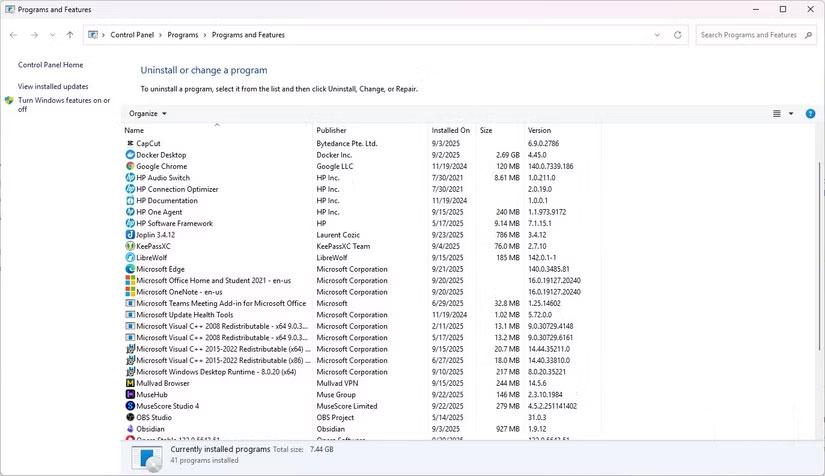
One lesson you learn from your early days with Linux is that every system should be a tailored, streamlined set of tools. For example, when installing Fedora, switch the default file manager (GNOME Files, aka Nautilus) to Nemo, the default file manager for the Cinnamon desktop. It offers a dual-pane view, built-in terminal integration, and more extensive customization options. This is more for those who come to Linux with the idea that their system is meant to be customized, so changing and customizing components seems second nature.
Before exploring Linux, of course, uninstall and install the applications that are right for you, but that is not the default way to think about the operating system. Many people did not start a new Windows installation thinking that everything had to be tailored to them, only making these changes after specific needs arose. But now, starting by changing, removing, and adding as appropriate has become the default. Now that every Windows installation feels, at least to some extent, like a toolkit, you can stop thinking of it as Microsoft's system and start thinking of it as your own.
Powerful automation
Even with small tasks
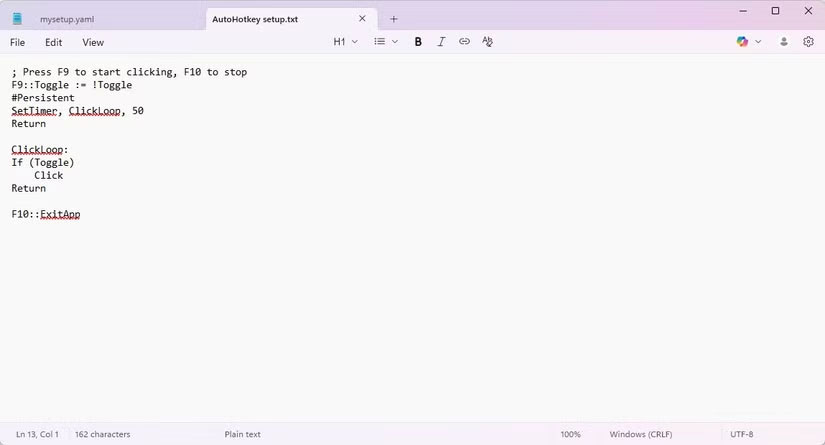
Many people spend more time in the Linux Terminal than they do in the Windows Terminal, and it makes them extremely attentive to repetitive actions. On Linux, instead of manually renaming dozens of downloaded files, they prefer to use scripts to do it. Although automating some tasks on Windows is completely possible and quite simple, they have never thought about it.
Windows' polished GUI makes it easy to manually perform tasks that could be more efficiently automated. It was only recently, while writing a small PowerShell script to batch rename files in seconds, that they realized they had brought over a habit from Linux.
Linux encourages you to prioritize terminal efficiency over GUI clicking, but as soon as you adopt the same philosophy on Windows, everything becomes faster and more efficient.
Keep the system transparent
Stay on top of what's going on
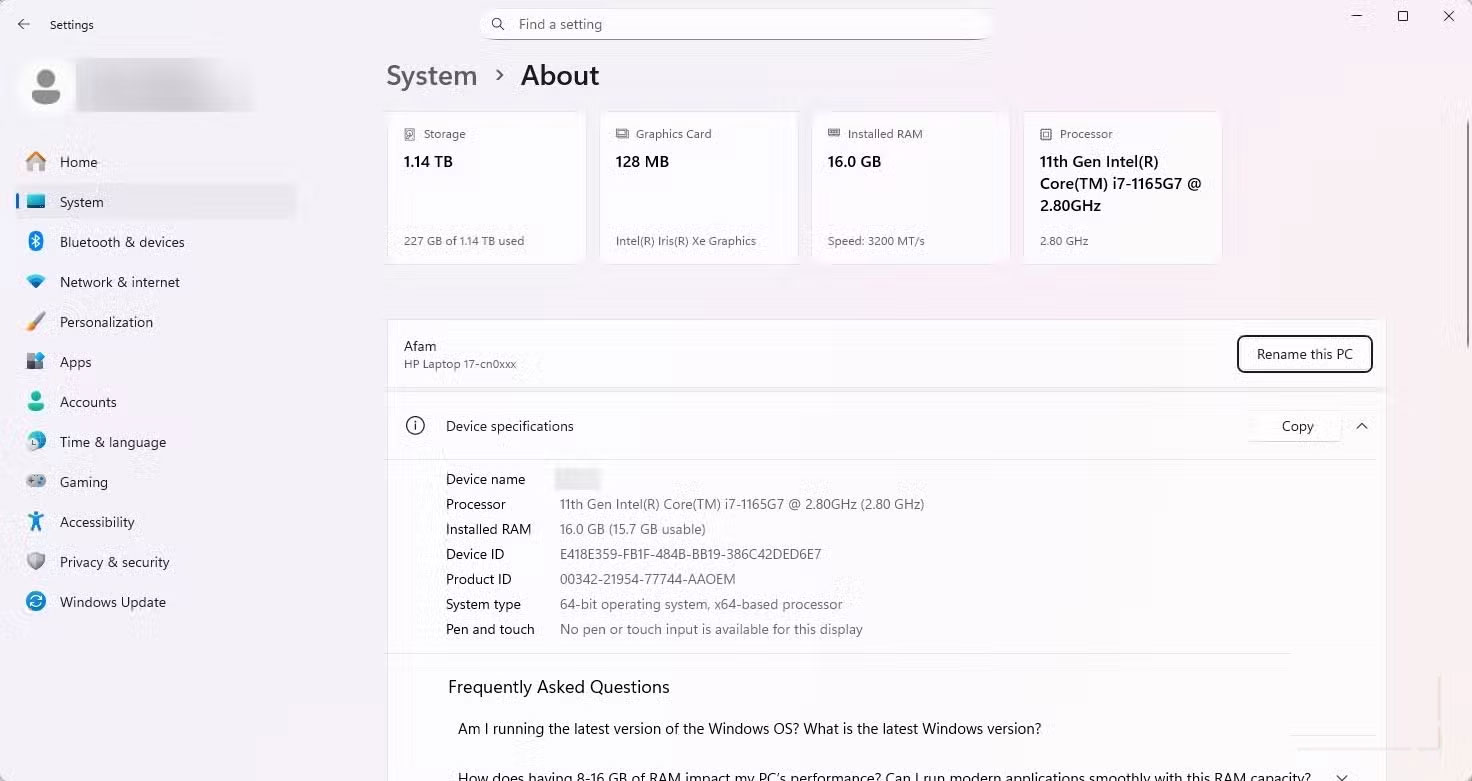
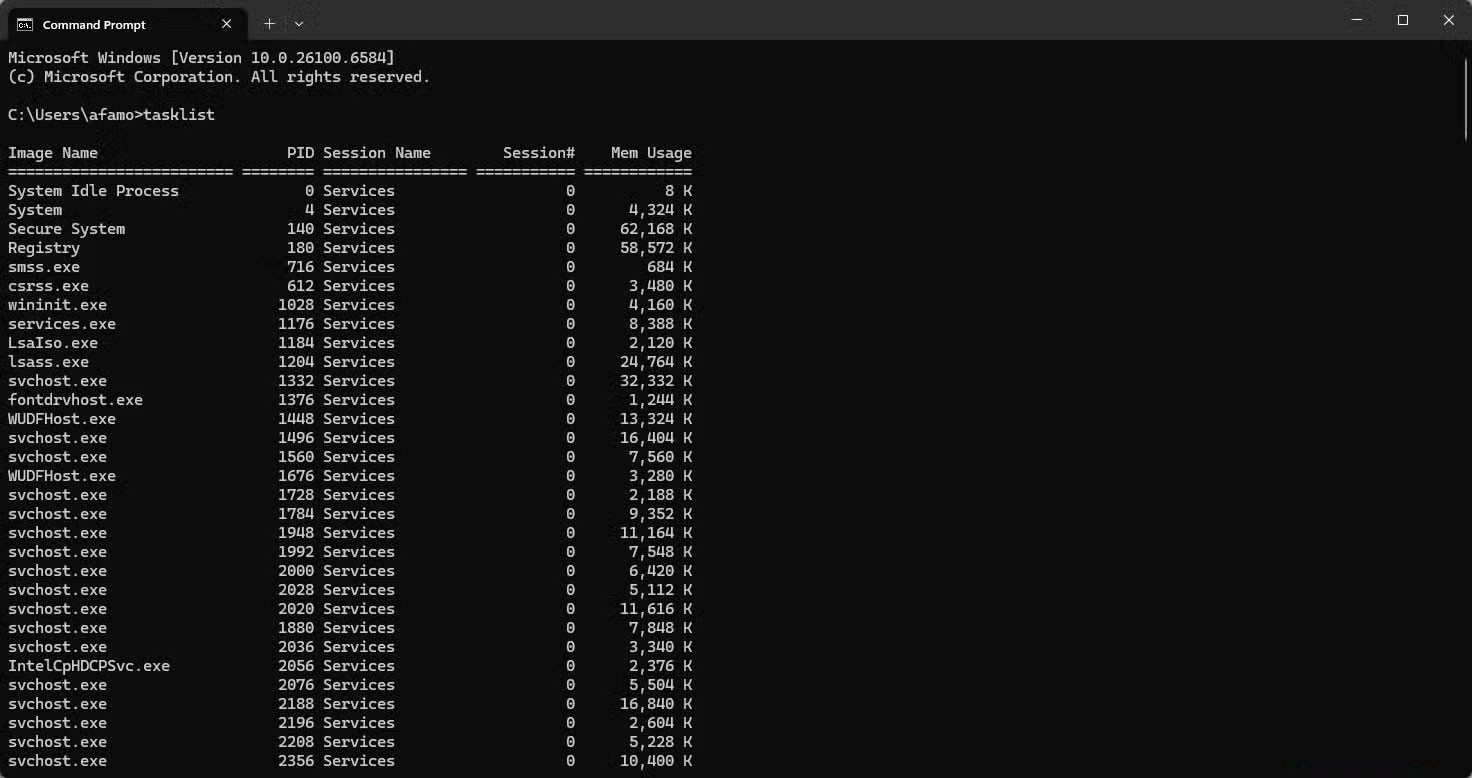
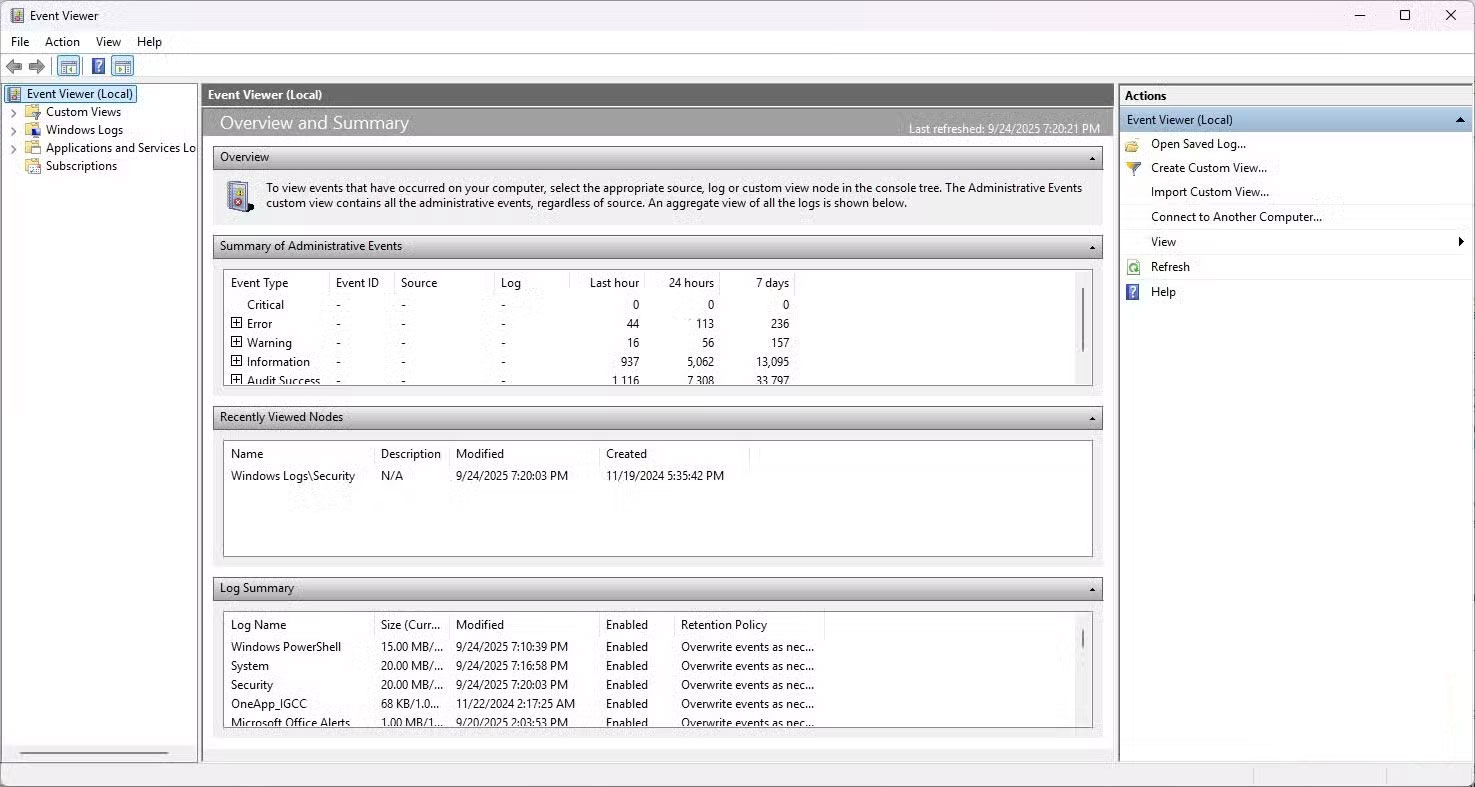
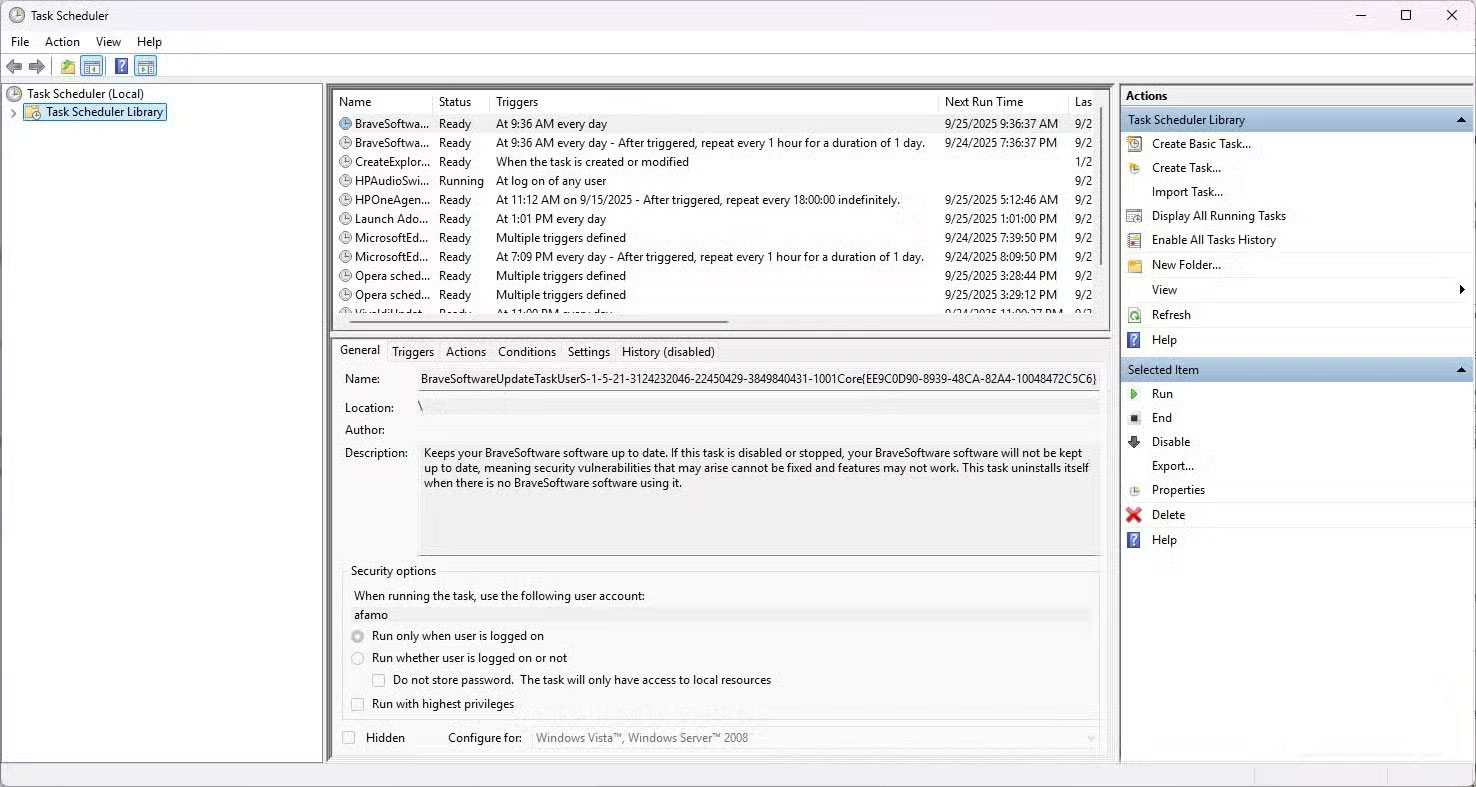
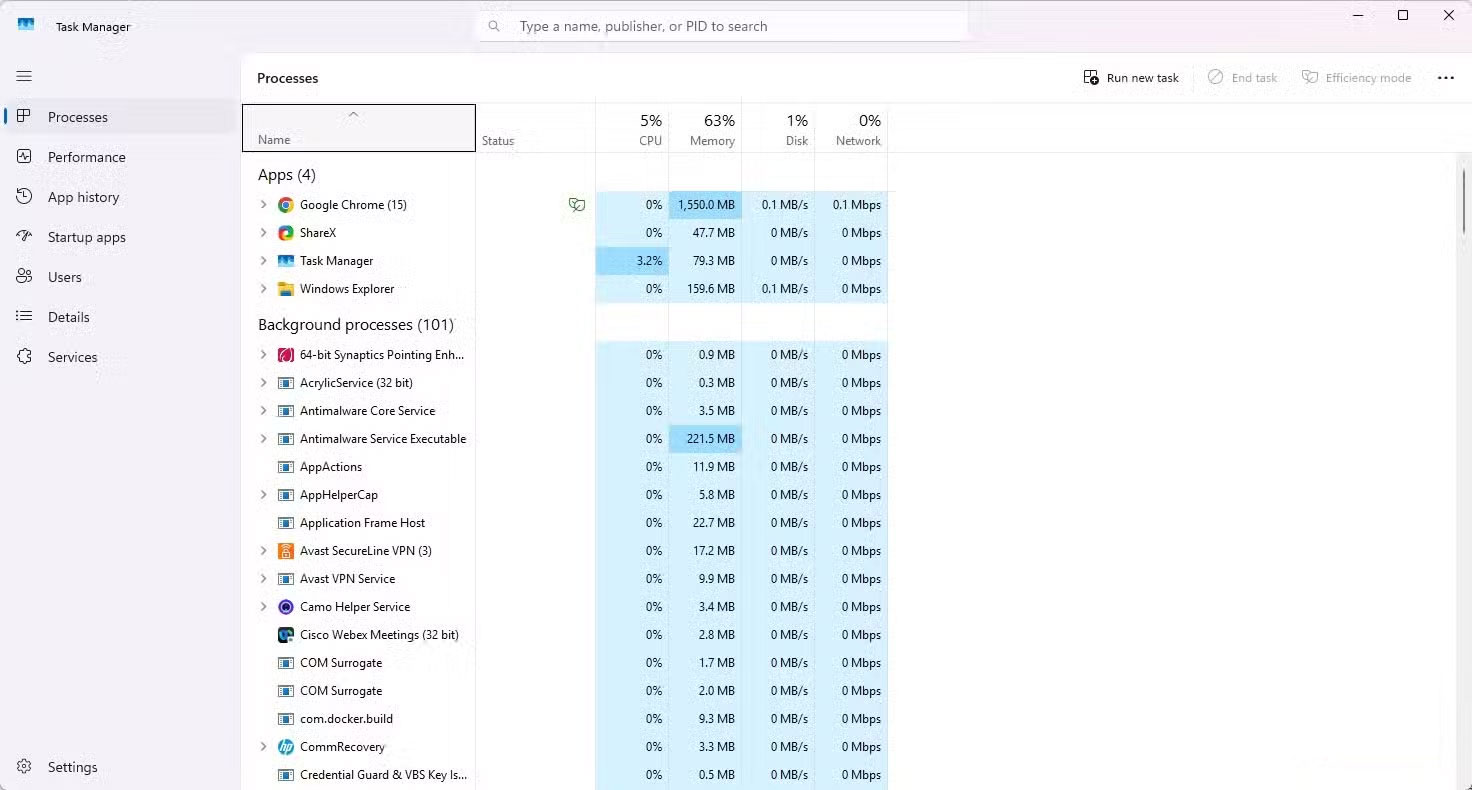
On Linux, people often monitor logs and system performance through the terminal, so they always know what processes and services are running. This is a habit that should be transferred to Windows. Stop assuming that the operating system is handling everything optimally and start being more proactive and responsible.
Nowadays, people prefer using Process Explorer over just relying on Task Manager as it shows detailed process tree, CPU and memory usage, handles and threads.
Prioritize lightweight and minimalist solutions
Avoid heavy applications
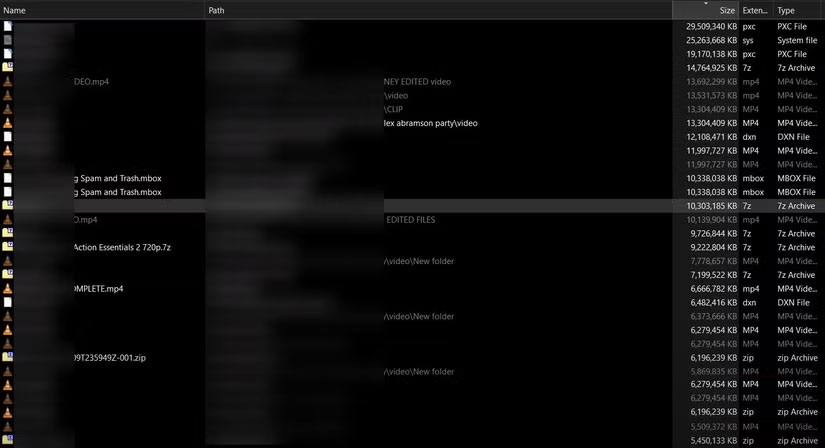
On Linux, people often choose an application that does a particular task best. One reason is that Linux is an experimental operating system, and many people don't want to spend many money on a new Linux computer when they're first starting out. People often install Linux on an older computer, which often means slow performance and the inability to install bloated applications. As a result, specialized applications are better than all-in-one solutions.
But the original resource optimization habit has long since become the default behavior for many people. Now, speed is no longer the issue, but minimizing distraction is. So even when using Windows, people are constantly moving from all-in-one solutions to apps that do one main function best.
FAQ
What should you know about habits learned from linux for better Windows setup?
In practical terms, linux is often seen as customizable and user-controlled, while Windows is seen as rigid and too generic.
Why does habits learned from linux for better Windows setup matter?
The article highlights that linux is often considered customizable and user-controlled, while Windows is considered rigid and too generic.
What is the main takeaway?
The main takeaway is that powerful automation Even with small tasks Many people spend more time in the Linux Terminal than they do in the Windows Terminal, and it makes them extremely attentive to repetitive actions.
Related Articles
 How to Set Up a Printer in Linux12 minutes read
 5 Ways to Use Linux to Improve Your Windows Experience7 minutes read
 How to Create Dual Boot Linux and Windows 10 on Linux8 minutes read
 How to Set Up a Windows Virtual Machine in Linux8 minutes read
 How to Set Up Your Own Git Server on Linux8 minutes read
 How to Set up Wordpress for Local Development in Linux7 minutes read
Reader Comments 0
Sign in with email or Google to join the discussion.