Table of Contents
Gaming on Linux is practical for many PC titles, but compatibility should guide the move. Check the games you actually play, including multiplayer and anti-cheat requirements, before replacing Windows. A dual-boot setup can keep a Windows fallback while you test Linux.
Choose a distribution that fits your hardware
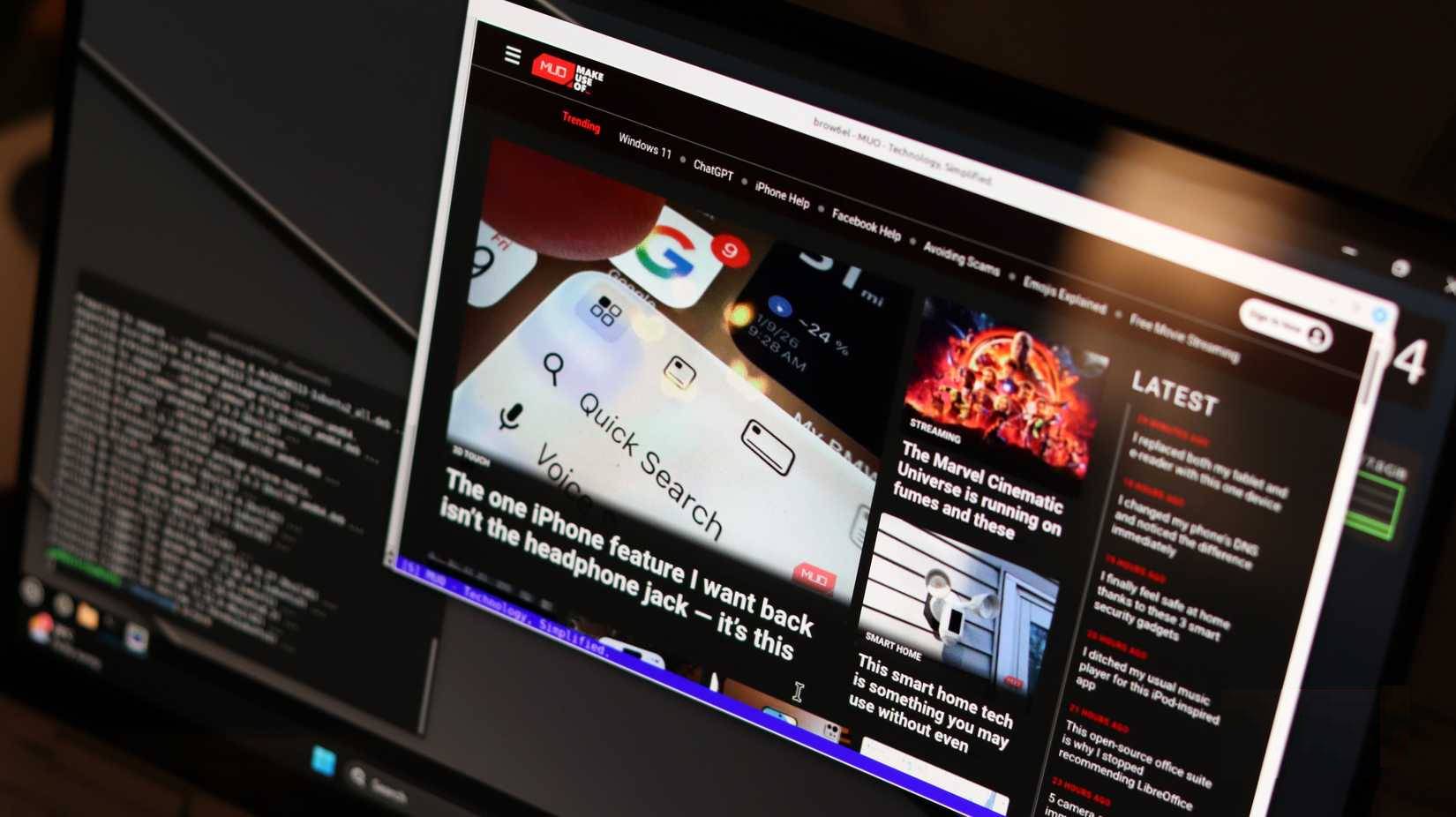
A gaming-focused distribution such as Bazzite can reduce some setup work, but Ubuntu, Fedora, and other supported distributions can also run games. Bazzite offers KDE Plasma and GNOME desktop choices; it is not exclusively a GNOME system. Follow its hardware selector and installation documentation for the correct image.
Confirm graphics-driver support, storage requirements, controllers, and essential peripherals. A live session is useful for basic hardware checks, but it should not be treated as a benchmark of installed gaming performance. Back up important files before installation or partition changes.
Start with a small, representative game library
- Install Steam through a supported method for your distribution.
- Check whether a game has a native Linux version or uses Steam's Proton compatibility layer for its Windows version.
- Use Steam's Compatibility settings when you need to select or enable a supported Proton version. Start with the standard version before trying experimental alternatives.
- Test gameplay, controller input, saves, audio, and multiplayer, not just whether the game launches.
- Keep the distribution and graphics stack updated through their supported tools.
A Proton version that helps one game may not help another. Read current reports for the exact game and compare the result on your own hardware. Do not assume a fixed percentage performance advantage over Windows.
Check multiplayer and anti-cheat support separately
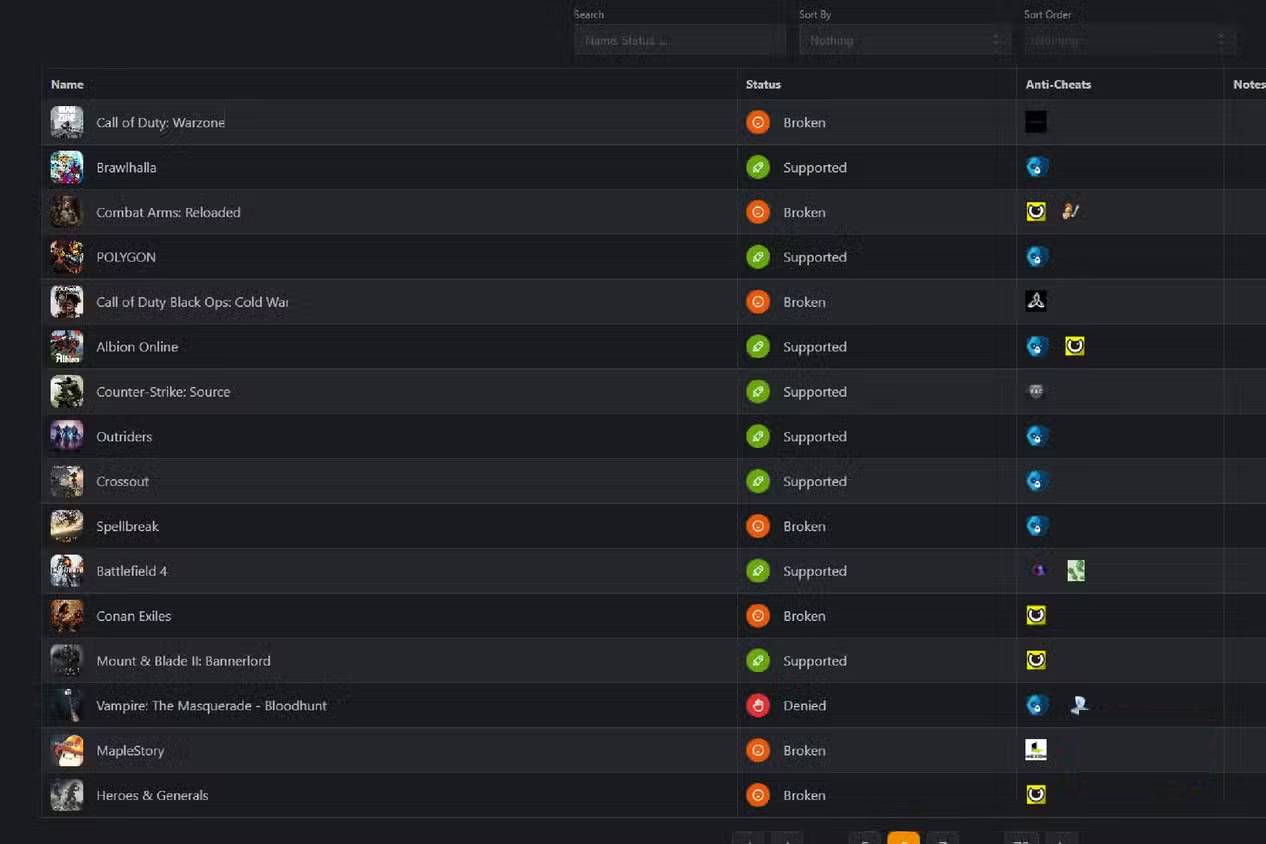
Linux does not lack multiplayer as a category. The limitation is title-specific, and anti-cheat or launcher support can be decisive. Valve documents support for some anti-cheat systems through Proton, but developers must enable and support the relevant integration. See Valve's Proton documentation.
Do not try to bypass a game's anti-cheat restrictions. Keep Windows for titles that require it. The Linux and Windows dual-boot guide explains the broader approach; use your chosen distribution's current instructions for the actual disk setup.
Use cloud gaming only after checking the catalog
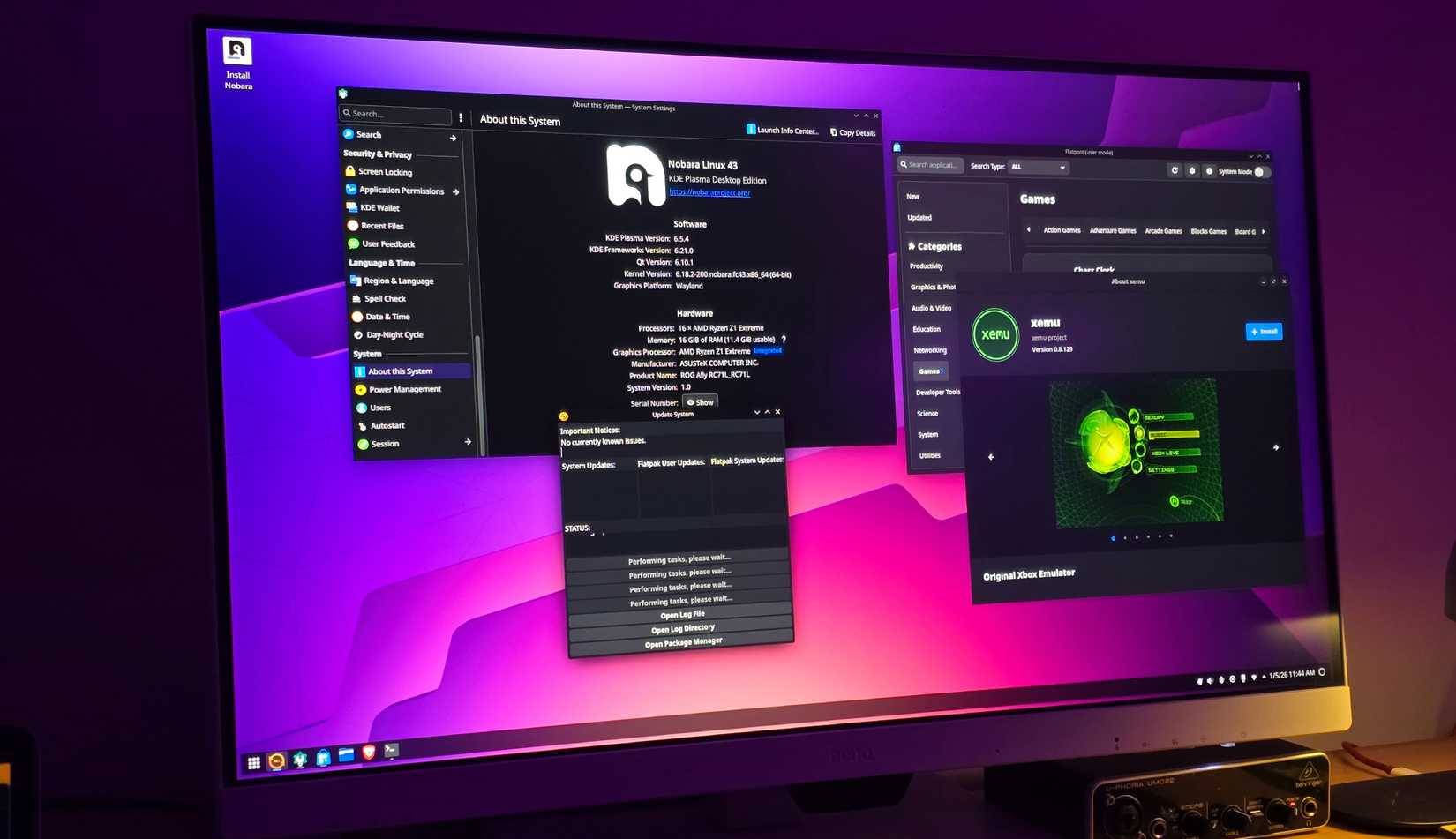
Services such as GeForce NOW may let you stream a supported game instead of running it locally. Check the exact title, store edition, regional availability, client requirements, and subscription limits. Owning a game does not mean every cloud service can stream it.
Cloud gaming also depends on connection quality and latency, and may involve queues or session limits. Try it with your normal connection before treating it as a replacement for a local Windows installation.
For the installation decisions involved, see how to prepare for a new operating system. Use the chosen distribution’s current instructions and verify the selected destination drive before making changes.
Related Articles
 The Most Attractive Free Games on Linux15 minutes read
 How to Install and Play GOG Game on Linux: Complete Guide11 minutes read
 5 Ways to Make Linux Desktops Look Great8 minutes read
 Linux on the Desktop: Still Not Booming Despite Continuous Wins6 minutes read
 5 Major Developments in Linux Desktop in 20228 minutes read
 10 Tips to Increase FPS When Playing Games11 minutes read
Reader Comments 0
Sign in with email or Google to join the discussion.