Table of Contents
When setting up a new Windows computer, many people choose a local account to ensure privacy. But once they start using the computer, vulnerabilities begin to appear.
When setting up a new Windows computer, many people choose a local account for privacy. The idea is simple: No Microsoft account tracking and full control over the device. But as they start using the computer, vulnerabilities start to appear, and they realize how different a local account is from a Microsoft account.
Features you take for granted, like Copilot, cloud backup, and automatic settings syncing, are suddenly gone. Even using your favorite Microsoft apps becomes unnecessarily complicated. The initial sense of freedom slowly turns into a series of small annoyances that eventually force you back into using a Microsoft account.
Limited access to Microsoft apps and AI-powered features
Your favorite apps won't work unless you're logged in.
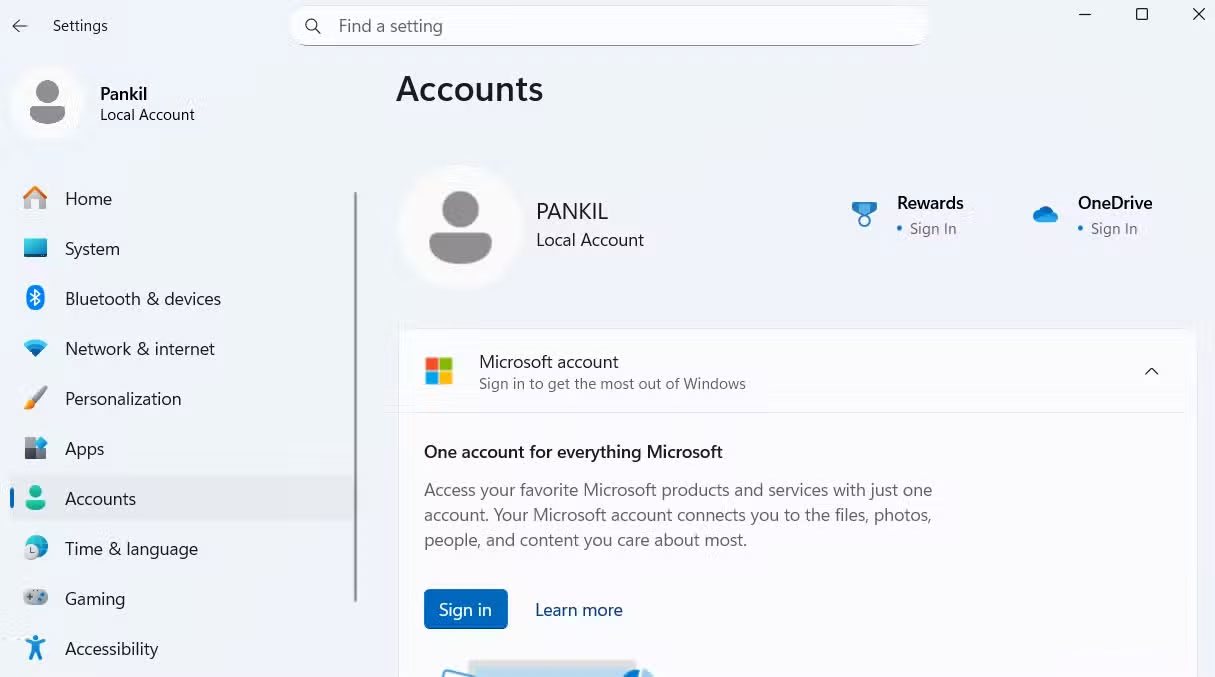
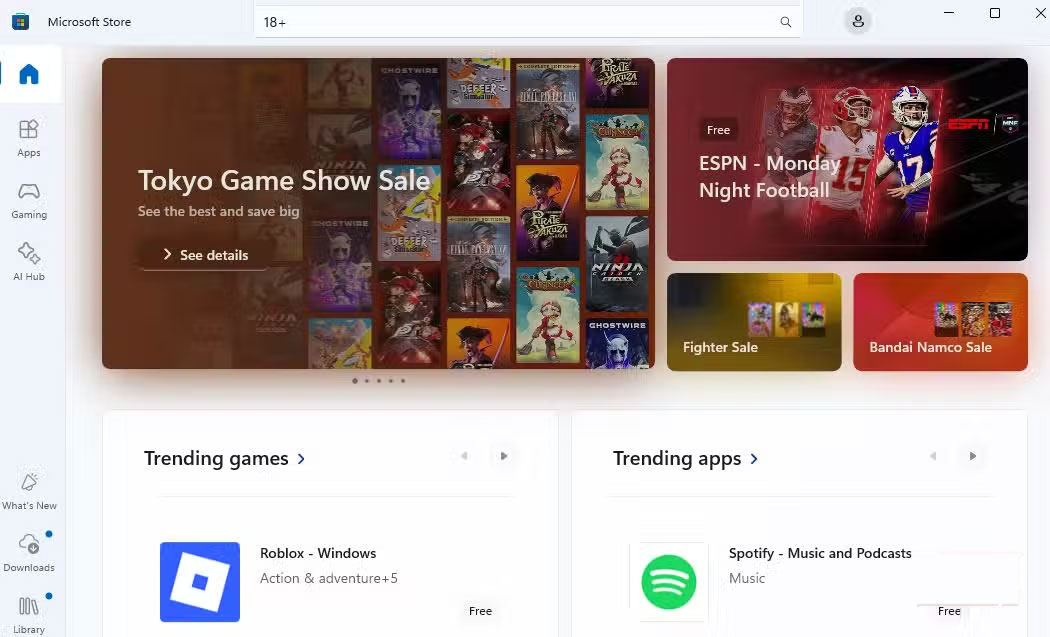
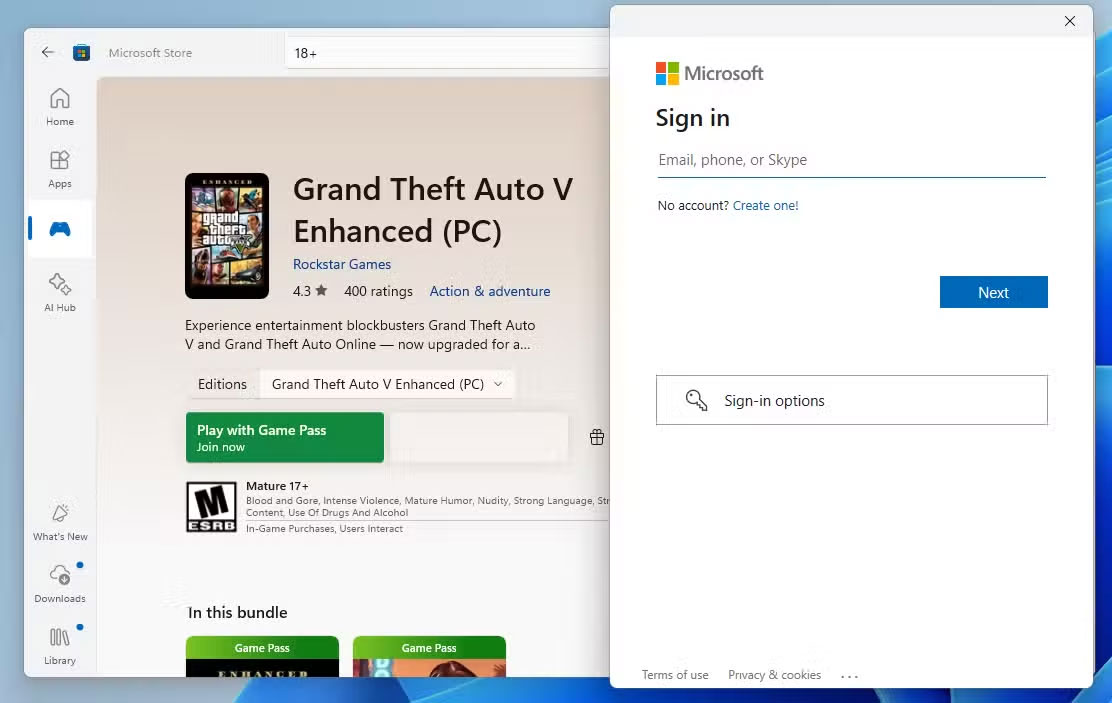
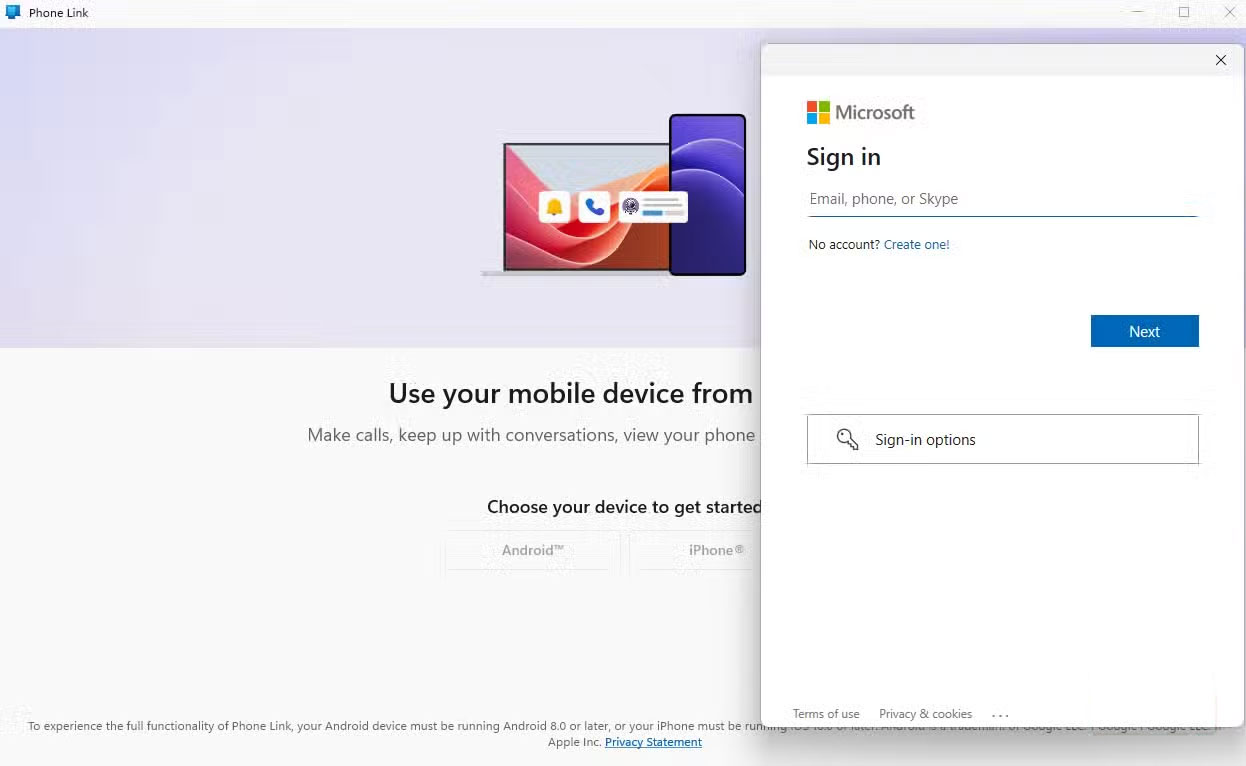
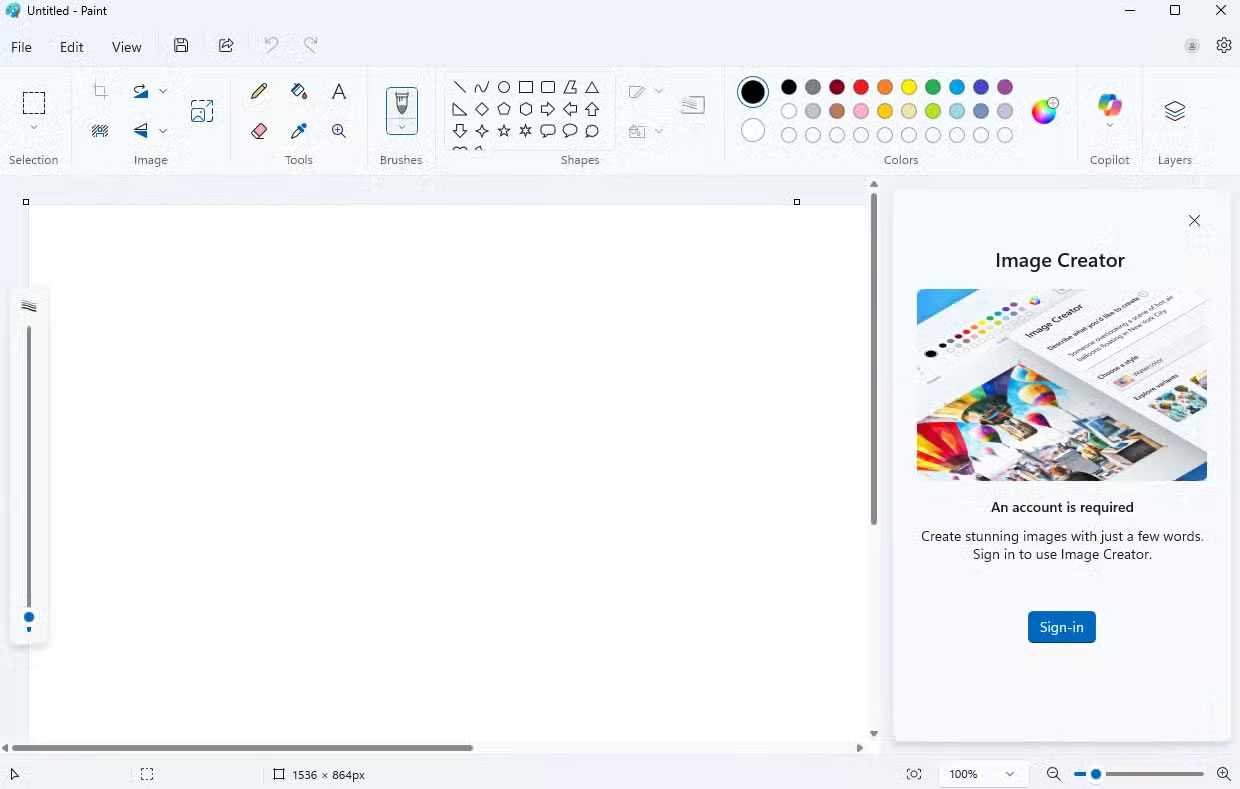
One of the first things you'll notice after switching to a local account is how limited the Microsoft Store suddenly becomes. Without signing in to a Microsoft account, you can't just hit the download button on any app or game and have it install seamlessly.
Apps and games with mature or region-restricted content require your Microsoft account to verify your age or location. Additionally, if you want to purchase a paid app or game, you'll need to sign in, which makes sense for billing and licensing reasons.
Likewise, if you use built-in Microsoft apps like Phone Link, Clipchamp, or the Office suite, you need a Microsoft account.
Unable to sync data between devices or use passkey
Say goodbye to seamless setup and easy login
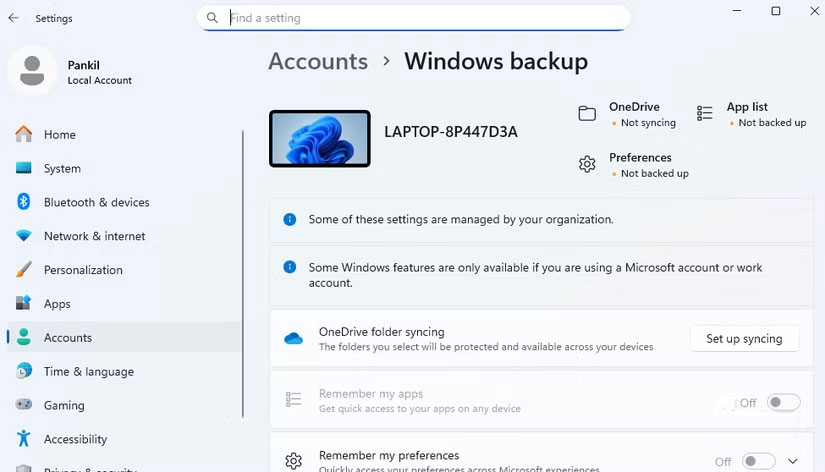
Another big trade-off with using a local account is losing the seamless syncing you often take for granted. When you sign in with a Microsoft account, your settings, themes, passwords, and even language preferences silently migrate from one Windows device to another. In practice, whenever you switch to a new computer, you just sign in and everything will be familiar, as if you never left your old machine.
With a local account, that convenience is gone. Since everything is stored locally on a single device, switching to another PC or even reinstalling Windows becomes a tedious reset. You have to manually copy settings, reinstall apps, and rebuild your workflow from scratch.
Find My Device and Windows Backup stopped working
When the safety net disappears, panic sets in
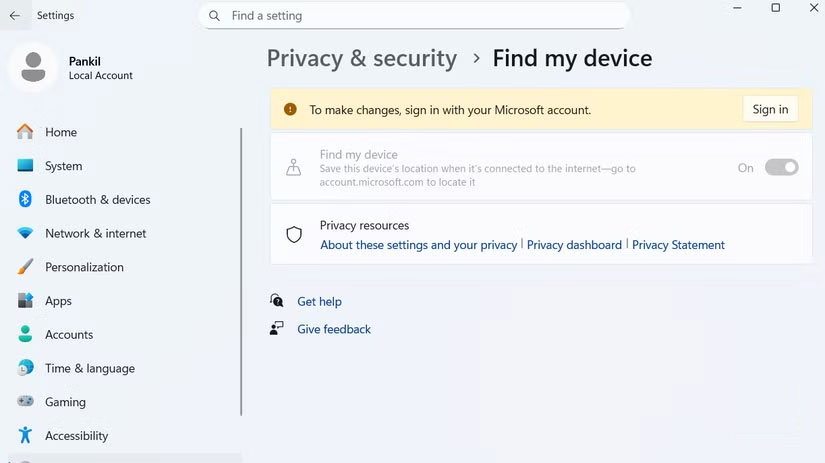
Switching to a local account also means losing access to some of Windows' safety nets. Features like Find My Device and Windows Backup depend on your Microsoft account to work, so switching to a local account will stop them from working.
Another headache when you lose your device is the risk of losing valuable data. With Windows Backup, you can save everything from your apps and settings to your login information. That way, even if your laptop is lost, you can still access your data, but only if you're signed in to your Microsoft account and have set up a backup first.
Fewer account recovery options
Forgot password and hope everything is ok
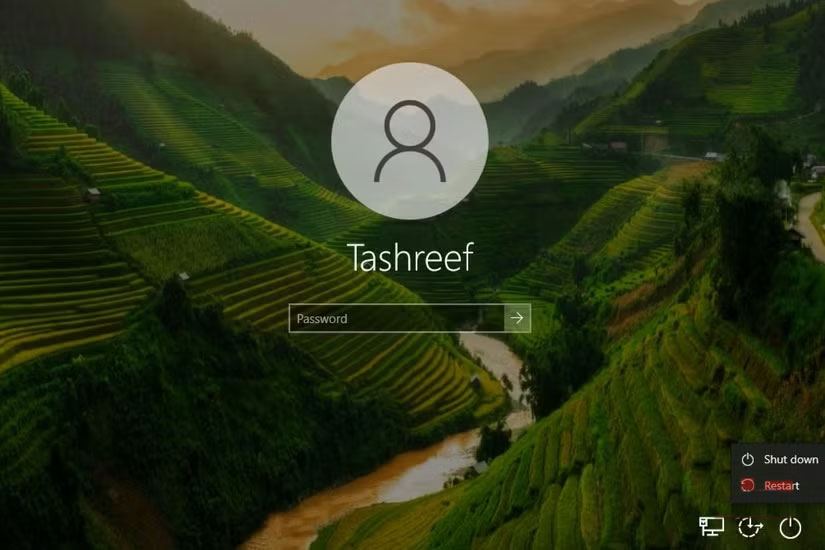
With a Microsoft account, forgetting your login PIN or password is usually just a minor inconvenience. You can easily reset it by signing in to your Microsoft account or receiving a verification code via phone or email.
In contrast, local accounts put all the responsibility on you. If you forget your password, you'll have to re-use the security questions you set up when you first created your account. If you don't remember these questions, regaining access is nearly impossible.
While this scenario is rare, if your computer stores important files and data without a backup, the risk is much higher. Losing access can mean losing everything from personal documents to work files, with no convenient way to recover them.
FAQ
What should you know about disadvantages of using a local Windows account?
In practical terms, when setting up a new Windows computer, many people choose a local account to ensure privacy. But once they start using the computer, vulnerabilities begin to appear.
Why does disadvantages of using a local Windows account matter?
The article highlights that find My Device and Windows Backup stopped working When the safety net disappears, panic sets in Switching to a local account also means losing access to some of Windows' safety nets.
What is the main takeaway?
The main takeaway is that features like Find My Device and Windows Backup depend on your Microsoft account to work, so switching to a local account will stop them from working.
Related Articles
 Steps on How to Create a Local User Account in Windows 108 minutes read
 Instructions to Transfer Microsoft Account to Local Account on5 minutes read
 How to Fix a Local Account Error Cannot Open Windows 105 minutes read
 How to Link a Local Account to a Microsoft Account Windows 112 minutes read
 How to Create a Local Account While Setting up Windows 104 minutes read
 Password: How to Create a New Local User Account in Windows 104 minutes read
Reader Comments 0
Sign in with email or Google to join the discussion.