Table of Contents
This guide organizes the entries in "7 Old Windows Apps You Need to Stop Using Right Now" and explains what each option, idea, or example offers. It also highlights practical details that matter when comparing the choices.
7. Windows Media Player Legacy
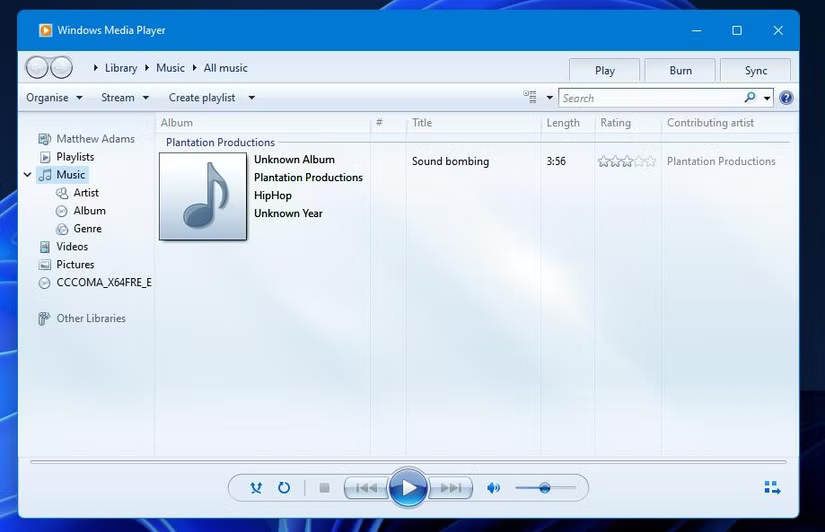
If you've been a Windows user since before Windows 11, you're probably familiar with Windows Media Player. It's been the go-to media experience for decades, with its iconic visuals, customizable interface, and disc burning capabilities. But now that it's been replaced by Media Player, the old version is known as Windows Media Player Legacy.
6. Sticky Notes
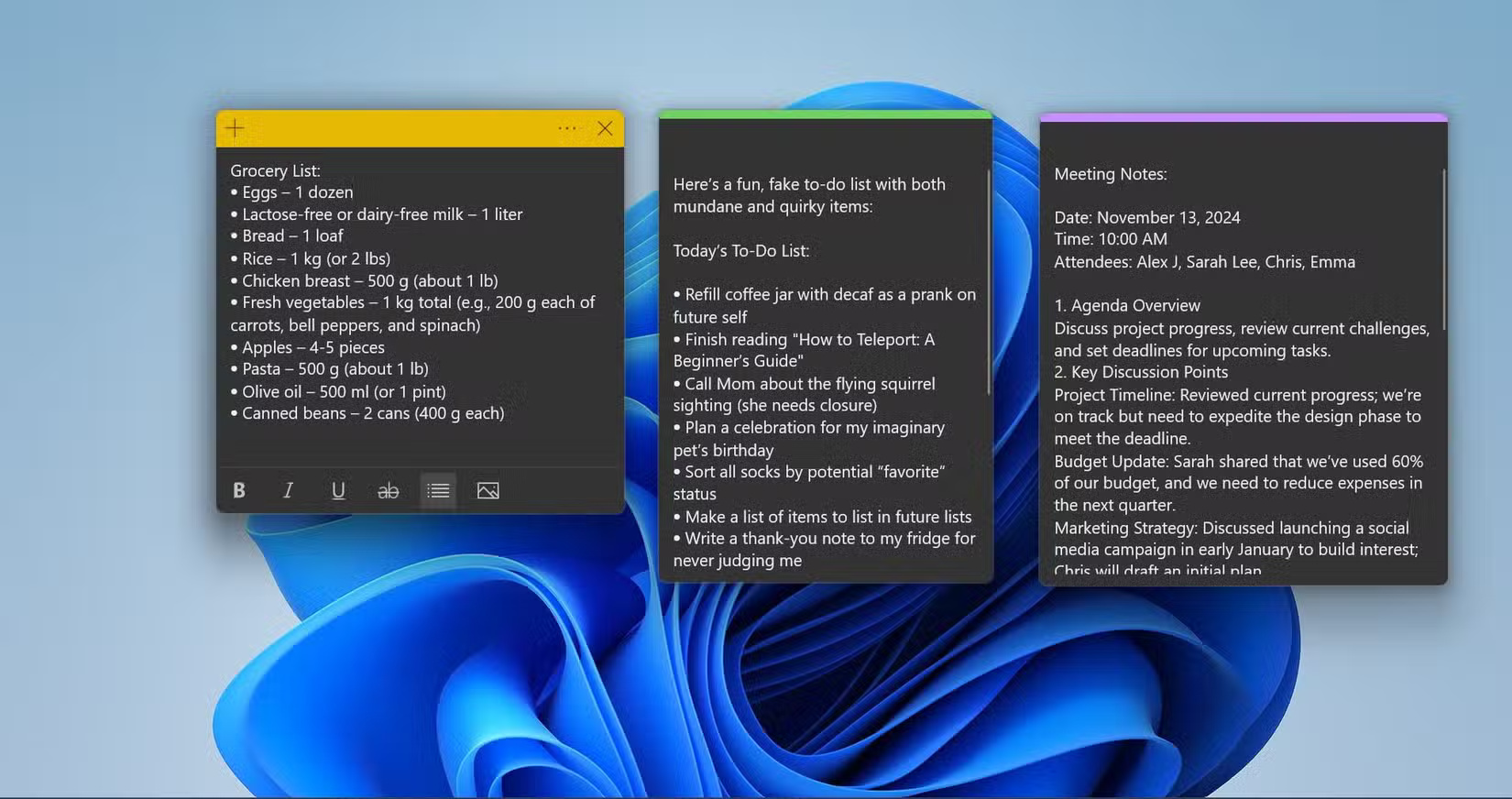
The original Sticky Notes was the ultimate productivity tool, offering a quick and easy way to jot down thoughts and reminders. The reason many of us loved it was because it offered a stress-free note-taking experience, and its design was reminiscent of physical sticky notes. It was an app that needed no improvement, but Microsoft has found a way to shake things up with the (new) Sticky Notes.
5. Control Panel
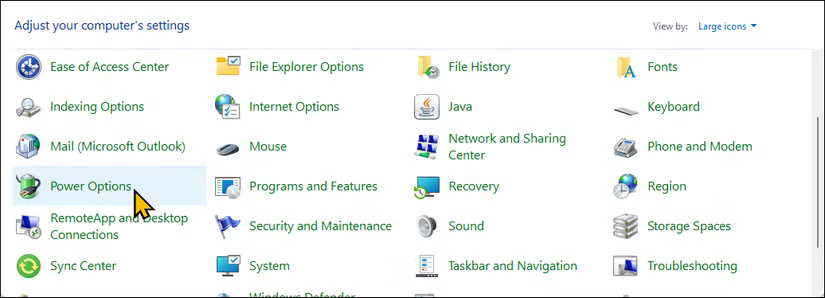
When was the last time you opened the Control Panel and used it for anything? Before Windows 8, it was a great way to tweak settings and options and customize Windows. But even then, it felt unintuitive and difficult to use (it was easy to get lost in the Control Panel), which is why it's nice to see that the Control Panel has largely been replaced by the more user-friendly Settings app.
4. Character Map
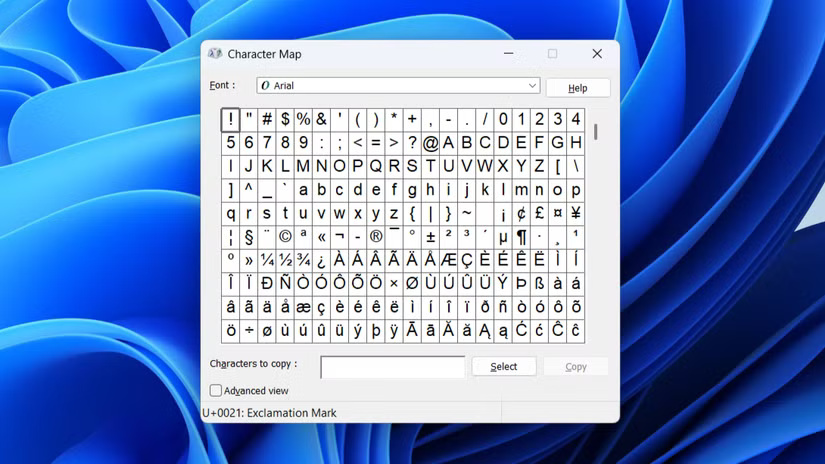
Character Map is an old Windows utility for inserting special characters, symbols, and letters into documents and applications. Just looking at the interface is enough to see how outdated it is. The modern way to access special characters on Windows is to use the emoji keyboard (Win + Period) or via the touch keyboard.
3. Disk Cleanup
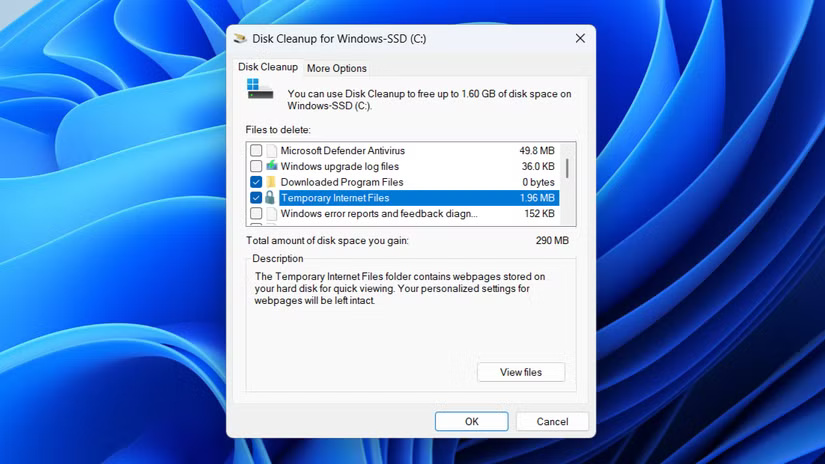
Disk Cleanup is a great way to free up disk space on Windows by deleting temporary files and other unnecessary items that accumulate over time. But now, this feature is obsolete thanks to Storage Sense.
2. Backup and Restore (Windows 7)
There's a reason this tool is called Backup and Restore (Windows 7) - it hasn't been updated since. It's in the Control Panel - another tool Microsoft wants to get rid of. Microsoft wants you to use modern backup methods like Windows Backup and File History.
1. Old troubleshooters
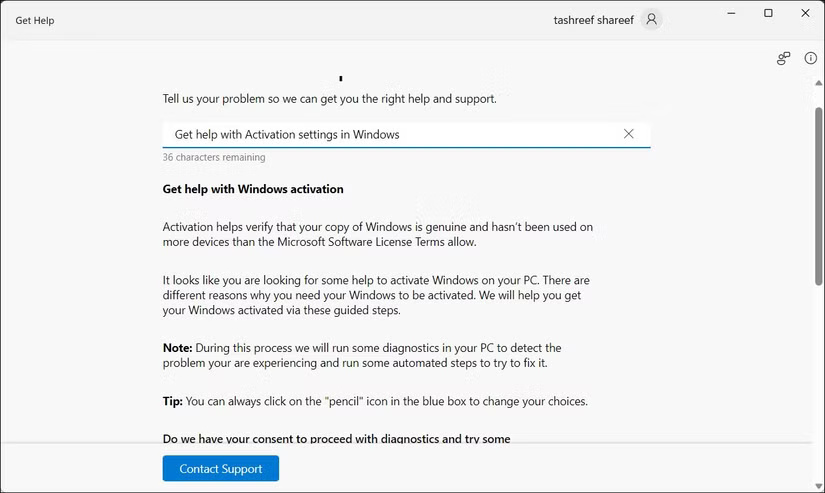
Windows has a lot of troubleshooters for problems with sound, video playback, Bluetooth, camera, etc. However, when you try to run them by going to Settings > System > Troubleshoot > Other troubleshooters . They will open the Get Help app. This gives you access to a variety of troubleshooting guides, as well as community support and a virtual assistant.
FAQ
What should you know about 7. Windows Media Player Legacy?
If you've been a Windows user since before Windows 11, you're probably familiar with Windows Media Player. It's been the go-to media experience for decades, with its iconic visuals, customizable interface, and disc burning capabilities. But now that it's been replaced by Media Player, the old version is known as Windows Media.
What should you know about 6. Sticky Notes?
The original Sticky Notes was the ultimate productivity tool, offering a quick and easy way to jot down thoughts and reminders. The reason many of us loved it was because it offered a stress-free note-taking experience, and its design was reminiscent of physical sticky notes. It was an app that needed no improvement, but.
What should you know about 5. Control Panel?
When was the last time you opened the Control Panel and used it for anything? Before Windows 8, it was a great way to tweak settings and options and customize Windows. But even then, it felt unintuitive and difficult to use (it was easy to get lost in the Control Panel), which is why it's nice to see that the Control Panel has.
What should you know about 4. Character Map?
Character Map is an old Windows utility for inserting special characters, symbols, and letters into documents and applications. Just looking at the interface is enough to see how outdated it is. The modern way to access special characters on Windows is to use the emoji keyboard (Win + Period) or via the touch keyboard.
Related Articles
 How to Stop Background Apps Running on Windows 105 minutes read
 Stop Installing These 8 Useless iPhone Apps!7 minutes read
 How to Fix STOP 0x00000004 in Windows4 minutes read
 Some Microsoft 365 Apps May Stop Working Completely If Users Don't4 minutes read
 Change These 6 Settings to Stop New Android Apps from Tracking You!7 minutes read
 11 Useful Windows Apps That Don't Come Pre - Installed7 minutes read
Reader Comments 0
Sign in with email or Google to join the discussion.