Table of Contents
This updated guide compares free note - taking apps that easily beat paid options and highlights the details that matter most. If you're spending money on a note-taking app, it is probably time to give up. These free alternatives aren't just "good enough," they're even better than the paid options.
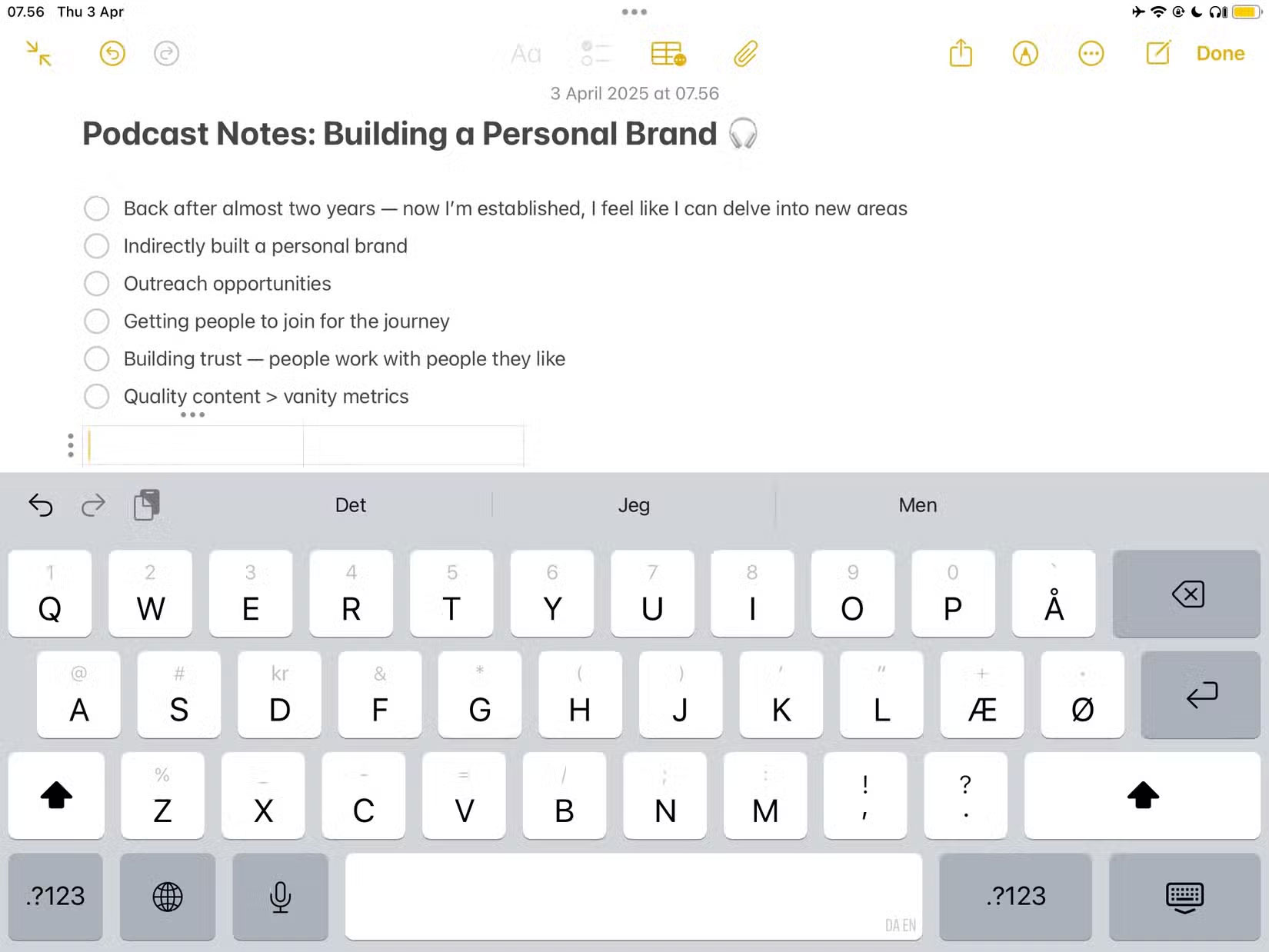
1. Apple Notes
Apple Notes is the best free note-taking app if you have an iPhone, iPad, or Mac. You can use it to journal, make shopping lists, and quickly jot down thoughts that pop into your head throughout the day. it is incredibly versatile and one of the best free Apple apps.
While Apple Notes used to feel clunky and outdated, the interface has improved significantly over the past decade (though it still lacks some key features). The search feature will find any note you need, meaning you do not have to worry about keeping everything organized. Plus, you can pin important notes that you want to access quickly later.
2. Google Keep
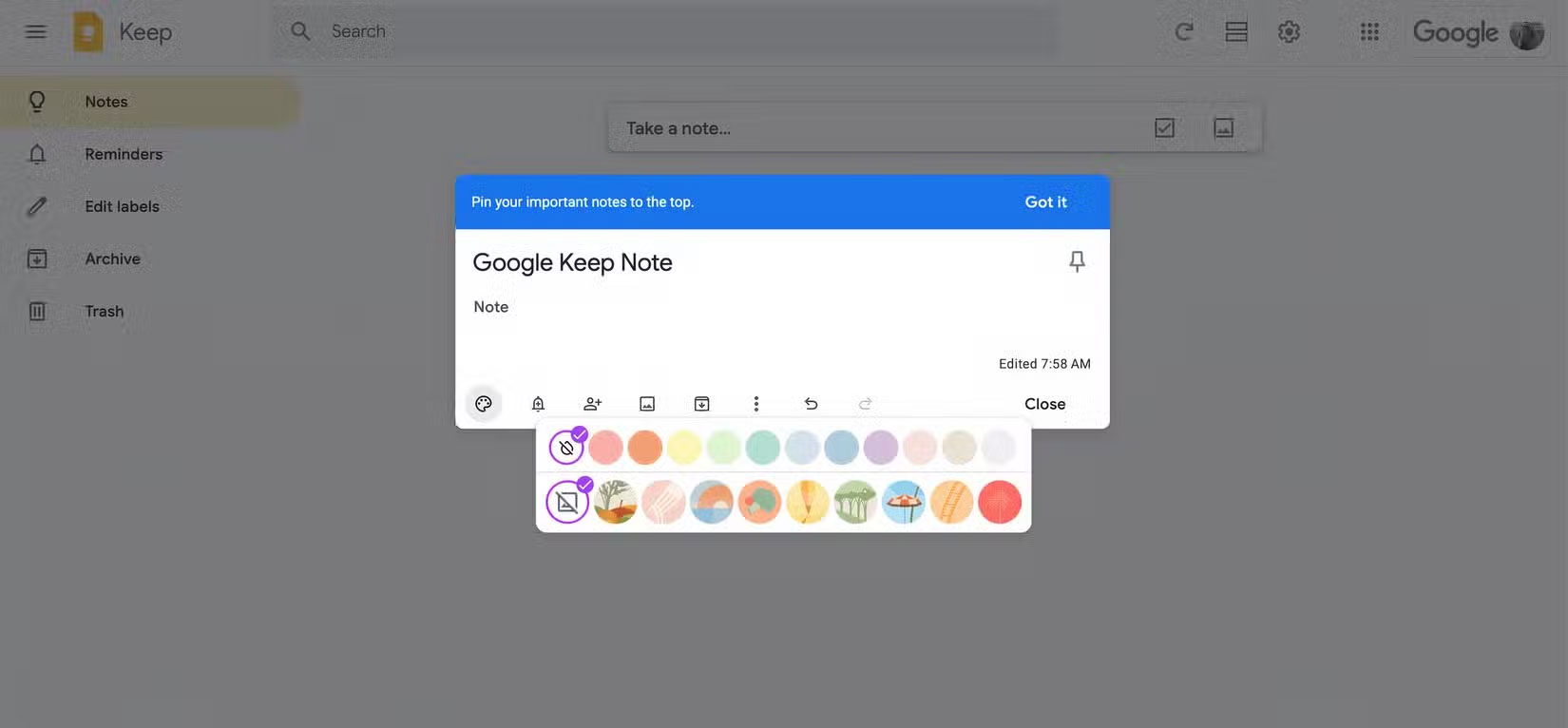
Google Keep is a simple alternative to Apple Notes that is available on every operating system. On the home page, you can type into a text box to automatically create a new note. Once you're done, you can expand the note to go into more detail.
Like Apple Notes, Google Keep lets you pin important notes. When creating new content, you can choose to create a regular note, a to-do list, or a note with an image. Plus, you can customize the background with an illustration or a color.
- Download Google Keep for iOS | Android (Free)
3. Dropbox Paper
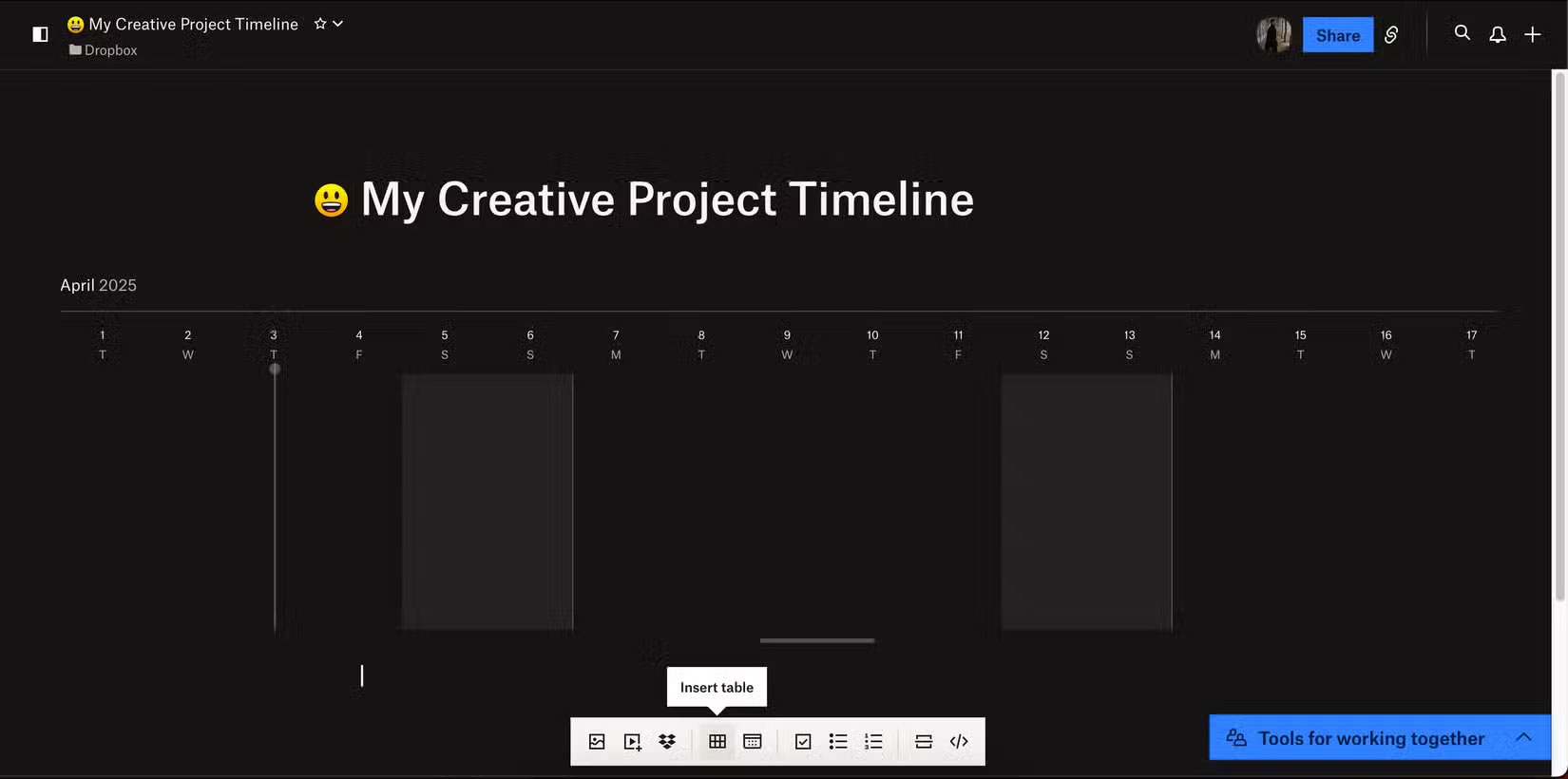
Dropbox Paper is a great note-taking tool if you already use Dropbox to manage your files. You can directly insert files and folders, making it ideal for brainstorming, researching, and working on your big hobbies and creative projects.
With Dropbox Paper, you can add code blocks if needed. The app works well if you need to share with others, thanks to its slideshow feature — and for topics that require more planning, you can use the Timeline tool.
- Get Dropbox for iOS | Android (Free, in-app purchases available)
4. OneNote
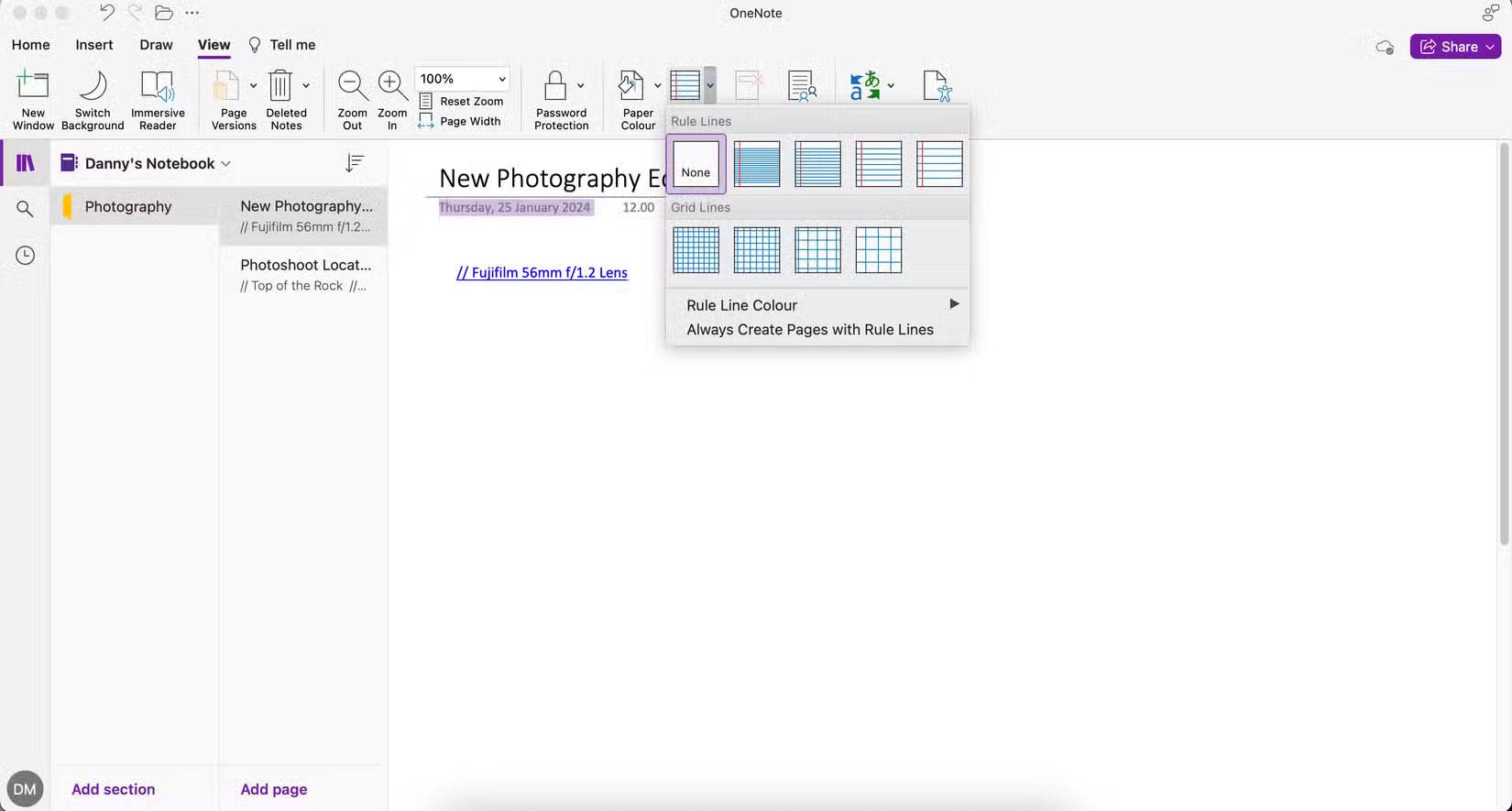
OneNote is Microsoft's answer to Google Keep and Apple Notes. OneNote has many useful features that are little known. for instance, you can translate entire pages and add custom tags.
In OneNote, you can create multiple notebooks to organize everything. This feature works similarly to Evernote, although the interface is more intuitive.
If you use Outlook, you can sync your email with OneNote. And even if you do not, you can still sync all your notebooks in OneNote.
- Get OneNote for iOS | Android (Free, in-app purchases available)
5. Simplenote
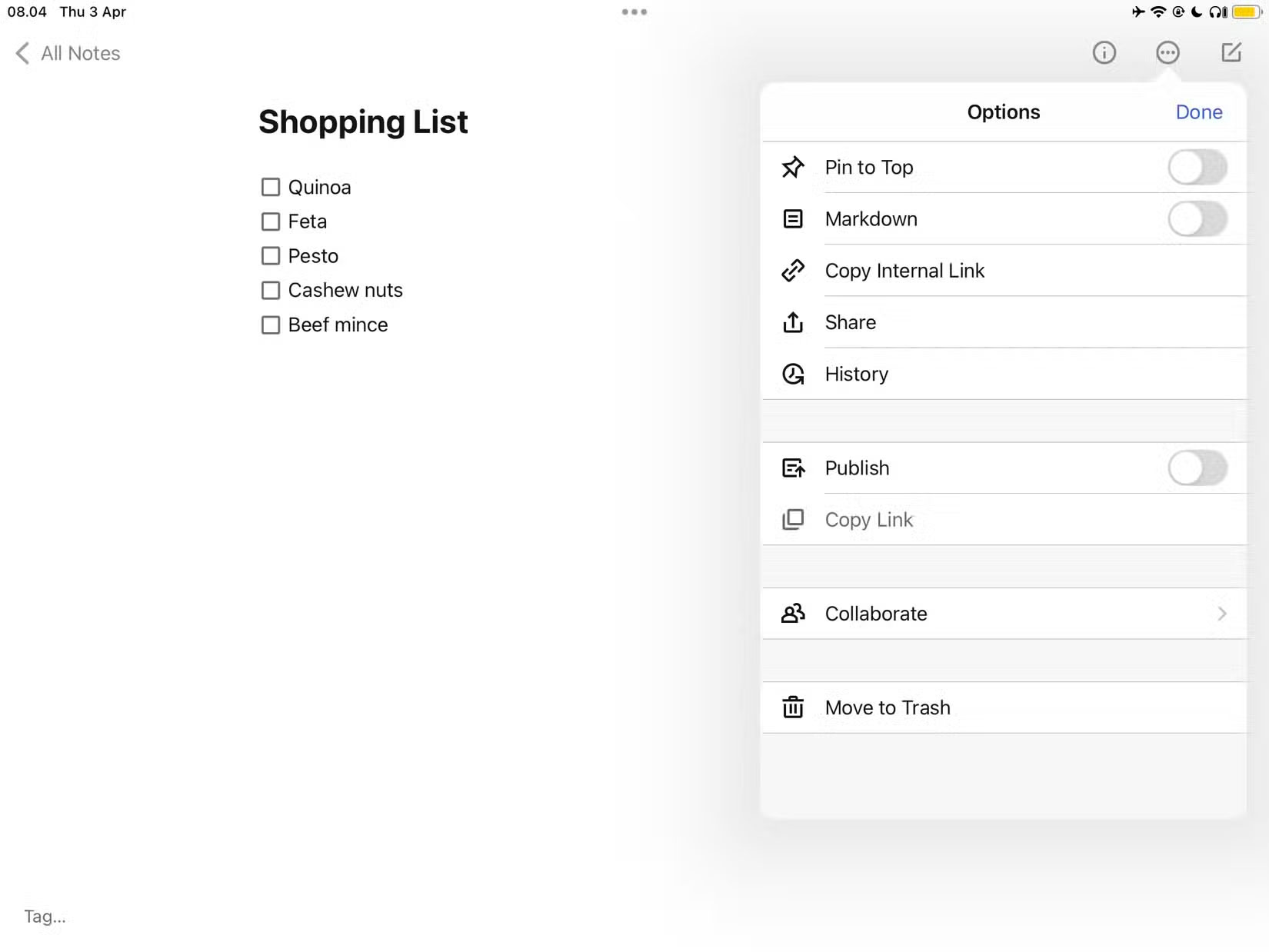
Simplenote does exactly what its name suggests. it is a no-frills app with a simple interface, and you'll have access to a number of user-friendly features. for instance, you can copy and paste internal links and easily reference your other notes when needed.
If you need to create a checklist, Simplenote has an icon for that purpose. Otherwise, you can type your notes as usual. The app lets you collaborate with others if needed, and you can enable the Pin to Top feature for particularly important notes.
- Download Simplenote for iOS | Android (Free)
You do not have to pay for a good note-taking app. There are plenty of good, free ones to choose from. No endless pop-ups, no fancy features — just smooth, reliable note-taking.
See also:
- How to use Simplenote to take notes and manage tasks
- How to use Firefox Notes add-on
- How to create notes on Google Chrome without software
FAQ
How were the free note - taking apps that easily beat paid options options evaluated?
The comparison focuses on practical features, ease of use, limitations, compatibility, and the type of user each option is most likely to help.
Which option is best for beginners?
Beginners should prioritize a clear interface, useful documentation, reliable support, and the core features needed for their first project.
Should I choose a free or paid option?
Start with a free option when it covers your needs. A paid plan may be worthwhile when you need advanced tools, commercial rights, collaboration, or professional support.
Related Articles
 7 Top Distraction-free Note-taking Apps for Windows: Best Options Compared7 minutes read
 Android Note Apps: The 10 Best Free Note Taking Apps for Android10 minutes read
 Top 10 Note-Taking Apps for Linux8 minutes read
 Best AI Note-Taking Apps for Studying and Working7 minutes read
 How to Update Apps on iOS 116 minutes read
 7 Best Note Taking Apps for Ipad and Ipad Pro8 minutes read
Reader Comments 0
Sign in with email or Google to join the discussion.