Table of Contents
Discover why should you change the default search engine on your browser from Google and explore the main causes.
There's no denying that Google search quality is getting worse
Search results are full of ads and SEO spam
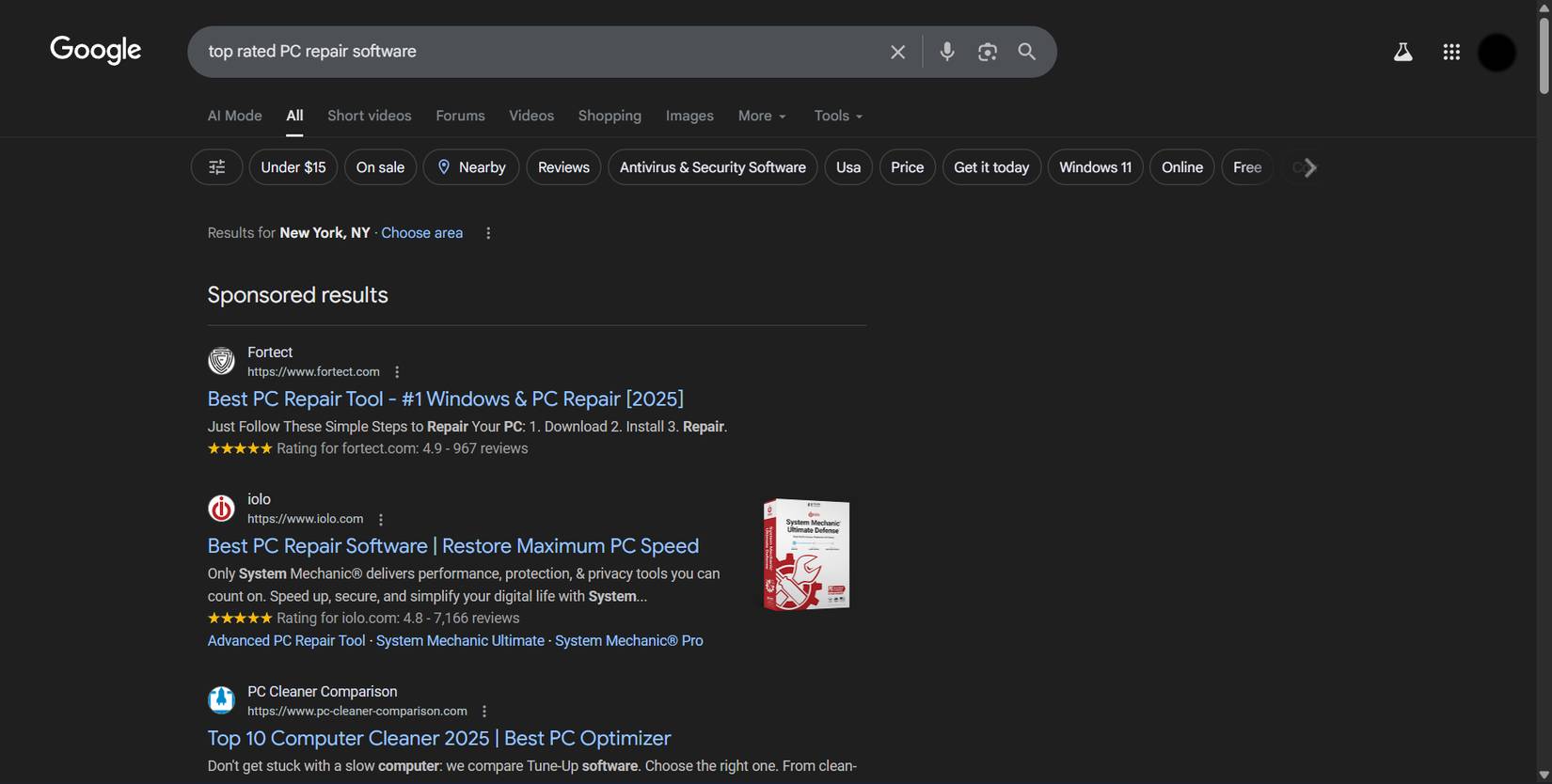
People are used to scrolling past the first 3 or 4 results on Google, since most of them are ads. But things are getting worse. The AI Overview feature sometimes returns results that are somewhat irrelevant to the search. For example, you intended to ask a technical question, but got a summary that lacked important details. Below the AI Overview are SEO-optimized blog posts, stuffed with keywords and introductions but rarely getting to the point.
When searching for top rated PC software, the first few results are ads that Google makes money from and makes you click.
Kagi gives clearer, more consistent results
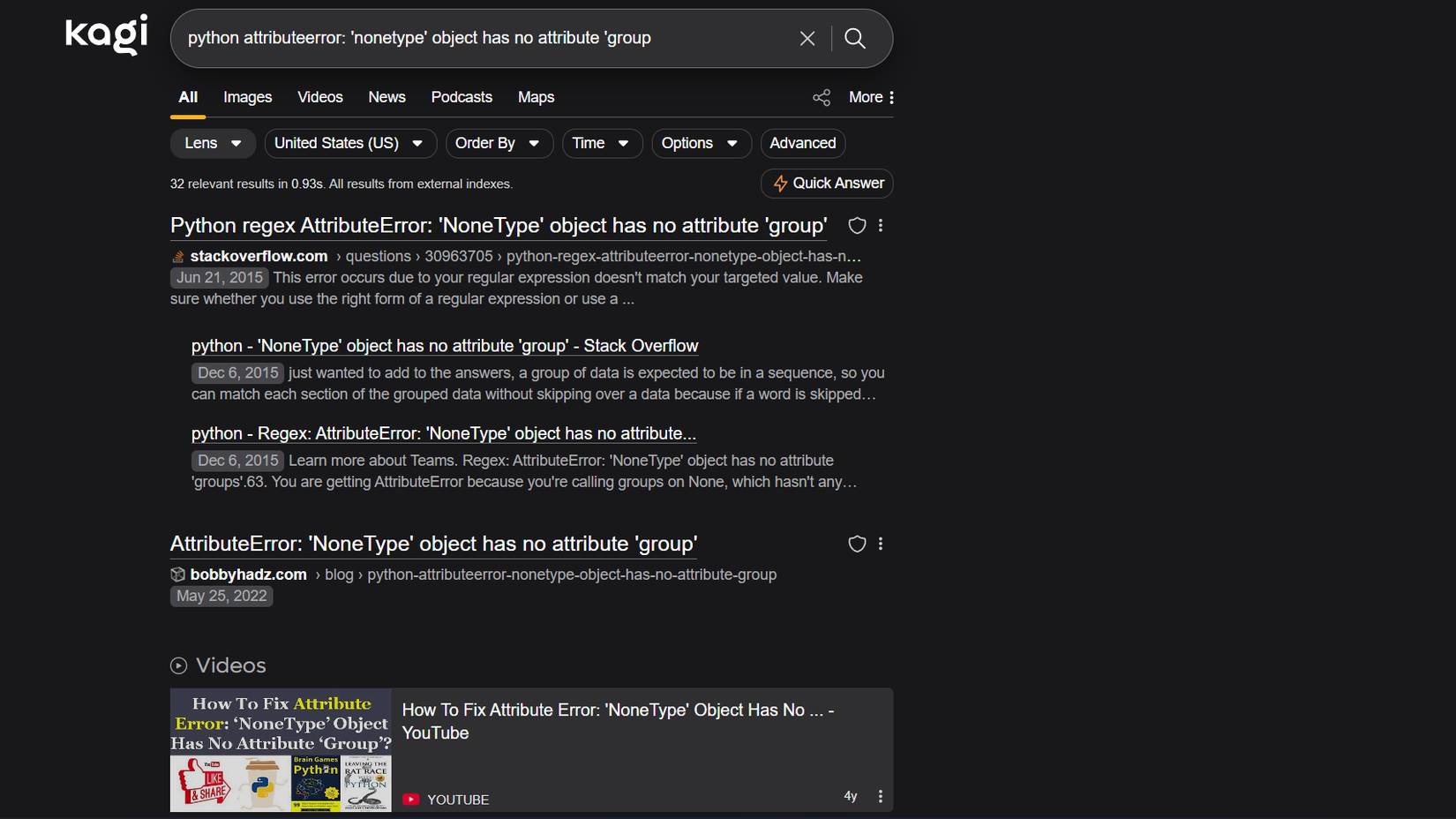
Kagi costs $10/month for unlimited searches, or $5/month for 300 searches. But that's exactly why it works better. Kagi makes money from subscriptions, not ads. It has no incentive to show sponsored results or make you click through pages. Its job is to give you the right answers so you keep subscribing.
People turn to Kagi not just for better results, but also for privacy. Once you stop being tracked, you'll realize how much Google's surveillance has shaped your search behavior. Kagi doesn't record searches that are linked to your identity. Kagi claims it doesn't sell data to advertisers because it has no advertising business. Your search history is stored on your device, encrypted, and you can delete it whenever you want.
Personalization features make searching better
Lenses allow you to create custom search views for different tasks
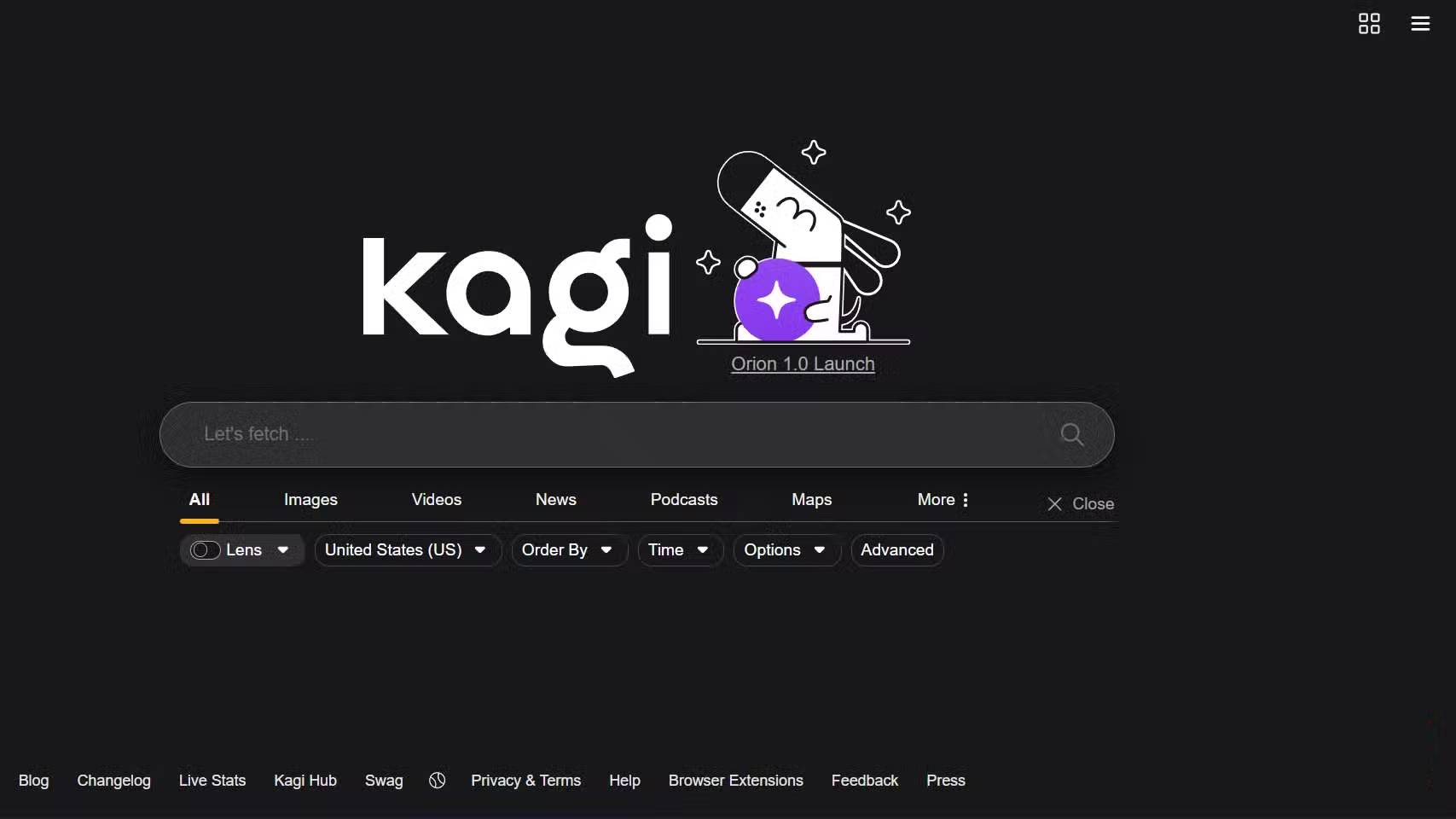
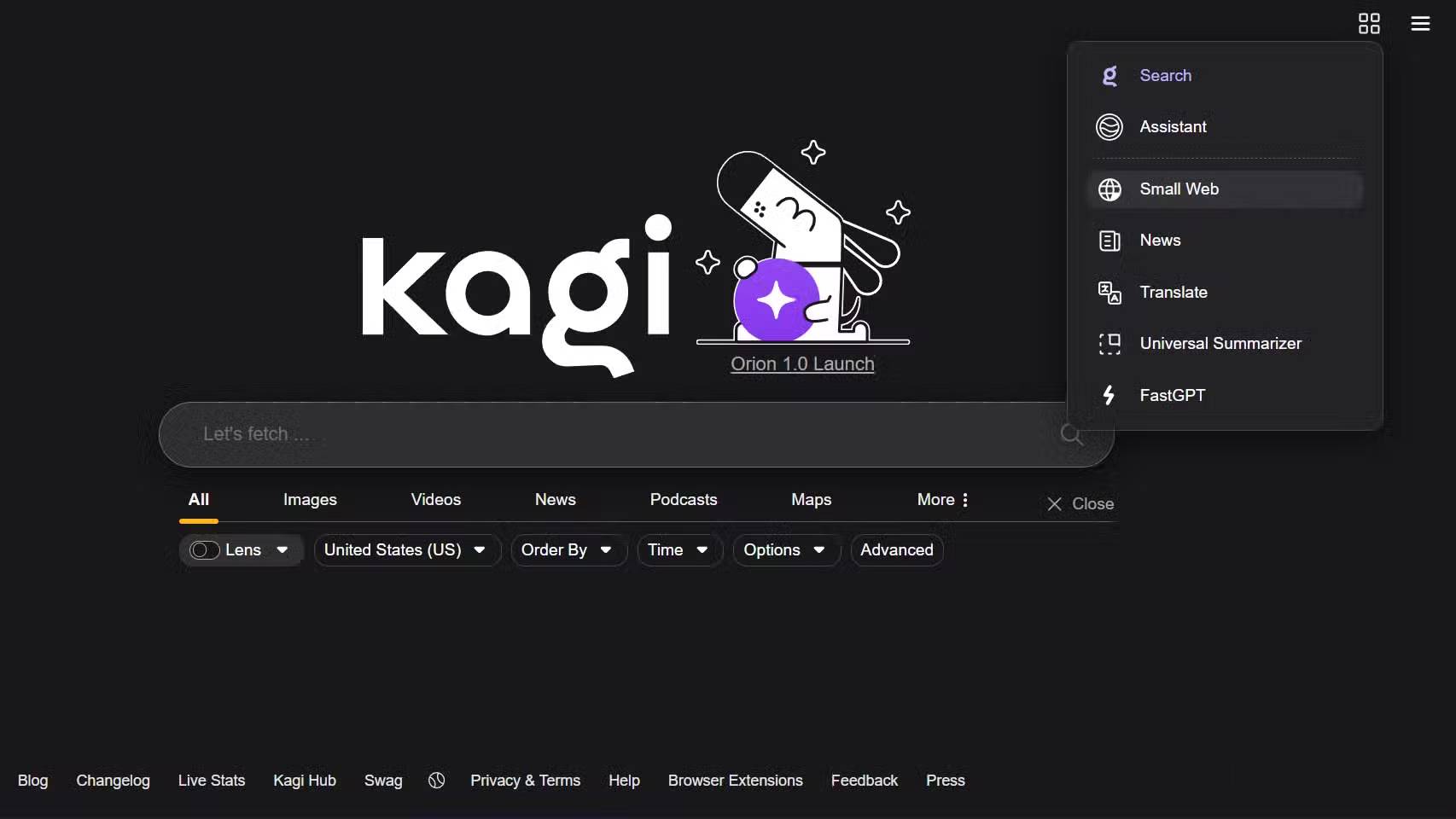
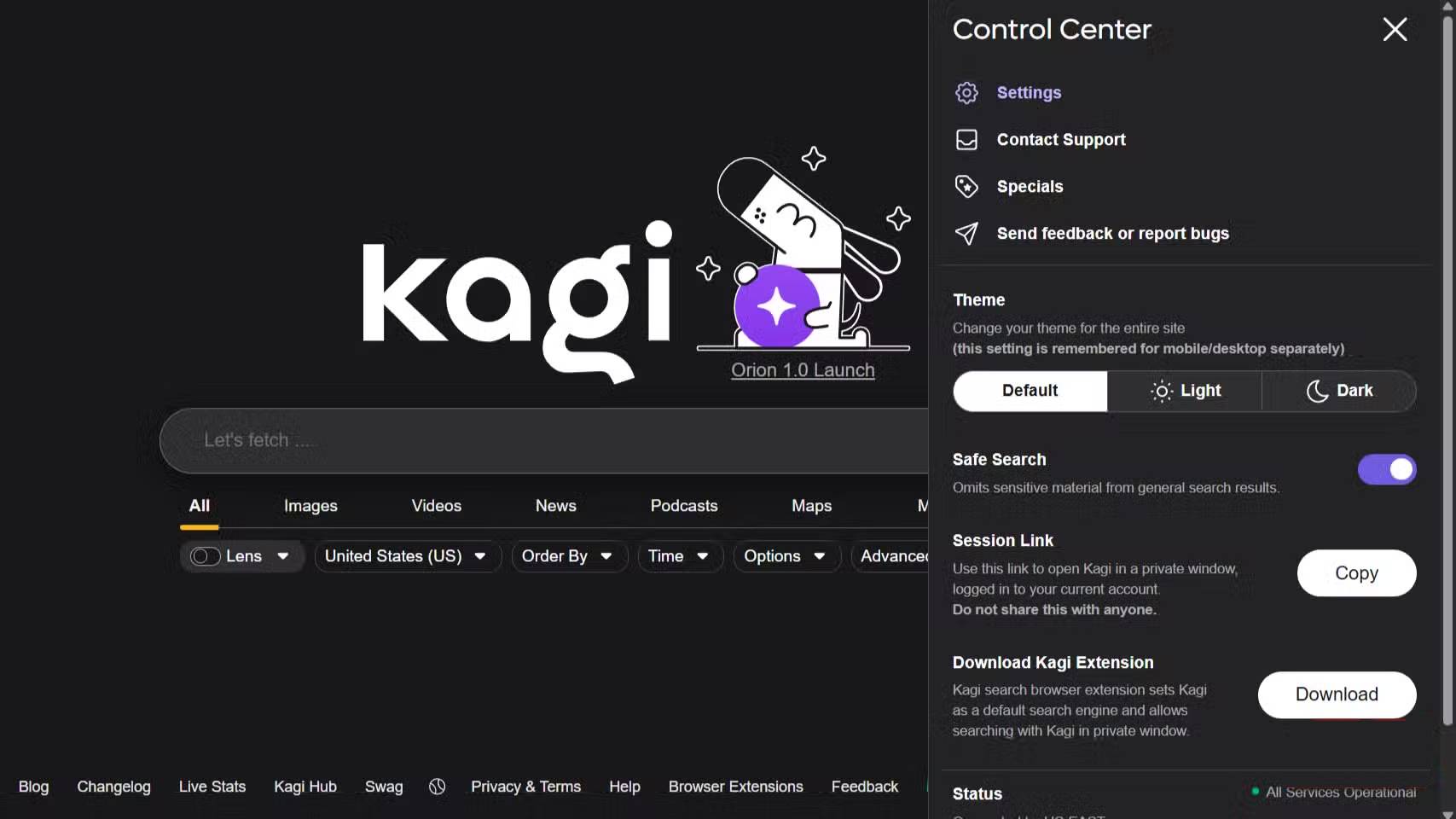
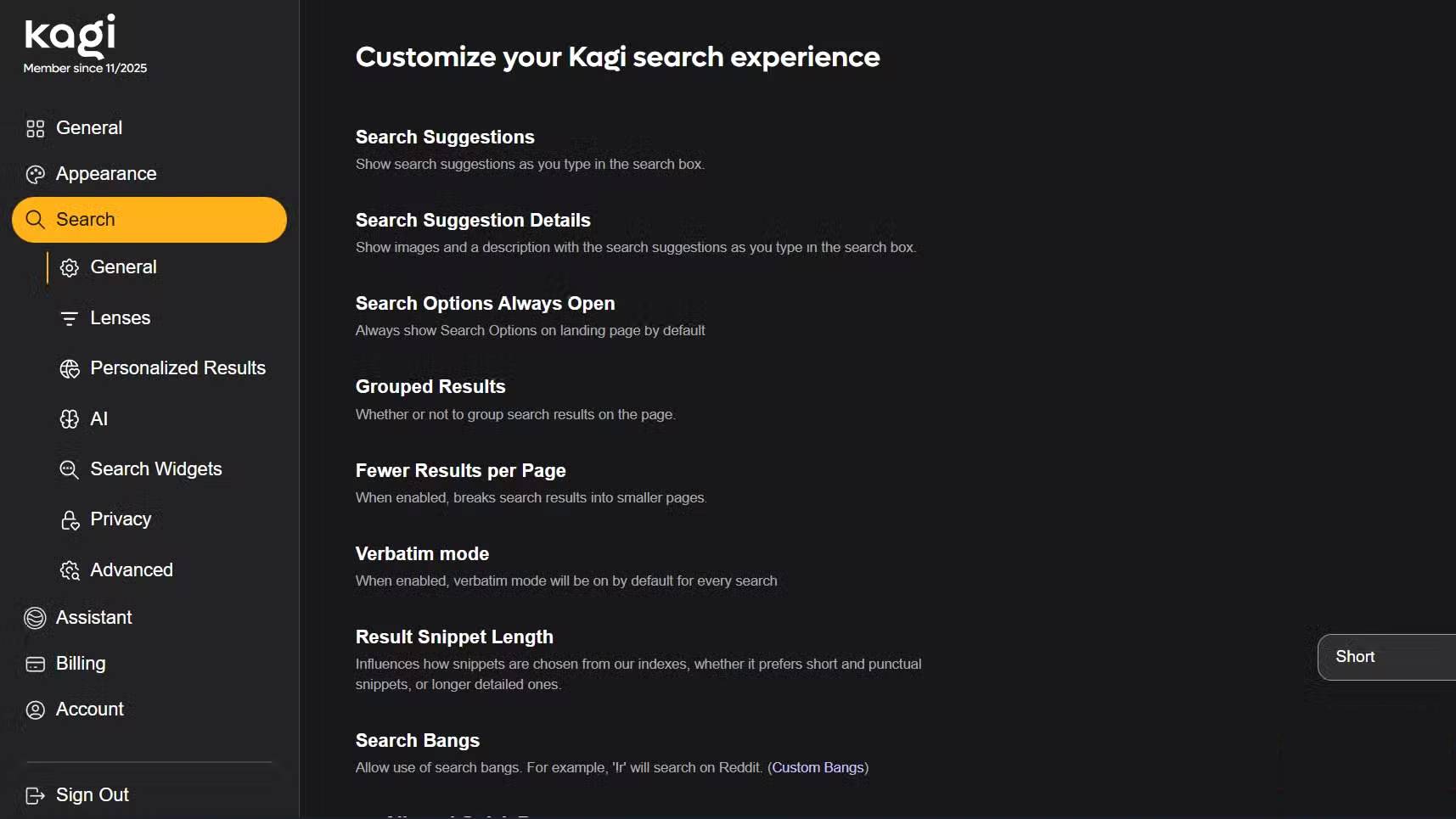
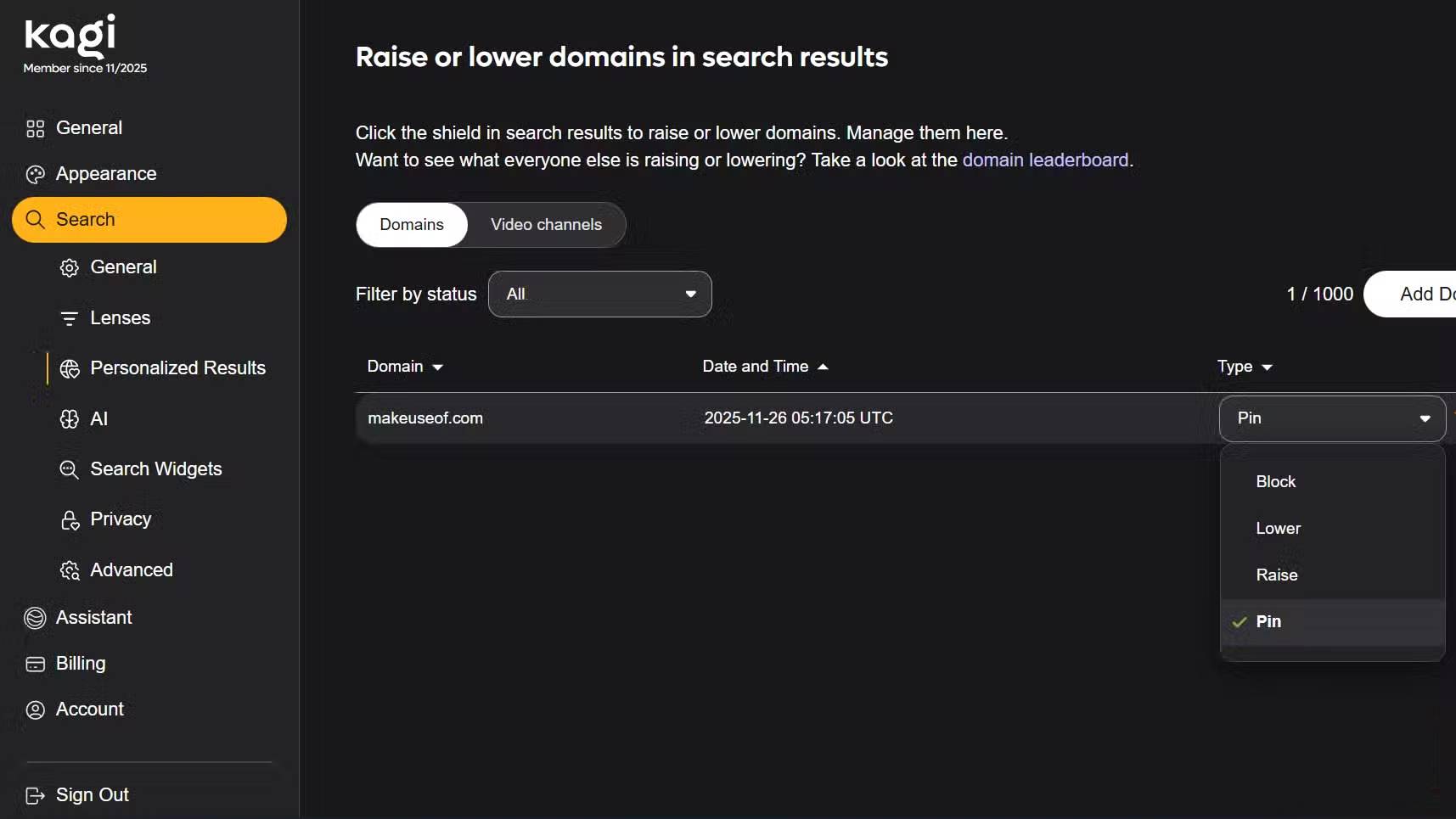
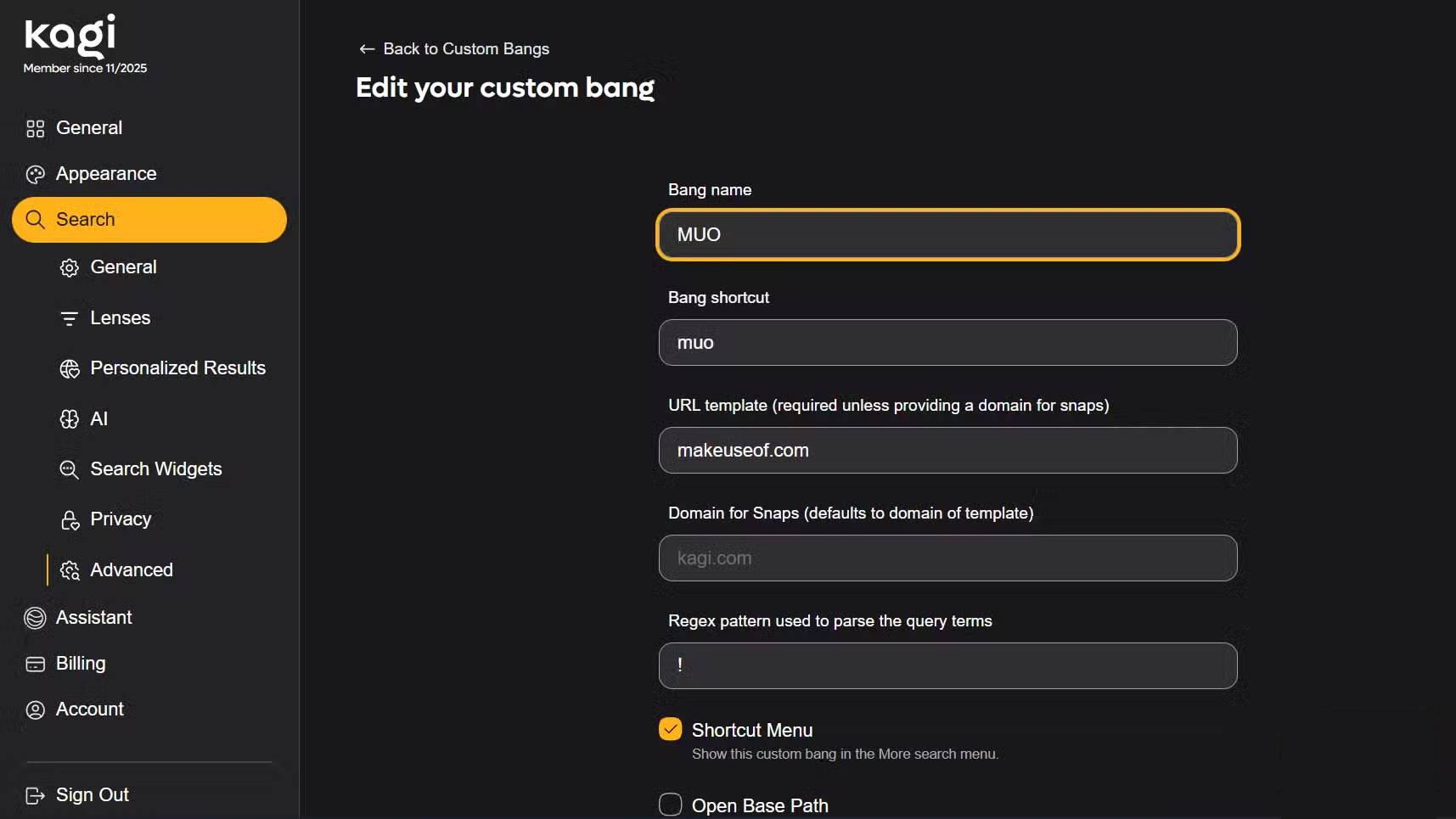
The difference between Kagi and Google is the level of control you have over your results. You can boost or permanently block specific domains, and those options apply to every search you perform. You can block AI-generated sites and affiliate link aggregators. Pinterest is gone from image search. Sites that exist solely to serve ads are no longer showing up. This alone makes search much better.
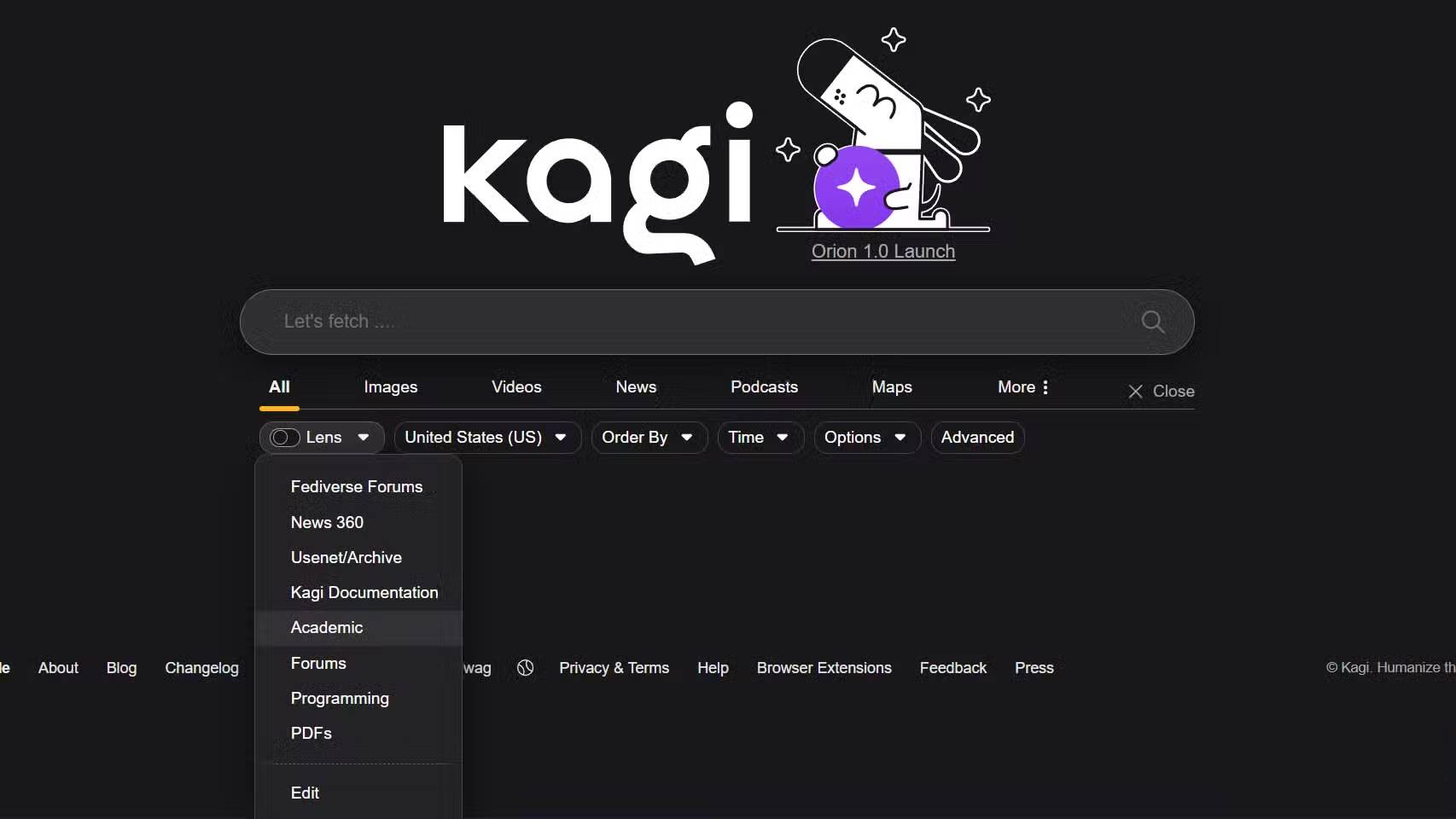
Kagi also has a feature called Lenses that lets you create custom search views. You have one for programming, prioritize documentation, Stack Overflow, and GitHub. Another for recipes, filter blog posts for life. You can switch between them depending on what you're looking for.
Kagi also has keyboard shortcuts that speed up specialized searches even more. It allows you to type an exclamation point followed by a shortcut to search specific websites directly. For example, you can type ! r followed by your query to search Reddit. So, ! r python tutorials will search Reddit for Python tutorials. Similarly, ! w machine learning will go directly to Wikipedia, and ! gh tensorflow will search GitHub repositories.
Switching workflows is easier than expected
Kagi setup takes about 2 minutes
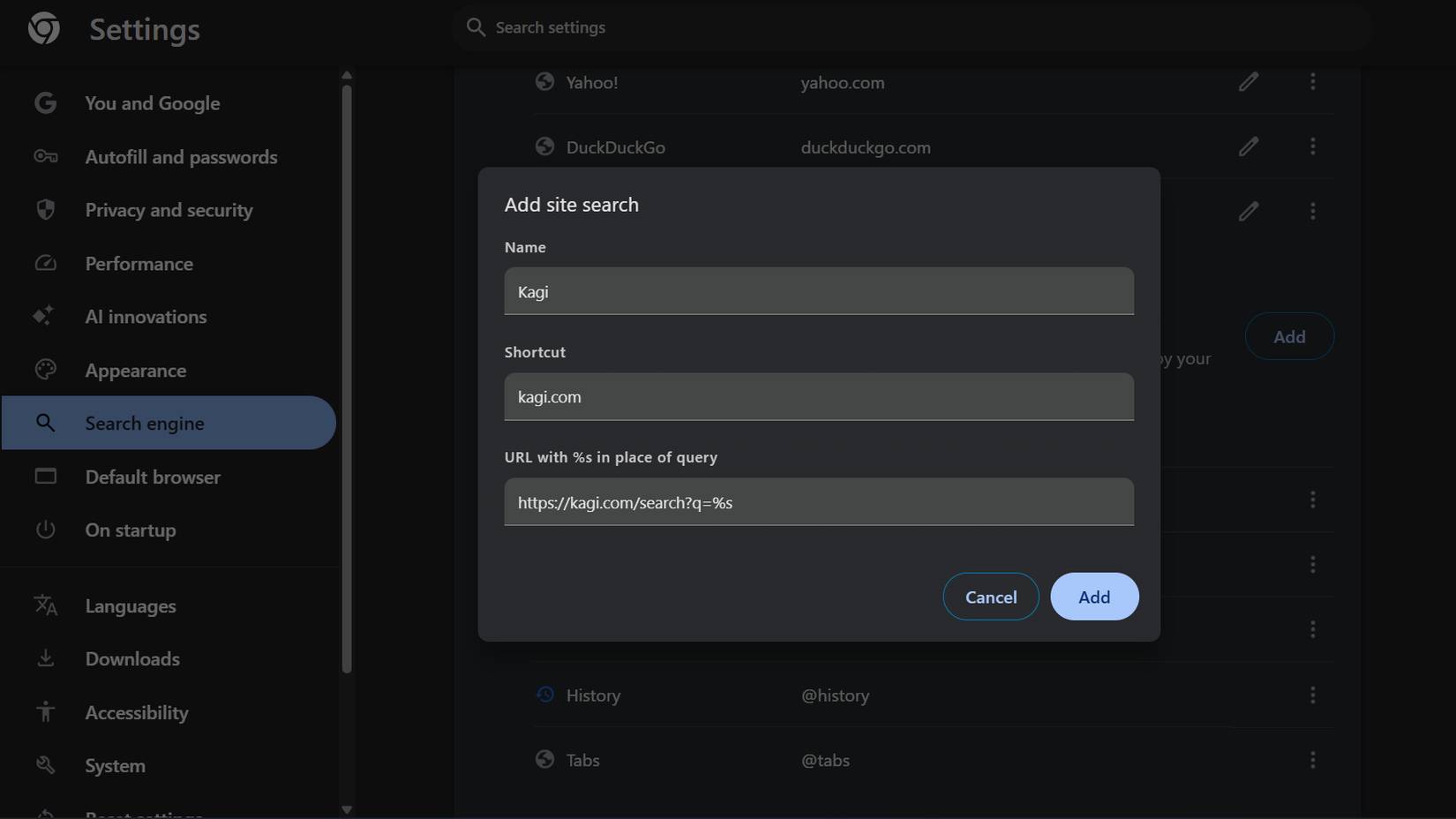
The barrier to switching search engines seems higher than it actually is. You don't need to install anything other than setting a new default search engine.
To set Kagi as your default search engine on PC in Chrome:
- Open Chrome and go to Settings .
- Click Search engine on the left sidebar.
- Select Manage search engines and site search .
- Click Add next to Site search and enter Kagi as the search engine name.
- Enter kagi.com in the shortcut field and paste https://kagi.com/search? q=%s in the URL field, then click Add .
You can set Kagi as your default search engine from there, just find Kagi in the list. Click the three dots icon next to it, then select Make default .
Try it free if you search often!
Paying for search sounds strange - until you try it
The idea of paying for something Google offers for free might not sound appealing. But Google's 'free' search comes at the cost of your time spent scrolling through ads, your attention being sold to advertisers, and results that prioritize revenue over relevance. Kagi has flipped that model on its head. $10/month seems worth it because you're the customer, not the product. The search results are better, and you don't have to constantly filter out sponsored content and SEO spam.
Kagi is worth checking out if you search multiple times a day and are frustrated with Google's declining quality. The free trial lets you experiment without commitment. If you only search occasionally or aren't comfortable paying, stick with Google. But if searching is part of your daily workflow, it makes sense to pay to keep things running smoothly.
Final Thoughts
Understanding why should you change the default search engine on your browser from google to kagi makes it easier to evaluate the information and apply the most relevant recommendations. Focus on the key points above and verify details that may change over time.
FAQ
What is why should you change the default search engine on your browser from google to kagi?
Discover why should you change the default search engine on your browser from Google and explore the main causes.
What key points does this article cover?
The article focuses on There's no denying that Google search quality is getting worse, Search results are full of ads and SEO spam, Kagi gives clearer, more consistent results, with practical explanations and examples.
How can you use this information in practice?
Use the explanations to compare options, verify important details, and make a more informed decision. Apply the recommendations that best match your goals and situation.
Related Articles
 The Trick to Changing the Search Engine Safari Browser on Mac OS X3 minutes read
 How to Set Google Chrome as Default Browser8 minutes read
 How to Change Search Engine on Safari3 minutes read
 Google Announced a Major Change in Search Functionality5 minutes read
 Chromium Browser: Complete Guide3 minutes read
 Change Edge Browser Default Search Tool for Windows 10 Mobile3 minutes read
Reader Comments 0
Sign in with email or Google to join the discussion.