Table of Contents
Gemini and NotebookLM can serve different stages of a research report. Use a notebook to question a curated set of documents and trace answers to those sources. Use Gemini for a broader research plan or draft, then verify any outside facts and citations before combining them with your notes.
Start with a source-based question
Add the primary papers, reports, or other permitted documents to NotebookLM. Ask a narrow question such as, “What do these sources agree on about [topic], where do they differ, and which passages support each point?” Open the cited passages and record the document title and date. If the notebook lacks evidence, treat that as a gap to research rather than an invitation to invent a claim.
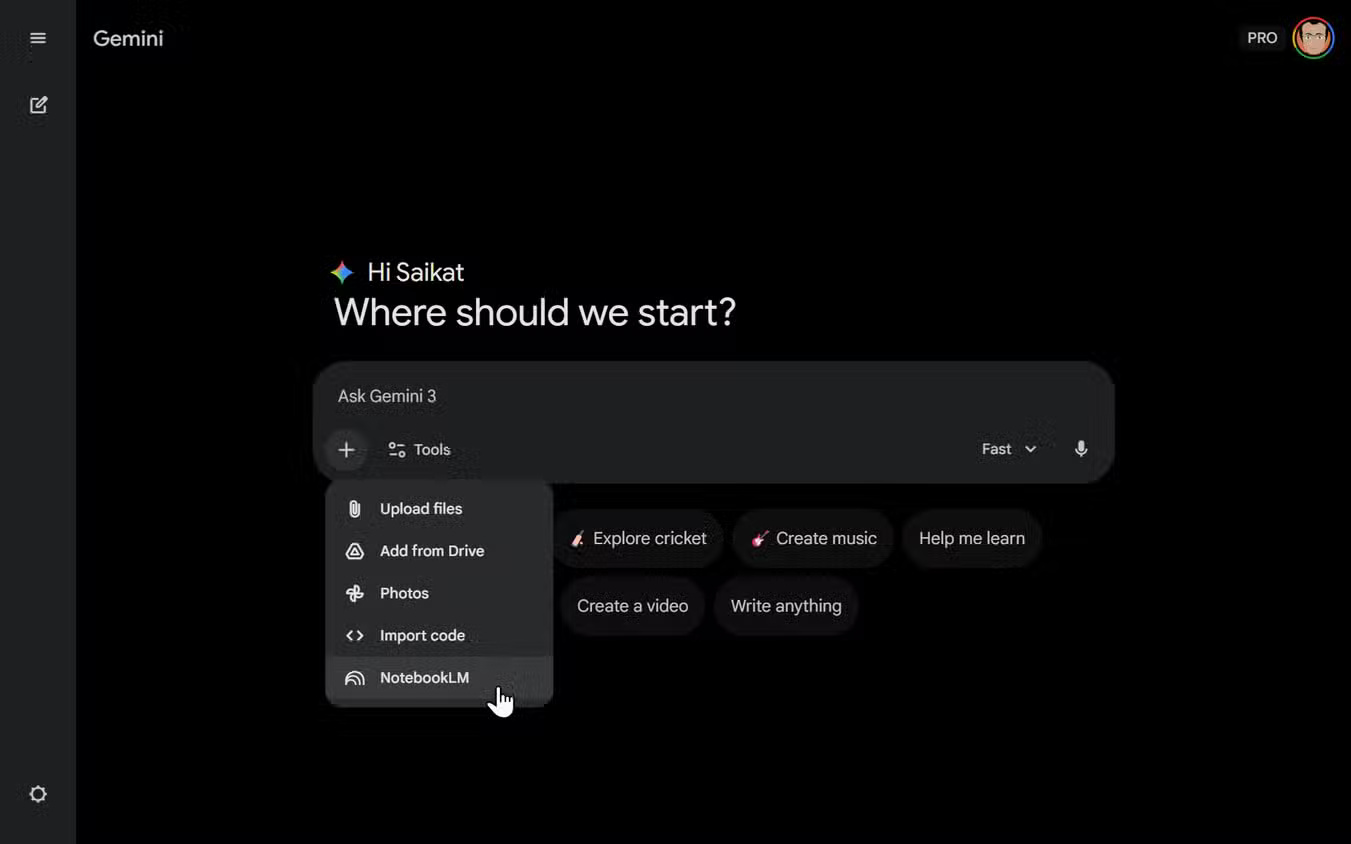
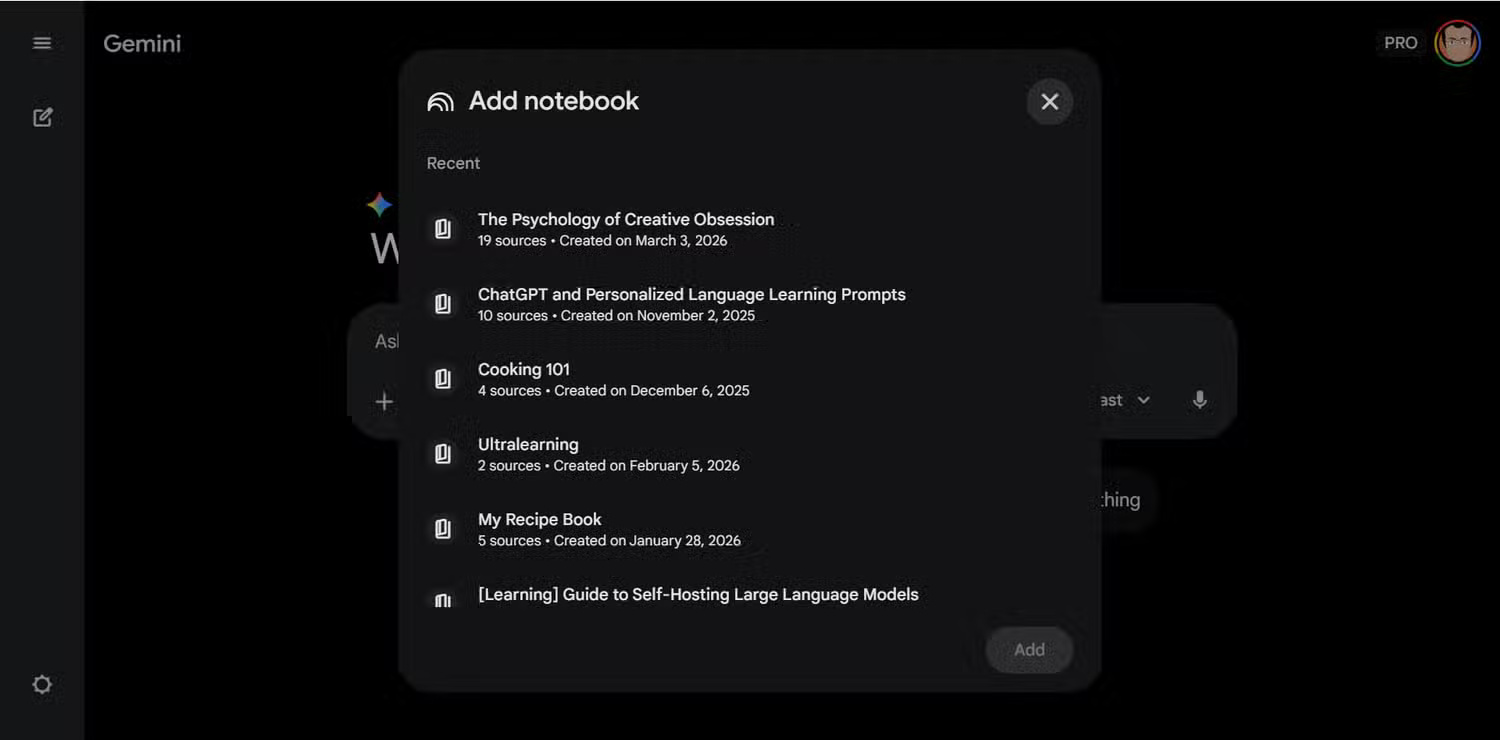
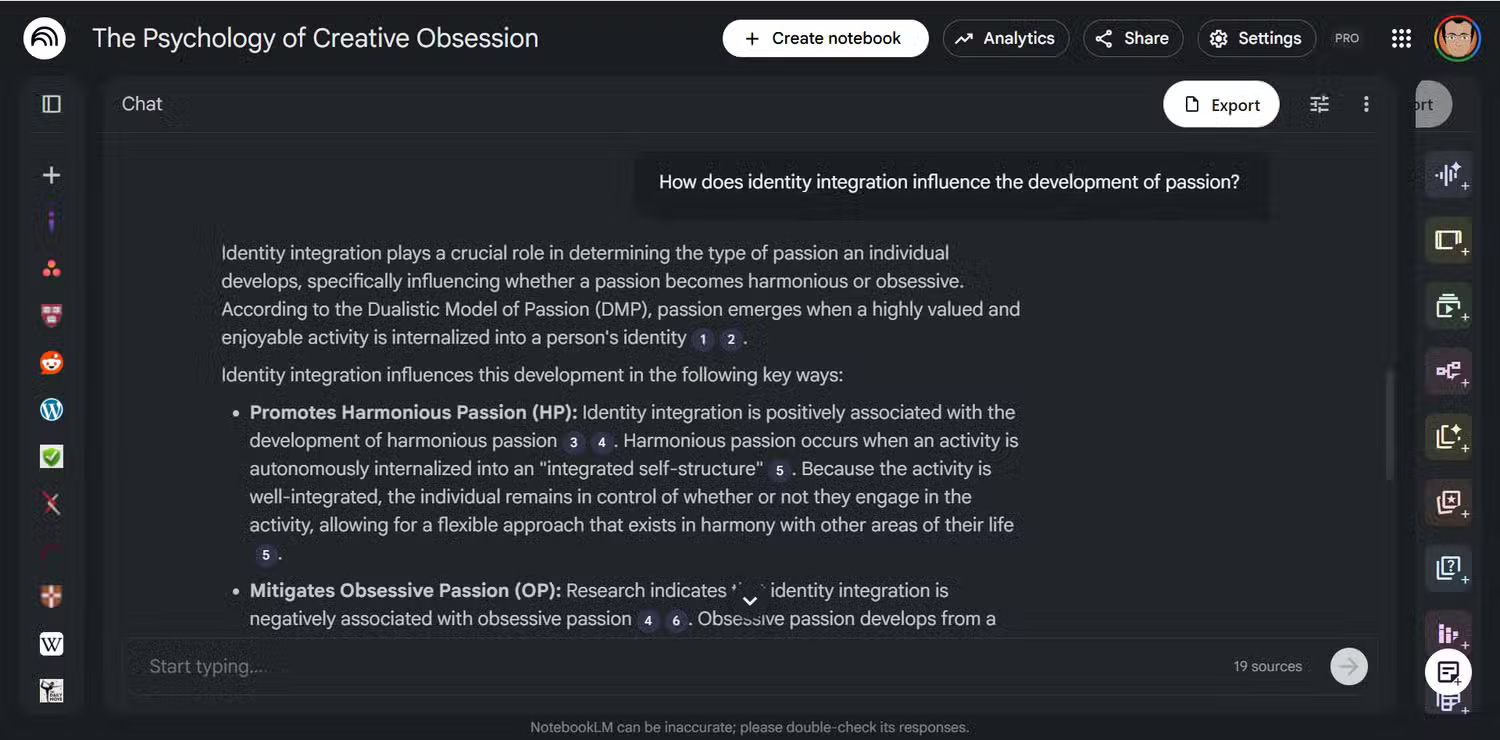
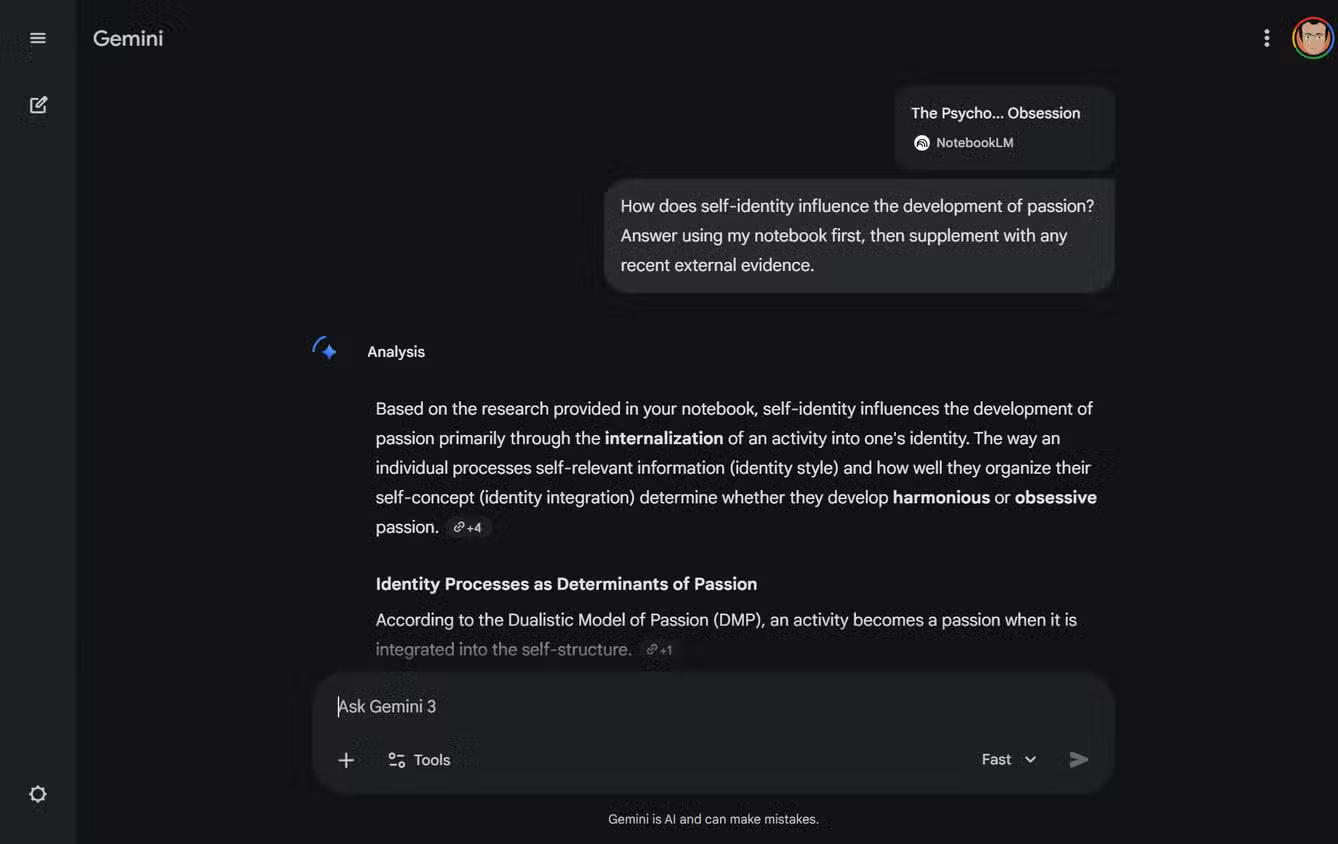
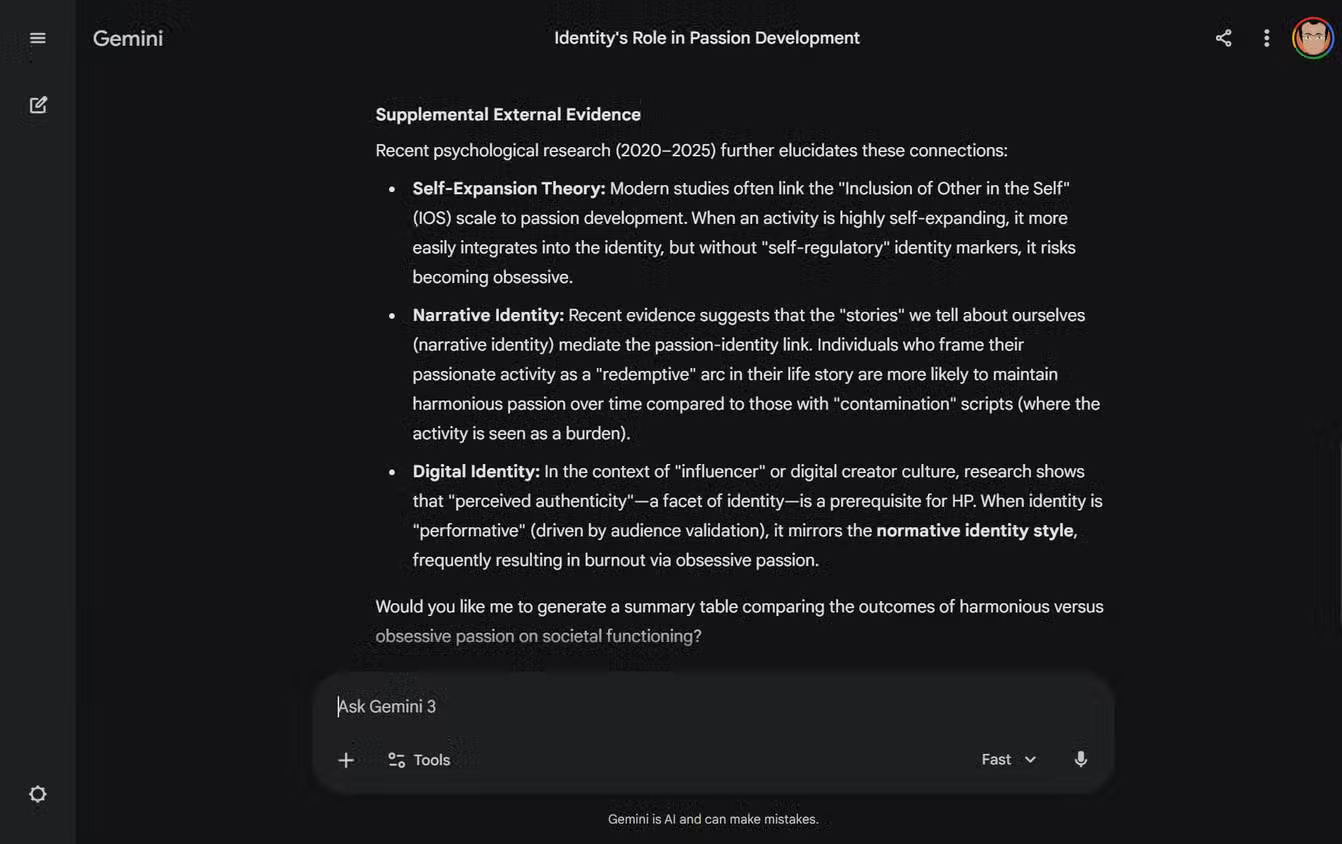
In supported accounts, you can work with notebooks in Gemini as well. Google's notebook integration help explains an important distinction: notebook chat grounds responses in its sources, while Gemini may also draw on web search and other tools. Label notes from your original documents separately from newly found web evidence. For the basics of importing and selecting sources, see the NotebookLM source guide.
Use Deep Research to find gaps, then verify
In Gemini's Deep Research tool, state your research question, scope, and the kinds of sources you want. Review its proposed plan before starting. Google says you can select sources, including uploaded files and notebooks, and that Search is included by default; the controls and availability may change. A generated report is a map to potential evidence, not a source to cite without checking its underlying references.
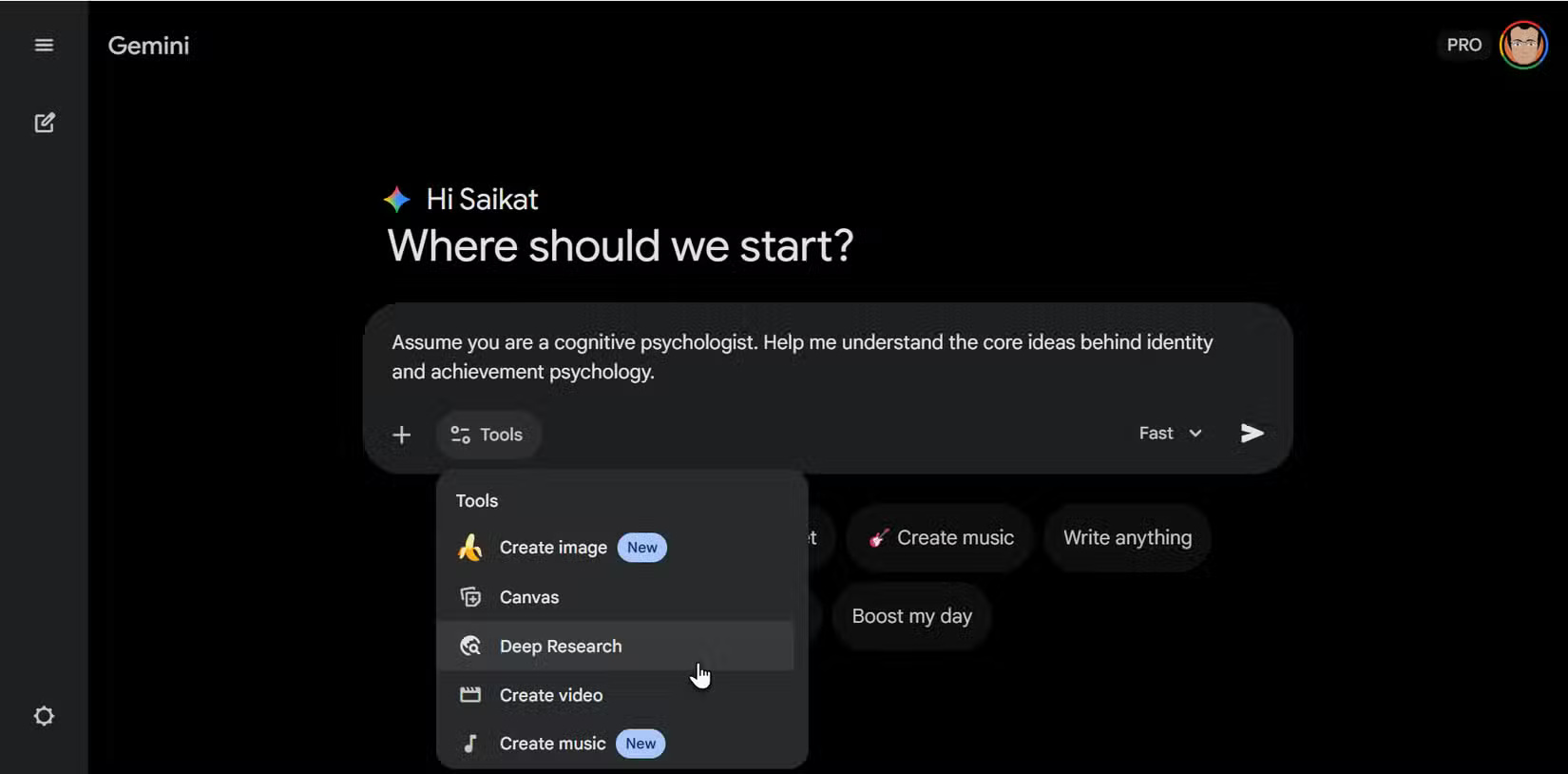
If useful, export a report and add it to a notebook alongside original papers. Ask NotebookLM to compare the report's claims against those papers, and open each cited passage. Keep the report clearly labeled as a secondary synthesis so it does not silently replace the underlying evidence. Google's Deep Research instructions cover source selection and export.
Compare themes without losing attribution
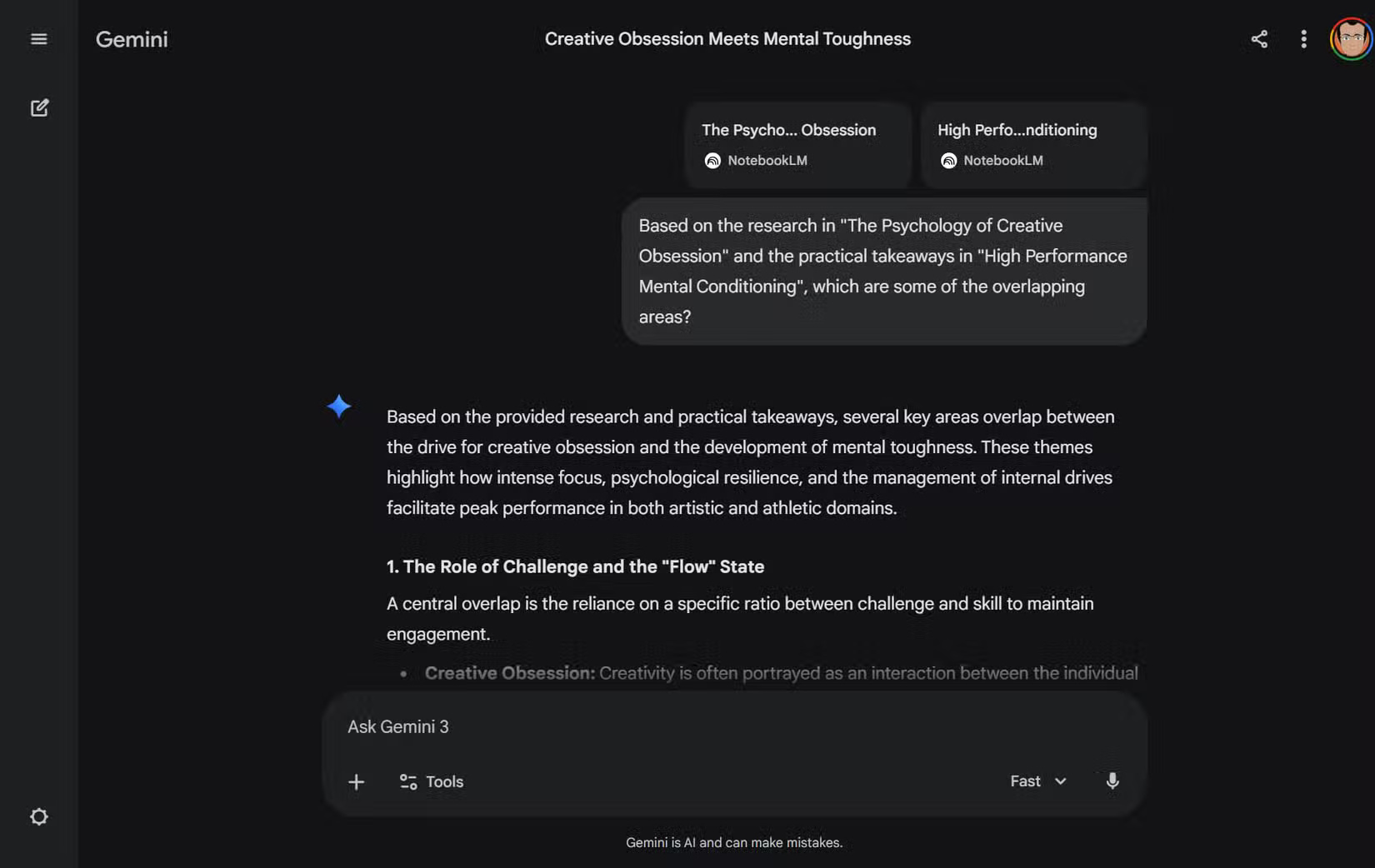
For two bodies of evidence, ask a specific comparison question: “Which findings in the policy documents conflict with the implementation notes? List the cited passage for each side.” Work in a shared notebook only when the relevant sources can be included and you have the right to use them. If you compare separate notebook outputs in Gemini, keep the titles and citations attached; do not assume an answer automatically distinguishes every source.
Draft and check the final report
Build a short outline with findings, evidence, limitations, and open questions. Ask Gemini to improve clarity or propose examples, then compare each factual sentence with its source. Source grounding reduces unsupported leaps but does not guarantee accuracy, especially when uploaded material is outdated or unreliable.
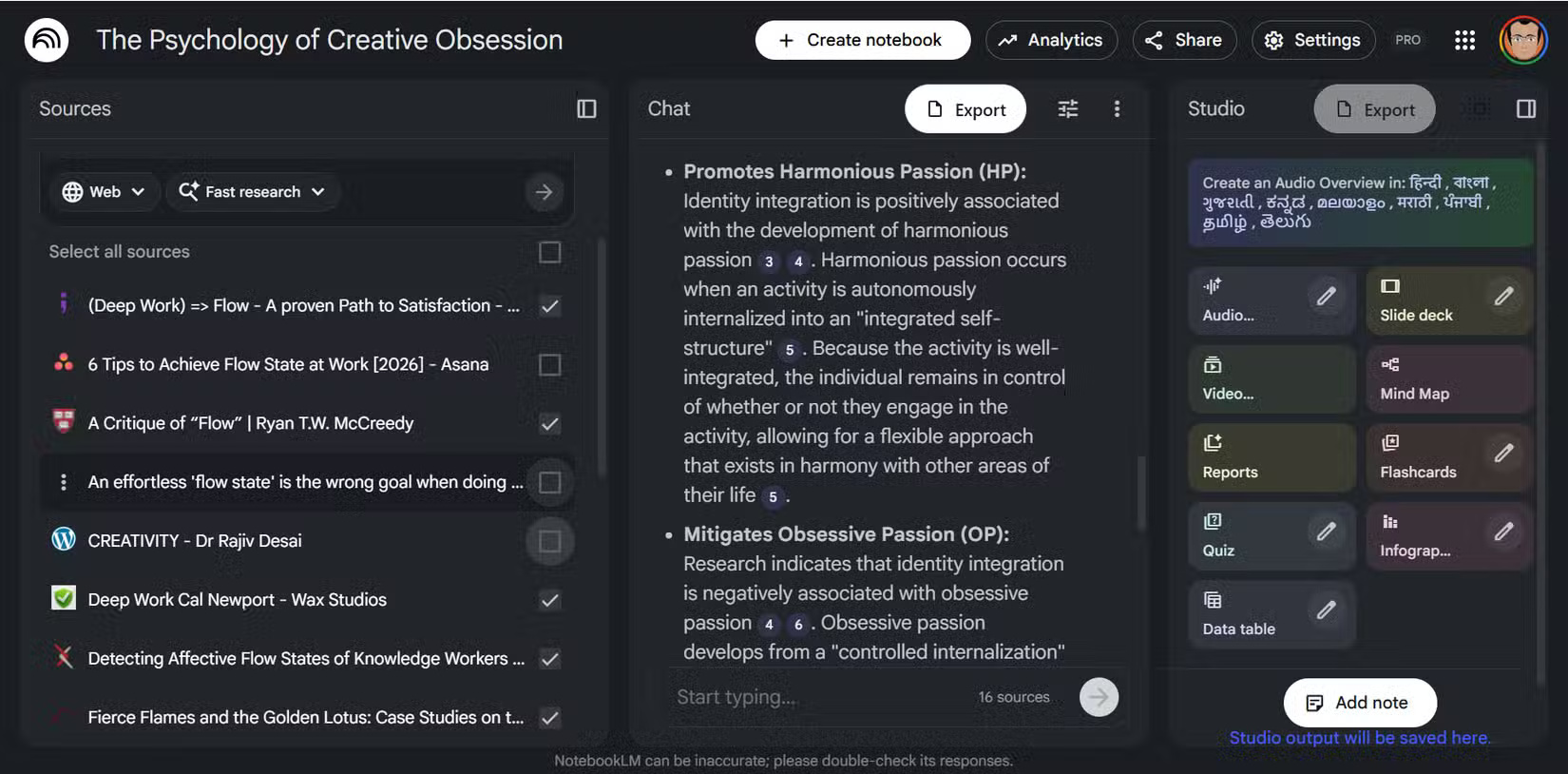
Studio outputs such as Audio Overviews can help you review a topic, but the final report should cite the documents themselves. Check quotation wording, dates, and numerical claims manually. The NotebookLM settings guide explains how selected sources affect chats and outputs.
Related Articles
 6 Tips to Help You Get the Most Out of Gemini Deep Research7 minutes read
 How Is NotebookLM Becoming a Comprehensive 'Creative Studio'?7 minutes read
 How to Create a New Notebook Directly in Gemini5 minutes read
 How to Get Better Deep Research Results in NotebookLM9 minutes read
 How to Create Mind Maps in NotebookLM3 minutes read
 How to Share NotebookLM Publicly6 minutes read
Reader Comments 0
Sign in with email or Google to join the discussion.