Table of Contents
Steam ended support for 32-bit Windows on January 1, 2026. The change affects the operating system running the Steam client, not the architecture of every game: Valve says 32-bit games can still run on supported 64-bit Windows.
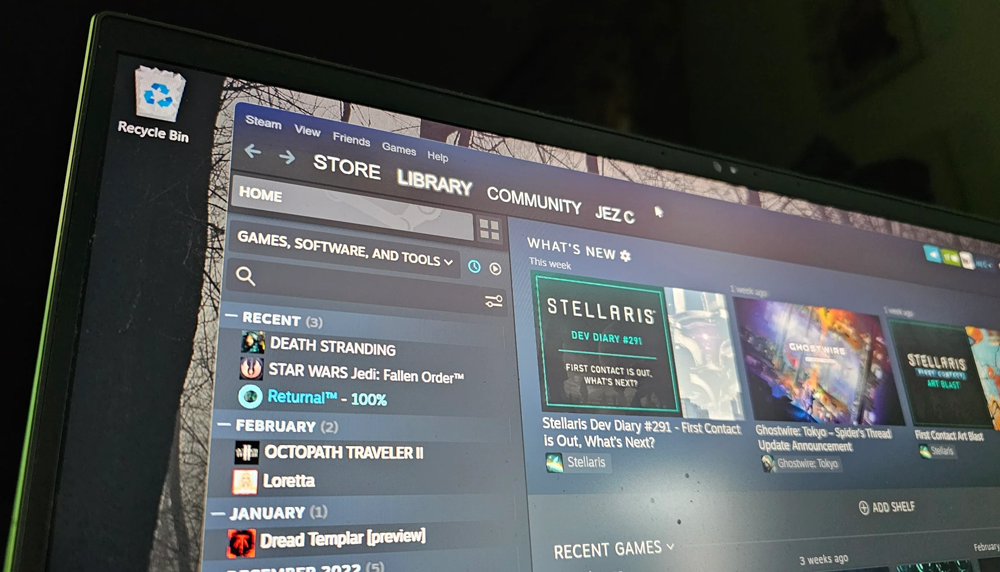
What changes for Windows 10 32-bit users?
According to Valve's support notice, old client installations may continue working for a limited time, but they no longer receive client updates, including security updates. Valve also does not guarantee continued functionality or provide technical support for problems tied to the unsupported operating system.
This is not a promise that Steam will stop opening on one particular day. It means continued access on 32-bit Windows is unsupported and can fail as the service changes. Microsoft security updates or an extended-update arrangement for Windows do not restore Steam client support.
Check whether your PC is affected
Open Settings > System > About and look at System type. Check the operating system architecture, not just the processor description. A 64-bit-capable processor can still have a 32-bit copy of Windows installed. See the differences between 32-bit and 64-bit Windows.
Plan a supported upgrade
Moving from 32-bit to 64-bit Windows requires a clean installation rather than a normal in-place architecture upgrade. Before reinstalling, back up personal files and local game saves, check Steam Cloud status for each game, and confirm that compatible hardware drivers and essential applications are available. Do not assume every save is synchronized.
Check the target Windows version's complete hardware requirements. An x64 processor alone does not establish Windows 11 eligibility. Windows 10's standard support ended on October 14, 2025, so choosing a 64-bit edition does not by itself make the operating system supported. Microsoft's architecture guidance explains installation requirements.
If the hardware cannot run a supported operating system suitable for your games, consider replacing it rather than relying on an unsupported Steam installation indefinitely.
Related Articles
 Steam announces end of support for macOS 11
 Steam will stop supporting old versions of Windows from January 1, 2024
 Valve Steam Frame, Steam Machine, and Steam Controller Explained
 Steam stopped supporting Windows XP and Vista since January 1, 2019
 Valve adds Secure Boot and TPM checks to Steam on Windows
 Valve's Steam Deck handheld game console, $400, can play PC games
Reader Comments 0
Sign in with email or Google to join the discussion.