Table of Contents
Here's what you'll get after checking Google's Auto Update policy page and actually getting your Chromebook back to work.
Many people remember reading somewhere that Google only supports Chromebooks for 5 years, which would make many people's old computers essentially worthless.
Turns out most people are wrong. If you have an old Chromebook that's been collecting dust, you might be surprised at what you can still do with it. Here's what you'll get if you check Google's Auto Update policy page and actually get your Chromebook working again.
Check your Chromebook's actual support end date
Google now offers 10 years of support, not 5 years
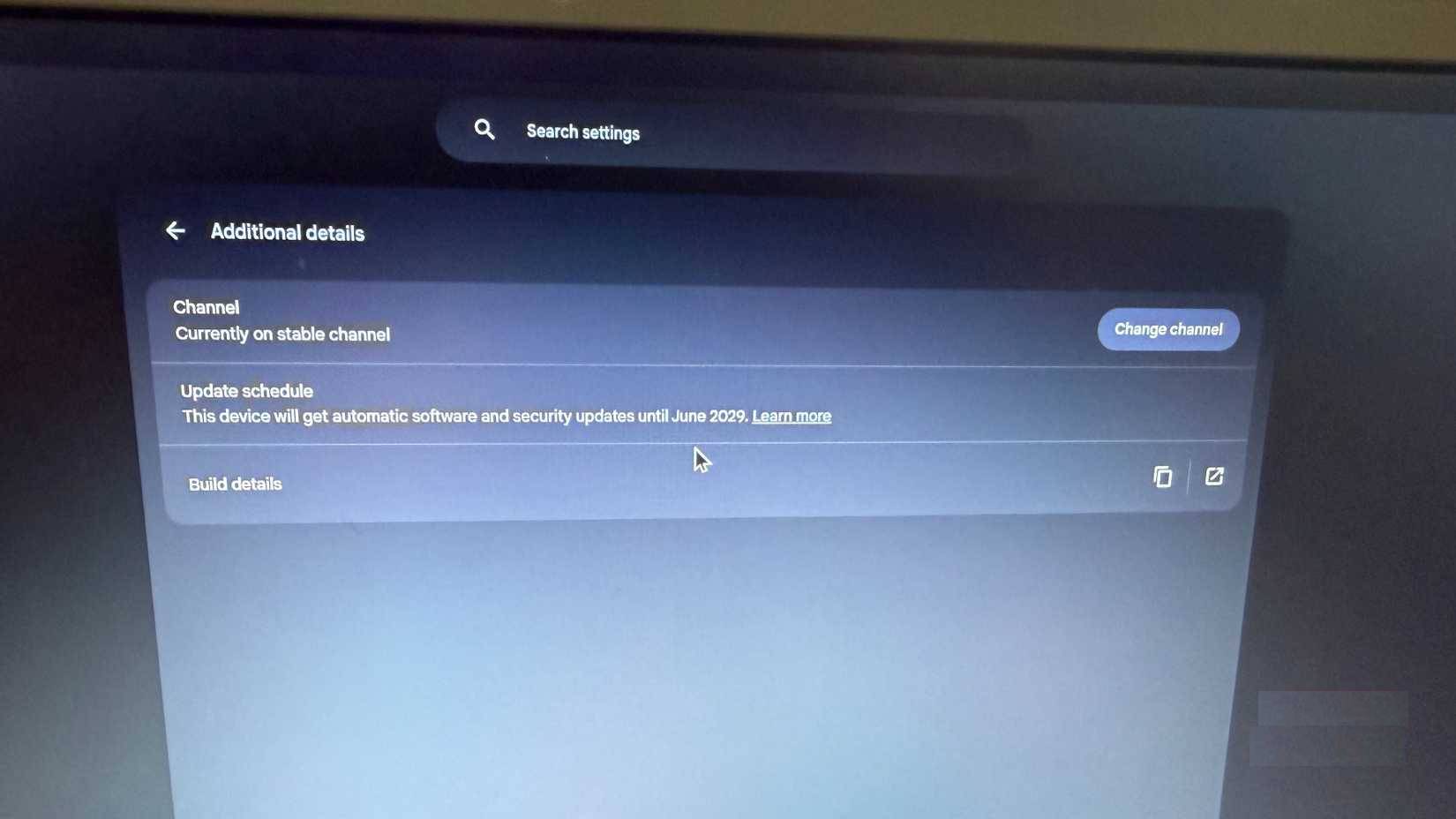
The process for finding your Chromebook's expiration date is pretty simple: Go to Settings > About ChromeOS > Additional details , then look for "Update schedule ." Our Chromebook is supported until 2029. That's eight years in total, not five, as many people think. Google changed its entire policy at some point. Anything released in 2021 or later gets updates for 10 years. Pre-2021 models have the option to opt in for extended support, though you may lose some features if you do. It's also important to note that the time starts when the platform is released, not when you buy it.
You can check your specific model on Google's Auto Update Expiration policy page. Updates mean security patches, compatibility fixes, and new features. When they stop updating, your Chromebook will still work, but websites will start to break and you'll be left open to security vulnerabilities.
Understanding ChromeOS Changes
This platform will merge with Android by 2026
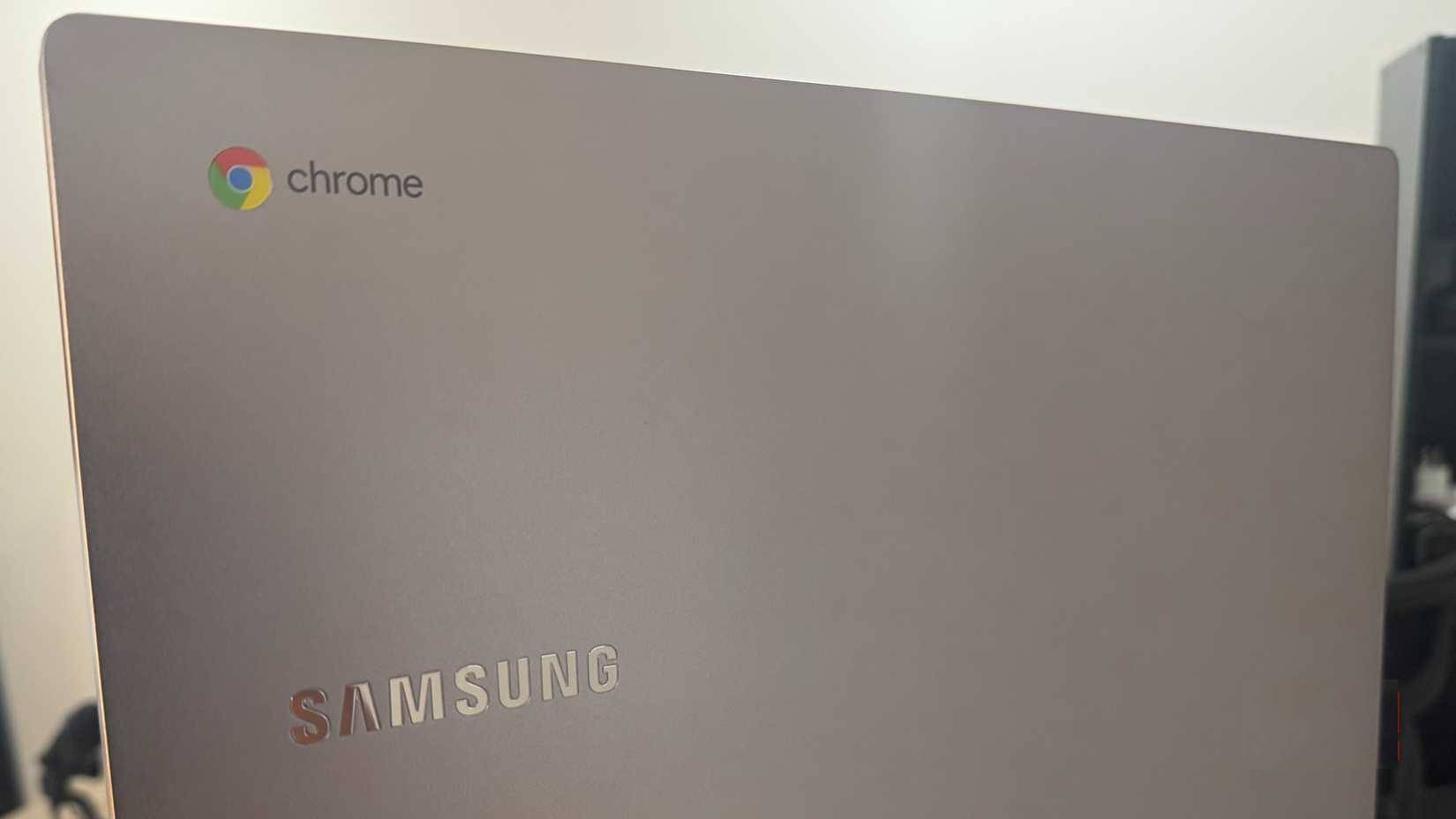
ChromeOS isn't going away, it's just changing. Google has confirmed that ChromeOS and Android will merge into one starting in 2026. The Chromebook experience will remain the same as Google said, it's just that Android will do the actual work underneath.
What this basically means is that we'll have more apps. Developers won't have to build for two separate Google platforms. Chromebooks will have better AI integration, because that's Google's focus. The whole transition is supposed to be gradual, so your Chromebook won't suddenly crash or act weird.
Android has more developers and apps than ChromeOS, so this can actually help keep your device useful for longer.
Gaming support will end sooner than other features
Steam to Stop Working on Chromebooks in January 2026
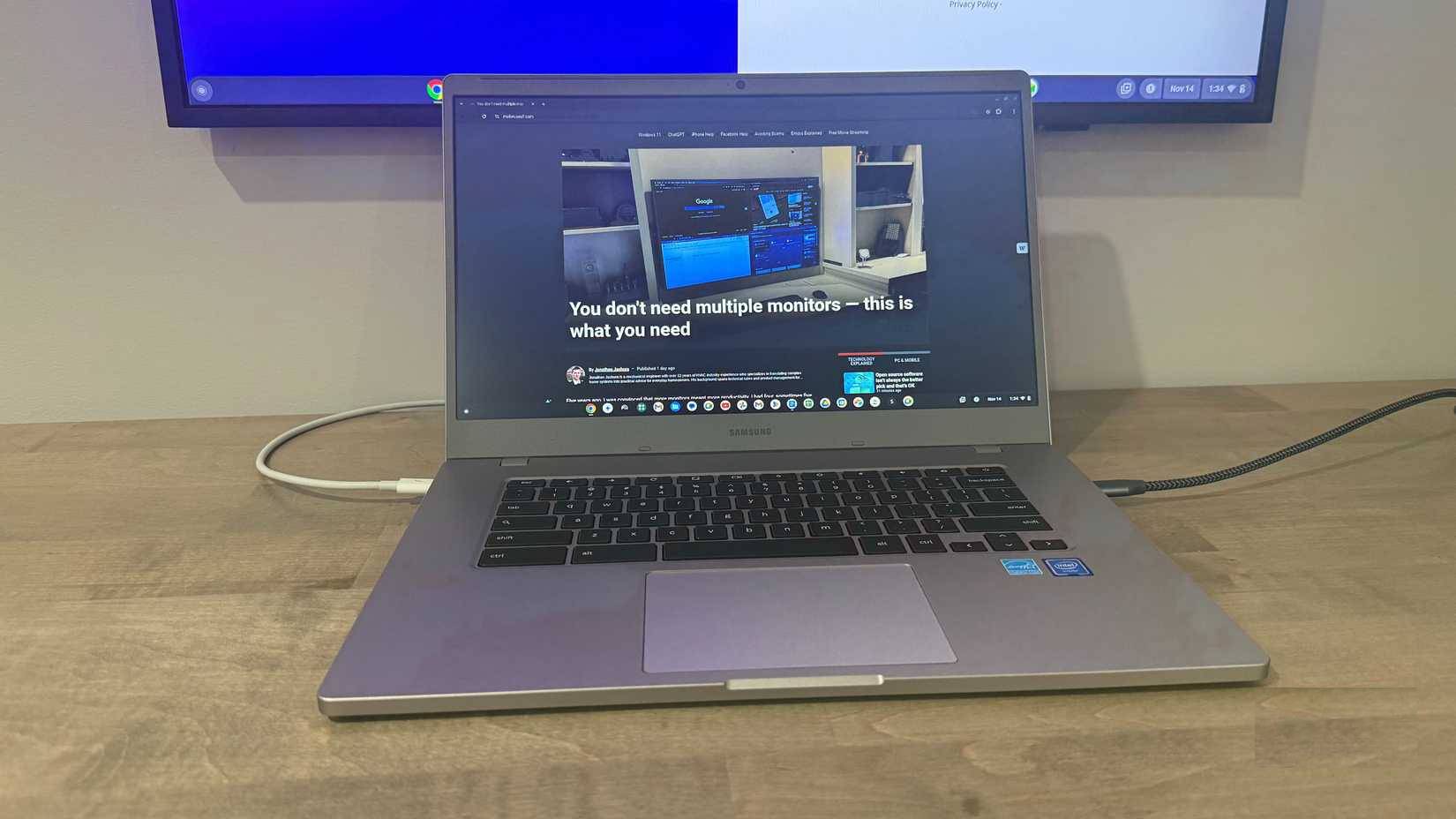
After rebooting your old Chromebook, some people think they can use it for some light Steam gaming—but no. Google will discontinue Steam support for Chromebook beta on January 1, 2026.
It was supposed to launch in 2022, but it never made it past beta, which is a sign. When that deadline comes, your installed games will be deleted. Google is probably counting on people using Android games from the Play Store, or cloud gaming through GeForce NOW and Xbox Cloud Gaming.
For many people, gaming isn't a big deal because they have other devices for that. But if you're using a Chromebook for gaming, it's really bad.
Install Linux to access unlimited software
Ubuntu turns your Chromebook into a full desktop
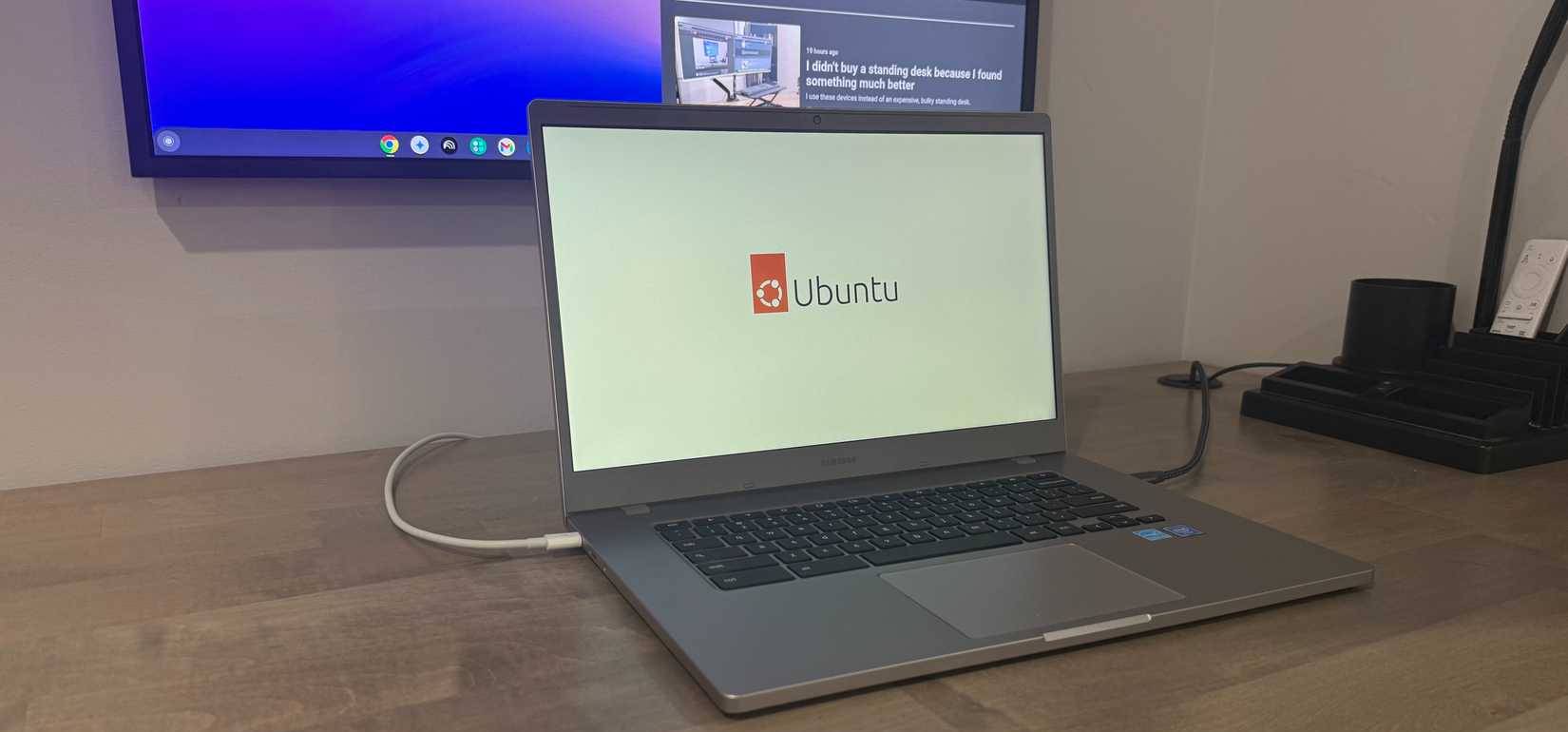
Installing Ubuntu or another Linux distribution will get around the issue of outdated updates. Ubuntu is always up to date, there is no expiration date. Plus, you get developer tools, LibreOffice, GIMP – pretty much anything that runs on a regular Linux machine.
You have two options here. ChromeOS has Linux built-in (Beta) that Google actually supports—that's the safer and easier way. Or you can use Crouton, which is more complicated but lets you switch between ChromeOS and Ubuntu on the fly without rebooting. Crouton requires you to enable Developer Mode, though, which wipes everything and reduces the security of your device, so back up first.
Continue using ChromeOS as a daily tool
It's still great for web work
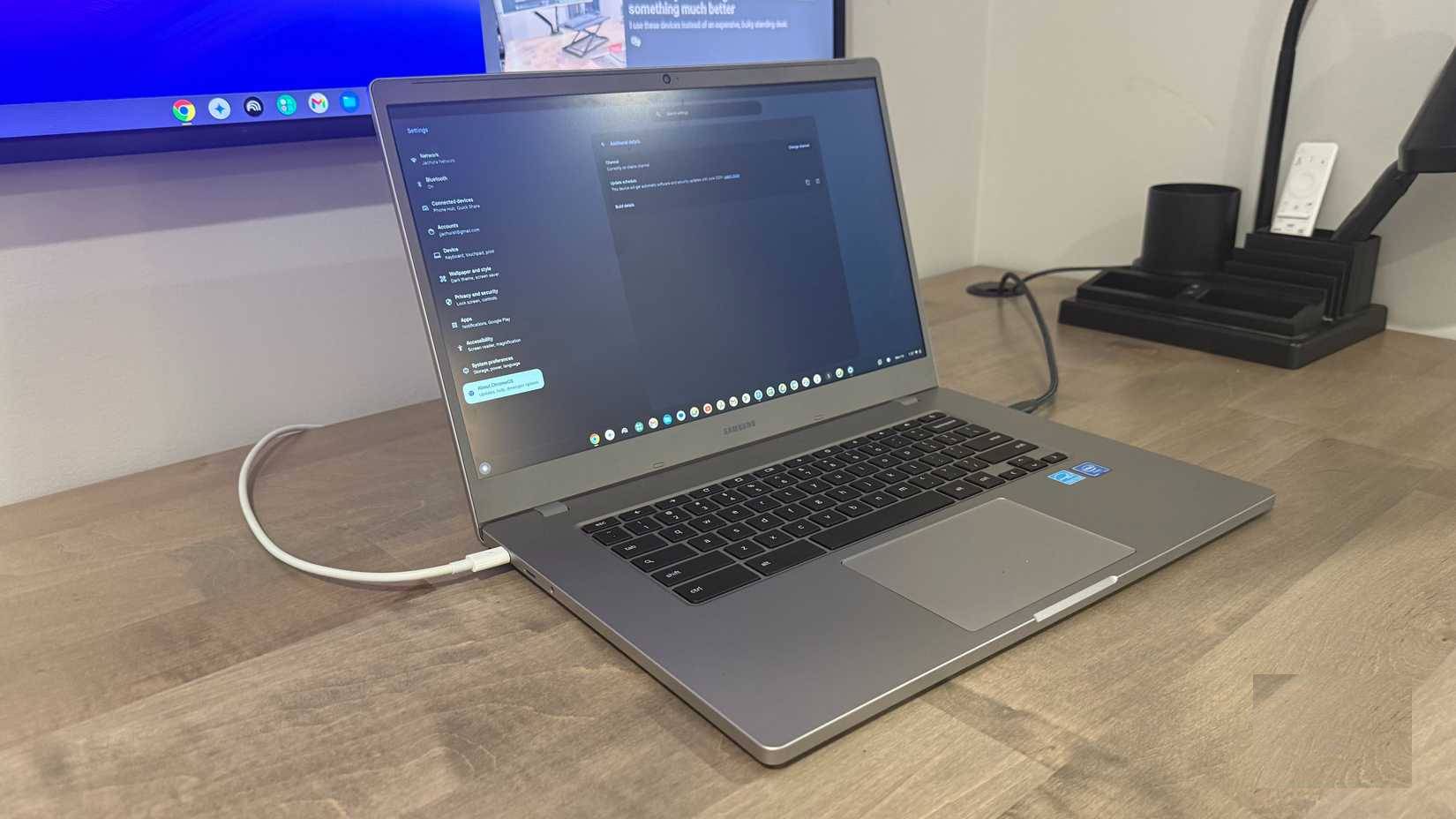
Sometimes the best solution is to just keep using your Chromebook until support expires. Once you plug it into a monitor and try everything: Google Docs, Google Sheets, WordPress, project management apps, all web-based, it can handle it well, but it can't do it all.
Web apps are ChromeOS's true strength. They boot in seconds, updates happen in the background where supported, and the battery lasts forever. You can keep it as a spare, a travel laptop, or give it to someone who just needs basic web apps, email, and YouTube.
Old Chromebooks Last Longer Than You Think
That device you thought was junk might actually have years of use left. Look up the Chromebook's end-of-support date! It might last longer than you think. If you want to extend Google's support, install Linux. If you just need a laptop for web browsing and Google Docs, keep using it.
Take a few minutes to figure out what works for your situation. You might get more use out of your machine than you thought!
FAQ
What should you know about things to know about when Google stops supporting Chromebooks?
In practical terms, here's what you'll get after checking Google's Auto Update policy page and actually getting your Chromebook back to work.
Why does things to know about when Google stops supporting Chromebooks matter?
The article highlights that check your Chromebook's actual support end date Google now offers 10 years of support, not 5 years The process for finding your Chromebook's expiration date is pretty simple: Go to Settings > About ChromeOS > Additional.
What is the main takeaway?
The main takeaway is that Google changed its entire policy at some point.
Related Articles
 Google Search Officially Stops Supporting Internet Explorer3 minutes read
 Microsoft Still Supports Edge Chromium After the Death of Windows3 minutes read
 Fortnite Will Stop Supporting Windows 7 and Windows 84 minutes read
 Mozilla Is About to Stop Supporting FTP Protocol in Firefox3 minutes read
 The Best Chromebook Models You Can Buy in 20217 minutes read
 Samsung Stops Supporting Updates for 11 Smartphones3 minutes read
Reader Comments 0
Sign in with email or Google to join the discussion.