Table of Contents
Do you know what happens when you restart your computer? Let's find out in the article below!
Technological devices, including smartphones, laptops, and desktops, have become an integral part of our daily lives. Whether it's for work, entertainment, or even keeping in touch with friends and family, these devices are indispensable. So, when you encounter problems with your devices, it can be very frustrating, whether it's minor issues like slow performance and connectivity, or major issues like a camera not working.
Whenever you encounter a problem with your device, don't despair. The best tip before trying anything else is to restart your device. That's why when you call any tech support center to solve any device-related issues, the first question is whether you have tried restarting your device. And this doesn't just work for regular devices like smartphones or tablets. Restarting can fix problems with routers, Smart TVs, printers, game consoles, smartwatches, etc.
- How to restart your computer using PowerShell
- Windows Explorer keeps restarting and freezing, here's how to fix it
Why is rebooting so effective?
Although simple, restarting is the ultimate solution to most tech problems because it offers several benefits to your device. Restarting clears the temporary memory (also known as RAM) by clearing data from running apps and processes on your device.
This frees up the device's memory, allowing it to start from scratch when powered on. This simple memory wipe can help improve the responsiveness of your device by allowing it to store newer processes and data without being slowed down by old data.
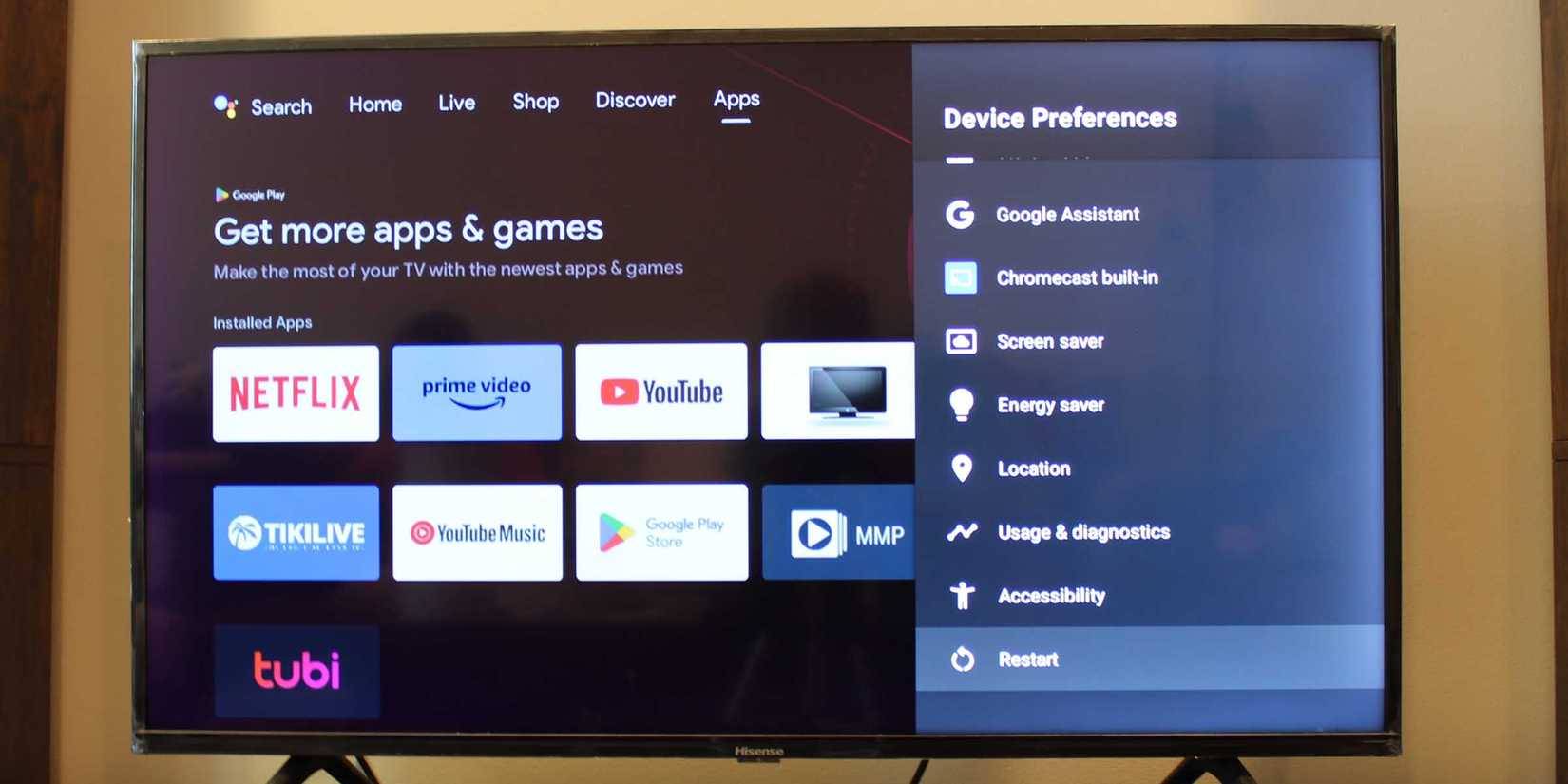
By clearing the memory, it also helps the device clear cache or old data from apps that are no longer running or apps that are leaking memory and continue to take up memory they don't need. Restarting also stops background processes and apps that consume too much system resources like CPU, memory and battery, often due to errors or crashes.
In addition to clearing memory and stopping processes and applications, rebooting also refreshes system resources. So when you reboot your device, it starts from a blank state, with the operating system only loading the essential services it needs to function smoothly. Finally, it resets the device's network components, such as Bluetooth, Wi-Fi, and cellular modules, giving them a clean reboot.
Common problems that a reboot can fix
Restarting will fix these problems immediately
Since rebooting clears the memory and stops all processes, it can fix many problems that you may encounter. One of the common problems is slow performance and lag. By clearing the memory and starting from a clean state, rebooting frees up memory on your device, thus giving more resources to the operating system and important processes to run smoothly. With more free memory, your device will also respond faster.
If a particular app keeps crashing or freezing, a restart can help fix the problem by forcing the app to start over, which can fix temporary software bugs. Restarting is also a useful method for fixing connectivity issues like poor cell reception or your device not being able to connect to Wi-Fi or nearby Bluetooth devices. Restarting can even increase smartphone security in some cases by removing malware that only exists in memory.
When is a reboot not enough?
While restarting can fix most problems with your device, it is not a complete solution. For example, if your device has a hardware problem like a dead battery, the only solution is to replace the battery. No amount of restarting will help.
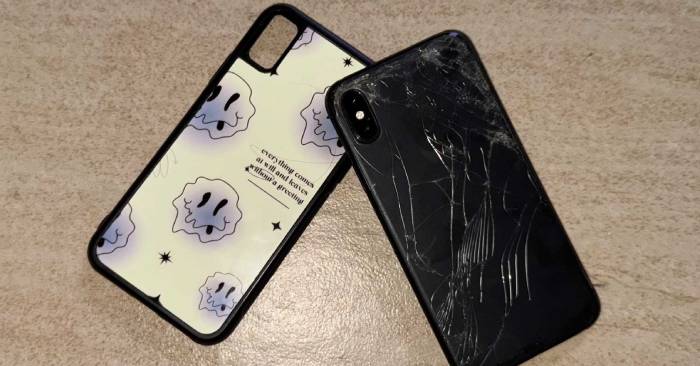
Restarting also won't work for other hardware-related issues, like cracked screens and broken camera lenses. And it's not just hardware issues. Some software issues you might encounter won't be resolved by restarting your Windows, macOS, Android, or iOS device. For example, restarting won't work for software that's been corrupted by certain types of malware (including viruses).
This also doesn't work for app or operating system related issues. Such issues can only be resolved by updating to the latest version of the app or operating system and hoping that the developers have fixed the issue in the latest release. For software issues, the general rule is to always try a reboot before ruling out a bug. If the issue persists after a reboot, it could indicate a more serious hardware or software issue that needs to be fixed.
In that case, you can either factory reset your device after backing up your data to start from scratch or visit a certified technician for further assistance. Remember, to diagnose your computer problem more easily, You should know whether the problem you are experiencing is hardware or software related.
Restarting should be the first solution to technical problems.
Before you consider a factory reset, calling tech support, or visiting a technician, always try restarting your device first. Any device that is considered a computer can have problems, and most of them are temporary, so a simple restart can fix them. So, before you do anything else, a restart is your best bet.
Have fun!
See more articles:
- How to upgrade Firmware for Wireless Router?
- How to restart and reset Apple Watch
- Instructions to reset Skype on Windows 10
FAQ
What should you know about restarting, the age-old tech trick that still solves the latest?
In practical terms, do you know what happens when you restart your computer? Let's find out in the article below.
Why does restarting, the age-old tech trick that still solves the latest matter?
The article highlights that although simple, restarting is the ultimate solution to most tech problems because it offers several benefits to your device.
What is the main takeaway?
The main takeaway is that before you consider a factory reset, calling tech support, or visiting a technician, always try restarting your device first.
Related Articles
 8 Most Annoying iPhone Problems That iOS 26 Quietly Solved: Practical Guide7 minutes read
 iPhone 3G Has Problems with iOS 44 minutes read
 How to Reset Your Home Network: Step-by-Step Guide5 minutes read
 The Reward of $ 1 Million for Anyone Who Solved the Problem Has4 minutes read
 Causes and How to Fix Computer Restarting Continuously8 minutes read
 Learn About Windows Maintenance Tool: Free Tool That Solves the Most8 minutes read
Reader Comments 0
Sign in with email or Google to join the discussion.