Table of Contents
Just stick with Linux is no longer useful advice, and it's certainly not general advice you can give to anyone having problems with Windows and macOS.
A Linux enthusiast gets a real sense of satisfaction when someone complains about Windows, and their first reaction is 'I told you so.' They've been telling people to switch to Linux for years. No bloatware, remote monitoring, forced updates, and invasive software that tracks everything you do.
Many people have switched from Linux to Windows after years of tossing and turning. But 'just use Linux' is no longer useful advice, and it's certainly not a blanket advice you can give to anyone struggling with Windows and macOS.
Too many distributions, too little clarity
Endless Choices Make Linux Harder to Recommend
One of Linux's greatest strengths is also one of its greatest weaknesses for beginners. You have dozens of distributions, desktop environments, package managers, and configurations. This level of customization is great if you know what you're doing, but if you're completely new to Linux and trying to decide which distribution to choose for the first time, it can be overwhelming.
If you use Windows, there are quite a few beginner-friendly Linux distributions like Ubuntu, Linux Mint, Pop!_OS, etc. Depending on who you ask and what you use your computer for, everyone will have different recommendations.
Any of these distributions is fine, but the user experience will vary greatly between them. They also use different desktop environments and package managers, which further complicates the choice.
The application gap is not closing fast enough.
The software you need isn't always available
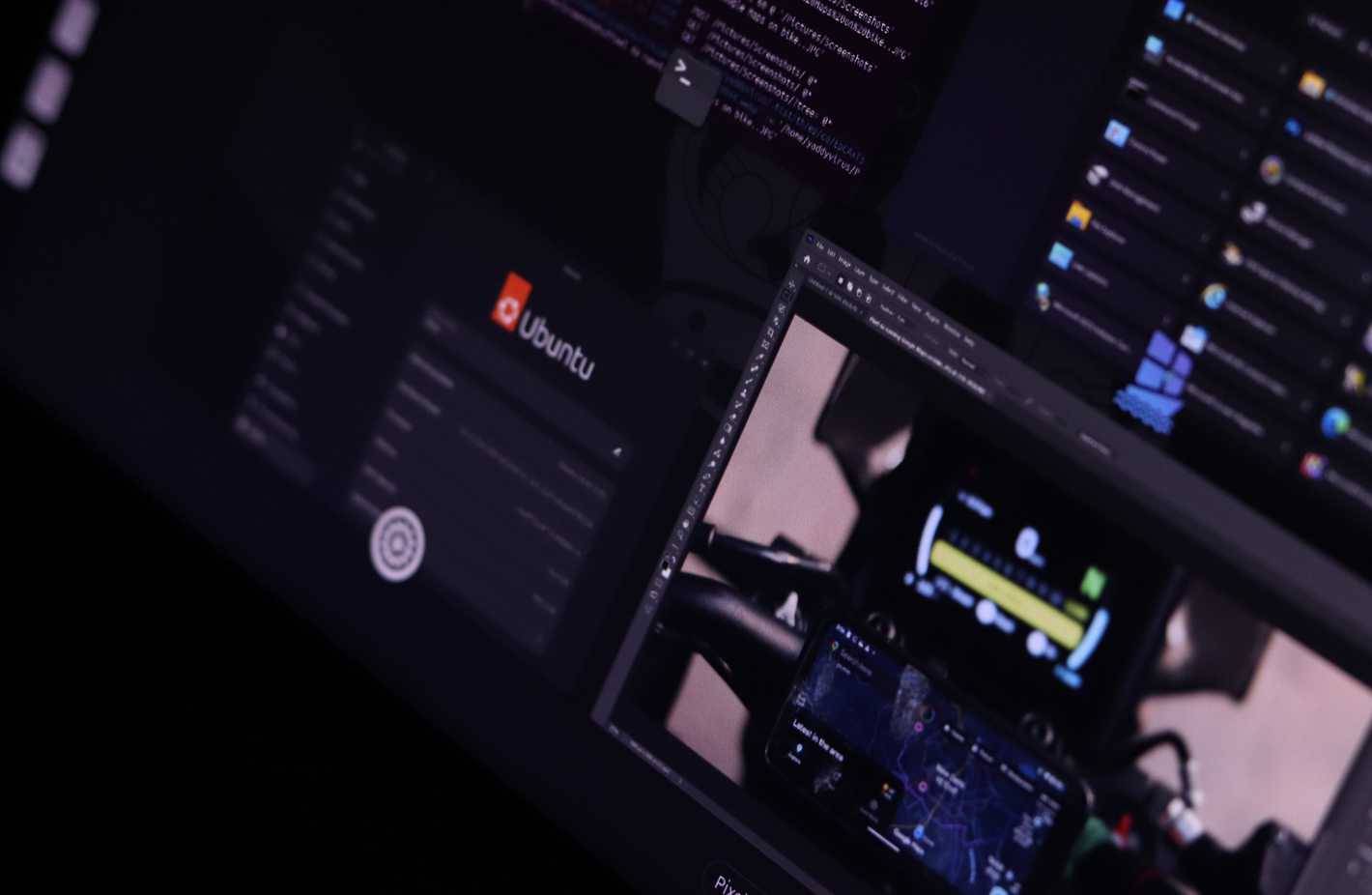
Another big problem with Linux is the application gap. If you're a user of proprietary software like Adobe's creative suite, you'll likely find an alternative. Worse, you'll likely have to abandon your old workflows and projects when you switch to Linux.
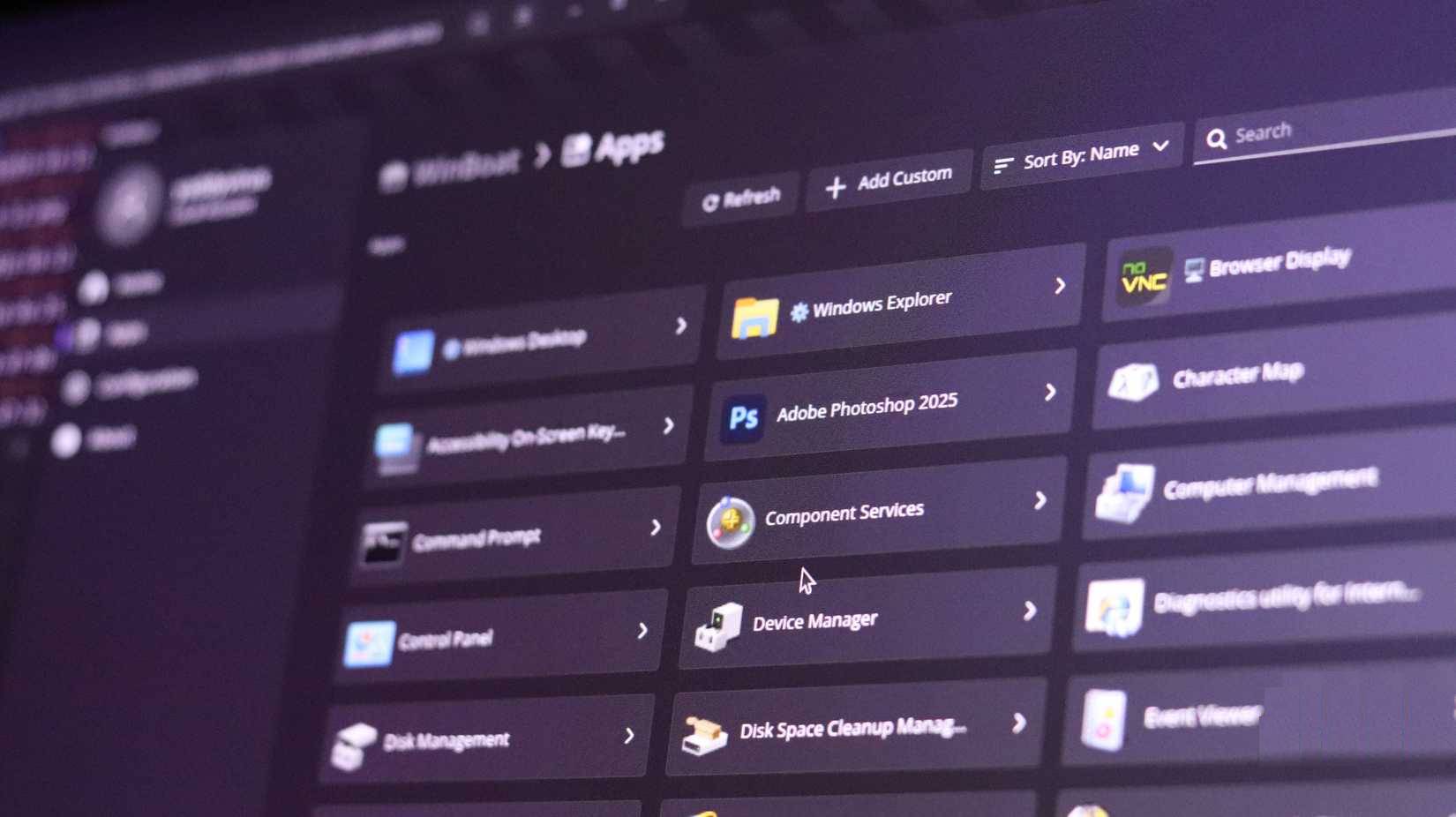
You can find tools like Wine or WinBoat that can help you run Windows programs on Linux, but there are significant performance and configuration challenges. WinBoat has potential and is still in beta, but it is not as good as people say.
Fortunately, the Linux ecosystem in 2025 offers mature alternatives to almost every Windows or macOS-exclusive program. The challenge is finding the tools that work for you, then adapting to the new workflow and interface. These tools are feature-wise equivalent to Windows/macOS alternatives in most cases, but it may take some getting used to.
Hardware support can be a gamble
Drivers, quirks, and the unpredictable nature of Linux compatibility
Another surprise that many people face when switching to Linux is hardware support. Linux is not the operating system for you if you use proprietary software; nowhere is this more severely affected than with RGB peripherals.
RGB peripherals will still work, but you'll lose the ability to control them or create program-specific lighting profiles. At least initially. Thanks to the open source community, some third-party programs can restore this functionality.

You can use programs like Piper for Logitech gaming mice. Razer You can try OpenRazer with Polychromatic to configure their peripherals. OpenRGB is also a good option, with support for hundreds of peripherals from many different manufacturers. However, these programs only restore a limited amount of control, and you will still miss out on some of the features you paid for simply because the manufacturer doesn't have software for Linux.
This used to be a much bigger problem, but Linux hardware support has improved significantly over the past decade. Issues like Wi-Fi, sound, or display drivers not working out of the box used to be common, but they can still cause problems depending on the distribution you choose to install.
Community support and expectations
There is help from the community, but what happens when there is no more?
Windows and macOS You can often turn to friends, family, or tech support when they run into problems. Linux users, on the other hand, have to troubleshoot on their own, learn how to search forums, decipher cryptic terminal error messages, and sometimes even compile software from source code. That's one of the reasons why open source software isn't always the better choice, and that's okay.
Don't get me wrong! Most, if not all, open source communities are great. They're great because they exist, because that's how you learn so much about the different software you use every day. But they don't have to solve the specific problem you're working with on your schedule.
Linux may be right for many people - but not for everyone
"Just use Linux" ignores very real user needs
Linux is great for so many things. Developers, system administrators, cybersecurity professionals, and just about any technical user have plenty of good reasons to choose it—and the tools they need are plentiful. The average user who just needs a browser and an office suite won't be able to go wrong with a distribution like Linux Mint or Ubuntu. Even gamers can have a great experience on Linux thanks to Proton and Steam.
But instead of 'just use Linux,' we need to have more nuanced conversations. Ask people about their actual workflow, the programs they use, the hardware they use, and how comfortable they are with troubleshooting. You'll quickly find that for many people, Linux creates more problems than it solves, and that's okay. There's no shame in choosing an operating system that works for you.
Linux is great, but it's not the panacea we often make it out to be. The community would benefit from actually acknowledging its limitations, rather than ignoring them. Real advocacy means helping people make informed choices, not over-promoting a platform to people whose real needs aren't being met.
FAQ
What should you know about 'just use linux' is no longer useful advice?
In practical terms, just stick with Linux is no longer useful advice, and it's certainly not general advice you can give to anyone having problems with Windows and macOS.
Why does 'just use linux' is no longer useful advice matter?
The article highlights that but 'just use Linux' is no longer useful advice, and it's certainly not a blanket advice you can give to anyone struggling with Windows and macOS.
What is the main takeaway?
The main takeaway is that community support and expectations There is help from the community, but what happens when there is no more.
Related Articles
 How to Stop Giving Terrible Advice: Step-by-Step Guide13 minutes read
 Advice That Sounds Helpful but Can Actually Be Counterproductive6 minutes read
 How to Give Advice: Step-by-Step Guide16 minutes read
 Why Does Windows Warn That Linux ISO Is a Virus? Causes and How3 minutes read
 How to Manage Photos on Linux7 minutes read
 How to Install Kali Linux on Android Using Linux Deploy7 minutes read
Reader Comments 0
Sign in with email or Google to join the discussion.