Table of Contents
5 important tips to help you switch from Windows to Linux easier, safer and more efficient.
With Microsoft gradually ending support for Windows 10 and Windows 11 still not really complete, many users are looking to Linux as a sustainable alternative. Linux is not only free, highly secure, less constrained by advertising or tracking, but also offers the freedom to customize and explore the operating system.
That said, if you are used to Windows, switching to Linux is not easy. It is not as simple as installing a new operating system and using it as usual. You will have to learn new tools, find alternative software, and adjust your work habits.
To make the transition smoother, let's learn 5 important tips that helps you easily leave Windows and enjoy the true power of Linux.
1. Choose the right Linux distribution (distro)
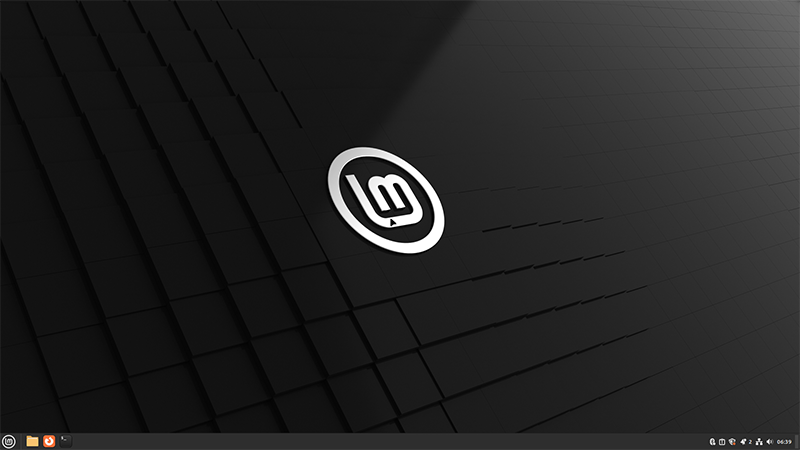
Linux comes in dozens of different distributions (distros), ranging from complex for experts to simple for beginners. Choosing the right distro will determine your initial experience.
- Linux Mint: Is considered the best choice for beginners. It has an interface similar to Windows, is easy to get used to, supports most popular software, and runs smoothly even on old computers. Battery and performance are also much better than Windows.
- AnduinOS: If you like the modern look of Windows 11, AnduinOS brings a familiar interface and supports Steam right out of the box, which is great for gamers.
- Lightweight distros: If your computer has a weak configuration, you can choose performance-optimized distros such as Lubuntu, Xubuntu or Zorin OS Lite. These distros are lightweight but still easy to use.
My advice to you is to start with a friendly, easy-to-use distro, then once you get used to it, you can try advanced distros like Arch Linux or Fedora.
- 7 Best Linux Server Distributions
- 5 Best Linux Distributions for Windows Users
2. Prepare replacement software before transferring
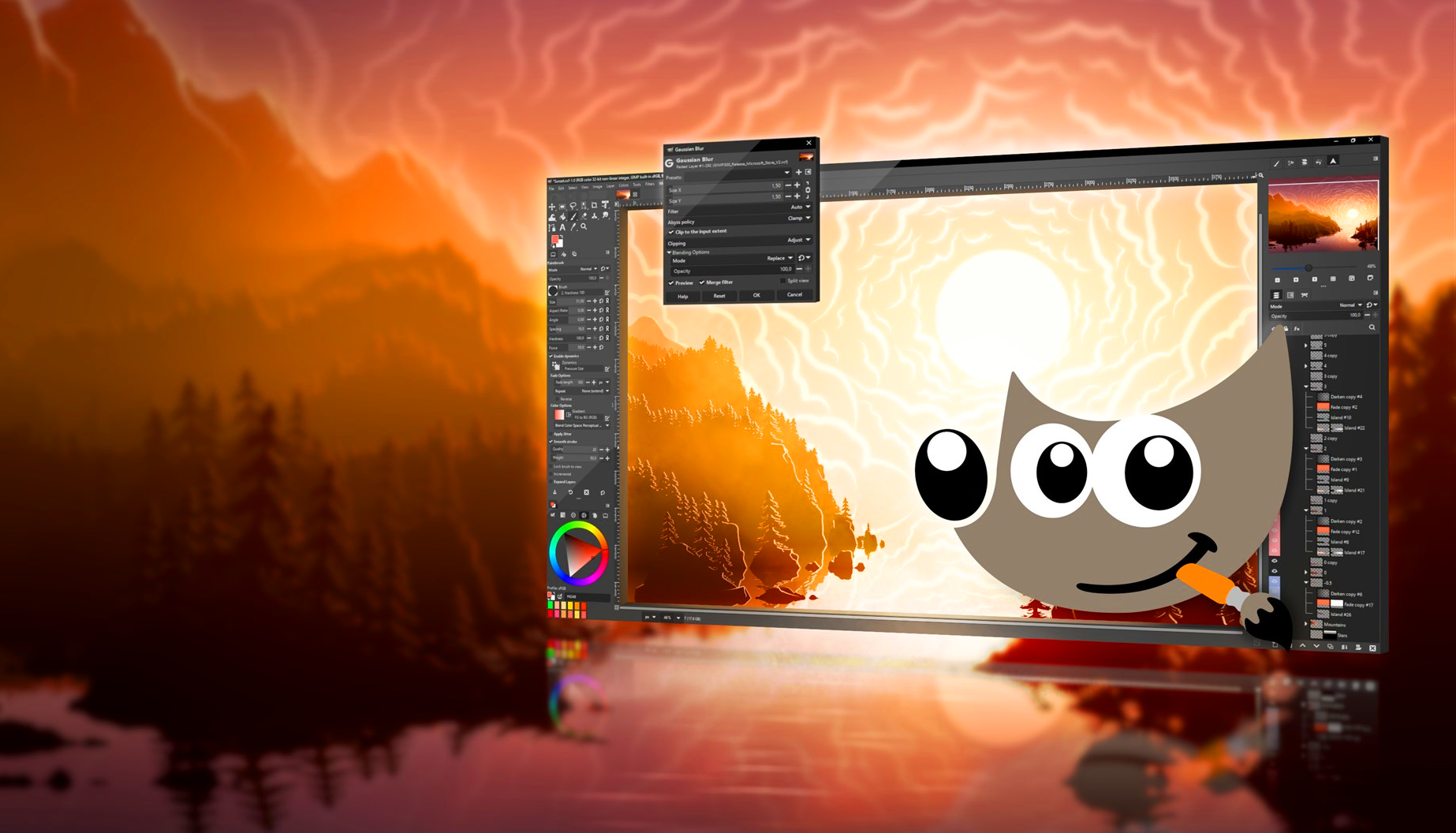
One of the 'shocks' of switching to Linux is realizing that not all Windows software is available on Linux. So make a list of the applications you use regularly and find alternatives.
- Office suite: Microsoft Office can be replaced by LibreOffice or Google Docs.
- Photoshop: replace with GIMP, powerful enough for most photo editing needs.
- Lightroom: replace with RawTherapee or Darktable.
- Premiere Pro/After Effects: replace with Kdenlive or Olive Video Editor.
- Browsers: Most popular browsers like Chrome, Firefox, Opera are available on Linux.
That said, the Adobe Creative Cloud suite doesn't have an official Linux version, and RGB peripherals often lose customization functionality. If you rely heavily on these tools, think carefully before switching.
3. Use Dual Boot for more safety
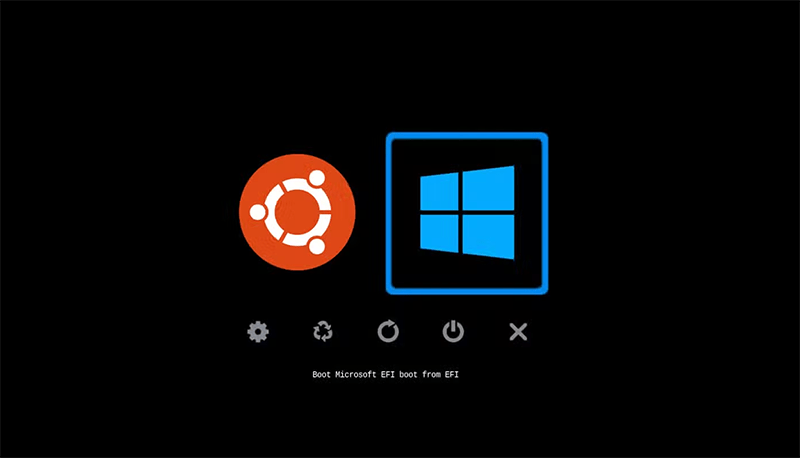
You don't have to completely wipe Windows to switch to Linux. The best way for beginners is to dual boot, which means installing both operating systems on the same computer.
- Dual boot lets you keep Windows on hand when You should run specific applications.
- Linux can still use the full power of the hardware instead of running through a virtual machine.
- You just need to repartition your hard drive into multiple partitions: one for Linux, one for Windows, and a common area for storing data.
- For example, if you use Linux Mint, when installing the system it will ask you if you want to remove all Windows or install it alongside. Choose 'install with Windows' to be safe.
- Dual booting lets you slowly get used to Linux, instead of being forced to switch 100% immediately.
4. Get familiar with Terminal as soon as possible
If you're new to Linux, the Terminal (command line window) can be intimidating. But it's the most powerful tool you can use to manage and control your operating system.
- Basic commands like ls (list files), cd (move directory), cp (copy), mv (move), grep (search) will be extremely useful.
- Terminal helps to quickly install software using package managers like apt (Ubuntu, Mint) or dnf (Fedora).
- You can automate the work by writing bash scripts, saving time compared to manual operations.
- At first, you may just be fine with the graphical interface. But once you get used to the Terminal, you'll realize that Linux is actually much more flexible and powerful than Windows.
5. Join the Linux community

The Linux community is a treasure trove of free knowledge. You don't have to figure everything out on your own, as there are plenty of forums, subreddits, and Discord groups ready to help you.
- Linux Mint Forums: the official forum for Linux Mint users.
- Reddit r/linux and r/linuxmint: places to share experiences, ask questions, and get updates.
- Discord: There are many Linux servers that help you communicate directly with the community.
Just by following the discussion, you have learned many good tips. When you encounter an error, feel free to ask, you will get a quick answer.
Switching from Windows to Linux is a big step, but it's worth it. You'll get an operating system that:
- Free, secure, low-strings
- Works well on both old and new machines
- Flexible, customizable
- Good support for study, work and entertainment
Don't rush things, start step by step: choose the right distro, prepare your software alternatives, dual boot for safety, learn Terminal early and join the Linux community. After a while, you'll ask yourself: 'Why didn't I switch to Linux sooner?'.
FAQ
What should you know about the options in this guide?
In practical terms, 5 important tips to help you switch from Windows to Linux easier, safer and more efficient.
Which option is the best choice?
The best choice depends on your priorities, compatibility, budget, and the specific features discussed in the comparison.
What should you compare before deciding?
Compare core features, limitations, ease of use, compatibility, and long-term value before making a decision.
Related Articles
 Switching from Mac to Linux Is Easier with the Following 5 Tips6 minutes read
 5 Linux Lite Tips for Windows Users: Recommended Choices5 minutes read
 Windows 10: Switch to Linux or Buy a Copilot+ PC?5 minutes read
 Why Many People Don't Switch Even Though Everyone Says Linux Is Better6 minutes read
 Why Is It Easier to Use Linux for Local LLMs Than Windows?9 minutes read
 No Need to Give up Windows: Dual Booting Linux Is Easier Than You Think!10 minutes read
Reader Comments 0
Sign in with email or Google to join the discussion.