Table of Contents
Google Photos used to offer unlimited storage for free. Sadly, those days are long gone.
Google Photos used to offer unlimited storage for free. Sadly, those days are long gone. Instead of Google 's solution, turn to another one: Amazon Photos.
Why People Are Giving Up on Google Photos
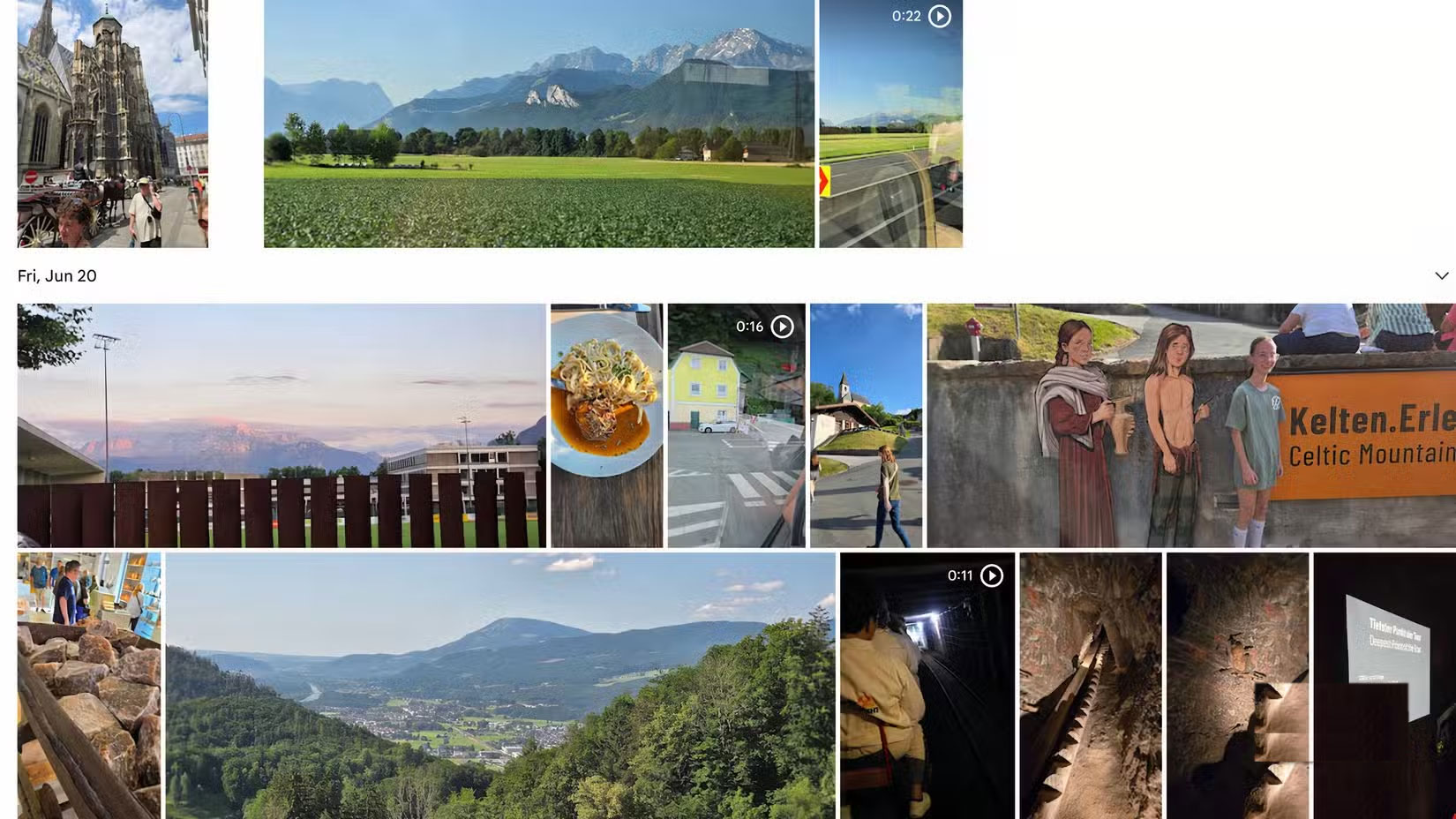
Price isn't the only reason many people decide to switch from Google Photos to Amazon Photos. They're fed up with the overall Google Photos user experience. It's a lot more cluttered than they'd like, and people generally don't like the company constantly pushing them to use other Google services.
Another thing that might bother some people about Google Photos is probably a boon for others: AI. Thanks to Google Gemini, the company's large multimodal language models, and its AI chatbot, there are now a ton of advanced tools you can use with your photos. But these tools will be less important to most Apple users, and having them embedded in the Google Photos interface might seem a little intrusive. Again, not everyone will feel that way.
What Amazon Photos offers
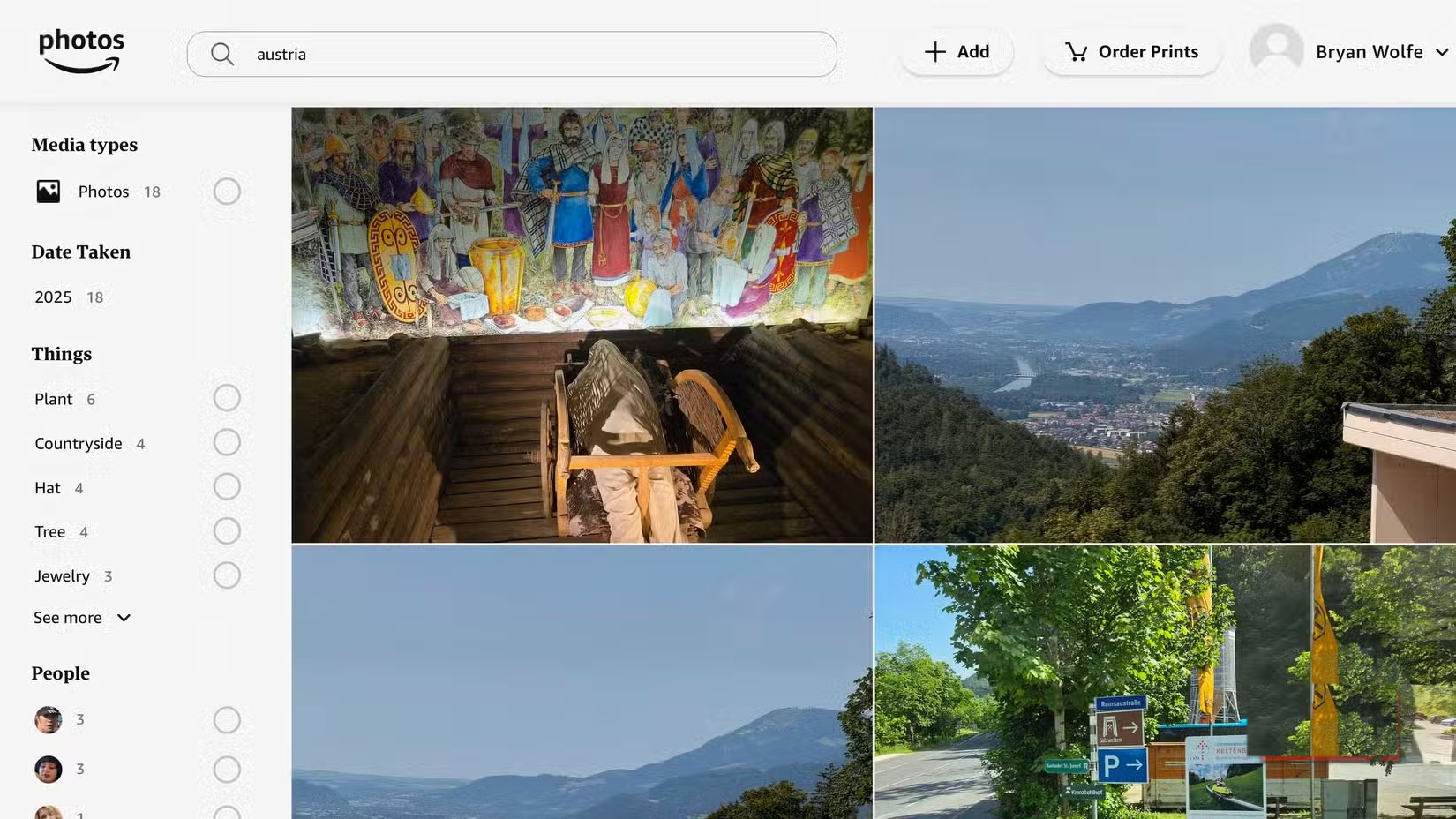
In addition to offering unlimited full-resolution photo storage to Amazon Prime customers, Amazon Photos offers a number of other features that make it a worthy option. This starts with its accessibility. You can use Amazon Photos on Android and iOS mobile devices, via a web browser, and, unsurprisingly, on Amazon devices. There are also apps for macOS and Windows.
Simple process
Ease of use is another reason people are happy with their decision to switch. The app reminds them many the older version of Apple Photos, where content is organized by year and user. You can also sort photos by album, location, location, subject, etc.
Amazon Photos also stands out for its automatic photo backup feature via its free mobile app, meaning you don't have to worry about keeping your precious memories safe as soon as you take them.
You can also easily share your photos and albums on Amazon Photos with family and friends. Through "Family Vault", you can share unlimited photos with up to 5 other people.
You can do so much more.
If you have an Amazon device like the highly rated Amazon Echo Show 21 or Fire TV, your photos are easily accessible and secure on these devices, making it easy to view your favorite photos anytime.
Finally, Amazon also lets you turn your photos into prints, photo books, cards, and more with just a few clicks. Ordering is simple, prices are competitive, and delivery is fast.
Make the conversion
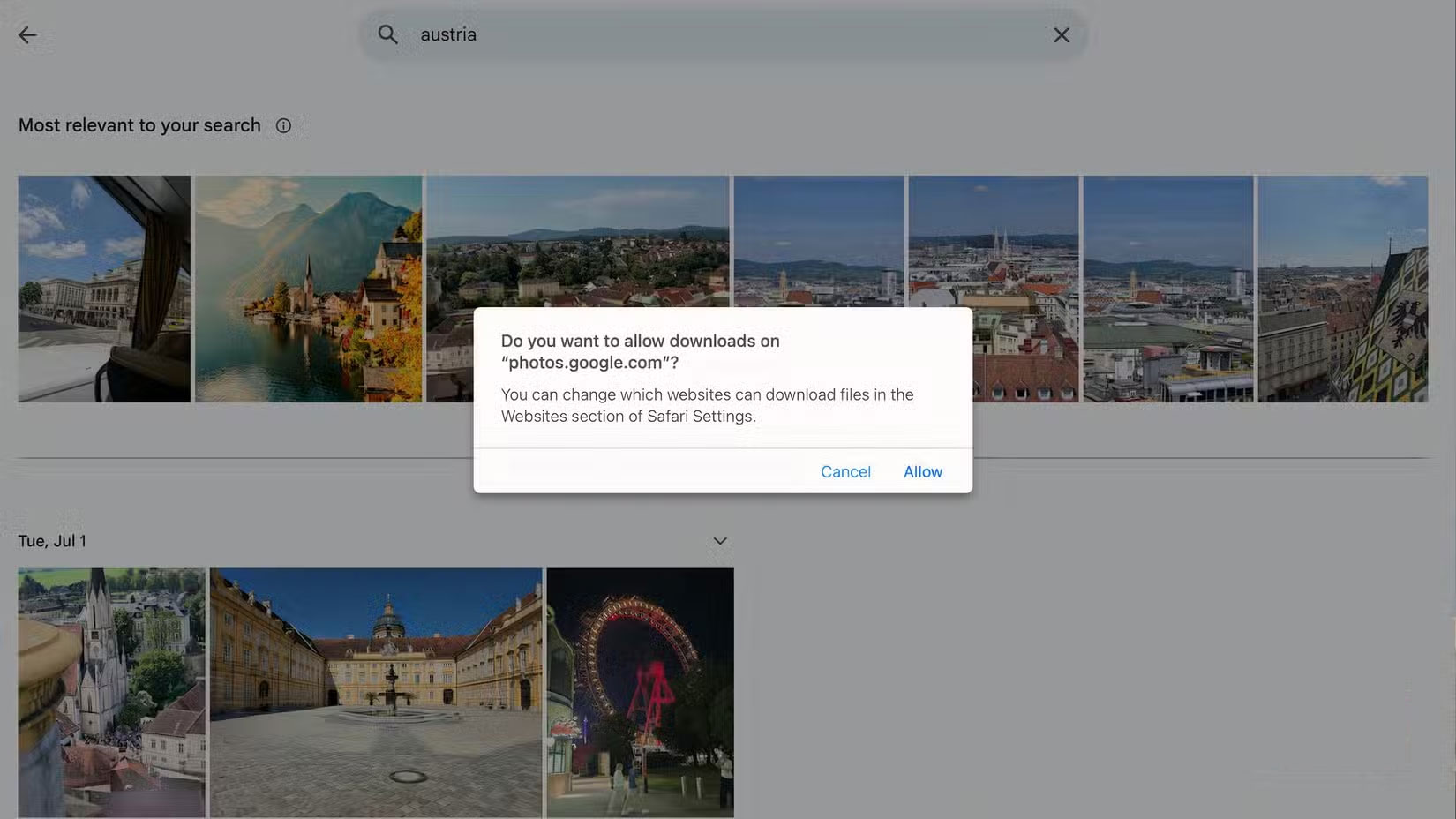
You can find a few ways to move your photos from Google Photos to Amazon Photos. The best way depends on what kind of device you have. The two most common ways are downloading/updating and using Google Takeout.
Download and upload
The download and upload options are exactly what they sound like. You should download your photos from the Google Photos website, then upload them to the Amazon Photos website or the Amazon Photos app for macOS or Windows.
To get started, sign in to the Google Photos website with your Google credentials. Next, select the photos you want to export.
From there, click the three-dot menu in the upper-right corner, then select 'Download' to save the file to your computer.
Once your photos are downloaded to your computer, you can upload them to Amazon Photos. First, log in to your Amazon account on the Amazon Photos website. From there, select the Add Icon at the top of the screen. From the drop-down menu, choose to upload individual photos or a folder.
The most obvious downside to using the download/upload option to transfer photos from Google Photos to Amazon Photos is that it can be a bit of a hassle, especially if you have a large number of photos. Going through and selecting each photo you want to download can take a long time. However, this process encourages you to only download the most important photos and skip the rest.
Google Takeout
If you have many photos to transfer or have decided to move everything, choose Google Takeout. This free service makes it easy to export all of your content or select content from Google's servers.
To get started, sign in to your Google account on the Google Takeout page. Next, click the Deselect all Option at the top of the list. From there, scroll down and select Google Photos from the long list of Google services. You can choose to export entire albums or individual files. Select Next step , then choose how you want your photos delivered. For example, you can have Amazon email you a download link or automatically send the content to services like Microsoft OneDrive, Dropbox, and Box.
You can also set the maximum amount of data you want to download at once. For example, maybe you have 10GB of storage in Google Photos. Instead of sending it all at once, which can take a long time and overload your Wi-Fi connection, you can ask Amazon to split the upload into smaller chunks.
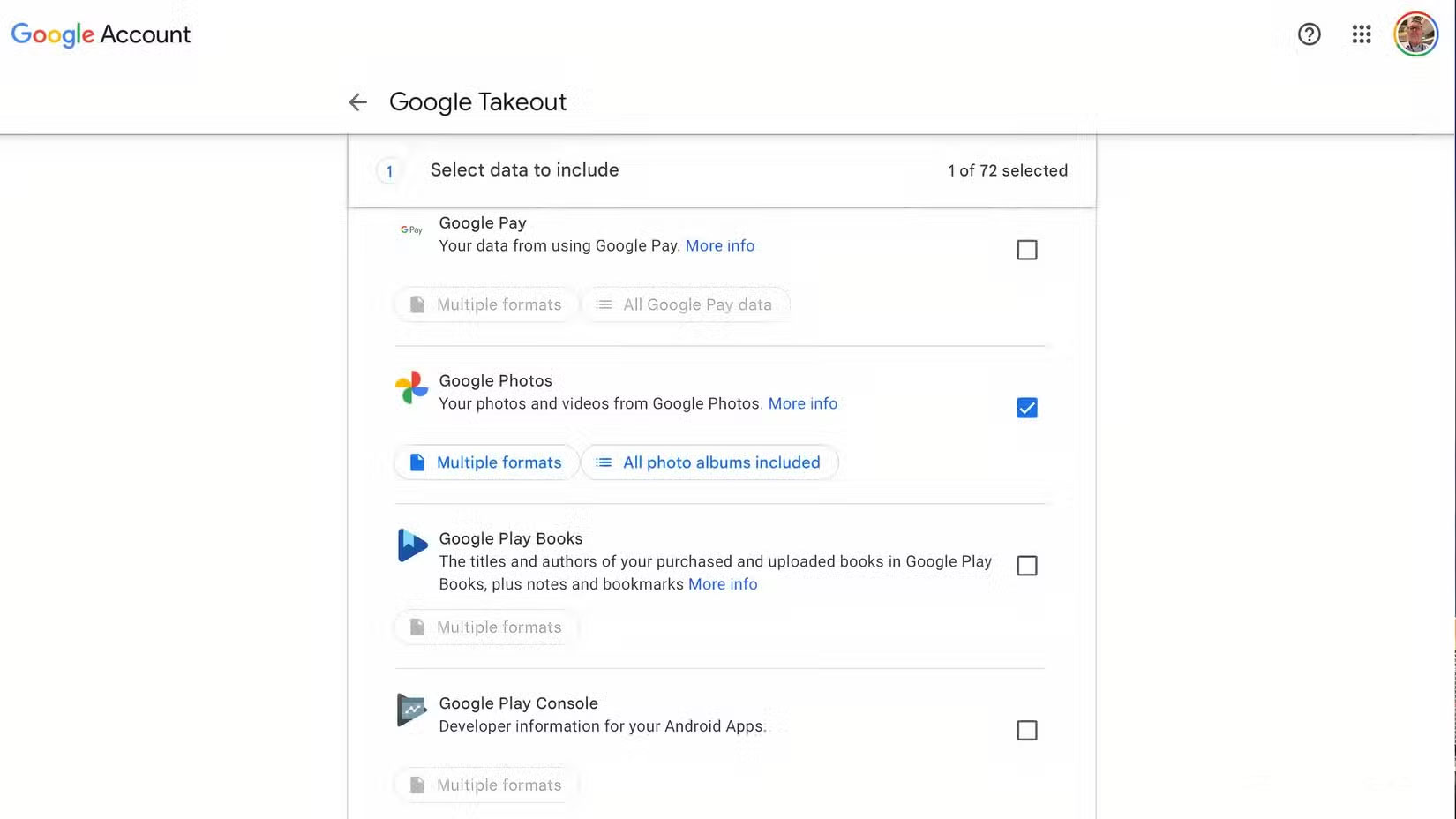
From there, you choose how you want your files saved as a ZIP or TGZ folder. Once these files are downloaded, you can upload them to Amazon Photos as in the download/upload option.
The biggest downside to using Google Takeout is that videos are downloaded along with your photos. Videos are larger, which means they take longer to download. Plus, if you upload the wrong photos and videos, you can quickly use up your free video storage on Amazon Photos.
FAQ
What should you know about Google Photos vs. amazon photos photo storage app?
In practical terms, Google Photos used to offer unlimited storage for free. Sadly, those days are long gone.
Why does Google Photos vs. amazon photos photo storage app matter?
The article highlights that what Amazon Photos offers In addition to offering unlimited full-resolution photo storage to Amazon Prime customers, Amazon Photos offers a number of other features that make it a worthy option.
What is the main takeaway?
The main takeaway is that amazon Photos also stands out for its automatic photo backup feature via its free mobile app, meaning you don't have to worry about keeping your precious memories safe as soon as you take them.
Related Articles
 How to Transfer Photos from Google to Amazon Photos6 minutes read
 3 Google Photos Alternatives: Build Your Own Photo Storage Server6 minutes read
 22 Tips to Help You Master Google Photos23 minutes read
 10 Google Photos Tips and Tricks You Shouldn't Miss9 minutes read
 Five Apps Will Replace Google Photos When Things Start to6 minutes read
 How to Store Photos on Amazon Prime Photos Online6 minutes read
Reader Comments 0
Sign in with email or Google to join the discussion.