Table of Contents
Notion is an incredibly powerful tool for organizing your life. However, it's not perfect and may not meet everyone's needs - despite its long list of features.
Many people have tried running their entire lives on Notion, but eventually, they realized that they can only run in a specific way that Notion allows. So now, they only use it for one purpose.
Why doesn't Notion work for some people?
Since people have always used multiple tools to track their lives, both personal and professional, they were excited about the idea of Notion bringing it all together. However, once they started using Notion, they quickly realized its limitations. It's true that Notion has a lot of features, but they're not necessarily features you'll use every day. Conversely, many of the features you've grown accustomed to over years of using specialized tracking programs are missing from Notion.
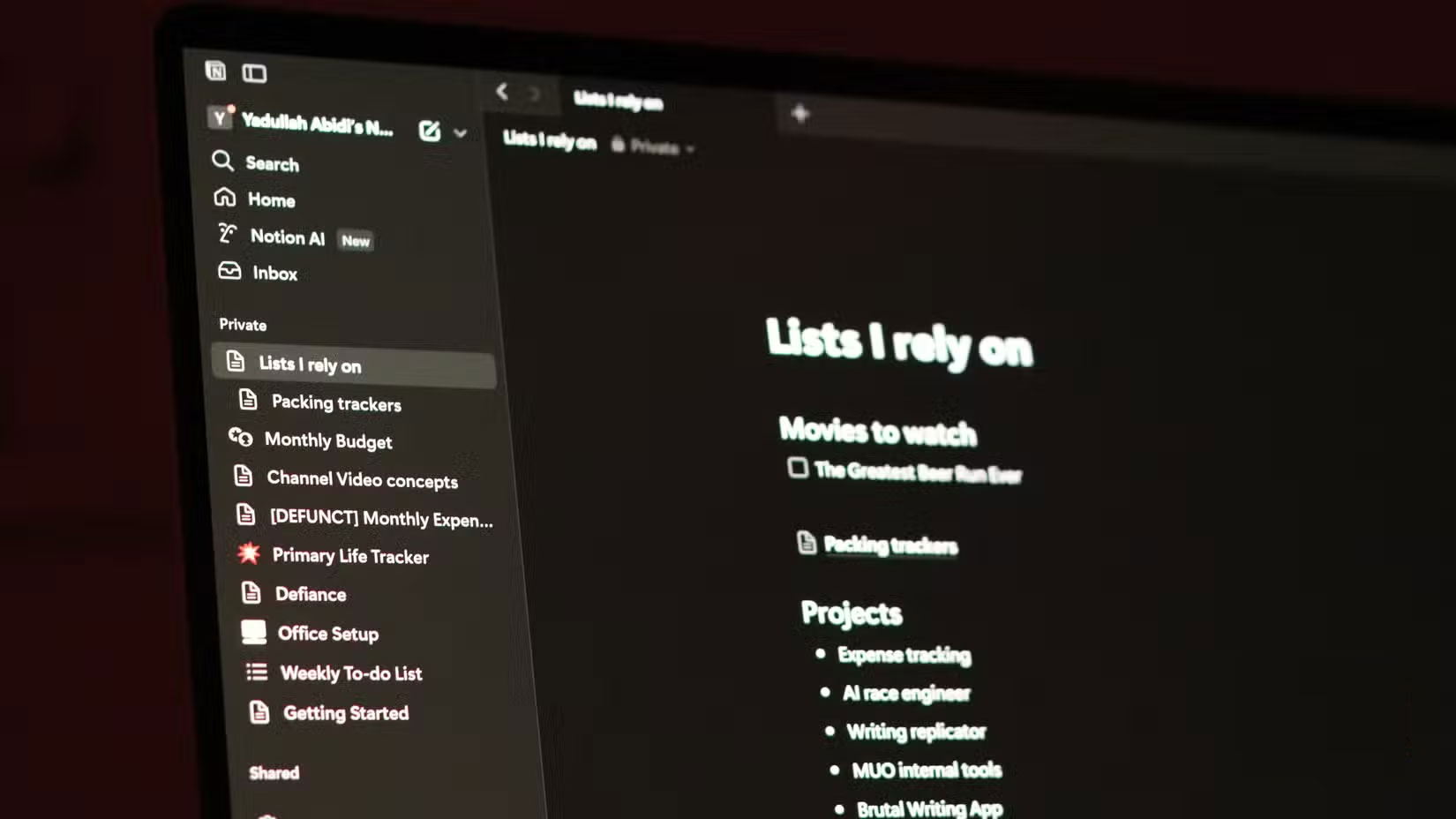
This is one of the biggest reasons why Notion doesn't work for some people, but Excel does. Many people prefer to organize data in tables and spreadsheets. The closest equivalent Notion offers is a database. However, the way Notion handles data, especially when it comes to tables and databases, is not as flexible as Microsoft Excel or even Google Sheets. Yes, you can use formulas in Notion, but you don't have the freedom to select data from any cell or range of cells at will.
You can't effectively track work and automate data update tasks. There are alternatives that achieve this level of flexibility in Notion, but they are too laborious to set up. Eventually, the convenience of dedicated tools won them over, and they stopped using Notion for everything.
Notion is a great data storage tool
After being overwhelmed by the amount of data they stored in Notion, many people eventually realized what it does best – storing data. As long as you can keep the page structure simple to navigate, Notion can serve as a great notepad.
Notion is also pretty good at presenting data, so instead of trying to do everything natively in Notion, many people track their tasks and goals in a Google Sheets document and embed it into their Notion page. This feature also works with Google Calendar, the primary calendar tool many people use.

So they went back to their original systems — Google Sheets for tracking progress, Google Calendar for keeping track of appointments and commitments, Microsoft To-Do for quickly creating to-do lists, and finally, Notion as the ultimate data repository. They could still see the most important information about their workday and ongoing tasks all in one place, without giving up the flexibility of tracking progress any way they wanted.
Notion also supports Markdown, which makes it convenient for taking quick notes and jotting down rough ideas. Instead of databases and complex page structures, their Notion workspace now contains individual pages to track different aspects of their lives.
Each page has a relevant Google Sheets or Calendar embed, a simple checklist for any tasks or to-dos, and a dedicated section for taking notes or jotting down ideas if needed. Since all the information they want on a particular topic is on a single page, you no longer have to scroll through pages to find a simple task.
This is useful when ideas come to you in random places, like on the subway or while driving. You can jot them down on the Notion page assigned to that particular task and set a reminder to review it when you get back to your desk.
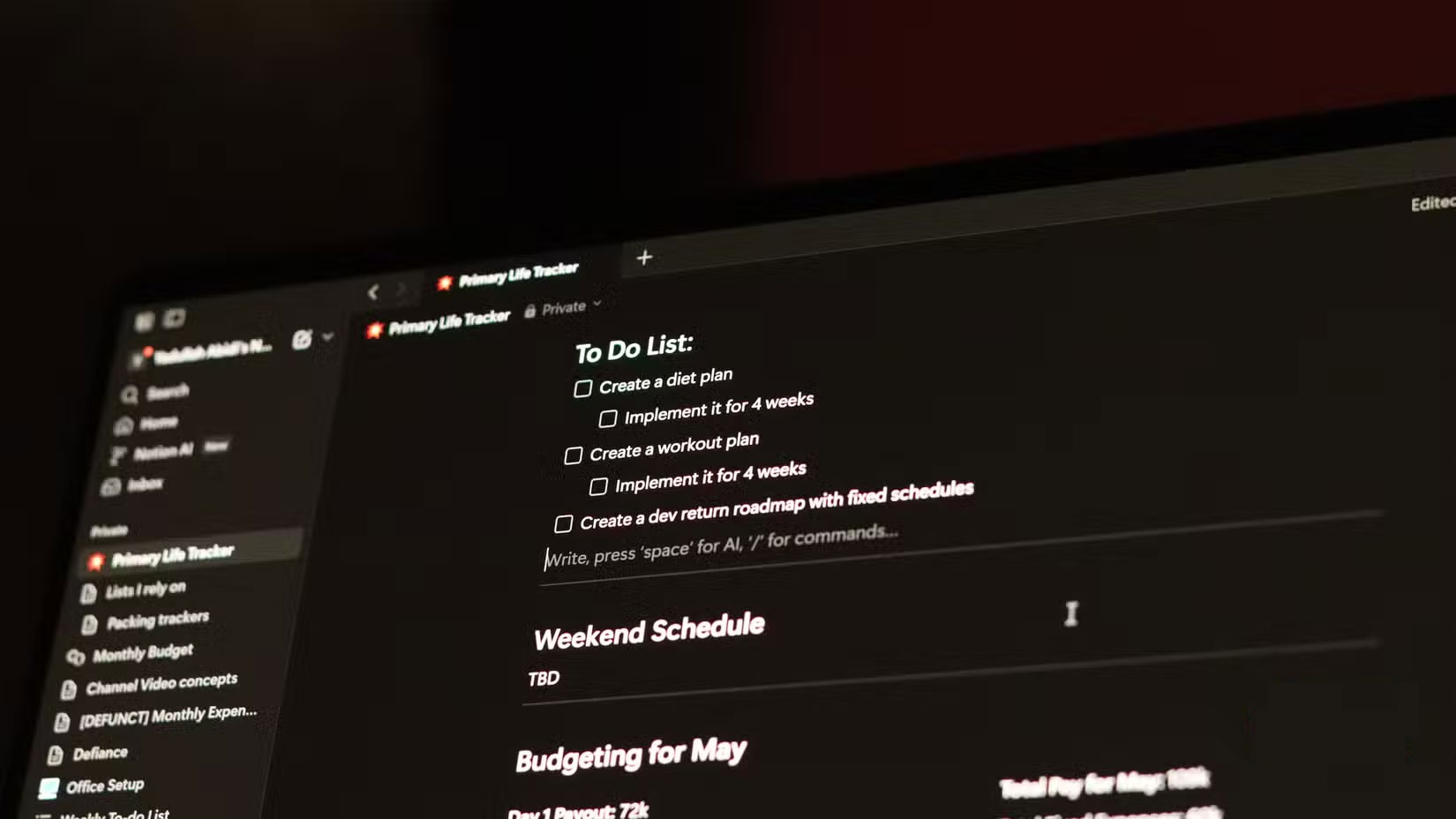
In addition to boosting productivity, this approach ensures that you can process each idea in the best possible way. It works for almost any thought, too. Anything from a new article idea to a discovery about how to fix a pesky code bug can be brought into the Notion workspace.
Notion may not be the right solution for everyone when it comes to task tracking or organizing your life. However, it's such a good tool that once you start using it, you'll always find a situation where it's the optimal tool - and that's where Notion's true value lies.
Final Thoughts
The key takeaway is that Why Do So Many People Use Notion Solely as a Data Storage Tool is easier to evaluate when its benefits, limitations, and real-world use are considered together. Review the details above before applying the information to a specific situation.
FAQ
What is the main point of Why Do So Many People Use Notion Solely as a Data Storage Tool?
Notion is an incredibly powerful tool for organizing your life. However, it's not perfect and may not meet everyone's needs - despite its long list of features.
What should you know about Why doesn't Notion work for some people??
Since people have always used multiple tools to track their lives, both personal and professional, they were excited about the idea of Notion bringing it all together. However, once they started using Notion, they quickly realized its limitations.
What limitations should readers keep in mind?
The answer can depend on the product version, source, use case, and date of publication. Review the article's context and confirm time-sensitive details before applying the information.
Related Articles
 6 Fun Ways to Use Notion: Top Picks and Buying Guide12 minutes read
 How Do You Summarize Content Directly Using Notion AI: Explained3 minutes read
 7 Most Useful Notion Widgets6 minutes read
 Why Do Many People Still Choose Excel over Notion?6 minutes read
 6 Reasons You Don't Need a Notion Plus Subscription6 minutes read
 Notion Calendar Explained8 minutes read
Reader Comments 0
Sign in with email or Google to join the discussion.