Table of Contents
Explore turn this setting off on spotify to instantly make your music sound better.
Volume normalization is a feature popularized by Spotify, and currently, Apple Music is the only major streaming service that doesn't offer it. It's enabled by default and adjusts the volume level of the original recording to ensure all songs on the platform have a consistent loudness. While it solves a common problem with on-demand streaming and shuffle playback in general, it's inherently controversial. Volume normalization has a reputation for degrading the sound quality of music, and while part of that bad reputation stems from outdated information and misunderstandings, it's partly true.
Normalizing the volume solves the problem when streaming
Each original recording has a different volume level
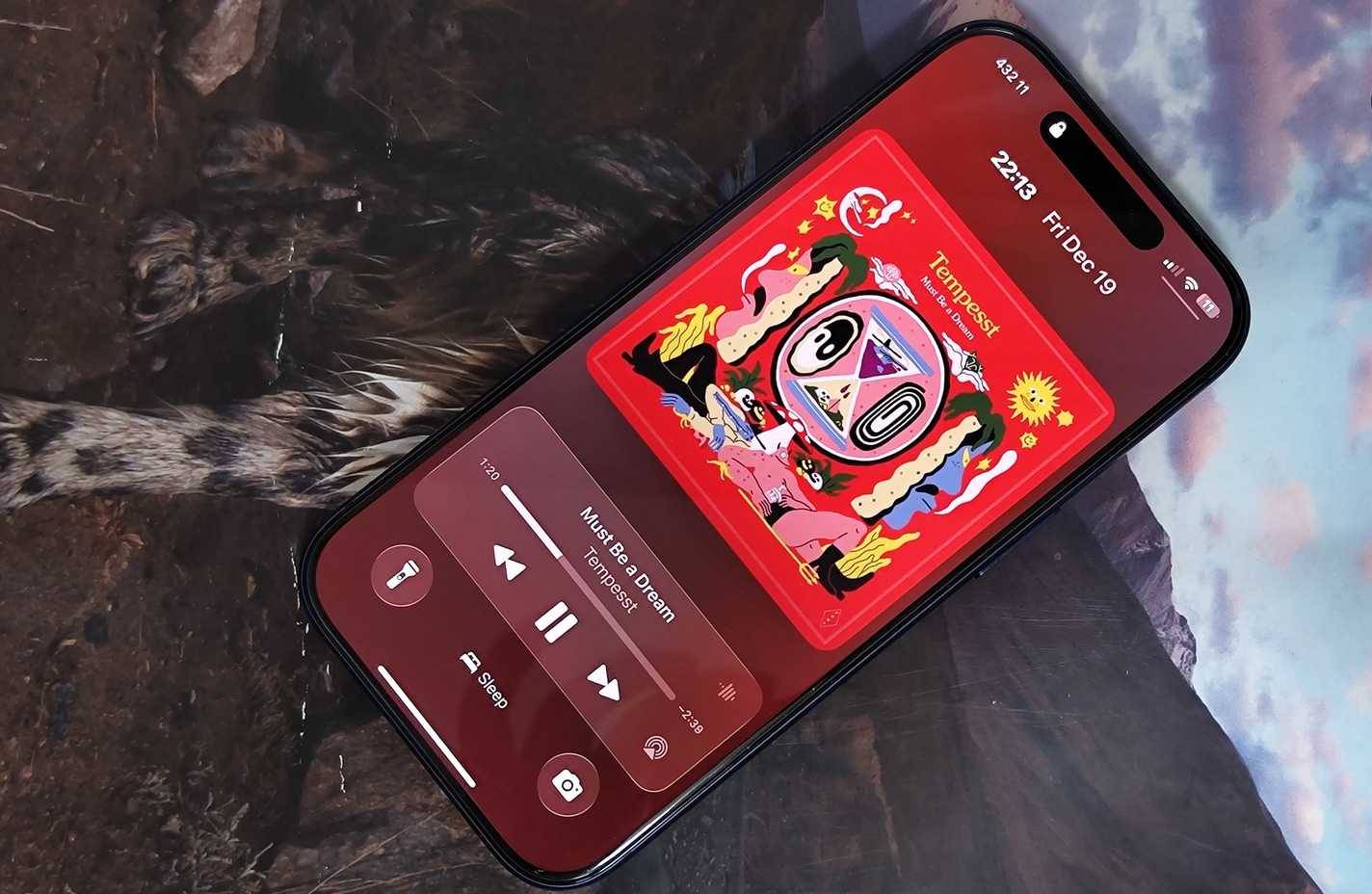
When a song or album is recorded, the producer creates a single original recording. Before creating the original recording, it is mixed, a process that combines and balances the different elements of the recording by altering various aspects of the production—including volume and loudness. The original recording is then used to distribute the song or album across multiple channels, including digital, CD, vinyl, and other formats. Listening to an album from beginning to end feels consistent because, generally, the entire work is mixed and post-processed in the same way.
On-demand music playback, whether through modern means like streaming services or traditional options like MP3 players, creates a problem. Listeners don't typically play an entire album from beginning to end. Instead, they switch to individual songs, compiled playlists, or shuffle tracks to mix up the pieces. Each of these songs is mixed and post-processed differently, and when played consecutively, they can sound very different.
Volume significantly impacts perceived sound quality, so songs with louder original recordings may sound better than those with quieter original recordings. Additionally, listening to songs at varying volume levels repeatedly requires manual volume adjustments. That's why platforms like Spotify introduce volume normalization. This feature normalizes the volume levels across original recordings to create a consistent volume level, regardless of whether you're listening to an album, a playlist, or your entire music library in shuffle mode.
This feature also introduces many new things
Will volume normalization ruin your favorite songs?
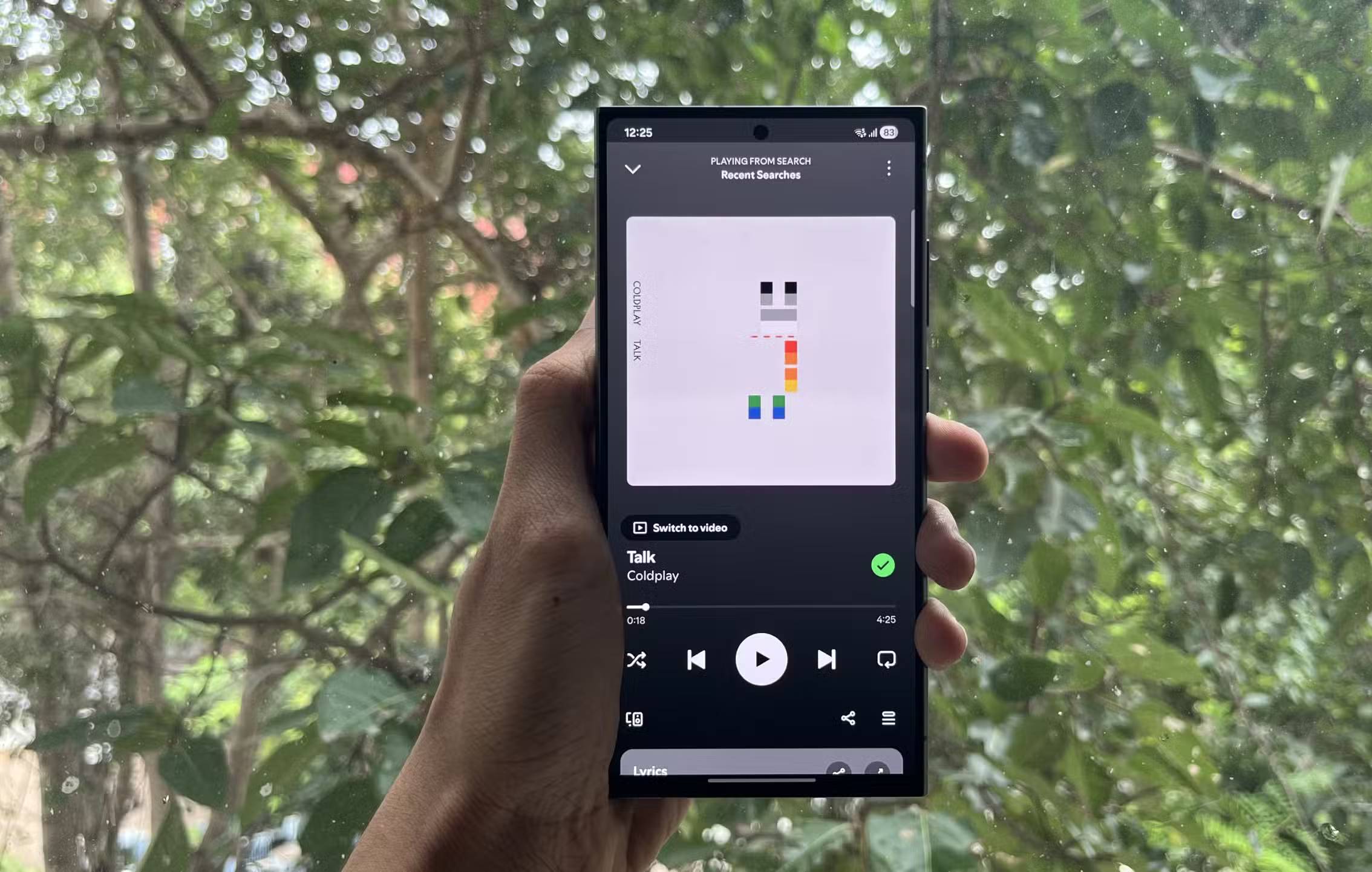
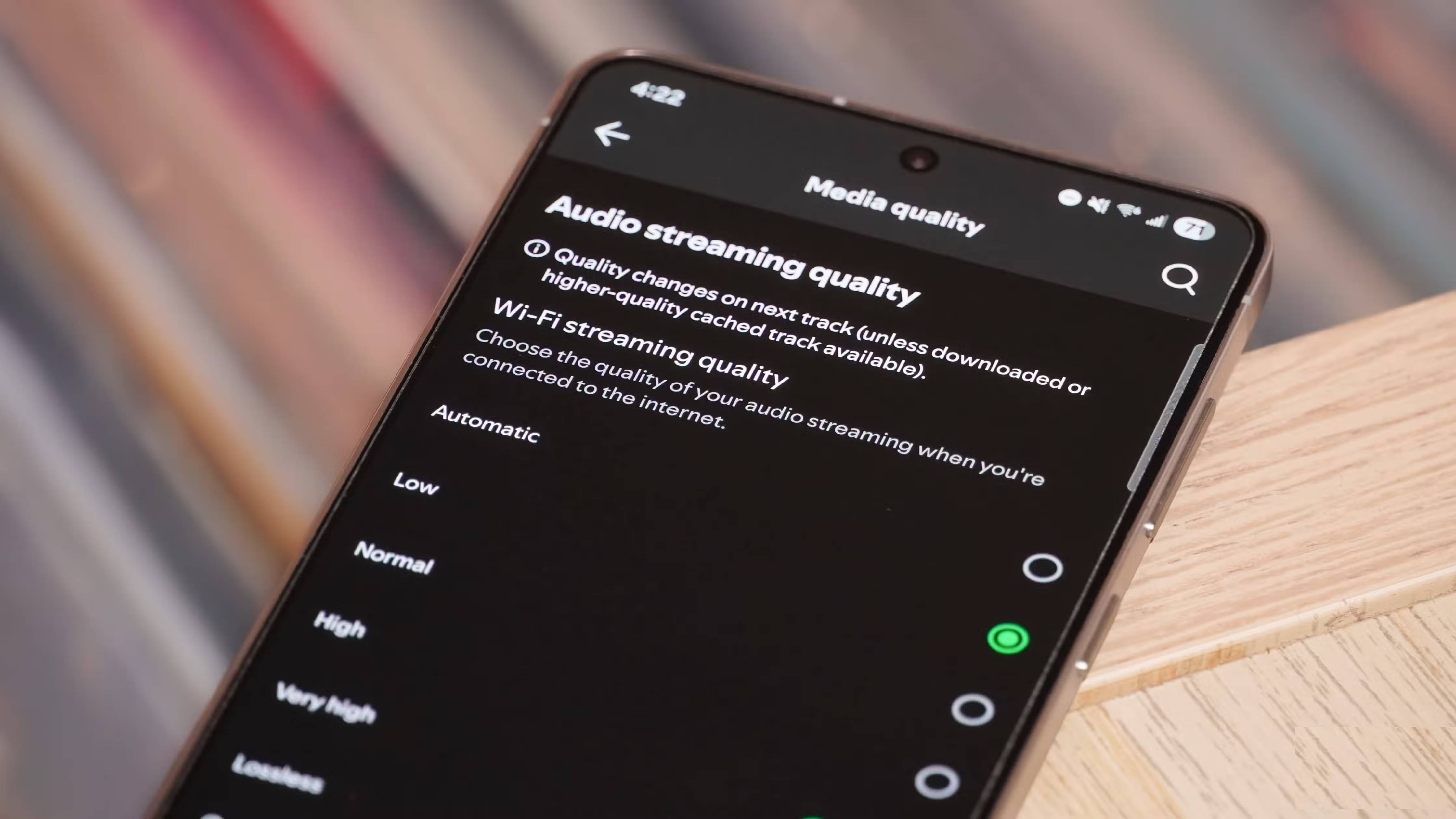
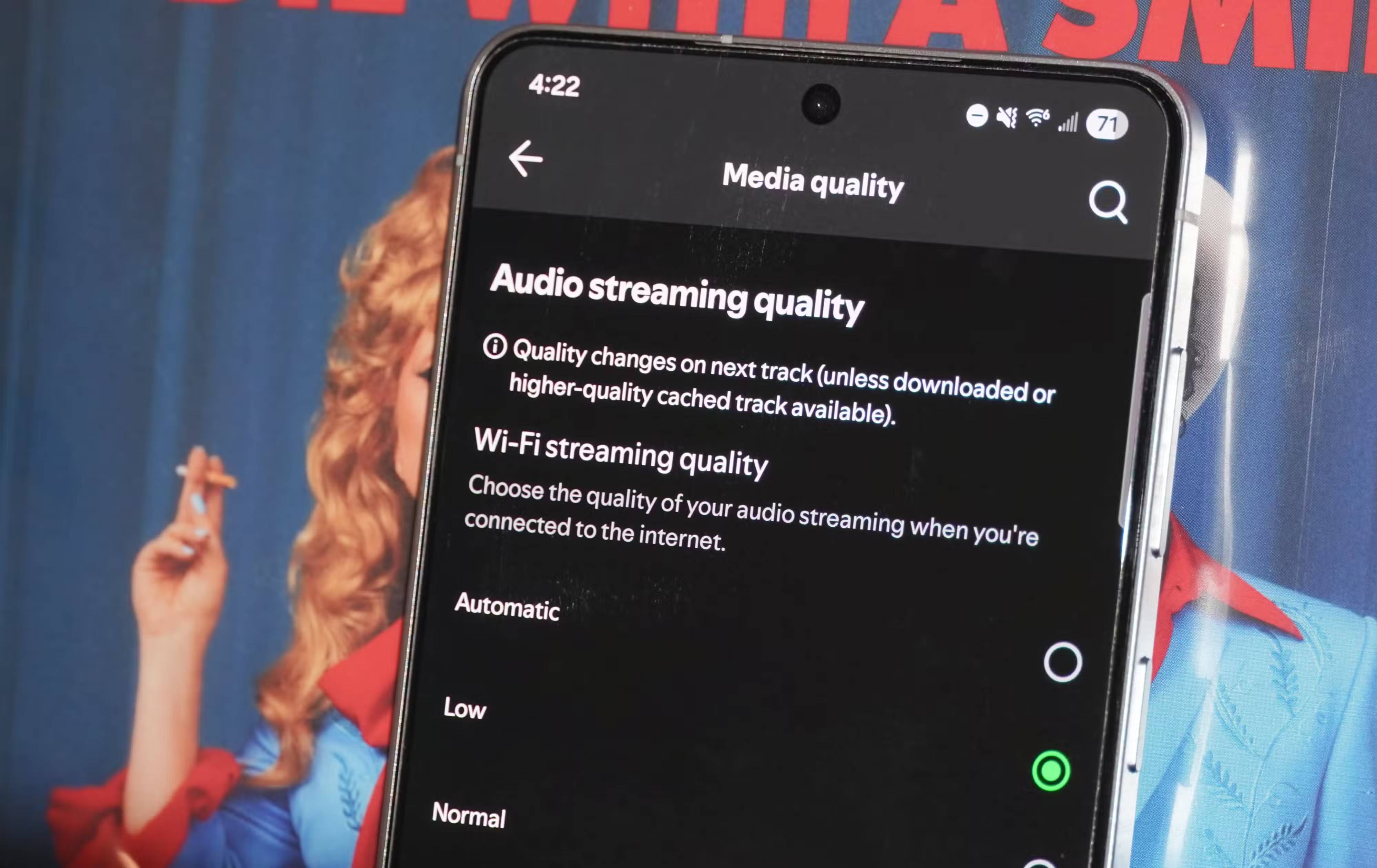
However, volume normalization isn't without its problems. When this feature is enabled, it makes smaller songs louder and larger songs quieter. Technically, this is done without affecting quality – at least for now. Volume normalization has a bad reputation partly because, in its early days, it affected sound quality by reducing the dynamic range of certain tracks. This was discovered by audiophiles on the Head-Fi forum in 2014. Spotify later changed the process, preserving the original sound quality of songs that had been adjusted by volume normalization.
Spotify uses Loudness Units Full Scale (LUFS) to measure and normalize the loudness of original audio recordings. Spotify sets -14dB LUFS as the standard for sound loudness, conforming to ITU 1770, a parameter created by the International Telecommunication Union (ITU). Spotify's volume normalization process involves adding positive gain to loud tracks and positive gain to quiet tracks, so that the final LUFS level matches -14dB.
Volume normalization is enabled by default, but it can be adjusted by opening the Spotify app, tapping your account icon or picture, and then selecting Settings and privacy .
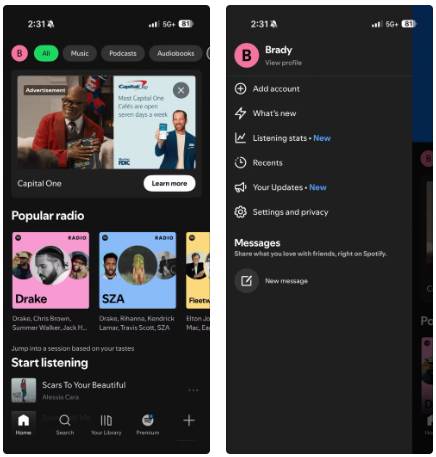
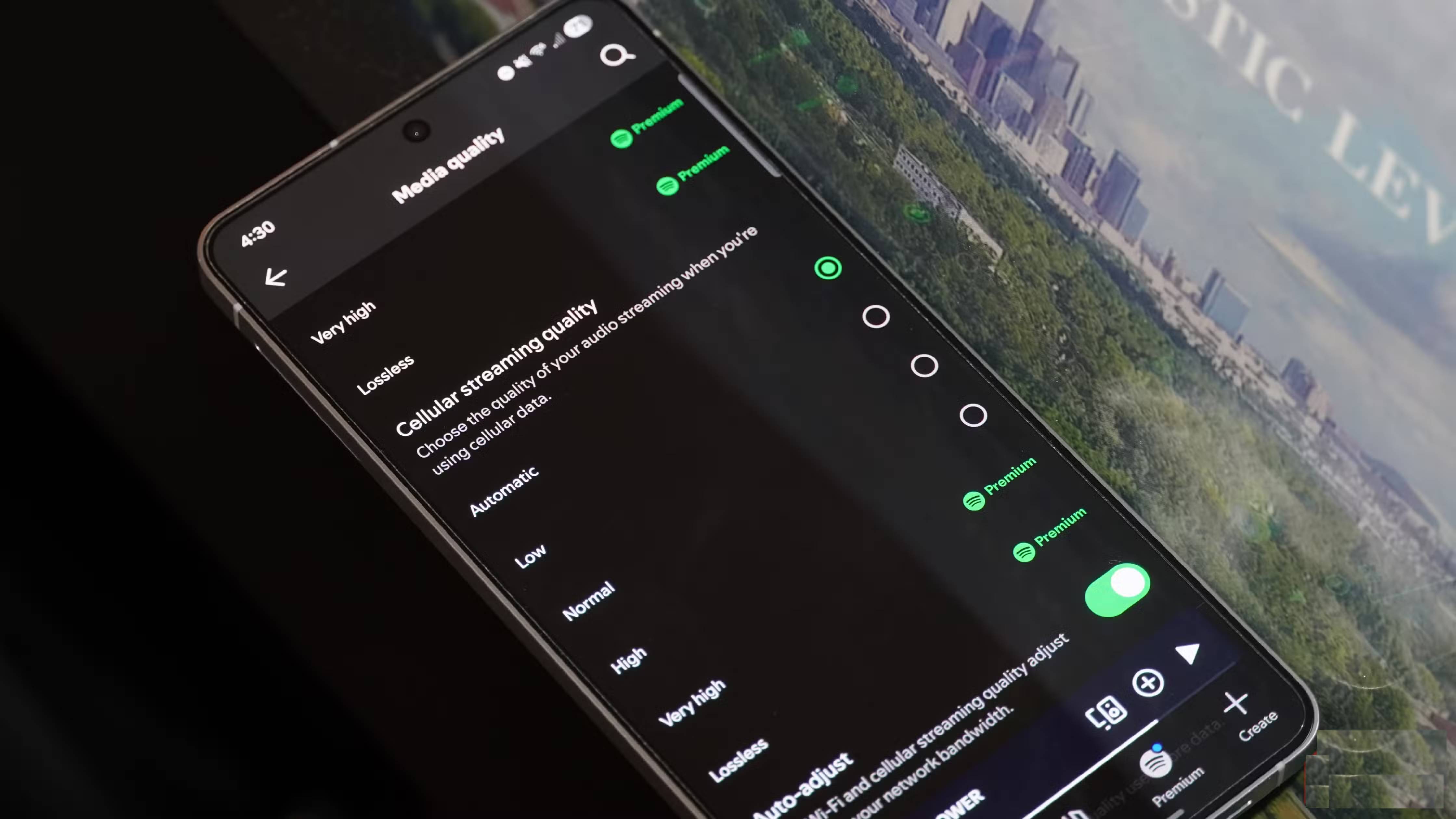
Next, tap on Playback and look for Volume normalization or Enable audio normalization. Paid users will have the option to choose between Loud , Normal , and Quiet volume normalization modes, while free users can only enable/disable Normal mode.
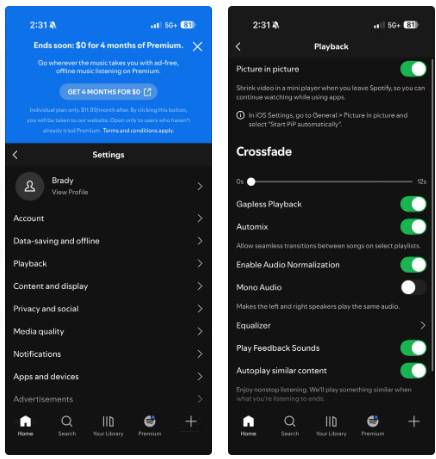
To turn off volume normalization, simply toggle the on/off switch. You can also customize the standard LUFS level if you are a Spotify Premium user. The different volume normalization modes have the following decibel levels:
- Loud : -11dB LUFS
- Normal : -14dB LUFS
- Quiet : -19dB LUFS
To understand what's happening when you leave volume normalization enabled, you need to remember what the term "lossless audio" actually means. Lossless audio is any format that conveys the full fidelity of the original recording without losing quality. It's the opposite of lossy formats, which lose digital data during compression to save space and reduce file size.
As audio engineers revealed on Reddit, Spotify's volume normalization process does not alter the sampling rate or dynamic range of the original (when compared at the same volume level). Technically, Spotify's volume normalization process does not degrade quality when Quiet or Normal mode is activated.
However, the broader concept of audio fidelity suggests it's a measure of how closely the copy matches the original. In this case, the volume-normalized track is the copy, and the original recording is the original source. Regardless, when the volume level of a track on Spotify is adjusted during the volume normalization process, it will sound less like the original.
Final Thoughts
Understanding turn this setting off on spotify to instantly make your music sound better makes it easier to evaluate the information and apply the most relevant recommendations. Focus on the key points above and verify details that may change over time.
FAQ
What is turn this setting off on spotify to instantly make your music sound better?
Explore turn this setting off on spotify to instantly make your music sound better.
What key points does this article cover?
The article focuses on Normalizing the volume solves the problem when streaming, Each original recording has a different volume level, This feature also introduces many new things, with practical explanations and examples.
How can you use this information in practice?
Use the explanations to compare options, verify important details, and make a more informed decision. Apply the recommendations that best match your goals and situation.
Related Articles
 Instructions for Customizing Music Quality on Spotify4 minutes read
 Tips to Make All Your Spotify Music Sound Better: What You Need to Know6 minutes read
 Turn Off Spotify Automatic Music Playback: Complete Guide3 minutes read
 How to Listen to Offline Music on PC with Spotify5 minutes read
 How Will You Like Prophetic Music on Spotify: Complete Overview4 minutes read
 5 Reasons Why It's Hard for Many People to Give up Spotify Despite Having6 minutes read
Reader Comments 0
Sign in with email or Google to join the discussion.