Table of Contents
A Linux distribution should be judged by its update policy, software compatibility, maintenance, and security record—not only by its appearance. Winux, Deepin, Ubuntu, and Red Star OS raise very different questions. It would be misleading to treat them all as equally unsafe or unsuitable.
Winux: a familiar desktop does not ensure Windows compatibility
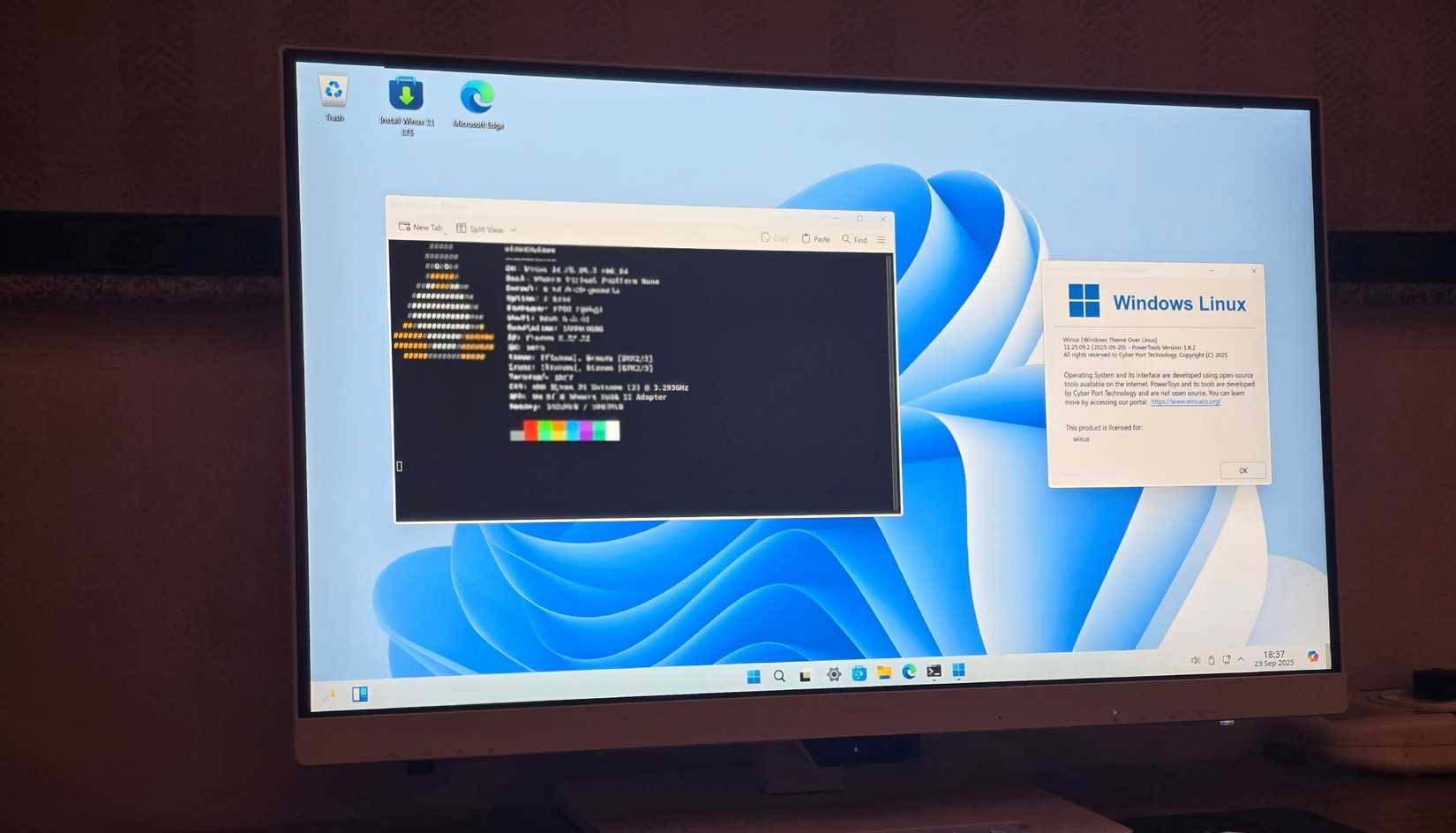
Winux presents a Windows-like interface, which can reduce the initial learning curve for someone changing operating systems. However, familiar menus do not make Linux behave exactly like Windows or guarantee that your Windows applications, games, peripherals, and work tools will function.
Before choosing it, test the programs you depend on and check which compatibility tools they require. Read the current release notes, license terms, update arrangements, and support information. Separate the underlying Linux system from any paid add-ons or bundled services.
TipsMake’s discussion of Winux gives additional background. Evaluate historical complaints against the particular release you plan to install rather than assuming a name change proves either improvement or wrongdoing. A conventional desktop with a familiar layout may meet your needs without an exact Windows imitation.
Deepin: documented security-review concerns deserve attention
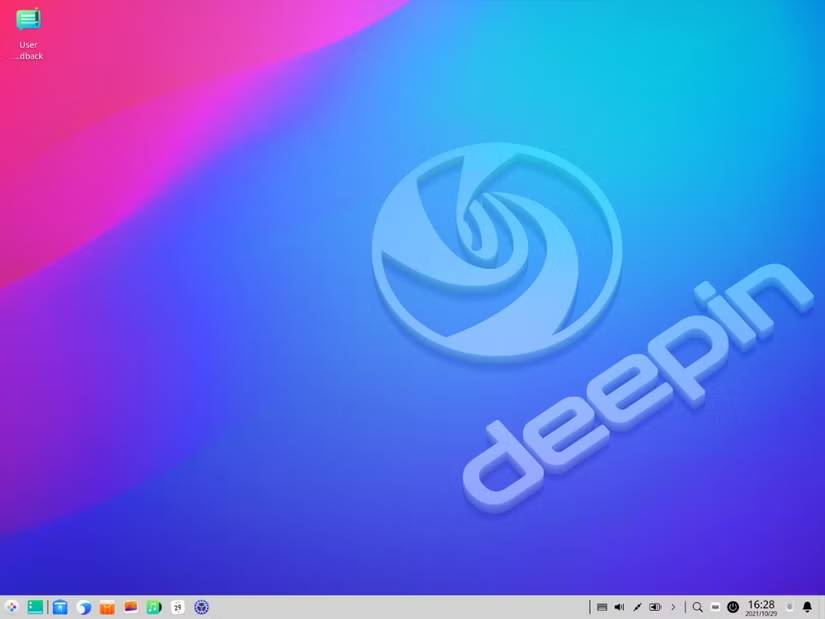
Deepin is known for its polished desktop environment. That desktop can be packaged by other distributions, so distinguish the Deepin operating system from Deepin Desktop packages supplied by a separate project.
In May 2025, the SUSE security team documented a packaging-policy bypass in openSUSE and announced removal of Deepin Desktop from Tumbleweed and the forthcoming Leap 16.0. The report described both the community packaging workaround and a longer history of problematic security reviews.
An April 2026 follow-up reported further issues in reviewed Deepin components and said the team did not recommend them until upstream’s security practices improved. It also noted that reported fixes had not all been verified by the team.
These are specific, attributable concerns rather than a claim that every Deepin installation is compromised. Before using it for sensitive work, check the exact component versions, security advisories, and the distributing project’s response. Visual polish is not a substitute for evidence that security fixes are maintained.
Ubuntu: packaging preferences are a different question from security
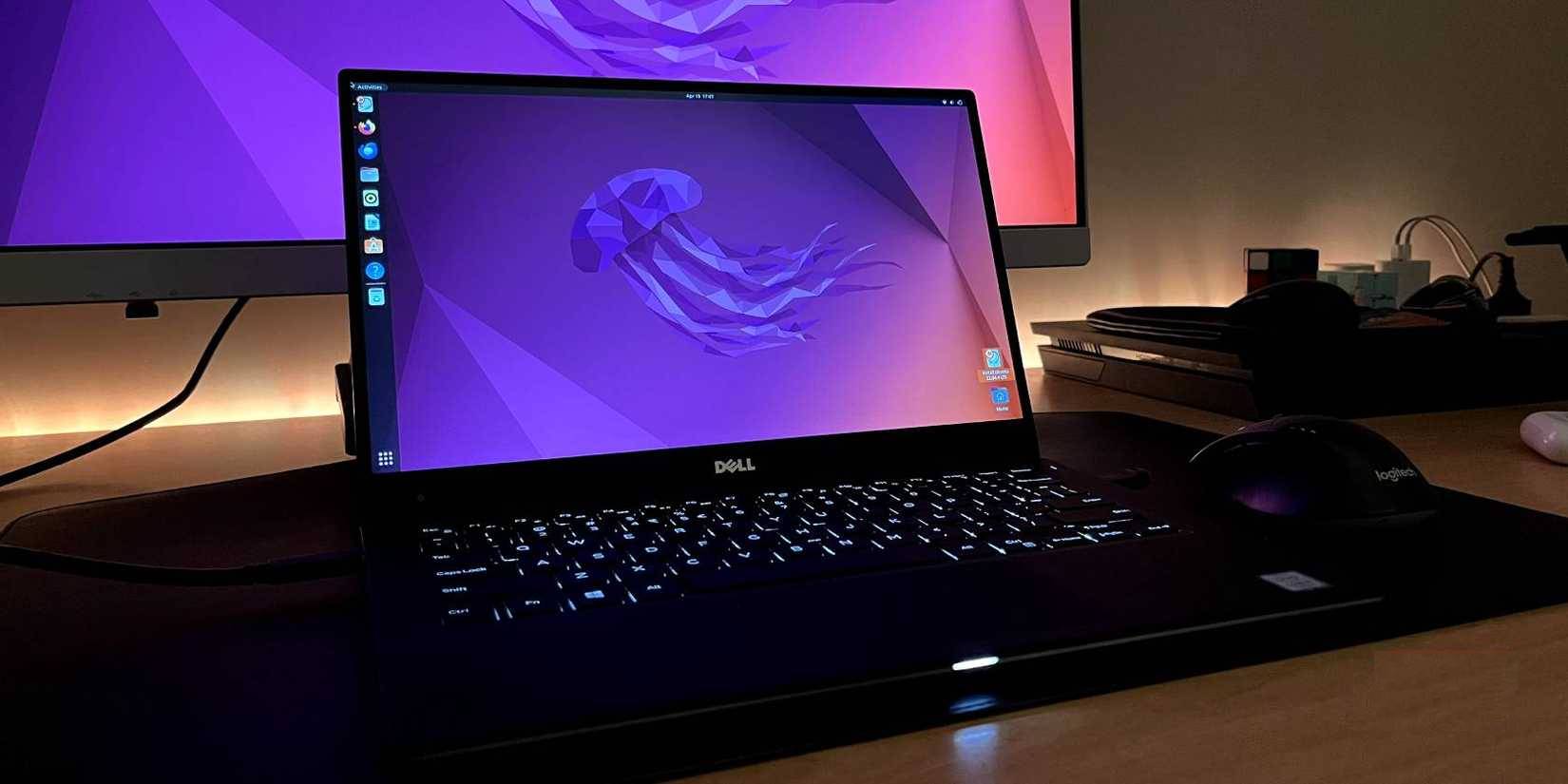
Ubuntu remains a mainstream Linux distribution with documentation and supported releases. Disliking its default desktop, bundled applications, or Snap packages does not establish that Ubuntu is unreliable or unsafe.
Snaps bundle applications with their dependencies, and Canonical operates the main Snap Store. The Snapcraft project is open source; individual applications have their own licenses. Evaluate publisher trust, permissions, update behavior, startup performance, and integration for the apps you actually use.
If the default experience does not suit you, compare other desktops or distributions. TipsMake’s Ubuntu and Linux Mint comparison provides background on their different approaches; consult current project documentation for supported editions and package policies. The right choice depends on your workflow, not on whether another user dislikes a particular interface.
Red Star OS: a research subject rather than an everyday recommendation
Red Star OS is a North Korean operating system that has attracted security research. In their 2015 presentation at the Chaos Communication Congress, Florian Grunow and Niklaus Schiess examined privacy-invasive functionality in the version they studied, including file watermarking.
Those historical findings do not describe every possible later version, but they are ample reason not to recommend an unverified old image as a general-purpose desktop. Unclear provenance and maintenance add further uncertainty.
A virtual machine reduces some exposure but does not make arbitrary software trustworthy. Researchers must consider networking, shared folders, clipboard integration, and access to personal data. Beginners looking for a daily operating system have little reason to take on that research task.
A practical way to choose
List your required applications and hardware, identify a currently supported release, and read how updates and security reports are handled. Obtain the installation image through the project’s official channels and follow its authenticity checks. Back up your files before installation and test compatibility before replacing your main operating system.
Related Articles
 Don't Switch to These 5 Linux Distros When Leaving Windows 10!
 The best Linux distributions for Raspberry Pi
 What is the difference between Linux distributions?
 5 Historic Linux Distributions and the Ideas They Left Behind
 11 best Linux distributions for programmers
 Top 8 most beautiful Linux distributions in 2022
Reader Comments 0
Sign in with email or Google to join the discussion.