Table of Contents
Explore 4 Linux distributions you can trust to install on your primary computer.
Some distributions are great, some are forgettable, and some are downright painful. But over time, there have emerged a handful of distributions that are truly reliable and easy to recommend without hesitation. There are a few that really stand out and everyone should try at least once.
Fedora Silverblue
As stable as possible
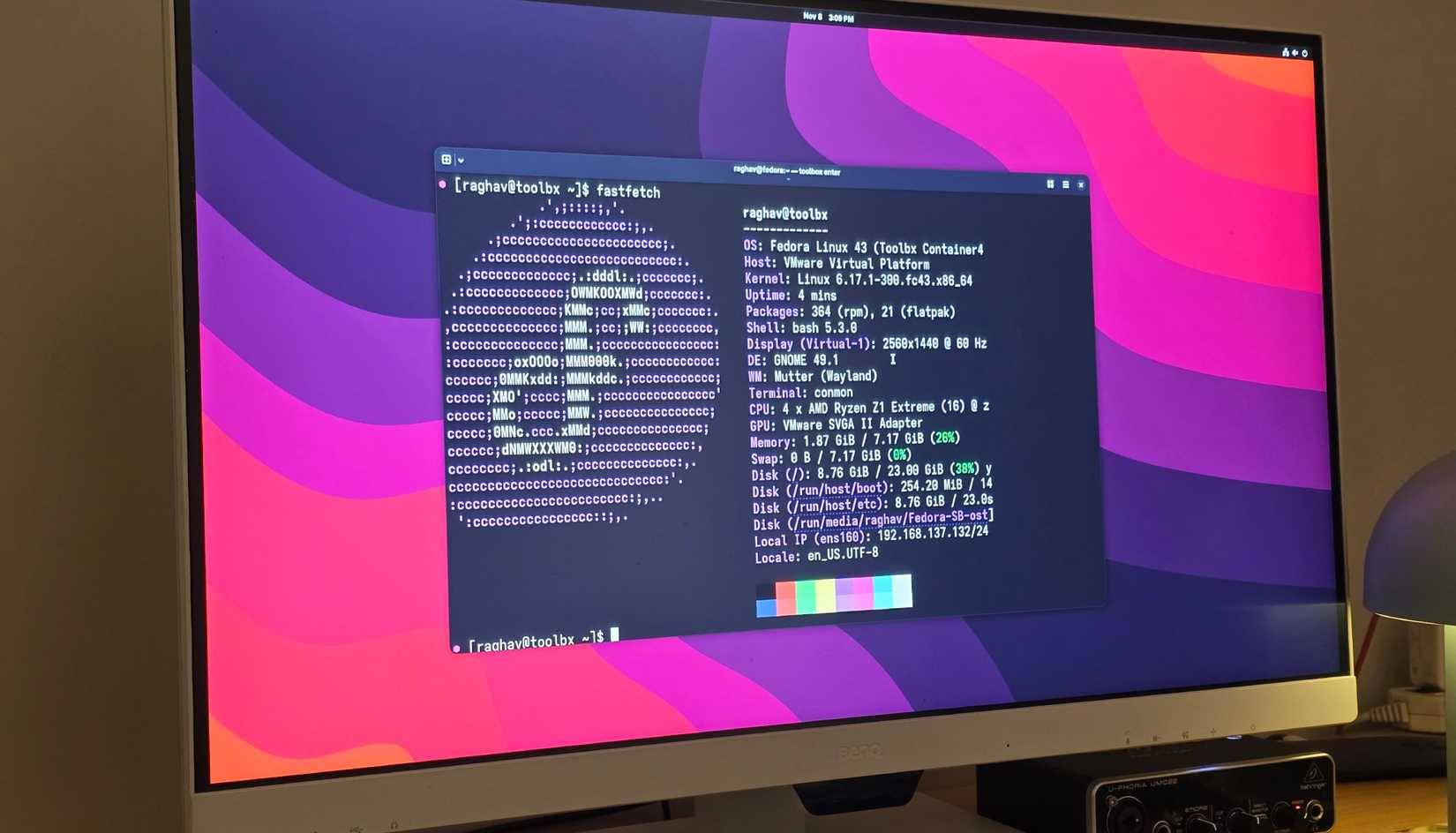
You may have heard of Fedora before, but that's not what I'm talking about here. Fedora Silverblue is essentially a pure version of Fedora, but the real difference is that it's a static operating system.
That means core system files are read-only, making it nearly impossible to accidentally mess anything up. Whether you admit it or not, you're going to mess things up eventually, and eventually break your installation if you mess around. That's the last thing you want on your main computer, and Silverblue pretty much eliminates that problem.
Immutability also gives you a huge security advantage. Since nothing can be easily written to the core system, any malware has a hard time surviving for long. In most cases, a reboot is enough to wipe out any nonsense that might have managed to cling on.
If you don't like GNOME (which Silverblue comes with by default), Fedora's other atomic desktop environments also support others, so you can get similar reliability with any DE you like.
CachyOS
The best distribution for games
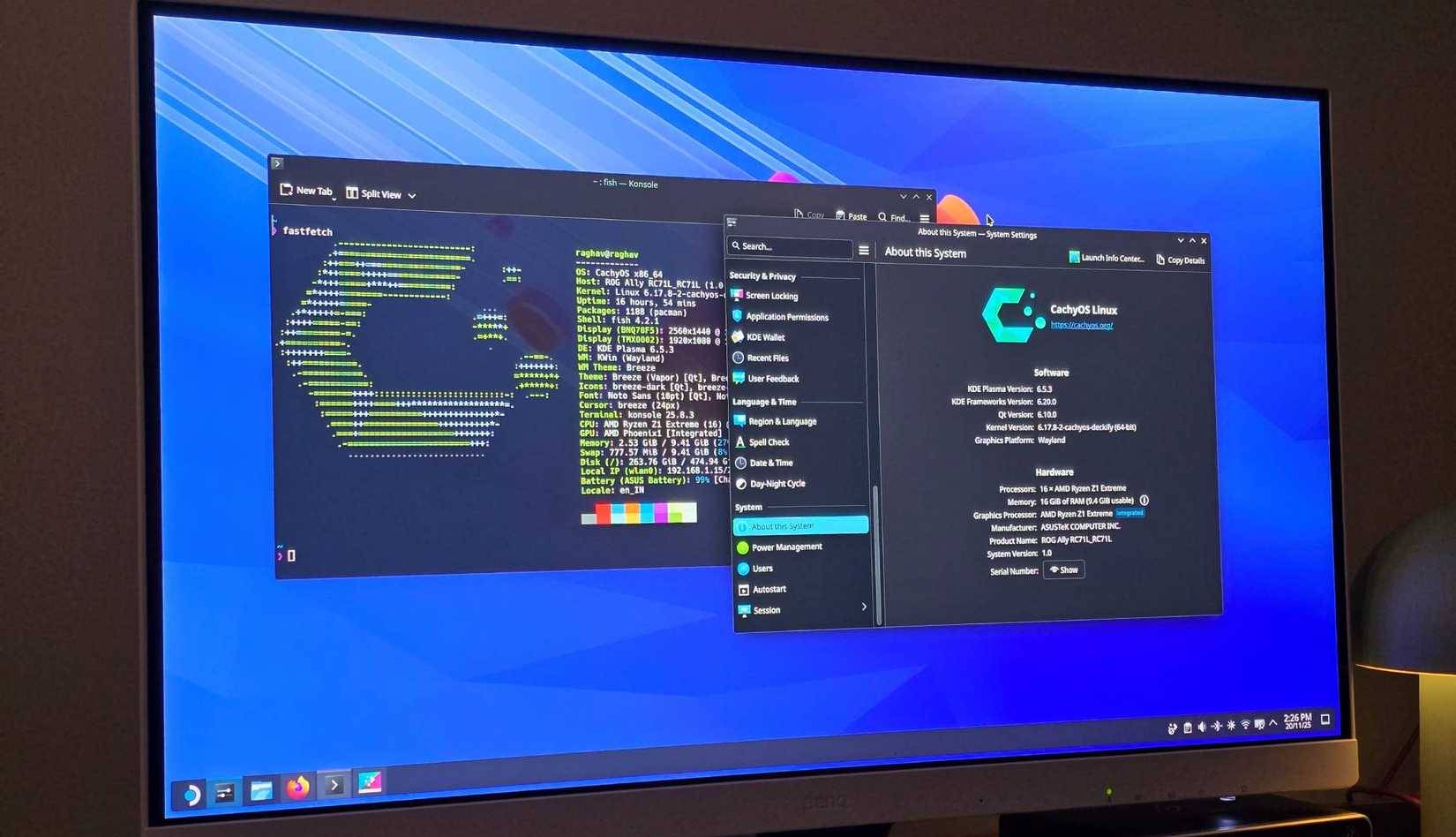
If your primary use is gaming, this is the recommended distro. Many people have switched to SteamOS in the past, and it easily beats Windows in terms of overall experience and performance. The problem is that SteamOS isn't built for a wide range of hardware. It really only works well on all-AMD systems, and even then, there can be minor issues unless you're using an officially supported system, like the Steam Deck or ROG Ally.
CachyOS overcomes that limitation. It's the best option you can install on a gaming PC right now. You can even download versions that come with the SteamOS skin, and visually they look almost identical. You still get a clean, console-like setup, but without the demanding hardware.
It's also lightweight and performs great. It scores better than Fedora in most of the games I tested, and even outperforms Windows in some cases. That alone makes it easy to recommend for gaming.
Linux Mint
This is one of the simplest options available
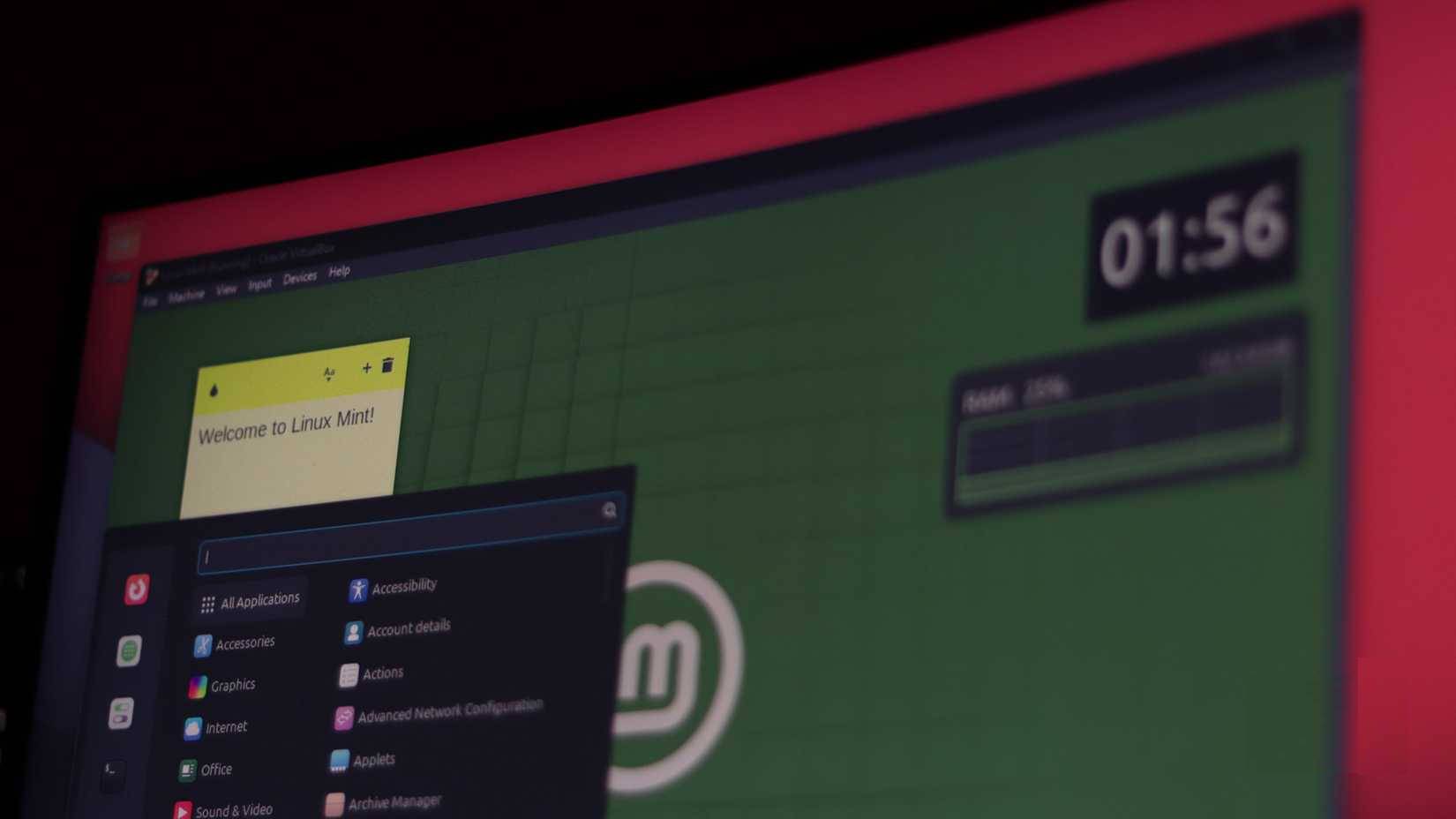
GNOME can also feel strange if you're used to Windows. In that case, you should go with Linux Mint. It's easily one of the best distributions for beginners, and it's actually quite stable compared to Silverblue.
The default Cinnamon theme also feels instantly familiar if you've come from Windows. It's also very light on resources, making it great for older hardware.
Mint comes with everything you need to get started without overwhelming you with too many options or additional settings. If you want a simple, fast, and beginner-friendly operating system, Linux Mint is one of the easiest choices you can make.
Zorin OS
Like Ubuntu, but better
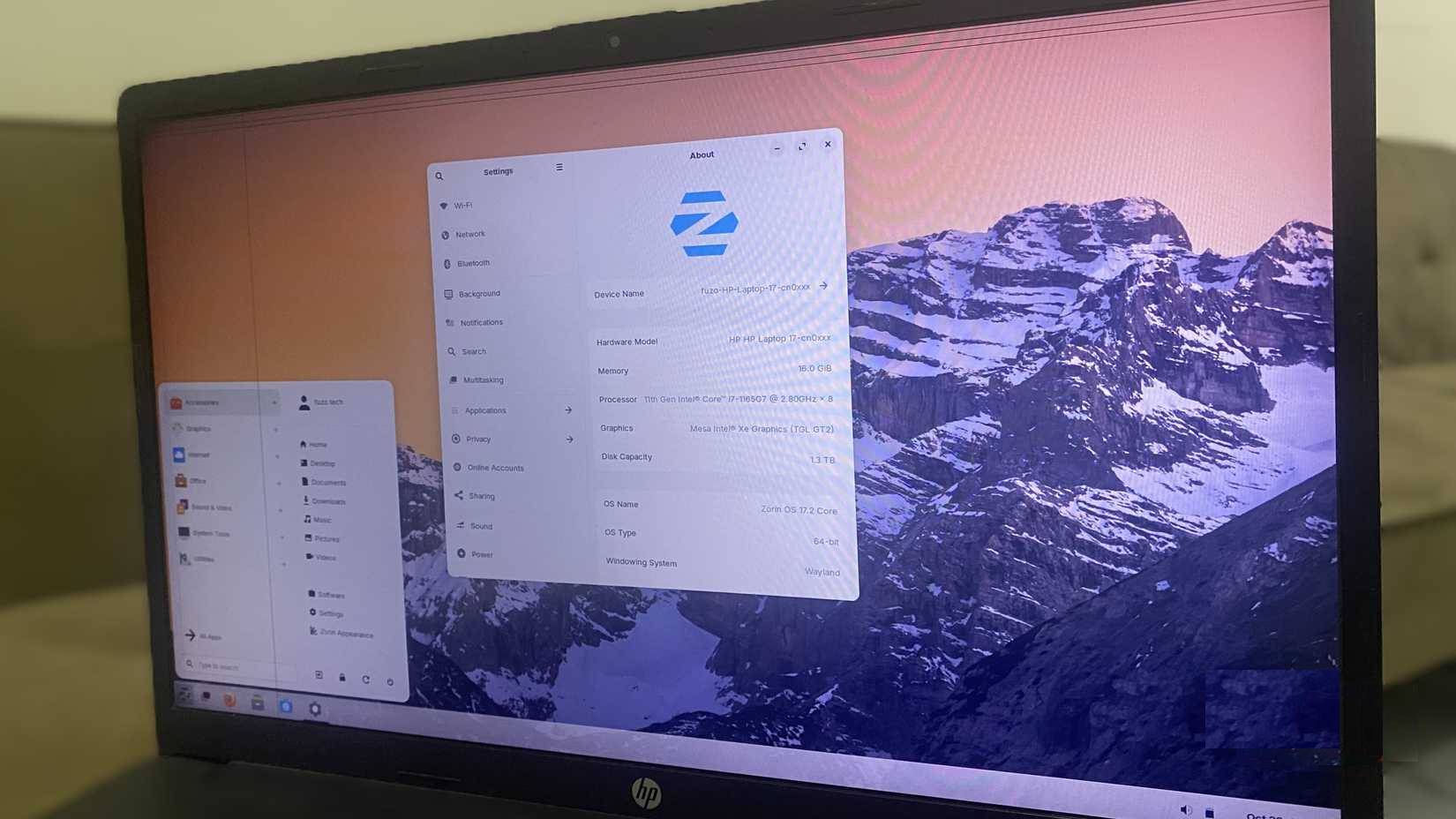
The article hasn't mentioned any Debian-based distributions, and there's definitely one Linux distro that deserves a spot on this list. That's Zorin OS.
It's based on Ubuntu, but Zorin retains the best of Ubuntu while avoiding most of its shortcomings. Mint is great, but can be a bit bland at times. If you want an operating system with more features and a more modern look, Zorin is a great choice.
You also have a wide range of desktop interface options. You can switch between macOS or Windows-like interfaces, depending on your preference. Since it's built on Ubuntu LTS, the update experience is predictable and very reliable.
Many people also really like the GTK interface that Zorin has developed. It gives a consistent feel across all applications and gives everything a much more modern look.
Final Thoughts
Use this guide as a practical checklist for 4 linux distributions you can trust to install on your primary computer. Work through the steps in order, verify each result, and adjust the options to match your needs.
FAQ
What do you need before following this 4 Linux Distributions You Can Trust to Install on Your Primary Computer guide?
Review the required tools, accounts, settings, or materials mentioned in the article. Explore 4 Linux distributions you can trust to install on your primary computer.
What are the main steps for 4 linux distributions you can trust to install on your primary computer?
Follow the sections in order, especially Fedora Silverblue, As stable as possible, CachyOS. Complete each step before continuing and verify the result as you go.
What should you do if the process does not work as expected?
Recheck the prerequisites, update the relevant app or service, review the settings, and repeat the step that caused the issue. Use any troubleshooting notes included in the guide.
Related Articles
 The Best Linux Distributions for Raspberry Pi6 minutes read
 How to Install Linux: Complete Guide9 minutes read
 What Is the Difference Between Linux Distributions?7 minutes read
 How to Use Primary Font: Install the Primary Font5 minutes read
 How to Manage Packages on Rpm-based Linux Distributions with7 minutes read
 17 Lightweight Linux Distributions Bring New Life to Old14 minutes read
Reader Comments 0
Sign in with email or Google to join the discussion.