Table of Contents
Windows' built-in apps often feel like they were built to do just one task. They get the job done, but not quite as well as expected. Luckily, there are plenty of lightweight alternatives that will make your life a lot easier.
1. VLC + AIMP (Windows Media Player)
Windows Media Player has been in a sorry state since Microsoft moved on to Windows XP. It struggles with modern formats, lacks advanced features, and has a bloated user interface that's almost unusable.
The solution is to use VLC Media Player to watch videos and AIMP to listen to music.
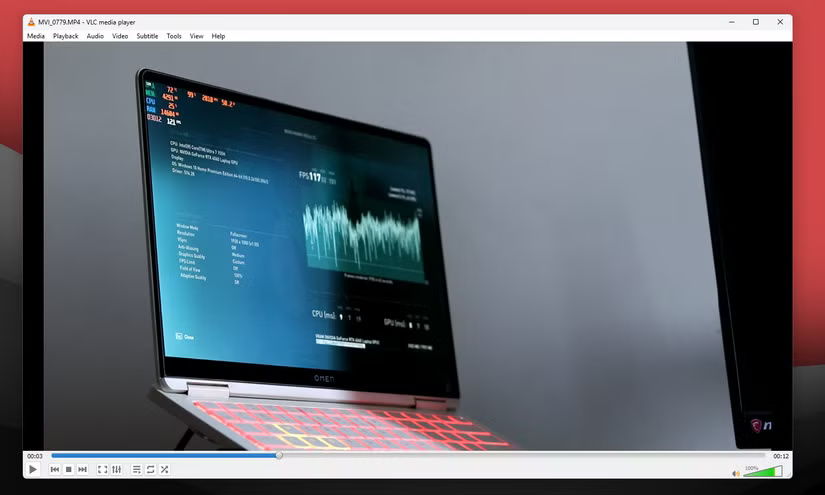
VLC Media Player is extremely lightweight, fast to launch, and packed with features. Including subtitle synchronization, video effects and playback, the ability to stream media from your local network or the Internet. It's also completely free and regularly updated.
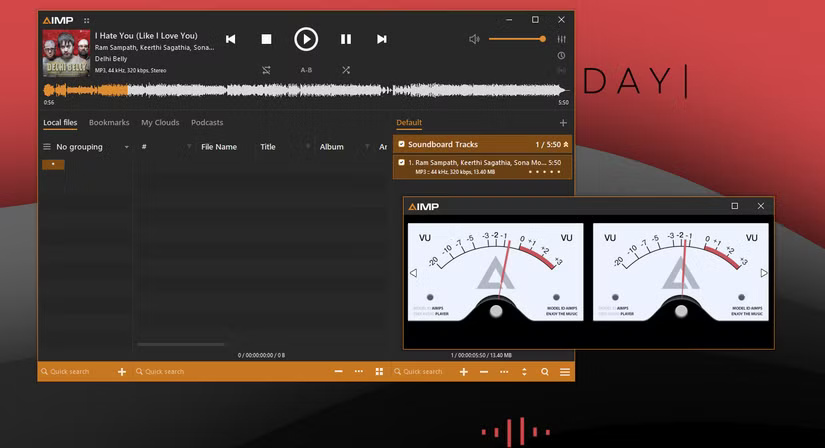
For a 19-year-old program, AIMP handles music very well – it supports over 20 audio formats, including high-quality ones like FLAC and APE. It's fast, free, and also available for Android.
2. Notepad++ (Notepad)
Windows Notepad is probably the least used built-in tool provided by Microsoft. That's because it doesn't do much more than let you write text.
Microsoft has improved Notepad with AI features and, more recently, Markdown support, making it worth a second look. However, for a tool that can open almost any source code and text file on Windows, using it can be a very limiting experience.
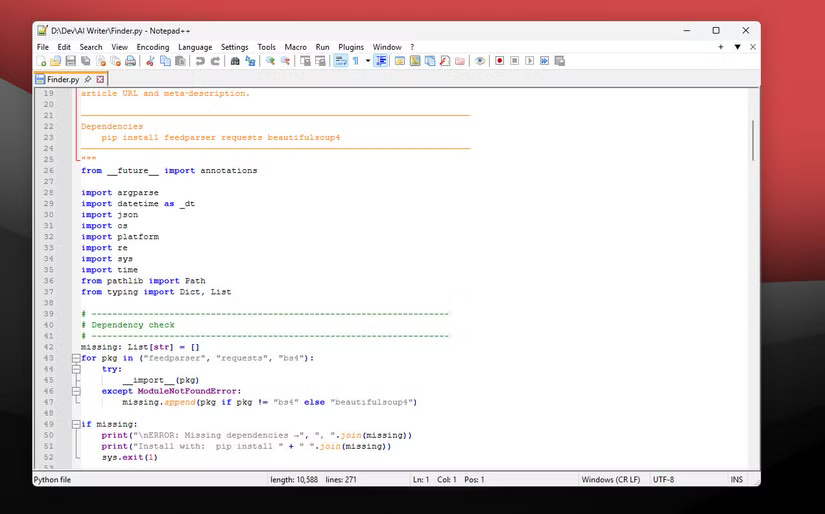
In addition to its built-in features, Notepad++ also supports external plugins. The official Notepad++ GitHub repository lists hundreds of plugins for the 32-bit, 64-bit, and ARM versions of the program. These plugins add just about any functionality you could want.
3. ImageGlass (Photos)
The Windows Photos app is notorious for being slow, resource-hungry, and prone to crashing. Photographers often browse through their photos before opening them in Lightroom or Photoshop for post-processing. Photos falls short, especially when it comes to working with RAW images.
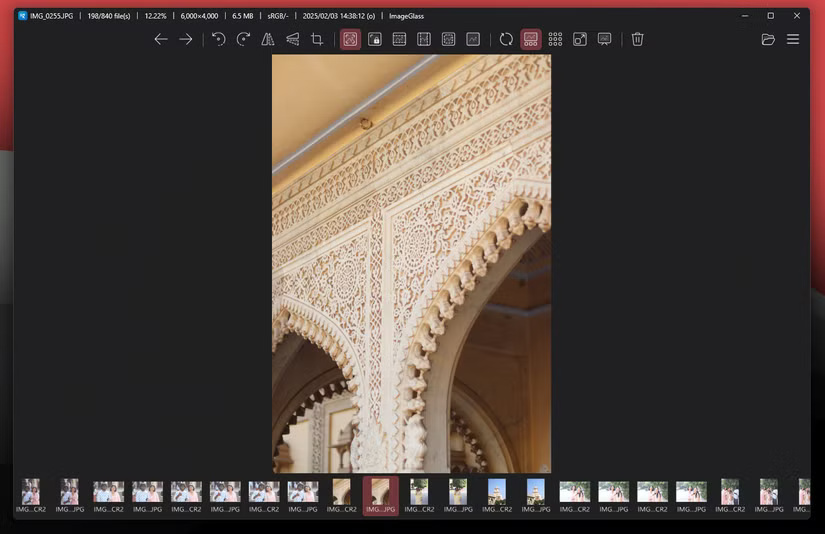
Compared to Photos, ImageGlass has everything a Photos app should have. The interface is clean and minimalist, with no wasted space. Every corner of the app has information about your photos, or a button to navigate or make basic edits like rotating and cropping. The app also automatically rotates photos in the right orientation, so you don't have to crane your neck to see them.
4. SpeedCrunch (Calculator)
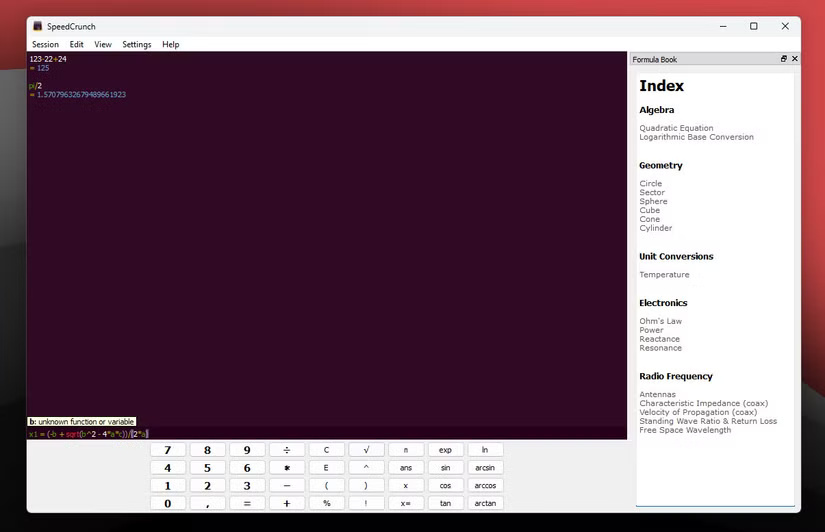
The default Windows calculator is good enough for basic arithmetic, but if you want to do anything more complex than that, you'll quickly run into its limitations. It does have a scientific mode, but even that is pretty basic.
SpeedCrunch, on the other hand, is a full-fledged scientific calculator with over 80 built-in math functions, support for multiple number systems, unit conversions, and even a formula book with templates for common equations. You can also perform calculations with up to 50 decimal places.
5. Paint. NET (Paint)
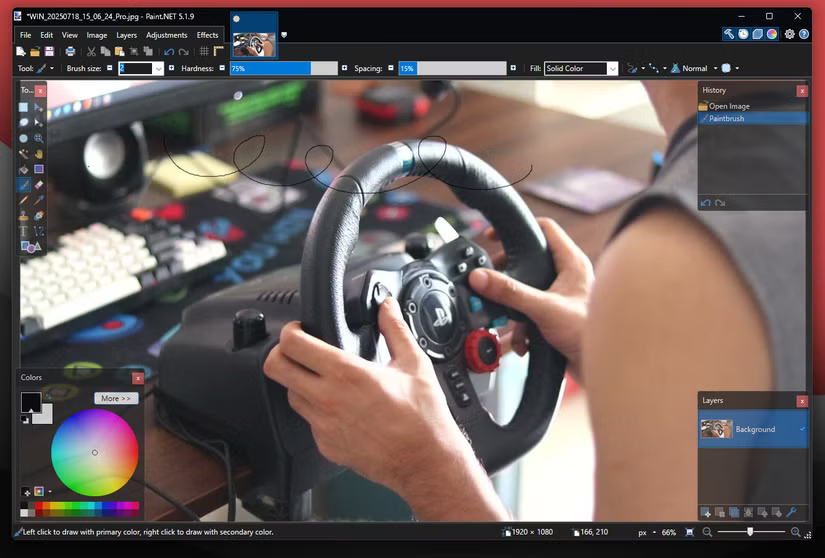
Microsoft Paint is another tool that is gaining more attention as Microsoft continues to integrate AI into Windows. However, Paint doesn't have many uses, other than creating a few images here and there.
Paint. NET bridges the gap between simple photo editors and more complex options like Photoshop or GIMP. You get an intuitive interface combined with features like layer support, unlimited undo, special effects, levels and curve adjustments, filters like blur or sharpen, clone stamp tools, color transitions, and text editing.
6. PowerToys Run (Windows Search)
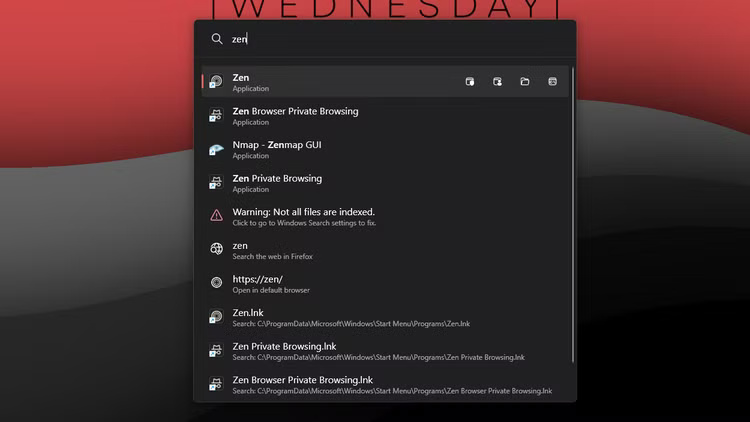
Windows Search is extremely slow, inaccurate, and can drain your laptop's battery life if not enabled. The Windows Search Indexer, a background service that powers this feature, constantly runs in the background, consuming valuable system resources and power.
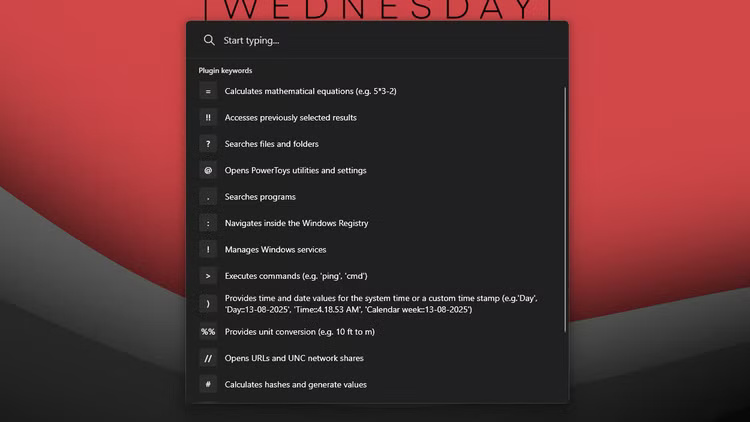
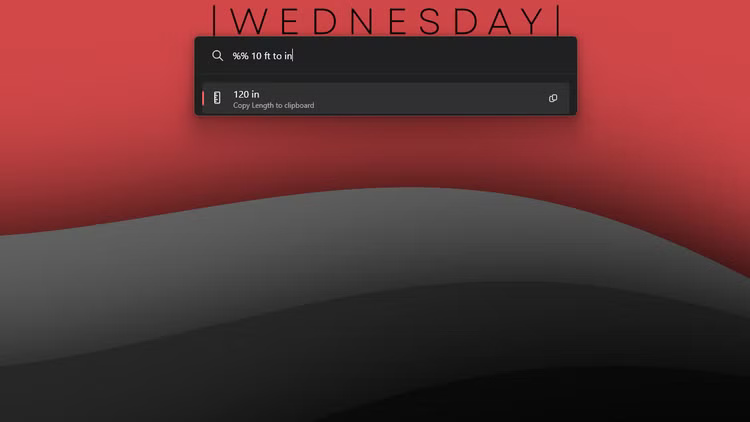
PowerToys Run is Microsoft's attempt to fix its broken search system, and it's not clear why it's not installed by default on Windows. It's part of the Microsoft PowerToys suite of features that you can download to customize Windows to your liking.
Final Thoughts
Overall, Lighter Alternatives to Built-in Windows Apps is best understood by considering the main facts, practical context, and limitations together. Use the details above as a clear starting point and confirm time-sensitive information when necessary.
FAQ
What does this article explain about Lighter Alternatives to Built-in Windows Apps?
Windows' built-in apps often feel like they were built to do just one task. They get the job done, but not quite as well as expected. Luckily, there are plenty of lightweight alternatives that will make your life a lot easier.
What should you know about 1. VLC + AIMP (Windows Media Player)?
Windows Media Player has been in a sorry state since Microsoft moved on to Windows XP. It struggles with modern formats, lacks advanced features, and has a bloated user interface that's almost unusable.
Should time-sensitive details be verified?
Yes. Software features, game codes, product specifications, prices, and research findings can change. Confirm important details with an official or primary source when accuracy affects your decision.
Related Articles
 7 Ideal Alternatives to Default Mac Apps7 minutes read
 5 Best Skype Alternatives for International Calling6 minutes read
 4 Garageband Alternatives for Windows 106 minutes read
 9 Great Built-in Apps and Tools on Windows 117 minutes read
 6 Safe Watching Apps for Kids on Android and iPhone9 minutes read
 7 Old Windows Apps You Need to Stop Using Right Now6 minutes read
Reader Comments 0
Sign in with email or Google to join the discussion.