Table of Contents
Learn how to change your habit of procrastinating on software updates immediately with clear steps.
This might sound like a minor issue, but people skip software updates for a variety of reasons, and the consequences can be equally damaging. Ultimately, a complete system overhaul is far more worthwhile, and the conclusion drawn is that, when it comes to digital management, there really are no shortcuts.
Why do people delay updating their software?
Short-term convenience, lack of trust, and avoidance mentality
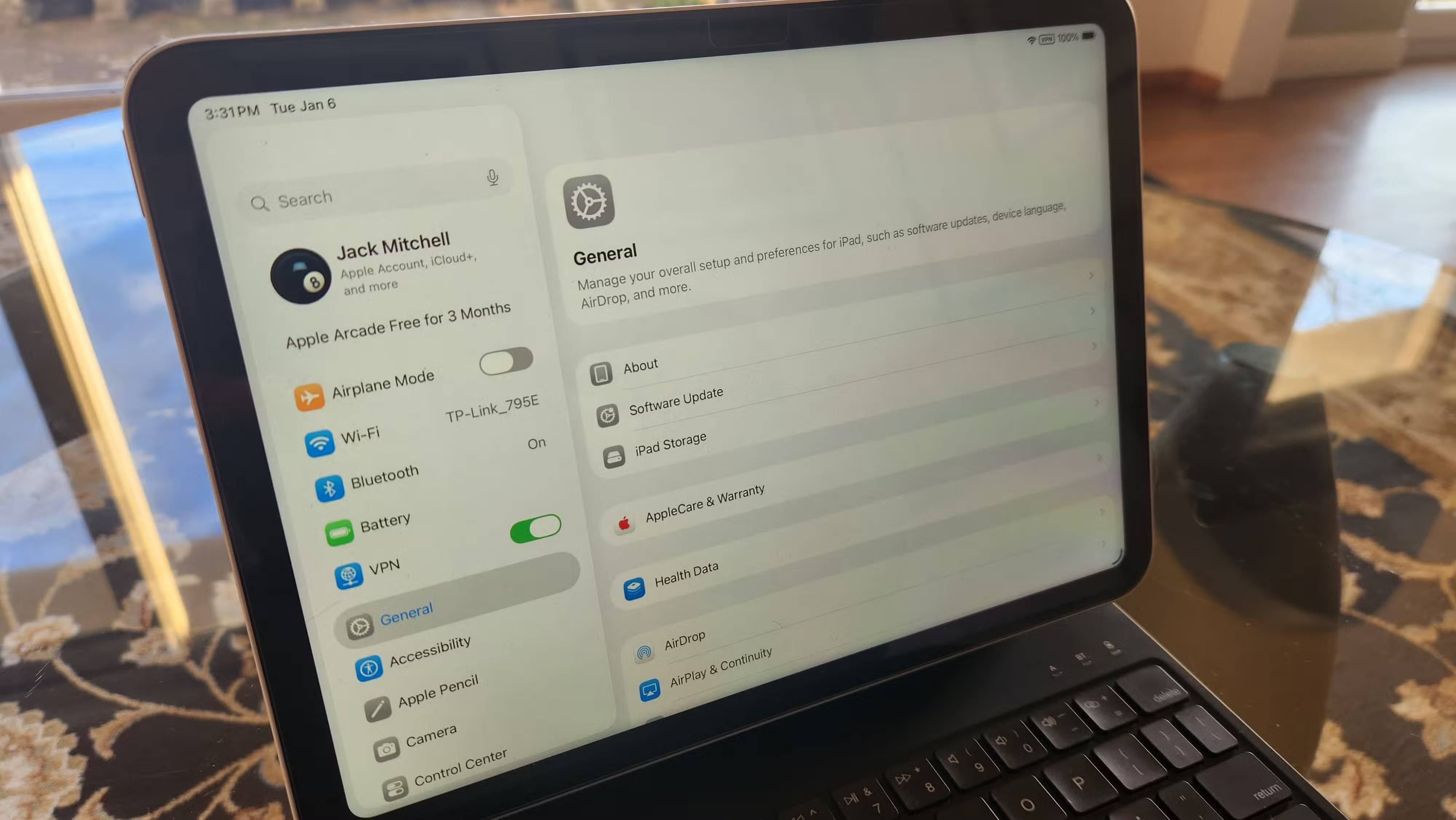
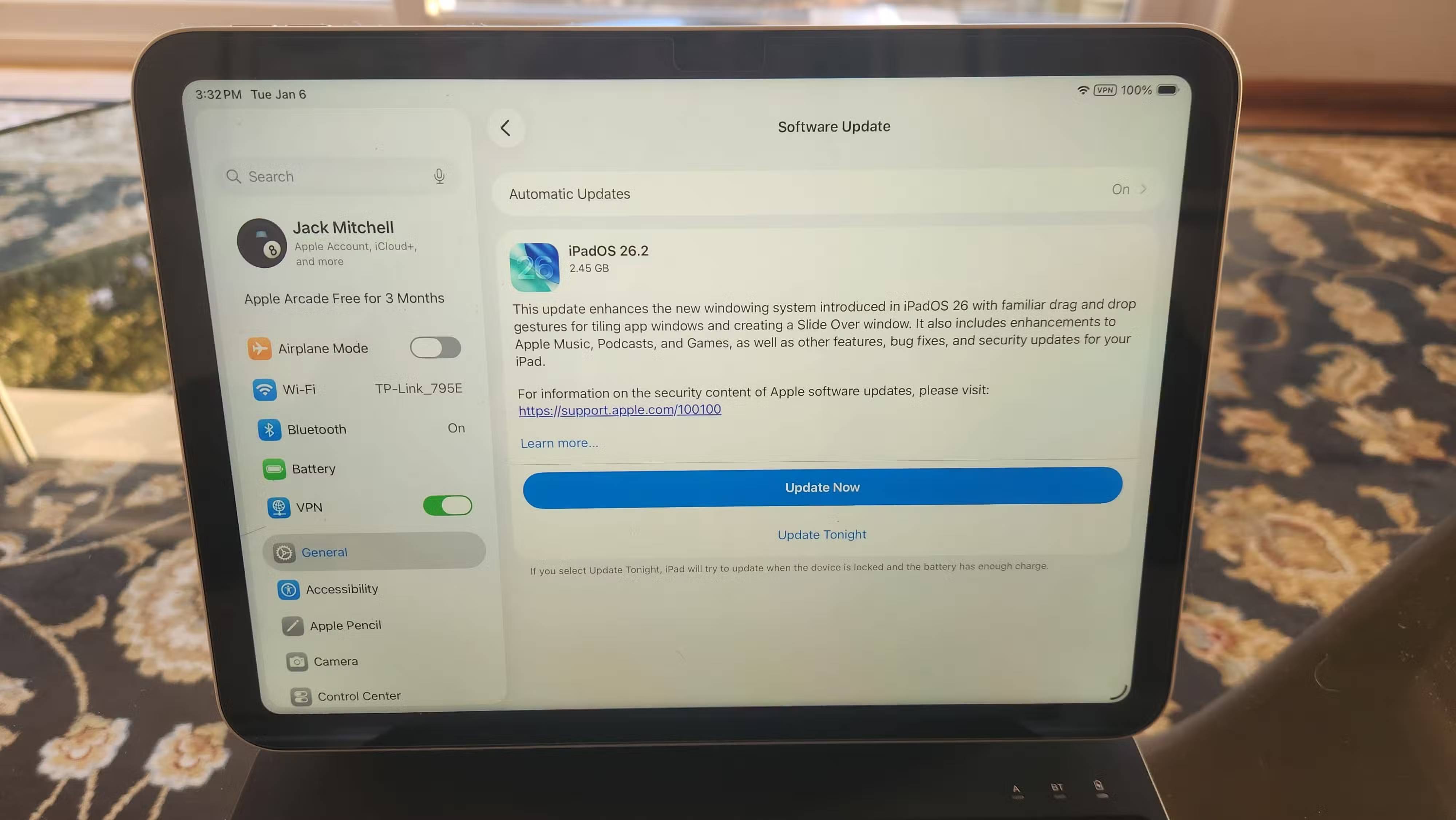

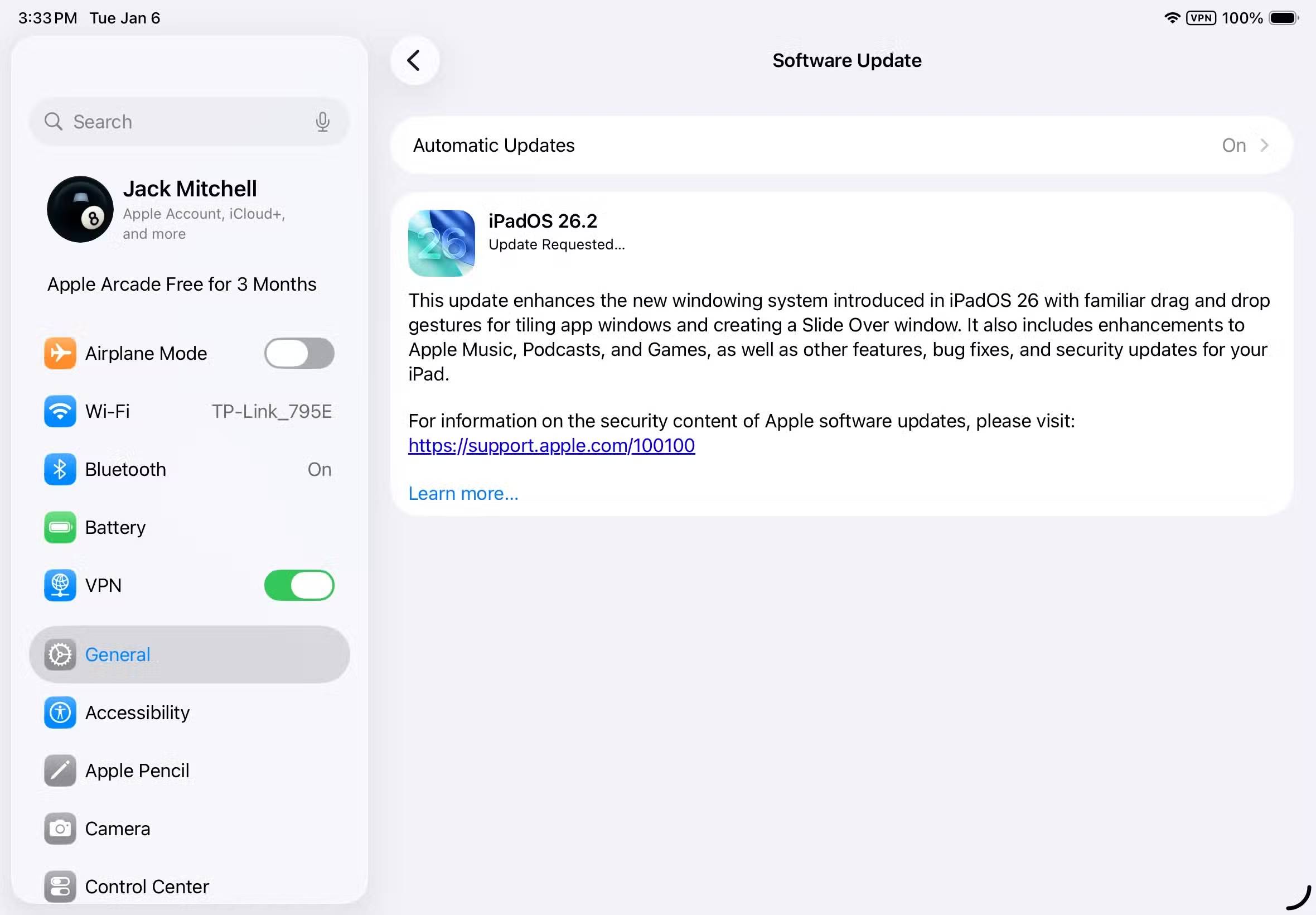
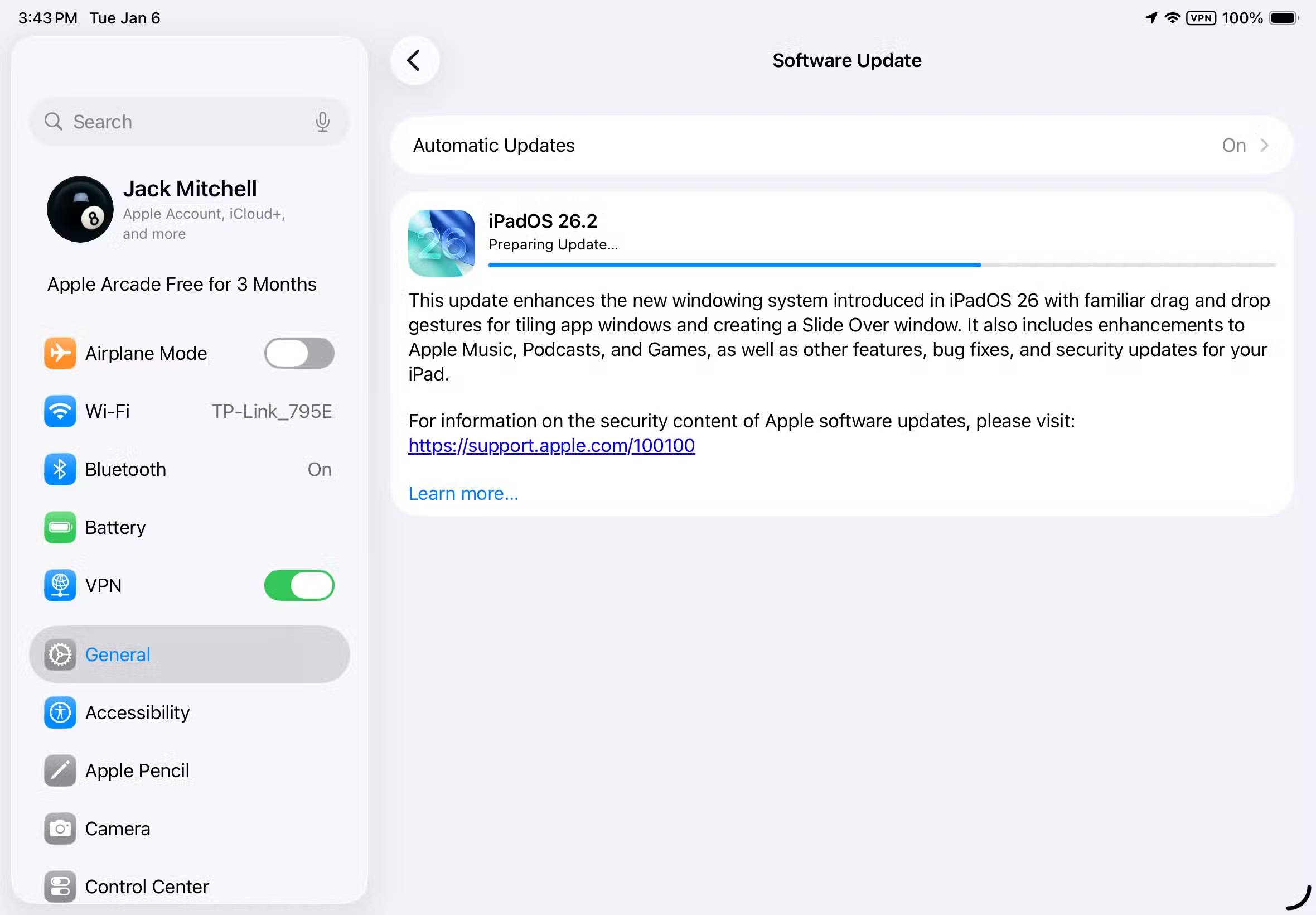
Updates can feel like a constant barrage of requests. We can all understand the inconvenience of the endless stream of demands related to mobile security patches, forced Windows restarts, browser updates, firmware updates, and mobile app updates. These issues not only often arise at the worst possible times, but human psychology and distrust also play a role in the refusal and delay of software updates.
- The update caused disruption, affected workflow, and created fear of losing saved projects.
- Many people have a "if it's not broken, don't fix it" mentality, especially since the benefits of updating are often unclear.
- Fear of negative changes, such as slower performance or broken features.
- A lack of understanding of security risks, or the feeling that cyber threats will not affect anyone personally.
- There may be trust issues related to tracking and data collection, as well as resentment over planned obsolescence.
- There is often poor communication from the developers, with vague explanations of what the update is and why it is important.
In short, many people prioritize short-term comfort over long-term security. And software updates offer security benefits, not comfort and convenience.
Potential problems when skipping updates
Silently delaying updates increases risks and instability
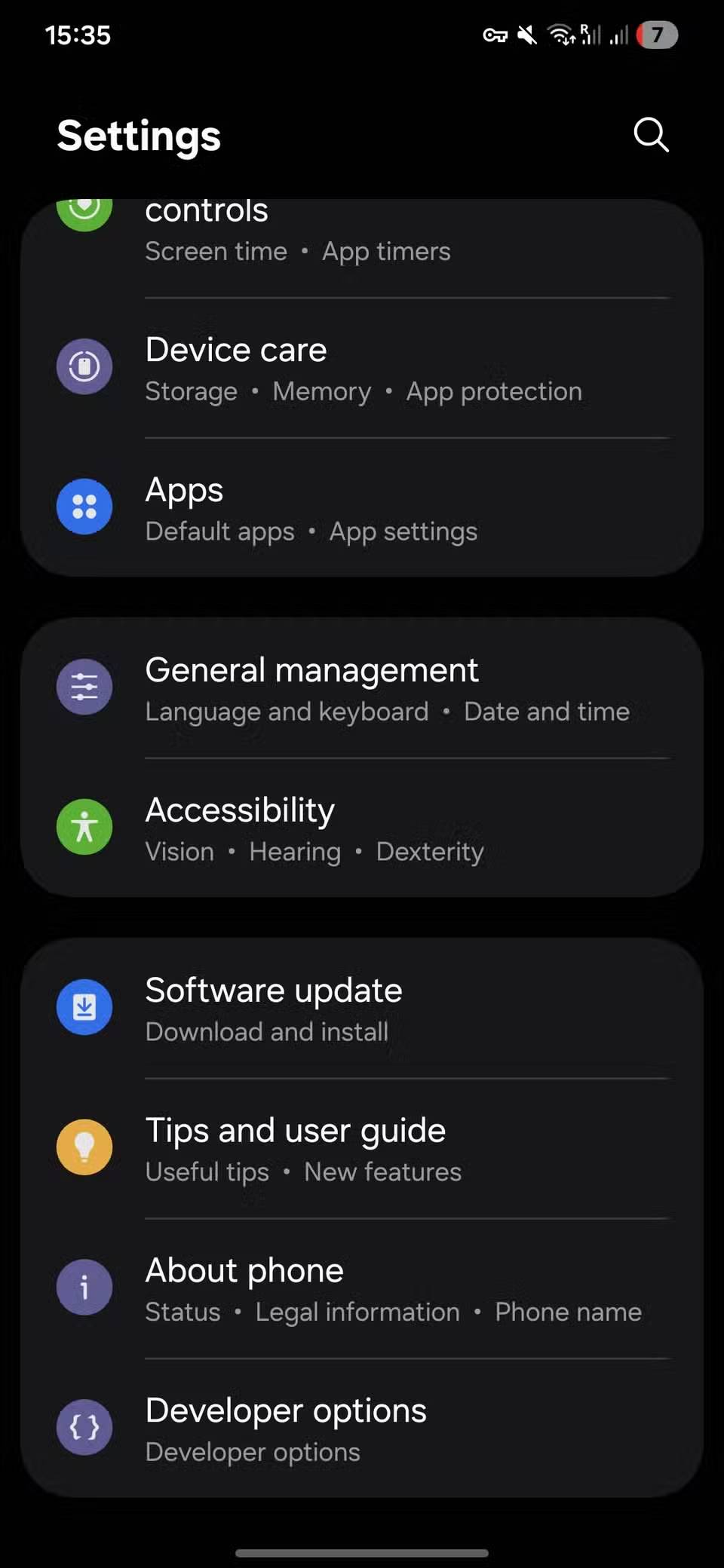

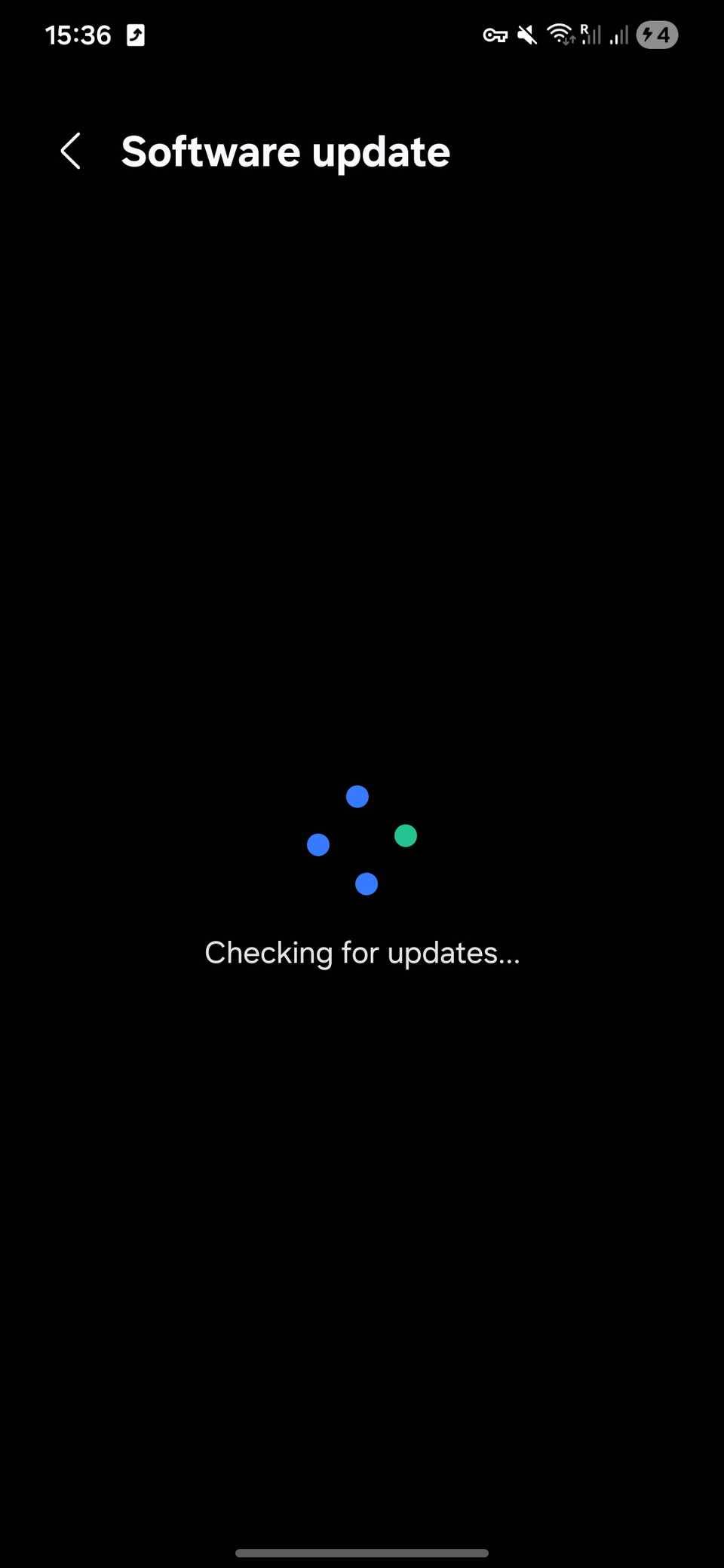
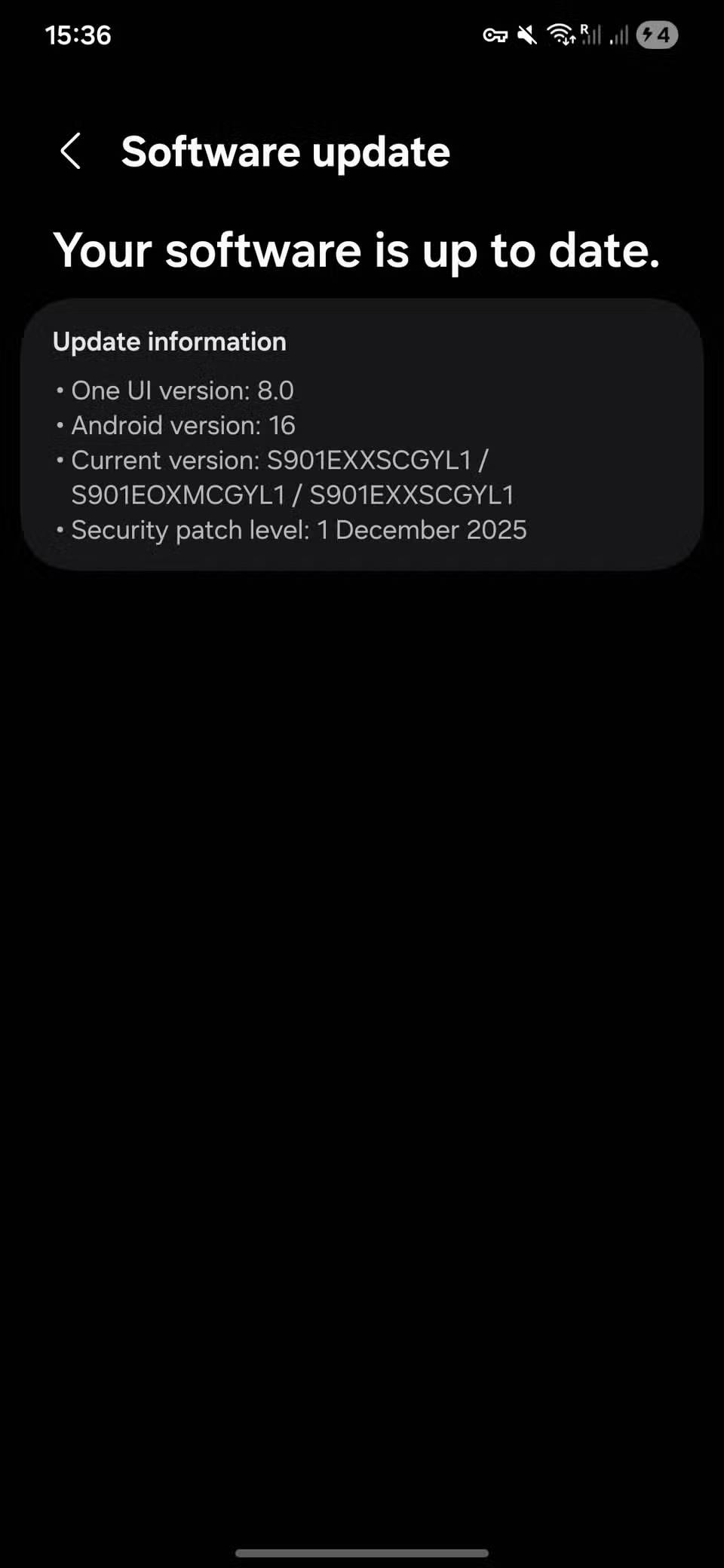
Many of us are aware of the potential problems that arise from neglecting updates. However, it's never a bad idea to remind ourselves of the significant risks of not keeping our systems up-to-date:
- The biggest risk is security vulnerabilities. Updates often patch known vulnerabilities; once these are made public, attackers will actively exploit them. Malware, ransomware, identity theft, and data breaches will become far more prevalent.
- Outdated software can cause data loss or corruption . Problems can occur frequently, unfixed bugs can corrupt files, and ransomware attacks become more common.
- You may encounter compatibility issues , as newer applications, websites, or files may stop working. Hardware drivers may also become incompatible.
- You may also encounter performance and stability issues , with memory leaks, slowdowns, and frequent crashes. Over time, your system will start to feel outdated.
- There is a possibility of support being lost ; over time, vendors will stop providing technical support and bug fixes, and consider you a potential security risk.
The biggest concern is realizing you're falling behind technologically, missing out on new features that improve usability and efficiency. Many people also worry about limited integration with the latest tools and having to endure a poor user experience.
What happens when you delay updating your software?
Over time, a few minor errors escalated into system errors
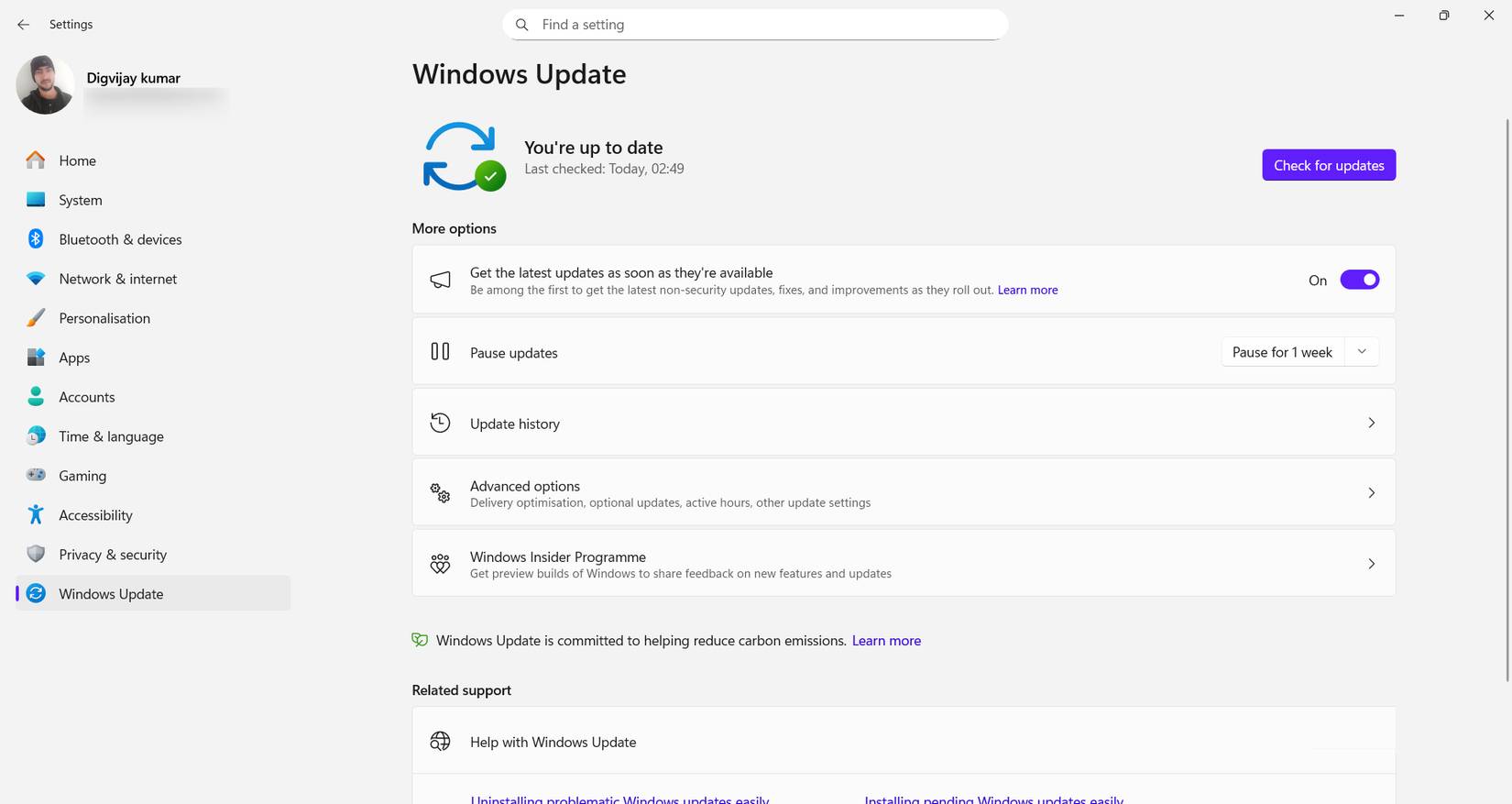
Initially, the symptoms were quite subtle. After pausing automatic updates, applications would briefly freeze, then resume operation. Many people attributed this to an outdated system. However, these incidents became increasingly frequent and unpredictable. In the worst-case scenario, they occurred while users were performing crucial tasks.
Eventually, they began experiencing frequent file corruption, and applications that had previously run smoothly now crashed upon launch. Even performing the most basic tasks felt unstable, like a house with cracks in its foundation or a car with an alarming rattling sound in its engine. Ironically, some of the third-party software they were supposed to be protecting was now part of the problem. Updated versions were expected to run on newer operating systems, while older versions were increasingly vulnerable to vulnerabilities. Attempts to avoid compatibility issues had created far worse problems.
Is updating software always worthwhile?
How is informed and proactive updating more effective than blind haste or indifference?
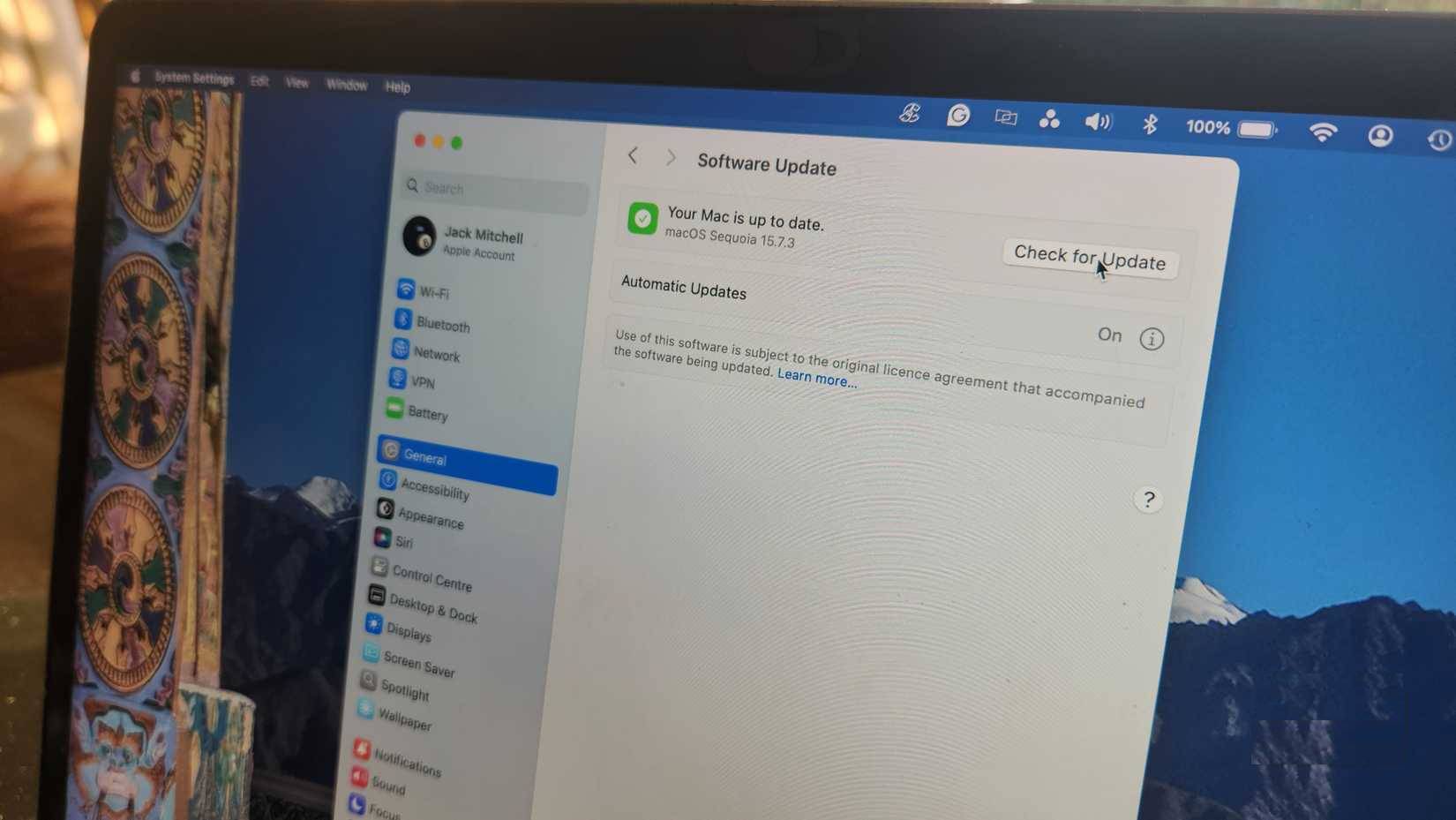
What we learned from this experience is that there's a smart way to update software. There are valid reasons to pause updates, especially in professional environments that rely on specialized software—or while working with plugins specific to particular tasks. But pausing doesn't mean skipping.
A better approach is to update intelligently. Check the compatibility list. Read the release notes. Back up your system before a major update. If you rely on third-party tools, plan your upgrades instead of postponing them indefinitely. Small updates, especially security and stability patches, are almost always worth installing immediately. They are designed to fix problems, not cause them.
Strict digital maintenance will solve all the problems
Finally, update your programs and look for replacements for your outdated plugins. This digital cleanup not only prepares your system for the future but also provides a fresh approach to creativity, where you no longer rely on old methods.
The difference is striking. No more unexpected crashes, no more corrupted files, and no more constant worry about the system failing again. The computer may be old, but it runs reliably. And that reliability comes from maintenance, not neglect.
This mistake has taught us that ignoring software updates doesn't protect the system; it gradually weakens it. Accept that obsolescence is simply a reality of the digital age. Regular upgrades are better; not necessarily the most advanced technologies, but not excessively outdated either.
Final Thoughts
Use this guide as a practical checklist for how to change your habit of procrastinating on software updates immediately. Work through the steps in order, verify each result, and adjust the options to match your needs.
FAQ
What do you need before following this How to Change Your Habit of Procrastinating on Software Updates Immediately guide?
Review the required tools, accounts, settings, or materials mentioned in the article. Learn how to change your habit of procrastinating on software updates immediately with clear steps.
What are the main steps for how to change your habit of procrastinating on software updates immediately?
Follow the sections in order, especially Why do people delay updating their software?, Short-term convenience, lack of trust, and avoidance mentality, Potential problems when skipping updates. Complete each step before continuing and verify the result as you go.
What should you do if the process does not work as expected?
Recheck the prerequisites, update the relevant app or service, review the settings, and repeat the step that caused the issue. Use any troubleshooting notes included in the guide.
Related Articles
 How to Turn Off Automatic Software Updates on macOS Sierra4 minutes read
 For Your Safety, Turn on the Auto-update Feature for All Your Devices and Applications10 minutes read
 10 Free Software Updates: Glarysoft Software Update18 minutes read
 List of Settings to Check After Updating Windows 106 minutes read
 Samsung Only Allows Users to Delay Software Updates up to 10 Times2 minutes read
 How to Stop Windows Updates on Your PC10 minutes read
Reader Comments 0
Sign in with email or Google to join the discussion.