Table of Contents
Windows 11 needs fewer flashy new features and more bug fixes to improve usability.
Whether it's the controversial Recall feature or the addition of AI to classic apps like MS Paint and Notepad, Microsoft has a tendency to add pointless features to Windows 11. This may help to make a splash with investors, but for most of us, it just means adding more complexity to an already cumbersome operating system.
Windows 11 needs fewer flashy new features and more bug fixes to improve usability.
Allows use of optional Microsoft account
Even Apple doesn't force you to use an account during setup.
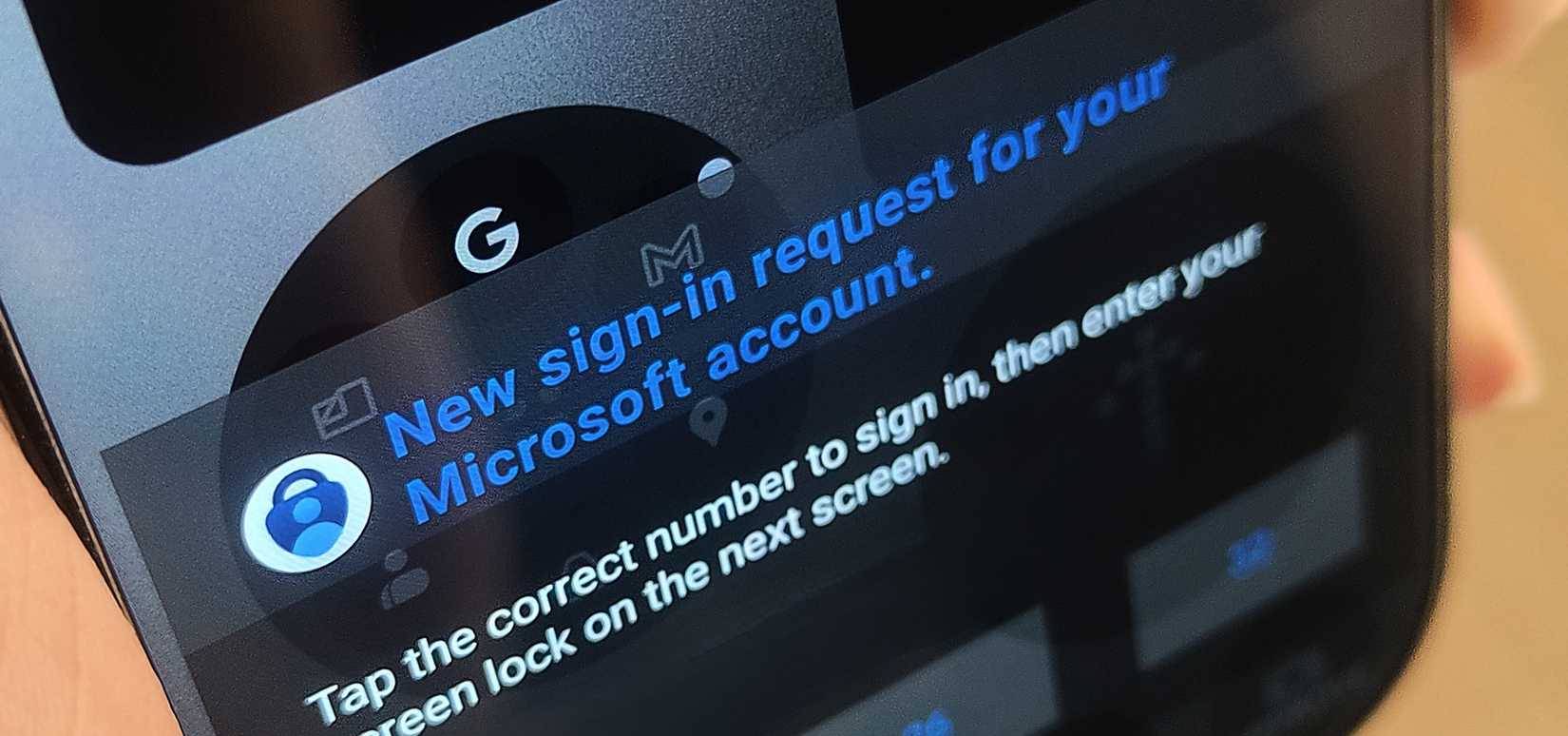
The most annoying part of setting up a new Windows PC is being forced to create or sign in to a Microsoft account. You can't proceed without a Microsoft account, unless you resort to a complicated command line trick to set up a Windows 11 PC without a Microsoft account.
While a Microsoft account offers many benefits, such as automatic backup and restore, syncing settings across devices, and seamless integration with Microsoft services, not everyone wants to use a Microsoft account on their PC.
Privacy concerns aside, some people just want a simple local account without constantly syncing their data to Microsoft's servers. Even Apple, famous for its "walled garden" approach, doesn't force you to use an Apple ID when setting up a new Mac. You can skip it entirely and add an account later if You should.
Customize the taskbar
Restore vertical and resizable taskbar, fix widgets and add multi-clock support
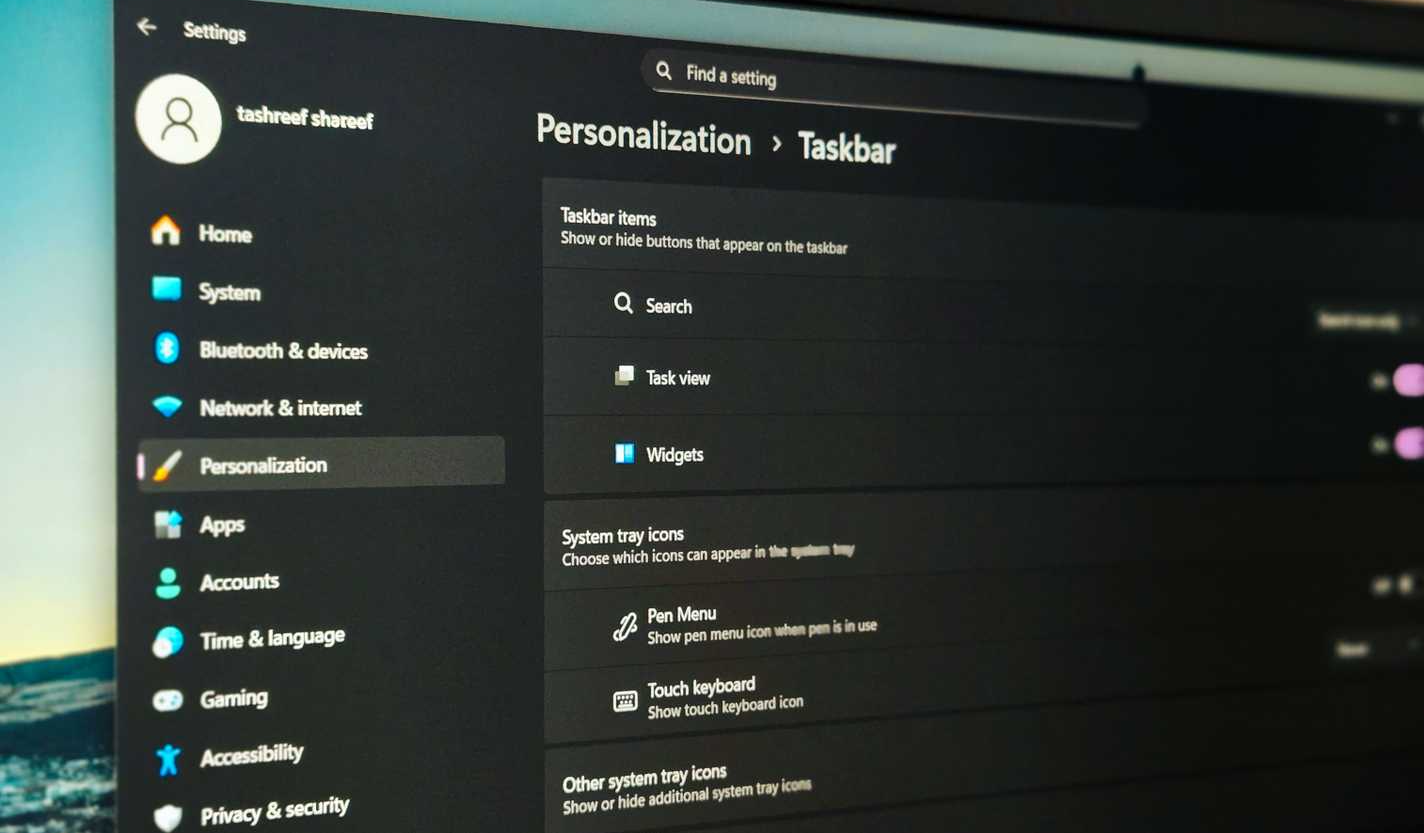
In Windows 11, the taskbar is stuck to the bottom. This becomes an issue for anyone using an ultrawide monitor or a multi-monitor setup.
Another feature Microsoft should add to the Windows 11 taskbar is an always-on clock that shows multiple time zones. If you work for a company in New York but live in California, or collaborate with teams in multiple countries, you currently have to click or hover to see additional clocks. This is a very useful feature, but Microsoft wants to focus on adding AI to Notepad.
Clipboard and shortcuts
Clipboard history and better keyboard mapping options
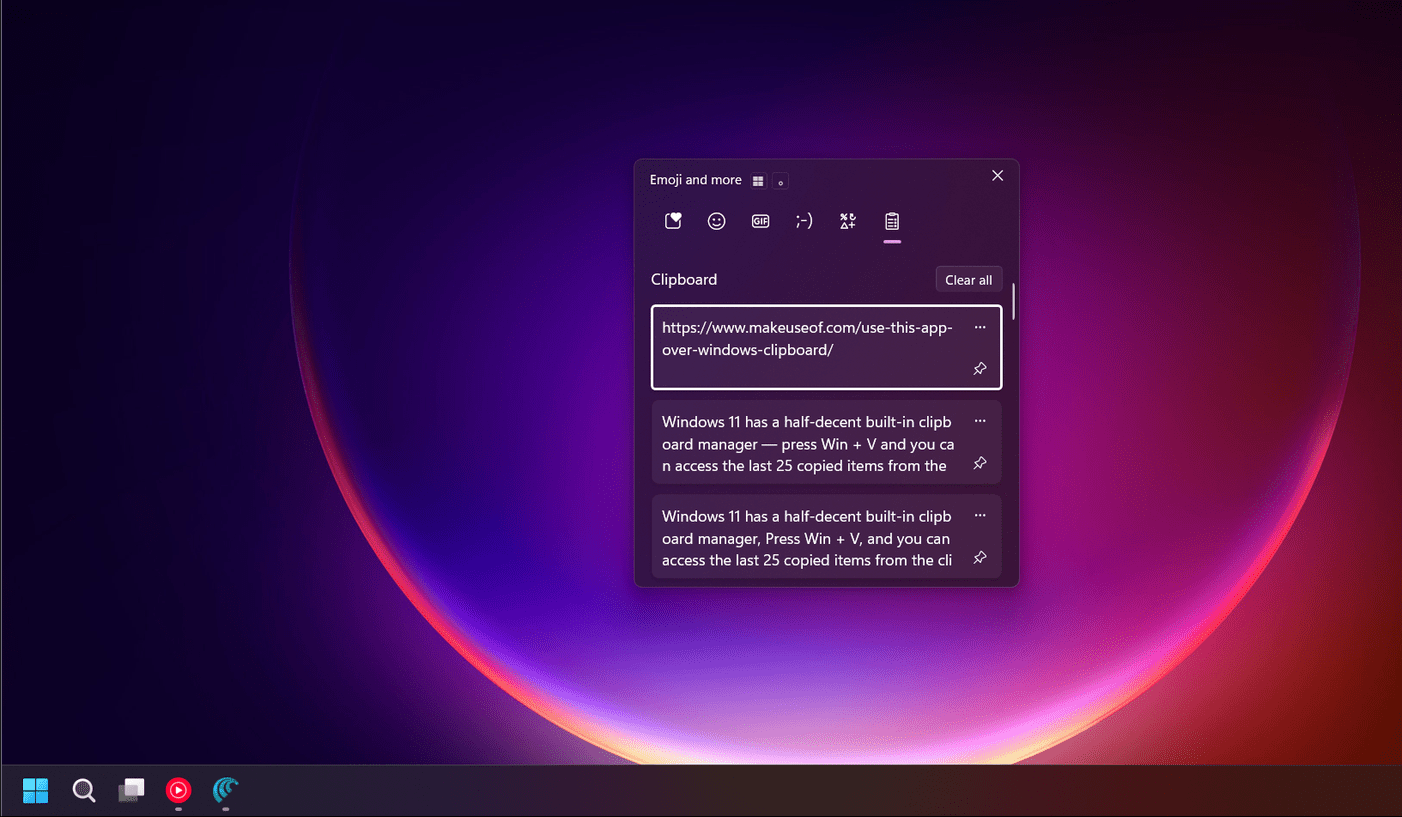
Windows 11's clipboard manager ( Win + V ) is a step in the right direction, but it's laughably limited. Windows 11 only stores a maximum of 25 items in history, and they disappear after a reboot unless you pin them.
Keyboard customization is another area where things could be improved. Windows 11 doesn't let you completely remap keyboard shortcuts or create your own modifier keys.
Better window management and multi-monitor setup
Pin apps to a specific screen, custom workspaces, and a better multi-screen experience
Setting up multiple monitors in Windows 11 is easy. Just drag and drop them into the settings to arrange them to suit your setup.
That said, when you undock your laptop and plug it back in, all your windows get jumbled up, and your apps don't remember which monitor they're supposed to be on. In practice, you have to spend the first few minutes of each session dragging windows back to the right monitor.
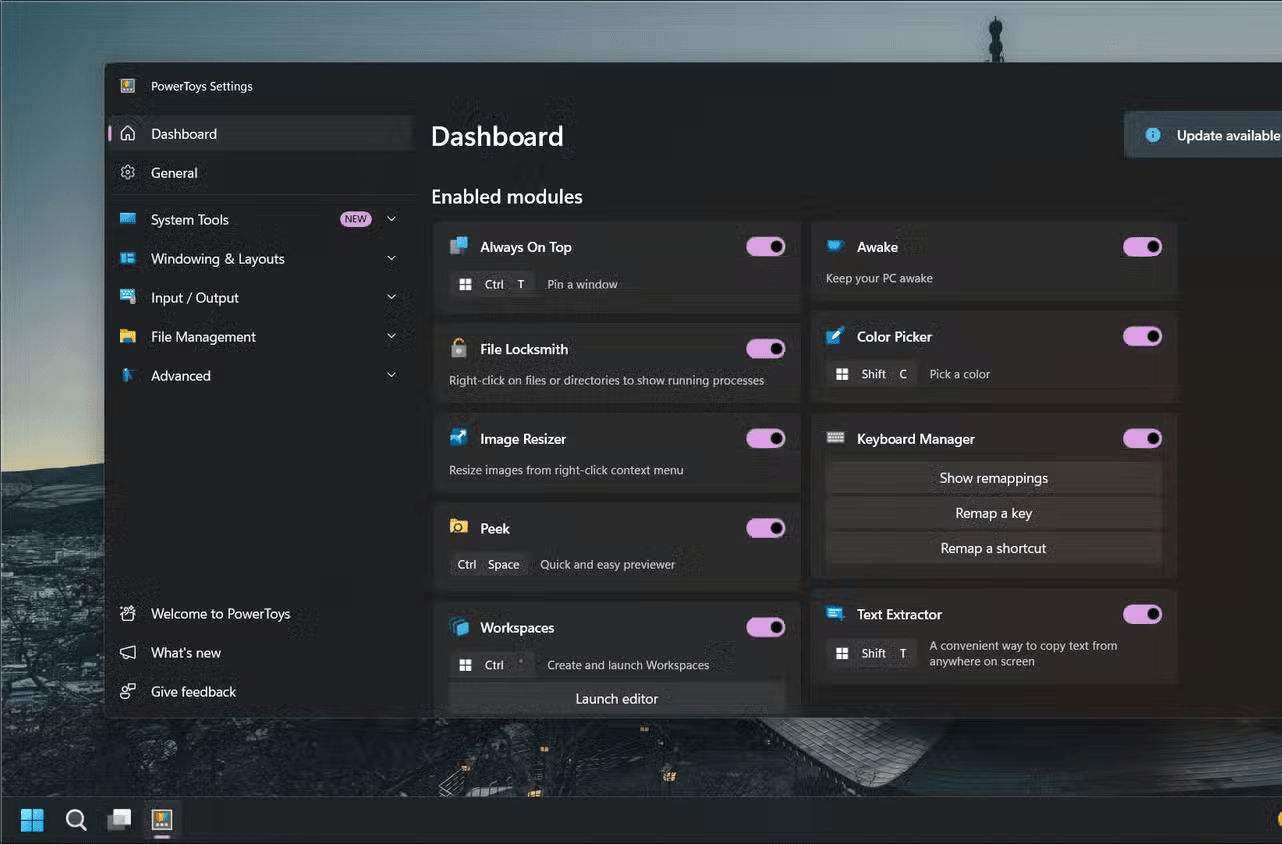
Furthermore, you can't pin specific apps to specific screens, create custom workspaces for different tasks, or launch groups of related programs with a single click without using an additional tool like PowerToys Workspaces. These features are available in third-party Windows utilities, but Microsoft doesn't want to implement them natively.
Please remove the ads!
Ads in widgets, notification panels, and even the lock screen
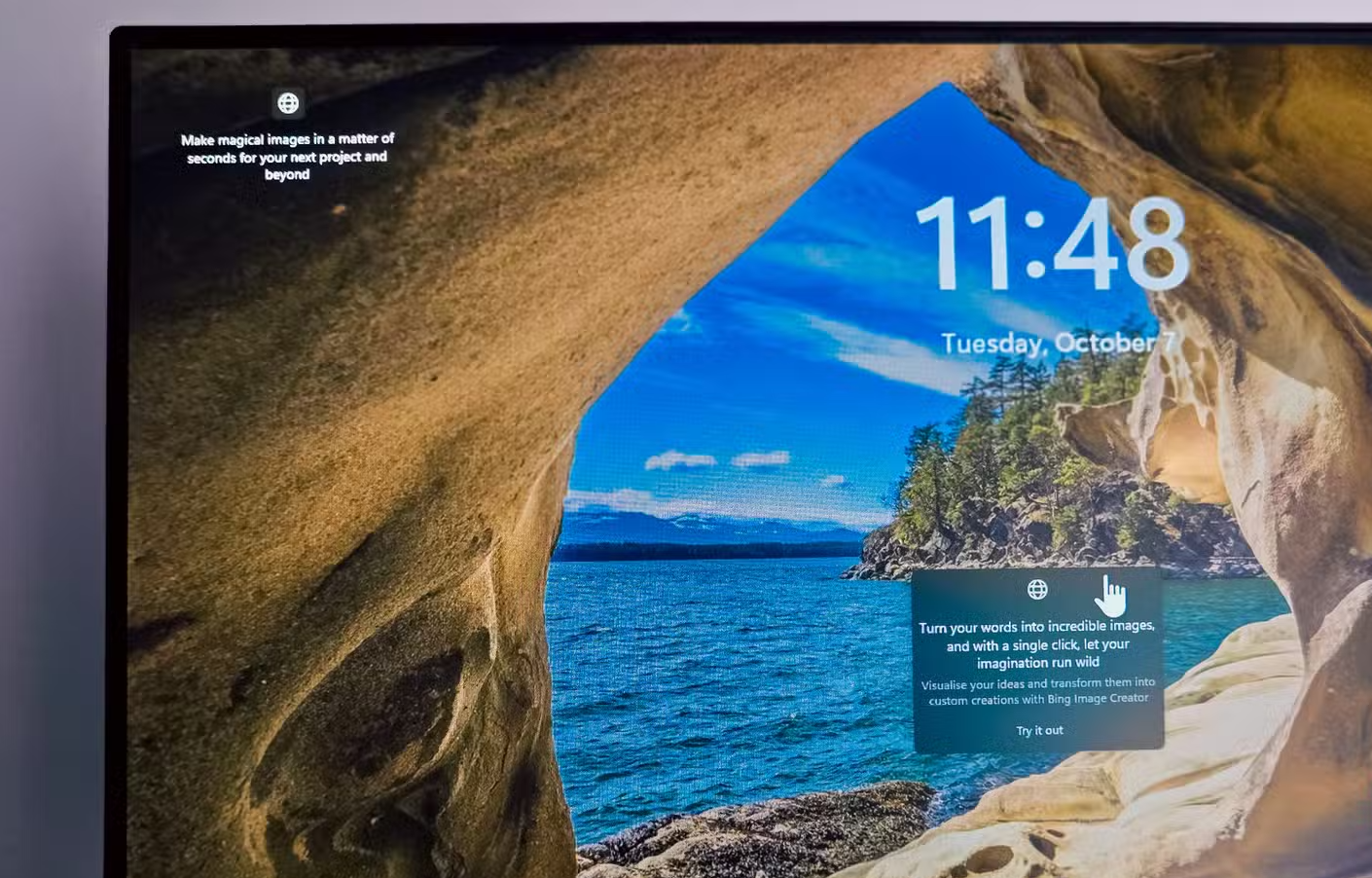
Microsoft likes to display ads for its various services as if your computer were a billboard. Ads in the Start menu's "suggested" section for apps you'll never use, notification panels pushing Microsoft 365 subscriptions, and even lock screens trying to get you to buy Xbox Game Pass. For an operating system you've already paid for, Windows 11 increasingly looks like a billboard.
The widget sits quietly on your Taskbar, displaying sensational headlines and celebrity gossip alongside weather updates. Microsoft seems to think we buy computers to be constantly marketed to, not to do work.
FAQ
What should you know about basic Windows 11 features Microsoft needs to improve?
In practical terms, Windows 11 needs fewer flashy new features and more bug fixes to improve usability.
Why does basic Windows 11 features Microsoft needs to improve matter?
The article highlights that Windows 11 needs fewer flashy new features and more bug fixes to improve usability.
What is the main takeaway?
The main takeaway is that you can't proceed without a Microsoft account, unless you resort to a complicated command line trick to set up a Windows 11 PC without a Microsoft account .
Related Articles
 How to Upgrade Windows Phone 7 Operating System7 minutes read
 Microsoft Promises to Improve Windows 11 Performance in 20223 minutes read
 Improve Productivity with These 7 Built-in Windows 10 Features!7 minutes read
 6 Utilities Needed to Improve Microsoft Office Performance5 minutes read
 10 Features on Windows 10 Are Most Users Require9 minutes read
 How to Enable and Apply the Aero Lite (Windows Basic) Theme in3 minutes read
Reader Comments 0
Sign in with email or Google to join the discussion.