Table of Contents
Microsoft continues to promote Copilot+ PCs for Windows 11 AI features, including Recall, Click to Do, and Windows Studio Effects. The label describes a hardware class with an NPU for on-device AI; it is not, by itself, evidence that a particular laptop is the best choice for work or games.
What a Copilot+ PC adds
Microsoft's current comparison of Copilot+ and standard Windows PCs lists a 40+ TOPS NPU, at least 16 GB of RAM, and at least 256 GB of storage among the class requirements. Availability of individual features also depends on Windows version, language, region, hardware, and rollout status. A regular Windows 11 PC can still run many AI services through apps or the web; local features are the key distinction to inspect.
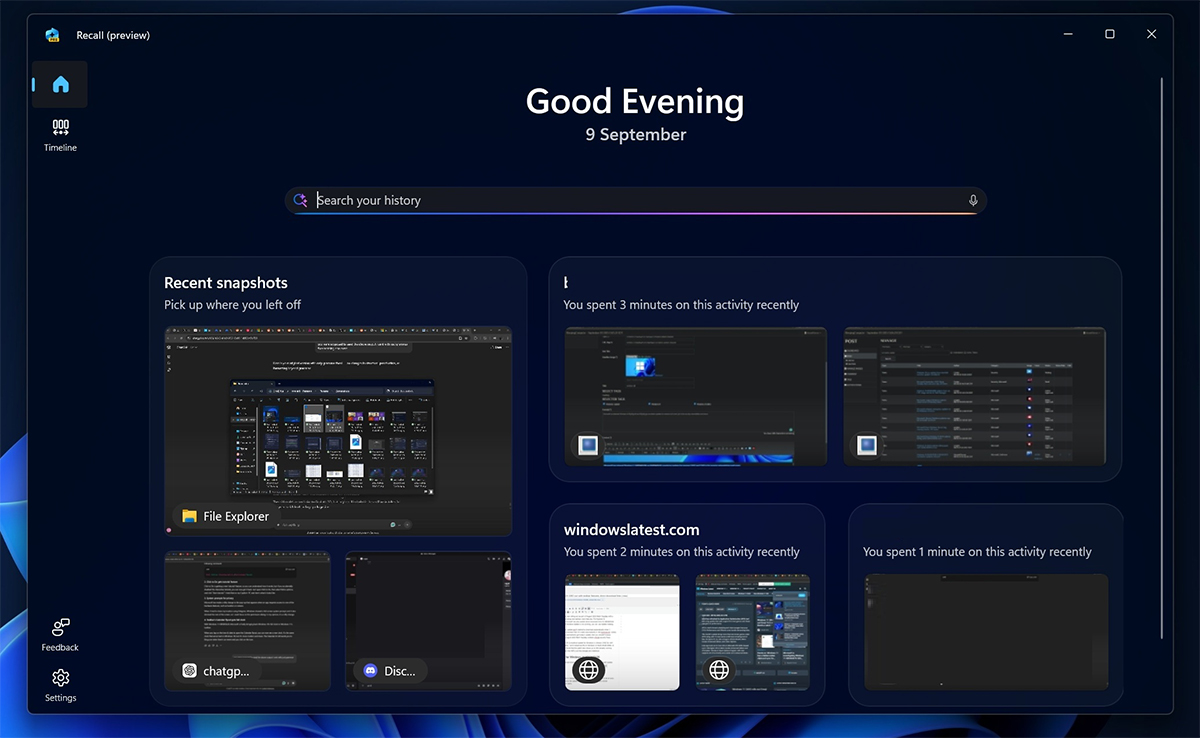
Recall: useful search with a privacy decision
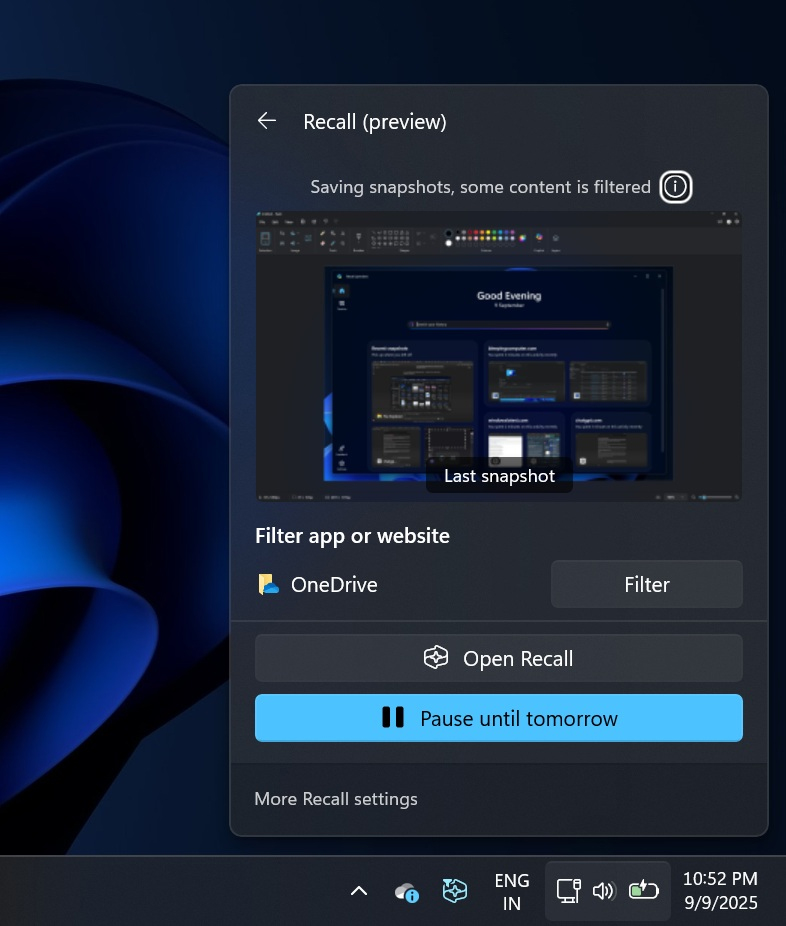
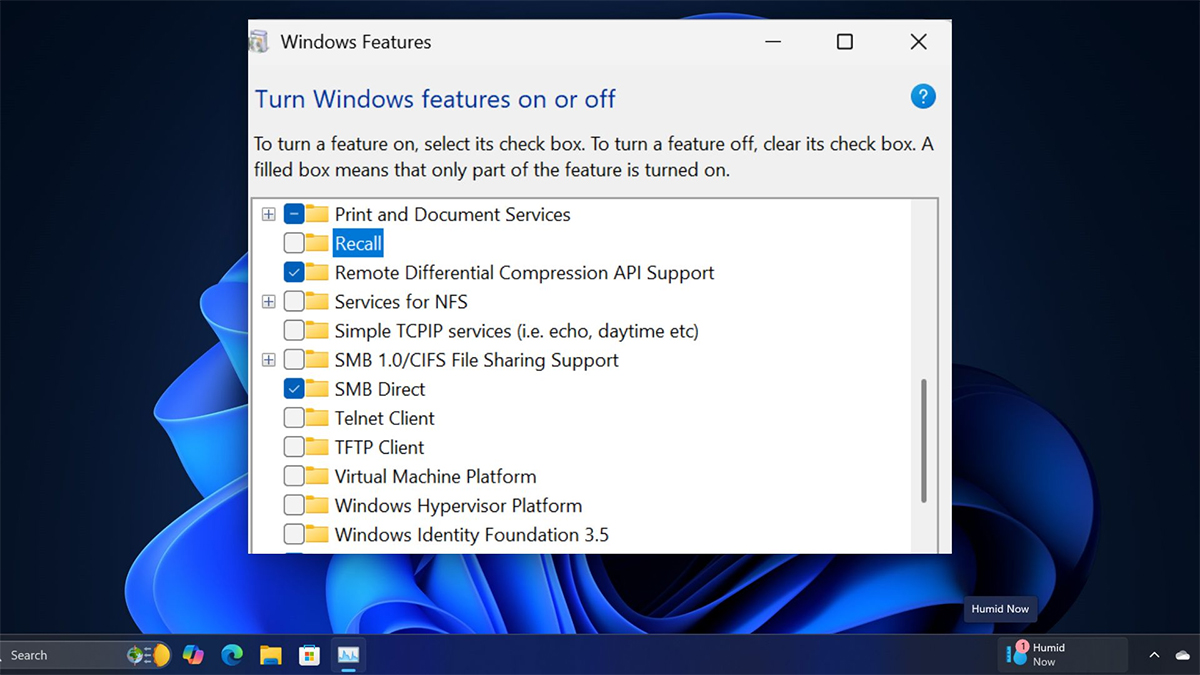
Recall can help find content you previously viewed by searching periodically saved screen snapshots. Microsoft says saving snapshots is opt-in and processed locally on a supported Copilot+ PC. You can pause or disable saving, filter apps and websites, and delete snapshots. Access to Recall and changes to its settings require Windows Hello verification. Read Microsoft's Recall privacy controls before enabling it.
Those controls do not make every use case risk-free. Think about shared devices, confidential work, and sensitive material that appears on screen; check your organization's policies and the available filters. Recall is optional, so a buyer should decide whether the search benefit justifies storing snapshots on the device.
Other features to test
Click to Do offers context actions for selected content and can be useful even when saved Recall snapshots are off in supported scenarios. See our Click to Do guide for the interaction. Windows Studio Effects can improve the look or framing of video calls on compatible hardware. The Copilot app and AI options in Photos serve different tasks and may have different availability and data handling.
Is upgrading worth it?
- Choose by your main workload: Compare processor, memory, storage, battery life, screen, ports, and software compatibility before paying extra for an AI label.
- Test the exact AI features: Confirm the model you plan to buy supports the feature, language, and region you need. A store listing may describe a broader family of PCs.
- For gaming or creative work: Check graphics performance and application benchmarks; an NPU rating does not substitute for the GPU or CPU your workload requires.
- Review privacy: Decide whether to opt in to Recall and learn how to pause, filter, and delete snapshots.
If your current PC already meets your needs, AI marketing alone is a weak reason to replace it. Our guide to standard Windows PCs and Copilot+ PCs explains the broader distinction.
Related Articles
 Microsoft May Remove Unnecessary AI Features from Windows 11 Following5 minutes read
 How to Disable Windows Recall on Copilot+ PC4 minutes read
 Microsoft Continues to Be Criticized for Trying to Promote Copilot on Social4 minutes read
 Microsoft Now Wants Users to Try Its Controversial Windows Recall Feature Again11 minutes read
 Microsoft 'Gives in' to Users, Allows Turning Off AI Actions on Windows 114 minutes read
 Microsoft Is Ready to Release Windows Recall After Nearly a Year of Delay3 minutes read
Reader Comments 0
Sign in with email or Google to join the discussion.