Table of Contents
Although not as 'hot' as it was in the early days of Android's launch, launchers are still one of the simplest ways to personalize your smartphone.
Although not as hot as it was in the early days of Android, launchers are still one of the easiest ways to personalize your smartphone. With just one small app, you can change not only the look and feel of your phone's home screen, but also the way it functions.
Among the myriad launchers available on Google Play, open-source Options always stand out due to their advantages in privacy, security, and transparency. Most of them are free. If you want to refresh your Android experience, here are the 5 best open-source launchers to try.
1. Lawnchair
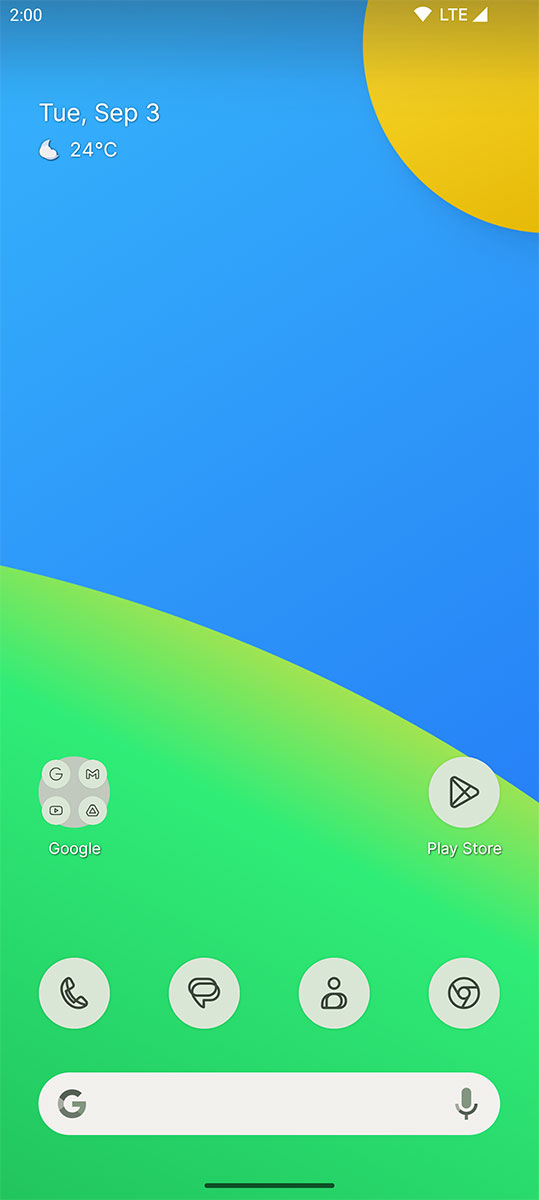
Lawnchair is popular for its Pixel Launcher-like feel, but with tons of advanced customization. You can:
- Sync the interface with the color of the wallpaper thanks to 'Material You'.
- Customize fonts, icons, grid layout, pop-up menus…
- Use the 'At a Glance' widget similar to Pixel Launcher.
- Create folders in the app drawer, or let Caddy organize them automatically.
- Search directly on the device: apps, contacts, files, settings, search history.
Note: Lawnchair is currently under development and is not yet fully stable, so there may be some minor errors.
2. Olauncher
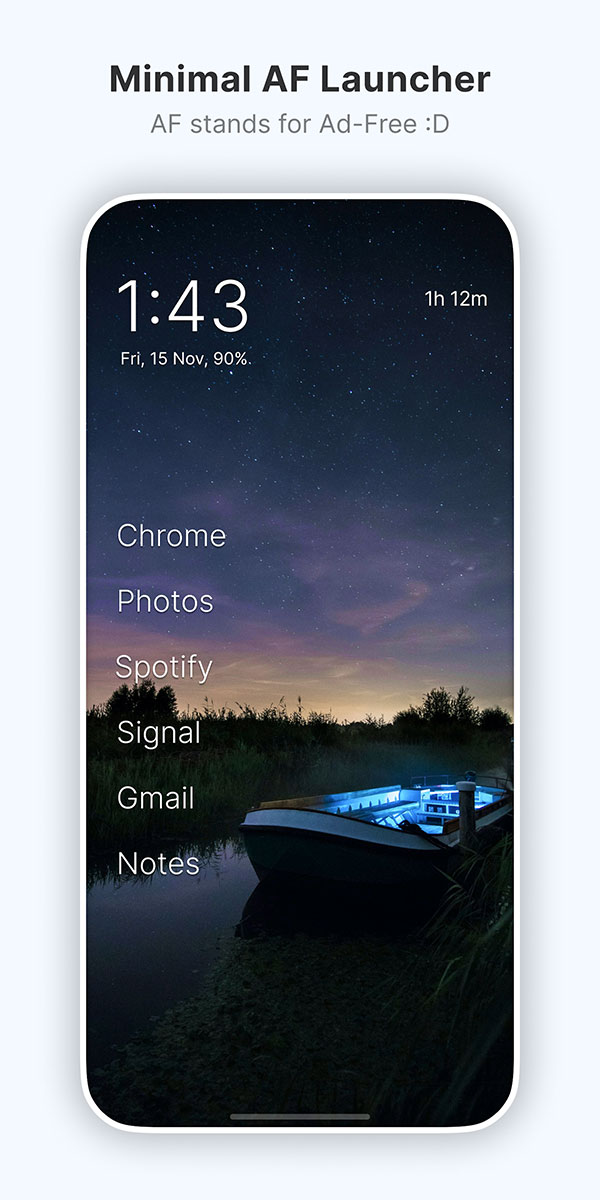
If you love absolute minimalism, Olauncher is the ideal choice.
- Extremely clean interface, no confusing icons.
- The home screen only shows the application name, date and time, and status bar.
- Text list app drawer with search bar.
- Type a few characters to open the application immediately, no need to touch more.
You can find not many customizations, mainly shortcut alignment, automatic daily wallpaper change, light/dark mode selection and hiding apps. But if you want maximum focus, Olauncher is number 1.
3. Stario
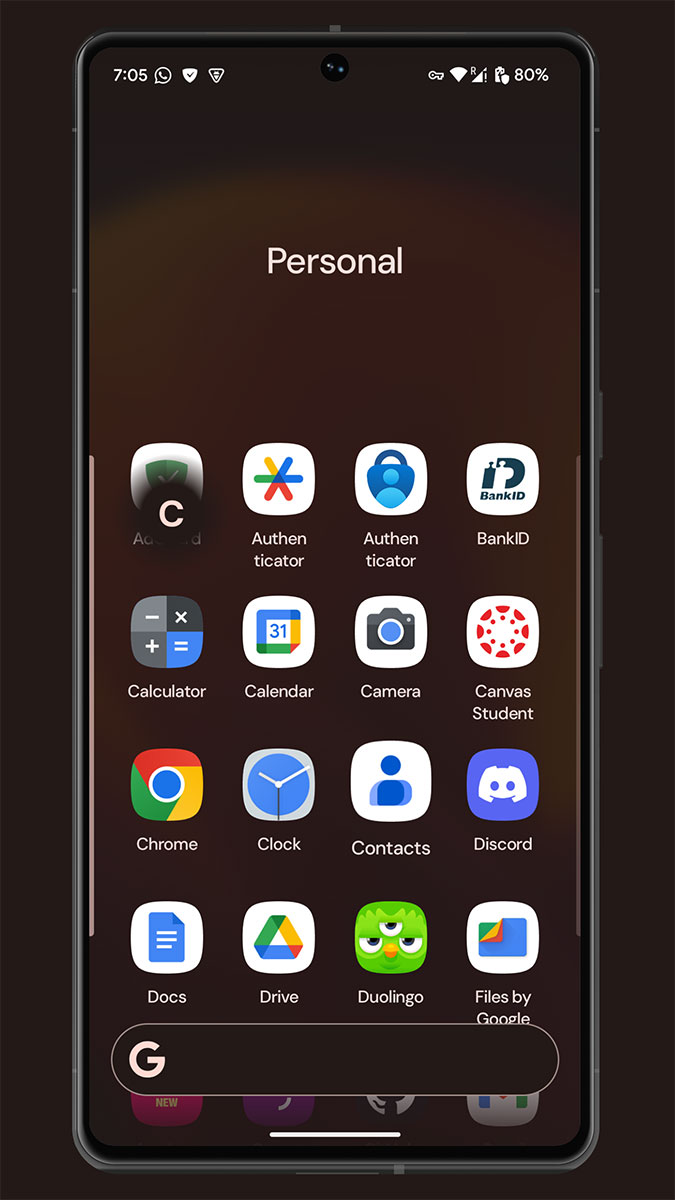
Stario balances minimalism and utility, with a unique design with 5 separate areas:
- Home : displays date, time, battery, weather, search + 4 favorite apps.
- Briefing : integrated RSS reader.
- Notes : quick notes.
- Widgets : swipe down to open a separate area for widgets.
- App drawer : auto-sort or 2-column list, with fixed search bar.
The small minus point is that the search ability is not really accurate, but in return the design is elegant, completely different from other launchers.
4. KISS Launcher
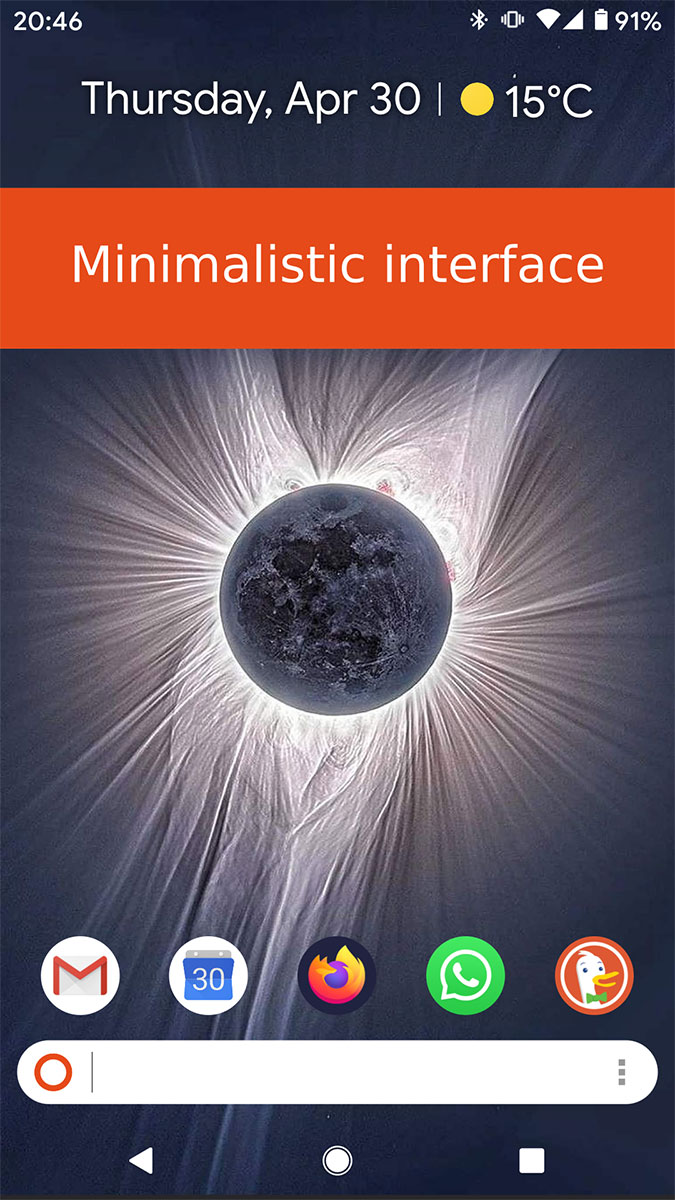
As the name suggests, KISS (Keep It Simple, Stupid) focuses on simplicity, focusing on the search feature.
- The central search bar lets you search for apps, contacts, settings…
- The app drawer can be quickly opened via icon or swipe gesture.
- Supports web search with optional provider.
- Allows customization with 7 available themes, external icon packs and system color adjustment.
This is a lightweight, compact launcher, yet flexible enough to personalize to your own style.
5. Quasi-Religious
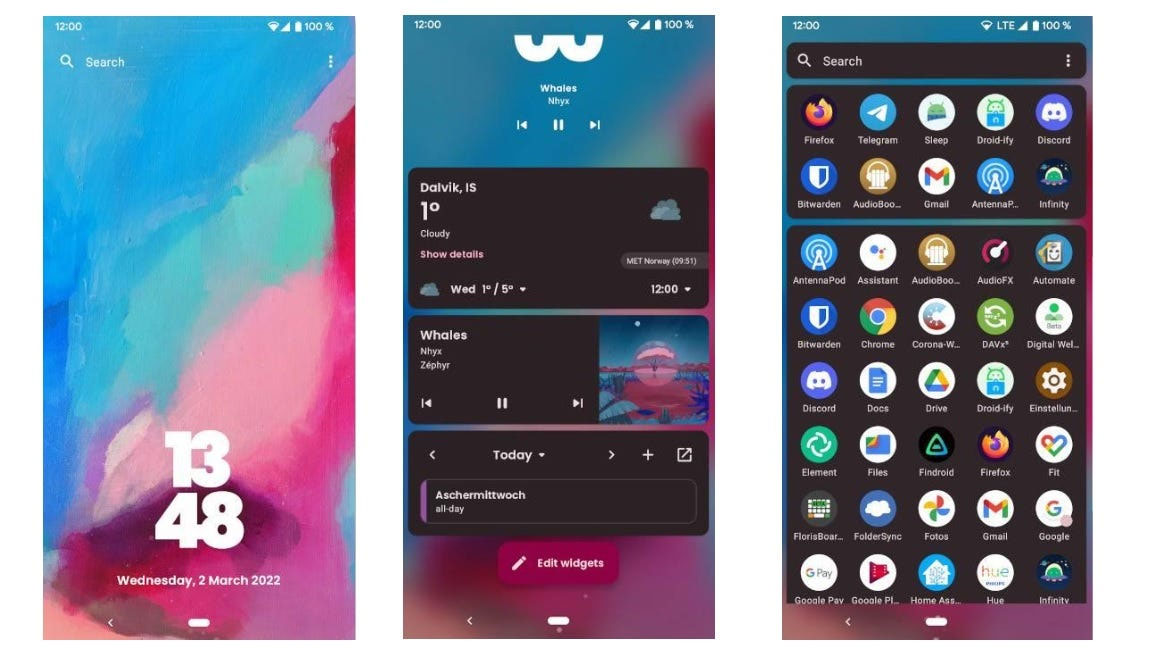
Kvaesitso (pronounced 'kuh-VEY-sit-so') offers a new experience centered around the universal search feature, similar to Spotlight on macOS.
- Search local files, cloud data, calendars, contacts, apps, Wikipedia…
- Can be used as a calculator or unit converter.
- Widget placed on separate vertical scrolling page or right on home screen.
- Custom icons, grid layout, icon pack support.
- Plugin support: integrate weather data, OneDrive files…
It takes a little getting used to at first, but once set up, Kvaesitso is truly powerful and distinctive.
Conclusion : If you want a lightweight launcher, Olauncher and KISS are good choices. If you like heavy customization, Lawnchair and Kvaesitso are good choices. If you want a unique experience, Stario is definitely worth a try.
FAQ
What should you know about the options in this guide?
In practical terms, although not as 'hot' as it was in the early days of Android's launch, launchers are still one of the simplest ways to personalize your smartphone.
Which option is the best choice?
The best choice depends on your priorities, compatibility, budget, and the specific features discussed in the comparison.
What should you compare before deciding?
Compare core features, limitations, ease of use, compatibility, and long-term value before making a decision.
Related Articles
 10 Open Source Android Apps You Can't Live Without8 minutes read
 4 Android Launchers That Fill the Gap Left by Nova: Practical Guide6 minutes read
 Replace the Remote Wallpaper on Android with Pimp My Wall6 minutes read
 Customize Android Home Screen for Beginners5 minutes read
 Create Funny Virtual Home Keys on Android4 minutes read
 Instructions for Arranging Android Home Screen12 minutes read
Reader Comments 0
Sign in with email or Google to join the discussion.