Table of Contents
That's exactly why many people turn to Projectivity Launcher. It clears out ads, speeds up navigation, offers deep customization options, and even adds handy features that the default launcher doesn't have.
Google TV's default interface looks sleek and modern at first glance. You'll see a slew of recommendations, trending shows, and colorful banners that are clearly designed to help you discover new content. The problem is, these recommendations often feel impersonal. Much of the screen is taken up by ads for shows you've never asked to watch, or worse, services you don't even subscribe to. It feels more like a billboard you happen to own than a personal TV.
That's exactly why many people turn to Projectivity Launcher. It clears out ads, speeds up navigation, offers deep customization options, and even adds handy features that the default launcher doesn't have.
Google's Apps Only mode is good but not enough
Not without limitations
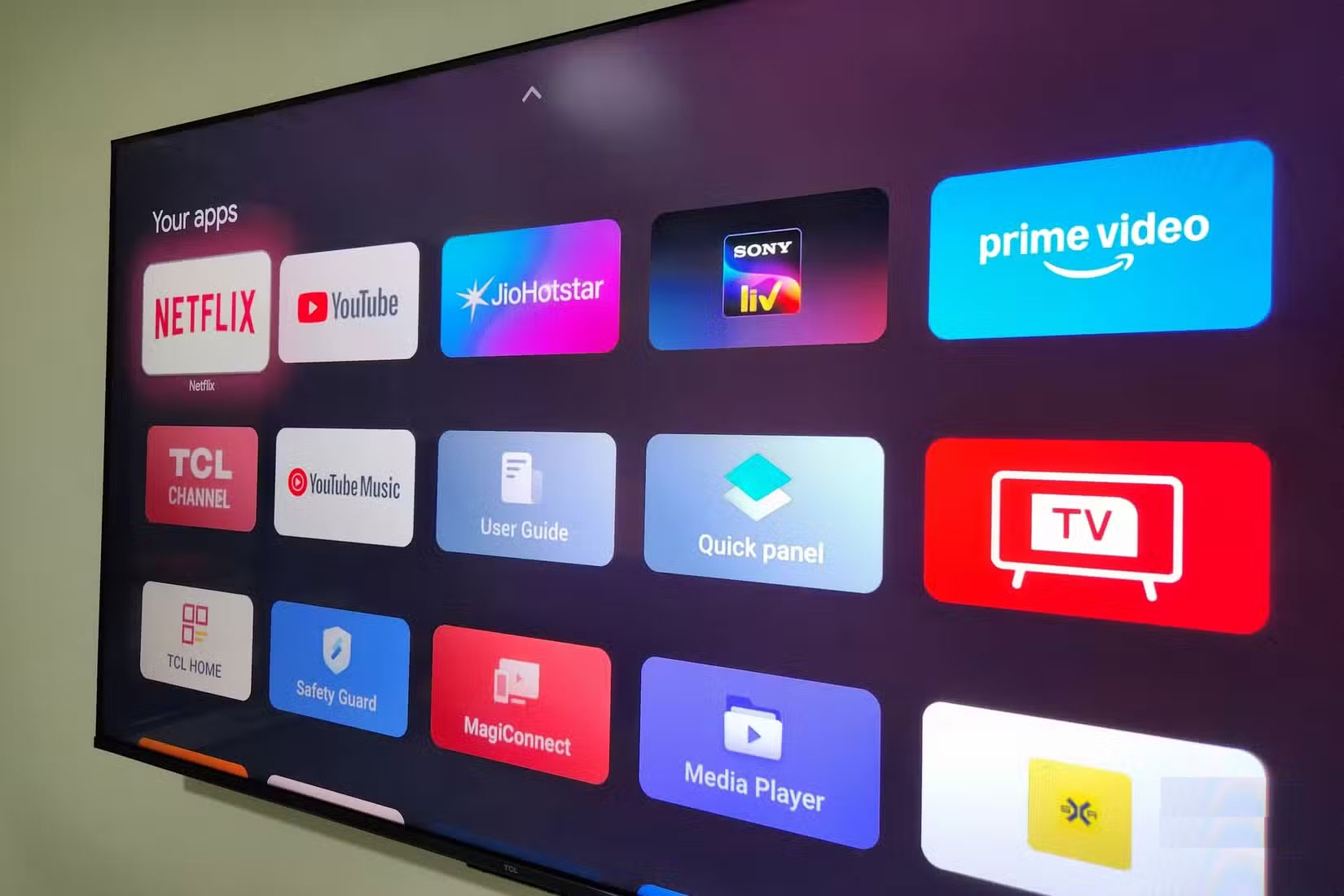
Google does offer an Apps Only mode to clean things up, but it's really only a temporary fix. Of course, turning it on removes sponsored content, but it comes at a steep price. You get a cleaner screen, but you lose the features that make a Smart TV smart: Voice commands stop working, installing new apps becomes impossible, and live TV integration disappears.
For a device as important as your TV that you use every day, that's not a great choice. You can either accept a cluttered, ad-filled experience or accept a stripped-down interface that ignores core features. Neither option is effective.
Projectivity Launcher removes annoying ads
No more unwanted banners or ads
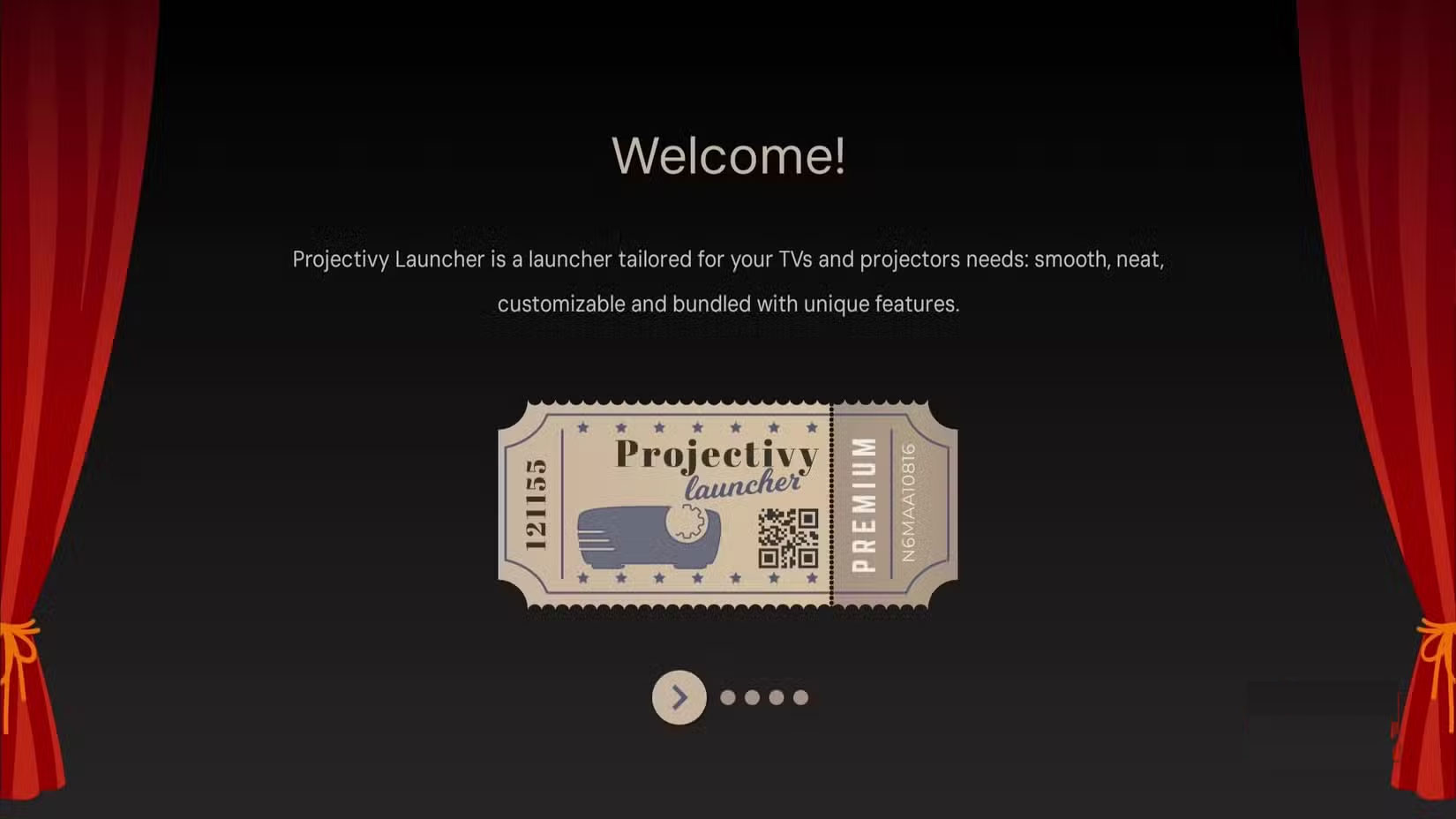
Projectivity Launcher doesn't clutter your screen with giant banners, sponsorships, or persistent ads for services you never asked for. Instead, you're greeted with a clean, easy-to-use interface that puts your apps first. Just below that, you'll find the Inputs Menu, the Continue Watching Section, and a few simple controls. That's it!
But the benefits go beyond aesthetics. With Projectivity Launcher, your Google TV is actually faster. And the reason is simple! The home screen doesn't have to waste time displaying ads or processing recommendation algorithms.
Prioritize Customization
Full control
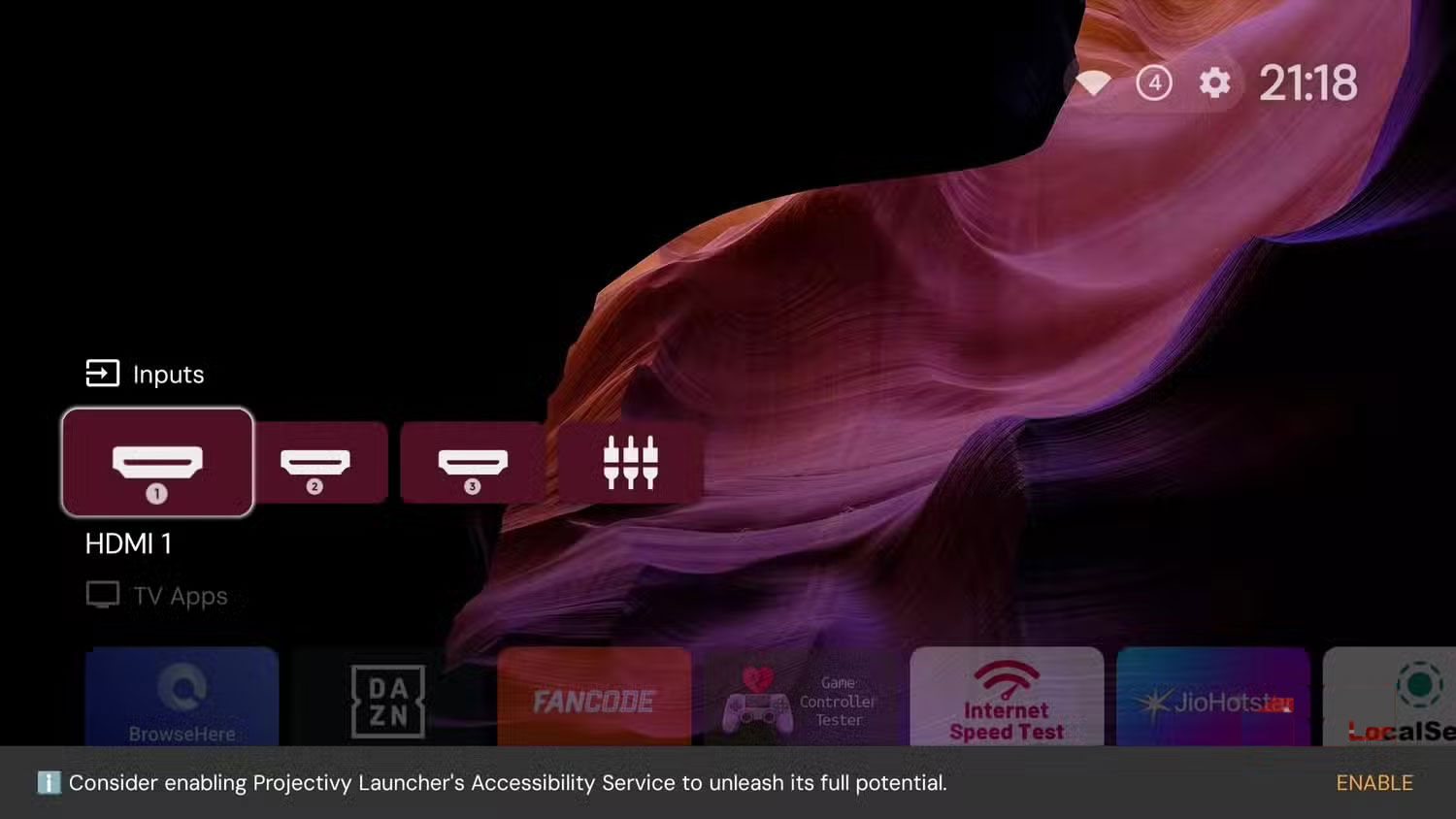
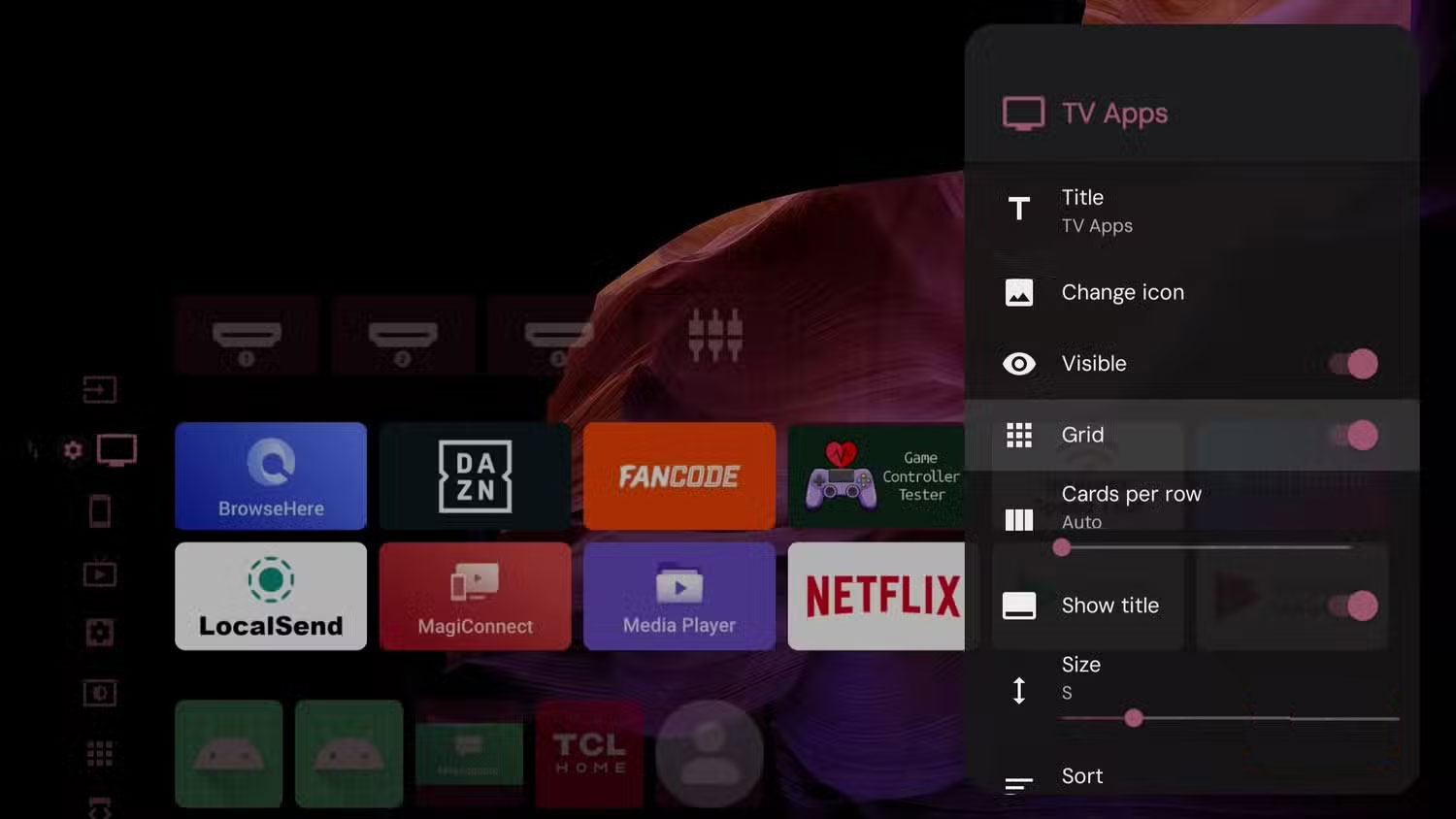
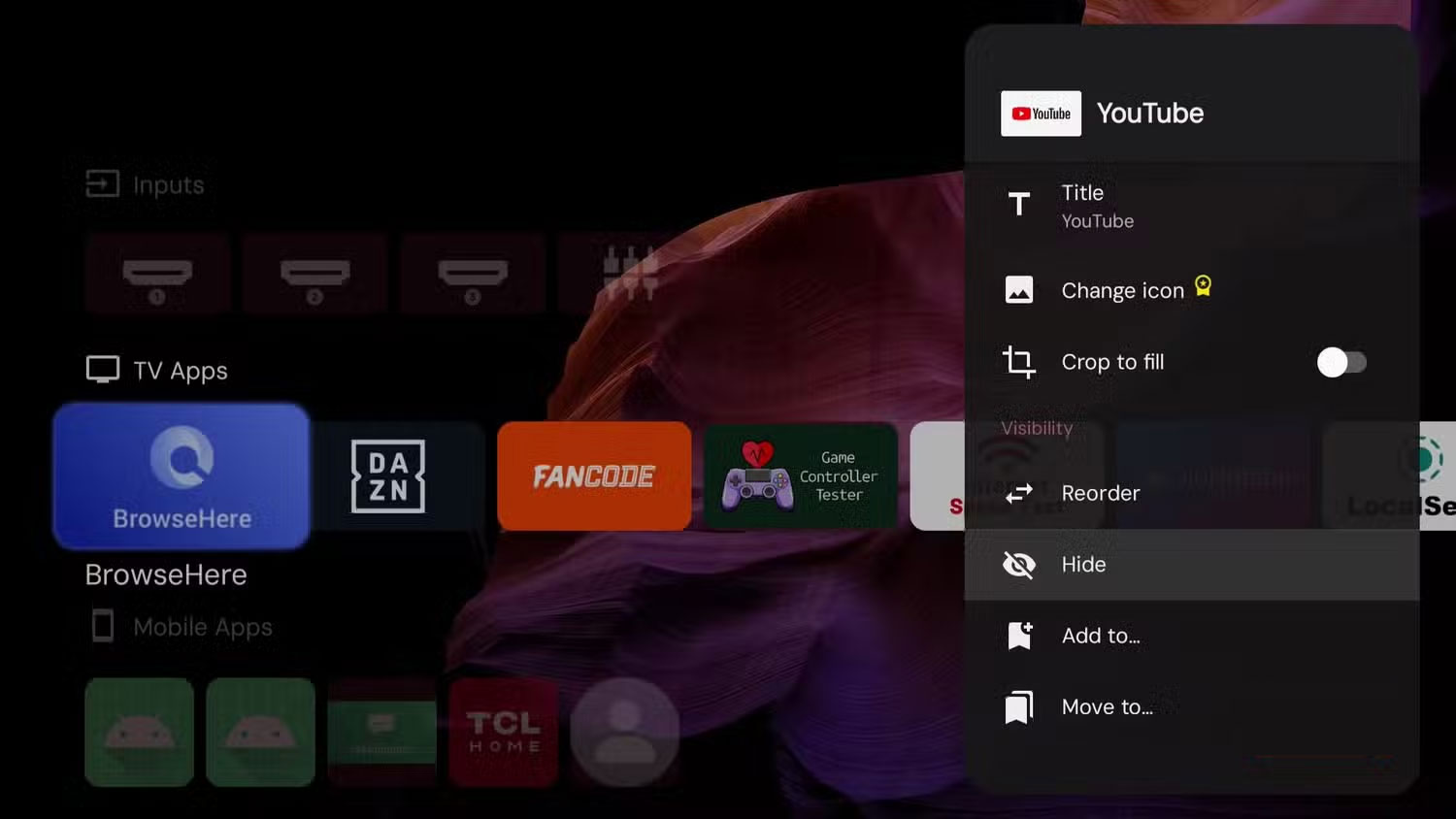
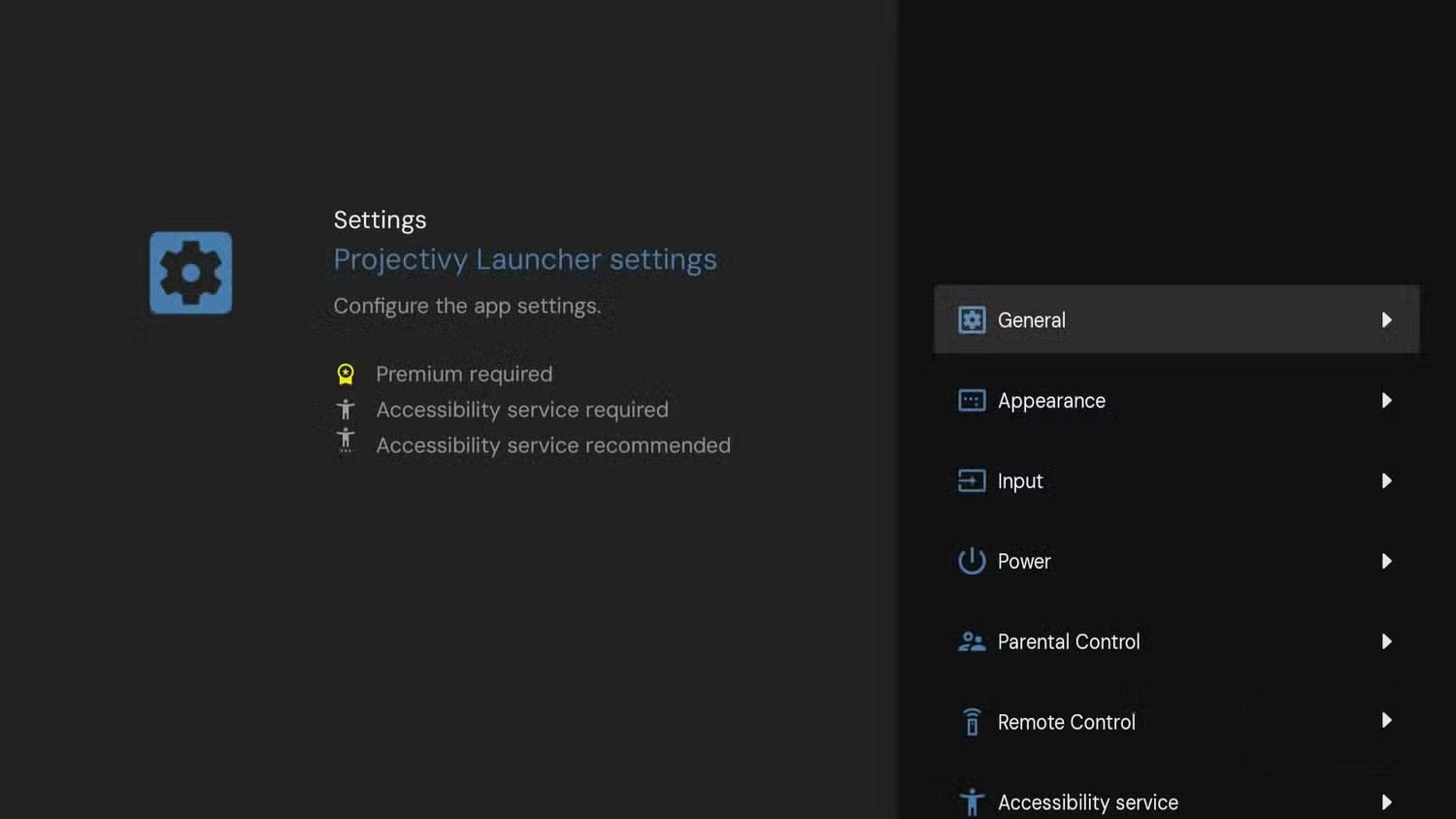
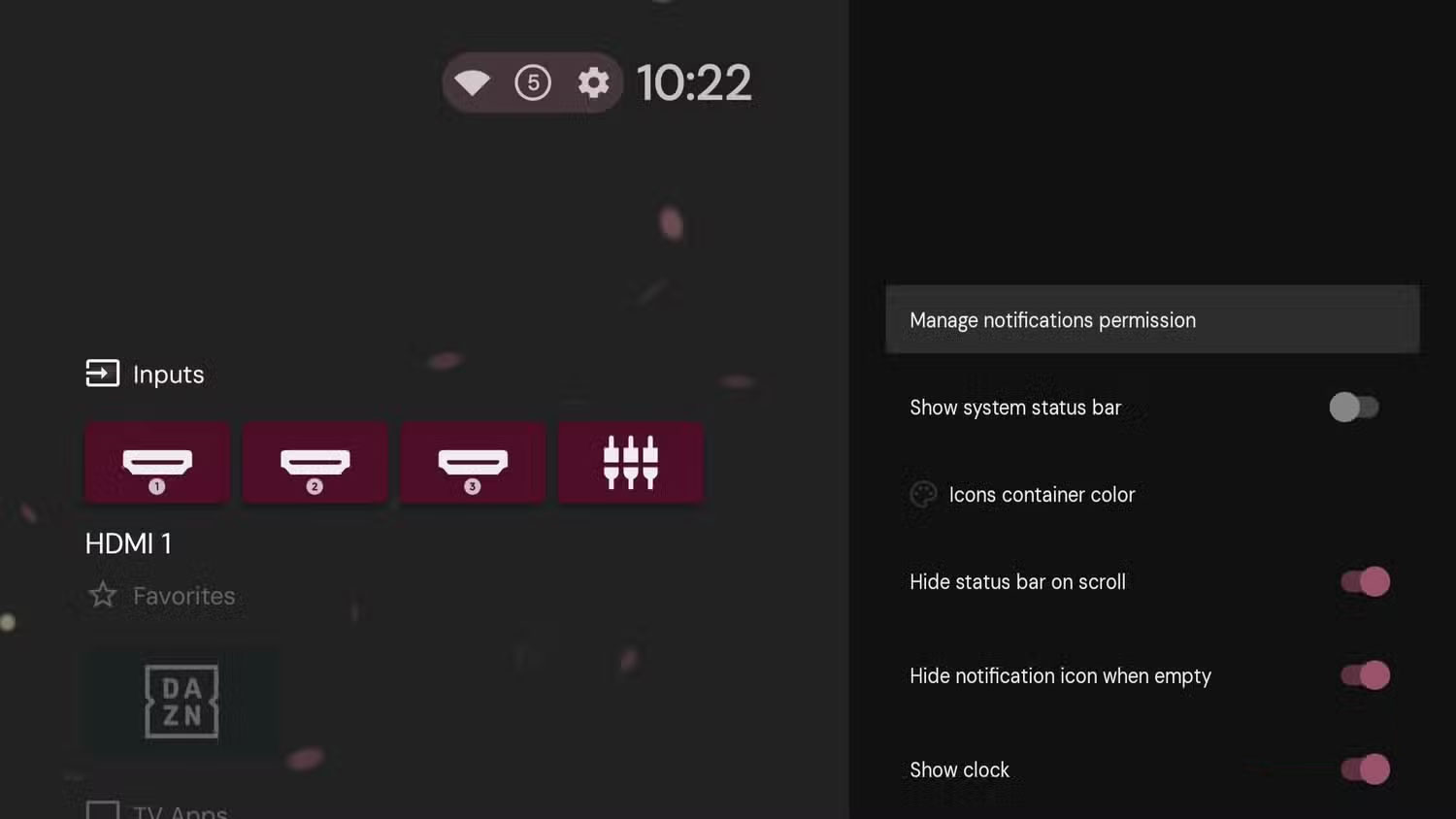
Google TV's default interface is basically one-size-fits-all, and if it doesn't work for you, too bad. Projectivity Launcher solves that problem by giving you the freedom to design your own experience based on your habits.
Customization doesn't stop at just shuffling the order of your apps. You can decide whether you want everything in a row or a grid layout, and even in grid mode, you can choose how many apps appear in each row. If you have too many apps, you can organize them into categories like Favorites, Videos, Music, and Games. Each category appears as a separate item on the home screen, and you can of course rearrange them as you like for quicker access.
Where does Projectivity really excel?
Extra Features You Didn't Expect
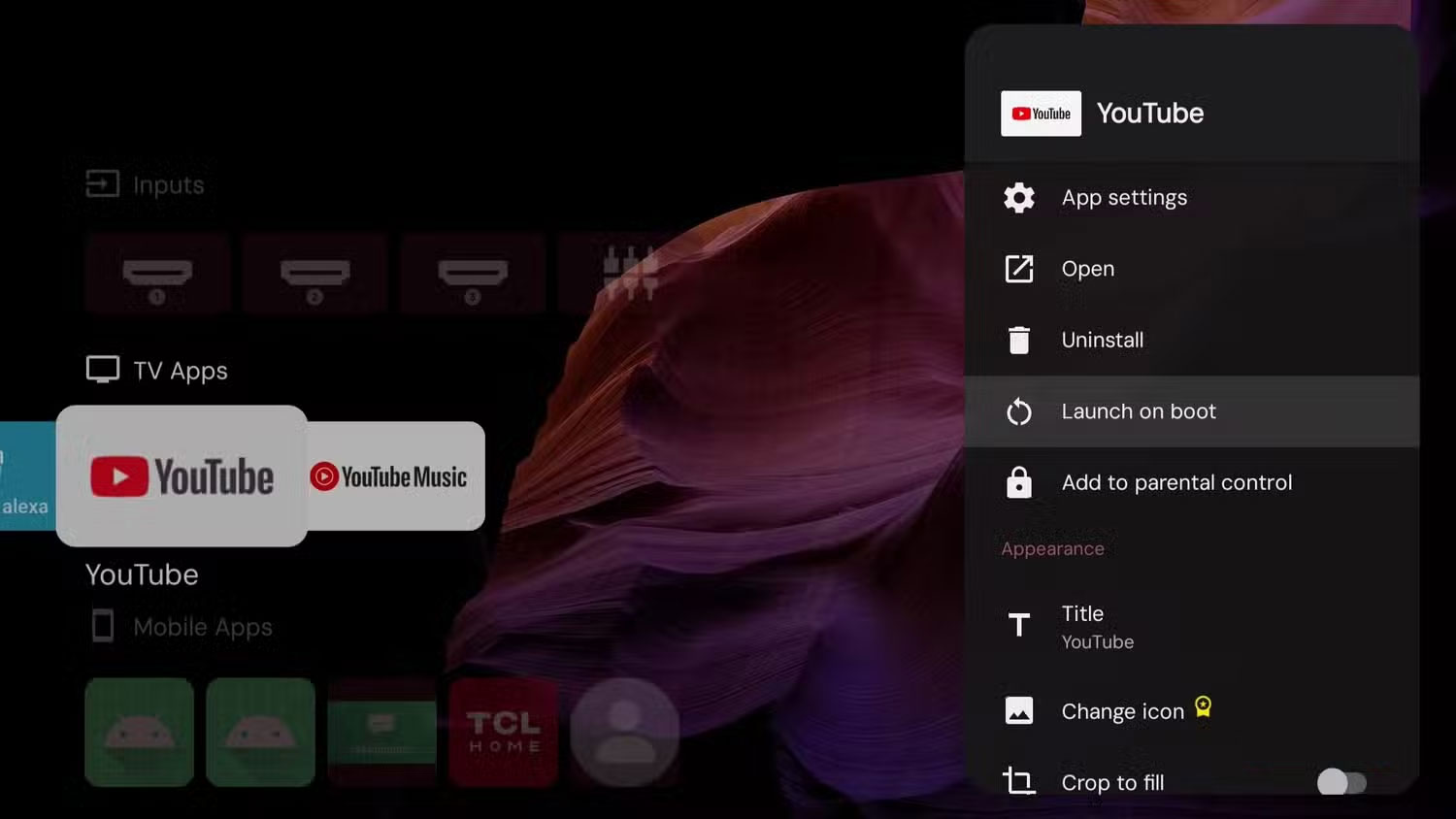
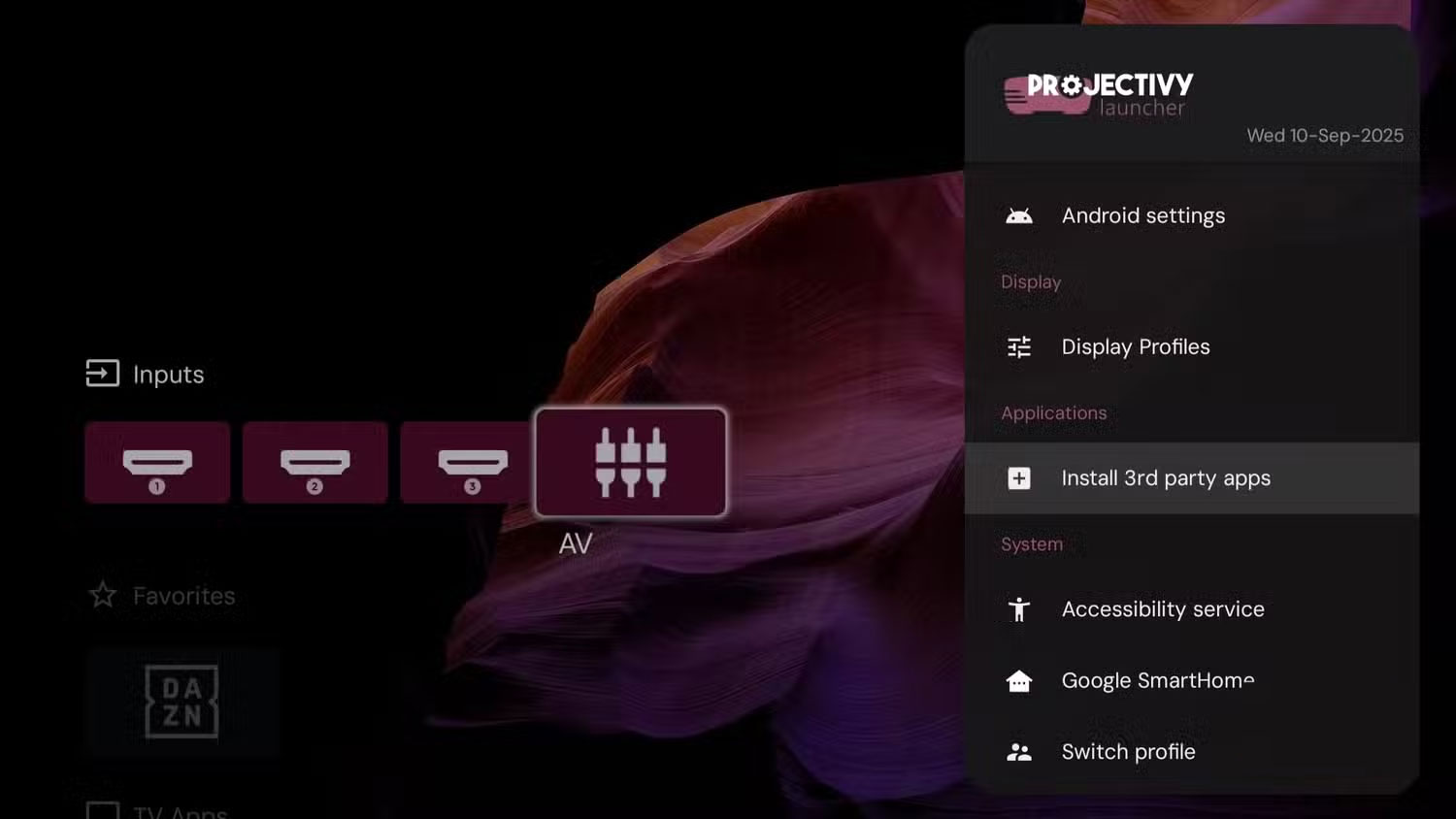
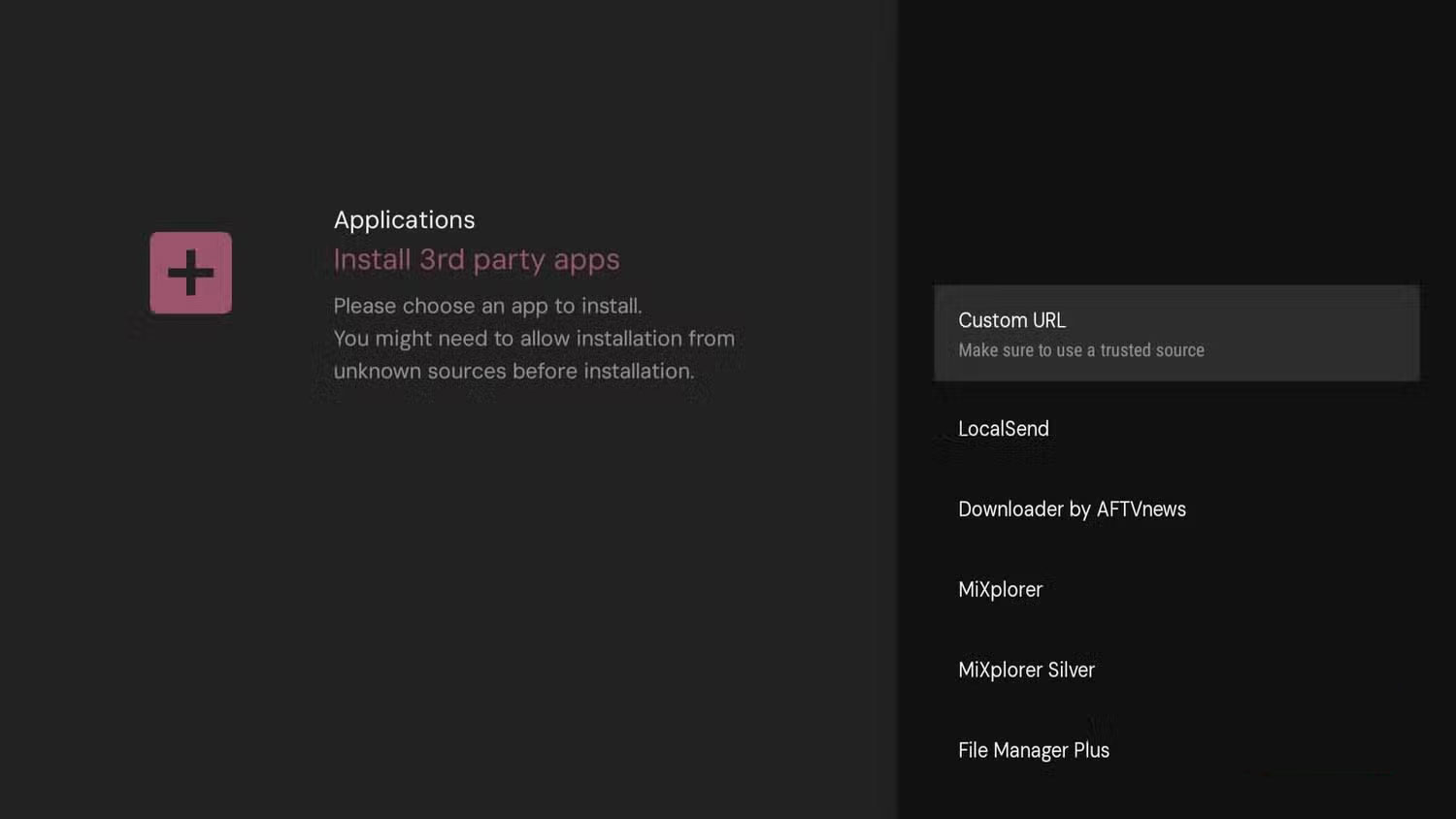
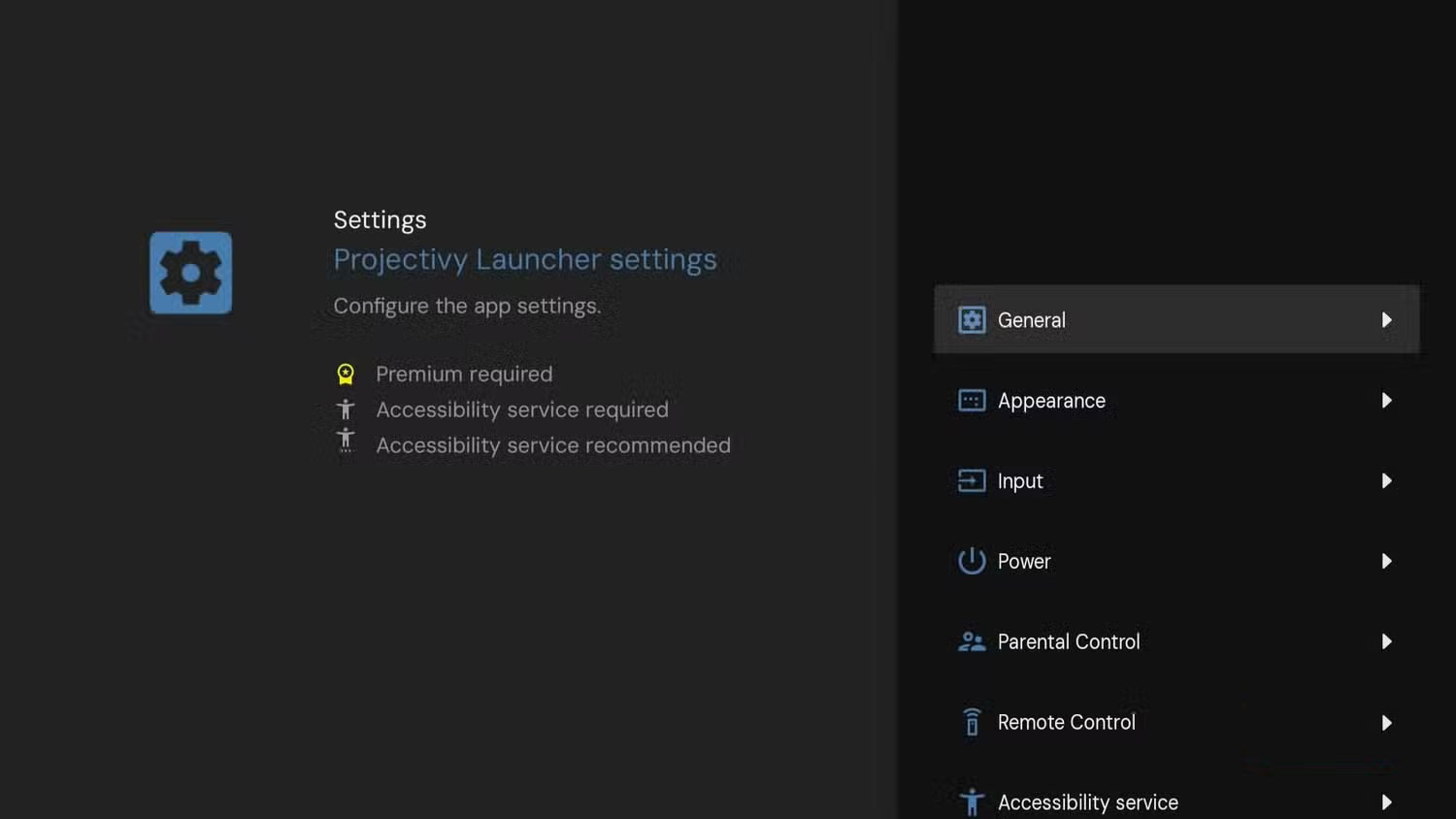
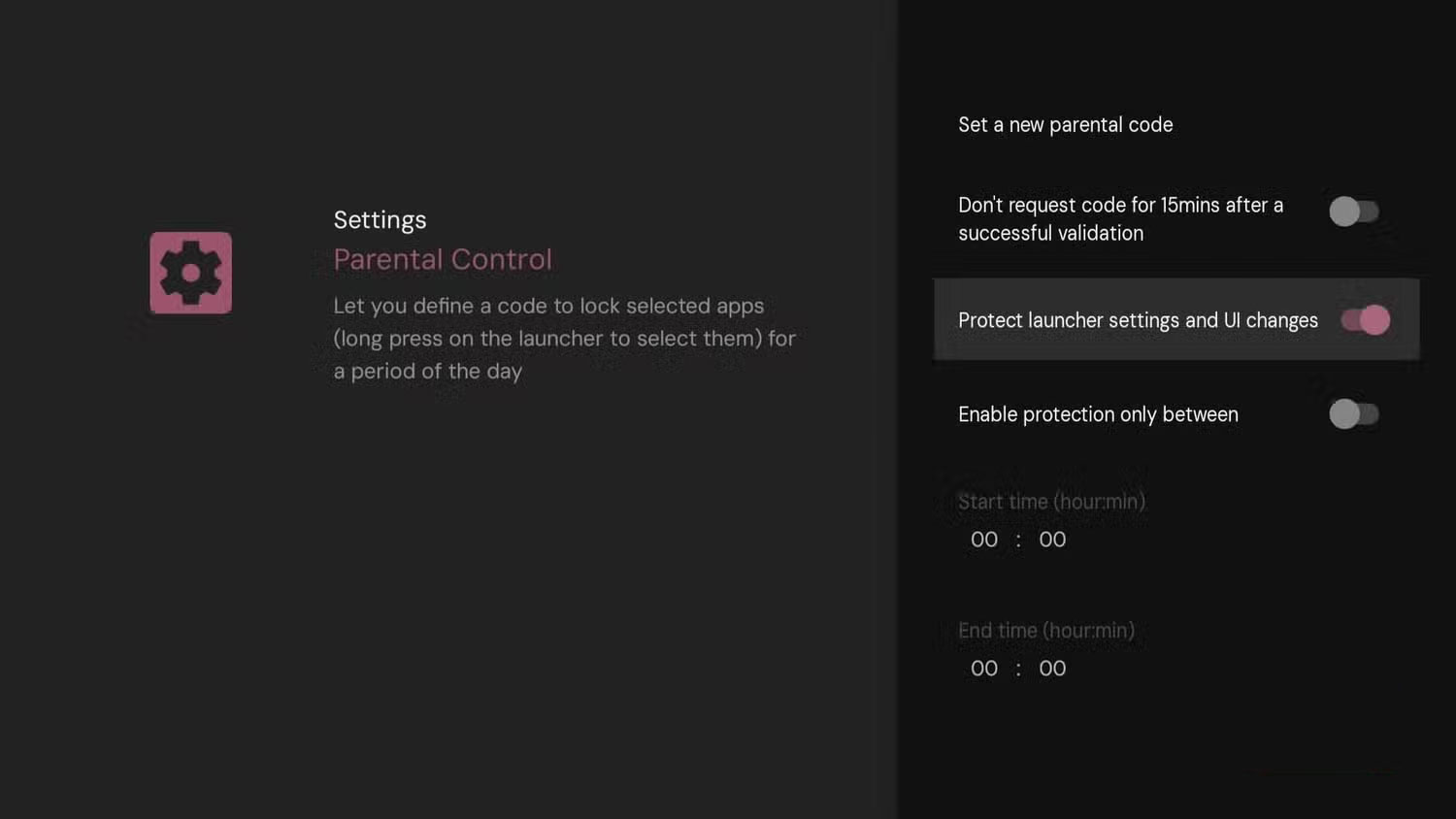
After using Projectivity Launcher for a while, it's annoying to go back to the default Google TV interface. It's not just about removing ads or cleaning up unnecessary apps, it's about the extra features that make everyday use much more seamless.
One of the most useful options is the ability to automatically open apps on startup. For example, if Netflix, YouTube, or Plex are the first apps you launch every time you turn on your TV, you can set Projectivity Launcher to automatically open the app.
The app also has built-in support for sideloading apps directly from outside. Instead of having to manually transfer the APK file from your phone to your TV, you can install the app by entering a URL. And there are parental control options. With a simple lock, you can secure the launcher's settings and layout so that no content is rearranged or deleted by mistake.
FAQ
Why Use Projectivy Launcher on Google TV: Explained?
In practical terms, that's exactly why many people turn to Projectivity Launcher. It clears out ads, speeds up navigation, offers deep customization options, and even adds handy features that the default launcher doesn't have.
What factors are most important?
The article highlights that extra Features You Didn't Expect After using Projectivity Launcher for a while, it's annoying to go back to the default Google TV interface.
What is the main takeaway?
The main takeaway is that for example, if Netflix , YouTube , or Plex are the first apps you launch every time you turn on your TV, you can set Projectivity Launcher to automatically open the app.
Related Articles
 Block Ads on Your Smart TV by Switching to Projective Launcher7 minutes read
 Top 10 Best Android Launchers 201910 minutes read
 Activity Launcher: App to Create Shortcuts on Home Screen6 minutes read
 Google Officially Launched a Handy App Launcher for Chrome Users3 minutes read
 Nova Launcher - Nova Launcher Download and Installation5 minutes read
 How to Fix Google Now Launcher Error on Samsung Galaxy Note 75 minutes read
Reader Comments 0
Sign in with email or Google to join the discussion.