Table of Contents
Browser privacy myths persist because they are comforting. They create the illusion of control without requiring much effort, understanding, or behavior change.
If you ask most people how to stay private online, they'll rattle off a familiar list: Incognito mode, rejecting cookies, switching to "private browsing." It sounds sensible and responsible. But unfortunately, most of these things don't actually protect you effectively.
Browser privacy myths persist because they're comforting. They create the illusion of control without requiring much effort, understanding, or behavior change. But modern tracking doesn't work the way people think—and relying on outdated ideas leaves you more vulnerable than you think.
Incognito mode keeps you anonymous
This is one of the most common misconceptions about browser privacy.

Private or incognito browsing does exactly three things: It doesn't save your browsing history locally, it sets cookies for that browsing session, and it deletes them when you close the window. That's it! Incognito mode doesn't hide your activity from websites, advertisers, employers, schools, Wi-Fi providers, ISPs, or the browser vendors themselves.
Now, there's a reason people think incognito mode or private browsing actually provides privacy: Sending messages. While browsers explain that 'incognito mode does not protect your privacy,' it's still a very misleading name. It's no wonder so many people still think incognito mode actually protects their privacy.
Refusing cookies solves privacy issues
Those pop-up boxes don't do what you think they do.
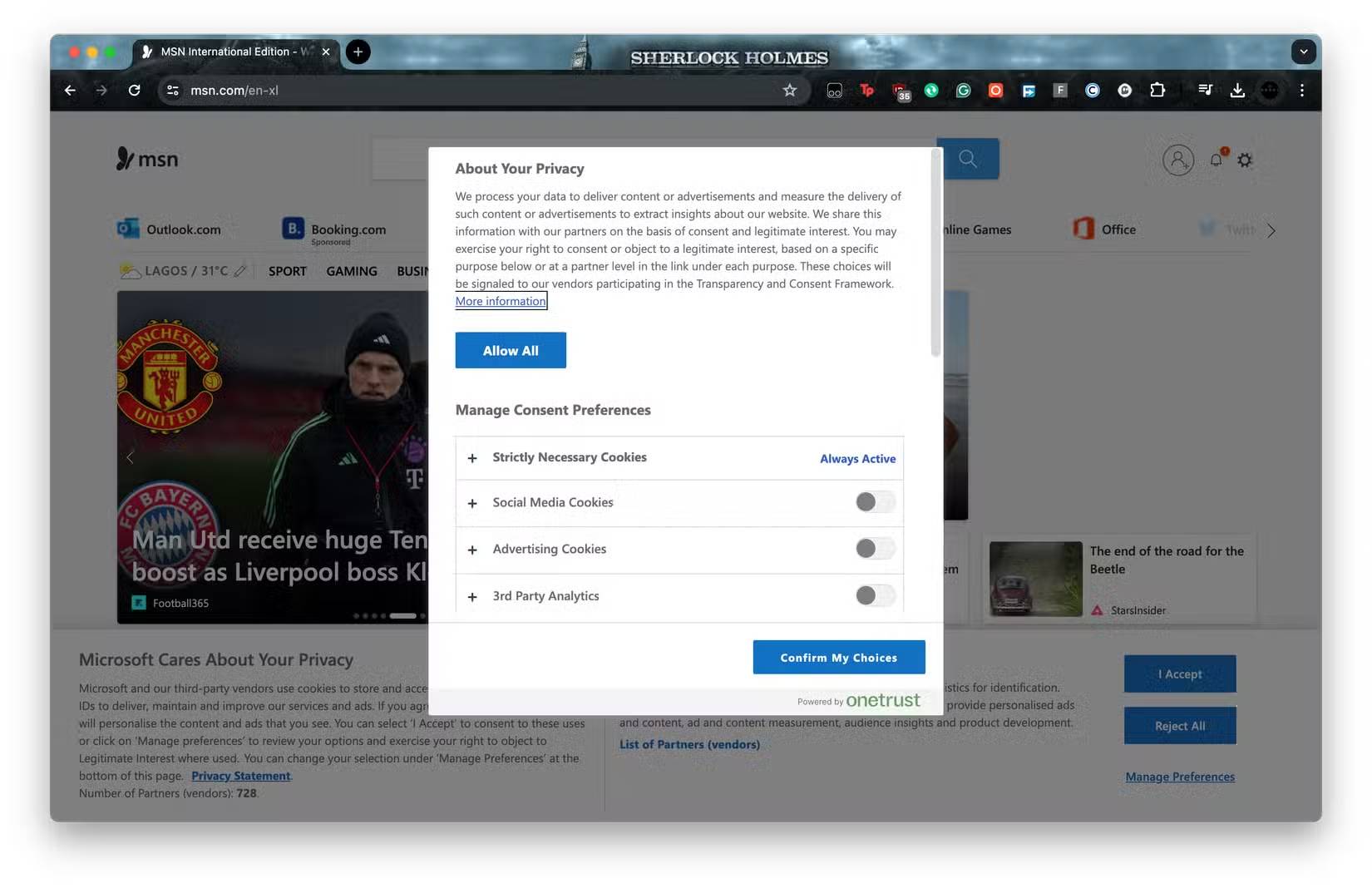
Persistent cookie banners have led us to believe that refusing them is a privacy miracle cure. But it's not.
Rejecting cookies can help a little, but they are just one tracking mechanism, and increasingly not the most important one. Modern websites rely heavily on fingerprinting, server-side tracking, session correlation, and account-based analytics. None of these methods require third-party cookies.
The problem is that even if you reject cookies, you don't actually reject all other forms of tracking. Using a website or service implies implicit consent to the collection of other forms of data that are used to profile you.
Cookie banners exist primarily to meet regulatory requirements, not to meaningfully protect users.
The lock icon represents privacy.

The HTTPS padlock icon no longer appears prominently in today's browser address bars. Google was the first browser company to remove the HTTPS icon from the address bar, arguing that the familiar, friendly icon actually gave users a false sense of security.
HTTPS is secure and prevents user data from being intercepted in transit. This is true. But HTTPS doesn't prevent cookies, fingerprinting, and other forms of tracking, which is why it's misleading.
The browser's built-in privacy options are enough to protect you.
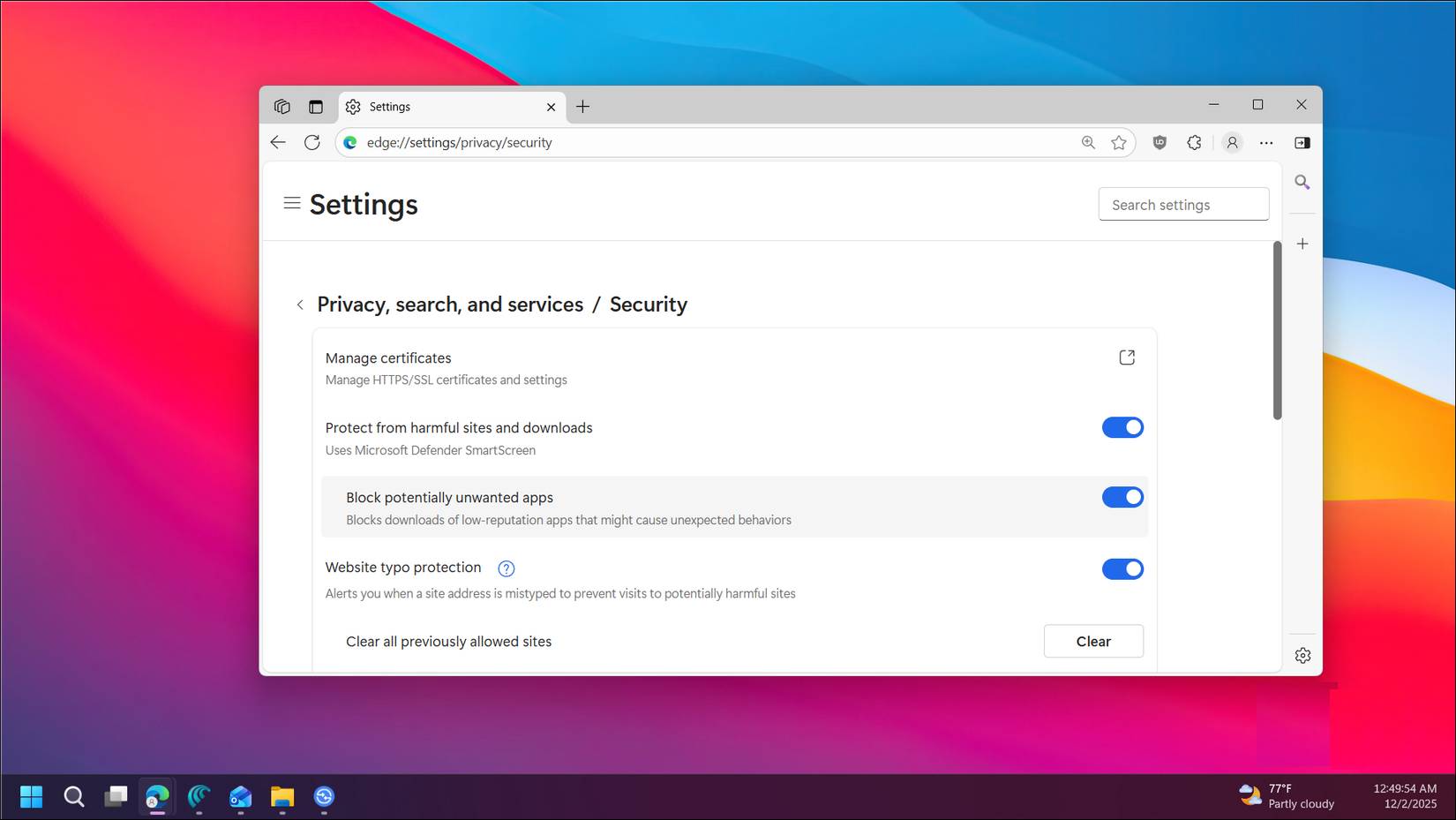
There's no denying that modern browsers are better than they used to be. Tracking protection, cookie partitioning, permission prompts, and sandboxing are all useful. But the defaults are built on compromises.
These defaults help reduce background noise, but they don't prevent correlation. If your browser leaks enough consistent signals across sites, you can still be tracked with surprisingly accurate data.
A "privacy-focused browser" that will solve your problems
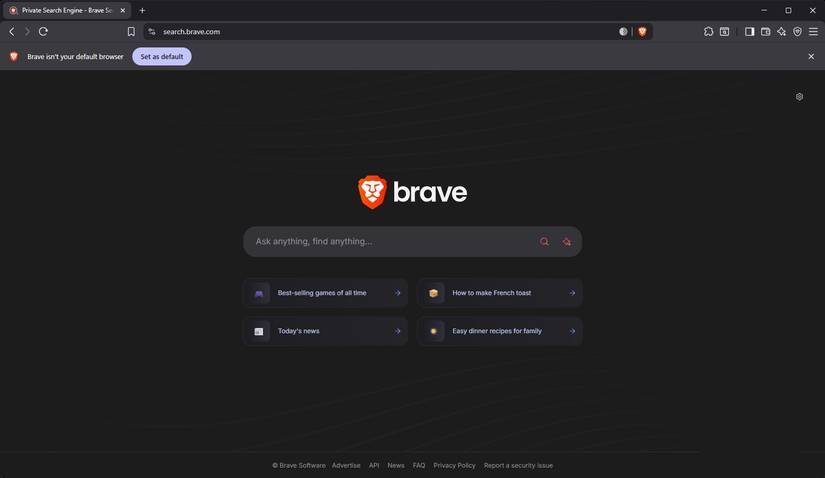
This article doesn't want to scare people away from privacy-focused browsers. They're certainly better than sticking with Google Chrome while it collects all your data. Or the rise of new "AI browsers" like ChatGPT Atlas and Perplexity Comet, which are disguised as next-gen browsers but are just as bad for user privacy.
The problem with these browsers isn't that they're not privacy-focused. The problem comes when you start logging into Amazon, Meta, Microsoft, etc., and the tracking starts again.
It's like using the Tor browser to access your Facebook account. The authorities don't know where you are, but your every online activity is still being tracked.
Changing browser privacy really works
This is the first place to start restoring your privacy.
You have to use a browser. It's the easiest way to browse the internet. But that doesn't mean you have to give up all your data. At least not without a struggle.
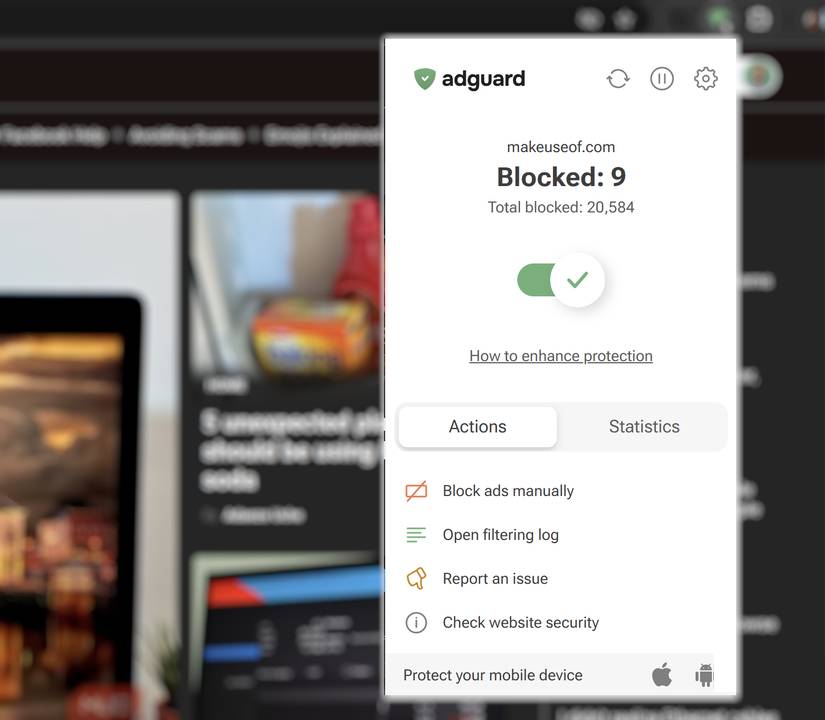
We highly recommend using a script blocker to enhance your browsing privacy. In most cases, script blockers can reduce your exposure to ads, cookies, and other forms of tracking by preventing scripts from collecting data in the first place.
Try using a Chrome extension like uBLock Origin Lite or AdGuard AdBlocker to reduce the number of scripts that run on every website you visit.
Minimize your browser time now
Browser privacy myths persist because they're easy and reliable. But they no longer reflect how tracking actually works.
If you want real protection, stop relying on tricks like incognito tabs and cookie pop-ups. Instead, focus on minimizing data exposure, limiting correlations, and cutting off tracking at the source.
You don't have to disappear from the internet. You just have to stop believing the wrong things—and start making choices that actually work.
FAQ
What should you know about these 5 browser privacy misconceptions won't protect you?
In practical terms, browser privacy myths persist because they are comforting. They create the illusion of control without requiring much effort, understanding, or behavior change.
Why does these 5 browser privacy misconceptions won't protect you matter?
The article highlights that incognito mode keeps you anonymous This is one of the most common misconceptions about browser privacy.
What is the main takeaway?
The main takeaway is that while browsers explain that 'incognito mode does not protect your privacy,' it's still a very misleading name.
Related Articles
 How to Protect Your Privacy When Browsing the Web on Mobile?6 minutes read
 5 Extensions to Help Protect Your Privacy While Surfing the6 minutes read
 3 Browsers That Respect User Privacy More Than Chrome: Practical Guide4 minutes read
 7 Ways to Protect Your Web Browser from Network Attacks7 minutes read
 8 Ways to Protect Your Privacy on ChatGPT4 minutes read
 How to Install Tor Browser on Linux5 minutes read
Reader Comments 0
Sign in with email or Google to join the discussion.