Table of Contents
The problem isn't just finding a browser that respects your privacy better than Chrome, it's finding one that's equally functional or just as easy to use.
Google holds a staggering amount of personal data. There are ways to delete the information Google holds about you, but it's no surprise that Google holds such a large amount of information. After all, Google is an advertising company, and its Chrome browser plays a big part in that.
If you care about your privacy, you should stop using Google Chrome.
Mullvad Browser
Favorite VPN is also one of the most privacy-focused browsers
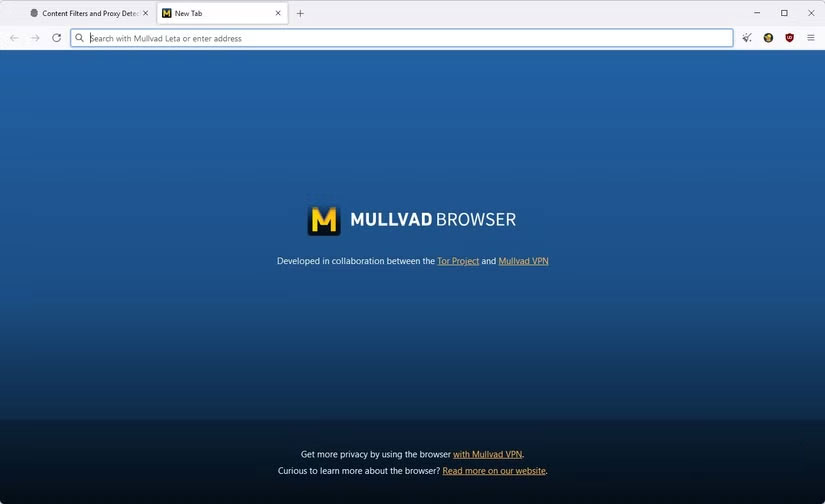
Some people have been using Mullvad VPN for years before Mullvad Browser came out. It meets the same privacy standards as VPNs. It offers Tor-level fingerprinting protection without the Tor lag. Out of the box, it integrates mailboxes, font normalization, and strict cookie isolation. In practice, everyone using Mullvad Browser looks exactly the same and it is nearly impossible to differentiate or track anyone across websites or sessions.
Mullvad includes filter lists like uBlock, EasyList, and AdGuard URL Tracking Protection. But the biggest plus is that it's designed to work seamlessly with banking, streaming, and SaaS apps, minimizing disruption. It offers one of the best combinations of privacy and usability.
Brave
Brave uses Chromium but removes Google telemetry
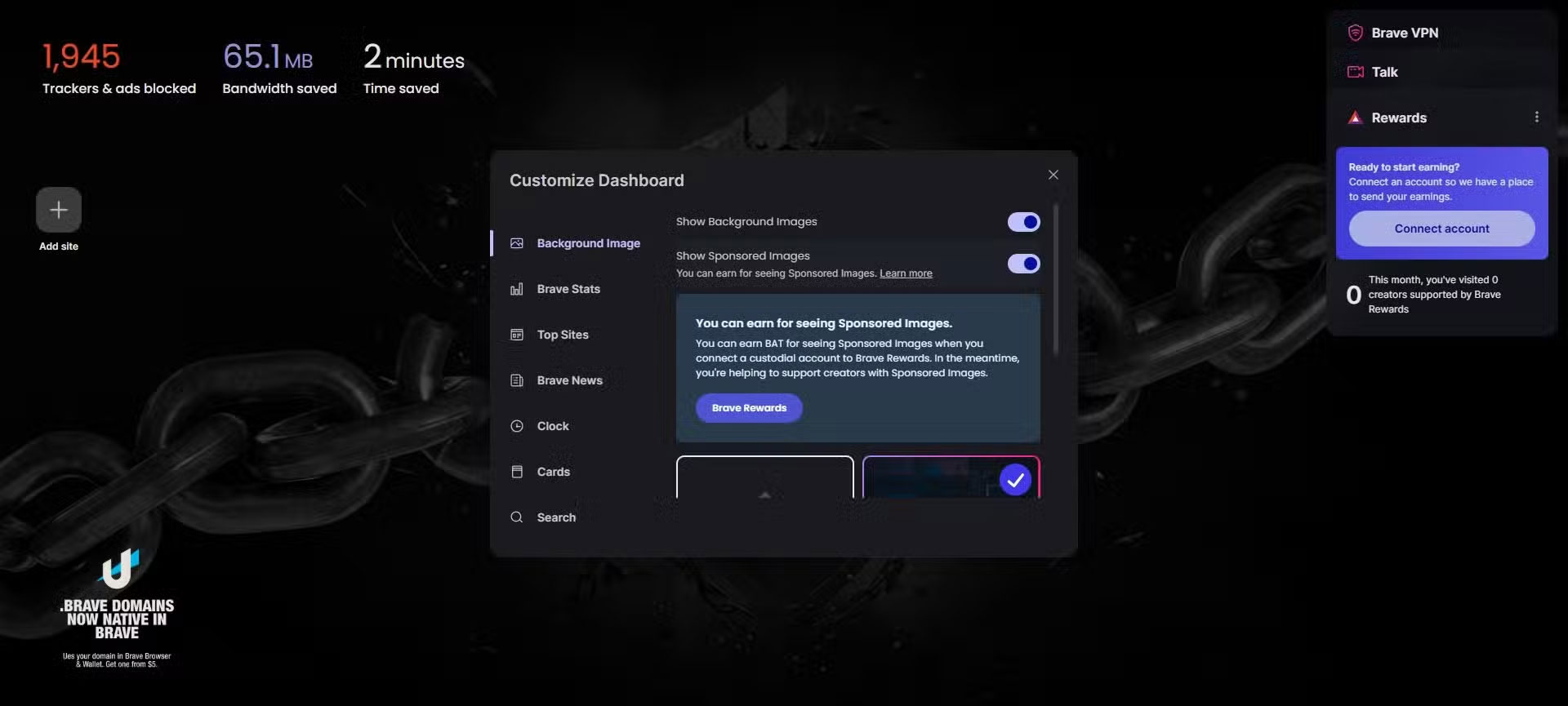
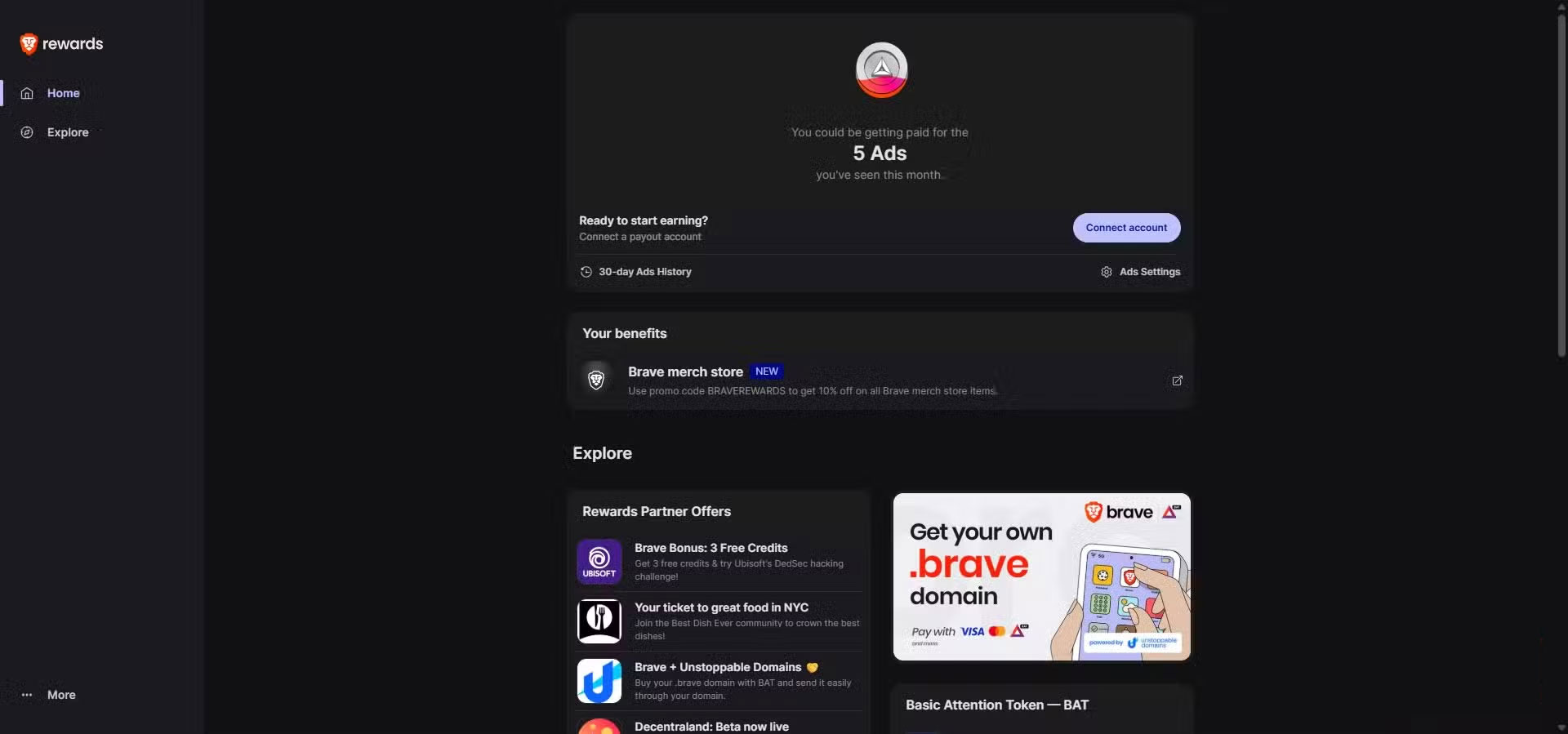
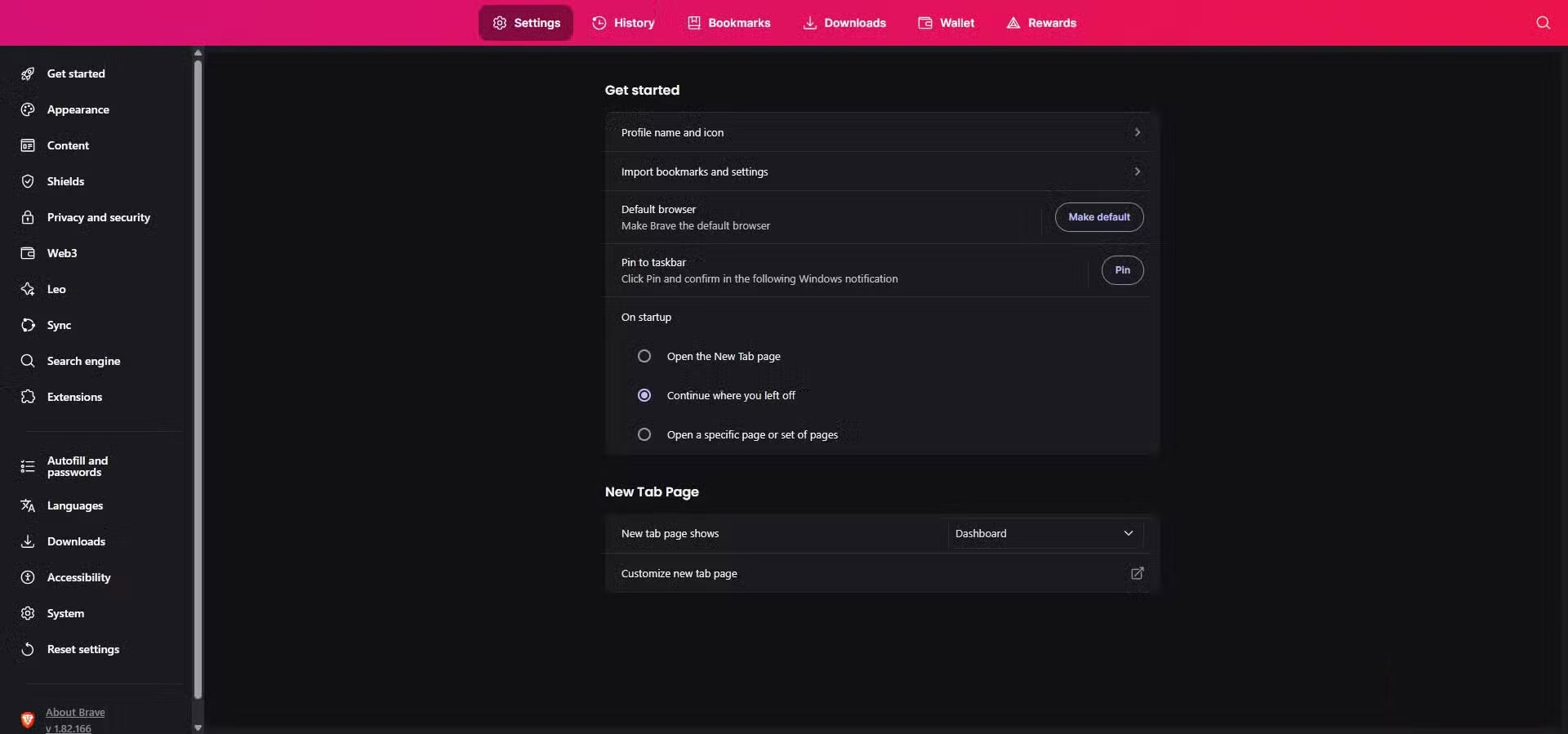

Brave is the only Chromium browser that users still trust, and for good reason. It offers Chromium compatibility and extension access with enhanced privacy protection. Its fingerprint protection is also excellent right out of the box. It is one of the few browsers that randomly displays fingerprints without any security on the Electronic Frontier Foundation's Cover Your Tracks tool. In practice, you won't be exposed while browsing the web and won't be easily tracked on other websites.
Brave's Tor-integrated private window is a subtle but effective feature that people love. This hybrid approach lets you open tabs or windows through Tor without using the Tor browser. You can access websites anonymously. But what makes it so private is that it eliminates Google telemetry, including the Reporting, Topics, and Network Status APIs.
LibreWolf
Firefox fork with built-in security defaults
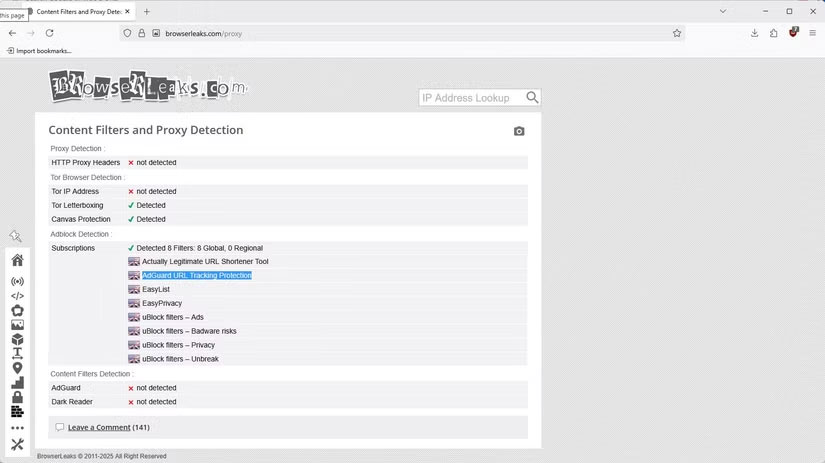
LibreWolf is very similar to Firefox. This is not surprising since it is built on the same engine, Gecko. It is a more secure browser by default than Firefox, and is a good privacy alternative to Chrome. Unlike enterprise Firefox forks, LibreWolf is fully auditable. The LibreWolf community prioritizes privacy over any performance optimizations that might impact user privacy.
In addition to its core security features, the browser offers a number of utilities that are ideal for everyday browsing. Session Restore is a convenient feature that remembers where you left off, and you can easily customize the browser's appearance, themes, and toolbars.
FAQ
What should you know about the options in this guide?
In practical terms, the problem isn't just finding a browser that respects your privacy better than Chrome, it's finding one that's equally functional or just as easy to use.
Which option is the best choice?
The best choice depends on your priorities, compatibility, budget, and the specific features discussed in the comparison.
What should you compare before deciding?
Compare core features, limitations, ease of use, compatibility, and long-term value before making a decision.
Related Articles
 How to Protect Your Privacy When Browsing the Web on Mobile?6 minutes read
 Windows 11 Won't Respect Your Privacy Until You Make These Changes!8 minutes read
 Google Chrome Extensions Are Required to Restrict Access to User4 minutes read
 Are Lesser Known Browsers More Secure: What You Need to Know6 minutes read
 4 Privacy - Focused Apps You Should Switch To6 minutes read
 Fixing the Scrolling Feature on Chrome Browser Does Not Work6 minutes read
Reader Comments 0
Sign in with email or Google to join the discussion.