Table of Contents
Everything was fine with Chrome, but not long after, many people started noticing a major problem with the browser.
Most people have been using Google Chrome for a long time. Their first experience with it was when they bought their first smartphone, and it was one of the pre-installed browsers. It is convenient and, to be fair, very efficient. Some people have never even considered the disadvantages of using it compared to the many other Chrome alternatives.
Even when they got their first laptop, they were loyal Chrome users. They never thought about what they might miss or the real cost of using Chrome as their favorite browser. But that joy was short-lived when they discovered the downsides of using Chrome.
What makes people start doubting Chrome
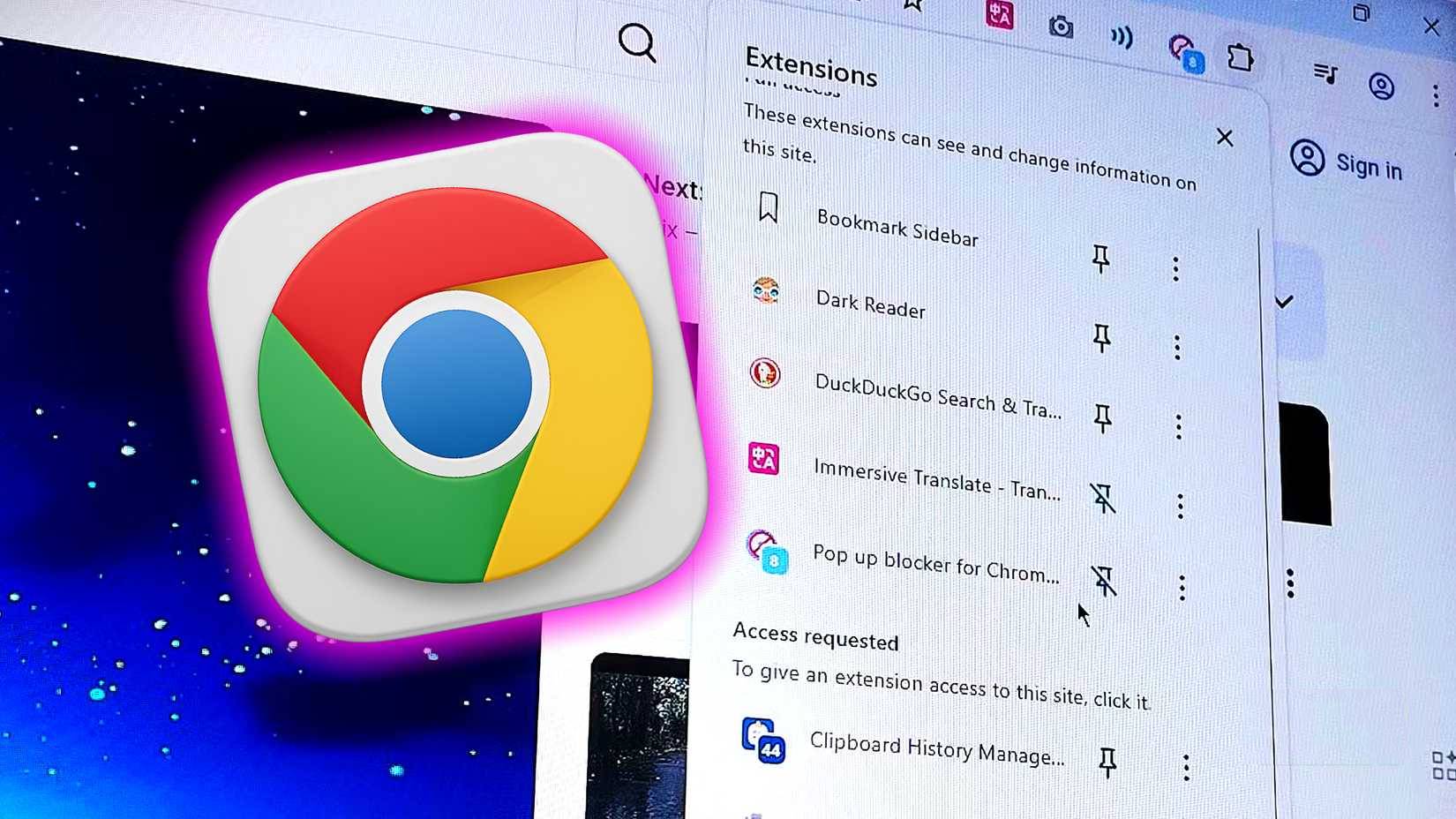
Everything was fine with Chrome, but it wasn't long before many people started noticing a major problem with the browser. They would open the browser, read a few articles online, and open the linked articles in new tabs to learn more. After opening just a few tabs, the laptop started to make a sluggish sound. It wasn't just sluggish; the fan would start making a loud noise as it struggled to keep up with the demands of running installed programs. At first, many people didn't think Chrome was the culprit. They just thought their laptop was getting old.
But even if that laptop is just used for simple things like college and the occasional game after a day of work, things are still pretty bad. Many people have decided to upgrade to a new laptop, like the MacBook Air M1, and surprisingly, they still sometimes experience slowness, especially when browsing the web.
The laptop was new, so there was no excuse, and they weren't playing games or anything. Just the usual programs like a music player, a cool note-taking app, and Chrome. It was then they realized the problem wasn't the laptop; it was a program hogging memory. Worse, it wasn't clear which app was the culprit. However, it didn't take long to realize it was Chrome once they started their one-program-at-a-time strategy. After realizing this, many people decided to dig a little deeper.
Discover the truth about Chrome
Changing the way you think about browsers
After learning about Chrome's memory hogging characteristics, many people went online to learn more about the disadvantages of using Chrome as a browser. That's when they discovered the two main reasons why people abandon this browser forever.
1. Chrome takes up a lot of memory
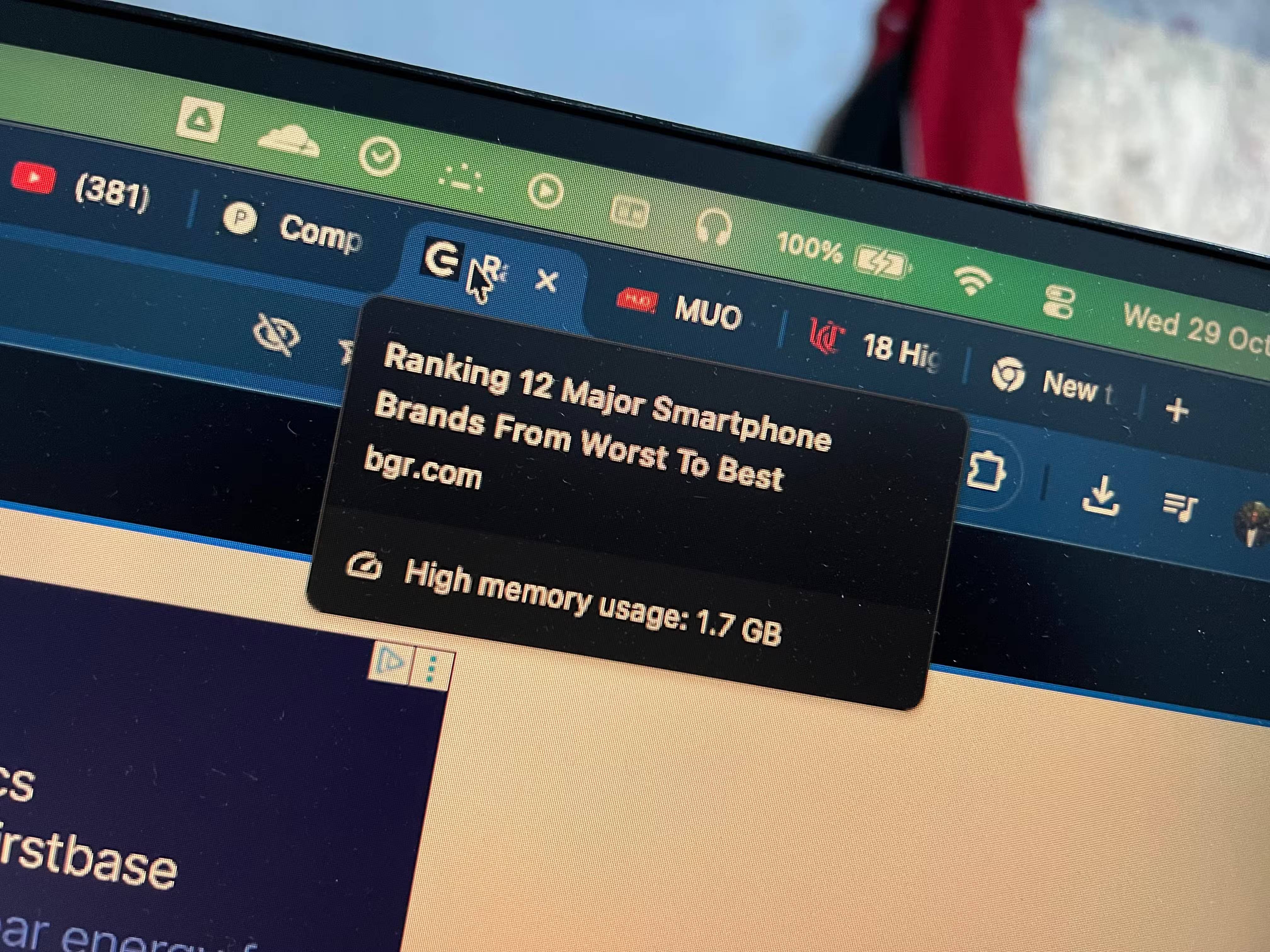
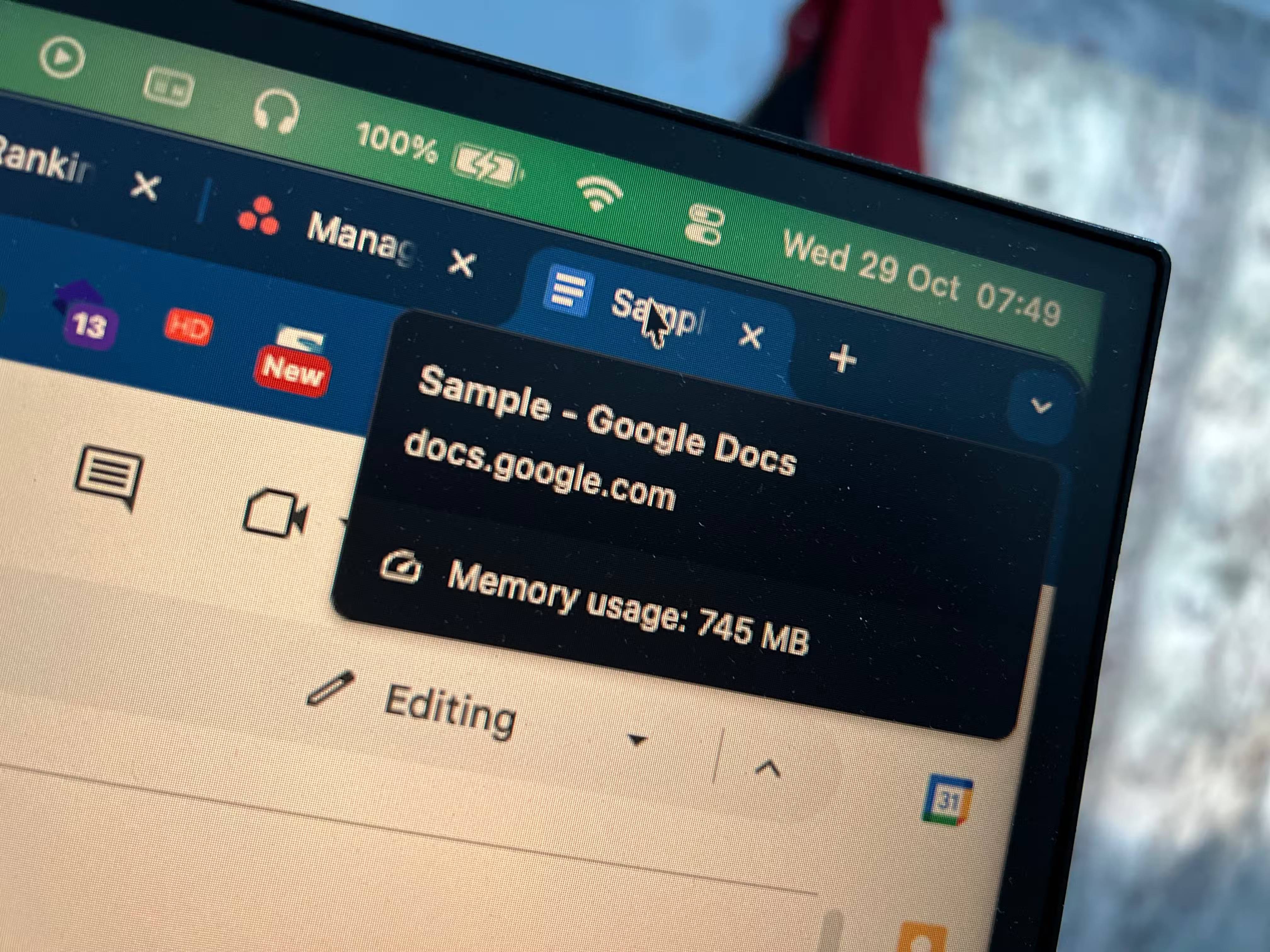
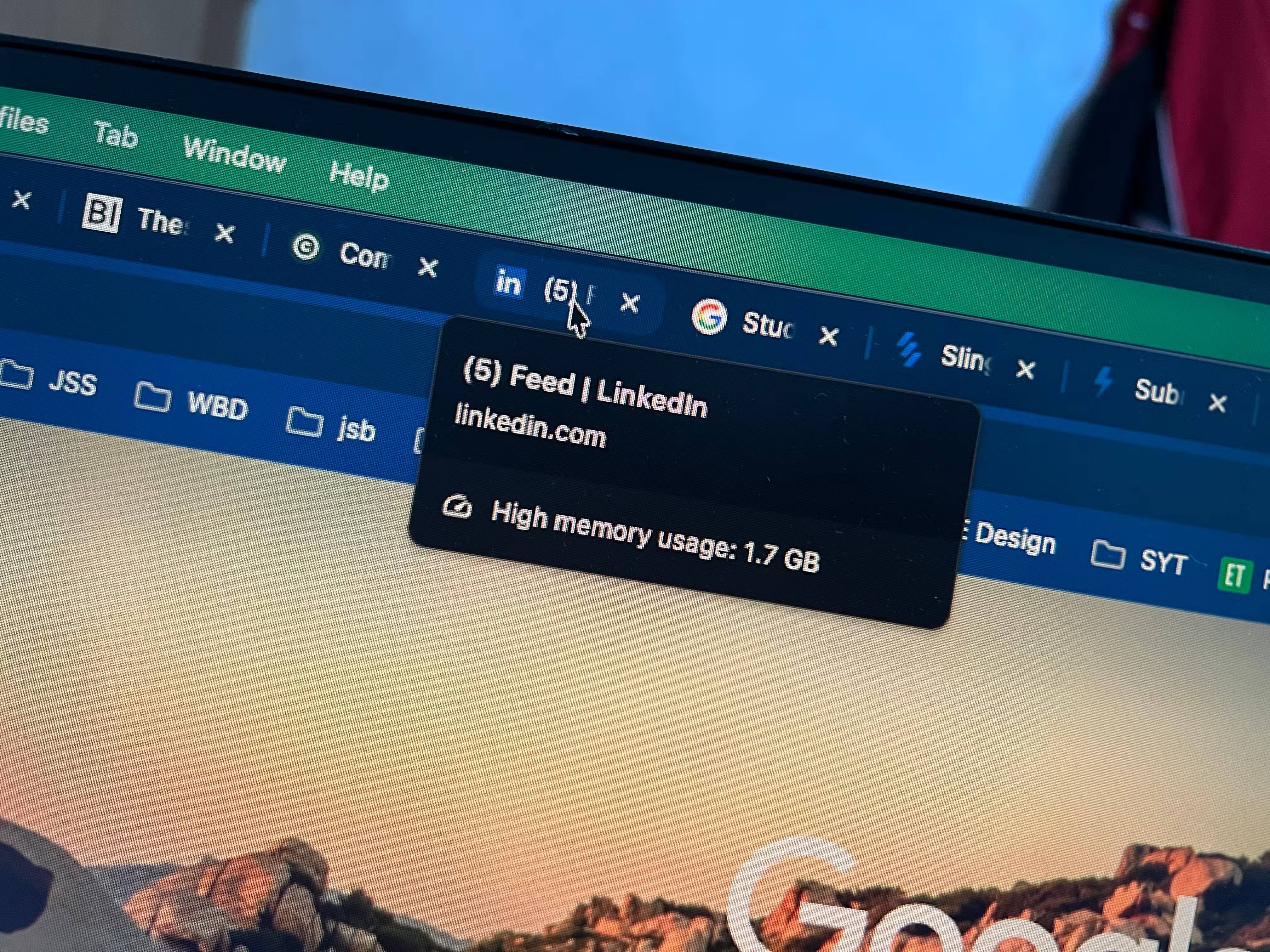
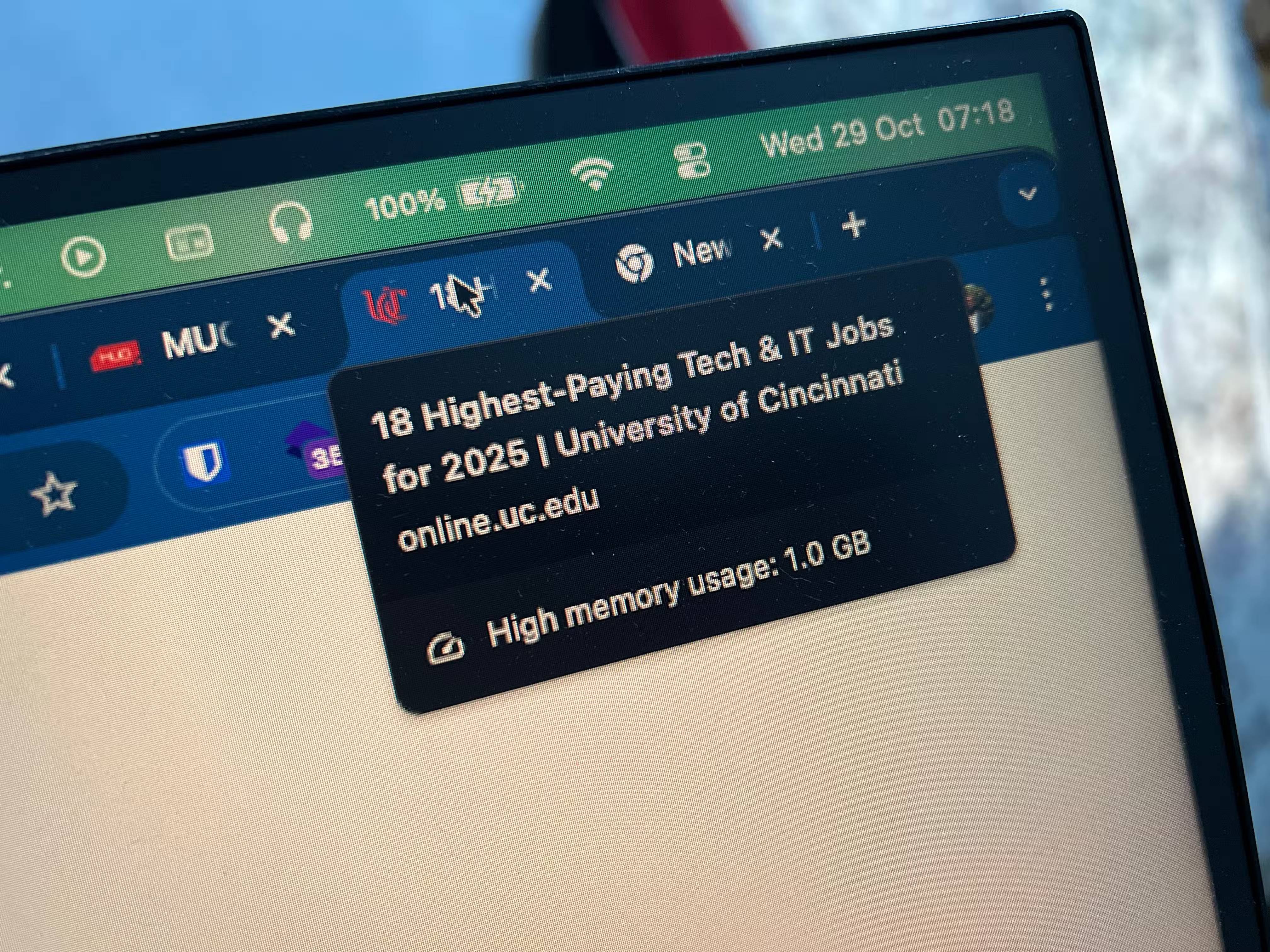
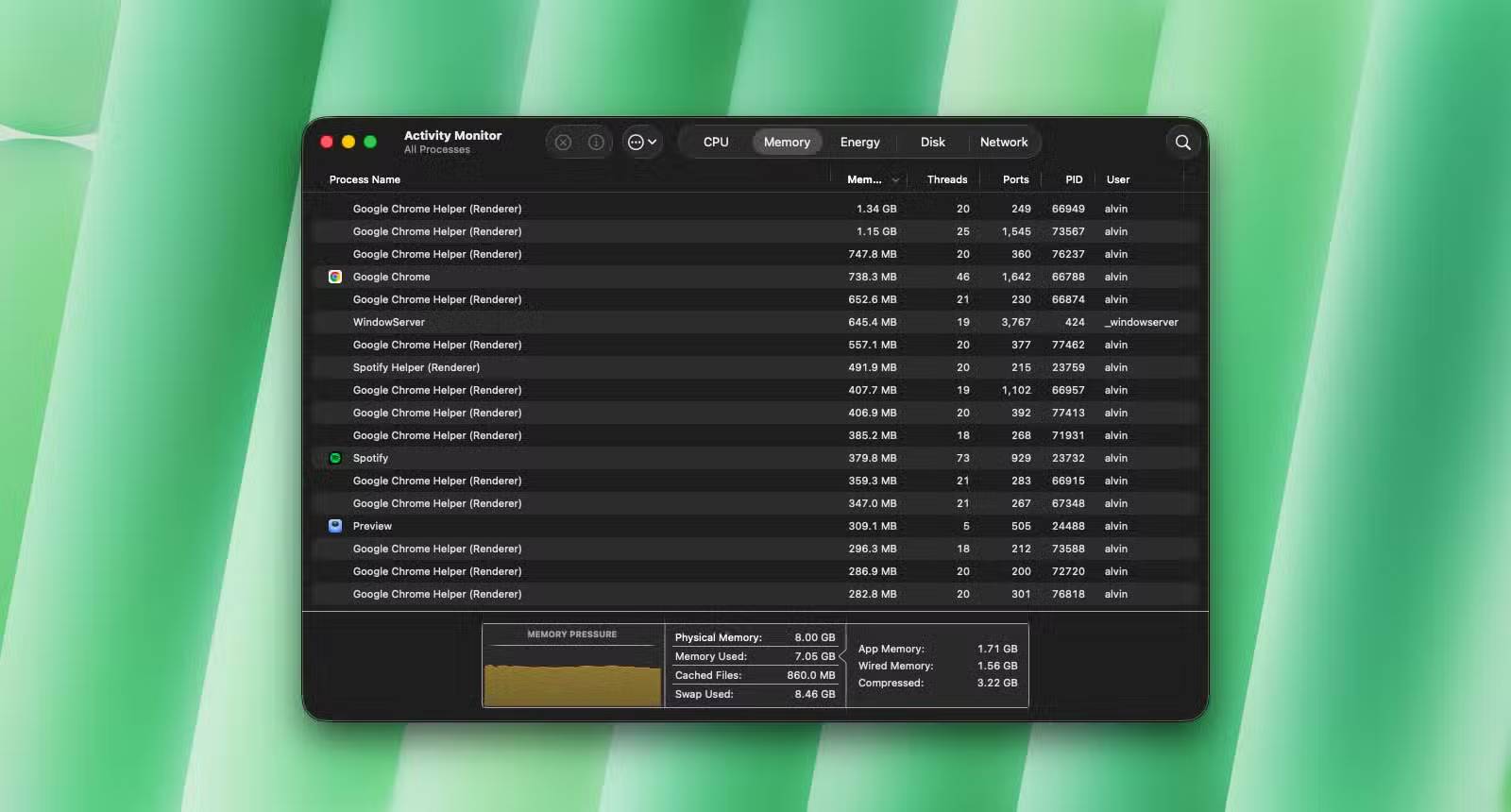
If you search the web for "Chrome + memory," you'll find a ton of articles about how to fix Chrome's memory usage problems, and a ton of posts from users complaining about the same problem. Chrome really does eat up memory. One of the main reasons is that Chrome treats each new tab as a separate process.
So if you open 5 tabs, each one will be running separately in memory. While this isolation is good for security and privacy, it comes at a huge performance cost. Most new browser tabs take up around 500MB or a little over 1GB.
That's just one tab! Imagine if you're doing many research and have a dozen tabs open. If you don't manage your tabs well, Chrome can easily eat up 20GB or even 30GB of memory. If you regularly have dozens of tabs open, Chrome is clearly not for you.
2. Chrome doesn't respect user privacy
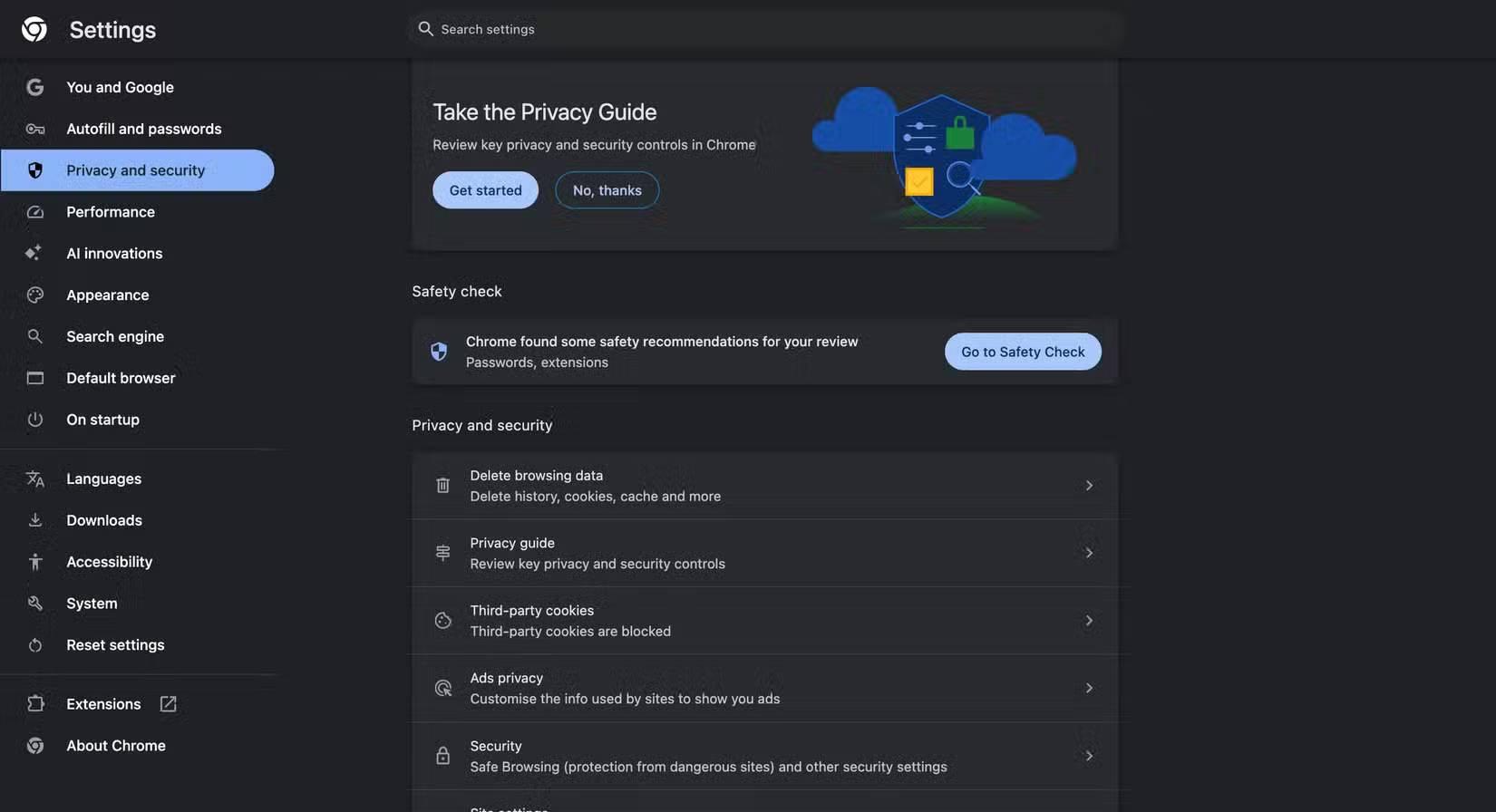
Another issue people find out about Chrome during their research is its data privacy policies. Chrome is owned by Google, a company that is heavily focused on collecting as much data about its users as possible. That's why Google pays Apple billions of dollars a year to make its search engine the default, because your data is worth more.
The company tracks user activity to build profiles for effective ad targeting—the core of its multibillion-dollar business. As a result, like many other products, Chrome collects all of a user's online activity, which has tarnished Google's reputation among privacy advocates. The company is even facing a $5 billion fine in 2023 for allegedly tracking users in Chrome's incognito mode, according to NPR.
Of course, there are many ways to protect your privacy on Chrome. But why go through all that trouble when you can ditch Chrome for a more privacy-friendly browser? You see, if Google really cared about protecting user privacy, they wouldn't have hidden such important features in Settings . If they really cared, they wouldn't have enabled such options by default in the first place.
FAQ
Why You Should Replace Google Chrome?
In practical terms, everything was fine with Chrome, but not long after, many people started noticing a major problem with the browser.
What factors are most important?
The article highlights that some people have never even considered the disadvantages of using it compared to the many other Chrome alternatives.
What is the main takeaway?
The main takeaway is that Chrome is owned by Google , a company that is heavily focused on collecting as much data about its users as possible.
Related Articles
 How to Stop Google Chrome from Checking Your PC's Compatibility with6 minutes read
 How to Fix Google Chrome Translate Not Working6 minutes read
 Google Chrome Will Stop Supporting macOS 11 Big Sur3 minutes read
 Google Chrome Is Now 23% Faster, Have You Tried It?3 minutes read
 Google Chrome Temporarily Prevents Sideload of Extensions3 minutes read
 Google Chrome Released Chrome 15 Beta4 minutes read
Reader Comments 0
Sign in with email or Google to join the discussion.