Table of Contents
Explore how does auto tab discard make chrome faster, including the key concepts, practical examples, important considerations, and useful guidance.
Some Chrome tricks can save you hours of work, but the browser's constant memory demands remain a problem. However, there is a solution in the form of a simple browser extension that can speed up Chrome, especially if you're using a laptop.
Chrome's silent resource drain
Why do unused tabs silently drain your RAM and battery?
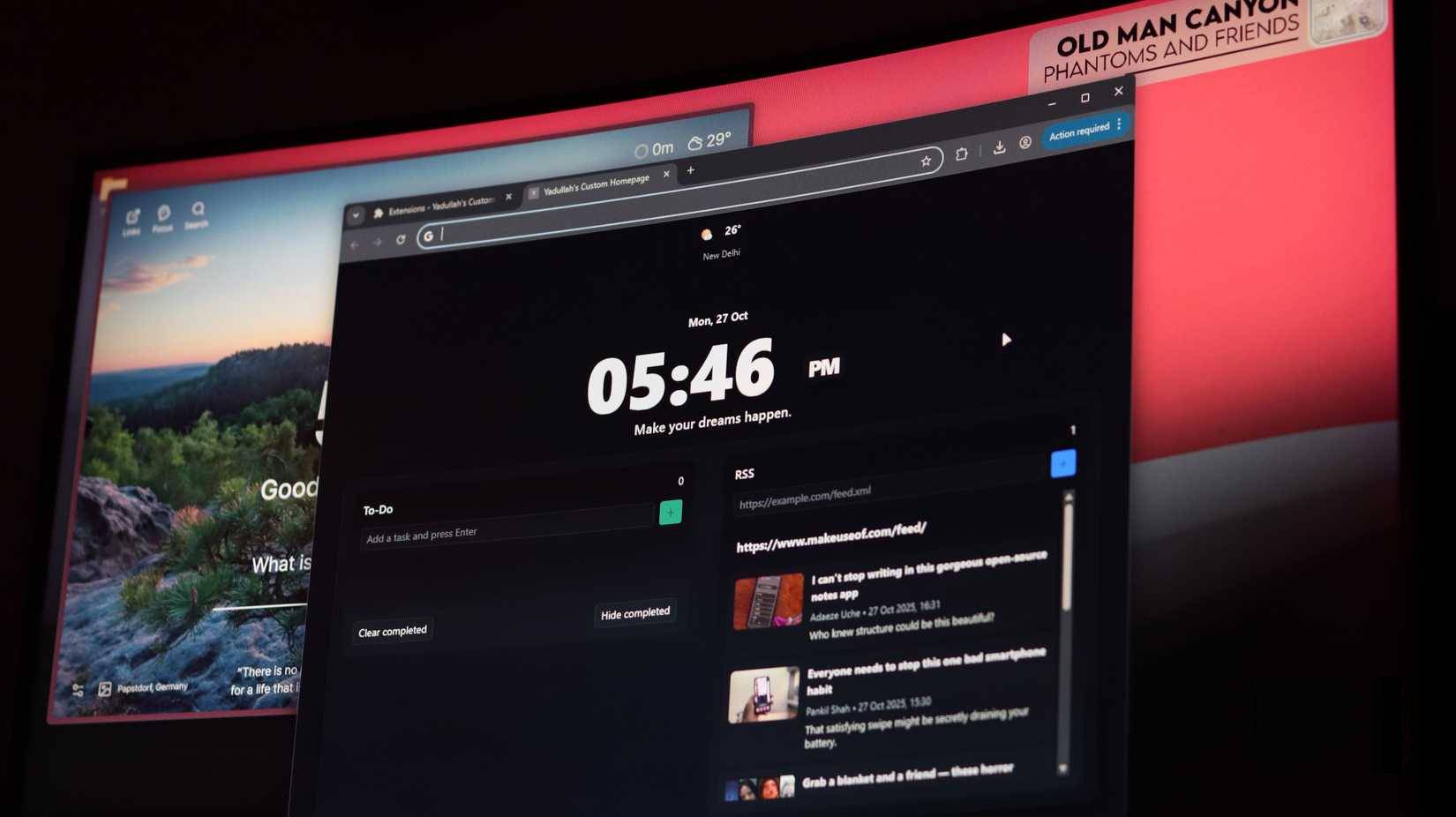
Chrome's memory issues are no secret—they've essentially become a defining characteristic of the browser. As the number of open tabs increases, the browser can consume gigabytes of memory depending on the websites you visit. Furthermore, inactive tabs running in the background continue to run scripts, process data, and consume memory even when you're not viewing them.
The browser's multi-process architecture is excellent for performance and security, but it's also why laptops make noise like an airplane preparing for takeoff. Each tab has its own process, plus processes for extensions, GPU rendering, internal services, etc. Open 20 tabs, and you could have over 50 processes running in the background. There are settings to prevent Chrome from consuming too much RAM, but they don't solve the problem.
The obvious solution is to close the tabs, but that creates a new problem. Tabs are a form of cognitive externalization. You don't want to close those browser tabs because you're using them for different tasks. Some are to-read lists, some are research archives, and some just contain information you'll use later. Closing the tabs means having to remember to perform the same task again, search for the same information again, or find a link again later, which you may or may not remember.
How Auto Tab Discard helps Chrome work more efficiently
What actually happens when tabs go into hibernation mode?
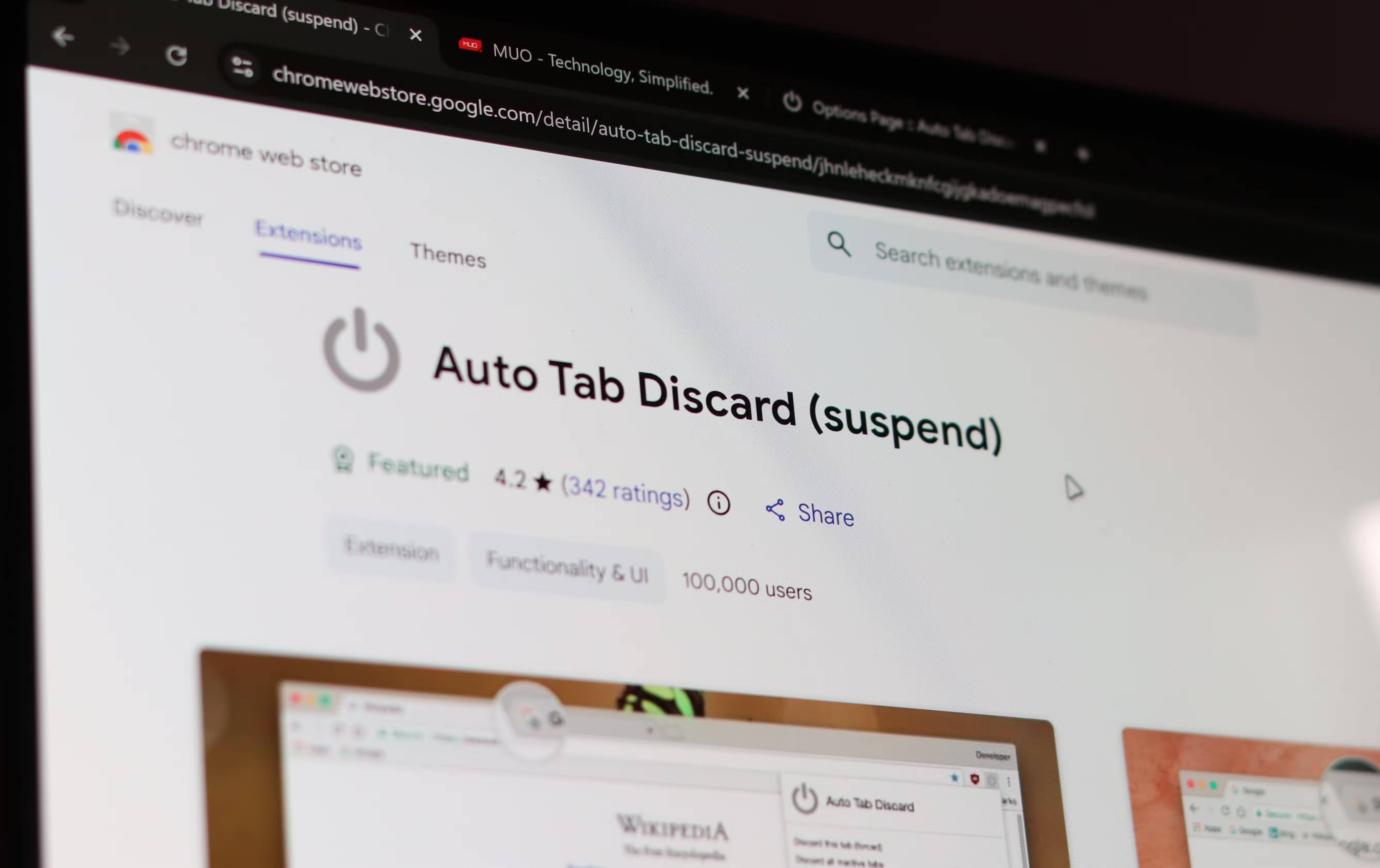
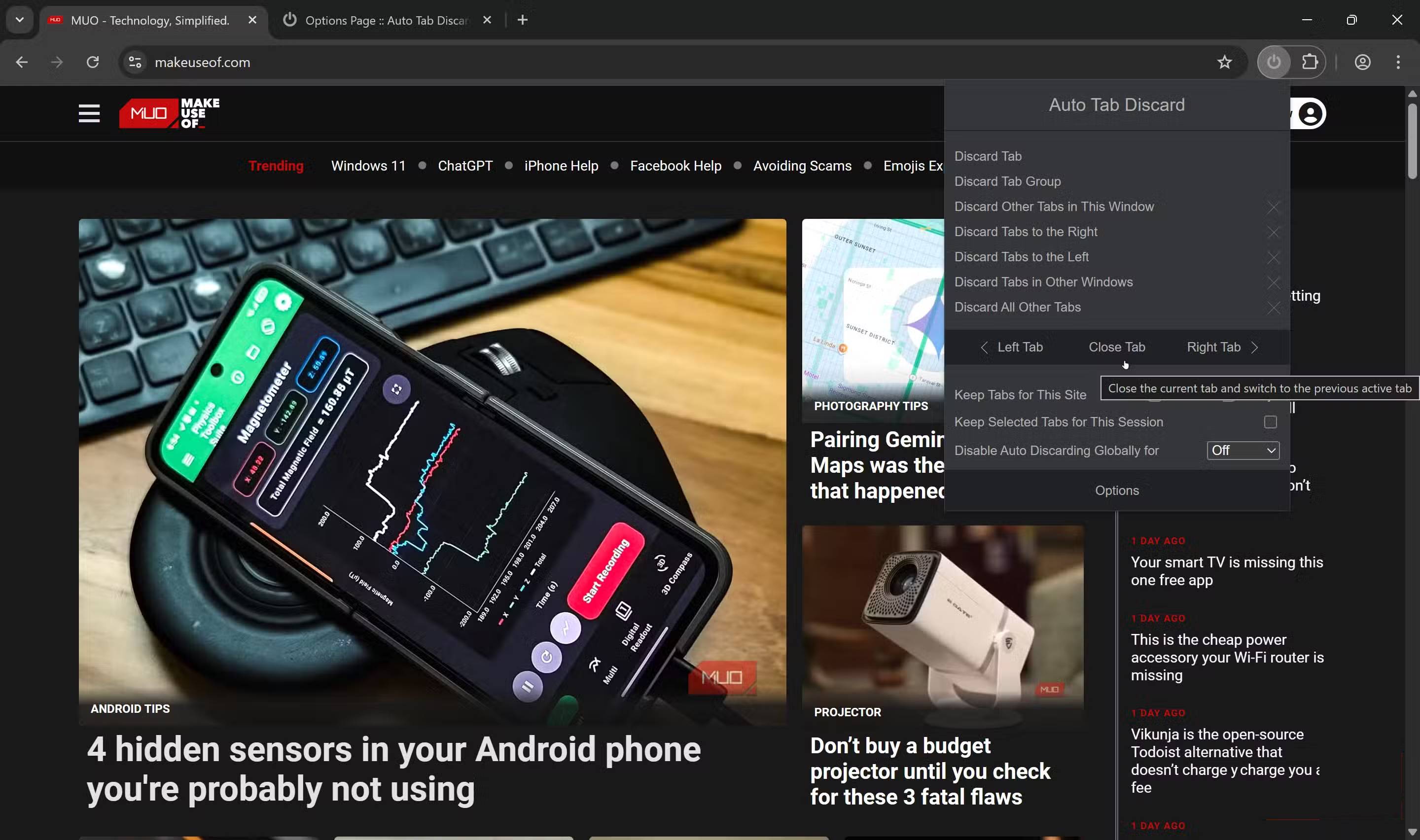
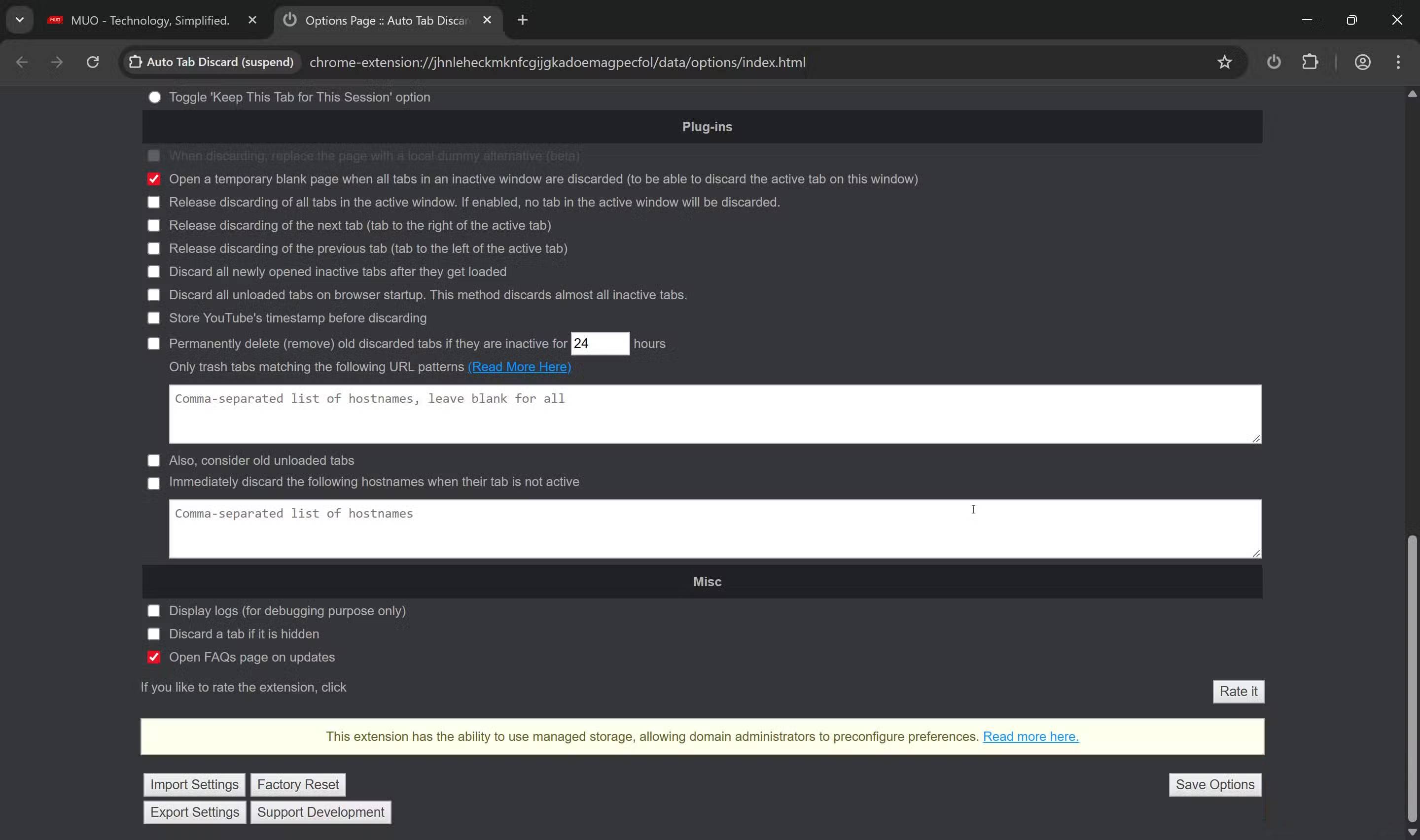
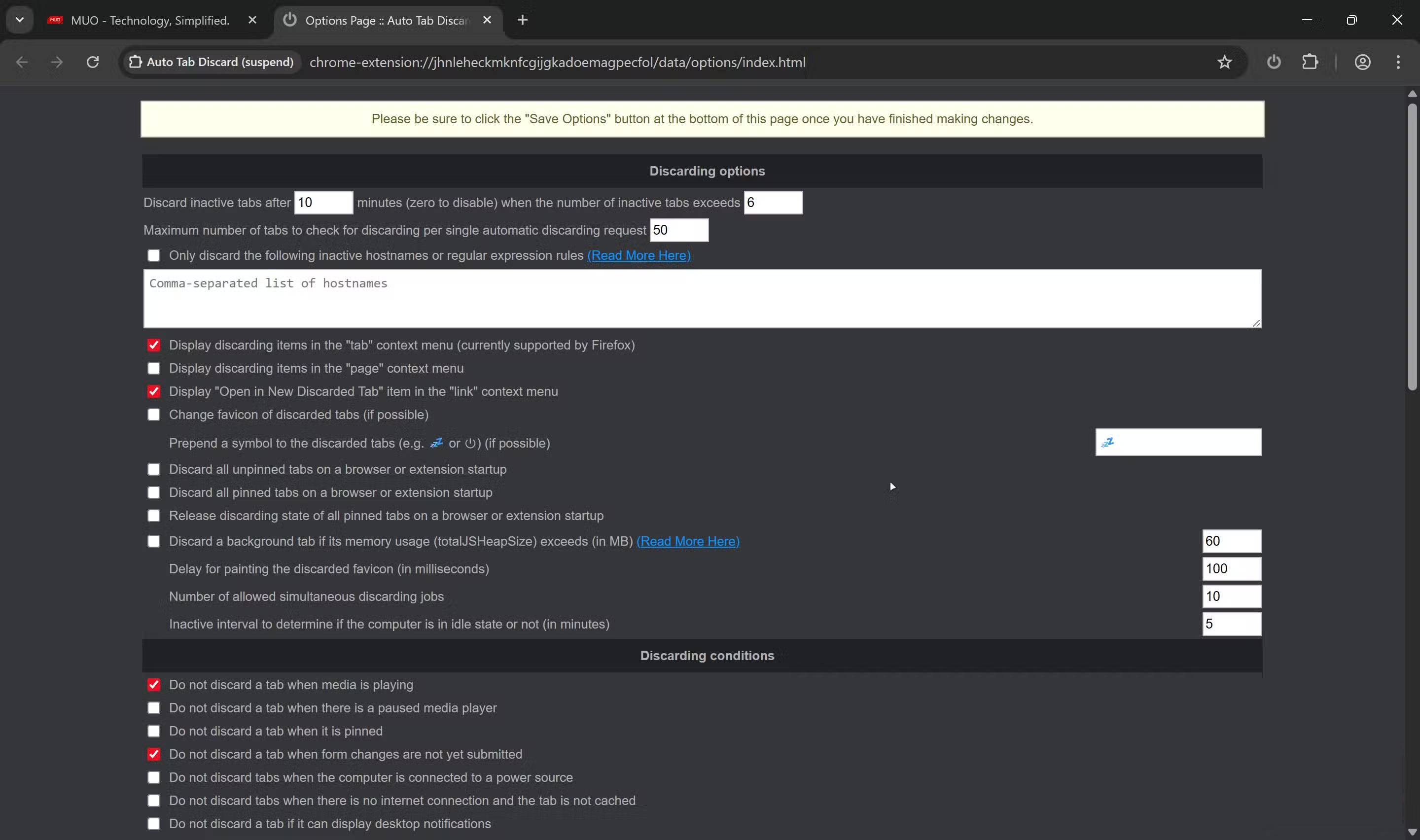
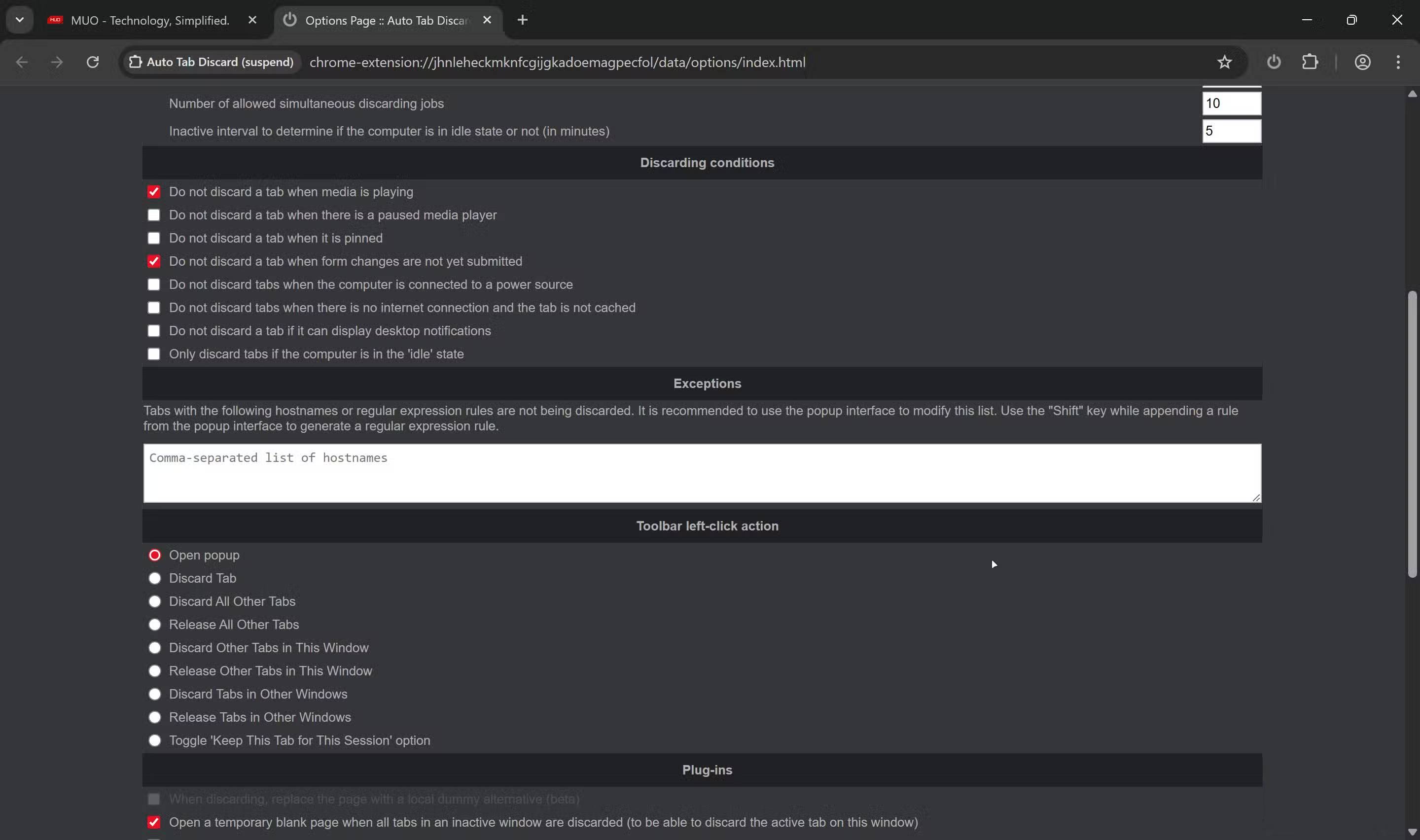
Auto Tab Discard addresses Chrome's memory issues. It monitors browser activity and automatically pauses tabs you haven't viewed in a while. These tabs don't disappear—they remain visible in your tab bar, just in a hibernating state, consuming virtually no resources.
When you click on a paused tab, it will wake up and reload. Your scroll position, form data, and page state are preserved thanks to Chrome's built-in pause API. The reload process takes a few seconds, depending on your internet connection, but that's a small price to pay for being able to open dozens of tabs without overloading your system.
As a result, you can run Chrome with many tabs open without turning your laptop into a white noise machine in the office. During normal use, most tabs are paused except for a few that you are actively using. Chrome's memory usage drops by almost a gigabyte, the laptop no longer overheats, and the fan noise finally dies down.
Another major benefit is that you can finally use other programs without completely shutting down Chrome. You can use Lightroom, Photoshop, and even play games while Chrome is still running in the background.
Get Chrome working again on older laptops
Less memory wasted, less lag
In the tech world, more powerful hardware isn't always the solution. Sometimes, it's about using the available tools more intelligently. A laptop with 16GB of LPDDR5x RAM isn't weak; we're simply letting Chrome run without supervision.
If you're a writer, researcher, programmer, or anyone else who relies heavily on a browser and doesn't want to switch, this article strongly recommends installing Auto Tab Discard. This application is completely free, uses very few resources, and has the potential to save your laptop from silently suffering from having too many tabs open.
Final Thoughts
Understanding how does auto tab discard make chrome faster makes it easier to evaluate the information and apply the most relevant recommendations. Focus on the key points above and verify details that may change over time.
FAQ
What is how does auto tab discard make chrome faster?
Explore how does auto tab discard make chrome faster, including the key concepts, practical examples, important considerations, and useful guidance.
What key points does this article cover?
The article focuses on Chrome's silent resource drain, Why do unused tabs silently drain your RAM and battery?, How Auto Tab Discard helps Chrome work more efficiently, with practical explanations and examples.
How can you use this information in practice?
Use the explanations to compare options, verify important details, and make a more informed decision. Apply the recommendations that best match your goals and situation.
Related Articles
 Google Claims the New Occlusion Feature Makes Chrome on3 minutes read
 How to Speed up the Operation of Chrome and Firefox?: Google Chrome3 minutes read
 How to Turn Off Auto-Fill Forms on Chrome: Turn Off Autofill Chrome4 minutes read
 Google Chrome Is Now 23% Faster, Have You Tried It?3 minutes read
 How to Turn Off Auto-Reloading Tabs on Google Chrome4 minutes read
 5 Apps That Make Android Auto 10 Times More Useful: Practical Guide4 minutes read
Reader Comments 0
Sign in with email or Google to join the discussion.