Table of Contents
This updated guide compares safety tips for smartphone wallet apps and highlights the details that matter most. Smartphone wallet apps are a super convenient alternative to a physical wallet, helping you keep your money, cards, ID, and more close at hand. They're incredibly secure to use and make it easy to keep your most important cards close by without having to carry a wallet or purse.
1. Use Biometric Authentication
Most, if not all, smartphones have a fingerprint scanner that you can use to lock both your phone and any apps on it. Digital wallets support this feature as well, allowing you to use your fingerprint or face to unlock apps.
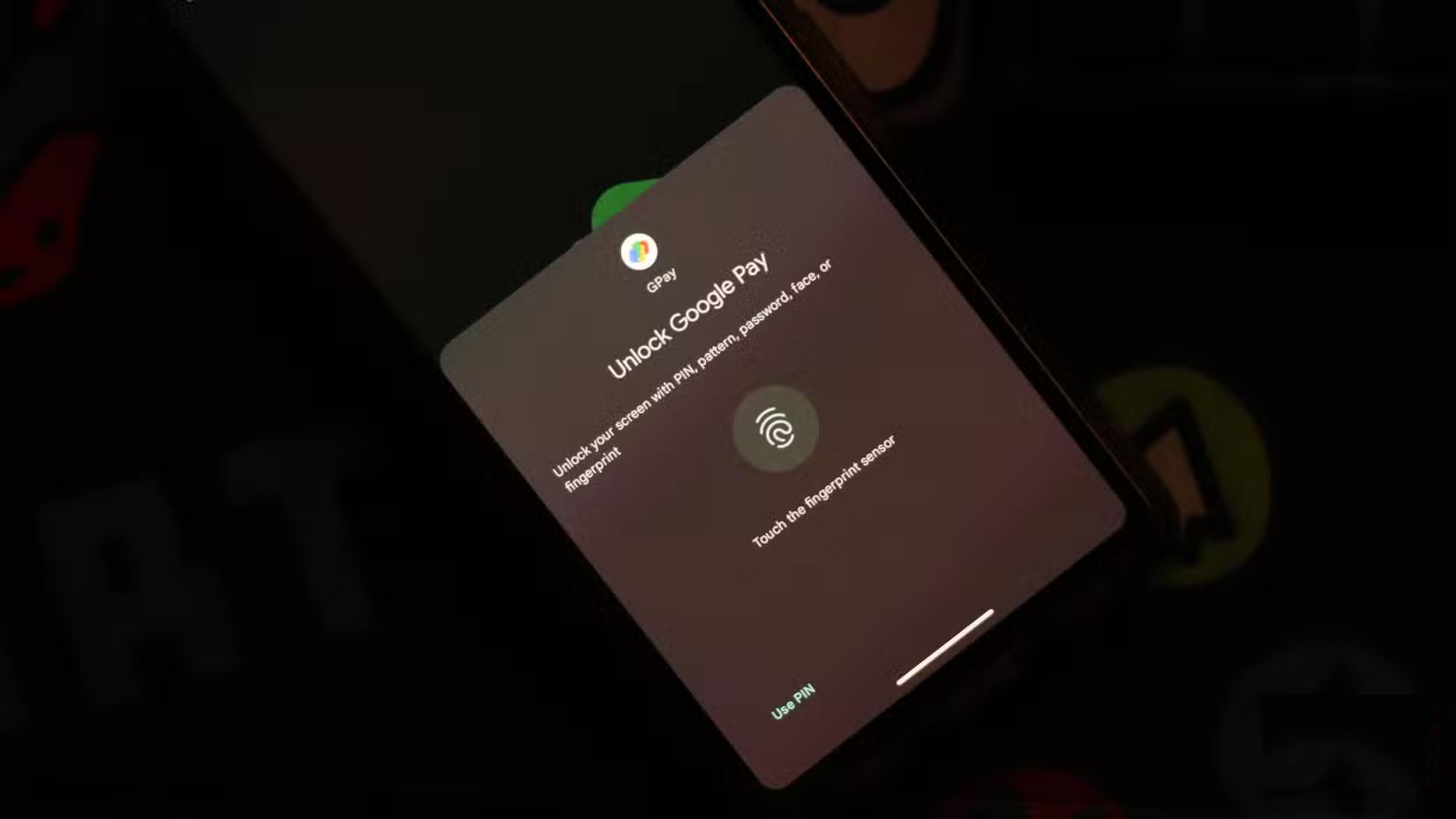
Biometric authentication is one of the most secure signing mechanisms you can use. Passwords and PINs are useful, but they can be guessed, stolen, or phished. Biometric data is much harder for cybercriminals to steal or copy. It also ensures that even if your device is stolen or lost, no one can access your digital wallet app and initiate payments.
ensure you do not give up on your PINs and passwords completely. it is still important to use a strong password or PIN to lock your phone. In the event that biometric authentication fails, they're your only option for accessing your wallet app and phone.
2. Regularly Monitor Account Activity
This may seem obvious, but regularly monitoring your account activity can help you spot any suspicious transactions before they turn into larger losses. Most wallet apps send real-time notifications for each transaction, but you can always track your transaction history within the app.
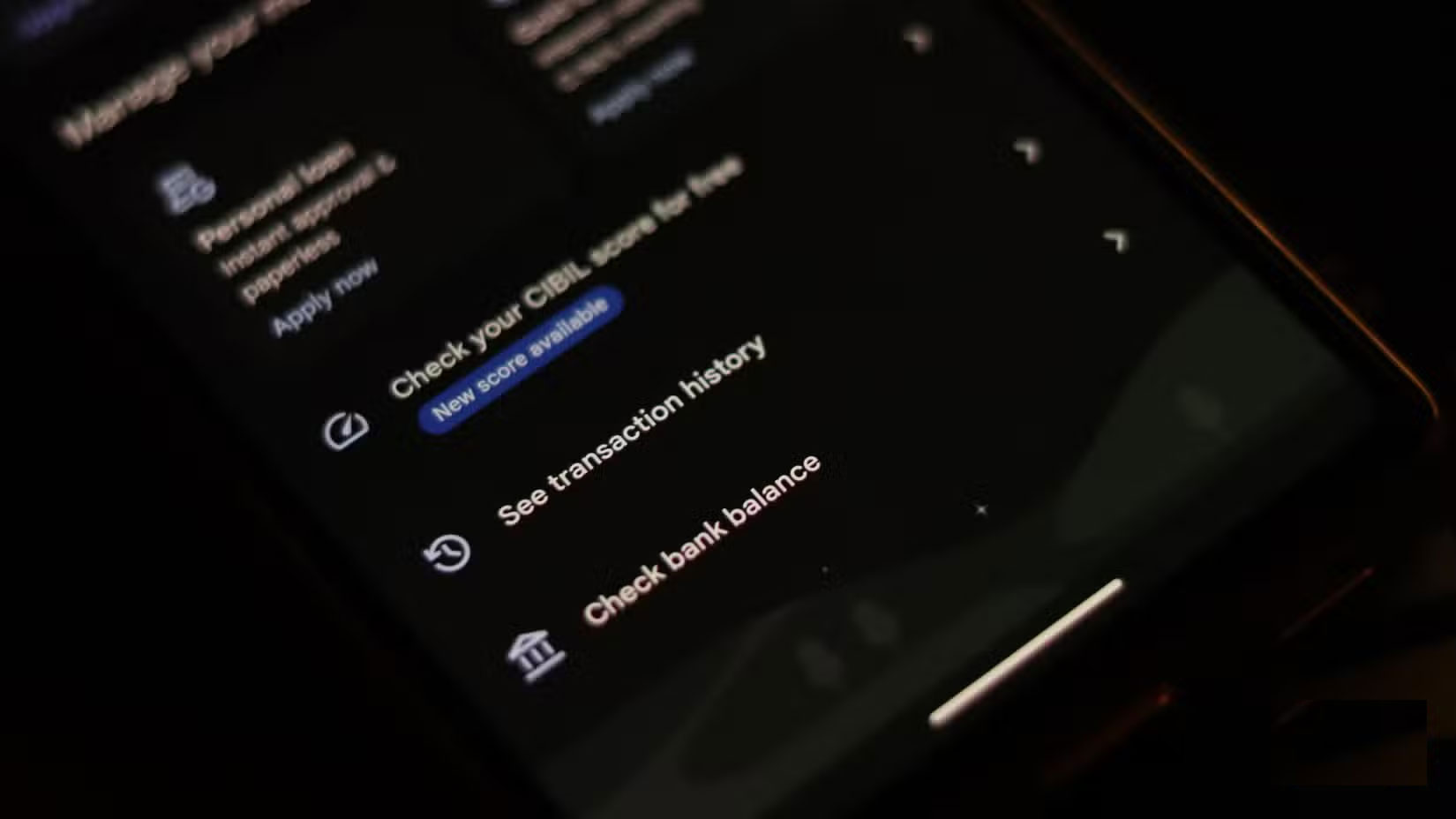
Criminals often start with small transactions to test whether an account is vulnerable without alerting the owner. Regularly reviewing your accounts also gives you an idea of which payment methods may be leaking money. for instance, if your credit card was compromised in a website data breach and hackers tried to charge your account, you may notice smaller test transactions on your card.
It is best to review your account activity at least once a week. As an added bonus, you'll also have a better idea of where your money is going, which can be helpful in planning your monthly budget in a hands-on way. Some wallet apps also let you set up custom transaction alerts based on the value or location of the transaction. These alerts can instantly alert you to any transactions you might not have known about.
3. Beware of Phishing Attacks
Another tip is to always be on the lookout for phishing attacks that try to steal your payment information. Hackers send spoofed emails that look intimidating and can even bypass your inbox's spam filters.
Despite your best efforts, a phishing site, malware, or other attack can always slip through. The best way to avoid being scammed is to stay calm, read the message or email carefully, and check the URL before clicking any links. There are several ways you can check for suspicious links in text messages. Also, scammers often use QR codes, so be careful before scanning random QR codes in emails or messages.
4. Set Trading Limits When Possible
Setting transaction limits in your digital wallet app is one of the best ways to protect yourself from accidental hacks. Transaction limits were originally designed to help you manage your finances, but they also act as a preventative measure in case your wallet is compromised.
Even if an attacker gains access to your digital wallet and can make payments, transaction limits will minimize the damage to your bank account long enough for you to take action. Transaction limits do not actively protect your digital wallet or financial information from being misused, but they will prevent hackers from running away with all of your precious funds at once.
5. Turn Off Automatic Saving of Payment Information
Digital wallets (especially Google Pay ) will ask to automatically save payment information on the website you're viewing. Browsers and other apps also provide links to your digital wallet to make the checkout experience more seamless, avoiding the hassle of entering card details and more every time you make a purchase.
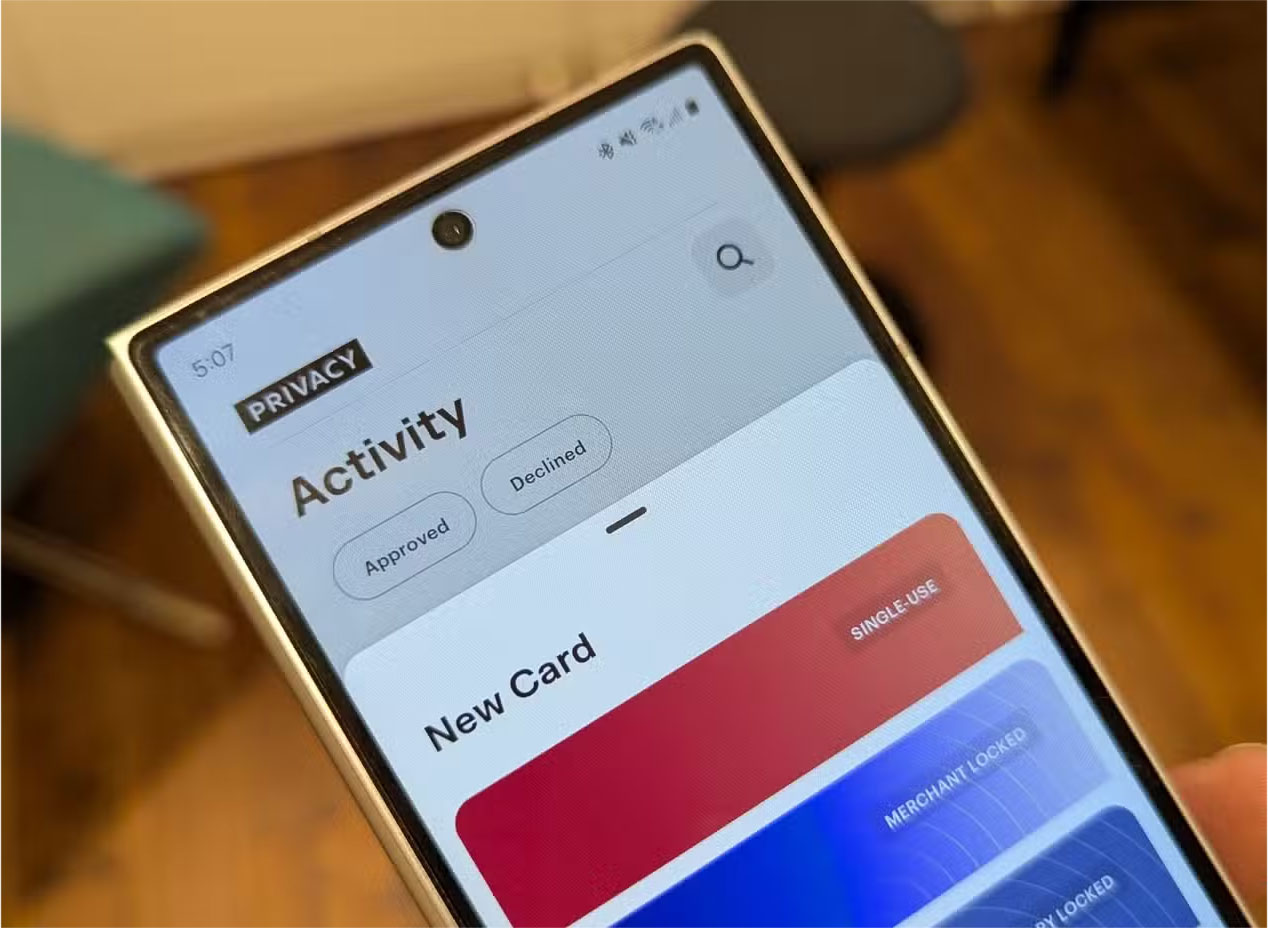
This is incredibly convenient and the way online payments should be done. Still, it is also a huge security risk. When you let websites or apps start storing your financial data, you're trusting them to keep it safe. And while security isn't a huge risk for larger retailers like Amazon, Best Buy, or eBay, smaller businesses that do not have the best cybersecurity practices in place can accidentally expose your financial information to hackers.
Turn off autosave on your browser and generally stay away from temptation with other apps. Manually entering your details for every purchase can be a pain, but the peace of mind it brings is worth it.
The chances of your digital wallet being compromised by itself or by a company are pretty low. Still, individual users are always targets for hackers and scammers looking to steal their money. Taking a few simple precautions can help protect you from any crooks stealing your money.
FAQ
How were the safety tips for smartphone wallet apps options evaluated?
The comparison focuses on practical features, ease of use, limitations, compatibility, and the type of user each option is most likely to help.
Which option is best for beginners?
Beginners should prioritize a clear interface, useful documentation, reliable support, and the core features needed for their first project.
Should I choose a free or paid option?
Start with a free option when it covers your needs. A paid plan may be worthwhile when you need advanced tools, commercial rights, collaboration, or professional support.
Related Articles
 Instructions for Using Google Wallet for Beginners8 minutes read
 7 Best Safety Wallets for Bitcoin and Other Electronic Currencies14 minutes read
 E Wallet: Top 10 Best and Safe Electronic Wallets in Vietnam7 minutes read
 Security Chips: Google Wallet: 5 Things to Know7 minutes read
 The Importance of Staying Safe While Gaming7 minutes read
 What Is E-wallet: What Is Momo Wallet?5 minutes read
Reader Comments 0
Sign in with email or Google to join the discussion.