Table of Contents
A local language model can replace some everyday AI tasks, such as drafting documentation or explaining code, but it does not automatically replace Perplexity's web research. The useful choice depends on whether you need current sources, private processing, or offline access.
What a local LLM setup involves
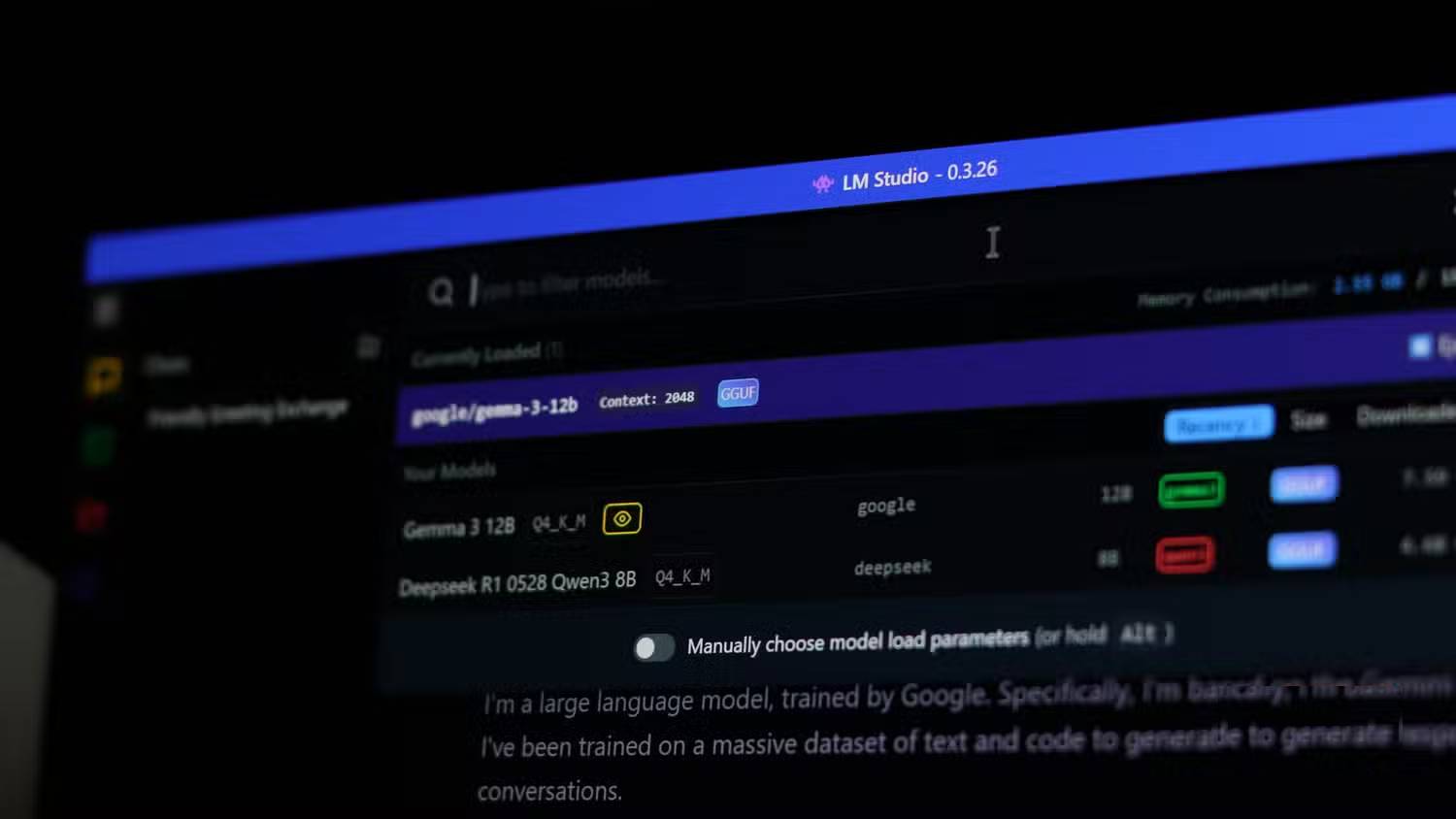
Tools such as Ollama and LM Studio let you download compatible models and run them on your computer. They are alternative ways to manage local inference; you do not need to combine them to get started. Compare Ollama and LM Studio, then choose one workflow.
Start with a model whose memory requirements fit your system. Model size, quantization, context length, available RAM, and GPU memory all affect whether it loads and how quickly it responds. Quantization reduces memory needs, but it does not make a large model fit any graphics card. A long advertised context window can require much more memory than a short chat.
A practical first test is a small, non-sensitive task you can verify: explain a short function, rewrite a paragraph, or summarize a document you have already read. Use the LM Studio getting-started guide for a desktop workflow.
Where local models are useful
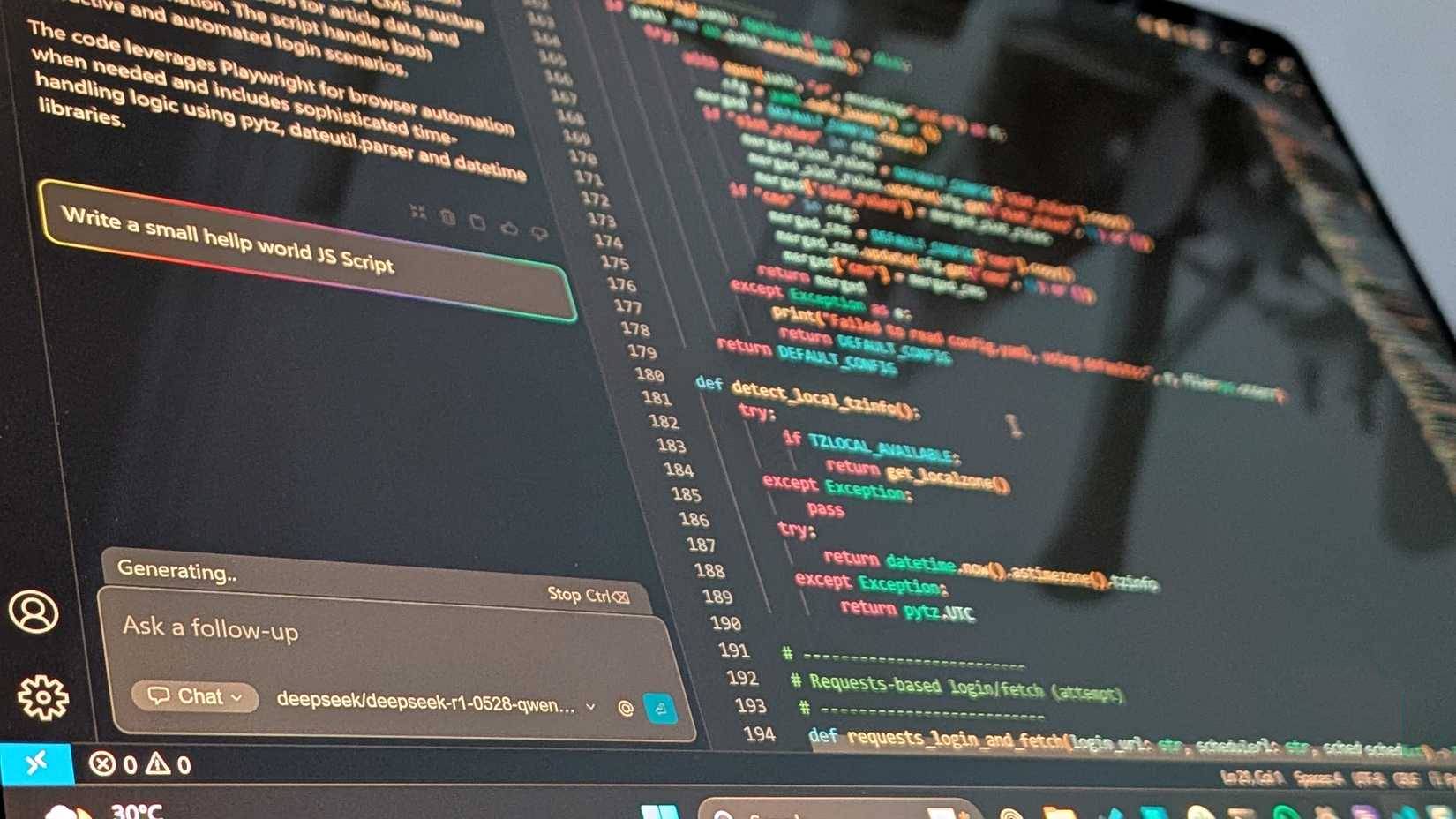
- Offline work: after downloading the application and model, supported local inference can work without an internet connection.
- Control over documents: a fully local workflow can keep prompts and files on the computer, rather than sending them to a hosted model.
- Repeated drafting: you can test prompts without a hosted service's per-request allowance, subject to your own hardware limits.
Privacy depends on the whole workflow. Cloud models, web search, extensions, remote servers, and other integrations may send data outside the device. Check the selected model and tool settings. Local processing also does not by itself establish compliance with a legal or workplace data-handling requirement.
Performance and cost tradeoffs
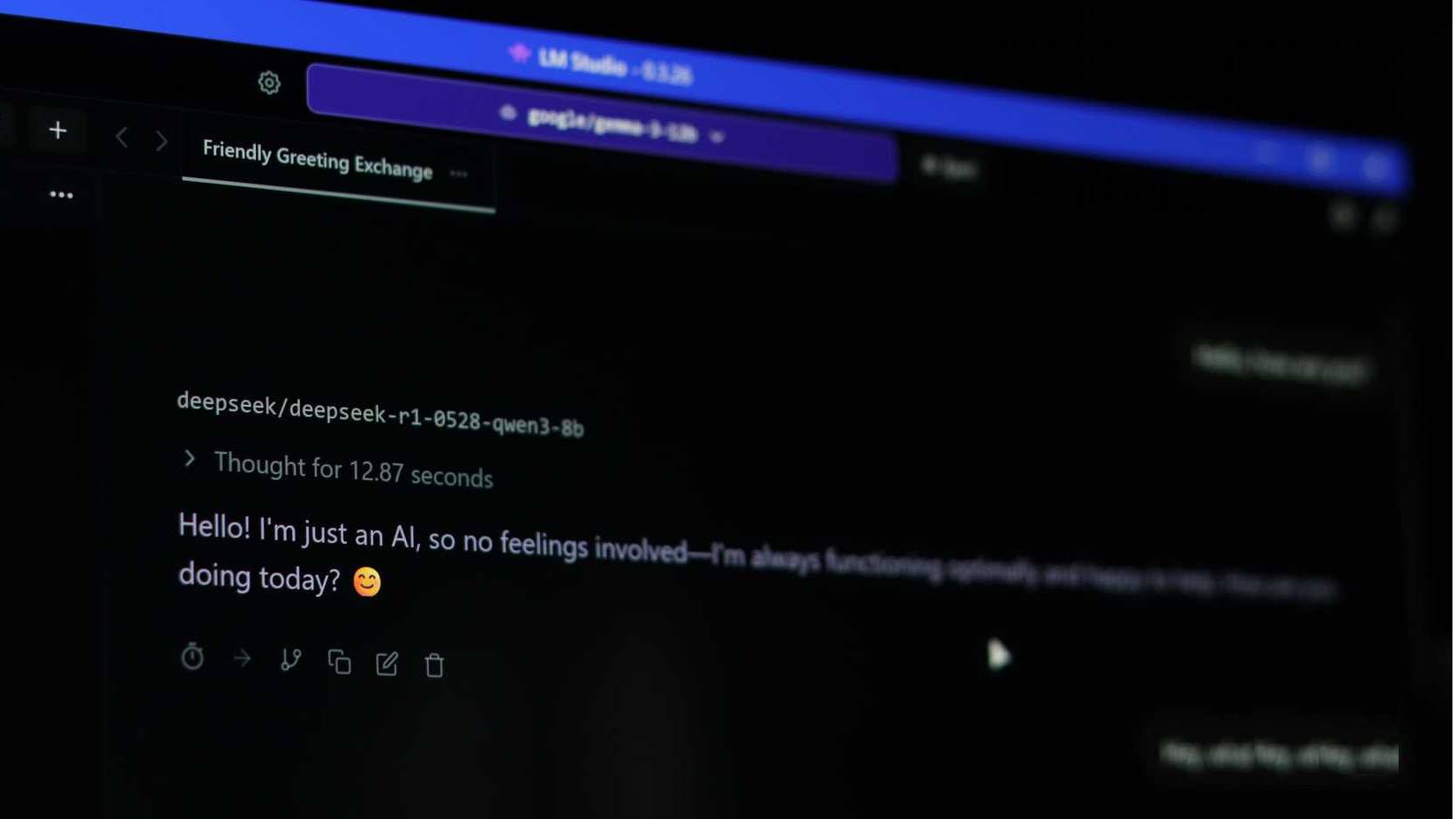
There is no universal local-model speed. Loading time, generation speed, battery use, and heat depend on the model and hardware. Some systems can offload only part of a model to a GPU, making response times slower. Benchmark your own tasks before relying on a setup for daily work.
Running a model locally may avoid subscription or usage fees for that workflow, but hardware, electricity, storage, and setup time still have costs. Buying a computer solely to replace a subscription needs a different calculation from using hardware you already own.
Code suggestions should still be reviewed and tested. A model can invent APIs, overlook edge cases, or misunderstand a large project, whether it runs locally or in the cloud.
Where Perplexity has an advantage
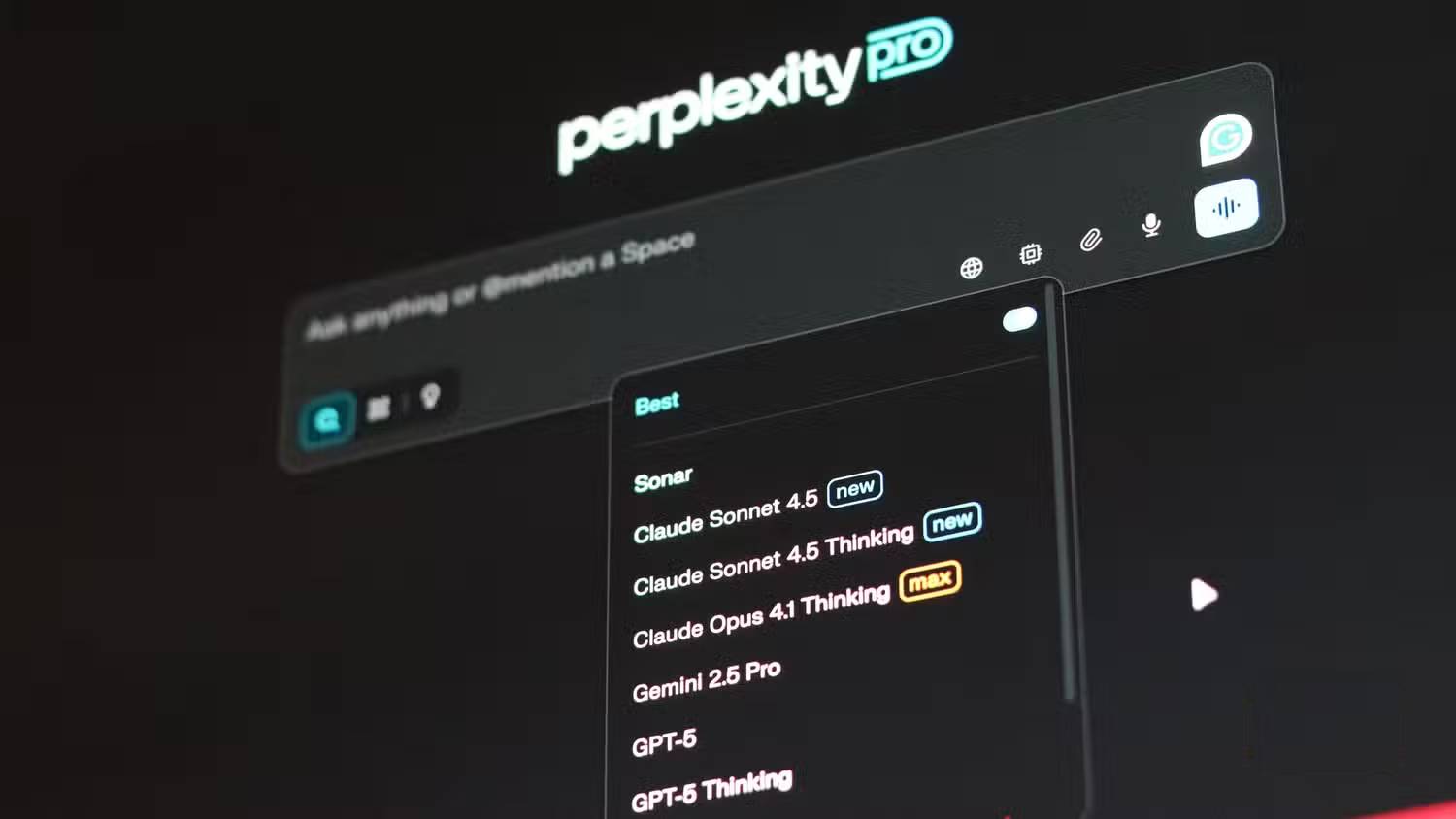
Perplexity is designed around searching the web and presenting answers with source links. That is useful for recent documentation, product changes, and research that requires finding information outside your own files. A downloaded model's built-in knowledge does not become current simply because it runs on your computer.
Local tools can add retrieval or web-search integrations, but these require configuration and may change the privacy properties of the workflow. Image and document support also depends on the model and application; neither local nor hosted AI has a fixed capability set.
Citations help you check an answer, but they do not prove that its interpretation is correct. Open the linked source, check its date and context, and confirm that it supports the claim.
How to decide
Use a local model for tasks grounded in material you can check, especially when offline processing matters. Use a search-focused service when finding current sources is central to the task. Try both on a few representative examples, comparing correctness, editing effort, response time, and cost before changing your workflow.
Related Articles
 How to Create API Key Perplexity8 minutes read
 Why Is a Perplexity Pro Subscription Worth It: Causes and Fixes6 minutes read
 A Comprehensive Guide to Academic Knowledge on Perplexity AI3 minutes read
 How to Integrate Gemini with Perplexity AI: Step-by-Step Guide6 minutes read
 How to Get the Most Out of Your New Perplexity Pro Subscription6 minutes read
 What Is Perplexity Assistant? Complete Guide6 minutes read
Reader Comments 0
Sign in with email or Google to join the discussion.