Table of Contents
This guide provides a clear, practical overview of "Why People Don't Use Apple Safari". It organizes the most useful details, explains important considerations, and highlights the steps or choices that matter most.
1. Extensions not working as expected
Perhaps the biggest complaint people have about Safari is that they often have trouble using extensions with the browser. For example, the Grammarly plugin is nearly unusable. Every time I try to edit a text, the plugin crashes the browser, even though Safari settings have been changed to improve the browsing experience.
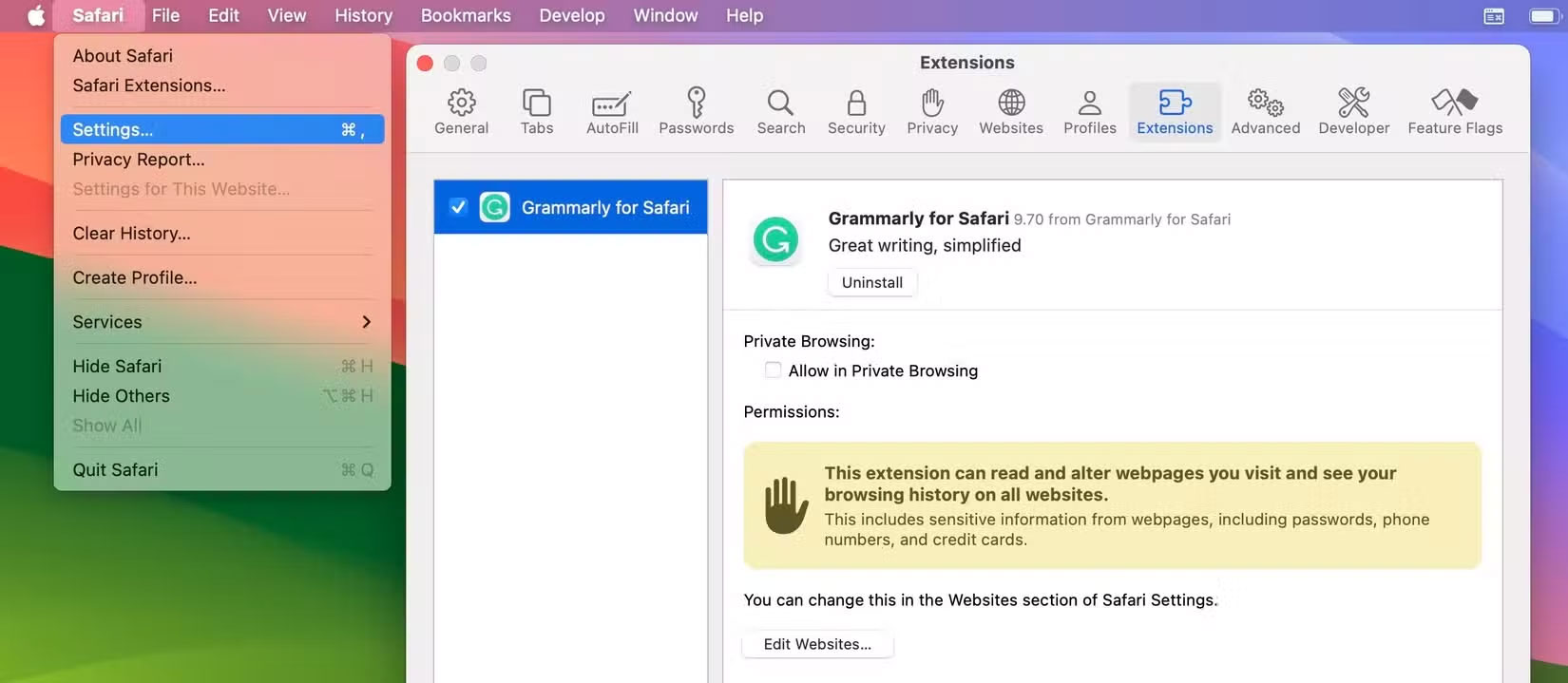
Some Chrome extensions also don't work, but that's mostly down to the developer. With Safari, it's more of a browser issue, especially when similar tools don't crash when you use them elsewhere.
2. Page closed due to "high energy consumption"
People have experienced a lot of performance issues with Safari, but one of the most common (and annoying) issues involves pages closing because they seem to be consuming a lot of power. In most cases, this happens with resource-intensive pages, such as sites with video content.
While the extension issue primarily affects Macs, users are also experiencing issues with power-hungry websites on all Apple devices. This is also happening more frequently than other browsers. The issue is also occurring in Chrome and Firefox, but not as frequently as Safari.
3. Safari thinks some of your searches are URLs
When you want to quickly search for something, you don't necessarily have to go to a search engine's URL. Instead, it's often easier to type the term directly into the URL bar.
While you can search for terms using the URL browser without any problems in other browsers, Safari often confuses search terms with URLs. This often happens when using numbers and percent signs. These cases are especially weird; this is when you're least likely to try to visit a website.
Then having to go straight to Google to type the same thing again is both time-consuming and annoying. Until Apple fixes this, many people will be stuck using Safari as their primary browser.
4. Better bookmarking capabilities
While many browsers are built for people who never close tabs, don't let that be the only reason to choose a browser. Instead, take control of your tabs by being strategic about saving web pages. One of the easiest ways you can do this is through bookmarking important pages and websites.
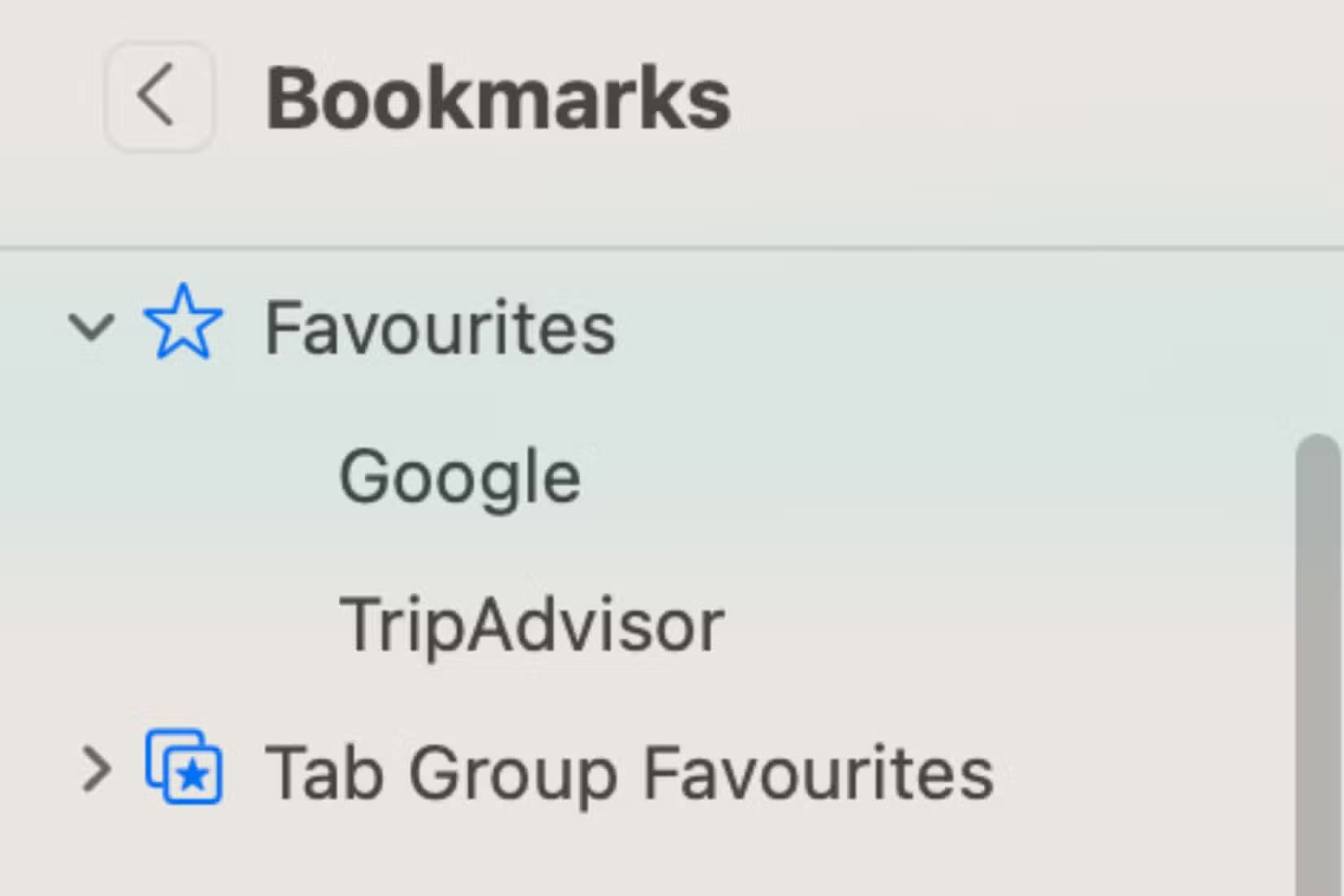
Once you've bookmarked a website, you can keep only the tabs you actually want open at that moment. Safari lets you bookmark content, but Chrome's features are much better.
5. Slow loading time
When using Safari on your iPhone or iPad, sometimes pages in the browser don't load properly. Sometimes you think your Wi-Fi is the problem, but you can access other tools — like social media and other browsers — without any problems. The problem often persists after checking to see if the connection is slow.
Safari will sometimes display a loading page at the top for a few minutes. In many cases, you'll need to close the browser (and current tab) before reopening it. Things usually work fine after you do this, but it's still annoying.
6. Browser cookie authentication issue
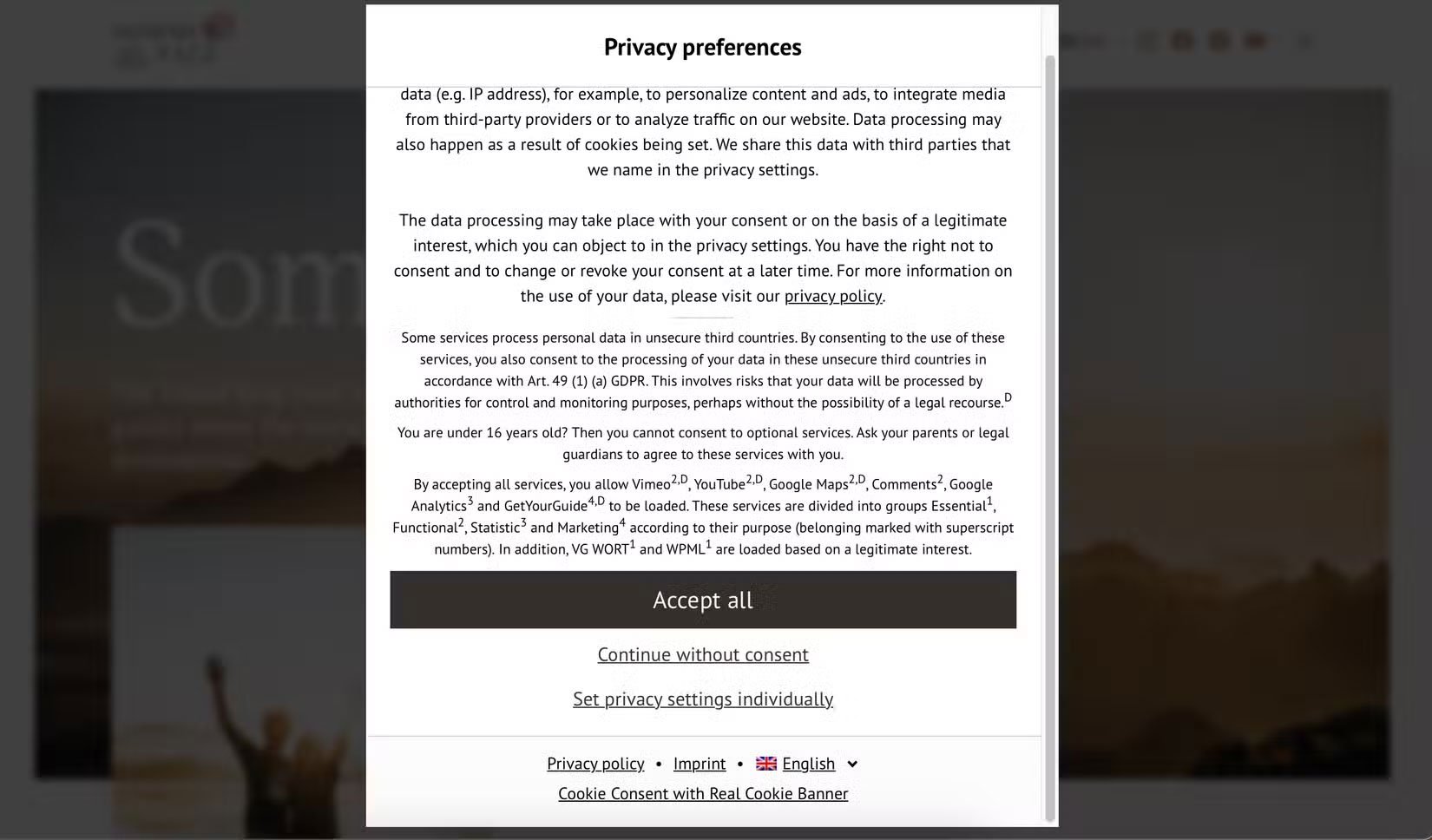
There's no problem accepting cookies on websites, but no one wants to have to do it every time they visit. Chrome and Firefox sometimes have trouble accepting them, but not to the same extent as Safari.
In many cases, you'll have to accept your cookie preferences every time you visit a site in Safari - even if you visit multiple times in the same day. When using other browsers, you'll usually only have to do this once or twice a week (unless you clear your cache).
FAQ
What should you know about 1. Extensions not working as expected?
Perhaps the biggest complaint people have about Safari is that they often have trouble using extensions with the browser. For example, the Grammarly plugin is nearly unusable. Every time I try to edit a text, the plugin crashes the browser, even though Safari settings have been changed to improve the browsing experience.
What should you know about 2. Page closed due to "high energy consumption"?
People have experienced a lot of performance issues with Safari, but one of the most common (and annoying) issues involves pages closing because they seem to be consuming a lot of power. In most cases, this happens with resource-intensive pages, such as sites with video content.
What should you know about 3. Safari thinks some of your searches are URLs?
When you want to quickly search for something, you don't necessarily have to go to a search engine's URL. Instead, it's often easier to type the term directly into the URL bar.
What should you know about 4. Better bookmarking capabilities?
While many browsers are built for people who never close tabs, don't let that be the only reason to choose a browser. Instead, take control of your tabs by being strategic about saving web pages. One of the easiest ways you can do this is through bookmarking important pages and websites.
Related Articles
 Apple Updates Safari on iOS and Mac to Block Third-party4 minutes read
 How to Fix 5 Safari Bugs on iPhone8 minutes read
 How to Fix Safari's Status Is Slow6 minutes read
 Summary of the New Features of Safari on iOS 145 minutes read
 Apple Releases iOS 15.3.1 to Completely Fix Safari Security Flaw2 minutes read
 'Imitating' Microsoft, Apple Will Also Release a Version of3 minutes read
Reader Comments 0
Sign in with email or Google to join the discussion.