Table of Contents
Is cable management in your PC really important or just an aesthetic issue? This article takes a detailed look at how it affects airflow, performance, durability, and ease of upgrading your computer.
Many people when assembling a computer often obsess about neatly arranging cables, while others almost ignore it. So how does cable management actually affect the performance, durability and experience of using a computer?
Why do users care about cable management?
In the past, when computer cases didn't have transparent windows, few people cared about tidying up their cables. However, messy cables can affect airflow and cause dust to accumulate faster. Nowadays, when most cases have tempered glass designs that look like 'mini fish tanks', aesthetics have become a major factor in why many people invest time in organizing cables.
The three most common reasons for cable management are:
- Improved airflow and heat dissipation
- Ensure aesthetics
- Easy maintenance and component upgrade
Affects airflow and heat dissipation
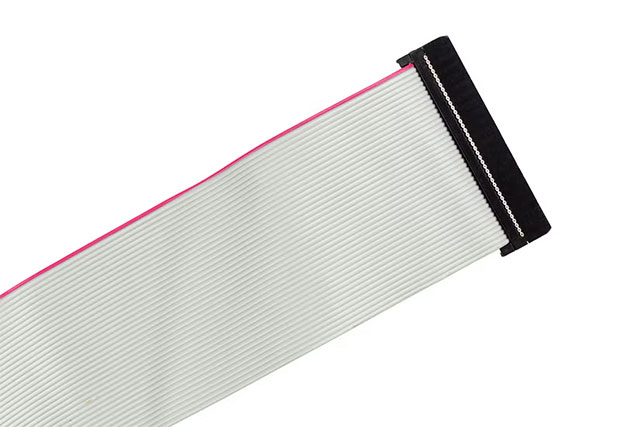
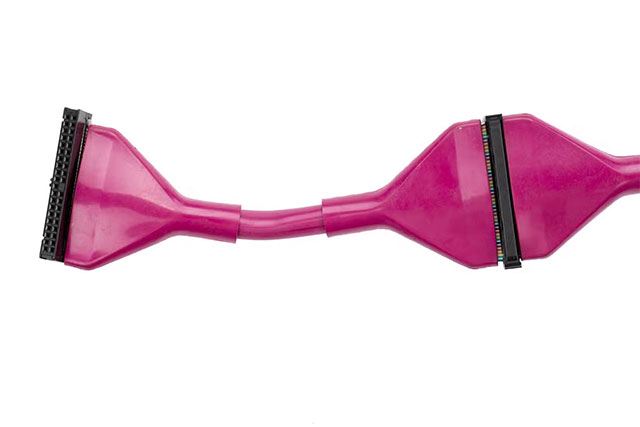
In the past, when PCs used flat IDE cables, neat wiring directly affected heat dissipation. But now, with thin SATA standards, modular power supplies, NVMe drives mounted directly on the motherboard, the number of wires has been significantly reduced.
In most modern cases, cables rarely block enough air to cause overheating. Only in small form factors does cable placement really matter because space is so limited.
In other words, keeping the cabling 'neat enough' ensures thermal performance, not necessarily absolute perfection.
Aesthetics and neatness
These days, cable management is often more about aesthetics than performance. With cable management slots, cable trays, and cover panels, You can make their PCs look almost 'wireless'.
That said, not everyone finds it beautiful. Some people like the 'clean' look, but others find the cables winding around the case like the pipes in a car engine – giving it a strong, authentic feel.
The important thing is that there is no 'single standard' for beauty in PC builds. Cleanliness is just a matter of style, and has little to do with performance.
Maintenance and durability
Proper cabling makes it easier to upgrade or replace components later. If the arrangement is too rigid, users may have trouble replacing graphics cards, extending power cords, or removing components.
More importantly, do not overtighten or bend the wire, as this may damage the cable or heat up the high-power wire, posing a safety risk.
Worth the investment?
There is a group of PC gamers who are extremely strict about cable management, going as far as using colored smoke to check airflow or ordering custom cables to build 'works of art'. But for the majority of users, it's just an aesthetic pleasure.
If the cables aren't blocking the fan, aren't causing unusual dust, and all connections are secure, then additional wiring just for 'looks' is completely a matter of personal preference.
In short, cable management in modern PCs is more about aesthetics and ease of maintenance than it is about performance. Users should aim for a healthy balance: neat enough to allow for ventilation and easy access, but not extreme.
FAQ
What should you know about PC cable management?
In practical terms, is cable management in your PC really important or just an aesthetic issue? This article takes a detailed look at how it affects airflow, performance, durability, and ease of upgrading your computer.
Why does PC cable management matter?
The article highlights that why do users care about cable management.
What is the main takeaway?
The main takeaway is that there is a group of PC gamers who are extremely strict about cable management, going as far as using colored smoke to check airflow or ordering custom cables to build 'works of art'.
Related Articles
 The Indispensable Items When Managing and Arranging Cables6 minutes read
 iPhone X, iPhone 8 May Slow Down After Upgrading to iOS 12. 13 minutes read
 Optical Cable: How Are Apg and Aag Cables Different?5 minutes read
 AAG Cable Repair, Internet Connection from Vietnam to International Influence3 minutes read
 These Are the Types of Printer Cables Needed to Connect to the Computer6 minutes read
 4 Best Usb-c Cables 20194 minutes read
Reader Comments 0
Sign in with email or Google to join the discussion.