Table of Contents
Cable internet can be a practical home broadband option when it is available at your address and its upload speed, reliability, and total cost meet your needs. It uses coaxial cable for the connection into many homes, often as part of a network that also uses fiber. Having a coax outlet alone does not mean an internet service is active.
How internet travels over coaxial cable
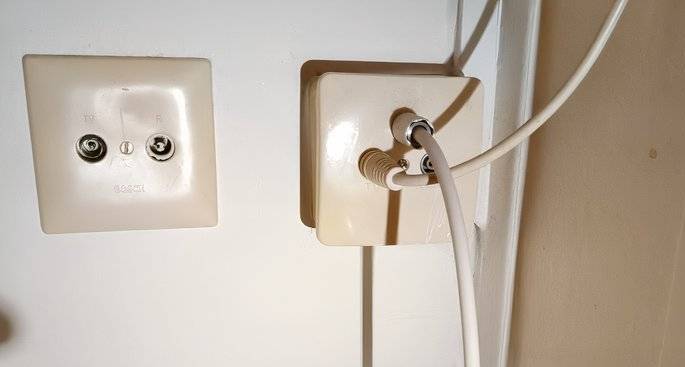
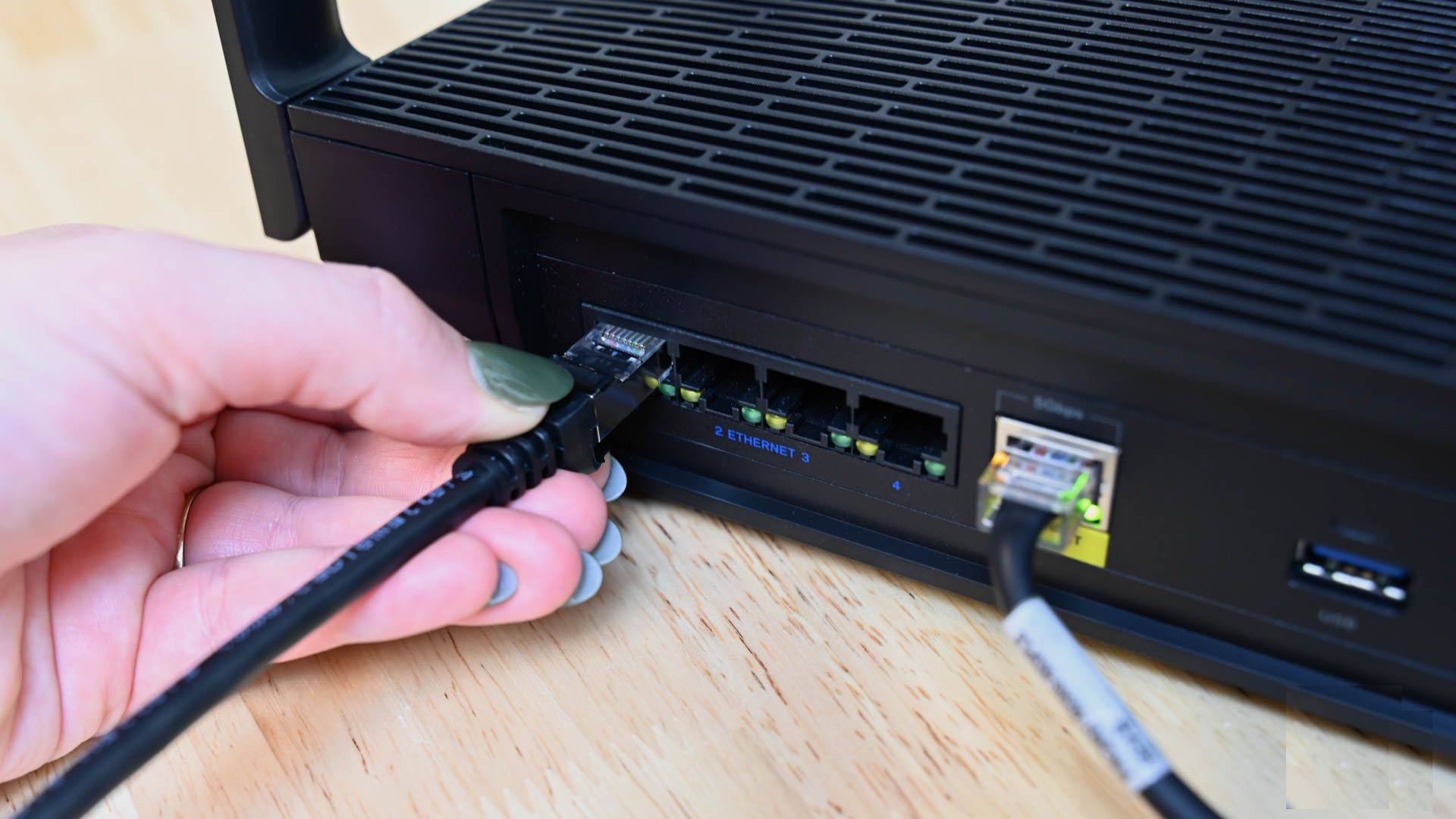
Coaxial cable has a central conductor surrounded by insulation and shielding. A cable provider uses DOCSIS, short for Data Over Cable Service Interface Specification, to carry internet data over this wiring. Your cable modem communicates with the provider's network; a router then shares the connection with your devices through Ethernet or Wi-Fi. See the differences between modems, routers, and switches if you are choosing equipment.
In a hybrid fiber-coaxial network, fiber carries traffic to a neighborhood node, and coaxial cable serves the final part of the connection to homes. This is different from fiber-to-the-home, where fiber reaches the premises. It is also different from using coax inside your house to extend a local network with compatible adapters.
Why upload speed needs a closer look
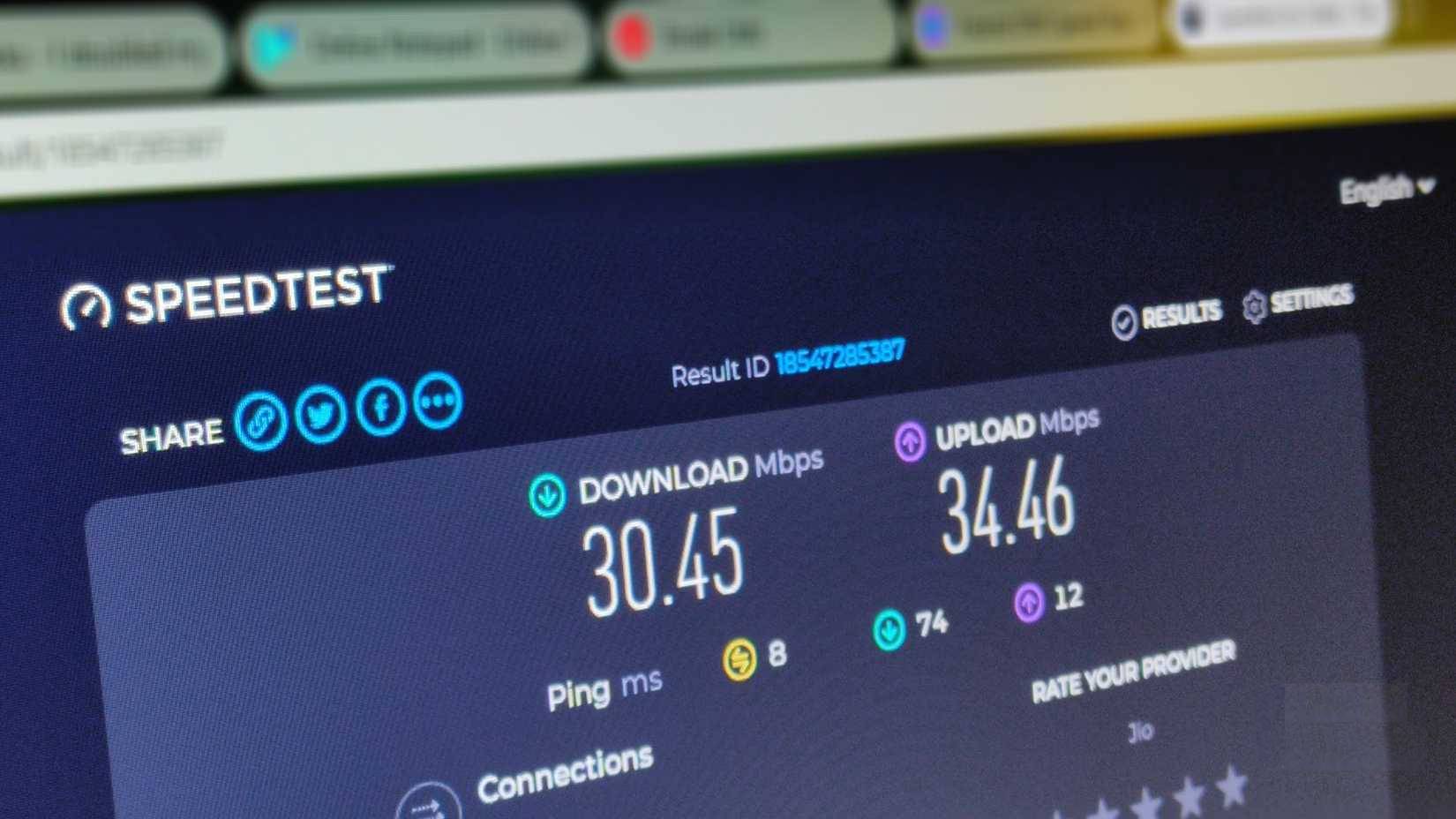
Many cable plans offer higher download speeds than upload speeds. Cable networks historically devoted more capacity to downstream traffic, but the available upload speed depends on the provider's network and plan. Newer DOCSIS deployments can improve upstream capacity, so check the actual service offered at your address rather than assuming all cable connections have the same limits.
Downloads matter for streaming, browsing, and software updates. Uploads matter for video calls, sending large files, and cloud backups. Online gaming also depends on latency, jitter, and packet loss; a high advertised download speed alone does not guarantee smooth play.
When cable internet makes sense
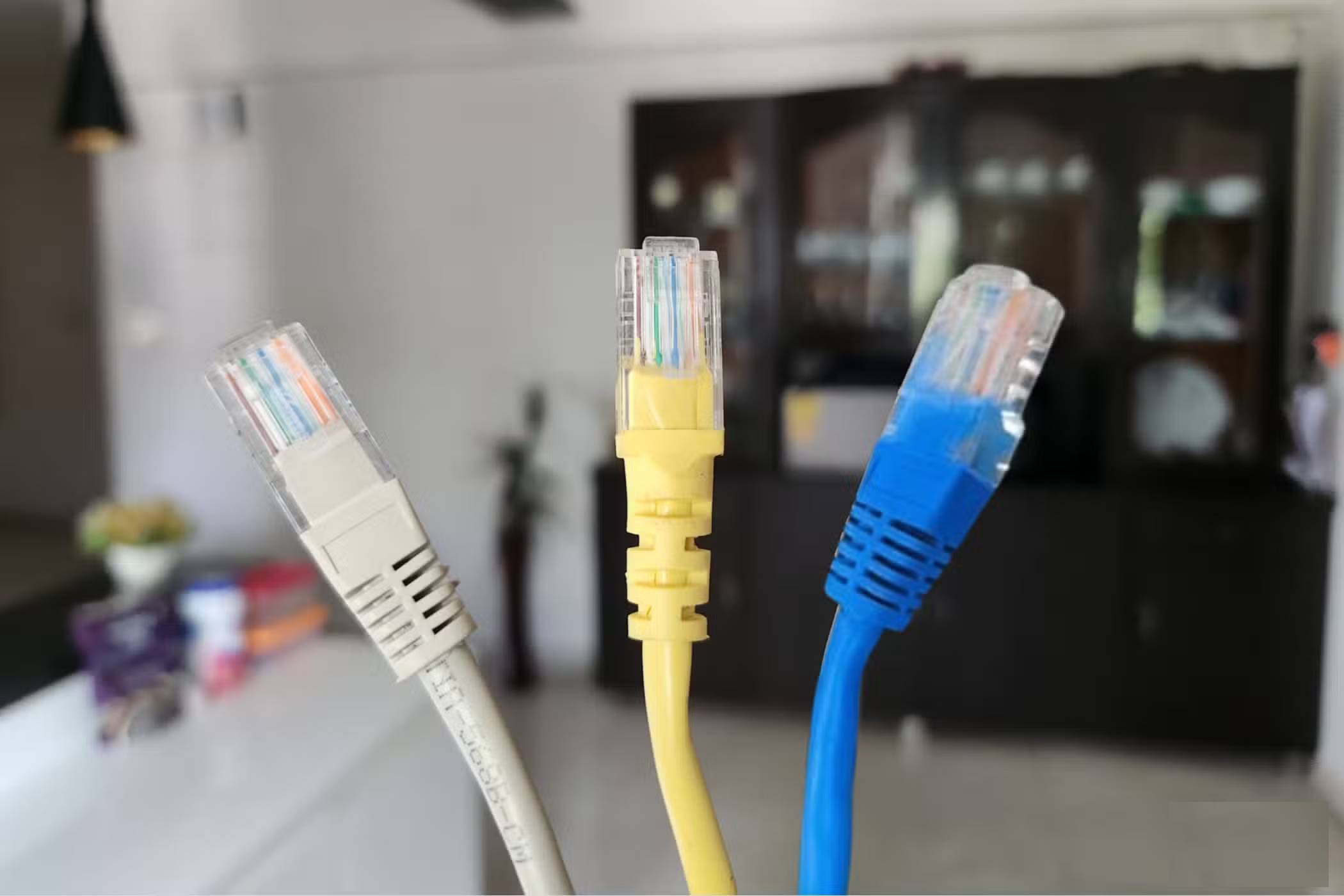
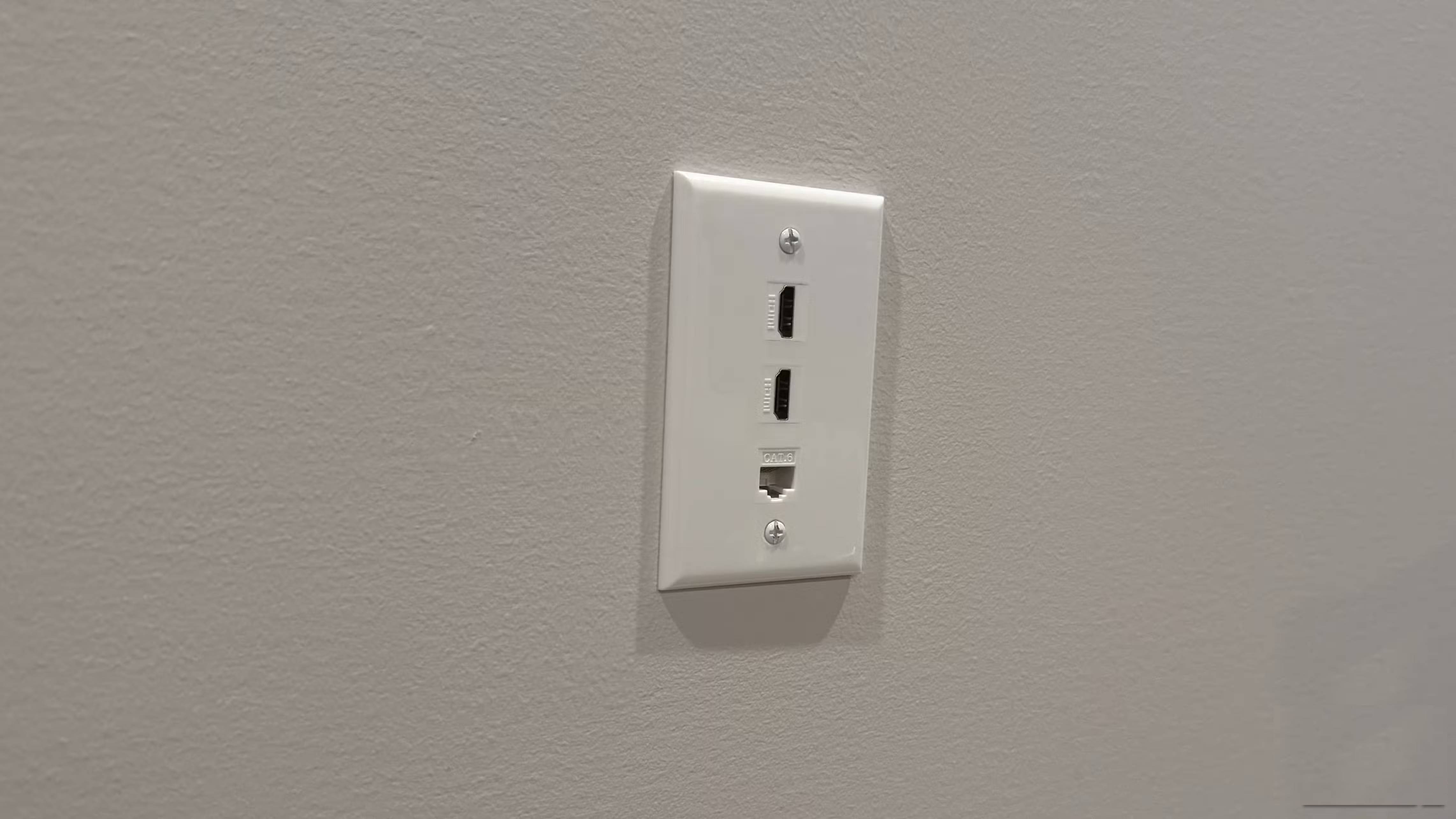
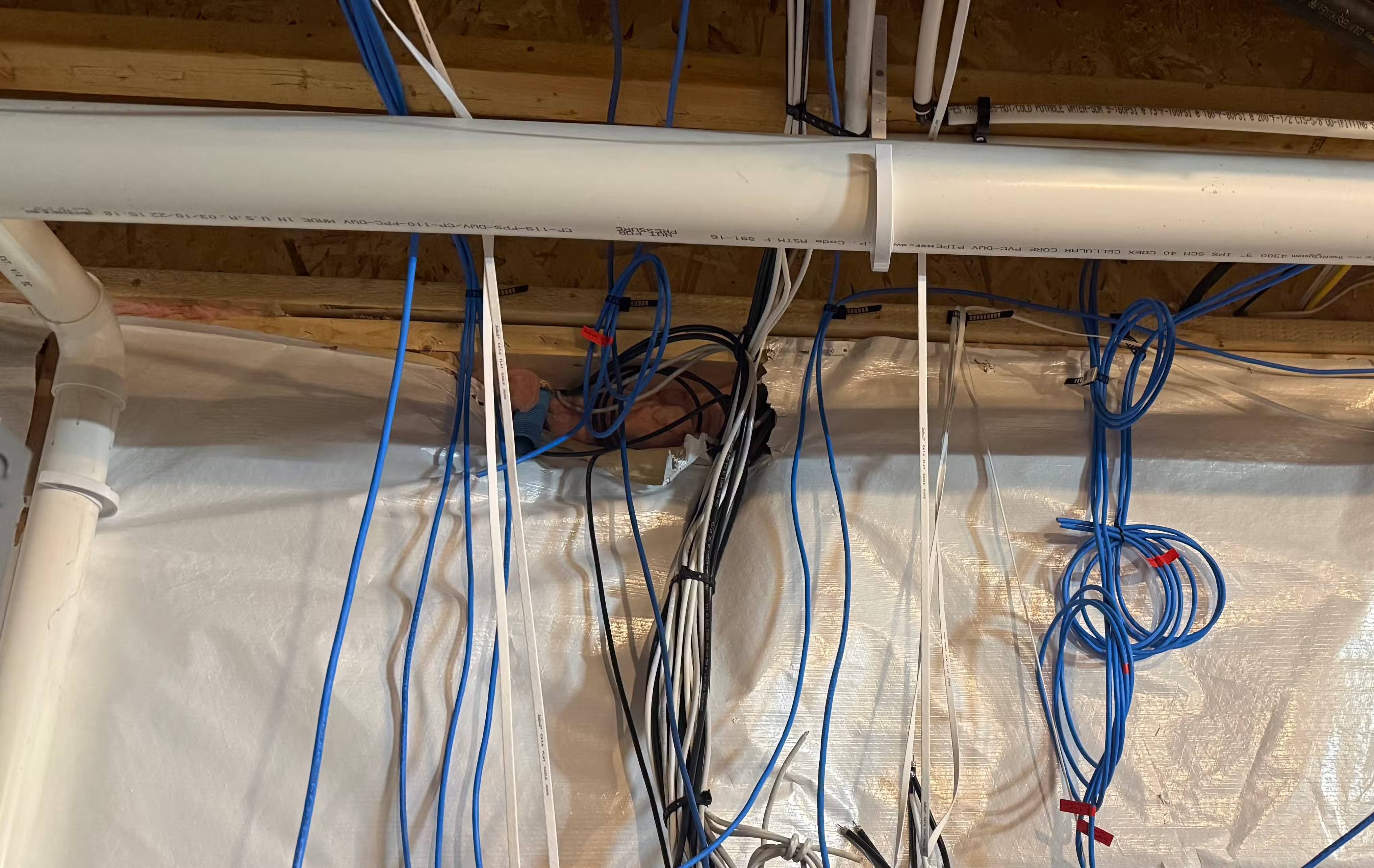

Cable is worth considering when fiber is unavailable, installation is straightforward, or a cable plan offers better value for your household. An existing coax outlet may simplify installation, but the provider must confirm that the wiring and equipment are suitable.
- Everyday use: a plan with adequate download and upload capacity can support streaming, browsing, and remote work.
- Existing service: if your connection already meets your needs, a different cable type is not by itself a reason to switch.
- Heavy uploads: compare cable's upstream allowance with any available fiber plan, especially for frequent backups or large media files.
What to check before choosing a plan
- Confirm availability at your exact address, including any installation requirements.
- Compare both download and upload speeds, data limits, equipment charges, and the price after promotional discounts end.
- Ask which modems are supported before buying equipment. An old modem may limit the service you can use.
- Assess performance during the hours you normally work or stream. Local congestion, wiring faults, and Wi-Fi coverage can all affect the experience.
If you already have cable service, check your upload and download speeds. Test over Ethernet where possible to separate the broadband connection from Wi-Fi problems. Choose the service that performs well for your actual activities, rather than treating coax or fiber as a guarantee of quality.
Related Articles
 How to Identify Coaxial Cable Type6 minutes read
 How to Connect Coaxial Cable Ends: Clear Instructions10 minutes read
 The Way That 5G Will Change Internet Connection in Your Home11 minutes read
 How to Unscrew a Coaxial Cable from Audiovisual Equipment9 minutes read
 Why Is Upload Speed Usually Much Slower Than Download Speed?7 minutes read
 2 AAG and APG Fiber Optic Cable Routes and Intermittent Interrupt This Weekend, Internet Connection4 minutes read
Reader Comments 0
Sign in with email or Google to join the discussion.