Table of Contents
An Ethernet cable can cause a slow or unreliable connection, but its category label is only one part of the diagnosis. A damaged connector, poor termination, or a 100Mbps device port can be the bottleneck even when the cable is Cat6. Check the negotiated link speed and test a known-good cable before replacing wiring.
Read the cable label without assuming the result
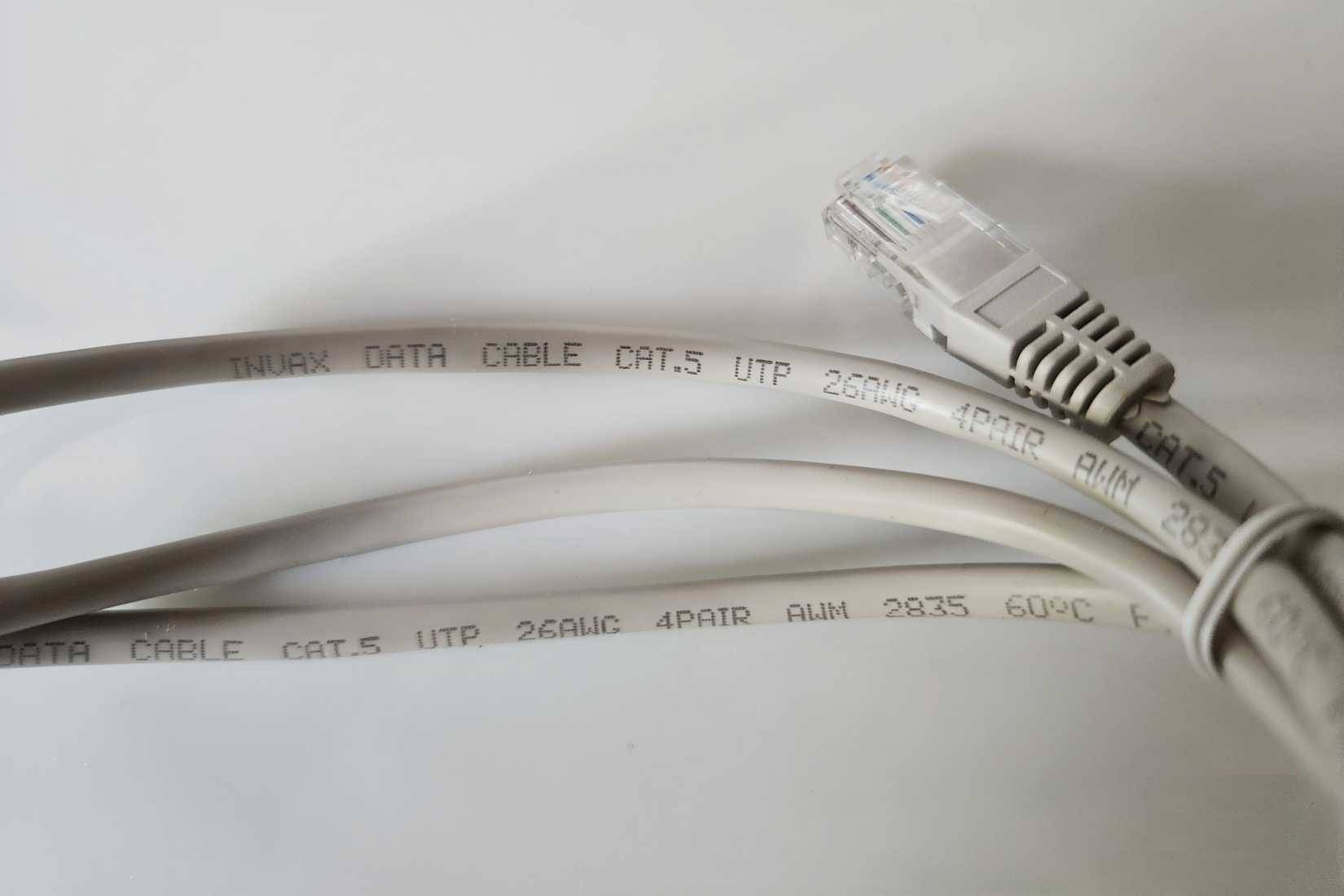
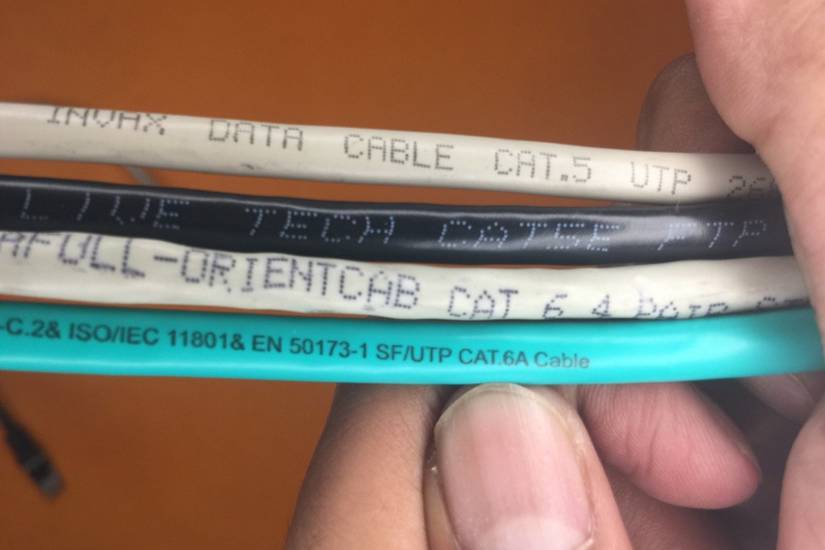
Cat5e and Cat6 are cabling performance categories. Properly installed, compliant Cat5e is suitable for Gigabit Ethernet over a standard channel of up to 100 meters, including patch leads. It is not merely a short-distance laboratory option. Even older Cat5 installations should be tested rather than automatically blamed for a 100Mbps connection.
The printed category does not prove that a cable is well made or correctly terminated. Use reputable, standards-compliant components and compatible connectors. Customer speed-test reviews alone cannot establish a cable's certification.
Check every port in the connection
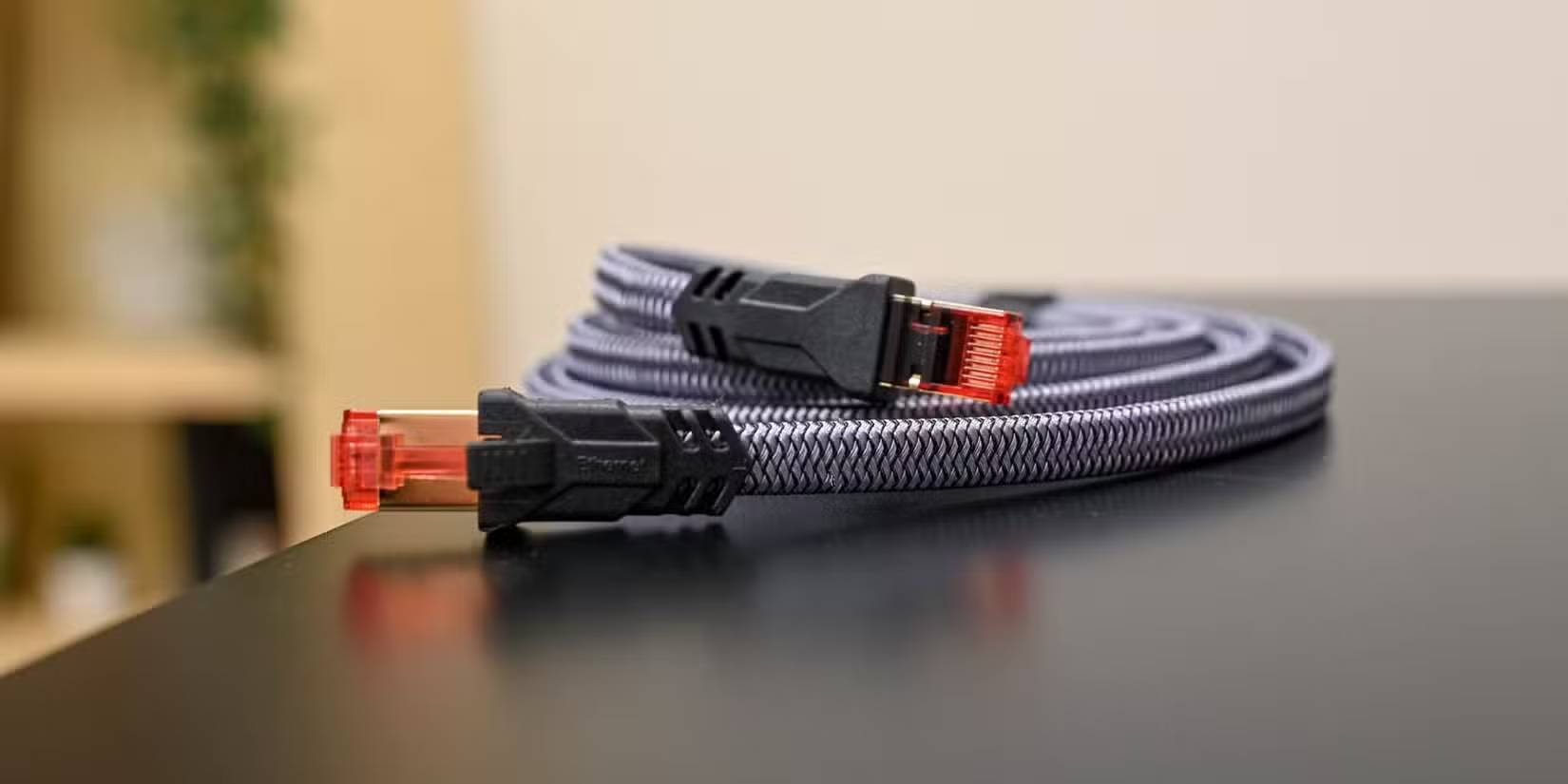
The computer, router, switch, wall outlets, and patch leads all affect the path. If one device has only a 100Mbps Ethernet port, a faster cable cannot make it negotiate a gigabit link. Some TVs have such ports, so check the manufacturer's specification before blaming an internet plan or in-wall cable.
Also distinguish the local Ethernet link from internet throughput. Your broadband service, remote server, router load, and application can limit a speed test. See how to check upload and download speeds for that separate measurement.
Test a slow connection in a useful order
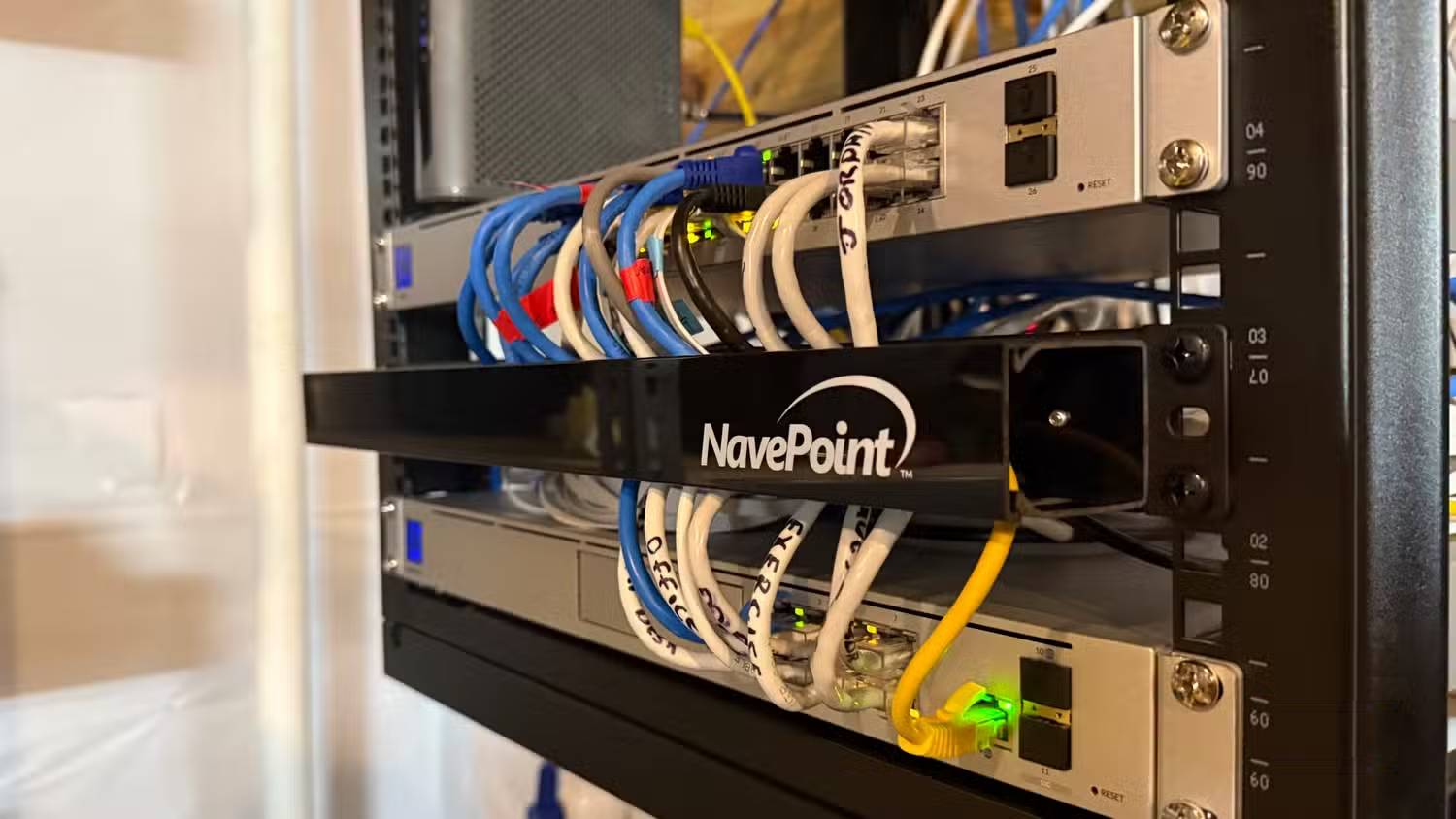
- Check the connected device's network status or the switch's management interface for the negotiated link speed.
- Confirm that both endpoint ports support the speed you expect. Leave speed negotiation on its normal automatic setting unless the manufacturer directs otherwise.
- Replace the short patch lead with a known-good cable and retest.
- Try another suitable port. Inspect plugs for loose contacts, damaged clips, or visible damage.
- If the problem remains on an in-wall run, have the run and its terminations tested. A basic continuity test does not prove that the cable supports the intended data rate.
When a cable upgrade is useful
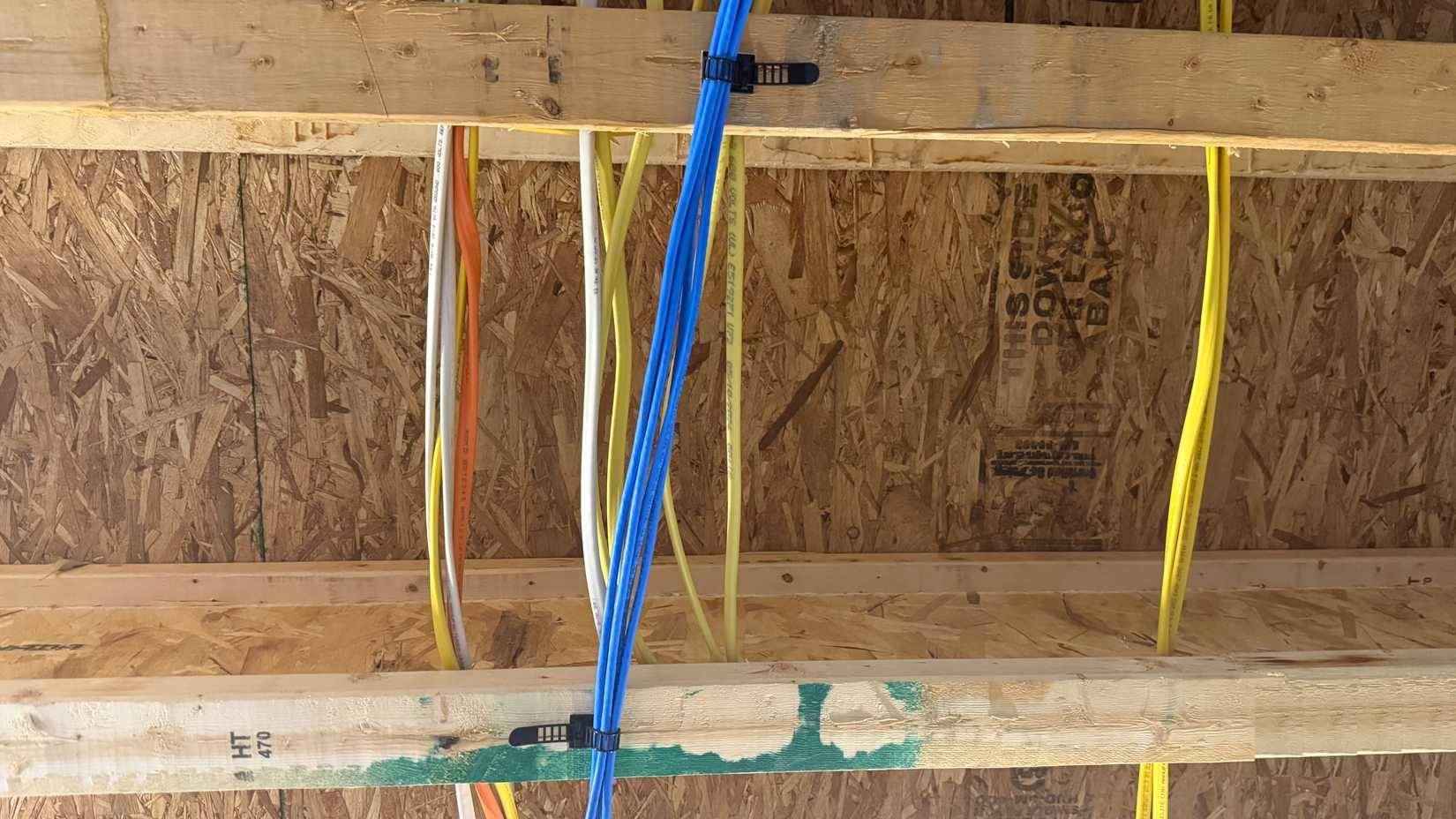
For an existing gigabit connection that works reliably, replacing Cat5e with Cat6 may not improve speed. For new wiring or faster equipment, choose a category appropriate to the target Ethernet standard, channel length, and installation conditions. Cat6 is available in shielded and unshielded forms; shielding is not automatic simply because the category is higher.
If making your own patch cables, follow the correct pair layout and use connectors intended for the cable's conductor size and type. See Gigabit Ethernet cable construction for background.
Inspect fixed wiring before pulling a replacement
A hidden cable may be stapled, sharply bent, joined, or routed through inaccessible spaces. Do not assume that attaching a new cable to it and pulling will be safe or successful. Check the route and building requirements, including separation from mains wiring, or ask a qualified installer. Replace the part proven to be faulty rather than treating every slow connection as a reason to recable the home.
Related Articles
 The 5 Top Cat 8 Ethernet Cables of 2024: Recommended Choices6 minutes read
 How to Protect an Outdoor Ethernet Cable6 minutes read
 Ethernet Cable and How It Works6 minutes read
 How to Connect a Projector to a Computer or Laptop20 minutes read
 How to Create an Ethernet Crossover Cable8 minutes read
 What Is the Maximum Ethernet Cable Length to Not Lose Signal?5 minutes read
Reader Comments 0
Sign in with email or Google to join the discussion.