Table of Contents
The cylindrical lump near the end of some HDMI cables is usually a ferrite core inside a plastic housing. It helps suppress unwanted high-frequency electrical noise on the cable. It is not an extra connector, signal amplifier, or a sign that the cable supports a higher resolution.
What a ferrite core does
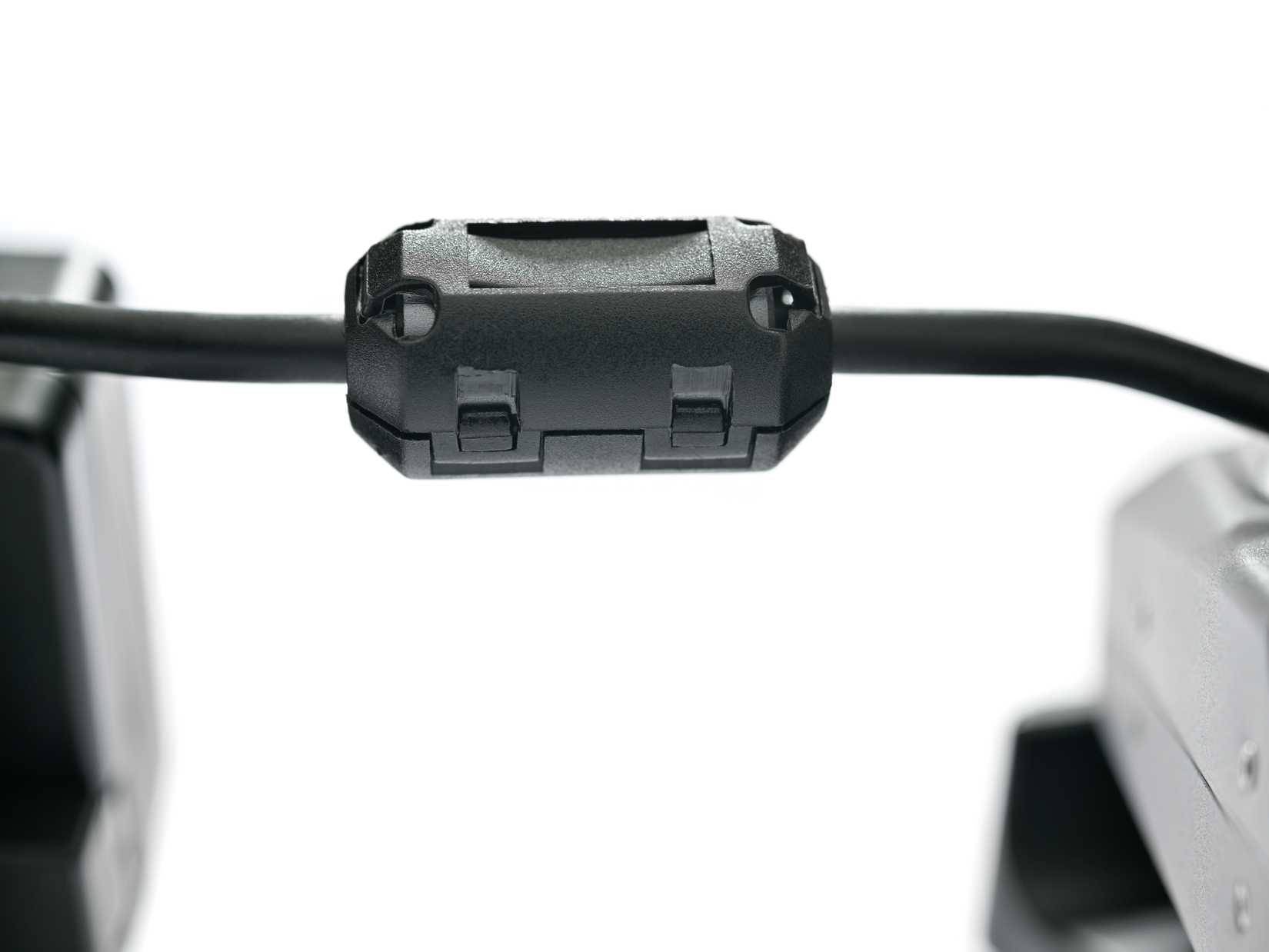
Ferrite is a magnetic ceramic material. A core around a cable adds impedance to certain noise currents, with effectiveness that depends on the material, size, and frequency. Some unwanted energy is dissipated rather than continuing along the cable.
When the core surrounds the whole cable, it is primarily used to reduce common-mode noise: currents that travel together relative to the surrounding environment. The intended differential signal behaves differently. This is why a properly chosen core can reduce noise without simply blocking the video and audio data.
Why a digital cable can need noise control
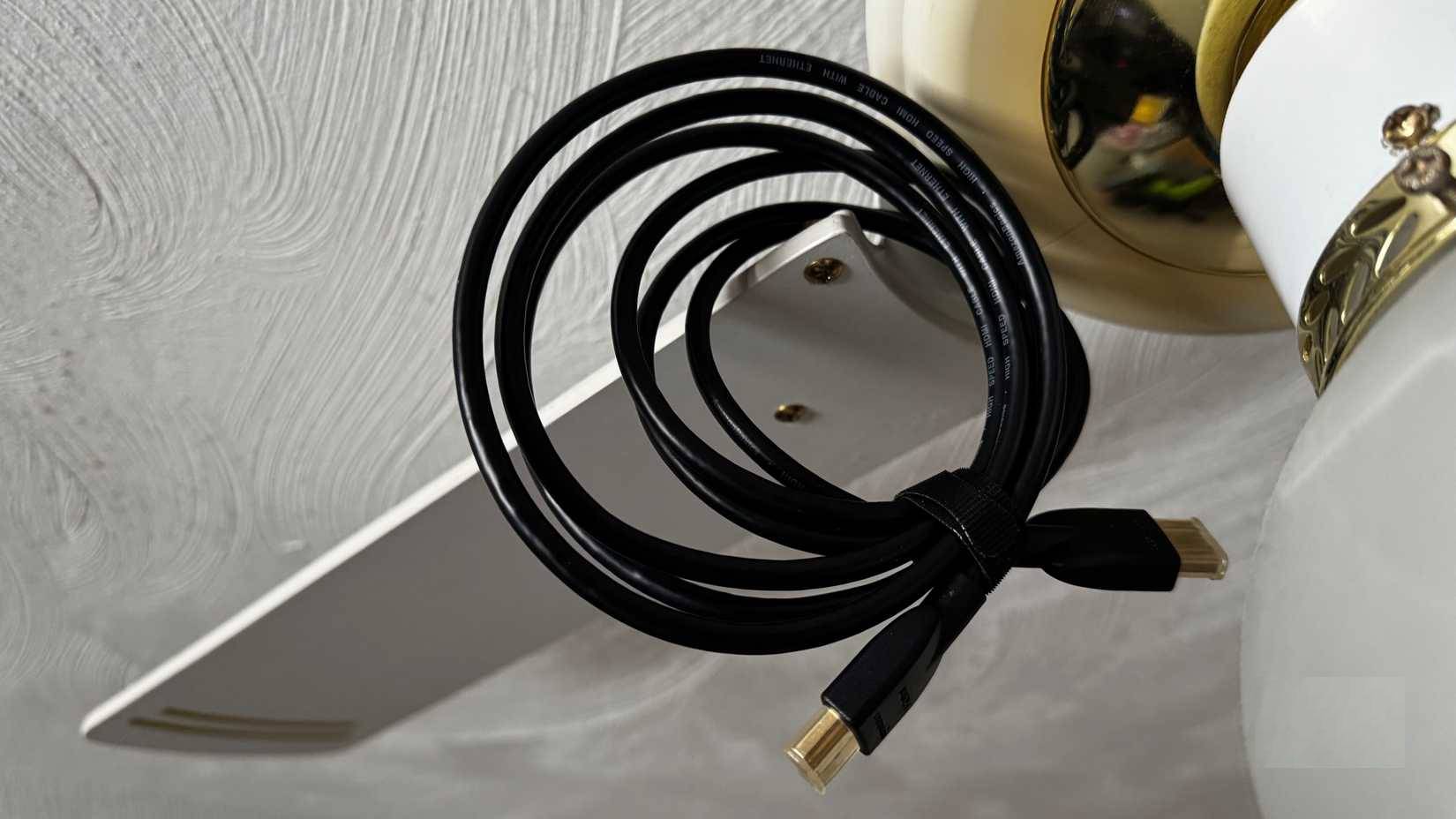
Digital connections still use electrical signals, and cables can both emit and pick up interference. Cable shielding, connector design, balanced signaling, and ferrite components can all play a role in electromagnetic compatibility. No single visible component guarantees that the complete cable is well designed.
Does the cylinder improve picture quality?
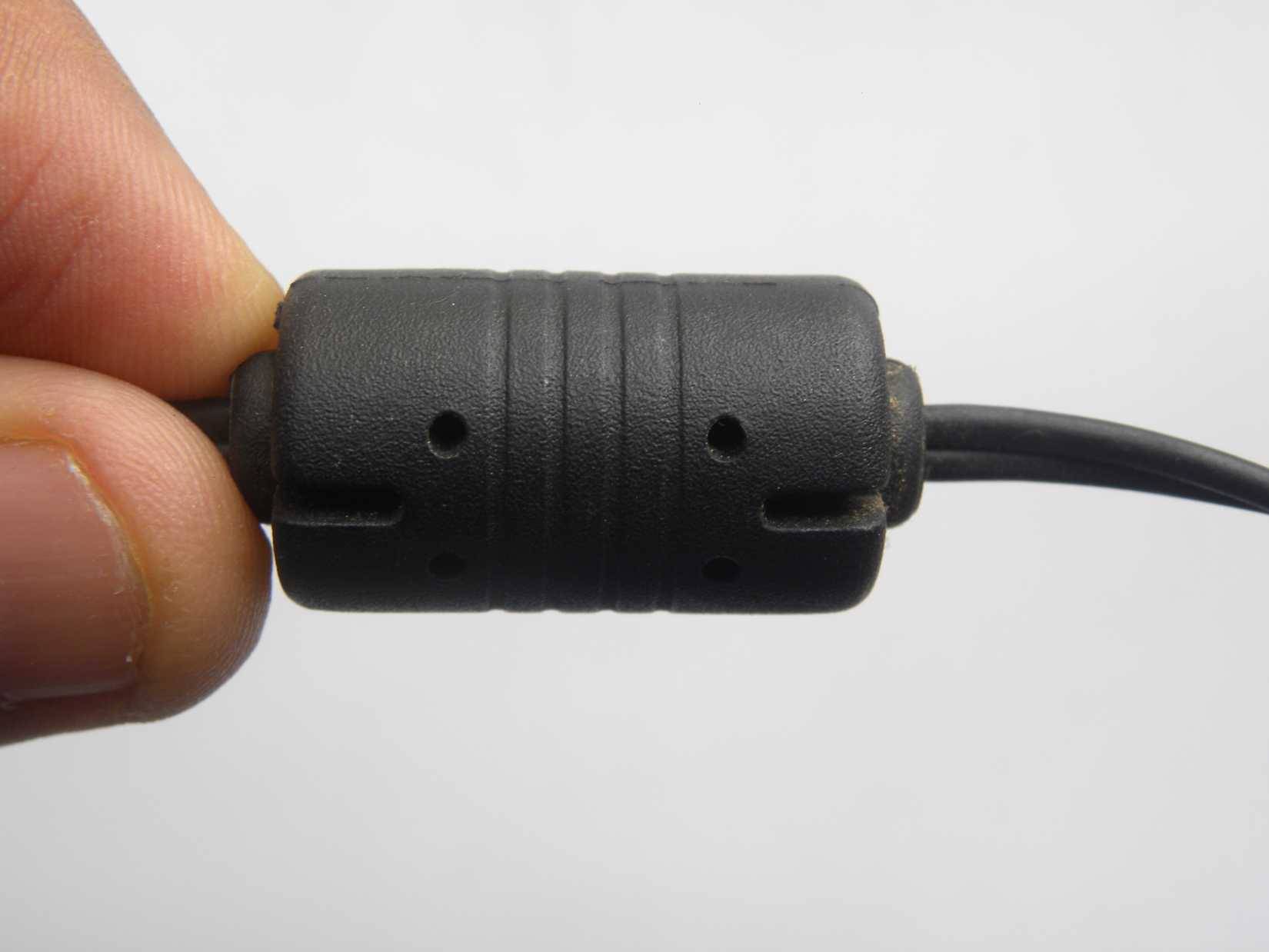
A ferrite core does not make a correctly received image sharper or add features such as HDR. It may help with a particular noise problem, but flickering or dropouts can also come from a damaged cable, an unsupported display mode, a long run, or device settings. Adding a random clamp-on core is not a reliable fix for all of those problems.
If the connection is unreliable, reseat the plugs, check the required display mode, and compare with a known-good cable of a suitable length. The HDMI connection guide covers the basic setup.
What to check when buying a cable
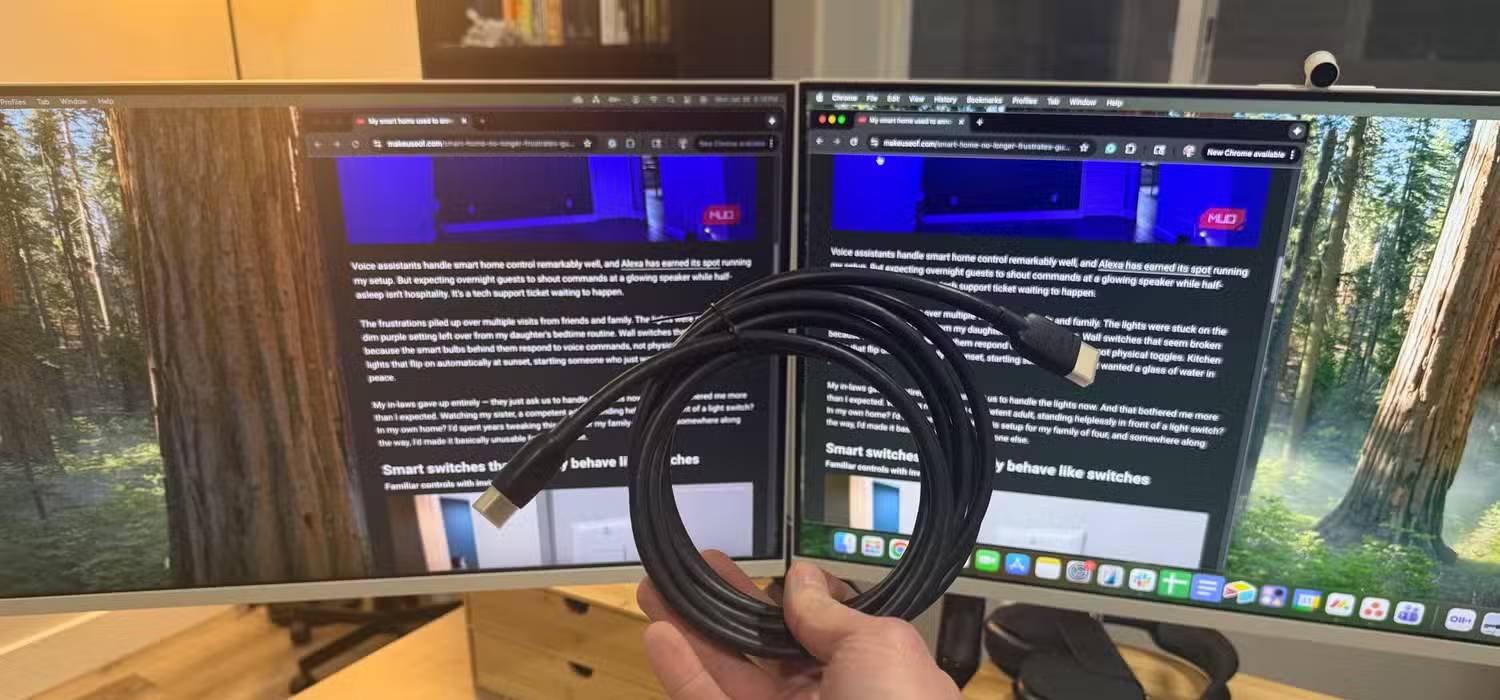
Choose the correct connector and a cable category suitable for the resolution, refresh rate, and features you need. See HDMI cable types for background. Official certification programs also test relevant cable performance and electromagnetic interference.
A cable can meet its requirements with or without a visible ferrite core. Keep an older cable if it reliably supports your setup; age alone is not a reason to replace it. Leave a molded-on core intact, since cutting it away can damage the cable and change its noise behavior.
Related Articles
 Best Hdmi Cable for Monitors, Lg Tvs, Samsung and Apple Tvs8 minutes read
 Which HDMI Cable Brand Is the Best and Highest Quality?8 minutes read
 Unexpected Results from Testing Cheap HDMI Cables: Explained8 minutes read
 How Many Types of HDMI Cables Are There? HDMI Cable Classification8 minutes read
 Cable: How to Install a Uhf Connector10 minutes read
 What Is HDMI? Features, Uses, and Key Details7 minutes read
Reader Comments 0
Sign in with email or Google to join the discussion.