Table of Contents
You can use Grok to draft a small program, explain unfamiliar code, and work through an error. Treat its answer as a starting point: run the code in your own environment, inspect the behavior, and test edge cases. A chat response alone cannot establish that a program works.
1. Start a coding conversation
Open Grok and state the language, the input and output, any libraries you can use, and how you plan to run the result. The model and tools available in the interface may depend on your account; the specific model names and plan allowances change. For a beginner, a narrow request such as one JavaScript function is easier to verify than an entire app.
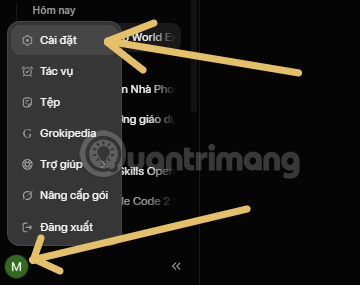
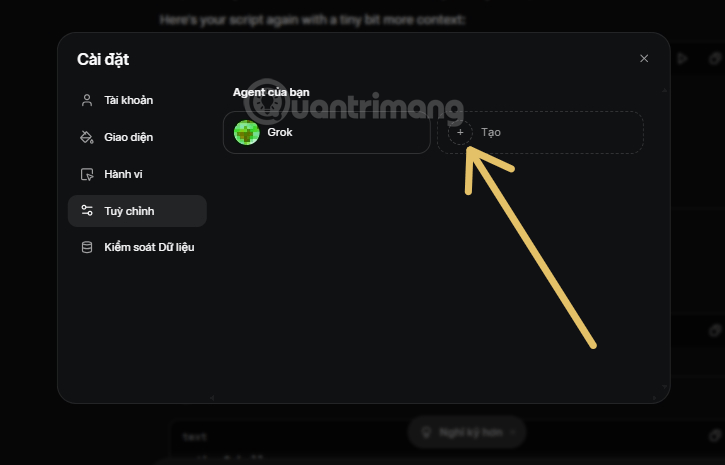
If your interface offers custom agents, the settings and instruction screens below show how to create a reusable coding assistant. Keep instructions short and concrete: “Explain the approach, provide runnable code, state assumptions, and include tests for empty and invalid inputs.” You can also put that instruction in an ordinary chat without creating an agent.
2. Give Grok a testable specification
For example, ask: “Write a JavaScript function sumEven(numbers) that returns the sum of even integers. Use filter and reduce. Return 0 for an empty array. Show the result for [1, 2, 3, 4] and [-2, 0, 5]. Explain how to run it.” This states the expected behavior and makes the output easy to check.
const sumEven = (numbers) =>
  numbers.filter((number) => number % 2 === 0)
    .reduce((total, number) => total + number, 0);

console.log(sumEven([1, 2, 3, 4])); // 6
console.log(sumEven([-2, 0, 5]));    // -2
console.log(sumEven([]));            // 0
The initial value 0 in reduce makes the empty-array case work. This example assumes the array contains numbers; if untrusted input is possible, ask Grok to validate it and test the validation. For an introduction to the language, use TipsMake's JavaScript fundamentals course.
3. Run it, then debug the actual failure
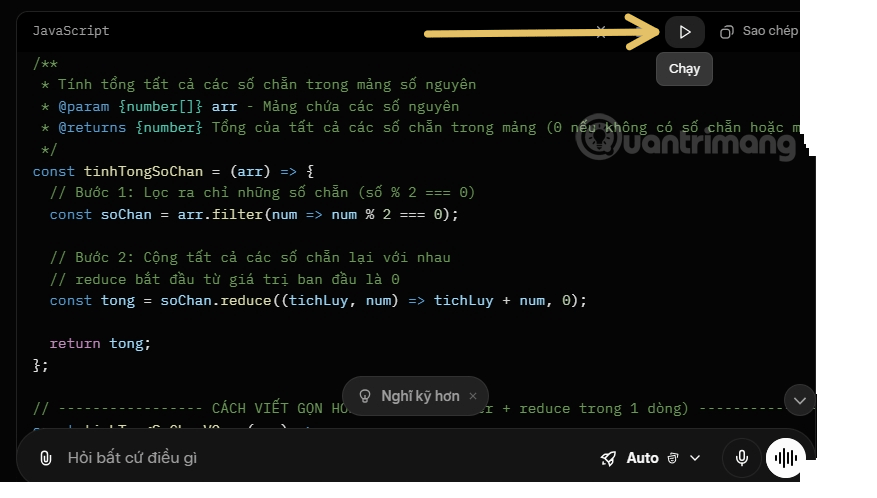
Copy a small snippet into a local file or the relevant editor and run it with the runtime you use for that language. If Grok offers a Run or Preview control, it can help you inspect a quick example, as the screenshots illustrate; availability and behavior vary by interface. A browser preview of JavaScript is different from executing a Python program that needs installed packages.
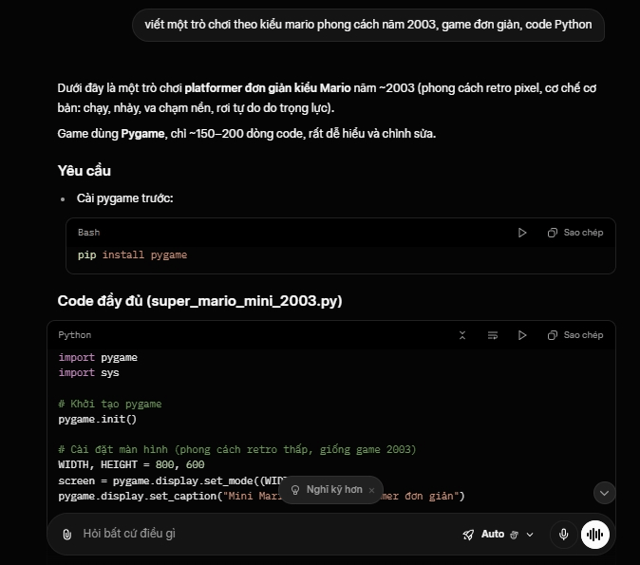
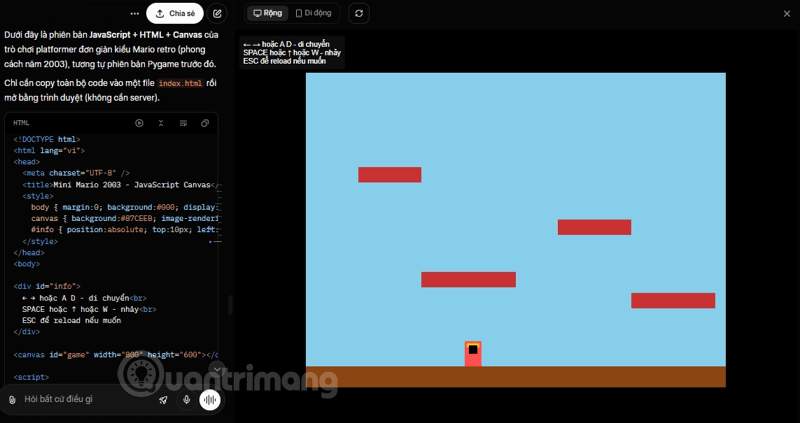
When something fails, send the minimal relevant code, the exact error message, the command you ran, and what you expected. Ask: “Explain why this fails, change only what is needed, and give one test that would catch the bug.” Avoid pasting API keys, private repository secrets, or confidential data. The TipsMake guide to debugging Node.js in VS Code covers a local debugging workflow.
4. Build up to a project in small steps
For a to-do page, first request adding and rendering tasks, then add completion and deletion, and finally save tasks in localStorage. After each step, run the app and check both normal and empty states. For a Python guessing game, request input validation and a replay loop as separate improvements. This gives you a working baseline when a later change breaks something.
For repo-wide work, xAI documents Grok Build as a separate coding agent. Check its setup and permissions before granting repository or command access. The ordinary Grok chat tutorial above does not require that agent or an IDE integration.
Related Articles
 More Professional, Easier Programming with Grok's Files Feature6 minutes read
 Experience the Hilarious Grok AI Chatbot on X3 minutes read
 Negative Prompt AI Techniques5 minutes read
 How to Export a PDF File in Grok: Step-by-Step Guide5 minutes read
 What Is the Project Feature in Grok AI? How to Effectively Manage Your Projects with Grok10 minutes read
 Guide the Most Simple and Effective Way to Write Easy-to-read5 minutes read
Reader Comments 0
Sign in with email or Google to join the discussion.