Table of Contents
Explore cable standards are quite complicated.
Problems with USB-C are well-documented. Ports and cables aren't labeled correctly, devices and cables don't meet the same basic specifications, and using the wrong type can damage your equipment. These issues are a headache for the average user. However, we can't blame USB-C for these problems. In fact, they are a result of USB-C doing exactly what it was designed to do.
USB-C is a connector, not a protocol
USB-C cables and accessories can support a variety of different protocols
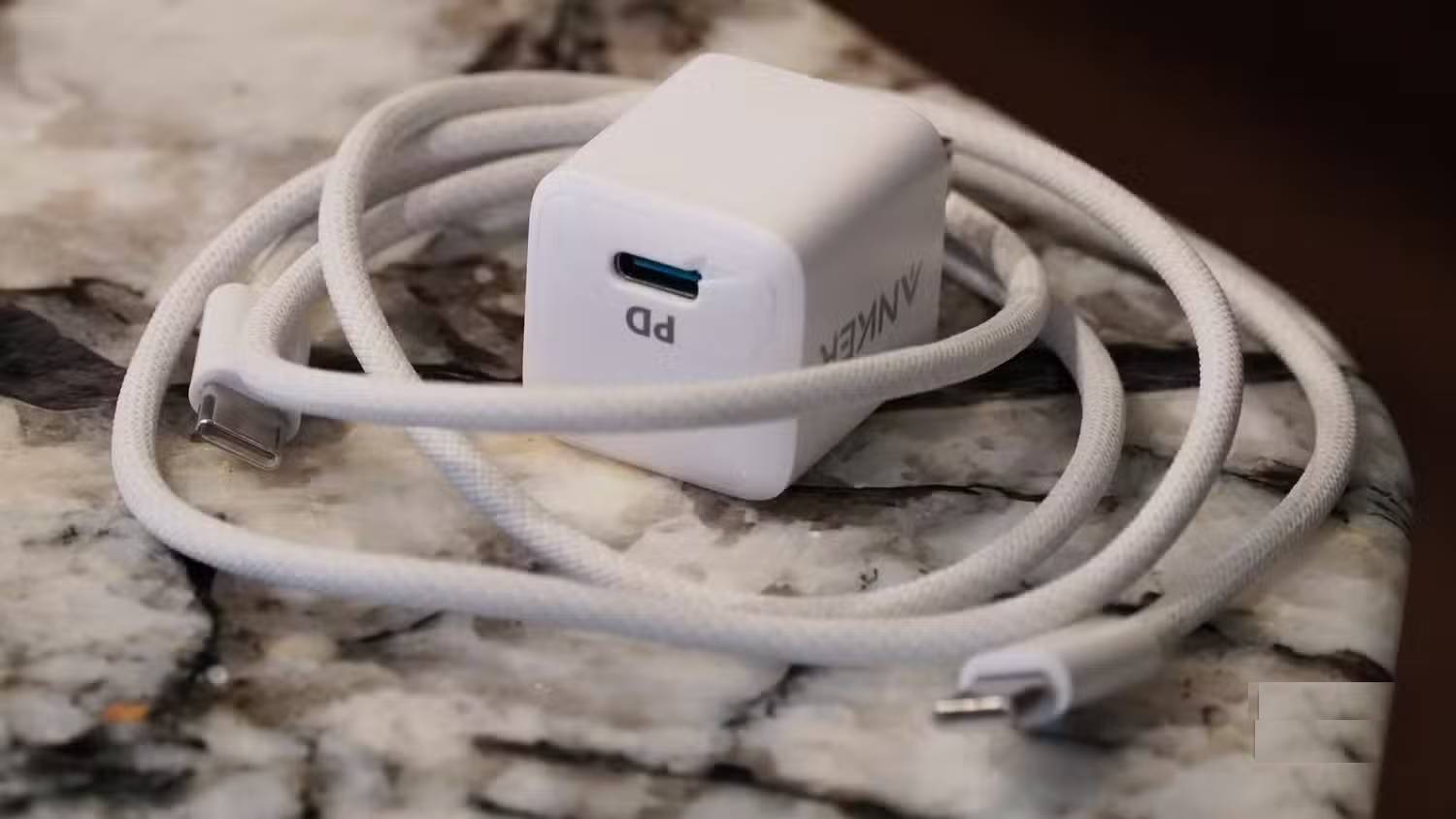
To understand the purpose of USB-C, and why it seems to be underperforming, we need to distinguish between a connector and a protocol. A connector is a physical interface that connects one device to another, an accessory, or a power source, usually in the form of a port, plug, or socket. Cables plug into the connector using conductors that typically match the pinout of the port they are connecting to. Meanwhile, a protocol defines how devices and accessories "communicate" with each other using the connector. For example, USB Type-C is a connector, but Thunderbolt 4 is a protocol.
If this distinction seems entirely new, that's for a reason. Universal connectors like USB-C allow multiple protocols to use the same type of port and cable. Previously, this wasn't possible. Cables or ports using HDMI or DisplayPort connections were easily identifiable because they used a separate connector. Now, protocols like HDMI Alt Mode or DisplayPort Alt Mode allow these communication standards, once exclusive to separate connectors, to transmit data via USB-C.
Previously, you could distinguish a 140W power cable from a 5W power cable because one used a larger jack or MagSafe connector, while the other used a smaller USB Micro-B or Lightning connector. Today, cables of different wattages may use the same USB-C connector, but support different USB Power Delivery protocols. The differences still exist – you just no longer see them.
The protocols complicate the USB-C connector
When too many protocols use the same connector, it becomes a problem
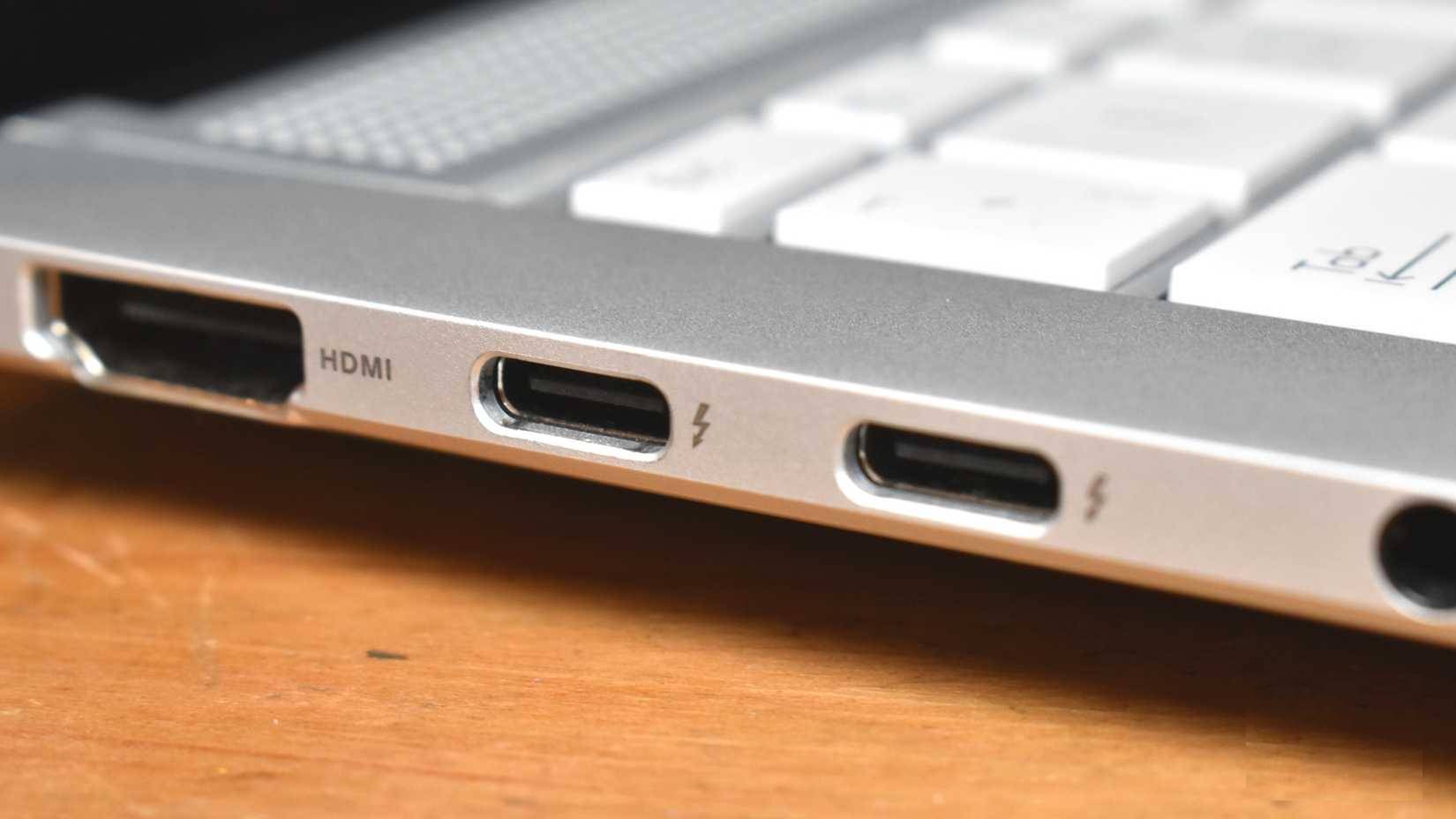
USB stands for Universal Serial Bus and is governed by the USB Implementers Forum (USB IF). The standard has always been complex because USB itself represents both a protocol and a connector. USB Type-A, USB Type-B, and USB Type-C are all connectors, while USB 3.1 Gen 2, USB 3.2, and USB 4 are protocols. The USB IF organization has historically done a poor job of naming and branding the protocols supported by USB connectors. For example, USB 3.1 Gen 1 was originally called USB 3.0 before being renamed and split into USB 3.1 Gen 1 (5Gbps) and Gen 2 (10Gbps).
USB-C presents more challenges because this connector is used for multiple protocols – it's not limited to just the USB standards. In addition to USB 3.1 Gen 2, USB 3.2, and USB 4, the USB-C port can also support Thunderbolt, PCIe, DisplayPort, and HDMI protocols. This connector also works with charging protocols, specifically USB Power Delivery (USB PD), which dictates how devices and chargers communicate with each other. USB PD works with optional standards, such as Programmable Power Supply (PPS), allowing devices to require specific charging voltages.
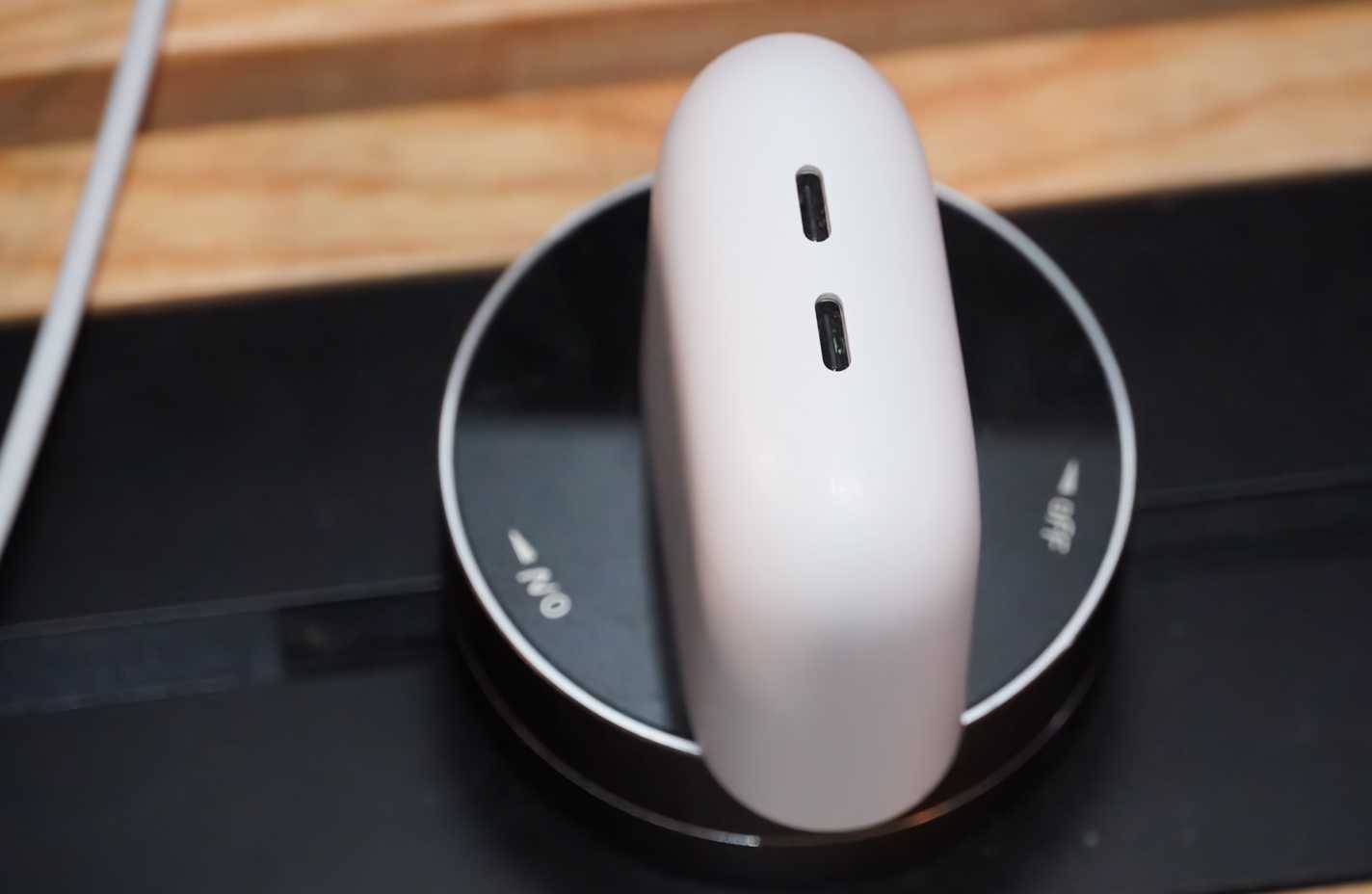
The USB IF organization has released a detailed specification for USB Type-C, clarifying all the functions of a USB-C port or cable, but only a few of those features and protocols are mandatory. Due to the versatility of a multi-purpose connector like USB-C, there is a certain degree of inconsistency. You might buy a USB-C cable that supports Thunderbolt 4, enabling features like fast charging, display support, and high-speed data transfer. Meanwhile, a seemingly identical cable might only support slow charging and slow data transfer.
To make things more complicated, many companies have decided to ignore some of the USB-C specifications that USB IF mandates. This has resulted in a plethora of non-standard USB-C ports, cables, and adapters. Some inexpensive devices are sold with USB-A to USB-C cables in the box because they lack the necessary communication chip for safe use with USB-C to USB-C cables.
A technical report from Texas Instruments notes that a survey of USB-C cables available on Amazon revealed that 28% of them did not comply with the standard. The danger of using non-compliant cables is real – they can damage your devices due to not transmitting the correct amount of power.
Is there a way to repair a USB-C connector?
Probably not, because these are inherent flaws of universality
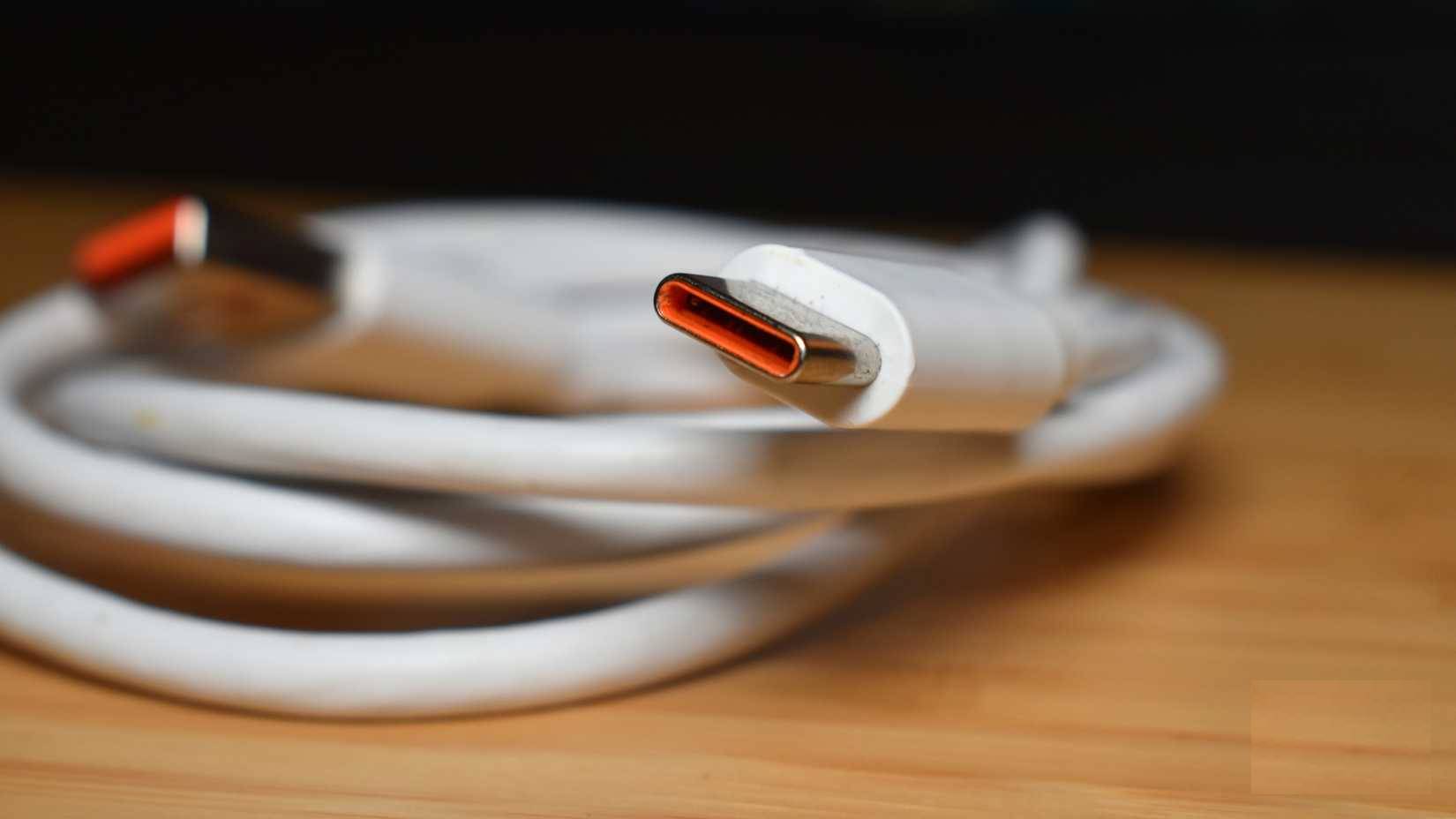
If you're frustrated by the complexity of USB-C cables, it's important to remember that your problem isn't actually with USB-C itself. The problem lies with the protocols that use USB-C ports and cables. There are several changes that can be made to simplify things, and USB IF is starting to implement them. For example, cables are now labeled with their speed capabilities in Gigabits per second (Gbps) instead of their official names.
However, the USB IF (USB Interface) can only do certain things when the USB-C connector is used by USB, Thunderbolt, PCIe, DisplayPort, and HDMI communication protocols—not to mention the vast number of incompatible cables and connectors. The USB IF can only control one of those protocols, and the rest are beyond its control. The confusion about whether a cable supports USB 4, DP Alt Mode, or Thunderbolt isn't simply a USB-C issue, but a labeling problem.
There's no way to fix the problems with USB-C while keeping the connector universal. Branding and labeling will certainly help. Let's start by labeling cables as specifically as possible, noting each protocol and charging method the cable supports.
The bigger problem is that it's unsolvable because it's an inevitable consequence of using universal connectors. Everyone used to hate proprietary cables and ports, but at least they were easily recognizable and distinguishable to the naked eye. Now, we have cables that look universal but have internal protocol variations that are indistinguishable without clear labeling. Unless you're prepared to go back to carrying 10 different cables, don't blame USB-C for the common problems. It's not the port or cable's fault, but the fault of the protocols that use them, and the inconsistency in supporting those protocols.
Final Thoughts
Understanding cable standards are quite complicated, but don't blame usb-c makes it easier to evaluate the information and apply the most relevant recommendations. Focus on the key points above and verify details that may change over time.
FAQ
What is cable standards are quite complicated, but don't blame usb-c?
Explore cable standards are quite complicated.
What key points does this article cover?
The article focuses on USB-C is a connector, not a protocol, USB-C cables and accessories can support a variety of different protocols, The protocols complicate the USB-C connector, with practical explanations and examples.
How can you use this information in practice?
Use the explanations to compare options, verify important details, and make a more informed decision. Apply the recommendations that best match your goals and situation.
Related Articles
 How to Press the Network Cable According to Standards a and B5 minutes read
 How to Crimp Network Cables Correctly in Just 3 Steps8 minutes read
 As of October 6, the AAG Fiber Optic Cable Is Completely Repaired3 minutes read
 Power over Ethernet Cable11 minutes read
 Optical Cable: How Are Apg and Aag Cables Different?5 minutes read
 These Are the Types of Printer Cables Needed to Connect to the Computer6 minutes read
Reader Comments 0
Sign in with email or Google to join the discussion.