Table of Contents
Explore speed-limited ethernet cables can slow down your entire network.
Wired internet speeds are ridiculous
Same network, surprisingly different results
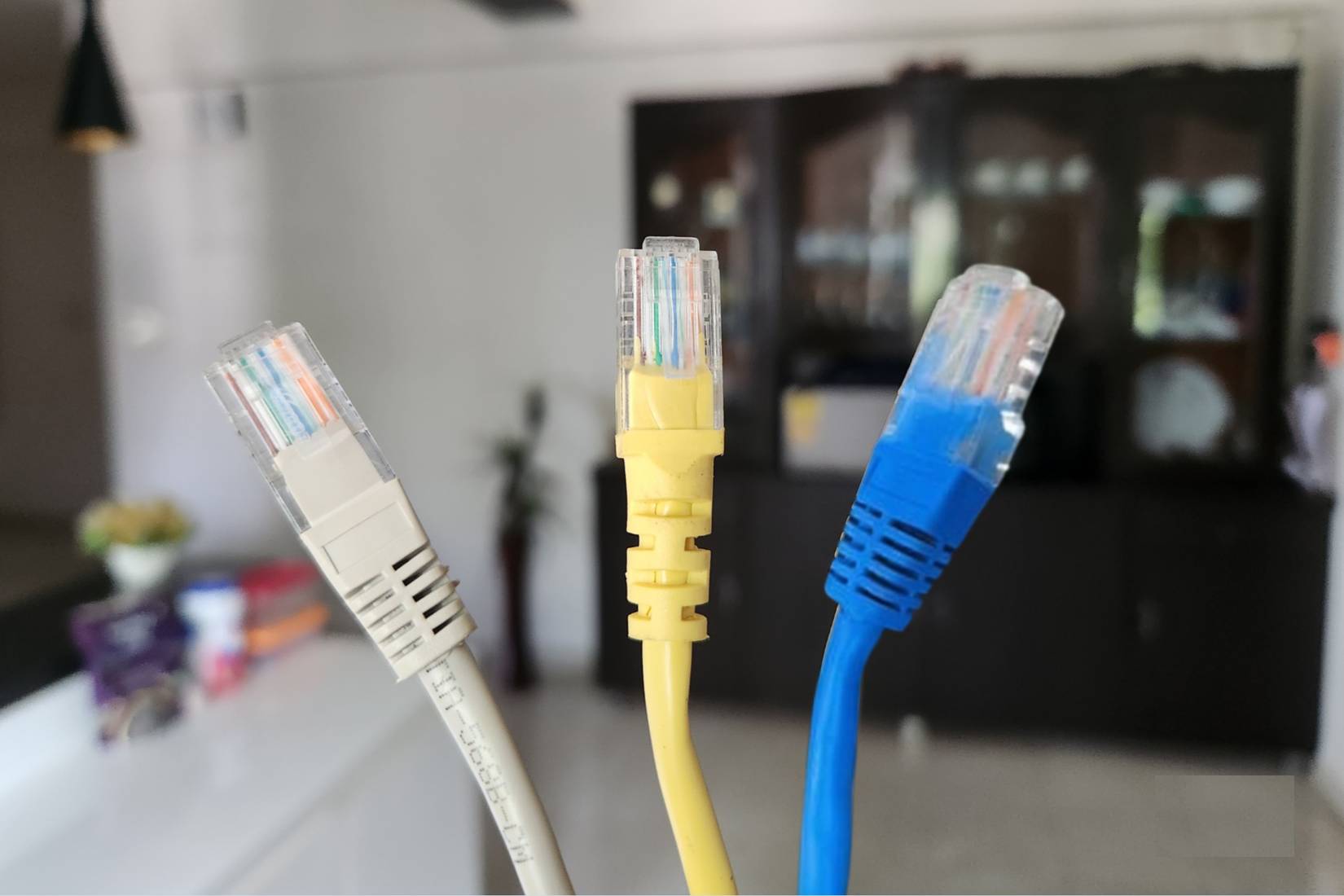
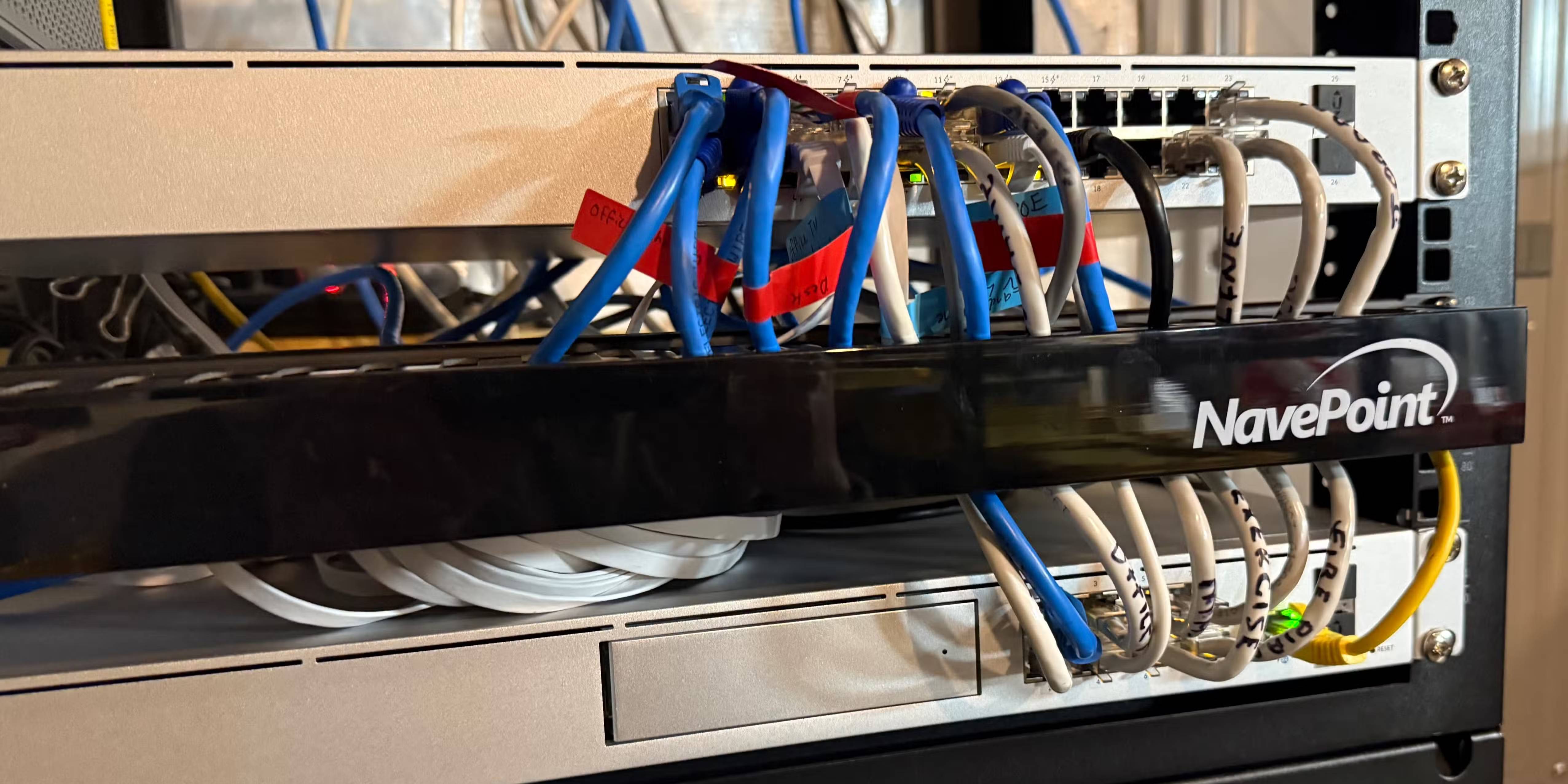
Most people's network setups aren't exactly basic. I have a Ubiquiti Dream Machine for routing, multiple Ethernet lines throughout the house, and 1,200 Mbps internet service. When I optimized my Wi-Fi channels a while back, wireless performance was much better. But the wired connection could have been faster—that's what running the cable is for. The living room setup only has a single Ethernet wall outlet behind the TV. I also added a Ubiquiti mini-network switch so I could connect both the PS5 and the TV to the router.
Most wired devices elsewhere in the house were getting 750–850 Mbps on speed tests, which is perfectly reasonable considering the cost. But the cable for the Smart TV and PS5 in the living room was maxing out at around 90–95 Mbps on a good day using the tester and the Ubiquiti app. Before that, I rebooted the TV and PlayStation about a dozen times and turned the network switch on and off. I even did a factory reset on the network adapter, thinking that maybe some settings were corrupted. But nothing changed.
The breakthrough came when I pulled a spare Ethernet cable from a drawer and connected it to the same port on my Ubiquiti router. I wanted to rule out the problem entirely with the TV, PS5, and mini switch. The speed was only 780 Mbps. It was the same port as the TV, the same network, and everything was the same—except the cable. The in-wall cable running to that location was clearly the problem, but I thought the cable was broken.
Not all Ethernet cables are created equal
Cat speed determines maximum speed
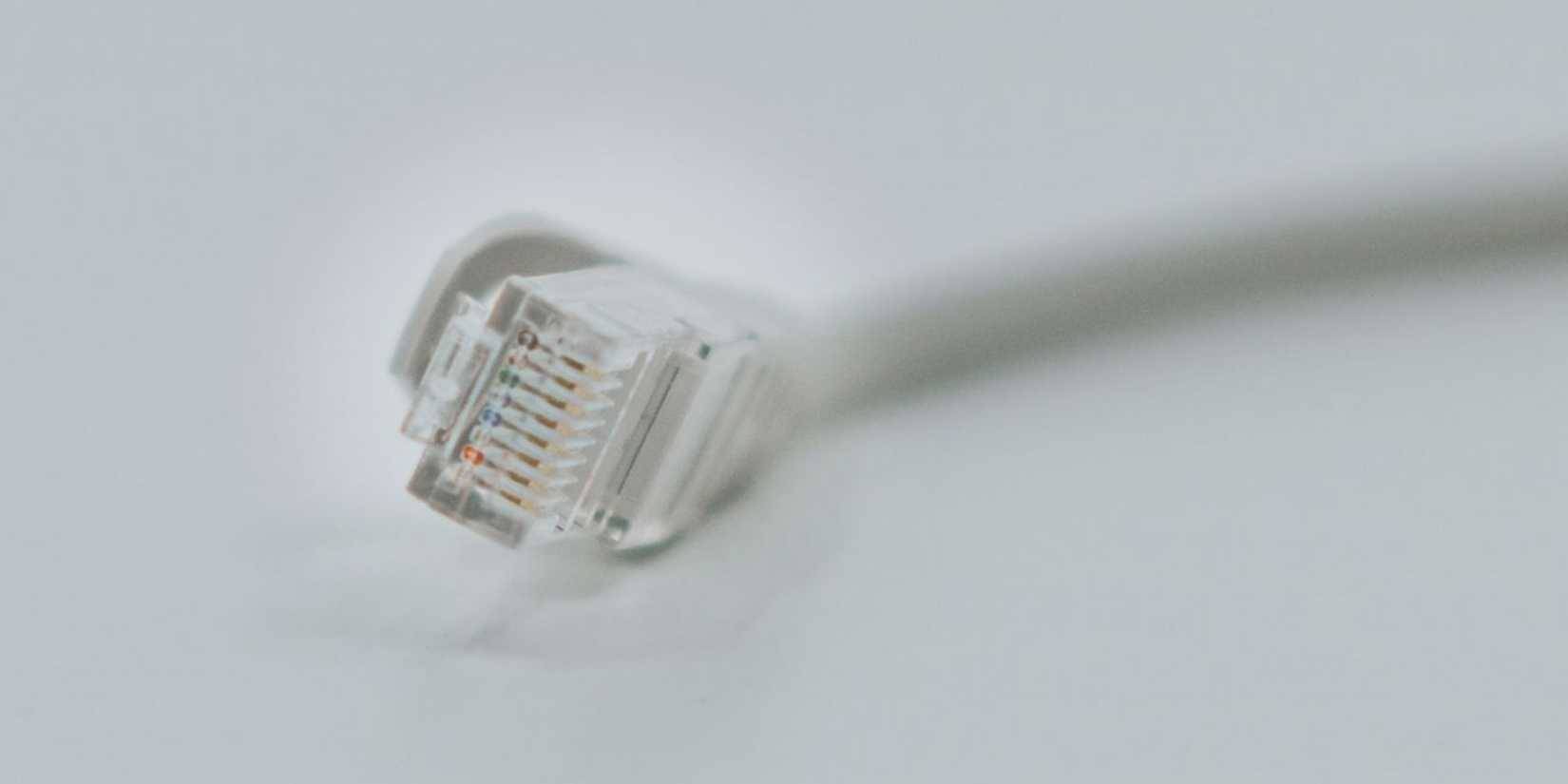
In case you didn't know this, Ethernet cables have fixed speed limits based on the type. If you look at any Ethernet cable, it will have a "Cat" designation printed along the casing. Cat5 cables max out at 100 Mbps, which seemed fast when we were excited to ditch dial-up, but not anymore. Cat5e cables push speeds up to 1 Gbps, so they handle gigabit connections well. Cat6 goes even higher, going up to 10 Gbps on shorter runs, and it reliably maintains gigabit speeds even on longer runs. There are also Cat6a and Cat7, but those are beyond what most people need at home.
The thing to note is: Your slowest cable determines the speed of your entire connection. People compare it to a highway lane, and that's basically true—it doesn't matter if you have six lanes for most of the way when everything narrows to a single lane. Your router, network switch, PS5, and TV all support gigabit. But a Cat5 cable in the chain forces everything down to 100Mbps, and 90Mbps is about the speed you'll actually get after subtracting protocol overhead.
When I was doing my own Ethernet wiring for a basement network project a year or two after moving in, I specifically purchased Cat6. Those cables were good quality. But I never actually tested all the cables the contractor had installed on the main floor during construction a few years earlier.
Find the cable causing the bottleneck
The cable jacket tells you all
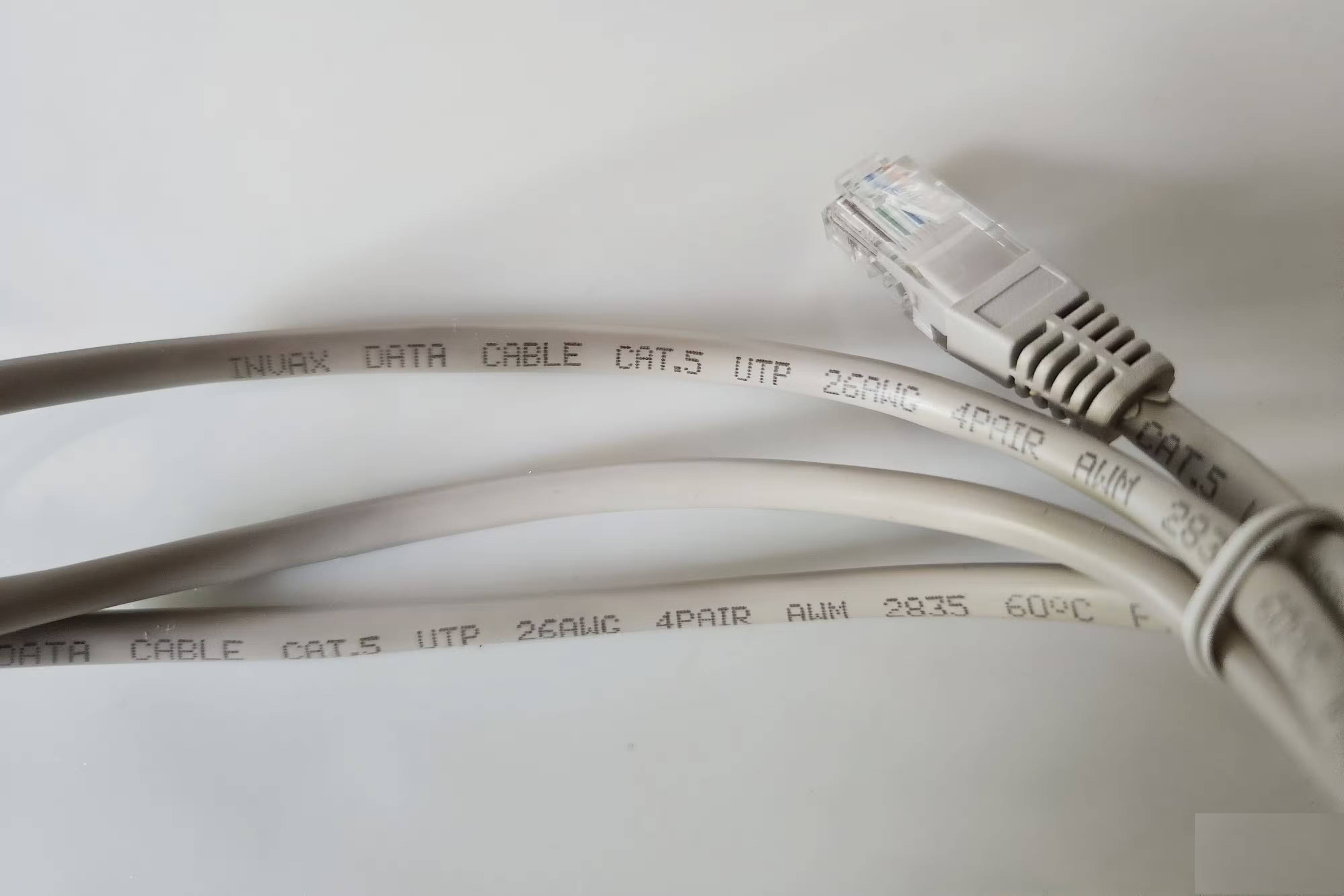
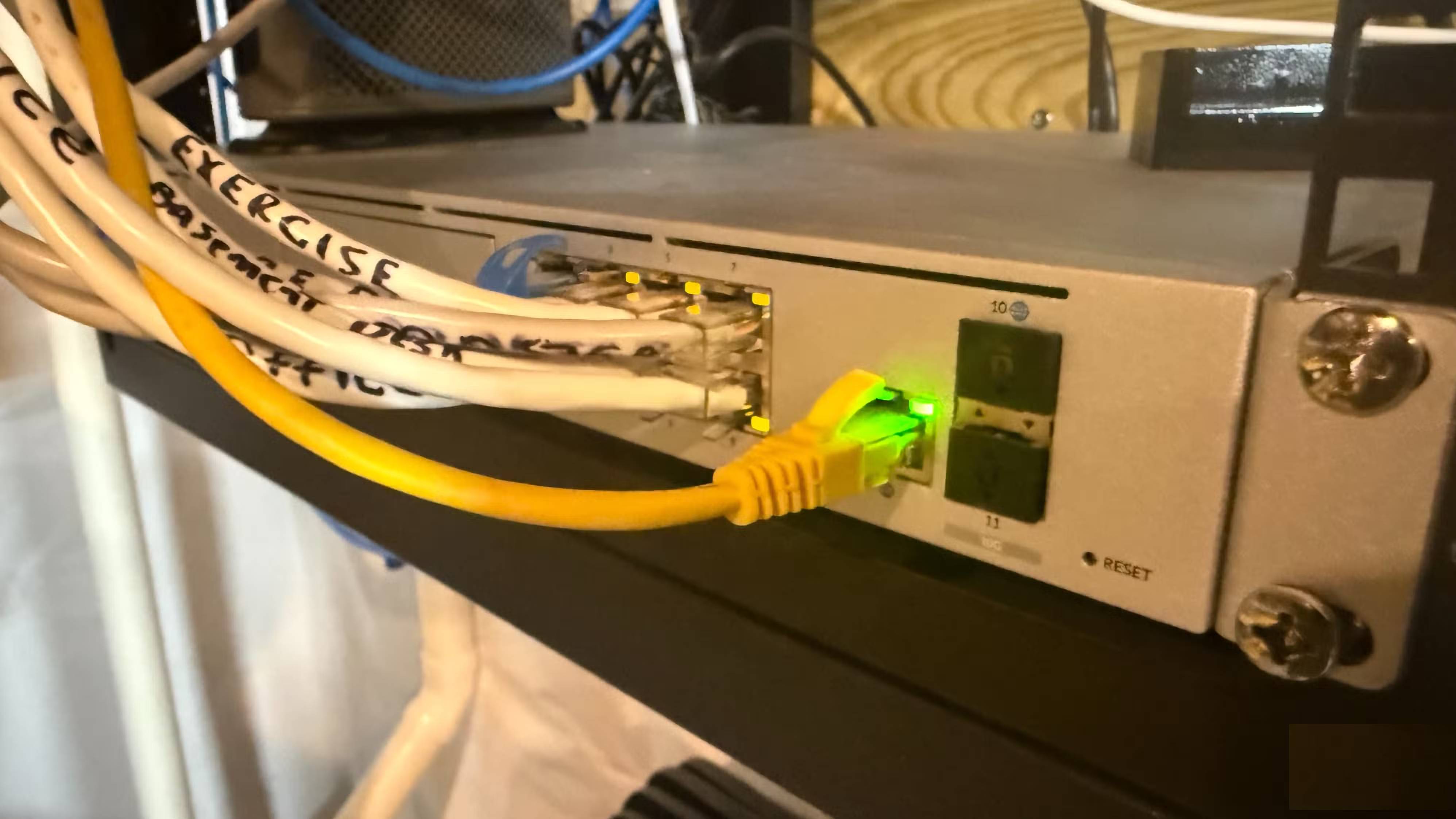
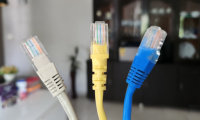
For the most part, you can't tell the difference between Cat5 and Cat6 cables just by looking at them. The RJ45 connectors are identical. The cable thickness is essentially the same. But every Ethernet cable has a rating printed right on the outer jacket—usually a character like "CAT5E" or "CAT6 UTP" repeated about every 0.3m along the length.
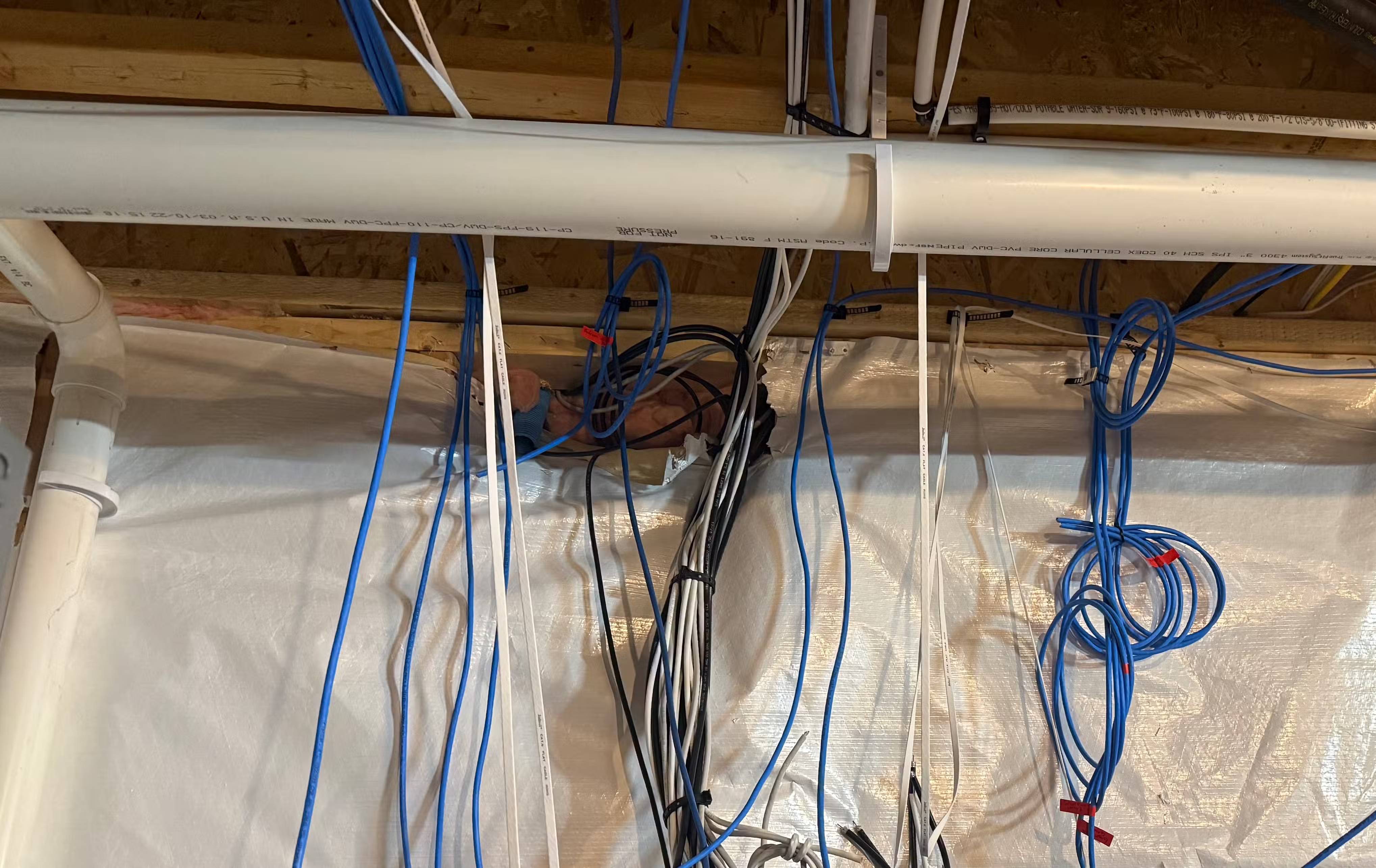
I went down to the basement where all the cabling ended up and started probing. The cables themselves were clearly Cat6—I bought the spools and crimped each connector. But I never checked the cables the contractor had installed on the main floor during construction. Most of them were clearly marked Cat6 on the cable jacket. But the cable that ran to the living room wall paneling had 'CAT5' printed on it. No 'e' behind it, just Cat5.
The theory is that the contractor finished the job and ran out of Cat6 cable, so he used whatever cable he had on hand. The deadline was approaching, the homeowner certainly wasn't going to check every cable jacket, and once it was plugged into the wall, no one would notice the difference anyway. However, it would be annoying to use. That lazy choice meant that the author has been stuck with a fraction of the actual internet speed since moving into the new house. Technically, the cable still works. It just can't get gigabit speeds.
10 Minute Solution to Unlock Gigabit Speed
Just one cable changed everything
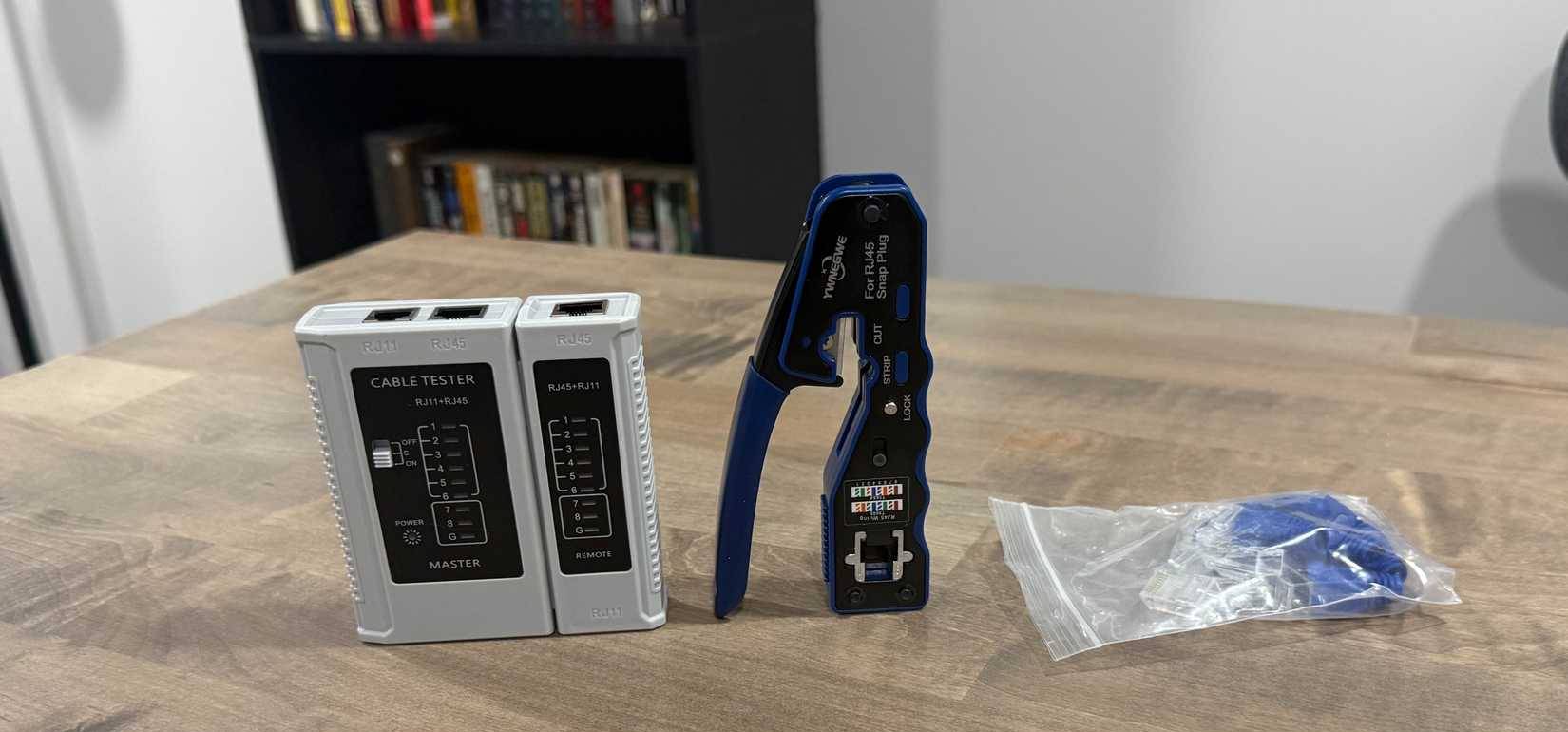
Luckily, I had a roll of Cat6 cable lying around in the basement from running it down there, so this was a no-brainer. The length from the router in the basement to the backsplash was about 7 meters. I took a crimper, cut a new piece, and placed a connector right at the router end (it was easier this way). The trick was to tape the new Cat6 to the old Cat5 before pulling it out from the backsplash.
After running the new cable and removing the old one, the author crimped the end of the new Cat6 cable's wall plate. Then tested the speed with a meter - 750+ Mbps. That wall plate couldn't have been doing 95 Mbps an hour before. All because of a bad cable that never thought to test.
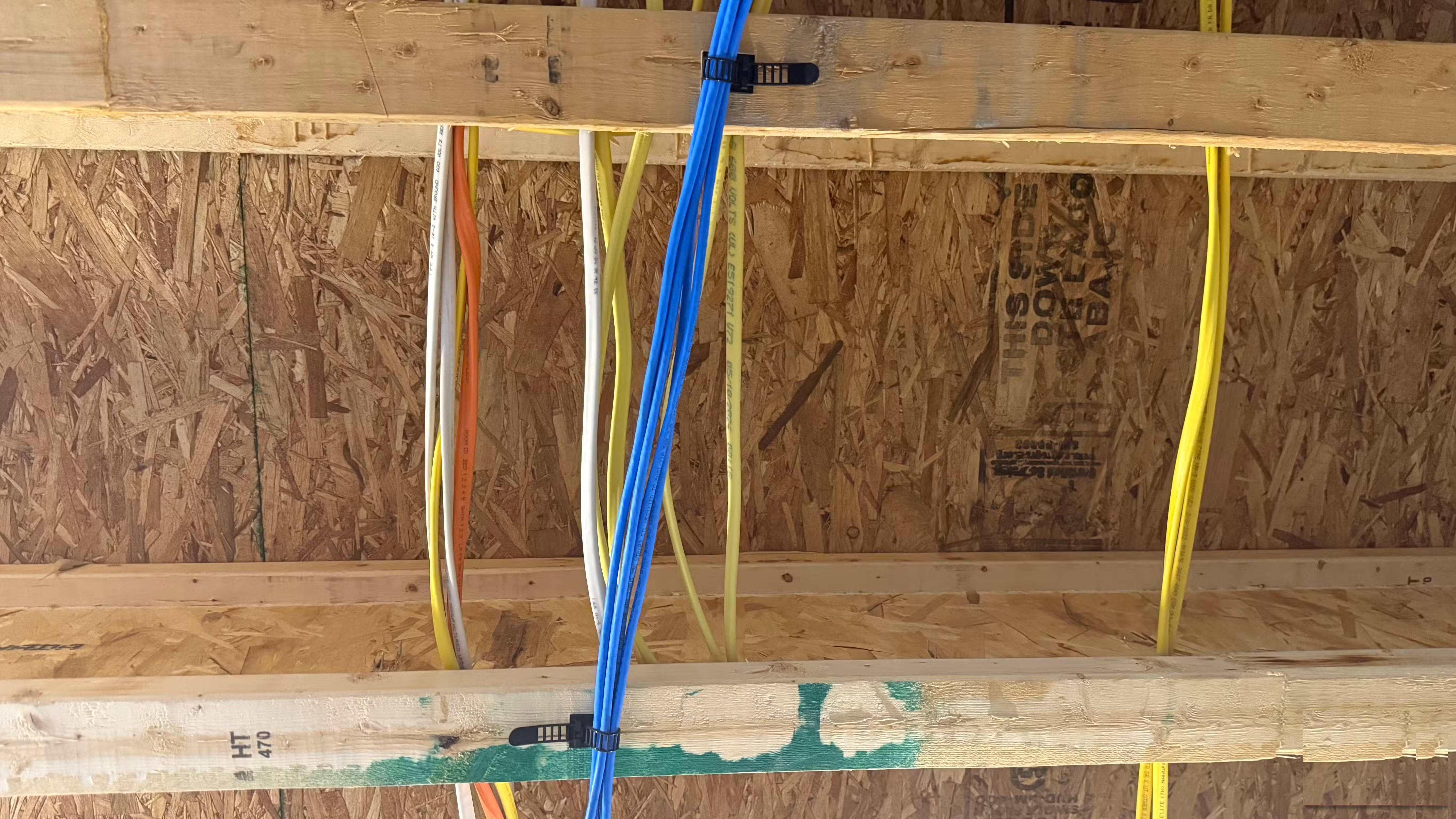
I spent the next hour checking all the contractor-installed wiring in the house, using a flashlight to check the labels on the basement ceiling. Fortunately, there were no other Cat5 problems—just an accidental replacement. I also took the time to tidy up the cable management around the network closet—after all, slow Internet had been a pain for a while.
Final Thoughts
Understanding speed-limited ethernet cables can slow down your entire network makes it easier to evaluate the information and apply the most relevant recommendations. Focus on the key points above and verify details that may change over time.
FAQ
What is speed-limited ethernet cables can slow down your entire network?
Explore speed-limited ethernet cables can slow down your entire network.
What key points does this article cover?
The article focuses on Wired internet speeds are ridiculous, Same network, surprisingly different results, Not all Ethernet cables are created equal, with practical explanations and examples.
How can you use this information in practice?
Use the explanations to compare options, verify important details, and make a more informed decision. Apply the recommendations that best match your goals and situation.
Related Articles
 The 5 Top Cat 8 Ethernet Cables of 2024: Recommended Choices6 minutes read
 Ethernet Cable and How It Works6 minutes read
 Stop Misusing Ethernet Cables: Explained8 minutes read
 Ethernet Copper Cable: Distinguish Common Network Cables23 minutes read
 How to Protect an Outdoor Ethernet Cable6 minutes read
 Learn About Local Area Networks -- LAN: Ethernet -- Part Ii3 minutes read
Reader Comments 0
Sign in with email or Google to join the discussion.