Table of Contents
MusikCube only plays your own music—it's not a streaming service. But that limitation makes for a more personal experience, and makes you realize how much modern streaming takes away from you.
Many You can't live without Spotify, and it's easy to see why. Its multi-device control, massive music library, and ability to discover new music make it hard to beat.
Recently, many people decided to open MusikCube in terminal, and never thought that a command line music player could bring such a great feeling.
Users are greeted by a simple, functional interface, as expected. But within minutes, it draws them in. They find peace, quiet, and purity in the music. Of course, MusikCube only plays your own music—it's not a streaming service. But that limitation makes for a more personal experience, and makes you realize how much modern streaming takes away from you.
For the first time in years, you're immersed in music without being disturbed by background noise and the distractions of constant scrolling and familiar suggestions.
Instant gratification at your fingertips
How a fast, minimalist CLI player makes Spotify look bloated
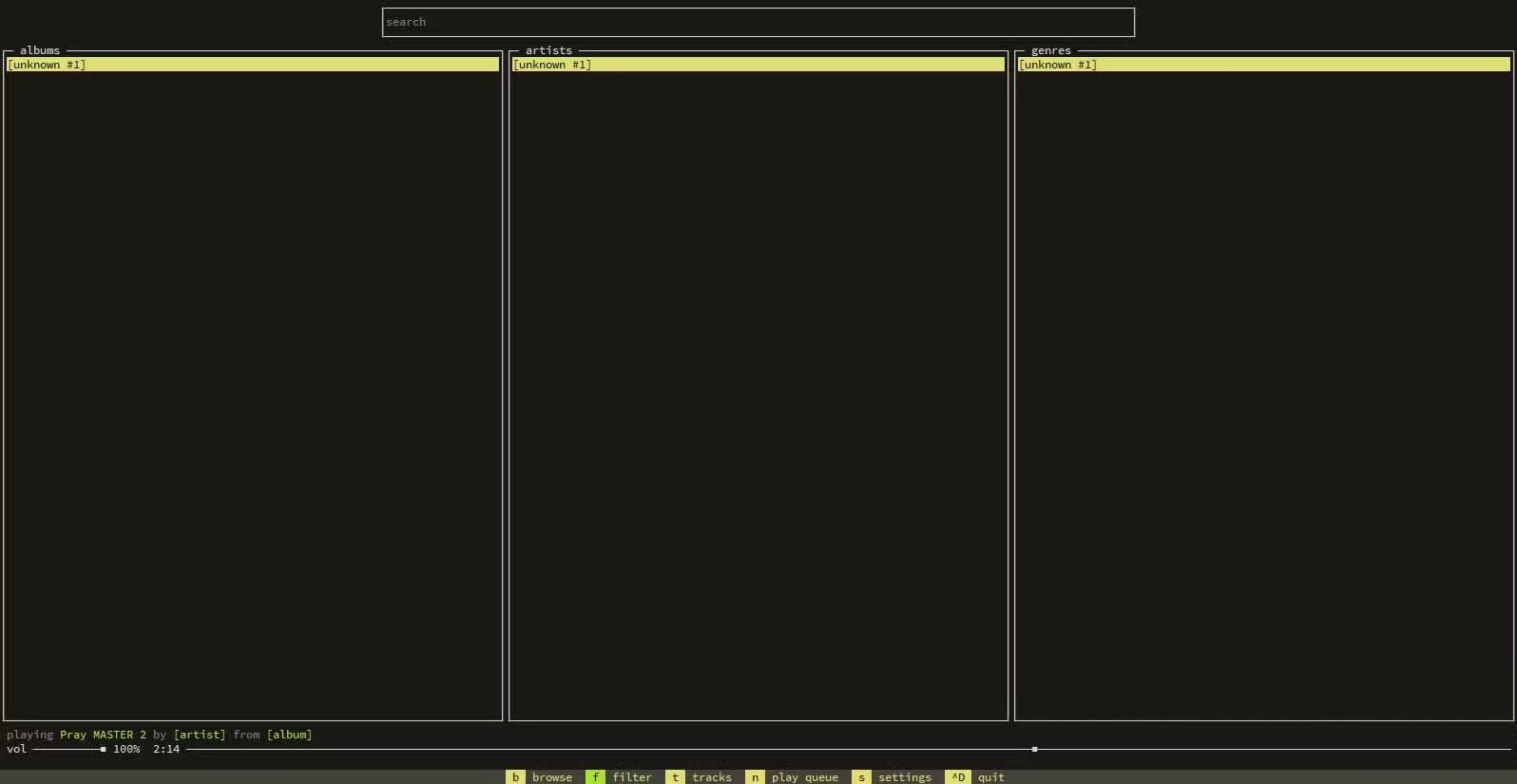
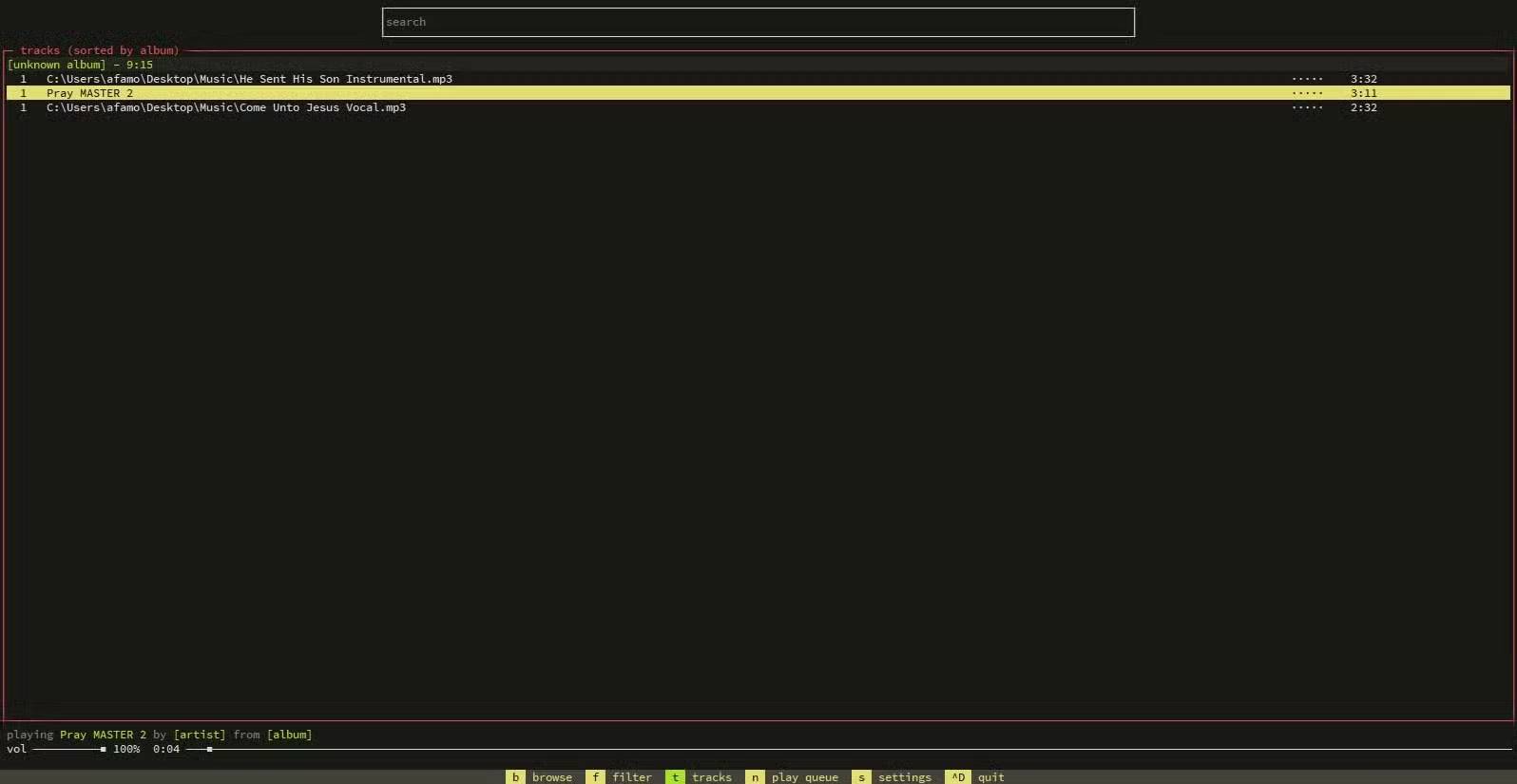
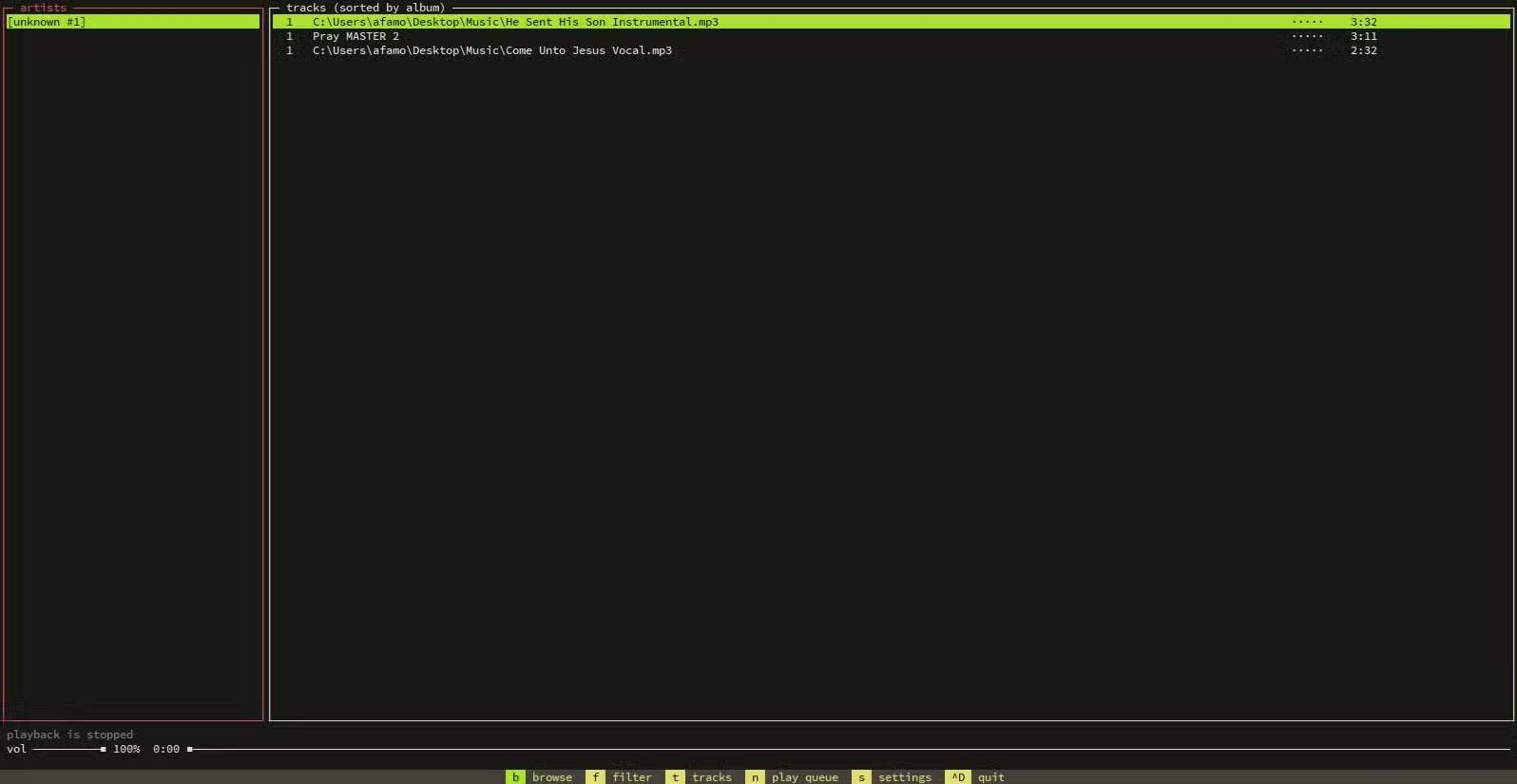
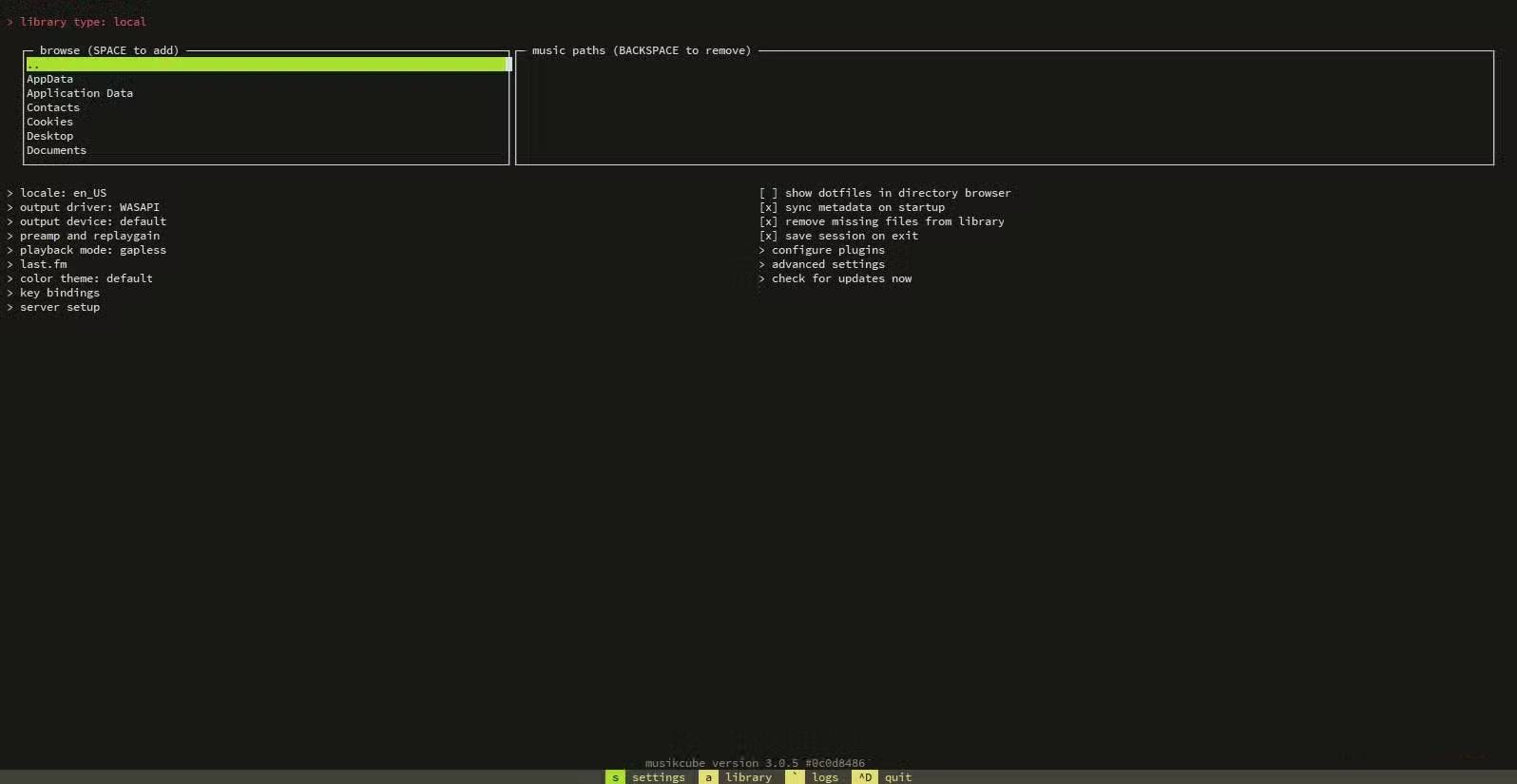
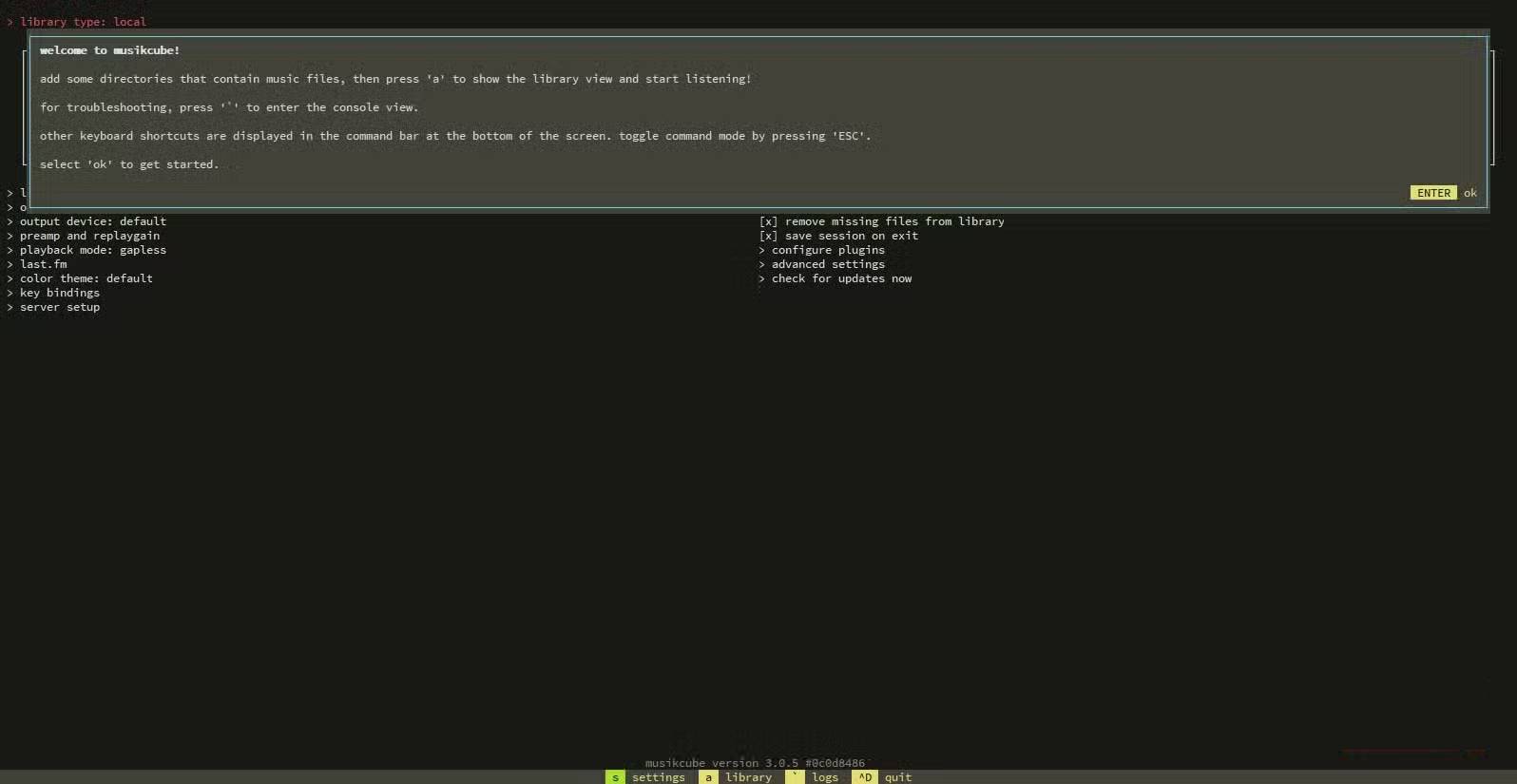
You'll be impressed by MusikCube's speed at first, especially after experiencing Spotify's long loading times and rotating animations. There's no waiting for graphics to appear, and no hidden process checking for updates. With just a few keystrokes, your library is ready to be navigated. It's only after MusiKCube loads your library that you realize how much of your time Spotify has been silently wasting.
Command line tools can be a pain, but MusikCube's text-based interface is very helpful. Every command has a direct effect, and searching for a song, queuing up a song, or switching playlists takes seconds. It eliminates dragging, scrolling, and even the occasional accidental click.
This command line tool is available for Windows, macOS, and Linux.
Even with extensive libraries, you won't notice any lag, as MusikCube devotes all available system resources to playback. This is a stark contrast to Spotify, which places a heavy emphasis on features like recommendations, social media feeds, and animations, which are resource-intensive and can lead to memory overload or slowdown.
You get an instant music listening experience, focusing on the music, without being distracted by the interface.
Minimalism in music is amazing
Navigate your music library with keyboard-like precision
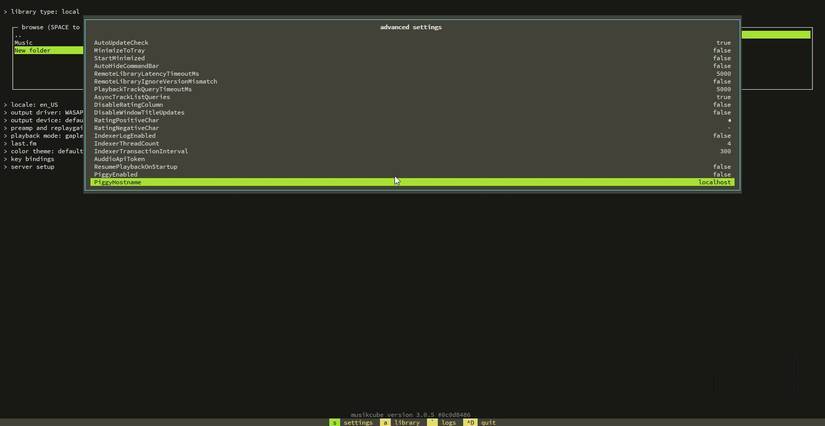
The MusikCube interface offers a clean, structured library—no album art, no video previews, and no autoplay queue. Arrow keys navigate the playlist, and you can queue or rearrange tracks in seconds.
It has a deliberate minimalism to it. You can start rediscovering old albums you haven't listened to in years simply because the interface is clean and doesn't show trending tracks or new releases. It feels like you're setting the pace, not the service pushing whatever it thinks you want.
MusikCube's search function is particularly useful. The library is instantly filtered when you enter part of an artist or song name. You can select a track without clicking. It works instantly and gives you precise control over what plays next.
Playlist management is also neat and efficient. It only takes a few minutes to rearrange multiple playlists, whereas doing the same with GUI-heavy apps like Spotify can be quite cumbersome.
It doesn't try to be Spotify or replace streaming. It simply boils music down to its essentials.
Surprisingly powerful features
Stream, theme, and customize beyond the terminal
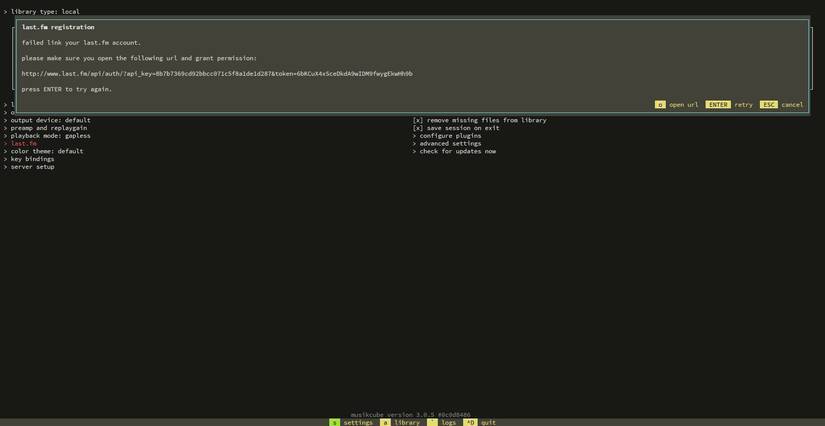
At first glance, MusikCube looks minimalist. However, it packs many power. Its built-in audio server is useful, as it lets you stream your library to other devices on the same network. Once set up, you can listen to music on your phone and other devices without relying on external platforms.
MusikCube supports Internet radio stations as an additional feature, providing some streaming capabilities in addition to local files. It also allows for customization beyond streaming. You can configure display settings, keyboard shortcuts, and color themes, tailoring the interface to your preferences and workflow. It even allows for small changes, such as highlighting the currently playing track, to improve navigation and usability.
You can also use a lightweight tag editor to edit metadata directly from the terminal, providing a seamless way to edit artist names and album information. It's minimalist but not lacking in functionality, and if you're planning on ditching Spotify for good, it's worth considering.
FAQ
What should you know about how is the command line music player musikcube better than Spotify?
In practical terms, musikCube only plays your own music—it's not a streaming service. But that limitation makes for a more personal experience, and makes you realize how much modern streaming takes away from you.
Why does how is the command line music player musikcube better than Spotify matter?
The article highlights that of course, MusikCube only plays your own music—it's not a streaming service.
What is the main takeaway?
The main takeaway is that instant gratification at your fingertips How a fast, minimalist CLI player makes Spotify look bloated You'll be impressed by MusikCube's speed at first, especially after experiencing Spotify's long loading times and.
Related Articles
 Downloading Spotify in Vietnam, You Can Use Free, Premium Package for VND 59,000/month3 minutes read
 How to Fix Spotify Web Player Doesn't Work5 minutes read
 From Being a Temple Music Downloader, How Has Spotify Made Me Pay17 minutes read
 The Nox App Player Command Line Parameters Support7 minutes read
 15 Tips Spotify You Should Not Miss to Have a Better Listening8 minutes read
 How to Listen to Offline Music on PC with Spotify5 minutes read
Reader Comments 0
Sign in with email or Google to join the discussion.