Table of Contents
Echo is an open-source music player built around extensions. Its appeal is the ability to start with local audio and add functions such as lyrics, listening tracking, or connections to external sources. That flexibility can suit someone who enjoys configuring a player, but it does not make Echo the best choice for every listener.
Check the project status first: the official repository says development has shifted toward a multiplatform app, including a desktop version and an Android remake. The screenshots below show the older Android experience and should not be treated as a promise of the current interface or extension compatibility.
Start with local music
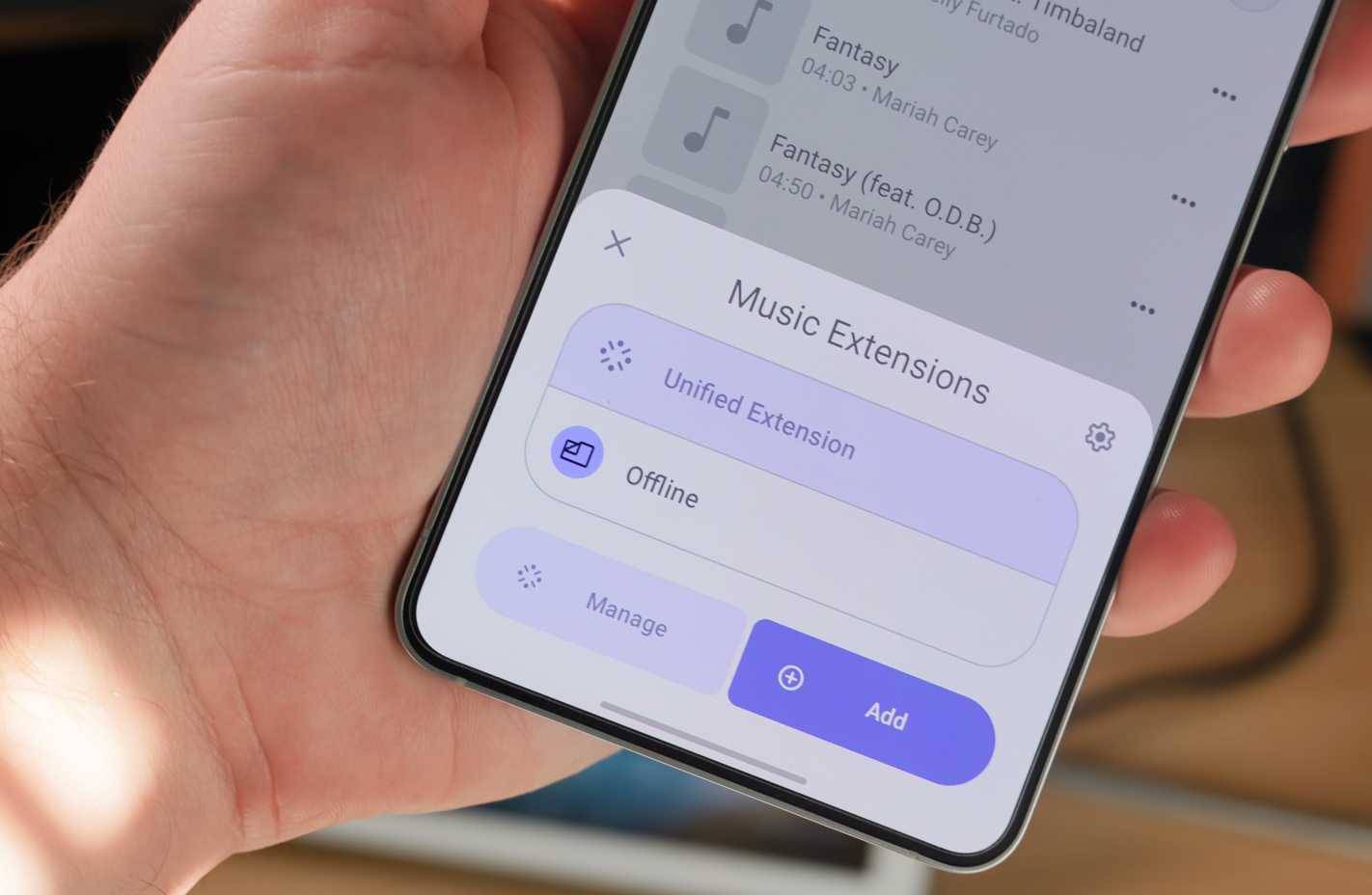
Echo is intended for offline use by default and does not host a music catalog. Start with files you already have permission to use, then check whether your installed version can find and play them.
If tracks are missing, inspect the app's media or folder access and the location of the files before adding unrelated extensions. Try one known file first, then check album grouping, track order, seeking, and background playback with your own library. TipsMake's guide to app permissions explains how to review access.
A different player does not automatically improve the audio in an existing file. Also, FLAC files can contain metadata: missing titles or artwork are not an inherent limitation of lossless audio. The FLAC FAQ explains its tag support.
Add extensions one at a time
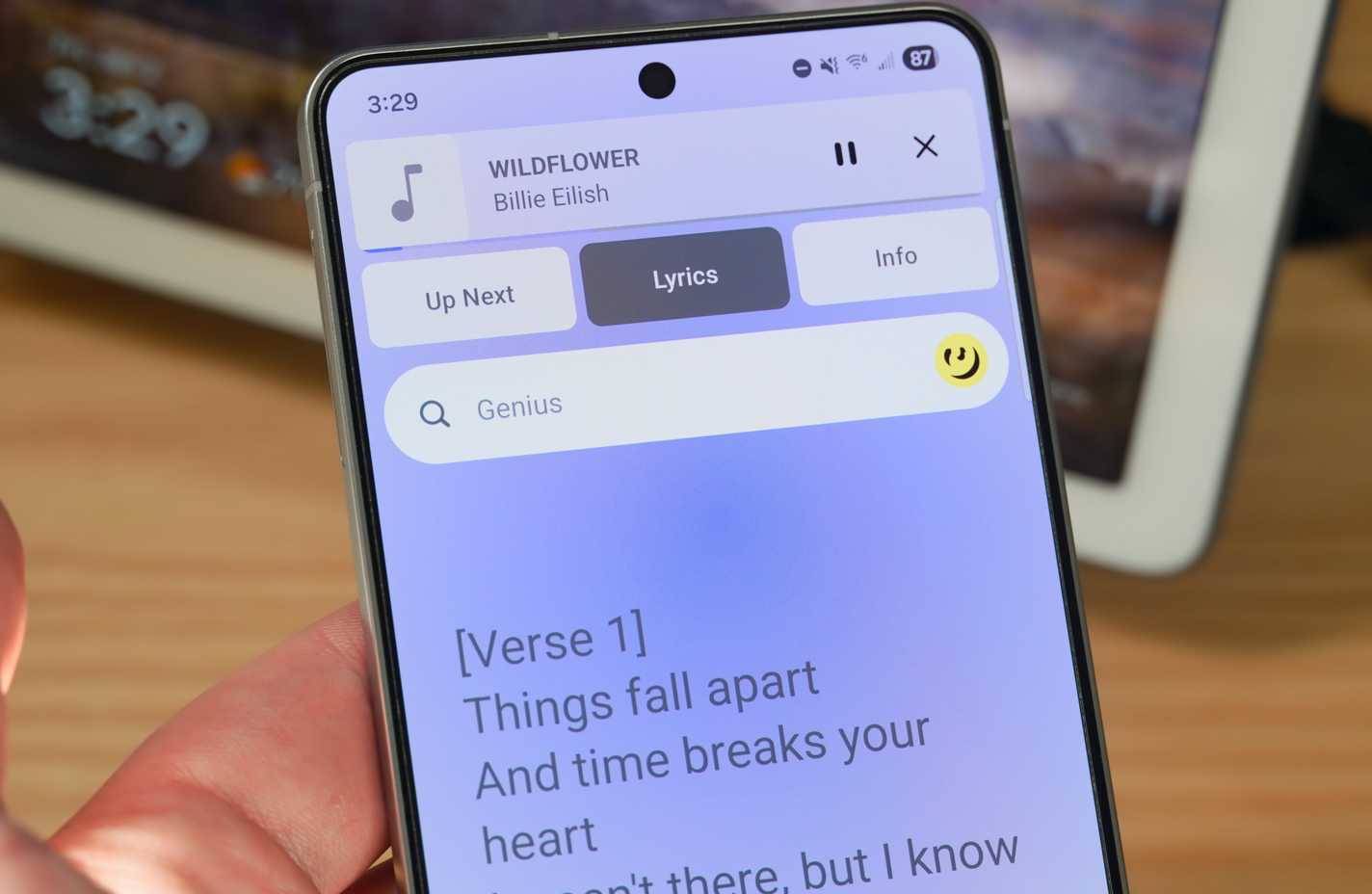
In the older interface, open Extensions and choose Add Extension. A community extension directory documents the code extension for listing add-ons, but directory availability and compatibility can change. Use the instructions for the version you have rather than trying arbitrary download codes.
Before installing an extension, check its maintainer, source, release notes, and compatibility. An add-on can introduce network access or account connections even though the base app is intended for offline use. Open source describes the availability of code; it is not a guarantee that every build or extension is reliable.
- Lyrics: a provider may retrieve lyrics for local or online tracks, but availability and accurate matching vary by song.
- Listening tracking: a compatible tracker can submit listening activity to a service such as Last.fm. Check what it shares and test a few tracks.
- Self-hosted music: a supported server extension can connect to your own library, subject to the extension's setup and version requirements.
Listening tracked by Last.fm is a separate history. It does not automatically add local files to Spotify Wrapped or another provider's annual recap.
Treat streaming integrations as optional
Older Echo builds and extension lists include integrations for streaming and radio services. An extension's name does not establish that it currently plays every track, works without sign-in, or replaces a paid subscription.
For example, the community extension catalog marks its Spotify integration as broken. Check the individual extension's status before spending time configuring it. A service can also change its authentication or playback requirements independently of Echo.
Use sources and accounts you are authorized to access. A unified view may make several libraries easier to browse, but it cannot grant rights to content or guarantee that a remote service remains available.
Customize the interface after playback works
The older Android player offered theme and appearance controls, including dark styles. Available options may differ in newer builds. Set up a small working library first, then adjust the interface so that track information, queue controls, and text remain readable.
If an experimental or nightly build is offered, read its release notes and known issues before relying on it as your everyday player. Keep a copy of your original music files outside the app.
Who Echo is likely to suit
Consider Echo if you value an extensible player and are comfortable checking add-on compatibility. For straightforward offline playback with minimal setup, compare it with these Android music players, checking their current features and distribution sources.
Before committing, test your essential tasks: finding albums, playing a full queue, listening with the screen off, and using any required extension. Choose based on those results rather than an unsupported claim that one player is universally the most versatile.






Reader Comments 0
Sign in with email or Google to join the discussion.