Table of Contents
All these issues existed in one app until people tried the new Microsoft To Do app, which comes pre-installed on Windows 11 computers as one of the default apps.
We often forget what we need to do, or we have so many that remembering them is a hassle. That's why we use to-do list apps to help us remember and organize our tasks so you can get them done without missing a thing. There are tons of to-do list apps out there, but many are cluttered with ads, require a subscription, are too complicated, or lack cross-platform syncing.
All these issues existed in one app until people tried the new Microsoft To Do app, which comes pre-installed on Windows 11 computers as one of the default apps.
Cross-platform availability
Add tasks to your to-do list anytime, anywhere
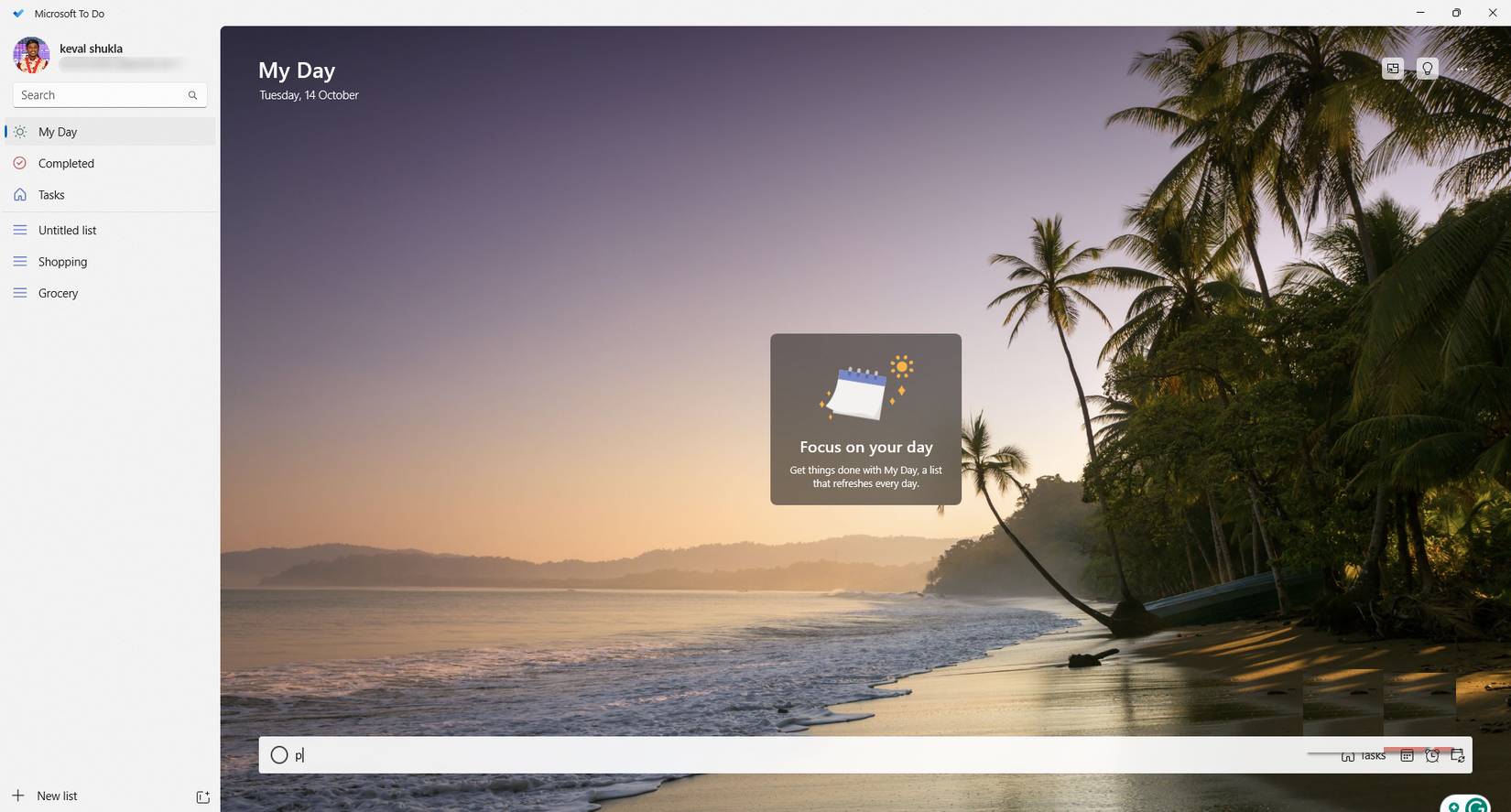
Microsoft To Do is available on all your devices, including Android, Windows, Mac, iOS, and the web. The best part is, as long as you're signed in and have an active internet connection, any tasks you add will sync instantly across all your devices.
This makes it easy to keep track of tasks on the go. If you're out and about and get a new task, you can quickly add it to your to-do list and check and edit it later on your PC, however you like.
AI-powered to-do list
Assistant gently reminds you
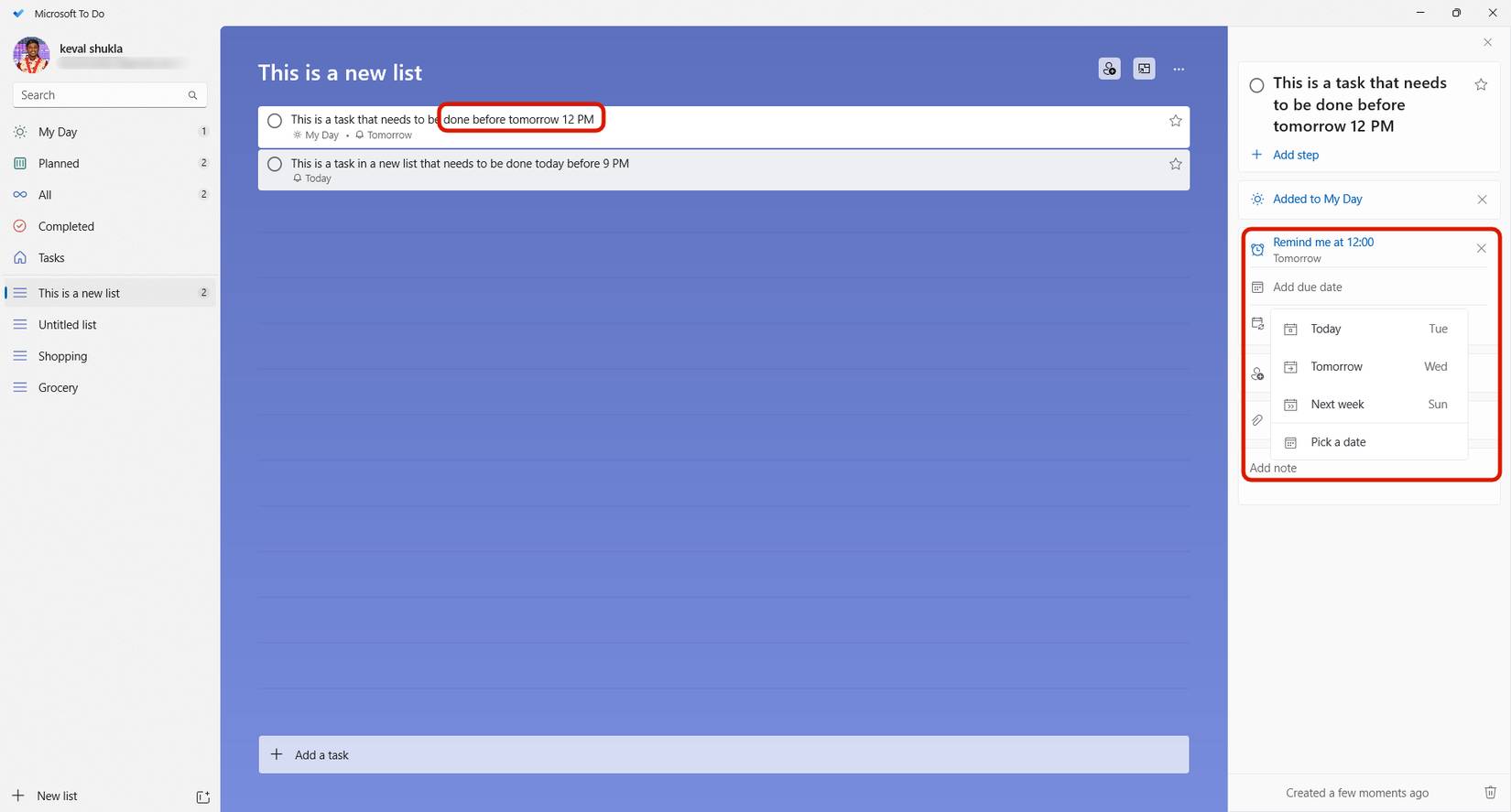
AI is everywhere, including Microsoft To Do. However, its presence is balanced. Unlike other to-do lists, the AI in Microsoft To Do acts as a companion rather than intrusively controlling your tasks. When you add a task and specify a time, day, or date in the task description or in the task itself, To Do will record this information and add it to your calendar.
This feature makes it easy to stay on track without missing a task. In Microsoft To Do's My Day section, any missed tasks will be marked so you don't forget them. Additionally, thanks to its integration with Microsoft Outlook, the app can flag emails and identify recurring task patterns, helping you complete them more efficiently.
Intuitive interface and operation
Easy to understand and easy to use

You can find plenty of great note-taking apps out there, like Google Keep and MyMid, that let you jot down tasks. But Microsoft To Do is built specifically for managing to-do lists. Open the app on your platform of choice or on the web, sign in if you haven't already, and start adding tasks. It's simple - adding tasks to Microsoft To Do is just a tap away.
When adding a task, you can specify a day, time, or date, and To Do will ensure you receive a reminder when the task is due. Additionally, you can customize reminders for each task, attach files, add notes, or set repeat rules for recurring tasks. The app has a user-friendly interface that lets you adjust reminder times or add additional notes without navigating through complicated menus.
Tip : Make sure you're signed in to sync across multiple devices and save notes to the cloud.
Share and collaborate
Add others to your task to work in sync
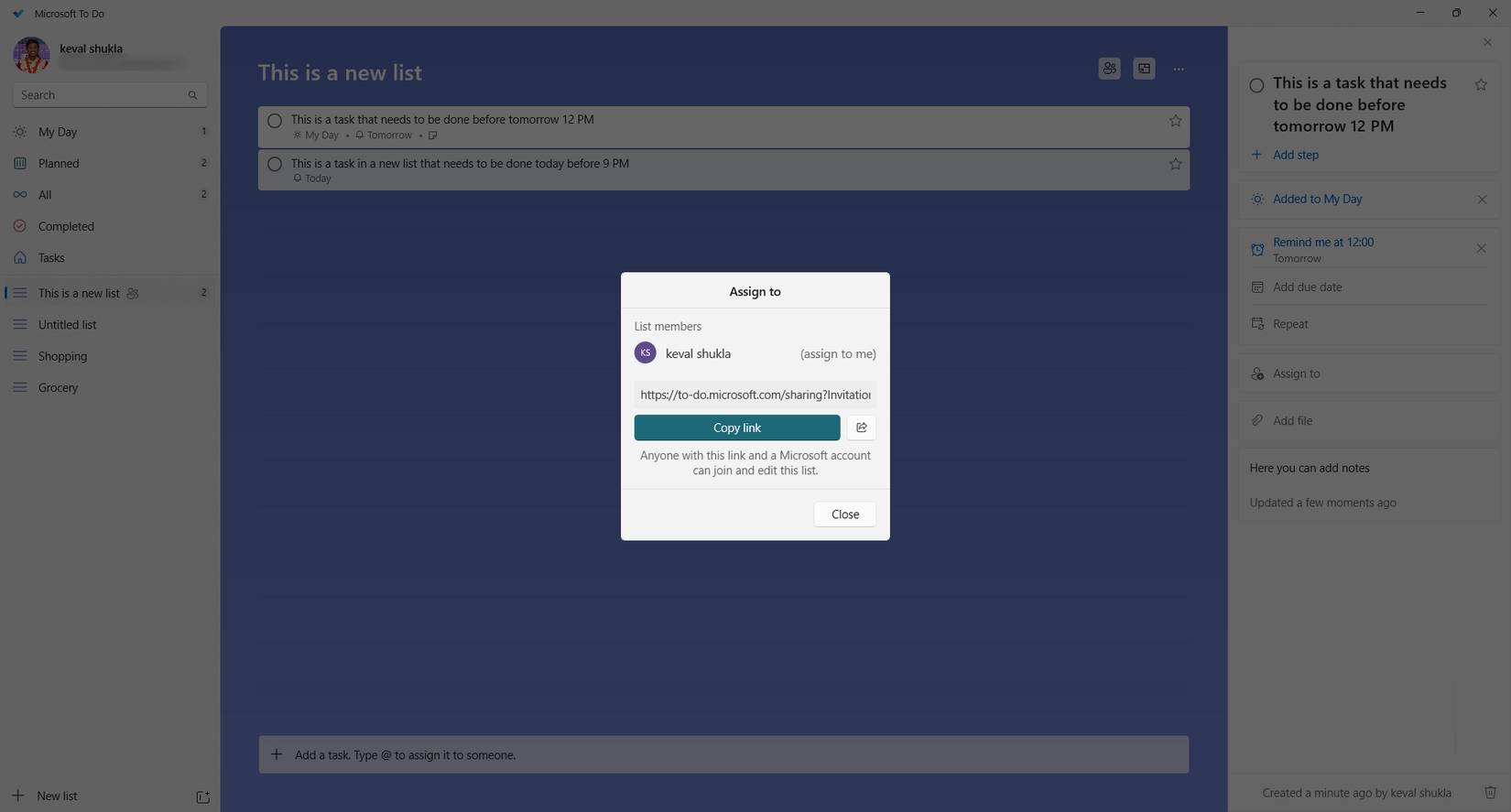
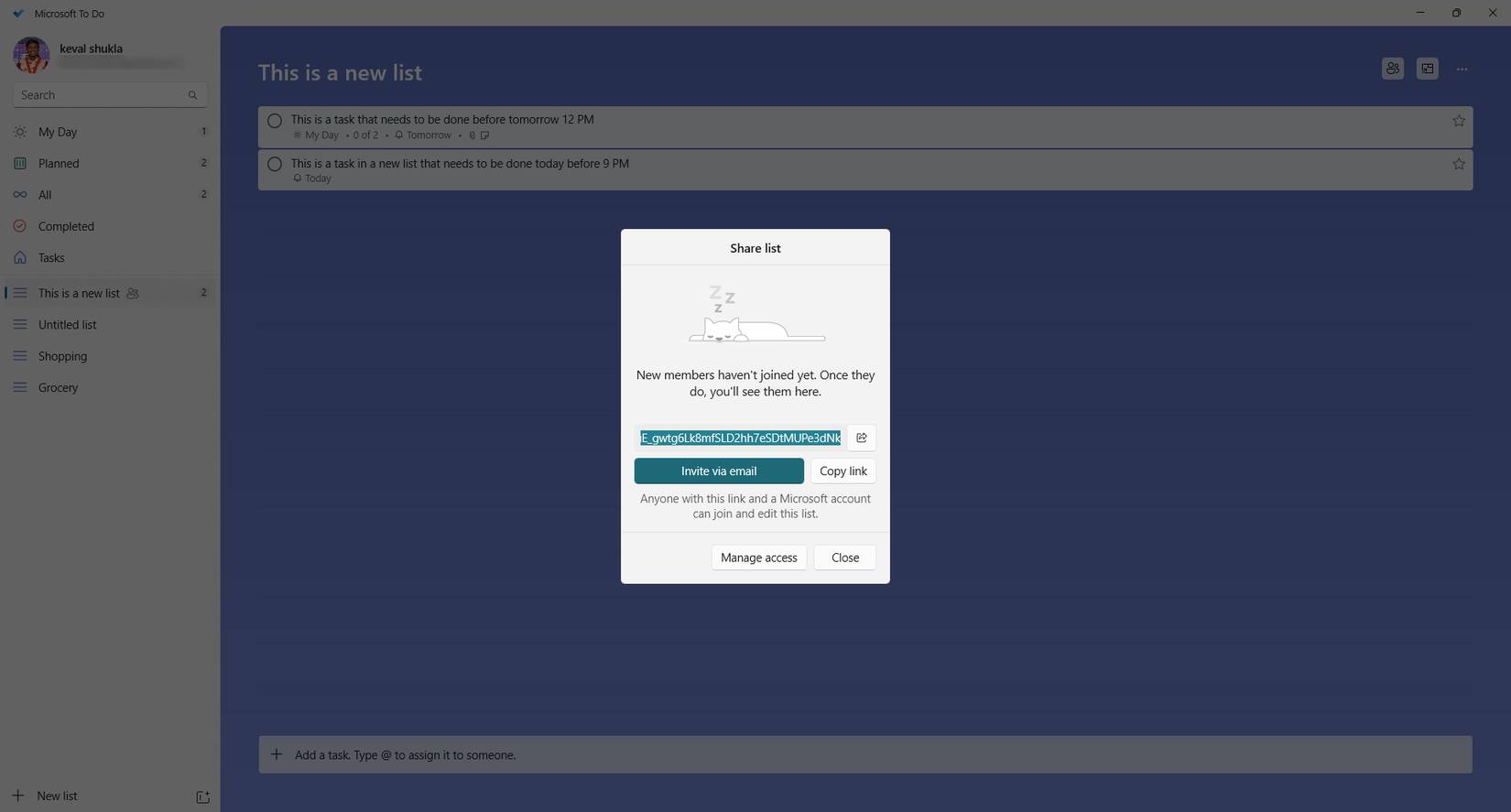
Microsoft To Do lets you share tasks and collaborate with others via email invites. This feature allows for real-time collaboration, allowing you to add team members to a task or list. If someone joins a task, they can update the progress and details of the task.
This tool is useful when working in teams where tasks are interdependent. Each collaborator can add items to the to-do list, edit the task, or add details. In fact, if you set a reminder or deadline for the task, even collaborators will be reminded via email or in-app notification.
Integration and accessibility
Make the most of your ecosystem
For professionals using Outlook and Microsoft 365 apps, Microsoft To Do is an exceptional task management tool. The To Do app is seamlessly integrated with the Microsoft ecosystem, including Outlook, ensuring that tasks created in To Do automatically sync with Outlook, calendar, and vice versa. Furthermore, Microsoft To Do also seamlessly integrates with other Microsoft 365 tools, such as Teams and Planner, creating a seamless workflow across the Microsoft ecosystem.
This integration streamlines workflows, allowing users to manage tasks, collaborate with teammates, and track deadlines all in one place. With features like reminders, due dates, and shared lists, Microsoft To Do enhances productivity and helps users stay organized in increasingly busy work environments.
FAQ
What should you know about Windows 11's built-in to do app is a lot better than you think?
In practical terms, all these issues existed in one app until people tried the new Microsoft To Do app, which comes pre-installed on Windows 11 computers as one of the default apps.
Why does Windows 11's built-in to do app is a lot better than you think matter?
The article highlights that cross-platform availability Add tasks to your to-do list anytime, anywhere Microsoft To Do is available on all your devices, including Android, Windows, Mac, iOS, and the web.
What is the main takeaway?
The main takeaway is that additionally, thanks to its integration with Microsoft Outlook , the app can flag emails and identify recurring task patterns, helping you complete them more efficiently.
Related Articles
 Lighter Alternatives to Built-in Windows Apps6 minutes read
 9 Great Built-in Apps and Tools on Windows 117 minutes read
 The 3 Best Browsers with built-in VPN for Mac and Windows6 minutes read
 4 Reasons to Never Buy a Pre-built PC5 minutes read
 4 Handy Networking Tools Built into Windows 10 PCs and Their Functions8 minutes read
 How to Turn Off Windows Defender on Windows 103 minutes read
Reader Comments 0
Sign in with email or Google to join the discussion.