Table of Contents
Explore 7 free apps that make your kindle much more useful, including the key concepts, practical examples, important considerations, and useful guidance.
Your reading habits can be improved somewhat with the help of free apps. With the right tools, you can take your Kindle far beyond the basics. These apps will help you read more, save money, and truly build a reading habit around your Kindle.
- 10 tips to make your Kindle a perfect fit for your life.
1. Send to Kindle
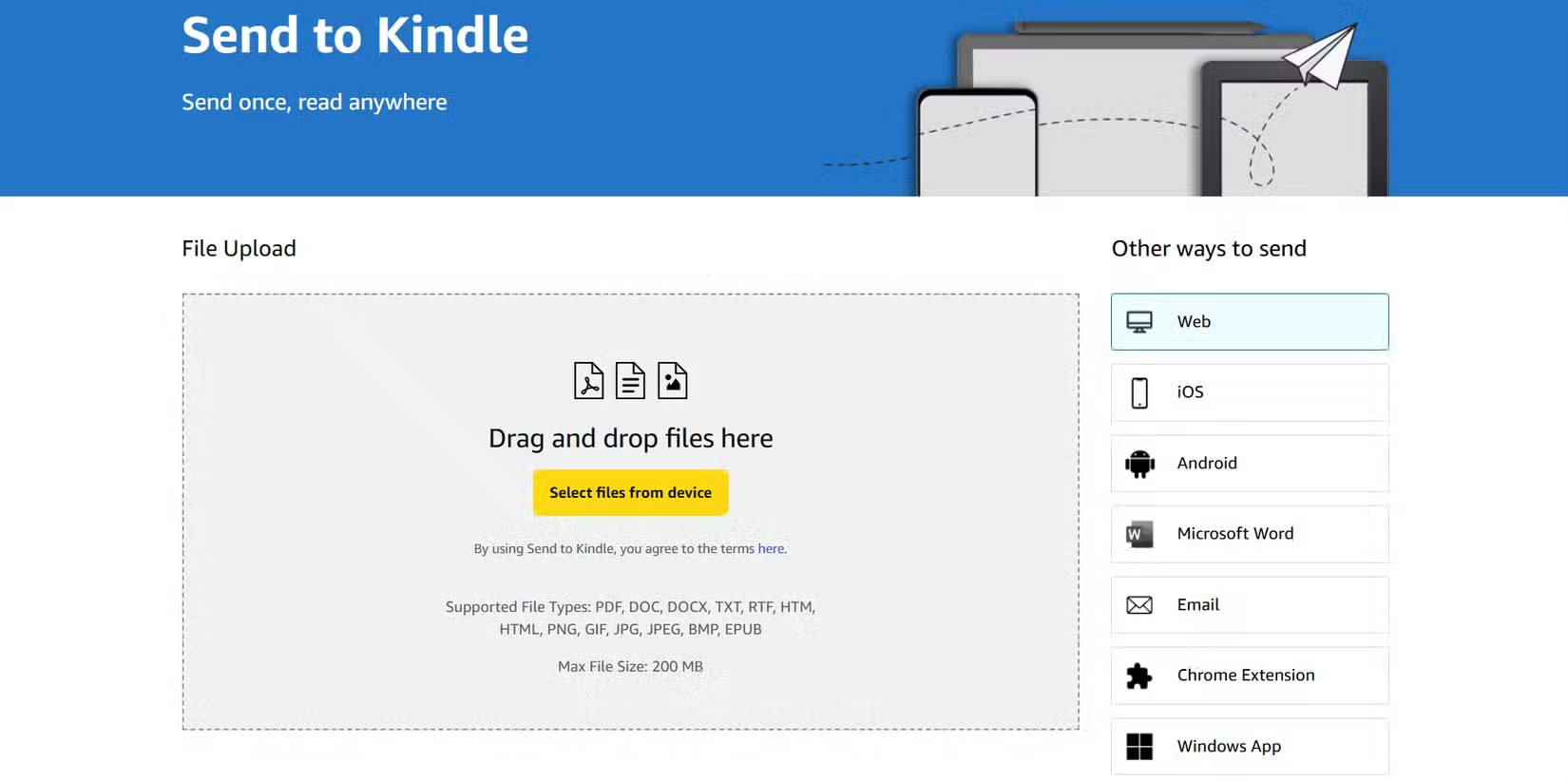
Amazon's Send to Kindle tools (browser extensions, mobile apps, or via email) are simple yet powerful. People use them regularly to send web articles, essays, or PDF files to their Kindles. Once on the device, reading becomes much more convenient.
The presentation is usually good enough to make reading feel natural. Instead of scrolling through tabs on your phone and getting distracted, you'll focus on reading on your e-reader. It also becomes an effective way to reduce the large number of bookmarked but unread articles.
2. Calibre
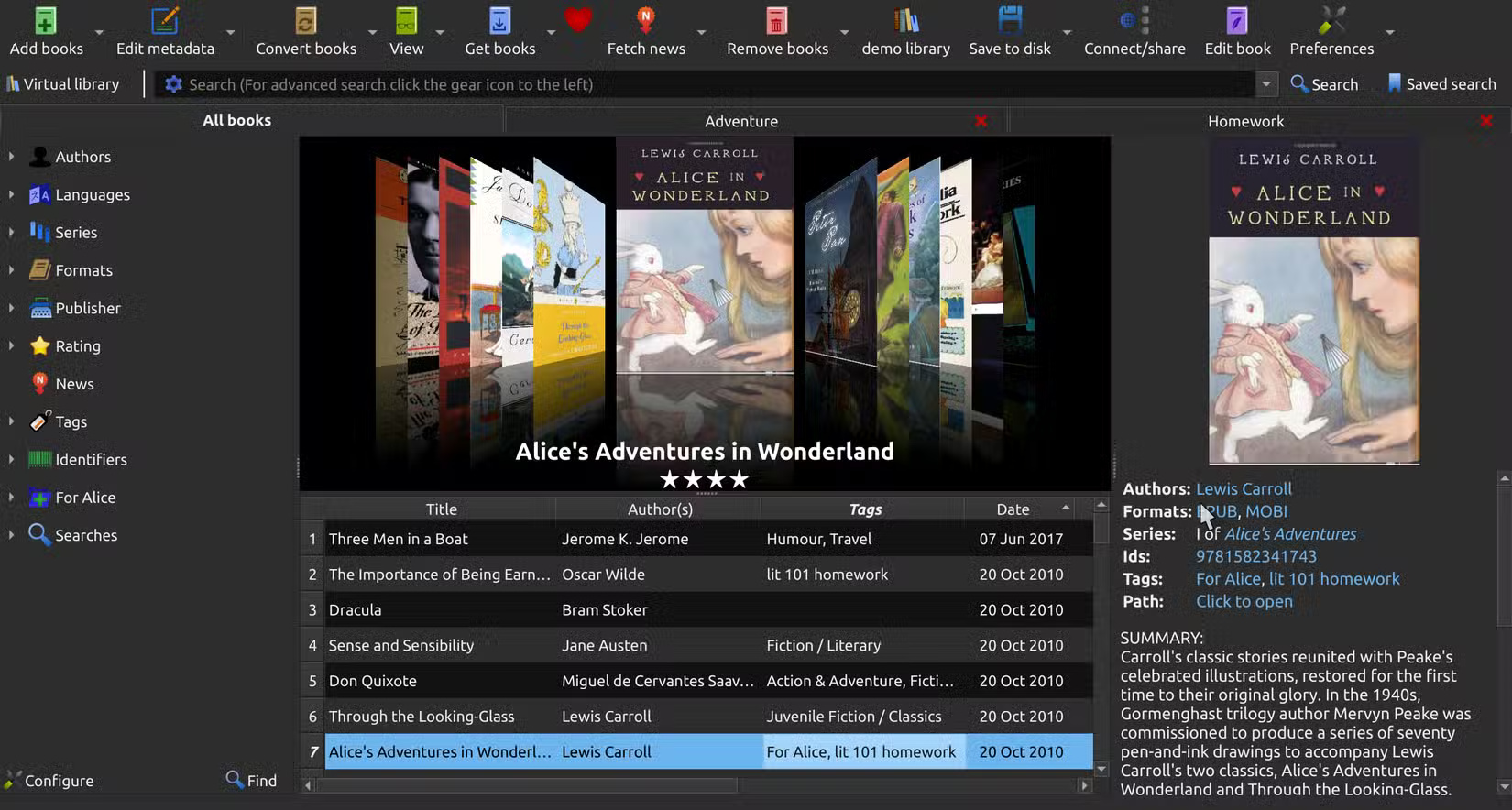
This popular open-source ebook management software is essential for controlling your ebook library. It allows you to manage metadata, synchronize your collection, and importantly, convert ebooks between formats (e.g., EPUB to AZW3 or MOBI) so your Kindle can easily accept them.
Many free classics, independent author books, or author-generated bonus books are often in EPUB or other formats that are not compatible with Kindle by default. With Calibre, you can import them, convert formats, clean up metadata (titles, cover art), and organize everything neatly. This frees you from being completely dependent on what Amazon provides.
3. Libby by OverDrive
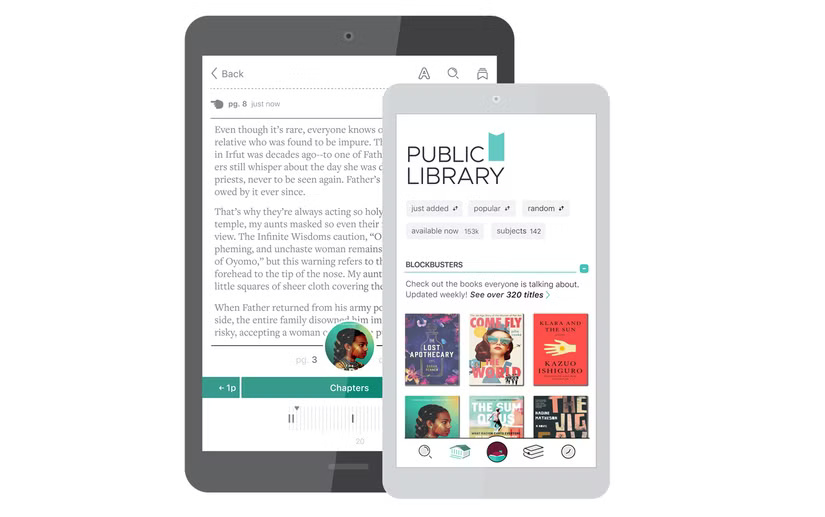
This globally popular app is for borrowing books instead of buying them. If your local library supports ebooks, you can borrow many titles for free, and in some cases, use the Libby app to send books to your Kindle with just a tap. Ask around your area. If your local library or school is on their network, you can often browse Libby before considering buying books.
It will save you money and introduce you to authors you might never have heard of. Even if you have to wait for a book, Libby's reservation system will notify you, so you don't need to constantly check back.
4. Instagram
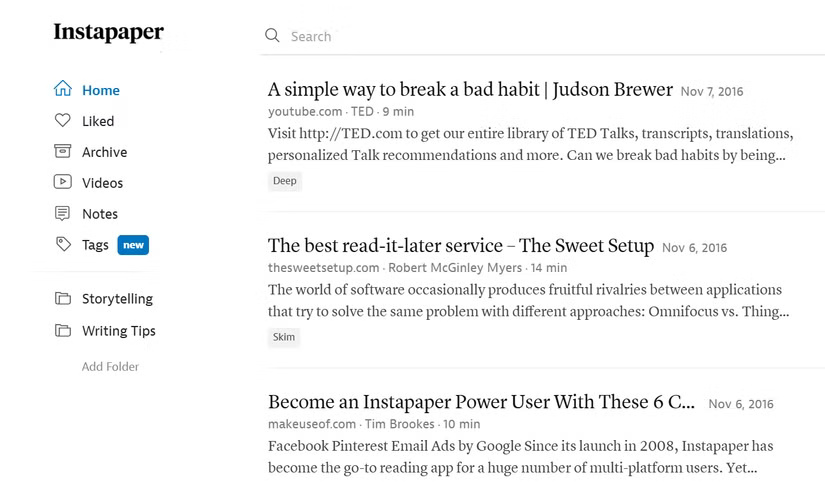
With Pocket discontinued, Instapaper fills a similar void. You save articles for the week, let them accumulate, and then export a batch to a format compatible with Kindle.
This app is non-distracting, and when viewed on a Kindle, you'll have a clear reading experience without ads or clutter. Plus, you can review bookmarked or annotated articles, which aids in memorization and reflection. It's one of the most useful tools for managing many people's "reading lists."
5. Goodreads
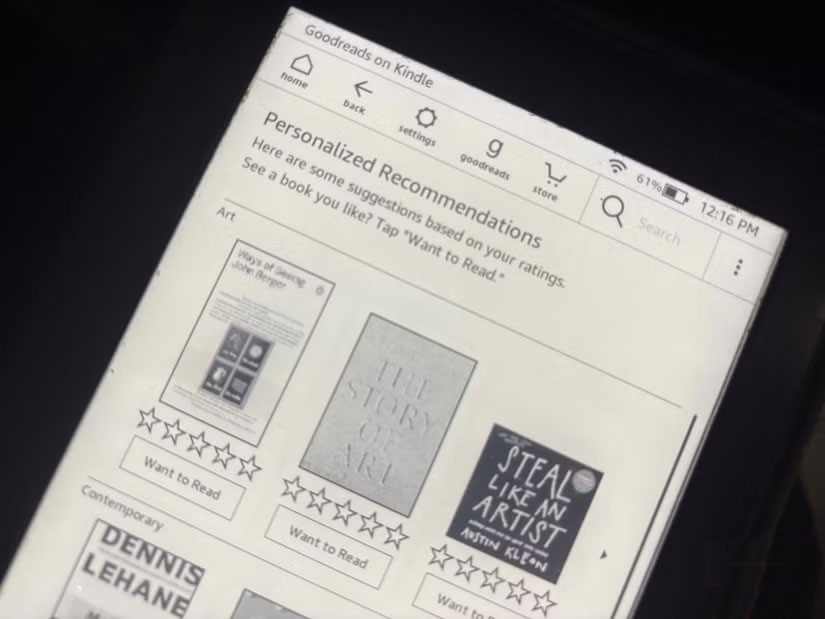
The book community deserves a place here. Many people link it to their Kindle so that reading progress, notes, and highlights are automatically synchronized. They set annual reading goals, record what they've read, and see what their friends are reading.
Goodreads on Kindle is a simplified version of the website. Slow page load speeds are one of the annoying things you might have to endure.
But small words of encouragement from society are also very important. A recommendation from an acquaintance often motivates you to try something new, or if you're struggling with a difficult book, a lighter one recommended by a friend can be a welcome change of pace.
6. Project Gutenberg (and other free ebook resources)
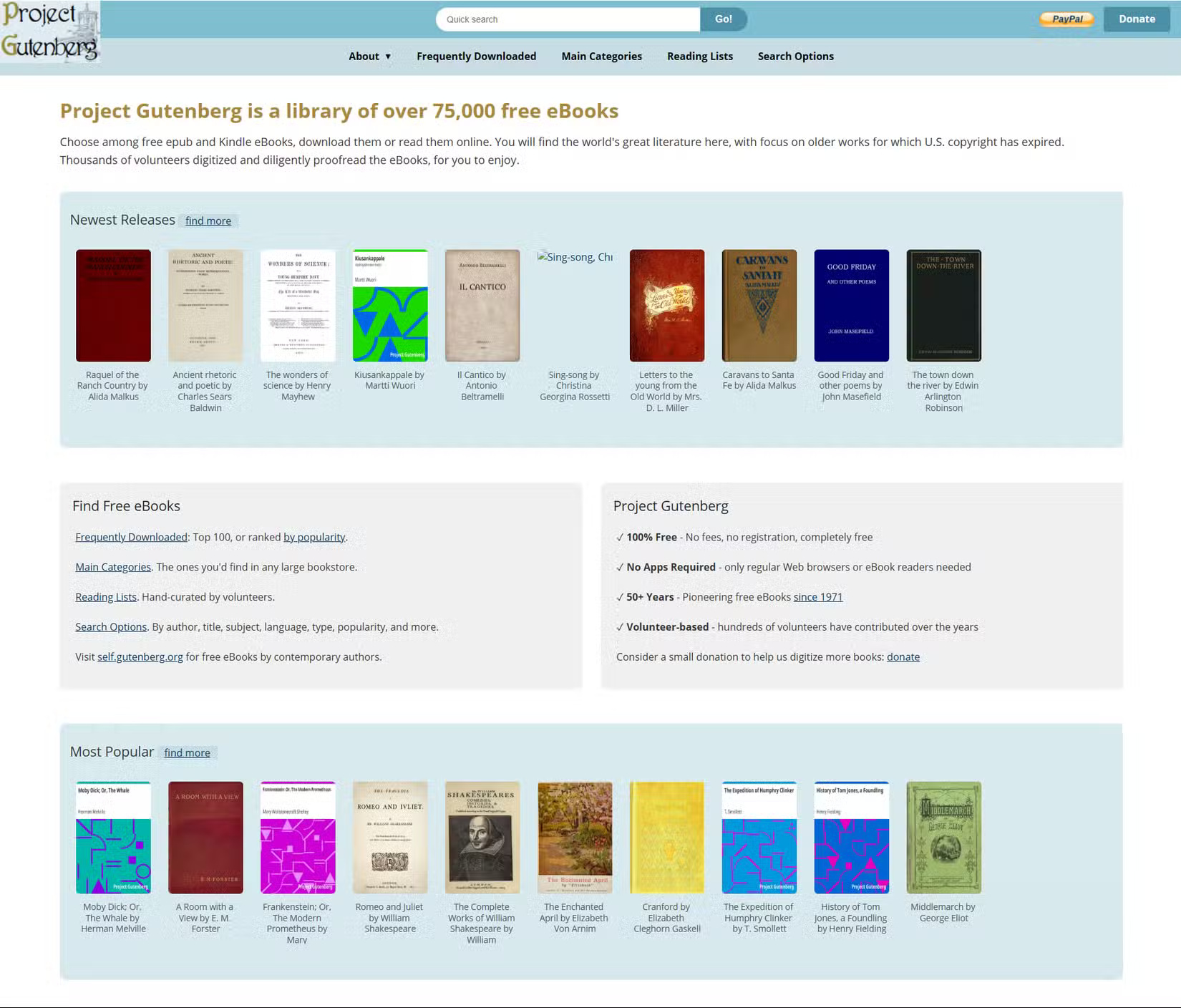
One of Kindle's greatest hidden strengths is what it lets you do with free, public-domain works. Project Gutenberg offers tens of thousands of classics (75,000 free ebooks and still growing) in Kindle-compatible formats. Along with Standard Ebooks and other unique free ebook websites, many have built libraries of fiction, philosophy, and history, all free of charge.
The key is to combine these sources with tools like Calibre or Send to Kindle to ensure everything displays beautifully. With classics neatly organized on your Kindle, you can reread them many times.
7. Kindle Preview
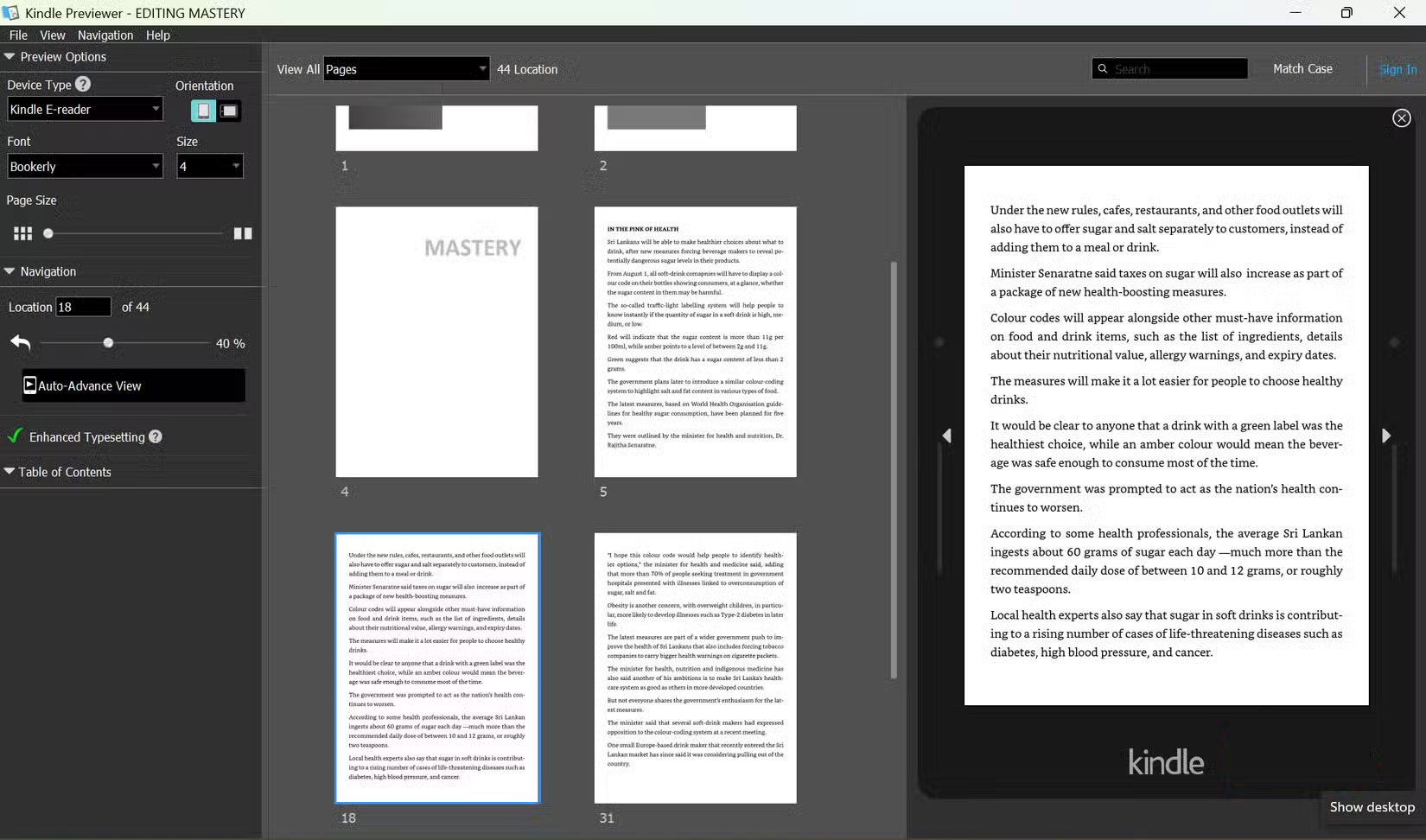
If you've ever written, published, or prepared an ebook (or even just wanted to see how a book would look in different sizes), Kindle Previewer is handy. This is Amazon's free desktop application that lets you preview the layout of your ebook: different Kindle devices, orientation, font size, and features like Enhanced Typesetting.
Before publishing anything (including self-published books, Word documents, or sharing PDFs with friends), try using Previewer. You might spot spacing issues, image alignment errors, or strange formatting that looks good on one device but bad on another. It's also helpful to see what works well and then install it on your Kindle. You might also want to review converted public domain ebooks to check if they're still readable.
Find more apps to support reading books on Kindle
Sometimes, people spend their entire Saturday on their Kindle. E-readers work quite well without any additional apps. But these apps make reading more enjoyable. Of course, you can't find all of them at once. Try finding and using them gradually to see if the benefits outweigh the extra time you spend on them. At the same time, keep looking for other Kindle apps; for example, a free alternative to Readwise for managing bookmarks and wish lists.
Final Thoughts
Understanding 7 free apps that make your kindle much more useful makes it easier to evaluate the information and apply the most relevant recommendations. Focus on the key points above and verify details that may change over time.
FAQ
What is 7 free apps that make your kindle much more useful?
Explore 7 free apps that make your kindle much more useful, including the key concepts, practical examples, important considerations, and useful guidance.
What key points does this article cover?
The article focuses on 1. Send to Kindle, 2. Calibre, 3. Libby by OverDrive, with practical explanations and examples.
How can you use this information in practice?
Use the explanations to compare options, verify important details, and make a more informed decision. Apply the recommendations that best match your goals and situation.
Related Articles
 Upload Free Books to Kindle: Step-by-Step Guide6 minutes read
 How to Delete Books from Kindle?6 minutes read
 10 Tips to Make Kindle Perfect for Your Life: Practical Guide6 minutes read
 How to Add PDF Files to Your Kindle: Clear Instructions9 minutes read
 11 Reasons to Buy a Kindle E-Reader10 minutes read
 A Simple Number, Explaining Why Amazon Dares to Sell Cheap Kindle4 minutes read
Reader Comments 0
Sign in with email or Google to join the discussion.